
Neon Cyberpunk Crab Samurai Action
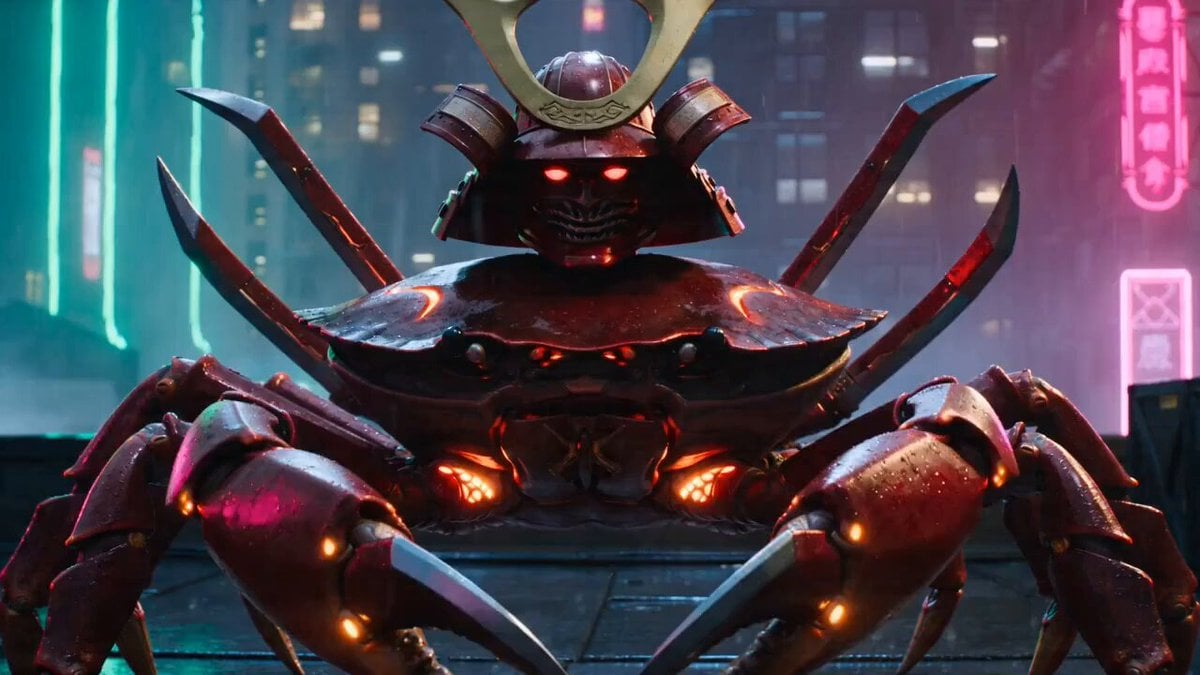
An intense, multi-shot action sequence featuring a red crab samurai battling drones in a rain-slicked neon city.
- Prompt included
- Model and format preset
- Free template
The prompt behind this video
Copy the exact prompt behind Neon Cyberpunk Crab Samurai Action, or open it in the studio and make it yours.
Intense multi-shot action sequence on a rain-slick rooftop fish market in a vertical neon city, armored red crab samurai with six blades and glowing shell markings faces a swarm of sleek black security drones. He clacks his claws like castanets, tilts his helmet, then detonates into motion sideways sprint across roof tiles, six-sword circular parries, claw-grapples onto antenna masts, spinning shell-blocks against laser fire, seafood crates kicked into airborne cover. Neon signs flicker, rain explodes off metal, drone sparks scatter into steam vents. Camera: side-on tracking shot matching crab movement, snap zooms on claw catches, rotating overhead shot during six-blade frenzy, final heroic silhouette on roof edge with drones falling behind him. Saturated magenta and cyan neon, wet black rooftops, crisp shell reflections, absurd swagger mixed with disciplined samurai force, no dialogue.
How to use Neon Cyberpunk Crab Samurai Action in 3 steps
- 1
Open
The prompt is already in the box next to the preview, with the template's model and format selected.
- 2…a portrait of your subject in softgolden-hour light, 85mm…
Personalize
Edit the subject and creative details for your destination.
- 3Generate
Generate
Press Generate — your video is created in PicX Studio, so you can compare it with the original and refine one variable at a time.
More like this
Templates with the same subject, style or setup. Open one to see its prompt.
Neon Tokyo Cyberpunk Action Sequence
Cyberpunk Assassin Neon Action Sequence
Cyberpunk Neon Samurai Duel

Cyberpunk RPG Anime Action

Cyberpunk Holographic Dance Performance - Seedance 2.5
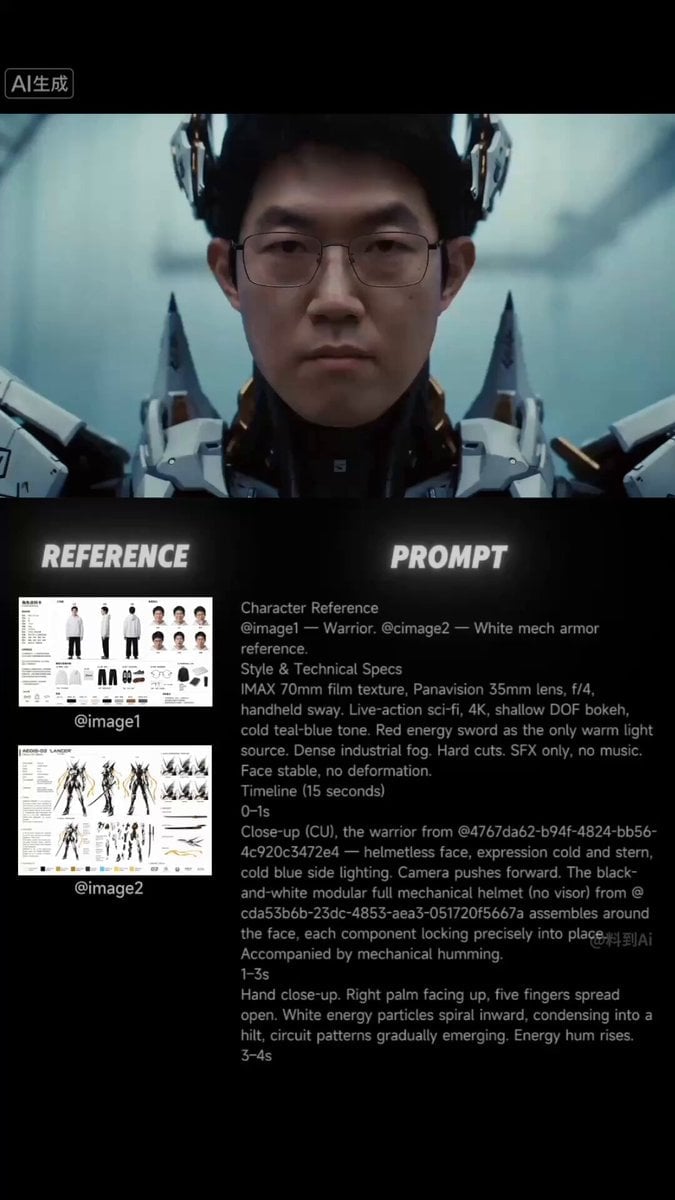
Futuristic Samurai Cinematic Action
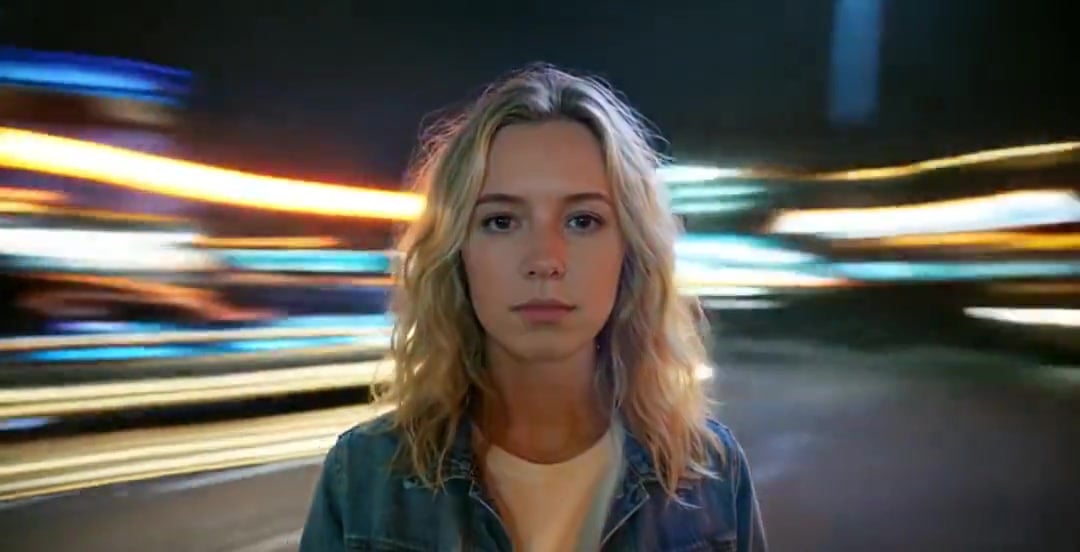
Handheld Neon Chaos Motion Blur — Kling 3.0 v3 Pro

RX-7 to Mech Transformation Cyberpunk
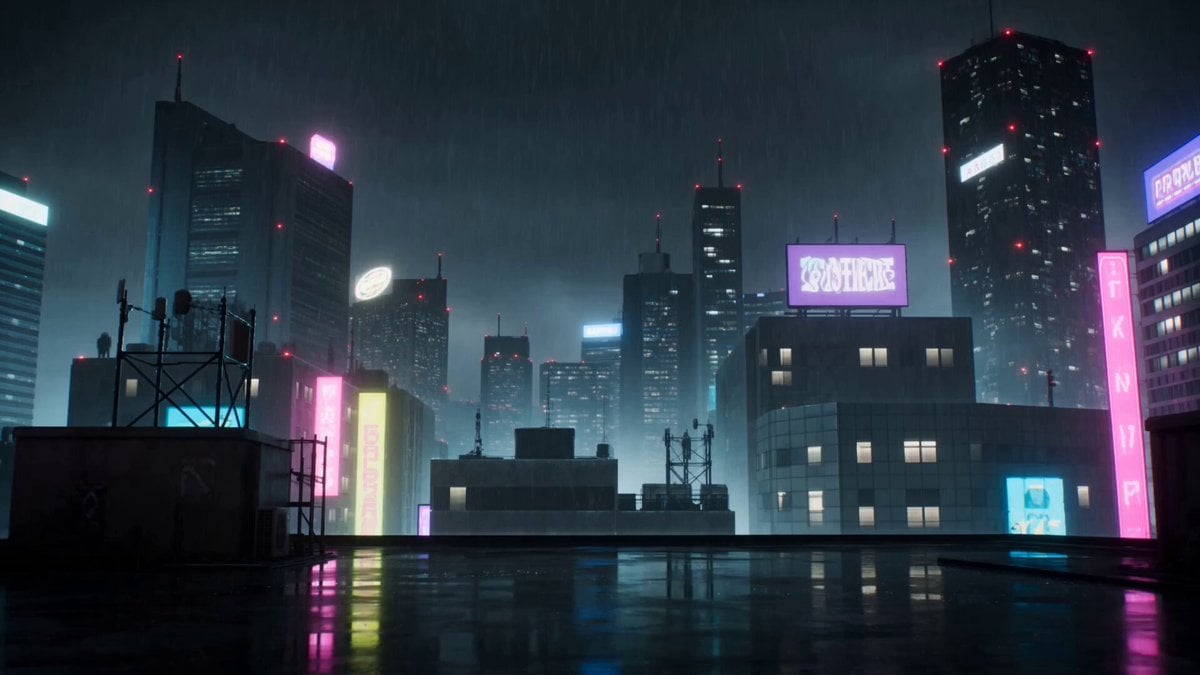
Cyberpunk Anime Duel Action
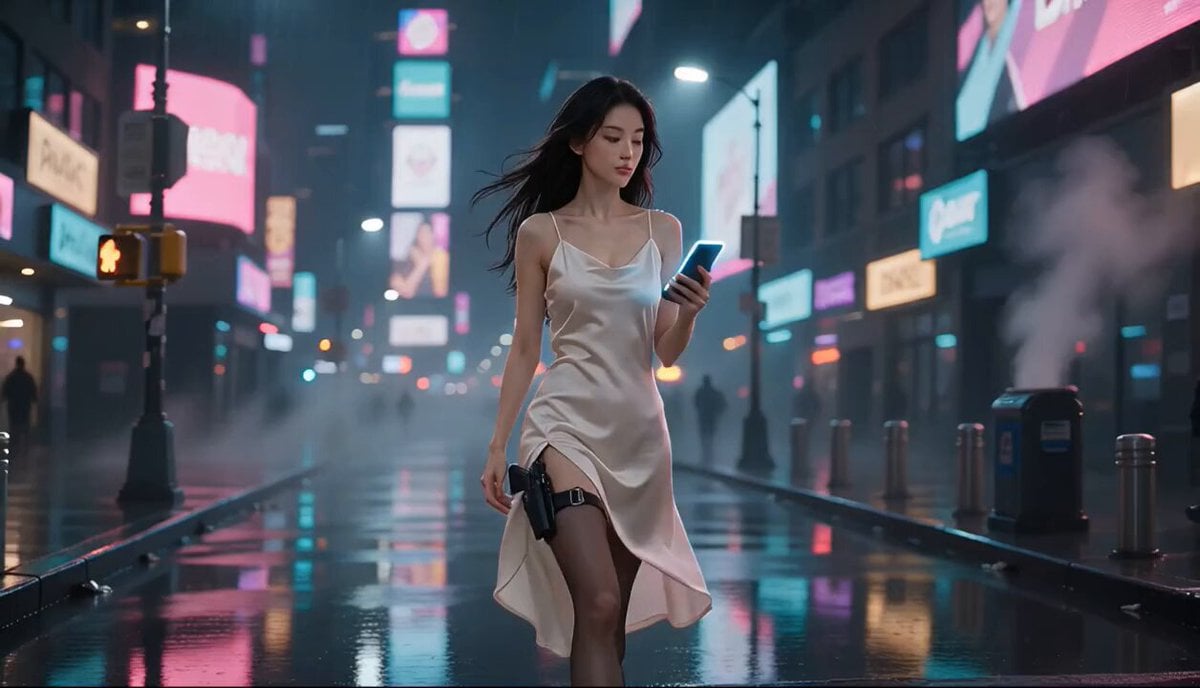
Cyberpunk Action Movie Short
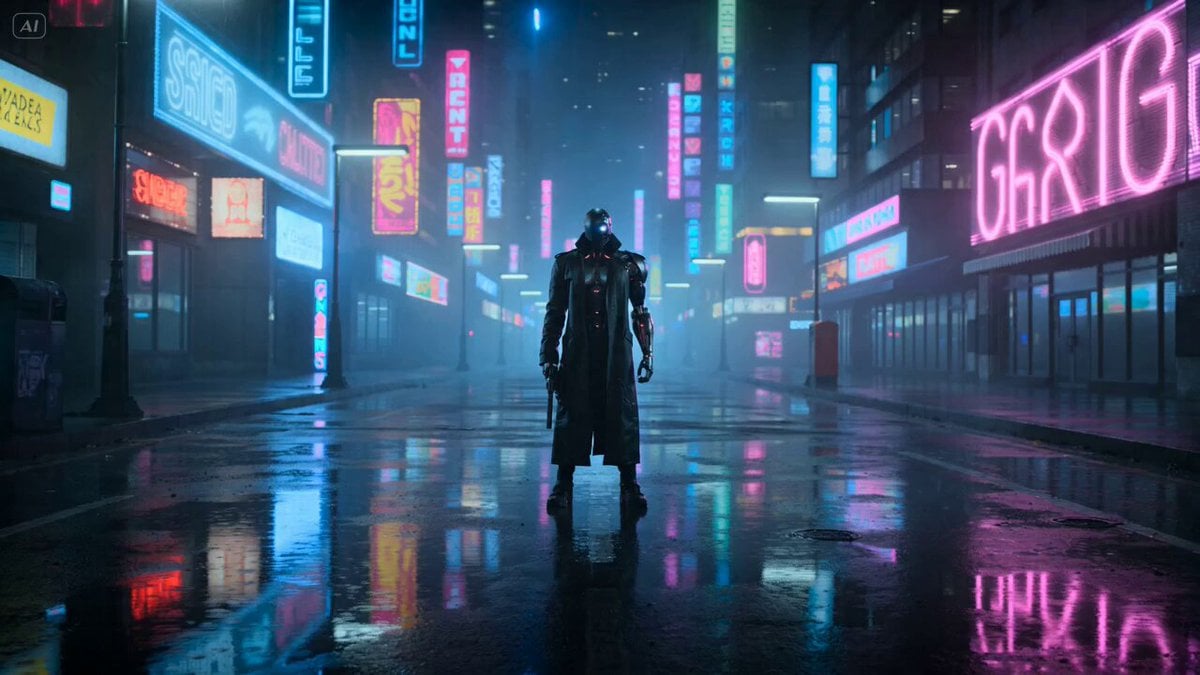
Cyberpunk Gunslinger Neon Sequence

Cybernetic Gunslinger Neon Action
Make it yours
Neon Cyberpunk Crab Samurai Action works as-is. These are the safest ways to change it without losing the look.
Change one field
Copy a single group, rewrite it, and generate again so you can see what that field is doing.
Keep the frame, change the subject
Hold the composition and light of Neon Cyberpunk Crab Samurai Action, then swap wardrobe, props or the person for a new take.
| If the result… | Why | Fix |
|---|---|---|
| The result drifts from the preview | Too many fields changed at once. | Reuse Neon Cyberpunk Crab Samurai Action as-is first, then change one group — subject, light, or setting. |
| The model over-stylizes the scene | The prose prompt leaves finish and camera underspecified. | Add one camera or lighting sentence and stay on Seedance 2.0. |
More Seedance 2.0 templates
Other prompts made for Seedance 2.0.

Comical Martial Arts Punch Scene

Maglev Train Action Sequence

Martial Arts Fight Sequence

Wuxia Protection and Trust Script

Vintage Korean Arcade MiniDV Vlog

Mercedes 190 SL Luxury Ad

Rainy Night Supernatural Reverse Comedy Video Script

Amazon Civilization Discovery

Futuristic South Asian City Transformation

Cozy Luxury Cafe Commercial
More video prompts
Fresh picks from across the catalog.
Cinematic Gaming Short with Seamless Transitions
90s Downtown Manhattan Cinema Verite
Pirate Ship To Desert Transition
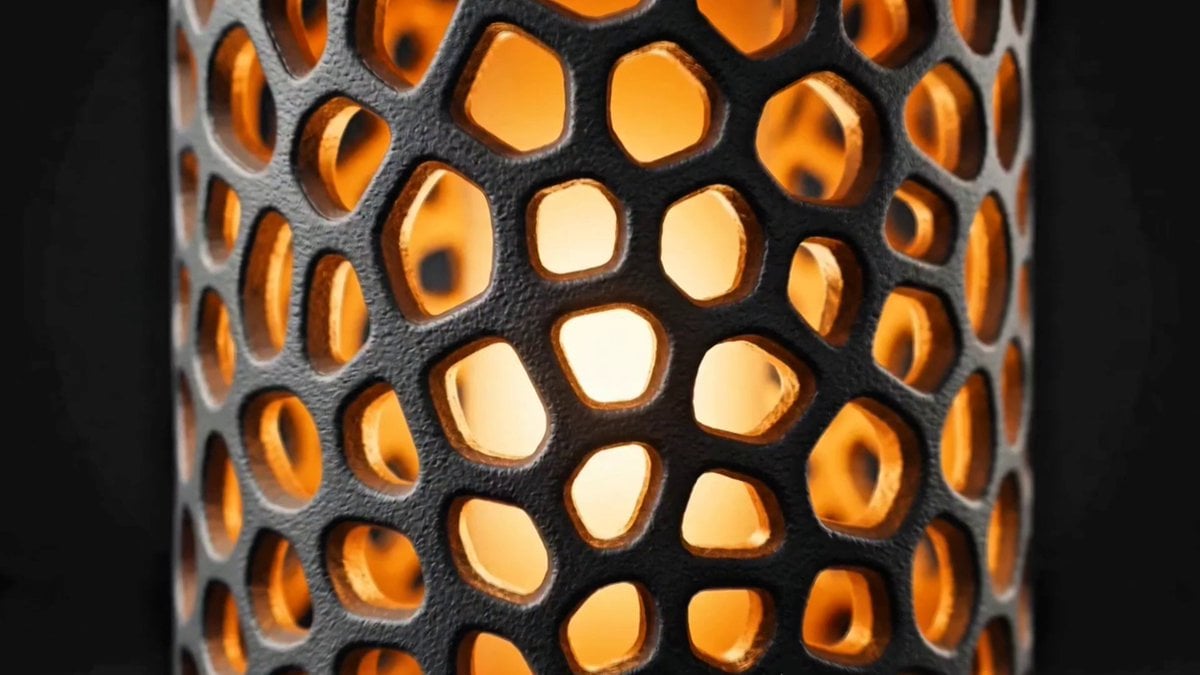
Voronoi Lamp Product Animation

ASMR Date Bar POV Product Video
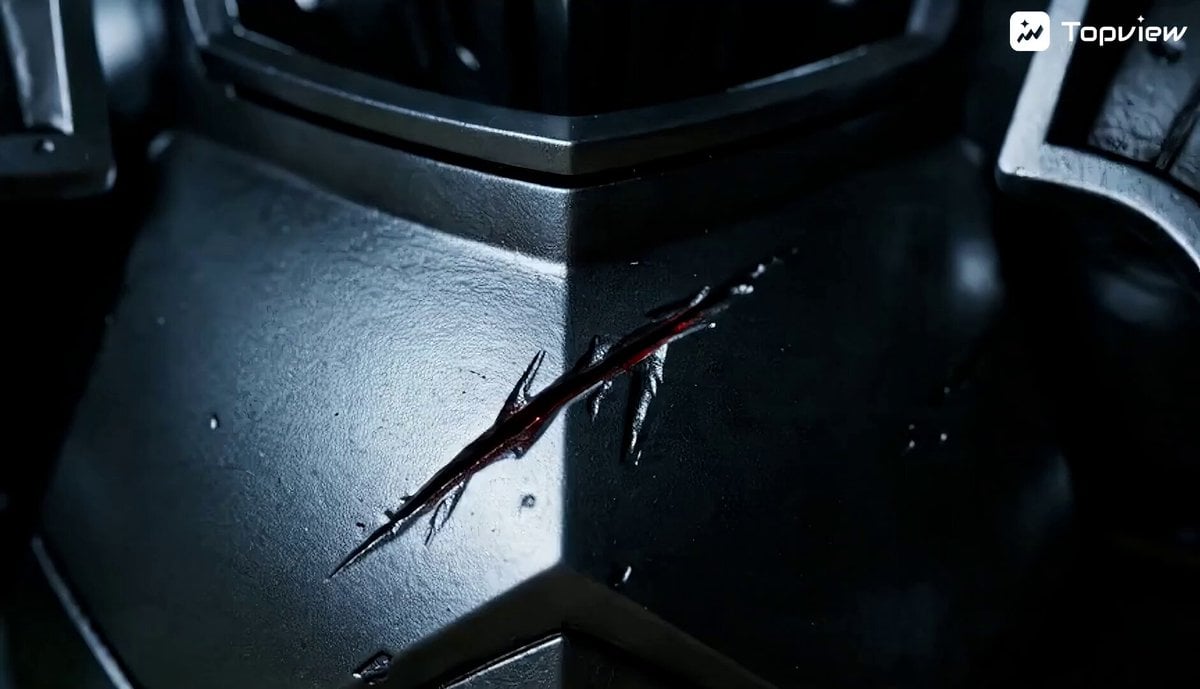
Miniature Fantasy Action Short Film Prompt
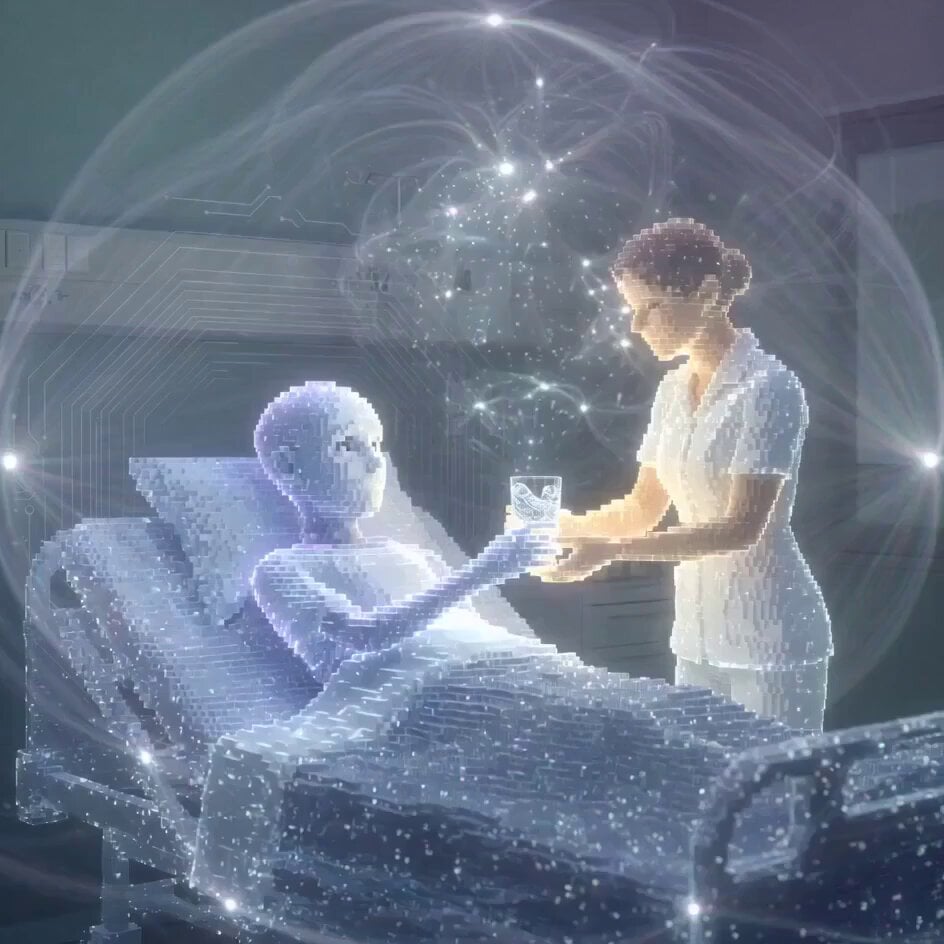
Structured Caricature Animation Stack
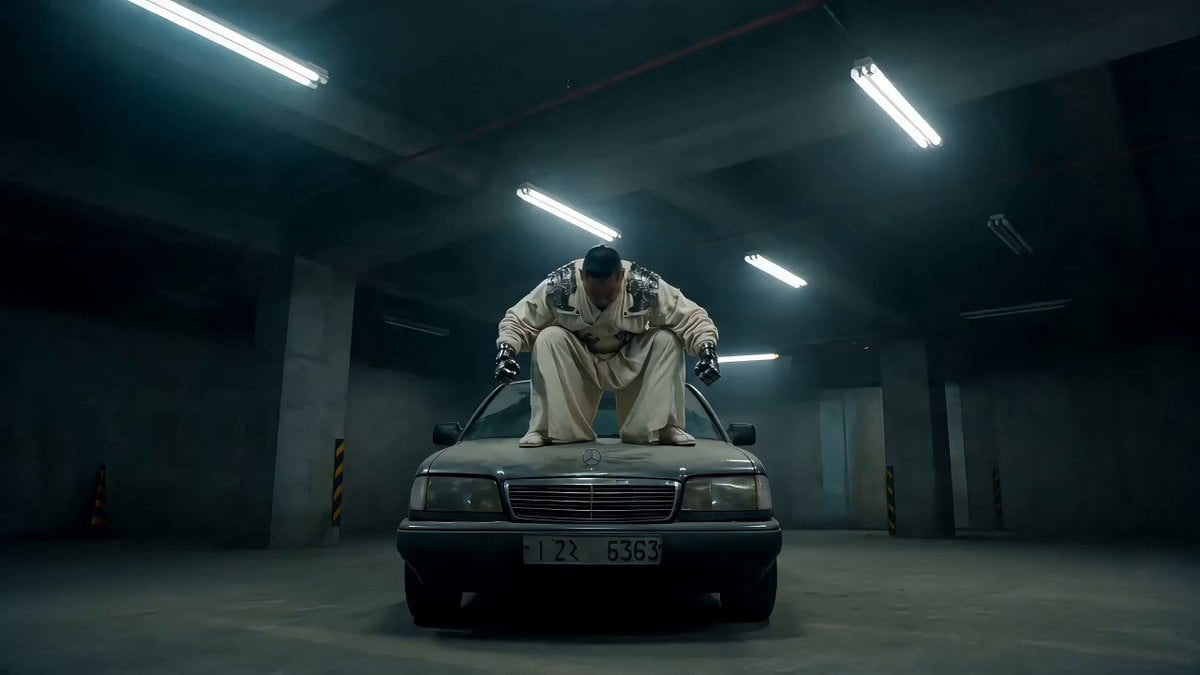
Street Fighter-Inspired Car Destruction Video Prompt for Seedance 2.0
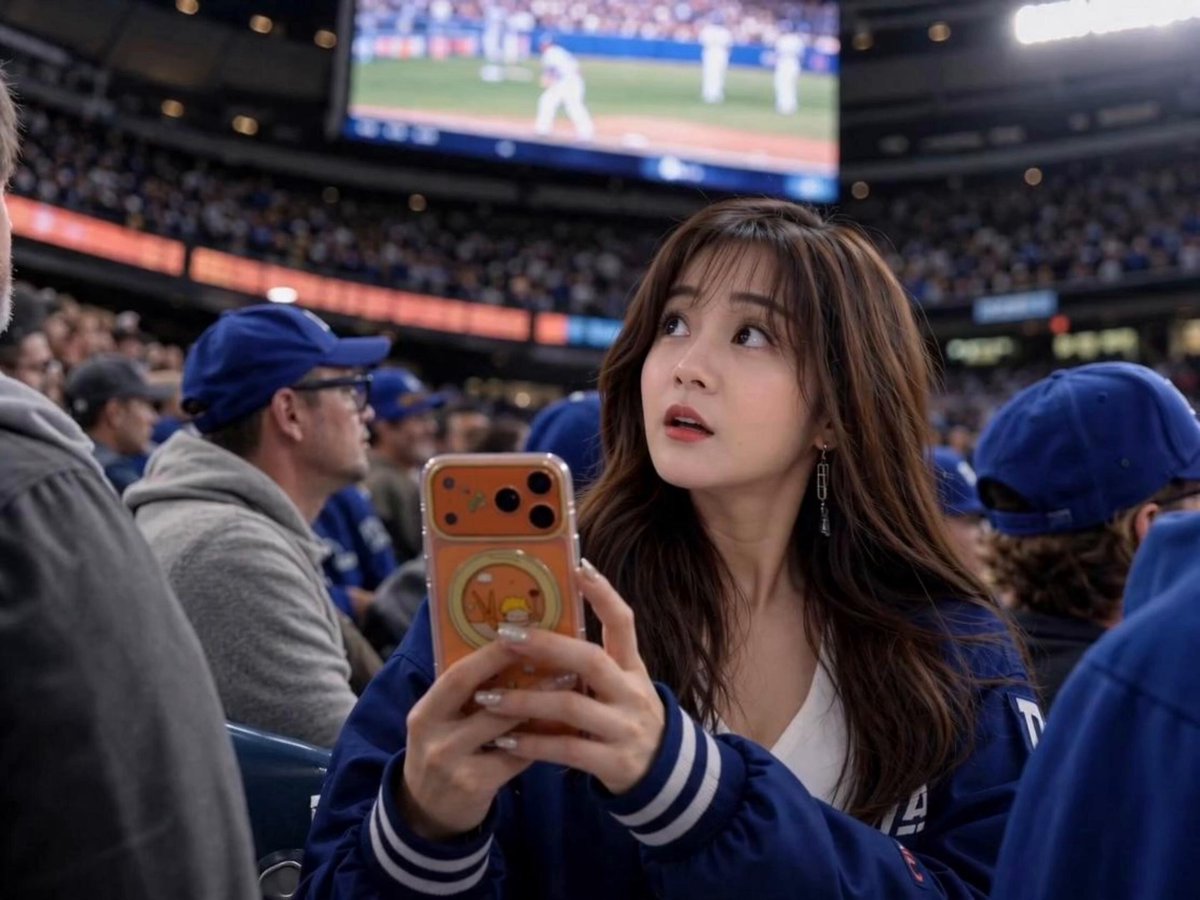
Sports Broadcast Jumbotron Reaction
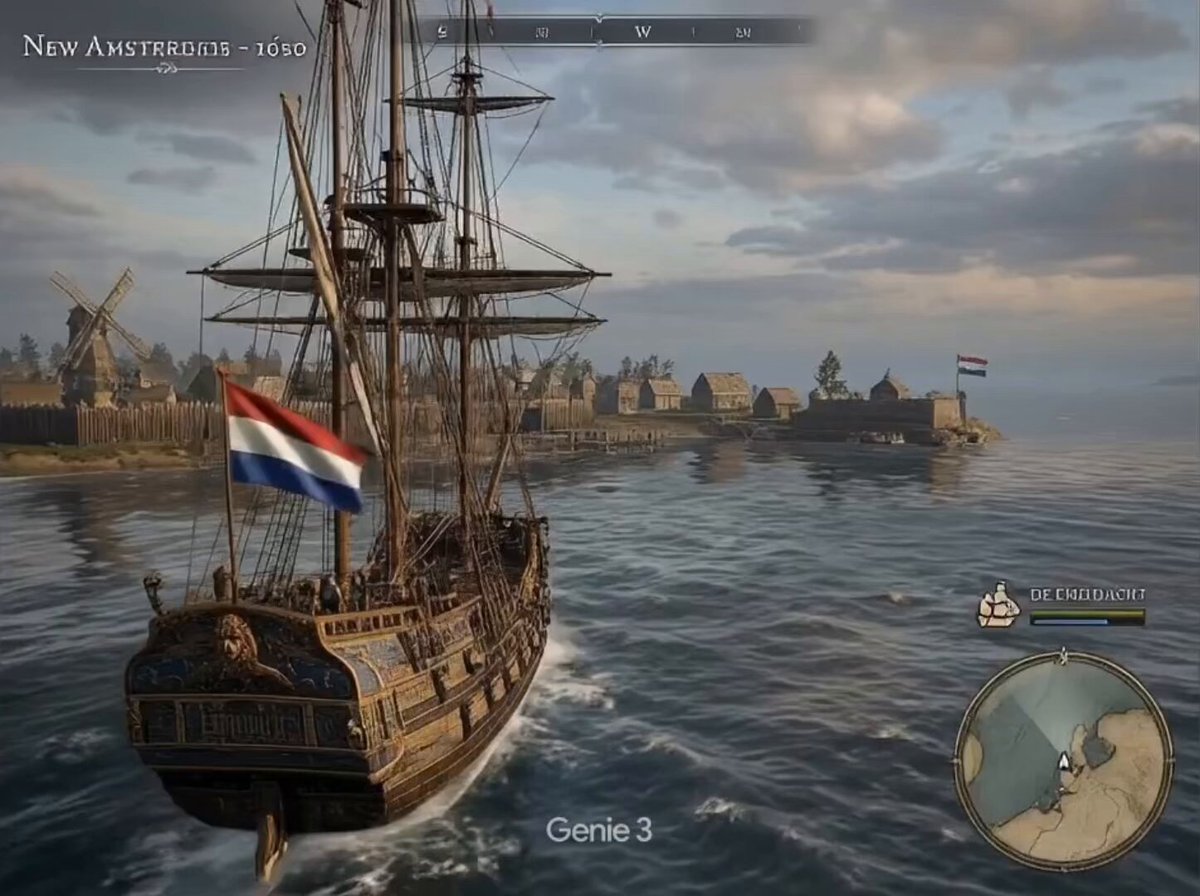
New Amsterdam Simulator
Browse template categories
Neon Cyberpunk Crab Samurai Action questions
How do I use the Neon Cyberpunk Crab Samurai Action template?
Add your photo if the template asks for one, edit the prompt if you like — the template's model and format are already selected — and press Generate. Your version opens in PicX Studio.
Can I customize the Neon Cyberpunk Crab Samurai Action template?
Yes. You can change the subject, setting, lighting, mood, format, and available model controls before creating your video.
Is the Neon Cyberpunk Crab Samurai Action template free?
Opening and editing this template is free. Generating uses credits, shown on the Generate button when you are signed in.
Which AI model should I use?
Start with Seedance 2.0, which is the model associated with this template. You can compare another compatible model for a different finish.
Looking for something else? Browse all templates.

Your photo, any look
Thousands of ready templates for every top image and video model, from one credit balance.