
Animated Character with Logo Board
A prompt for Seedance 2.0 that creates a 15-second animation of a character holding a logo board and interacting cheerfully with the camera.
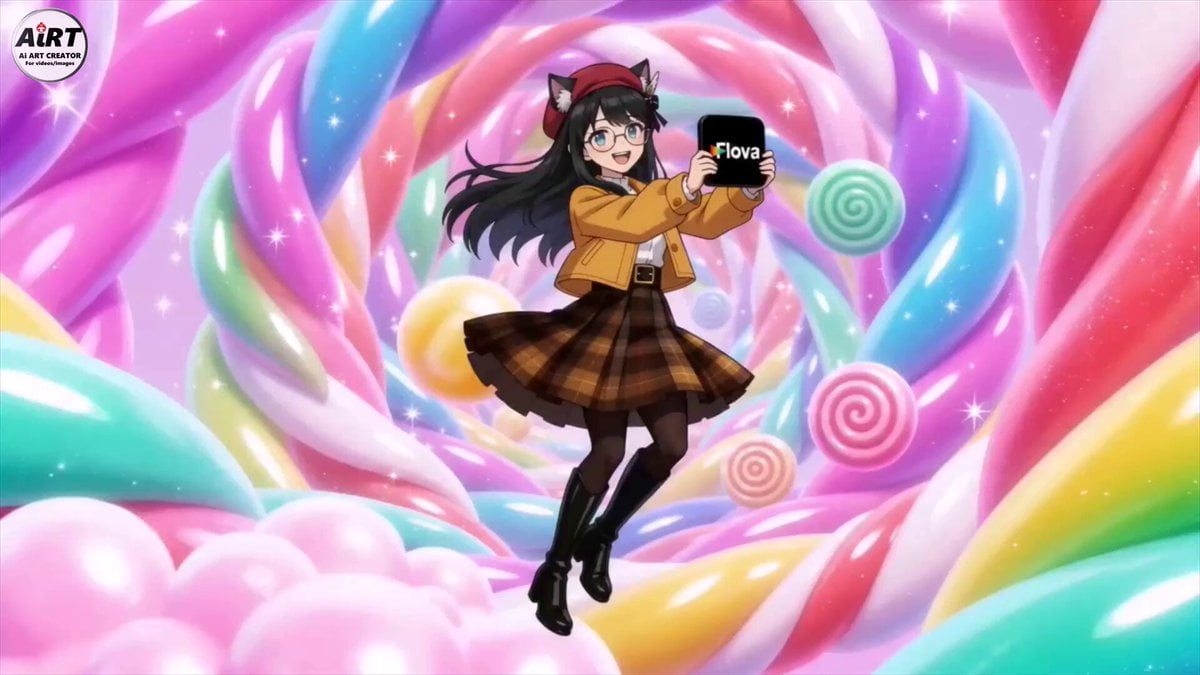
- Prompt included
- Model and format preset
- Premium template
The prompt behind this video
Copy the exact prompt behind Animated Character with Logo Board, or open it in the studio and make it yours.
Seedance 2.0 で15秒の動画 を作成。《WAGAHAIの三面図.png》 が 《Flova aiさんのロゴ.png》の看板ボードをもって楽しそうに飛び回っている。 その後嬉しそうにカメラに近寄ってきて、カメラ一杯に自分の顔と看板ボードを顔の横に持って近付き、嬉しそうに笑ったあと、画面に手書き風の文字で「WAGAHAI meets Flovia.ai」と表示される。 明るくポップなイメージ、楽しそうな雰囲気のBGM、字幕なし。
How to use Animated Character with Logo Board in 3 steps
- 1
Open
The prompt is already in the box next to the preview, with the template's model and format selected.
- 2…a portrait of your subject in softgolden-hour light, 85mm…
Personalize
Edit the subject and creative details for your destination.
- 3Generate
Generate
Press Generate — your video is created in PicX Studio, so you can compare it with the original and refine one variable at a time.
More like this
Templates with the same subject, style or setup. Open one to see its prompt.

3D Animated Newspaper Delivery Short - Seedance 2.5

3D Animated Cat and Old Man - Seedance
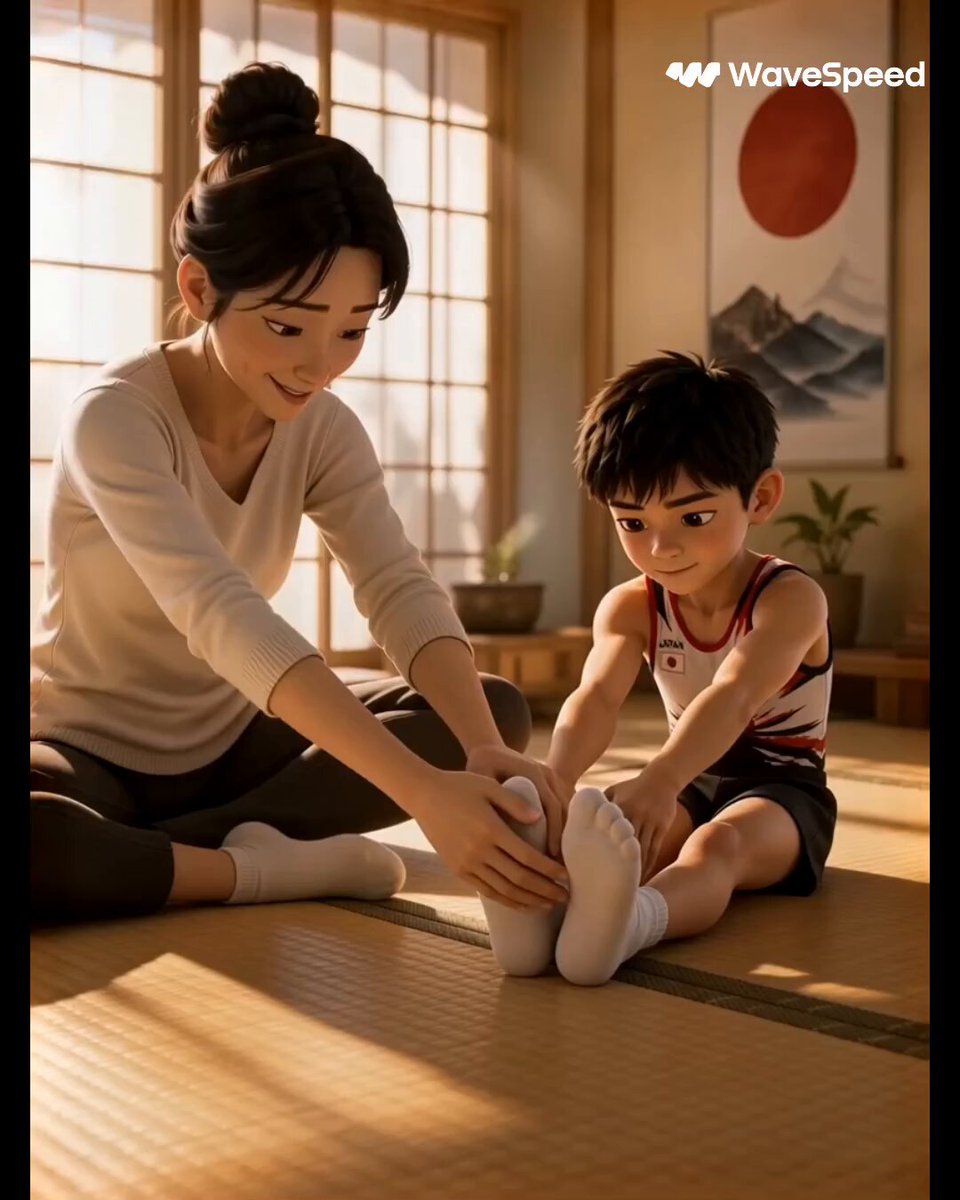
3D Animated Commercial from Storyboard
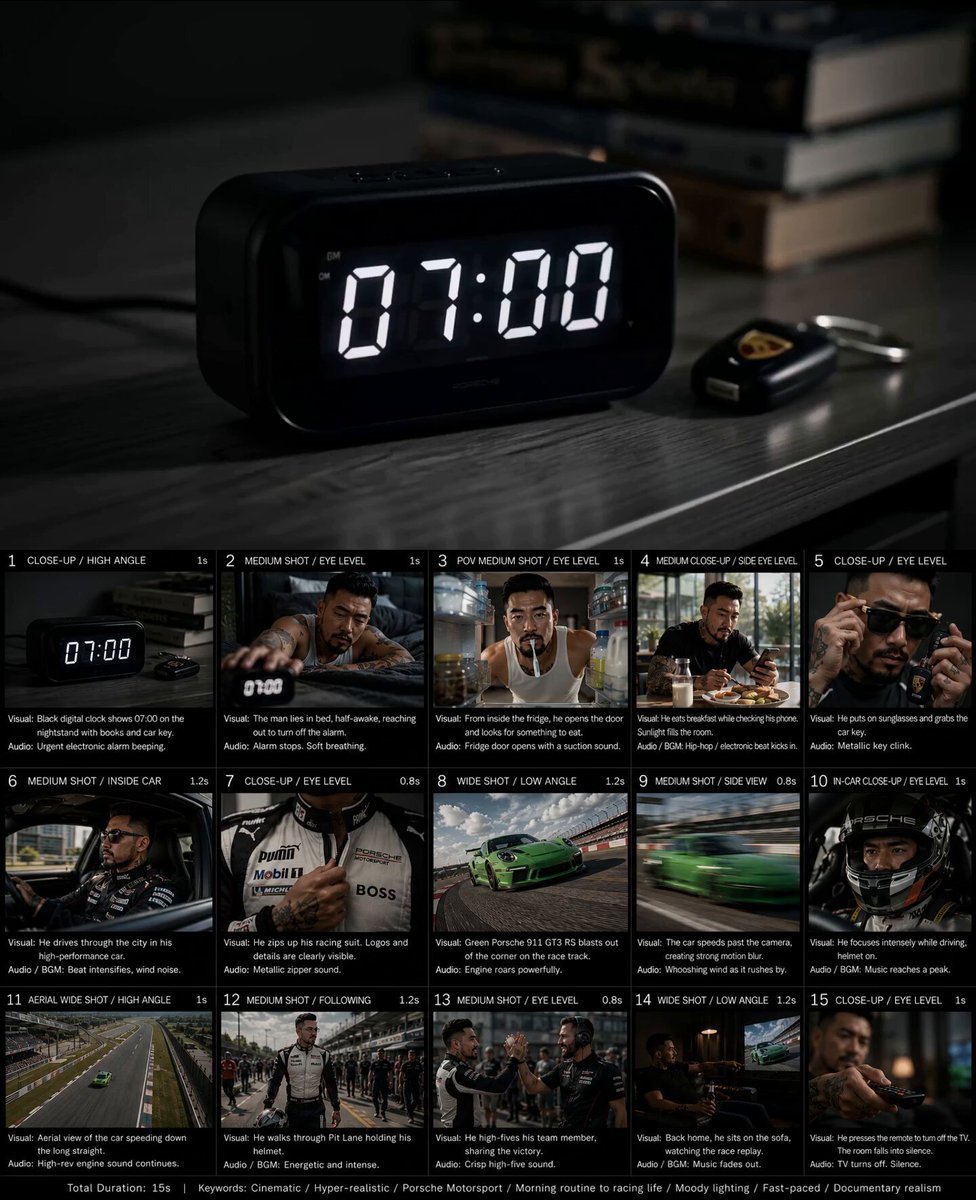
Created storyboard with GPT Image 2 then animated
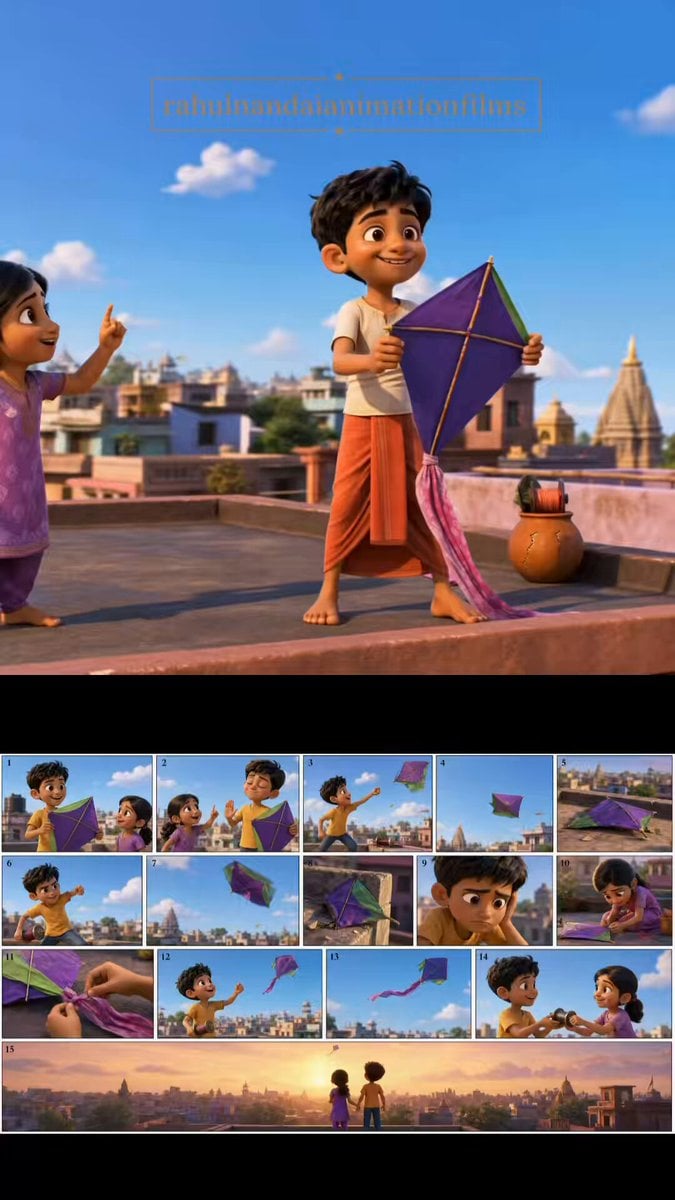
Pixar Style Animated Short Storyboard
Animated Dragon Logo Interaction
Watercolor Storybook Animated Short
Teacher Japanese Chalkboard Writing Animation
Animated Comedy Coffee Mugs
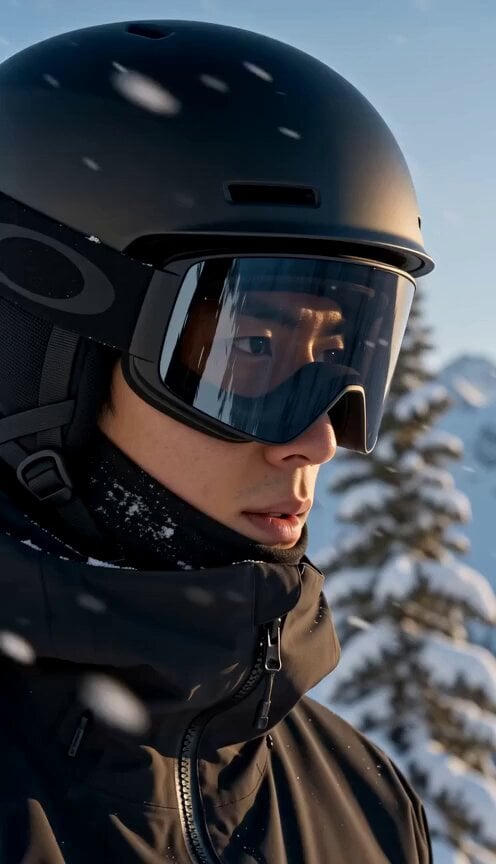
Mountain Avalanche Snowboard Chase
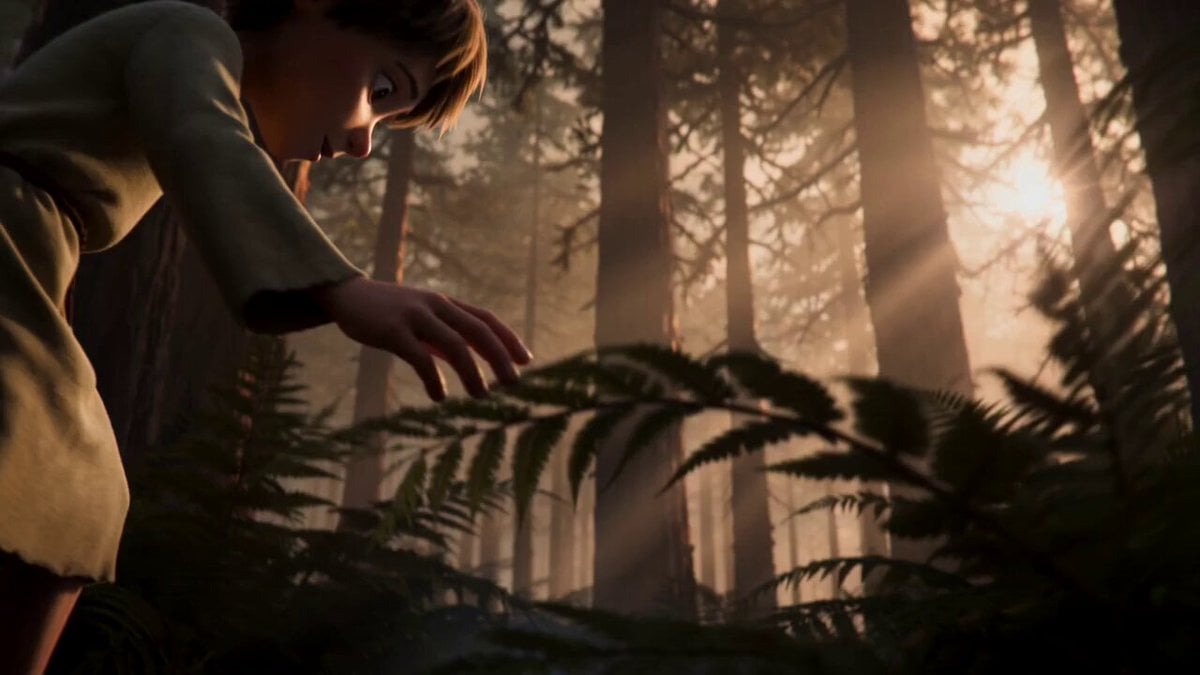
Cosmic Marble Animated Short
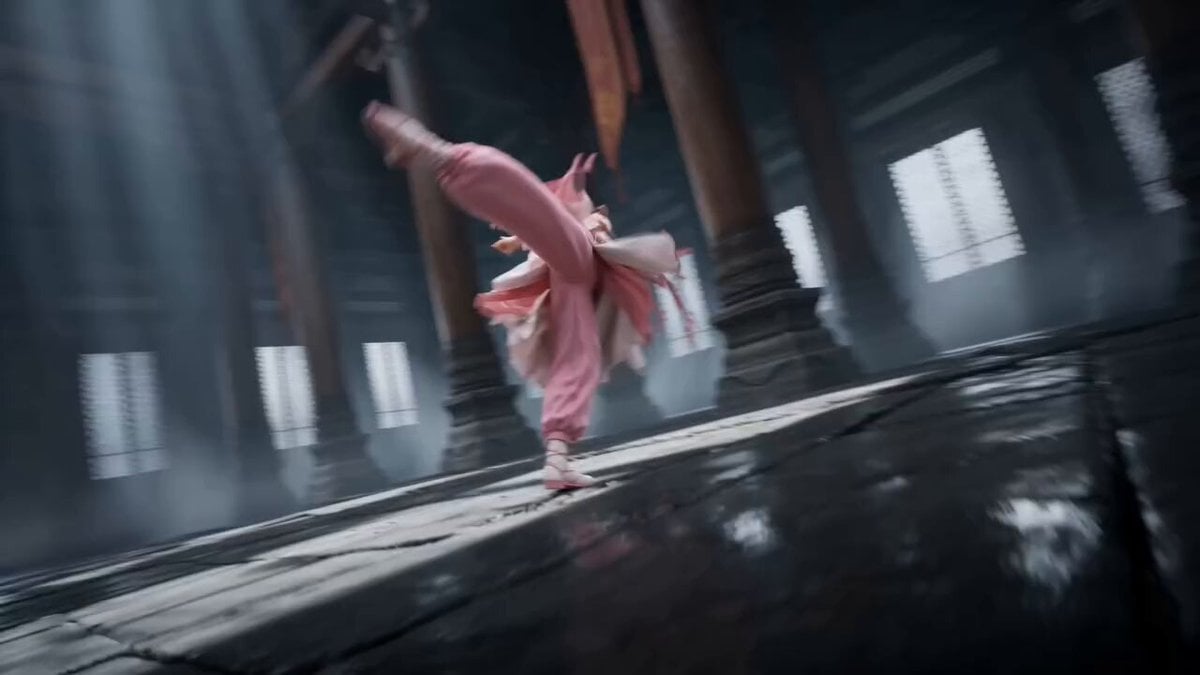
Tibetan Kung Fu Temple Storyboard
Make it yours
Animated Character with Logo Board works as-is. These are the safest ways to change it without losing the look.
Change one field
Copy a single group, rewrite it, and generate again so you can see what that field is doing.
Keep the frame, change the subject
Hold the composition and light of Animated Character with Logo Board, then swap wardrobe, props or the person for a new take.
| If the result… | Why | Fix |
|---|---|---|
| The result drifts from the preview | Too many fields changed at once. | Reuse Animated Character with Logo Board as-is first, then change one group — subject, light, or setting. |
| The model over-stylizes the scene | The prose prompt leaves finish and camera underspecified. | Add one camera or lighting sentence and stay on Seedance 2.0. |
More Seedance 2.0 templates
Other prompts made for Seedance 2.0.

Comical Martial Arts Punch Scene

Maglev Train Action Sequence

Martial Arts Fight Sequence

Wuxia Protection and Trust Script

Vintage Korean Arcade MiniDV Vlog

Mercedes 190 SL Luxury Ad

Rainy Night Supernatural Reverse Comedy Video Script

Amazon Civilization Discovery

Futuristic South Asian City Transformation

Cozy Luxury Cafe Commercial
More video prompts
Fresh picks from across the catalog.
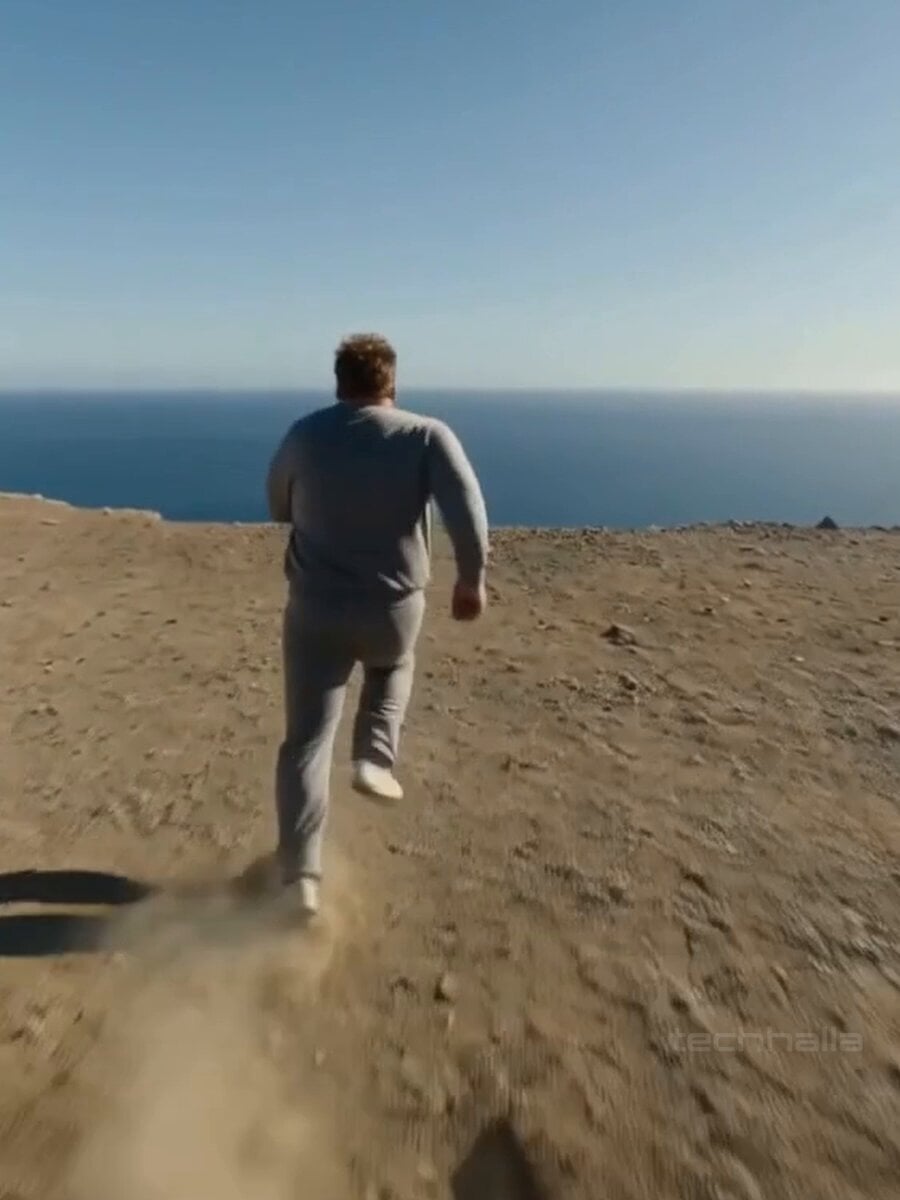
35mm Handheld Film Aesthetic Video Prompt

Prairie Dog Noir Comedy Animation

Cosmic Heart Radiant Energy
French Bulldog Belly Rub

Gag Anime Comedy Reaction Scene
Headshot Image Transformation
Cinematic Bruce Lee Martial Artist Video Prompt
Skincare UGC Reel
Pleiadian Galactic Federation and UFO
Cinematic Excalibur Space Knight Opera
Browse template categories
Animated Character with Logo Board questions
How do I use the Animated Character with Logo Board template?
Add your photo if the template asks for one, edit the prompt if you like — the template's model and format are already selected — and press Generate. Your version opens in PicX Studio.
Can I customize the Animated Character with Logo Board template?
Yes. You can change the subject, setting, lighting, mood, format, and available model controls before creating your video.
Is the Animated Character with Logo Board template free?
Opening and editing this template is free. Generating uses credits, shown on the Generate button when you are signed in.
Which AI model should I use?
Start with Seedance 2.0, which is the model associated with this template. You can compare another compatible model for a different finish.
Looking for something else? Browse all templates.

Your photo, any look
Thousands of ready templates for every top image and video model, from one credit balance.