How do I use the Talking Munchkin Cat Video Prompt template?
Edit the prompt in the box under the preview — the template's model and format are already selected — and press Generate. Your version appears right on this page.
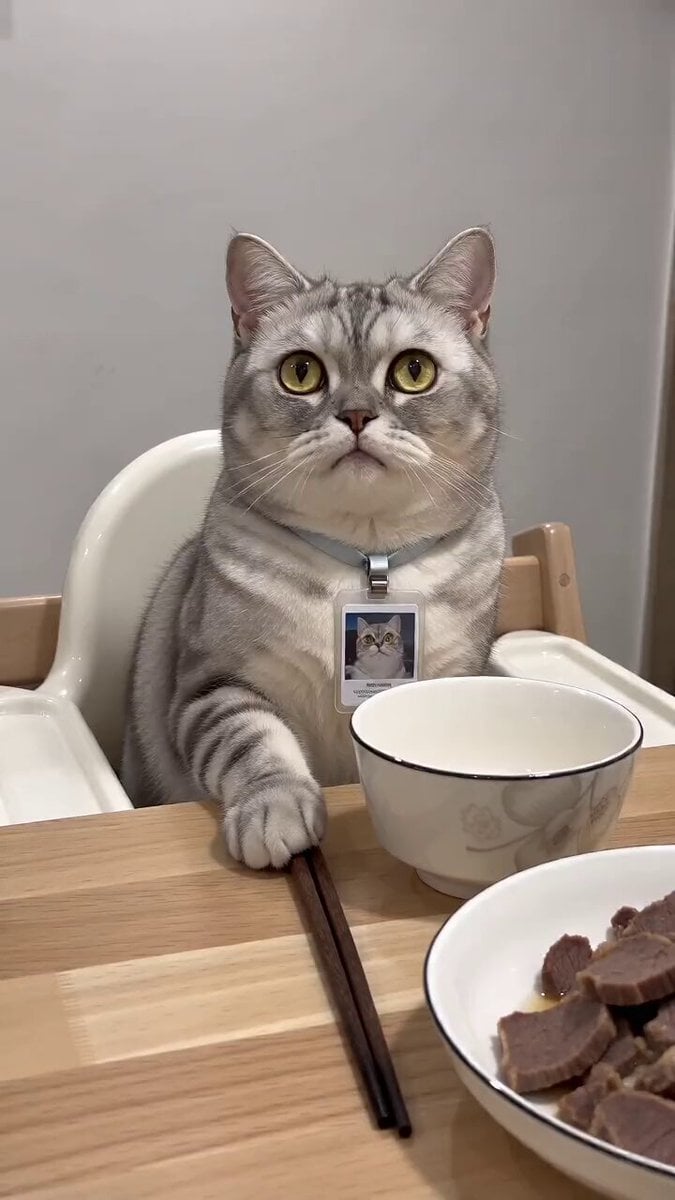
A video generation prompt for Seedance 2.0 that creates a scene featuring a dialogue between a chubby Munchkin cat and a woman in a single-shot POV style.

아이폰으로 찍은 실사감 뚱뚱한 먼치킨 고양이 클로즈업뷰 하이앵글샷 머리엔 유치원 모자를 쓰고있음 3:4 POV 컷전환 없음 주인공 : 뚱뚱한 먼치킨 고양이 주인공2 : 20대 여성 고양이는 한 바뀌 뚱땅뚱땅 빙글 돌며 귀엽게 얘기한다. "누나 나 츄르주면안돼?" 여성 "안돼...! 오늘 하나 먹었잖아!!"
아이폰으로 찍은 실사감 뚱뚱한 먼치킨 고양이 클로즈업뷰 하이앵글샷 머리엔 유치원 모자를 쓰고있음 3:4 POV 컷전환 없음 주인공 : 뚱뚱한 먼치킨 고양이 주인공2 : 20대 여성 고양이는 한 바뀌 뚱땅뚱땅 빙글 돌며 귀엽게 얘기한다. "누나 나 츄르주면안돼?" 여성 "안돼...! 오늘 하나 먹었잖아!!"
Edit the prompt in the box under the preview — the template's model and format are already selected — and press Generate. Your version appears right on this page.
Yes. You can change the subject, setting, lighting, mood, format, and available model controls before creating your video.
Opening and editing this template is free. Generating uses credits, shown on the Generate button when you are signed in.
Start with Seedance 2.0, which is the model associated with this template. You can compare another compatible model for a different finish.
Follow a topic to a crawlable collection of related PicX Studio templates.