How do I use the FPV flying through Kuru Kingdom template?
Edit the prompt in the box under the preview — the template's model and format are already selected — and press Generate. Your version appears right on this page.
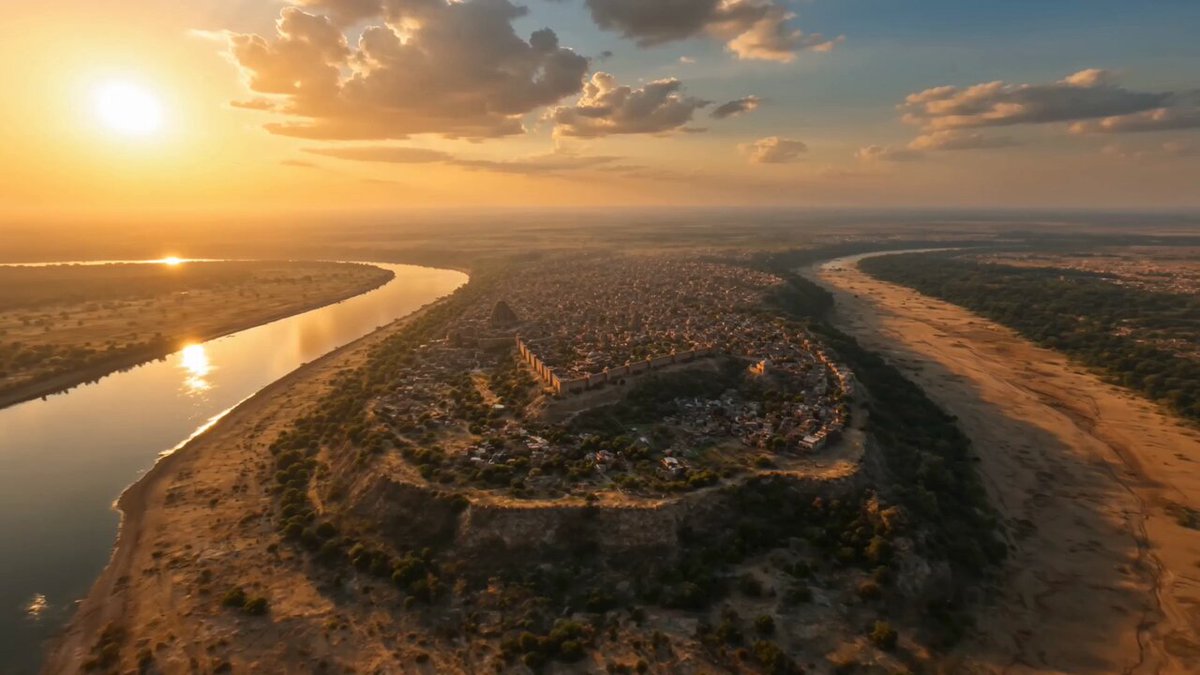
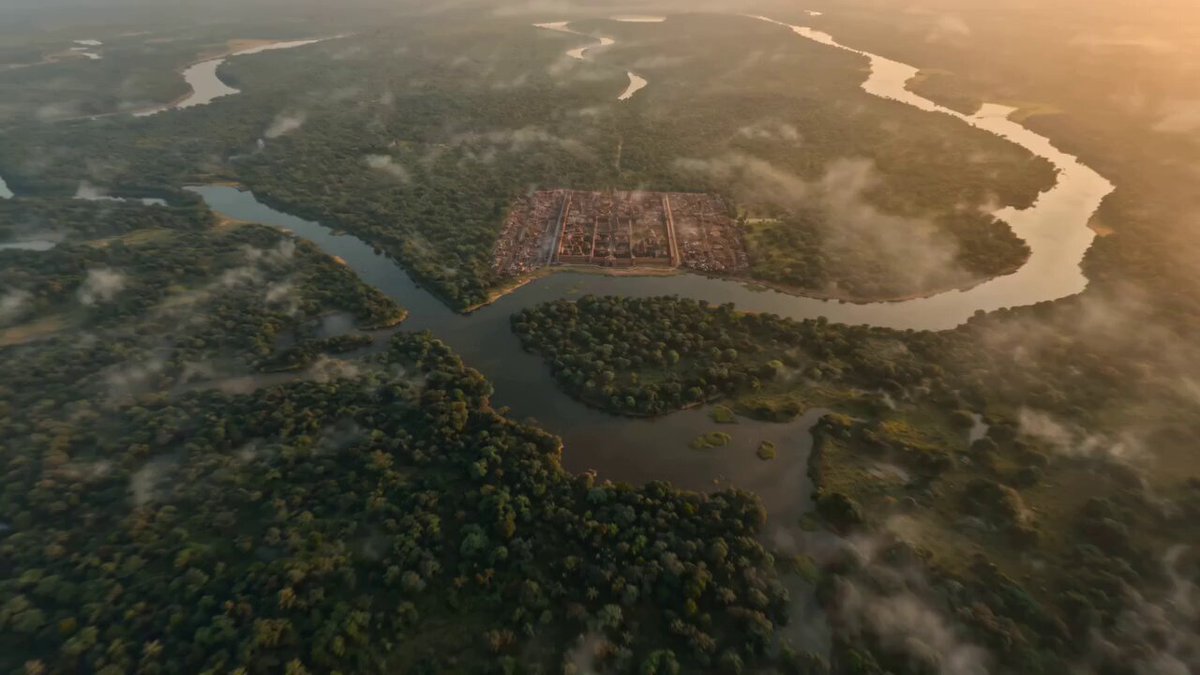
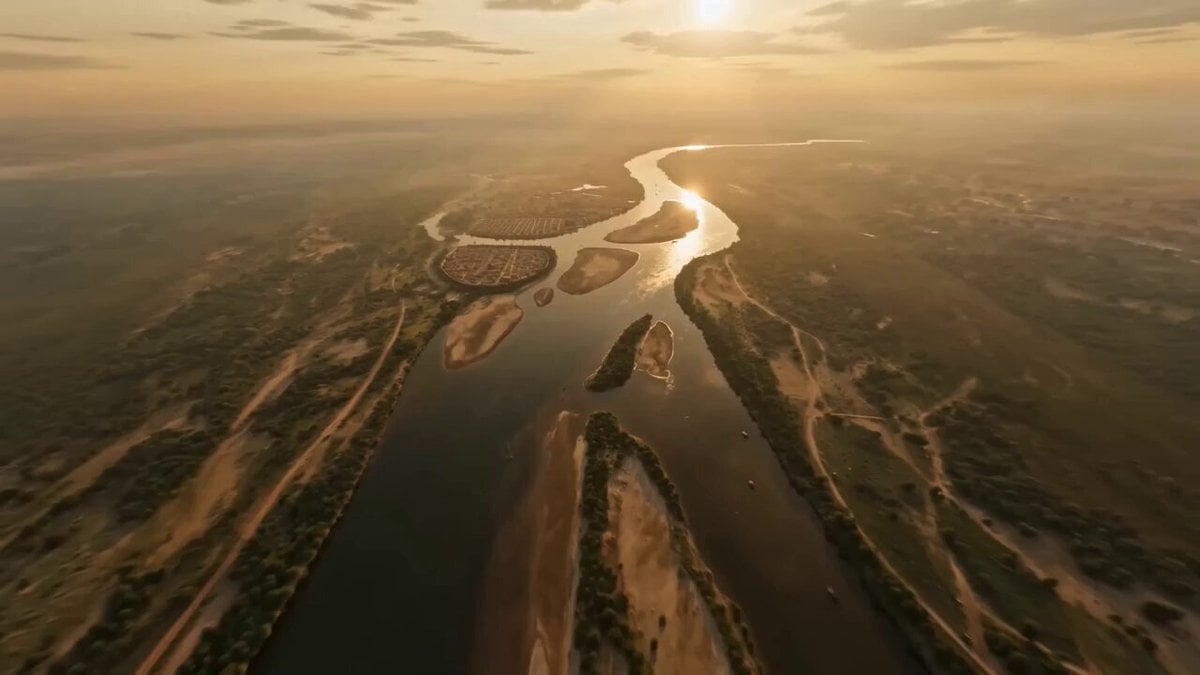
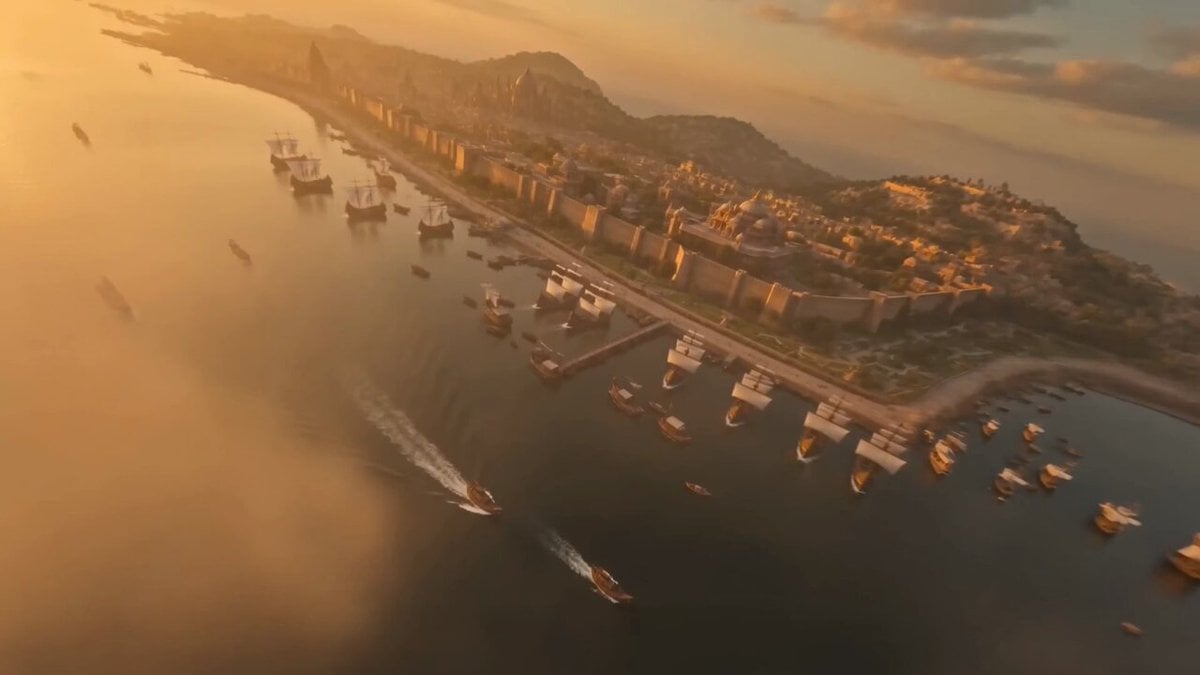
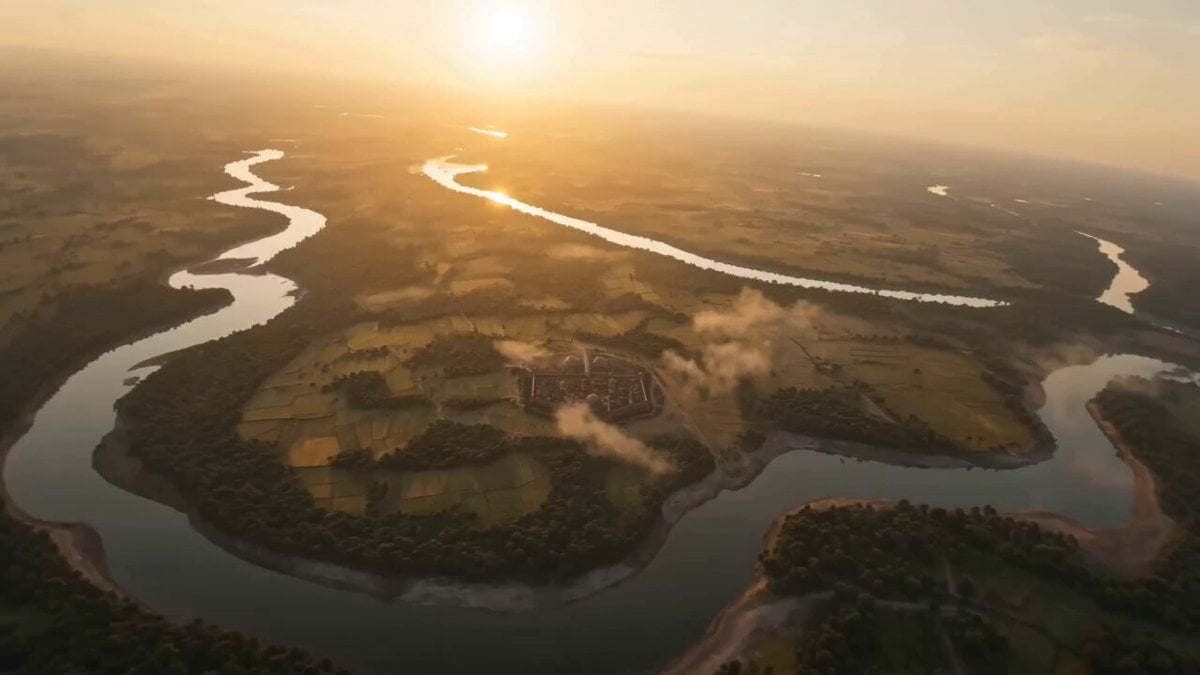
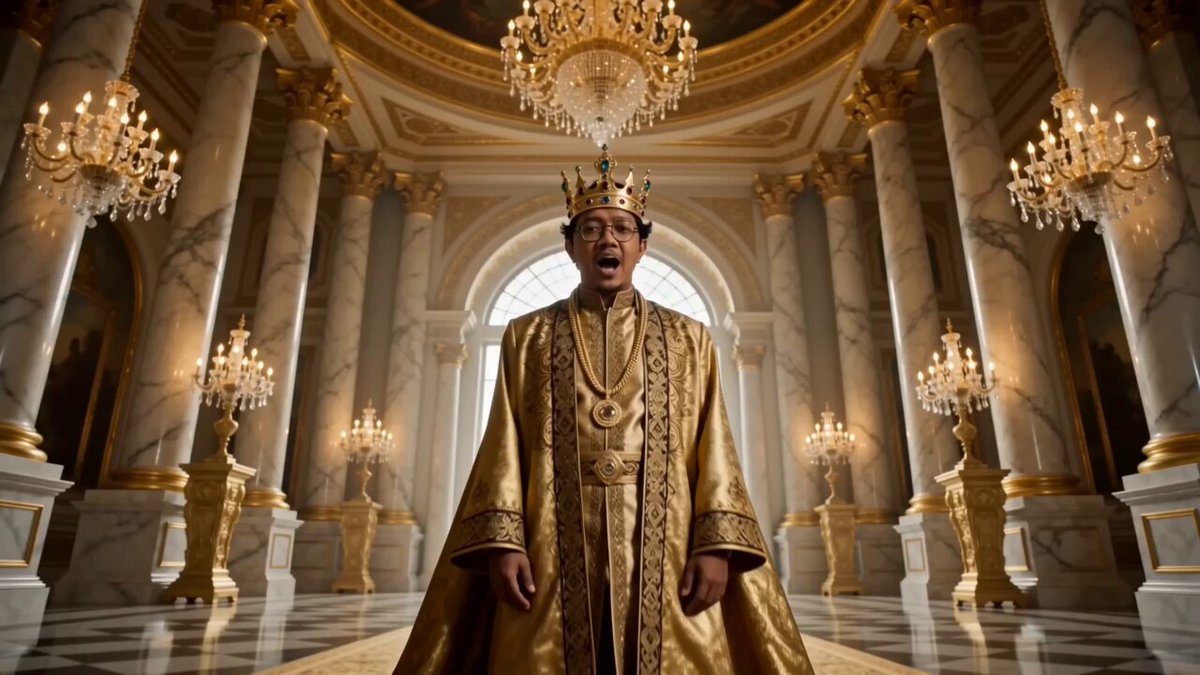
An intense, fast-paced cinematic FPV prompt depicting the ancient Indian Kuru Kingdom with architectural details and royal activities.
extremely fast-paced cinematic FPV flying through the ancient Indian Kuru Kingdom at golden hour, hyper-realistic, 4K. high-speed aerial dive over vast fertile plains and the Ganges river, then weave through grand palaces of Hastinapura with intricate carvings, towering pillars, and royal courtyards filled with warriors, elephants, chariots, and citizens in traditional attire. Perform sharp turns through bustling markets, fly low across dust-filled battle training grounds with archers and cavalry in motion, then ascend rapidly over temples with burning diyas and fluttering flags. Dynamic lighting, volumetric sunlight, realistic physics, detailed textures, dramatic shadows, cinematic color grading, immersive depth of field, highly detailed ancient Indian architecture, epic and majestic atmosphere
extremely fast-paced cinematic FPV flying through the ancient Indian Kuru Kingdom at golden hour, hyper-realistic, 4K. high-speed aerial dive over vast fertile plains and the Ganges river, then weave through grand palaces of Hastinapura with intricate carvings, towering pillars, and royal courtyards filled with warriors, elephants, chariots, and citizens in traditional attire. Perform sharp turns through bustling markets, fly low across dust-filled battle training grounds with archers and cavalry in motion, then ascend rapidly over temples with burning diyas and fluttering flags. Dynamic lighting, volumetric sunlight, realistic physics, detailed textures, dramatic shadows, cinematic color grading, immersive depth of field, highly detailed ancient Indian architecture, epic and majestic atmosphere
Edit the prompt in the box under the preview — the template's model and format are already selected — and press Generate. Your version appears right on this page.
Yes. You can change the subject, setting, lighting, mood, format, and available model controls before creating your video.
Opening and editing this template is free. Generating uses credits, shown on the Generate button when you are signed in.
Start with Seedance 2.0, which is the model associated with this template. You can compare another compatible model for a different finish.
Follow a topic to a crawlable collection of related PicX Studio templates.