How do I use the Late Night Study Resilience Scene template?
Edit the prompt in the box under the preview — the template's model and format are already selected — and press Generate. Your version appears right on this page.
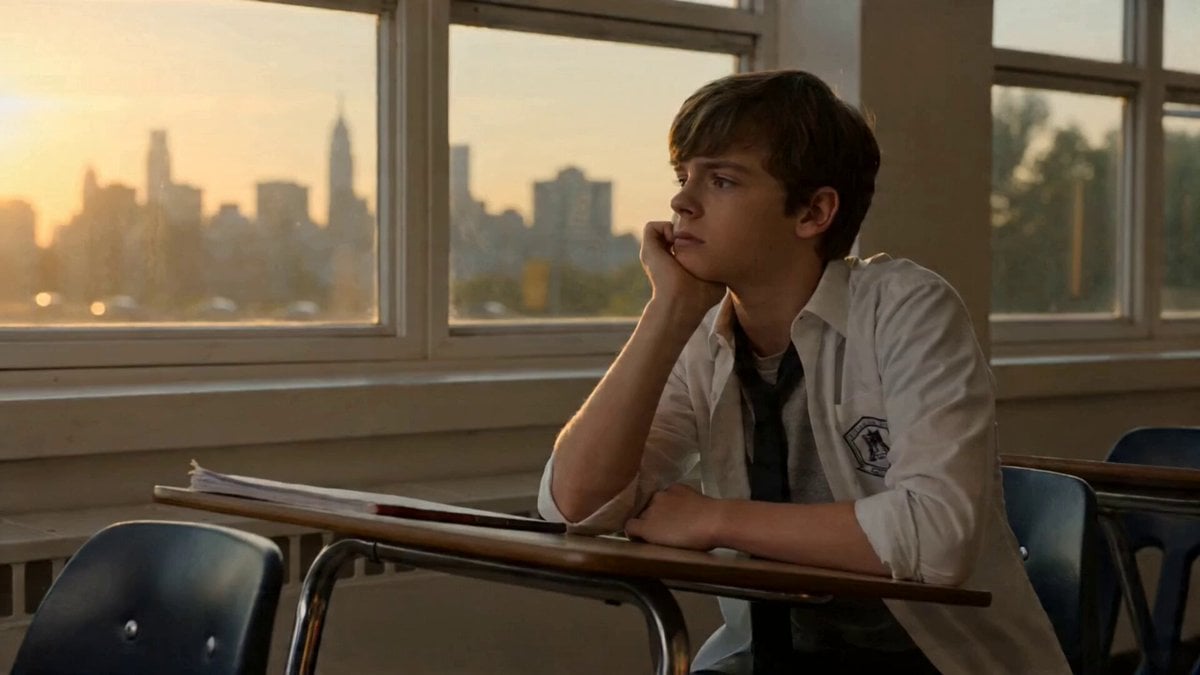
A four-scene narrative prompt depicting a student's emotional journey from exhaustion and stress to renewed focus during a late-night study session.
Scene 1 (0–4s): A teenage girl sits at a study desk late at night, surrounded by open books, notes, and a dim desk lamp. She looks tired, rubbing her temples while staring at a page. Subtle eye strain, slow blinking. Background quiet, slightly blurred. Scene 2 (4–8s): Close-up shot. She flips pages quickly, her breathing slightly heavy. Words on the page appear overwhelming. She pauses, gripping her pen tightly, showing stress in her expression. Scene 3 (8–12s): She leans back, closes her eyes briefly, then looks at a clock ticking. Soft tension builds. She takes a deep breath, trying to regain focus. Lighting slightly shifts warmer to show emotional transition. Scene 4 (12–16s): She straightens up, calmly resumes studying with a focused expression. Movements become slower and controlled. Final frame: determined eyes, soft light on her face, symbolizing resilience.
Scene 1 (0–4s): A teenage girl sits at a study desk late at night, surrounded by open books, notes, and a dim desk lamp. She looks tired, rubbing her temples while staring at a page. Subtle eye strain, slow blinking. Background quiet, slightly blurred. Scene 2 (4–8s): Close-up shot. She flips pages quickly, her breathing slightly heavy. Words on the page appear overwhelming. She pauses, gripping her pen tightly, showing stress in her expression. Scene 3 (8–12s): She leans back, closes her eyes briefly, then looks at a clock ticking. Soft tension builds. She takes a deep breath, trying to regain focus. Lighting slightly shifts warmer to show emotional transition. Scene 4 (12–16s): She straightens up, calmly resumes studying with a focused expression. Movements become slower and controlled. Final frame: determined eyes, soft light on her face, symbolizing resilience.
Edit the prompt in the box under the preview — the template's model and format are already selected — and press Generate. Your version appears right on this page.
Yes. You can change the subject, setting, lighting, mood, format, and available model controls before creating your video.
Opening and editing this template is free. Generating uses credits, shown on the Generate button when you are signed in.
Start with Seedance 2.0, which is the model associated with this template. You can compare another compatible model for a different finish.
Follow a topic to a crawlable collection of related PicX Studio templates.