
K-pop Music Video Performance
A high-budget K-pop music video style prompt featuring vibrant neon lighting, synchronized choreography, and dynamic camera movements.
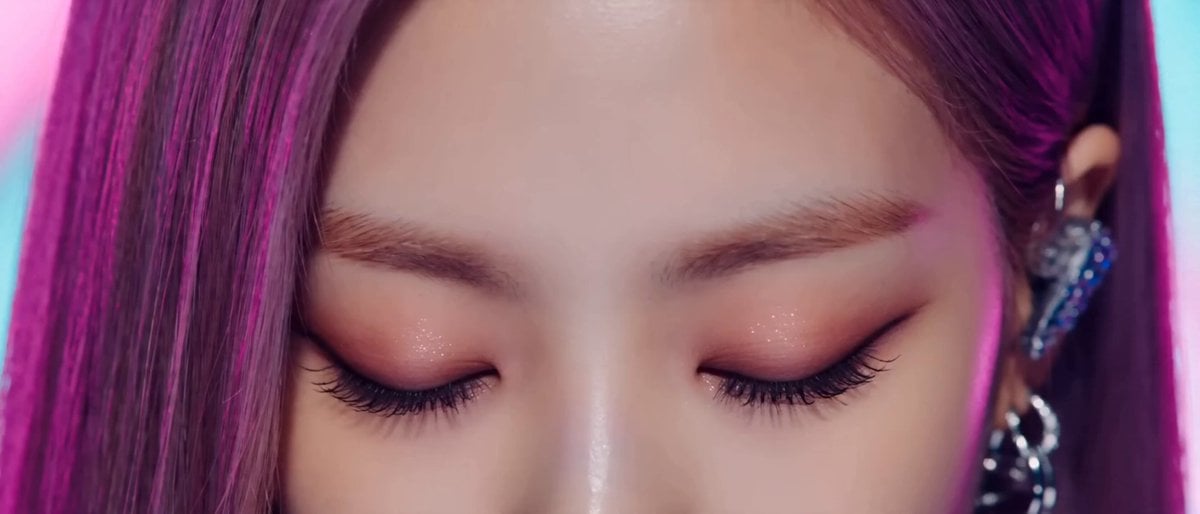
- Prompt included
- Model and format preset
- Free template
The prompt behind this video
Copy the exact prompt behind K-pop Music Video Performance, or open it in the studio and make it yours.
Style: High budget Kpop music video, glossy commercial lighting, vibrant color grading (magenta/cyan/electric blue), 4K cinematic quality, sharp focus, dynamic camera movement, idol-group choreography, fashion forward streetwear meets futuristic outfits, confident charismatic energy, beat synced cuts\nSubject: One female idol performer, toned dance-ready physique, glossy makeup, holographic/metallic outfit accents\nNegative prompt: no blurry motion, no distorted hands, no extra limbs, no text artifacts, no watermark, no low resolution, no static camera\n\n[0:00-0:03] Close up shot, performer's eyes snap open on the beat drop, quick zoom out reveal to full body pose under strobing neon backlight, hair flip, confident smirk, camera whip pans left.\n\n[0:03-0:07] Wide shot, sharp synchronized choreography (point formation), sharp isolations on snare hits, camera does a low-angle orbit around the performer, neon light trails following hand movements, fog machine haze in background.\n\n[0:07-0:11] Medium shot, performer lip-syncs main hook line with emotive expression, hand near face/mic gesture, quick cut to a rooftop-city backdrop with lens flare, wind machine blowing hair.\n\n[0:11-0:15] Fast triple cut montage (0.5s each) of three different power poses, final freeze frame on a hero pose with sparkler/confetti burst, camera punches in, fade to logo card.
How to use K-pop Music Video Performance in 3 steps
- 1
Open
The prompt is already in the box next to the preview, with the template's model and format selected.
- 2…a portrait of your subject in softgolden-hour light, 85mm…
Personalize
Edit the subject and creative details for your destination.
- 3Generate
Generate
Press Generate — your video is created in PicX Studio, so you can compare it with the original and refine one variable at a time.
More like this
Templates with the same subject, style or setup. Open one to see its prompt.
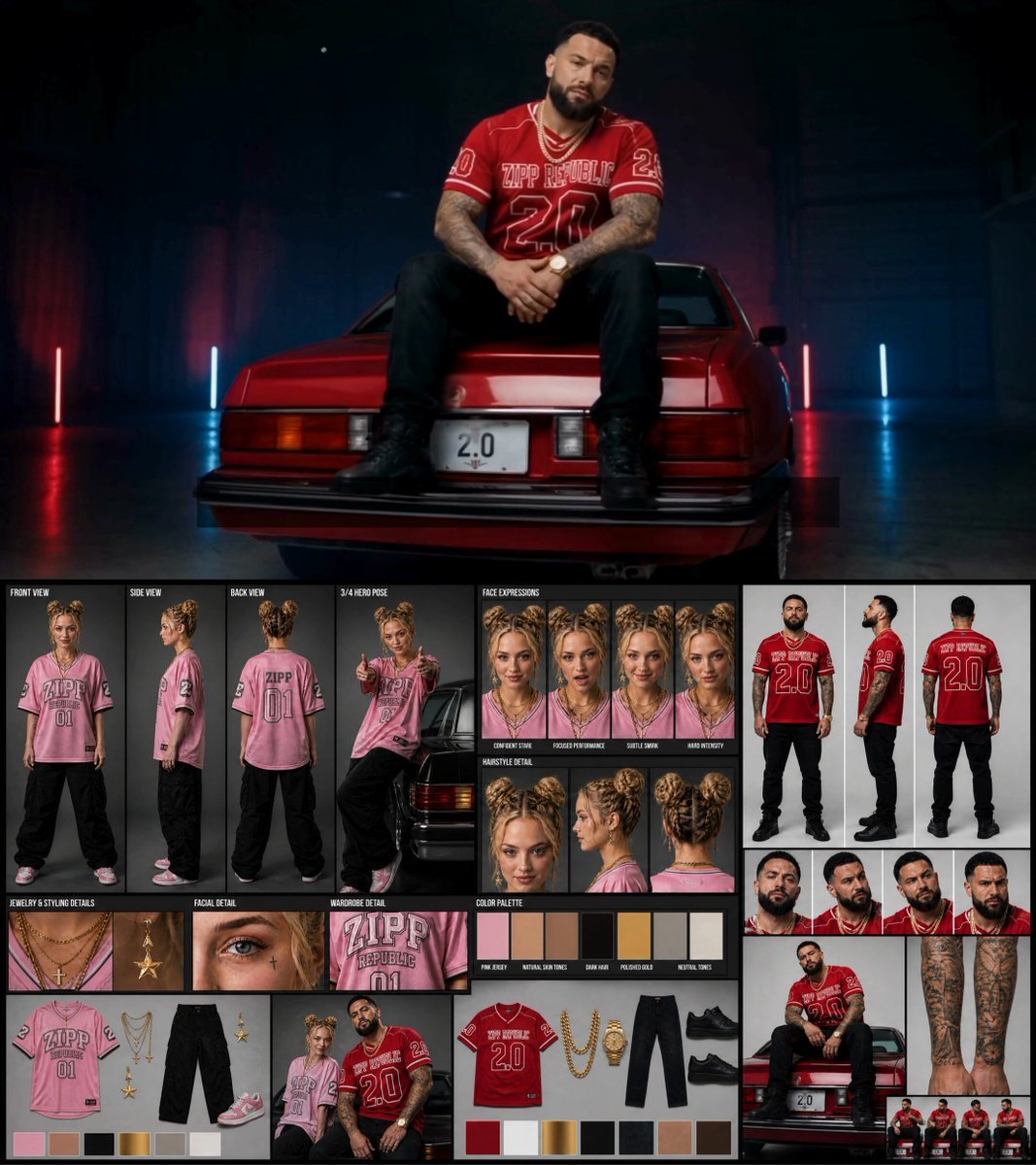
Female Rapper Performance Music Video

Cyberpunk Holographic Dance Performance - Seedance 2.5
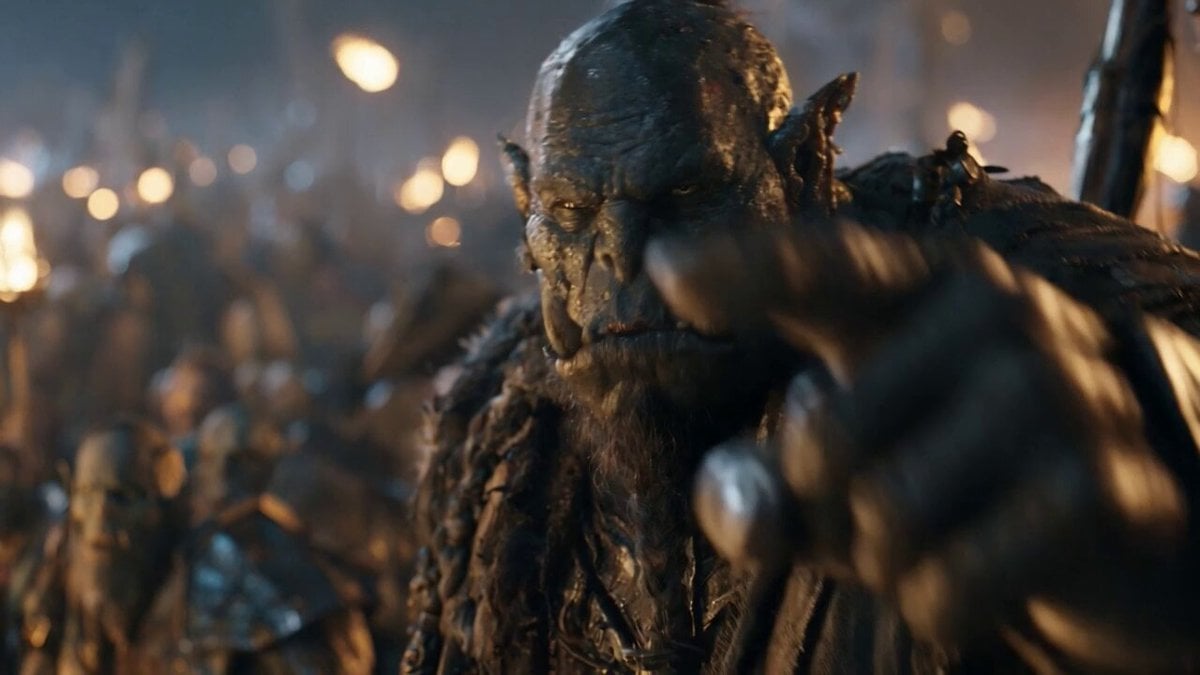
Orc Warlord Performance Transfer - Seedance 2.5

Hard Rock Performance Music Video
K-Pop Red Room Music Video
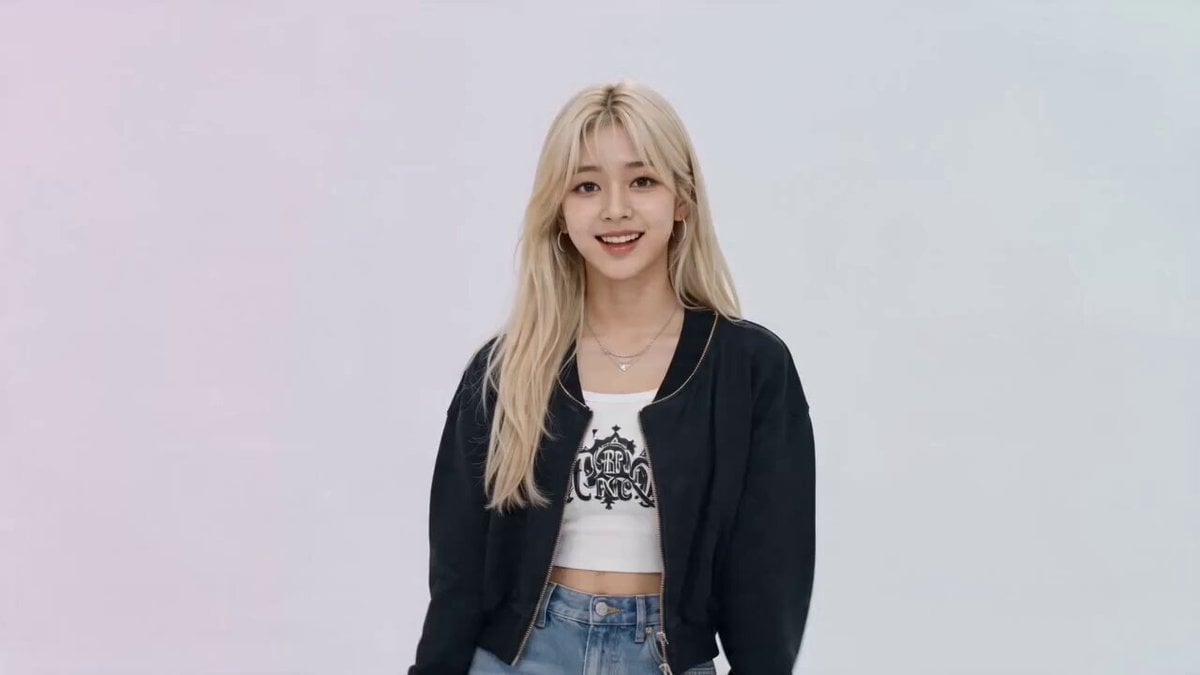
K-pop Idol Music Video Dance Scene
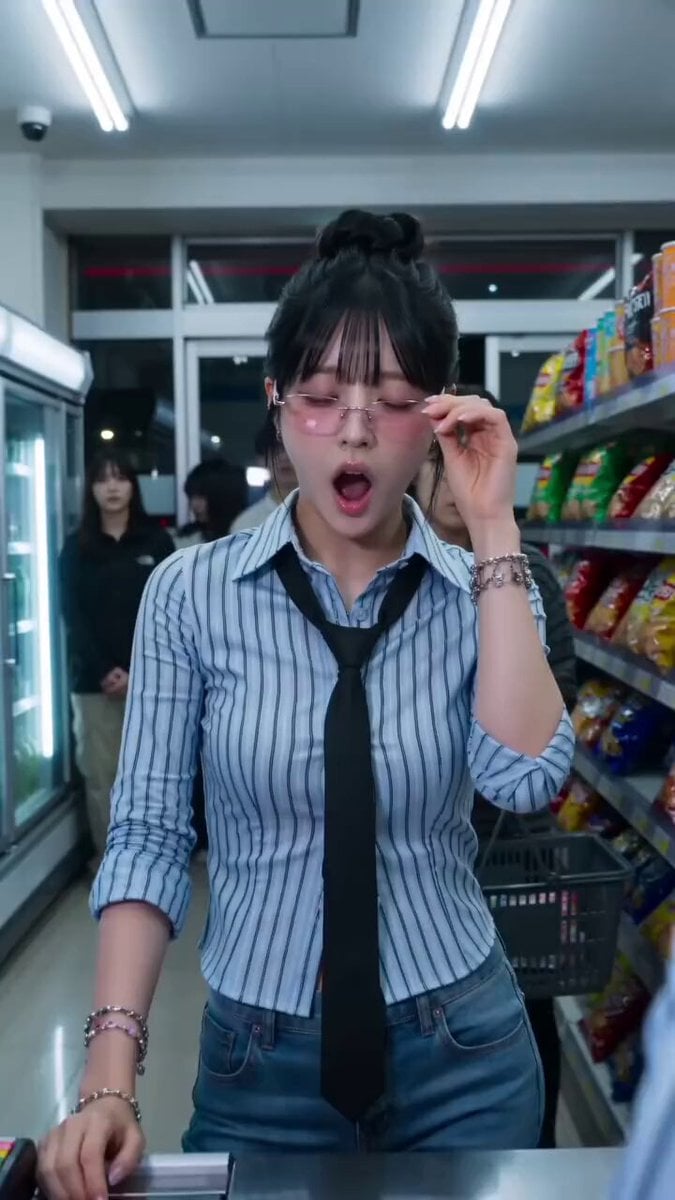
Convenience Store K-Pop Dance Performance
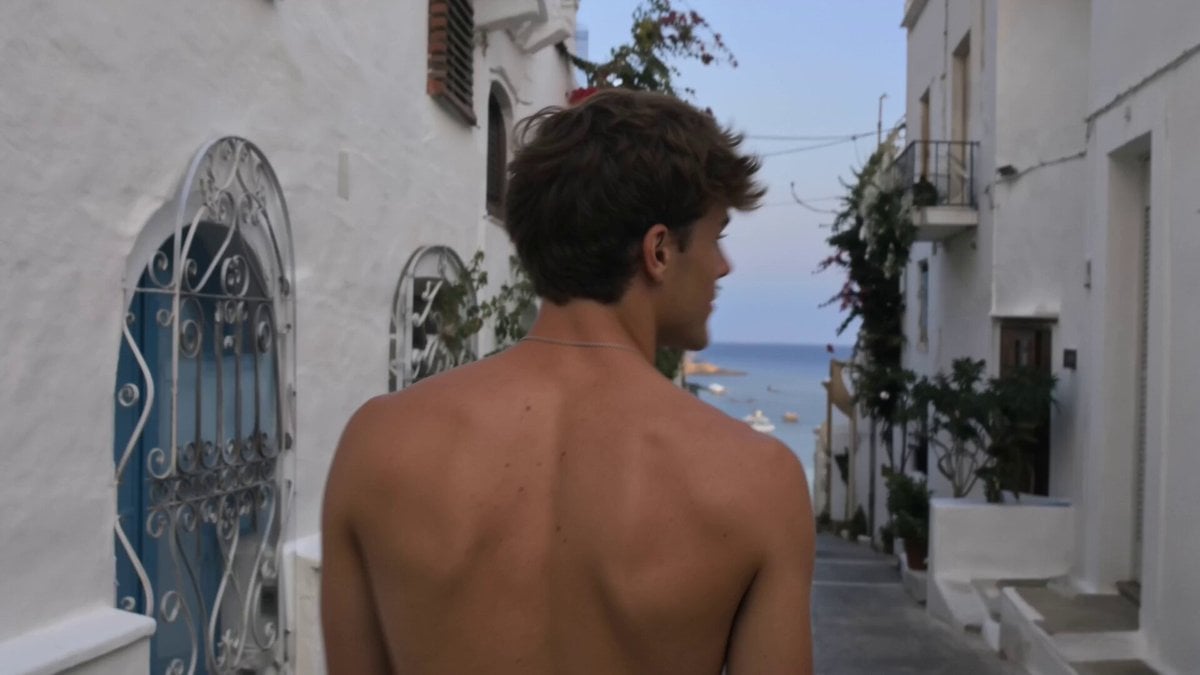
Nostalgic Indie-Pop iPhone Music Video

Cinematic Anime Kung Fu Performance
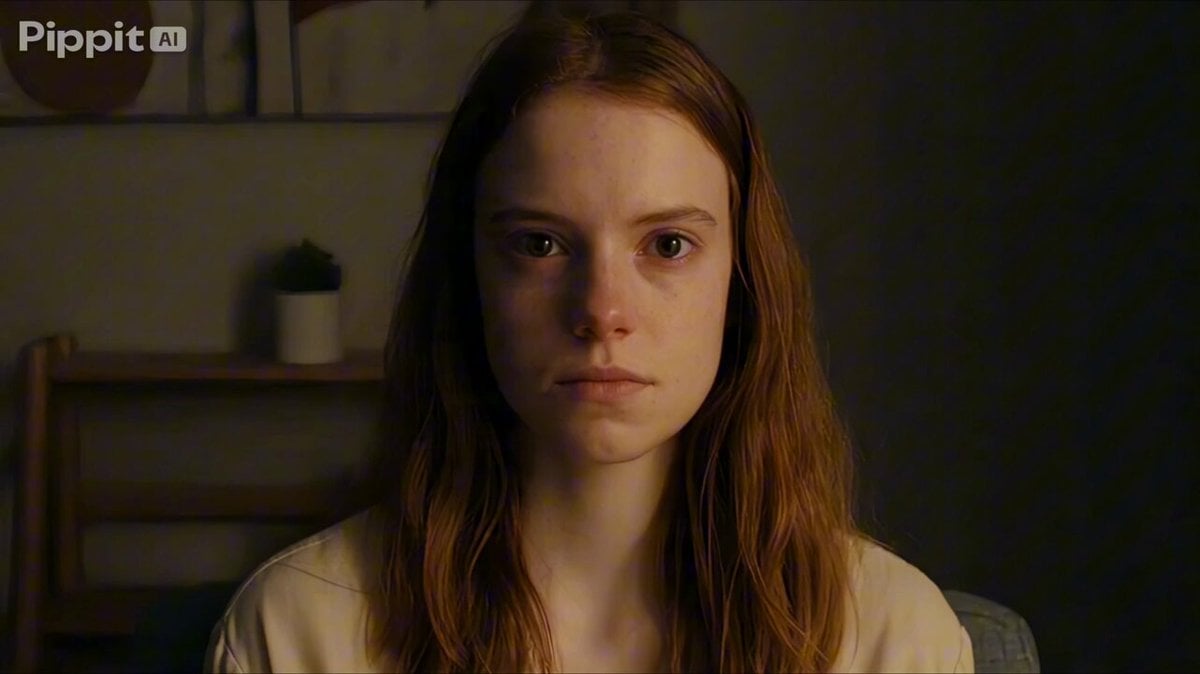
Psychological Thriller Performance Study
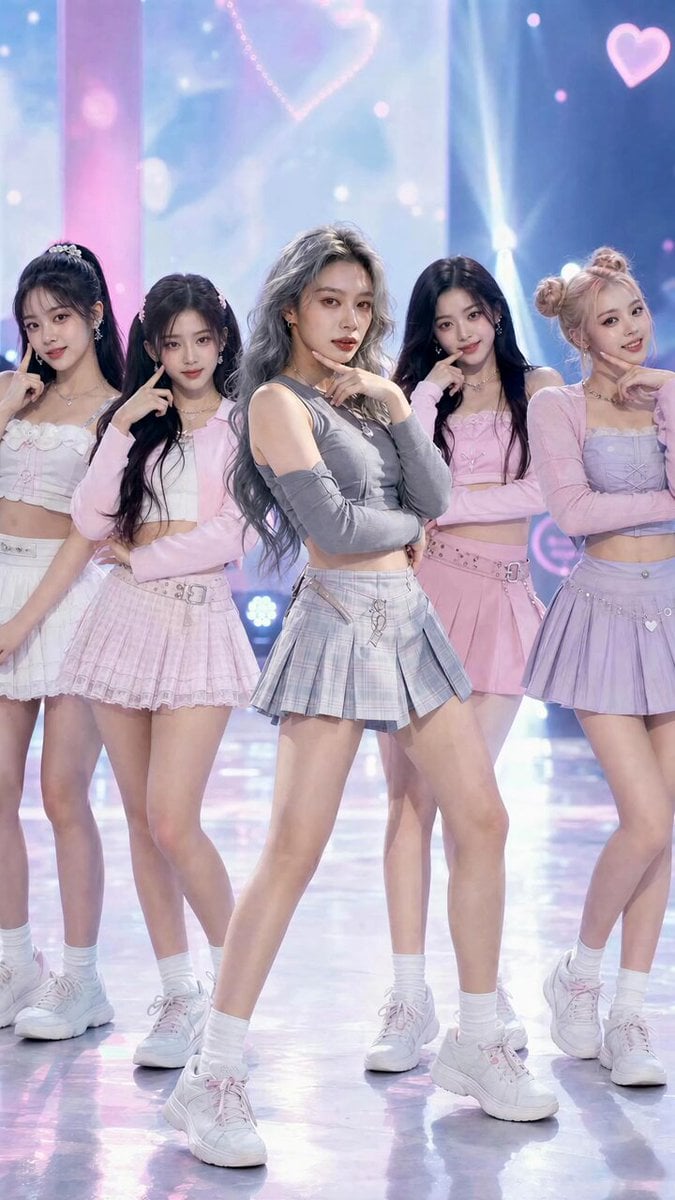
K-Pop Fancam Style Dance Animation
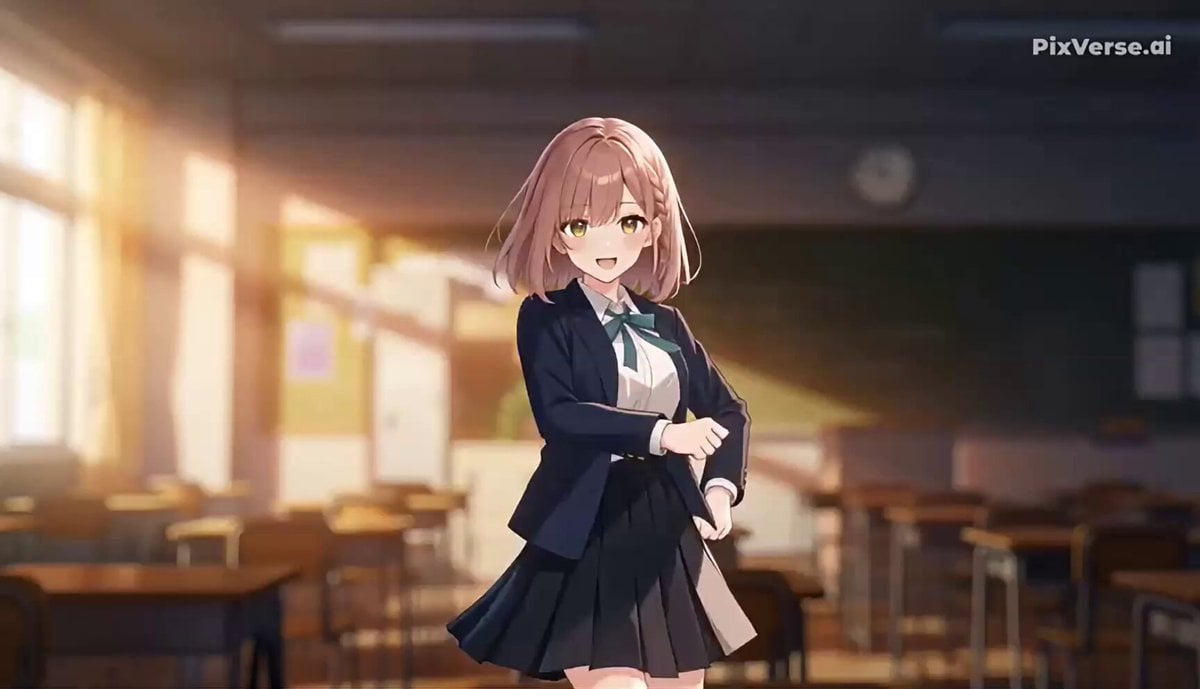
J-Pop Idol Classroom Dance Sequence
Make it yours
K-pop Music Video Performance works as-is. These are the safest ways to change it without losing the look.
Change one field
Copy a single group, rewrite it, and generate again so you can see what that field is doing.
Keep the frame, change the subject
Hold the composition and light of K-pop Music Video Performance, then swap wardrobe, props or the person for a new take.
| If the result… | Why | Fix |
|---|---|---|
| The result drifts from the preview | Too many fields changed at once. | Reuse K-pop Music Video Performance as-is first, then change one group — subject, light, or setting. |
| The model over-stylizes the scene | The prose prompt leaves finish and camera underspecified. | Add one camera or lighting sentence and stay on Seedance 2.0. |
More Seedance 2.0 templates
Other prompts made for Seedance 2.0.

Comical Martial Arts Punch Scene

Maglev Train Action Sequence

Martial Arts Fight Sequence

Wuxia Protection and Trust Script

Vintage Korean Arcade MiniDV Vlog

Mercedes 190 SL Luxury Ad

Rainy Night Supernatural Reverse Comedy Video Script

Amazon Civilization Discovery

Futuristic South Asian City Transformation

Cozy Luxury Cafe Commercial
More video prompts
Fresh picks from across the catalog.

Premium Chicken Biryani Cinematic Commercial
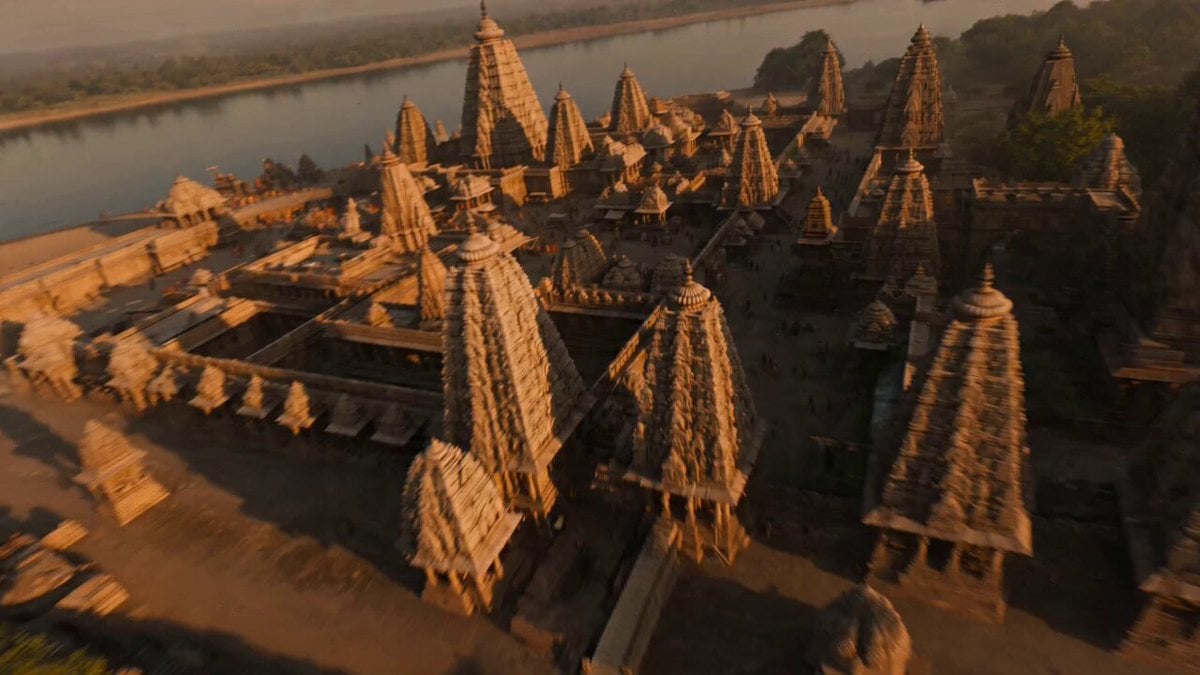
Ancient Indian Kingdom FPV Flight
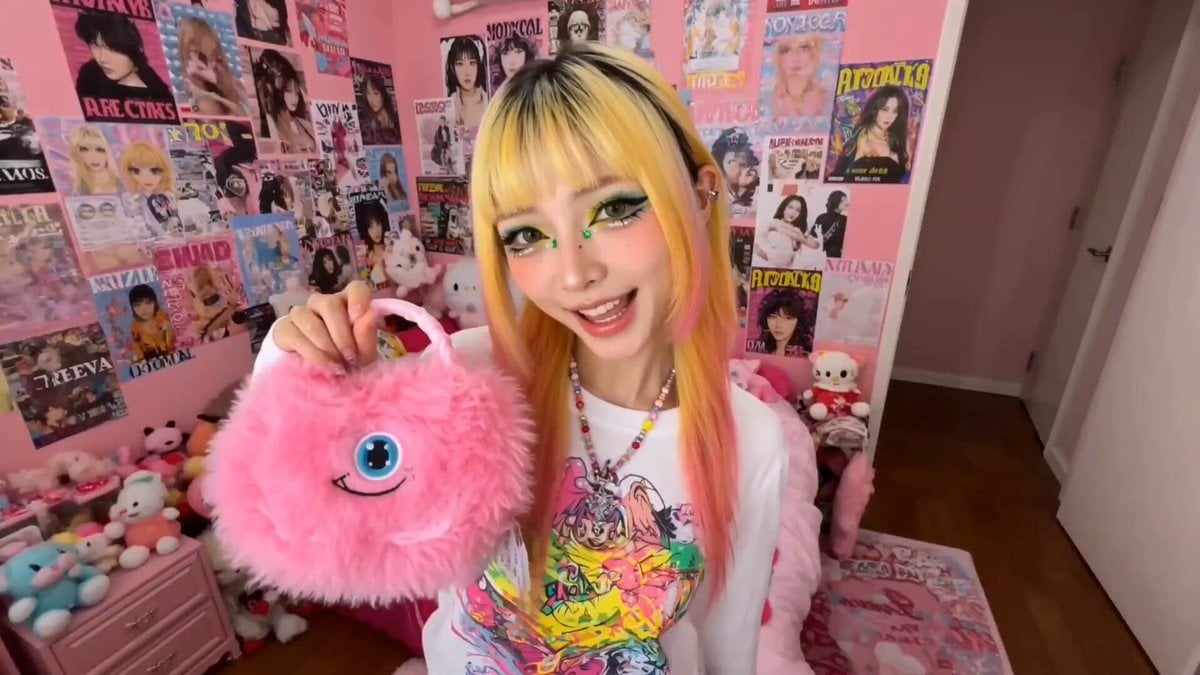
Harajuku Street Fashion GRWM Video

Summer Pool Party Montage Video Prompt
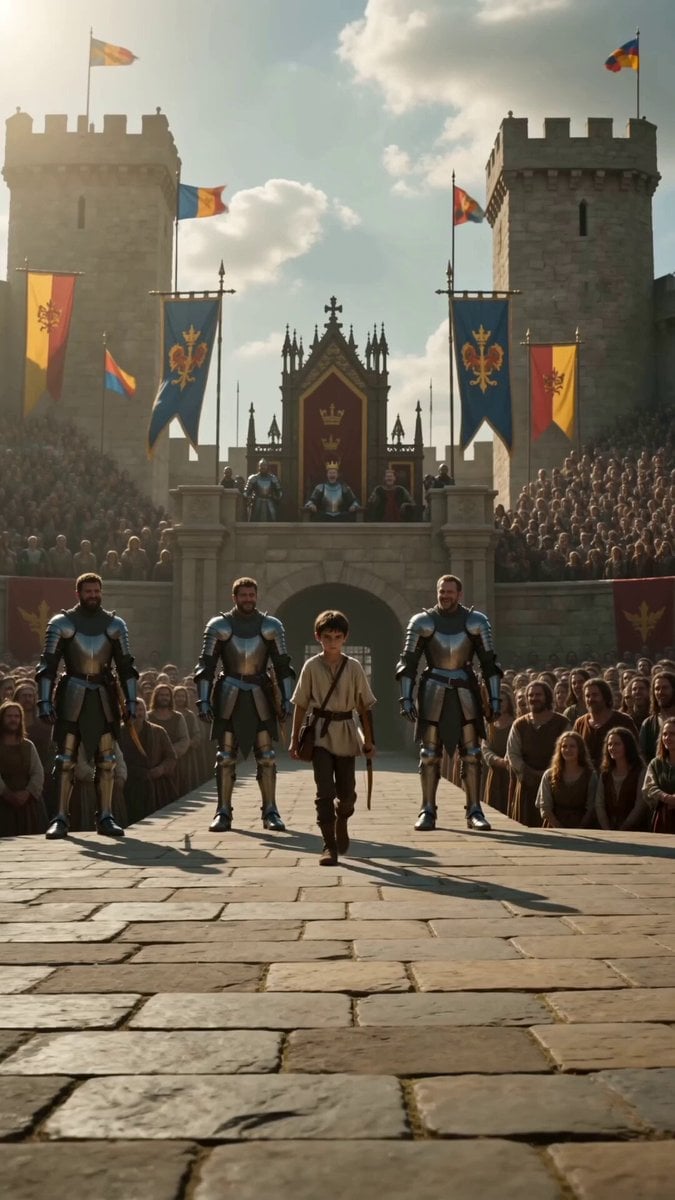
Medieval Archery Tournament Cinematic Short

Cinematic Fantasy Overgrown Ruins Animation
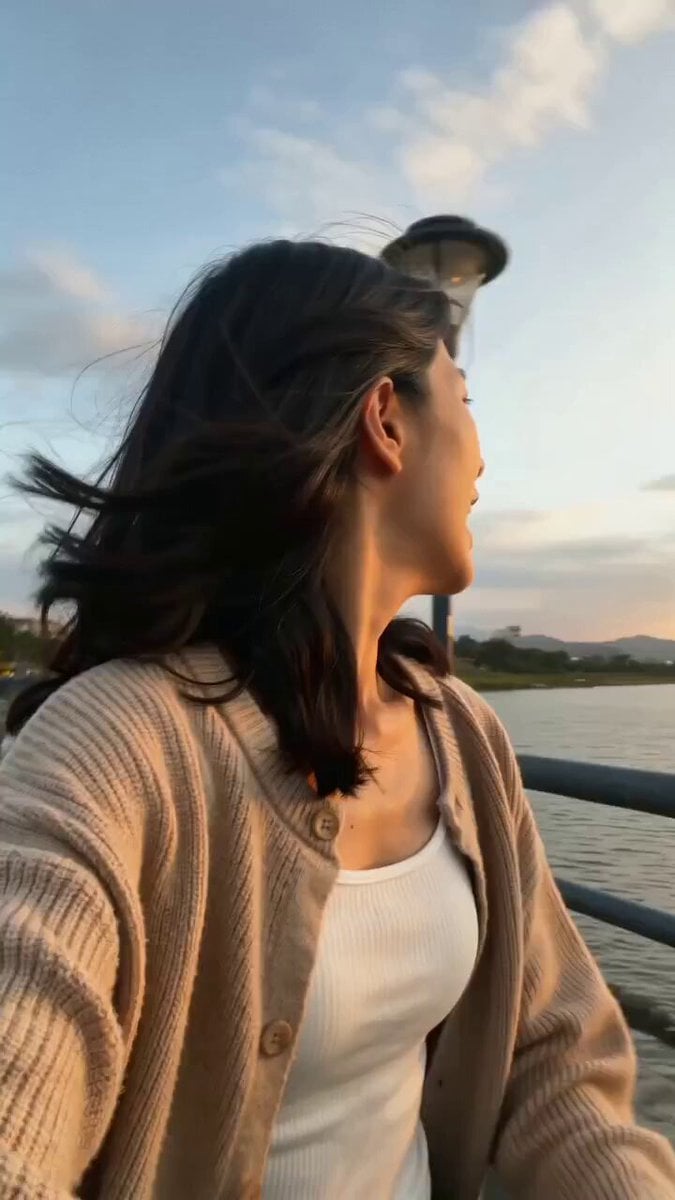
Girlfriend POV Vlog: Taipei Sunset Date
Warhorse Sprint on Cliff Aqueduct

Pianist on Cliff Edge Cinematic Oner

xAI Logo inside the colossus 2 Datacenter
Browse template categories
K-pop Music Video Performance questions
How do I use the K-pop Music Video Performance template?
Add your photo if the template asks for one, edit the prompt if you like — the template's model and format are already selected — and press Generate. Your version opens in PicX Studio.
Can I customize the K-pop Music Video Performance template?
Yes. You can change the subject, setting, lighting, mood, format, and available model controls before creating your video.
Is the K-pop Music Video Performance template free?
Opening and editing this template is free. Generating uses credits, shown on the Generate button when you are signed in.
Which AI model should I use?
Start with Seedance 2.0, which is the model associated with this template. You can compare another compatible model for a different finish.
Looking for something else? Browse all templates.

Your photo, any look
Thousands of ready templates for every top image and video model, from one credit balance.