How do I use the Orange Cat Adventure: Pyramid Simulation template?
Edit the prompt in the box under the preview — the template's model and format are already selected — and press Generate. Your version appears right on this page.
An elaborate 15-second story script for a continuous shot featuring an orange cat explorer in a pyramid that turns out to be a simulation on a dollar bill.
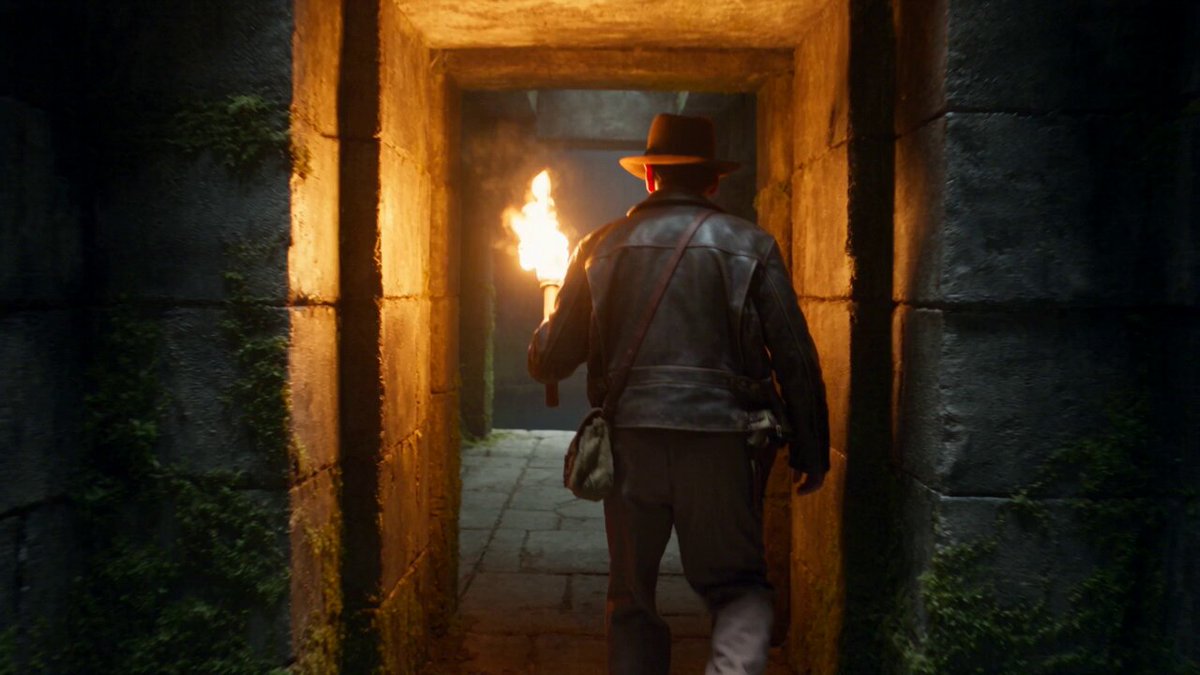
STORY FORMAT: 15s / 152 BPM / ONE CONTINUOUS SHOT / 3D adventure-comedy / stylized ancient-tomb fantasy TONE: tense survival → frantic ingenuity → claustrophobic horror → absurd cosmic twist SUBJECTS: Orange cat explorer in rugged fedora-style hat, brown leather outfit, holding a torch, axe strapped at waist; Ancient sarcophagi; Swarm of black scarab beetles; Green-skinned alien in black suit with large dark eyes PROPS: Torch, stone lever switch, sarcophagus lids, improvised wooden ladder, crawling tunnel, glowing exit, pyramid peak, green banknote ENVIRONMENT: Dark pyramid chamber filled with sarcophagi → narrow ceiling tunnel → pyramid summit → surreal zoom-out into currency world COLOR: Deep shadow gold and ember torchlight → dusty brown claustrophobic tones → bright desert sunlight → flat green currency palette CAMERA: Single continuous 24mm tracking shot, tight interior movement, rapid whip pans, vertical climb transitions, seamless macro-to-wide transformation, no cuts 1 (0–2s) TRAPPED CHAMBER Camera circles tightly around the orange cat explorer in a dim pyramid room filled with sarcophagi. He slams a stone switch repeatedly. Instead of opening, the stone door grinds downward, sealing completely. DIALOGUE (Cat): “Oh come on—wrong button?!” 2 (2–3.5s) QUICK SCAN He spins, torchlight flickering across walls. Camera tilts up with his gaze—revealing a small hole in the ceiling. His eyes widen. DIALOGUE (Cat): “Okay… plan B.” 3 (3.5–6s) BUILD IN SECONDS He rushes to the sarcophagi—rips off multiple lids, wood cracking. With rapid axe strikes, he chops and reshapes pieces mid-motion. Camera orbits as he snaps them together into a rough ladder with absurd speed. 4 (6–7.5s) CLIMB AND LAUNCH He climbs fast, ladder wobbling. At the top, he forcefully kicks off—launching himself upward into the small ceiling hole, barely squeezing through. 5 (7.5–9s) CLAUSTROPHOBIC CRAWL Camera follows tightly behind as he crawls through a narrow, dark tunnel. Torchlight dims. Ahead, a faint glowing exit flickers. DIALOGUE (Cat, strained): “Yeah… definitely haunted.” 6 (9–11s) HORROR CHASE Behind him, a swarm of black scarab beetles floods into the tunnel—rapid clicking echoes. He panics and speeds up, scrambling forward. DIALOGUE (Cat): “NOPE nope nope nope—!” 7 (11–12s) ESCAPE BURST He bursts out of the tunnel into blinding sunlight—rolling forward onto the peak of a massive pyramid. Desert wind howls. 8 (12–13s) REVEAL HEIGHT He stands, catching breath—then looks down. Camera begins pulling rapidly upward, revealing impossible scale. His expression shifts to shock. 9 (13–14s) REALITY TWIST The pyramid morphs seamlessly into a printed symbol—the entire scene flattening into a green banknote design. The cat’s shocked face becomes a stylized portrait above the pyramid with “100 USD” markings. 10 (14–15s) FINAL PUNCHLINE Camera pulls back fu
STORY FORMAT: 15s / 152 BPM / ONE CONTINUOUS SHOT / 3D adventure-comedy / stylized ancient-tomb fantasy TONE: tense survival → frantic ingenuity → claustrophobic horror → absurd cosmic twist SUBJECTS: Orange cat explorer in rugged fedora-style hat, brown leather outfit, holding a torch, axe strapped at waist; Ancient sarcophagi; Swarm of black scarab beetles; Green-skinned alien in black suit with large dark eyes PROPS: Torch, stone lever switch, sarcophagus lids, improvised wooden ladder, crawling tunnel, glowing exit, pyramid peak, green banknote ENVIRONMENT: Dark pyramid chamber filled with sarcophagi → narrow ceiling tunnel → pyramid summit → surreal zoom-out into currency world COLOR: Deep shadow gold and ember torchlight → dusty brown claustrophobic tones → bright desert sunlight → flat green currency palette CAMERA: Single continuous 24mm tracking shot, tight interior movement, rapid whip pans, vertical climb transitions, seamless macro-to-wide transformation, no cuts 1 (0–2s) TRAPPED CHAMBER Camera circles tightly around the orange cat explorer in a dim pyramid room filled with sarcophagi. He slams a stone switch repeatedly. Instead of opening, the stone door grinds downward, sealing completely. DIALOGUE (Cat): “Oh come on—wrong button?!” 2 (2–3.5s) QUICK SCAN He spins, torchlight flickering across walls. Camera tilts up with his gaze—revealing a small hole in the ceiling. His eyes widen. DIALOGUE (Cat): “Okay… plan B.” 3 (3.5–6s) BUILD IN SECONDS He rushes to the sarcophagi—rips off multiple lids, wood cracking. With rapid axe strikes, he chops and reshapes pieces mid-motion. Camera orbits as he snaps them together into a rough ladder with absurd speed. 4 (6–7.5s) CLIMB AND LAUNCH He climbs fast, ladder wobbling. At the top, he forcefully kicks off—launching himself upward into the small ceiling hole, barely squeezing through. 5 (7.5–9s) CLAUSTROPHOBIC CRAWL Camera follows tightly behind as he crawls through a narrow, dark tunnel. Torchlight dims. Ahead, a faint glowing exit flickers. DIALOGUE (Cat, strained): “Yeah… definitely haunted.” 6 (9–11s) HORROR CHASE Behind him, a swarm of black scarab beetles floods into the tunnel—rapid clicking echoes. He panics and speeds up, scrambling forward. DIALOGUE (Cat): “NOPE nope nope nope—!” 7 (11–12s) ESCAPE BURST He bursts out of the tunnel into blinding sunlight—rolling forward onto the peak of a massive pyramid. Desert wind howls. 8 (12–13s) REVEAL HEIGHT He stands, catching breath—then looks down. Camera begins pulling rapidly upward, revealing impossible scale. His expression shifts to shock. 9 (13–14s) REALITY TWIST The pyramid morphs seamlessly into a printed symbol—the entire scene flattening into a green banknote design. The cat’s shocked face becomes a stylized portrait above the pyramid with “100 USD” markings. 10 (14–15s) FINAL PUNCHLINE Camera pulls back fu
Edit the prompt in the box under the preview — the template's model and format are already selected — and press Generate. Your version appears right on this page.
Yes. You can change the subject, setting, lighting, mood, format, and available model controls before creating your video.
Opening and editing this template is free. Generating uses credits, shown on the Generate button when you are signed in.
Start with Seedance 2.0, which is the model associated with this template. You can compare another compatible model for a different finish.
Follow a topic to a crawlable collection of related PicX Studio templates.