How do I use the Street Graffiti Portrait Generator Prompt (JSON Format) template?
Edit the prompt in the box under the preview — the template's model and format are already selected — and press Generate. Your version appears right on this page.
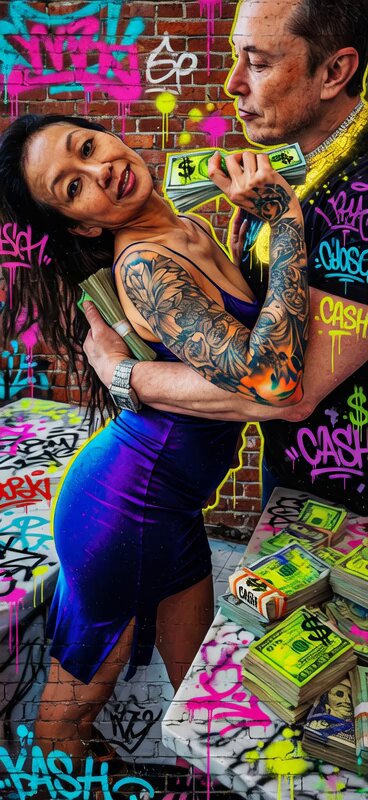
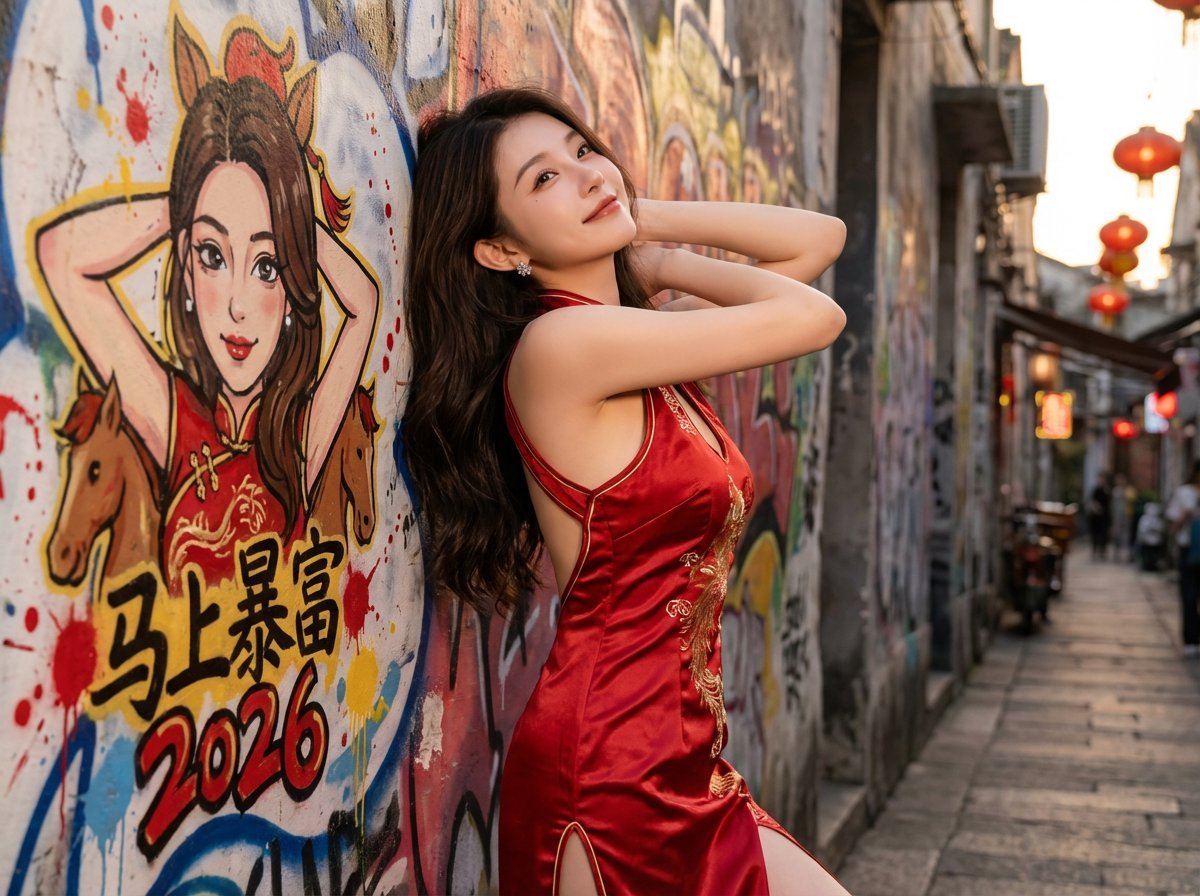
A comprehensive JSON-formatted prompt template designed to generate a street portrait of a person standing in front of a layered, messy graffiti wall featuring a caricature of themselves.

{ "task_description": "Create a natural street portrait of a real person standing in front of a layered, messy graffiti wall. The wall features a spontaneous, hand-painted caricature of the person.", "global_settings": { "aspect_ratio": "4:3", "camera_view": "Front-on or slight 15-degree angle; avoid extreme perspective distortion; eye-level shot", "overall_vibe": "Authentic urban street culture, raw, energetic, and candid" }, "variables": { "mural_main_text": "{argument name="涂鸦主文本" default="月入百万"}", "mural_secondary_text": "{argument name="涂鸦副文本" default="2026"}", "theme": "{argument name="主题" default="New Year Festive"}", "style_pool": ["New Year Festive", "Cyberpunk Underground", "Vintage Republican", "Traditional Zen"] }, "mural_aesthetics": { "rendering_style": "Hand-painted aerosol art, not a digital print", "messiness_factors": [ "Visible paint splatters and spontaneous drips", "Soft, blurred spray edges (no sharp digital outlines)", "Layered effect: the main portrait is painted over faint, messy background tags and scribbles", "Imperfect symmetry to enhance the 'freehand' look" ], "content": "A vibrant caricature based on the reference person's facial features and joyful expression, integrated into the chaotic beauty of the street wall." }, "style_scenarios": { "New_Year_Festive": { "setting": "An old city street during dusk", "palette": "Dominant deep reds and gold, contrasted with the reference image's colors", "details": "Faint lanterns in the distance, festive graffiti tags" }, "Cyberpunk_Underground": { "setting": "A dimly lit pedestrian tunnel with wet floors", "palette": "Neon blue and violet, mixed with the reference image's color tones", "details": "Exposed wires on the wall, industrial textures" }, "Vintage_Republican": { "setting": "A historic brick alleyway (Lilong)", "palette": "Muted earth tones, sepia, and charcoal", "details": "Old wooden window frames, textured grey bricks" }, "Traditional_Zen": { "setting": "A quiet courtyard with a stone wall", "palette": "Ink black, sage green, and white-wash", "details": "Subtle bamboo shadows, weathered limestone texture" } }, "foreground_subject": { "logic": "Mirror the gender and facial features of the reference image.", "attire_strategy": "Inherit the dominant color palette from the reference photo's clothing. For example, if the reference is wearing a black T-shirt, generate a stylish, theme-appropriate outfit in black or dark tones (e.g., a black techwear jacket for Cyberpunk theme).", "position": "Grounded in the bottom right corner, waist-up or three-quarter view.", "pose_randomization": [ "Casually leaning back against the wall", "One hand adjusting ha
{ "task_description": "Create a natural street portrait of a real person standing in front of a layered, messy graffiti wall. The wall features a spontaneous, hand-painted caricature of the person.", "global_settings": { "aspect_ratio": "4:3", "camera_view": "Front-on or slight 15-degree angle; avoid extreme perspective distortion; eye-level shot", "overall_vibe": "Authentic urban street culture, raw, energetic, and candid" }, "variables": { "mural_main_text": "{argument name="涂鸦主文本" default="月入百万"}", "mural_secondary_text": "{argument name="涂鸦副文本" default="2026"}", "theme": "{argument name="主题" default="New Year Festive"}", "style_pool": ["New Year Festive", "Cyberpunk Underground", "Vintage Republican", "Traditional Zen"] }, "mural_aesthetics": { "rendering_style": "Hand-painted aerosol art, not a digital print", "messiness_factors": [ "Visible paint splatters and spontaneous drips", "Soft, blurred spray edges (no sharp digital outlines)", "Layered effect: the main portrait is painted over faint, messy background tags and scribbles", "Imperfect symmetry to enhance the 'freehand' look" ], "content": "A vibrant caricature based on the reference person's facial features and joyful expression, integrated into the chaotic beauty of the street wall." }, "style_scenarios": { "New_Year_Festive": { "setting": "An old city street during dusk", "palette": "Dominant deep reds and gold, contrasted with the reference image's colors", "details": "Faint lanterns in the distance, festive graffiti tags" }, "Cyberpunk_Underground": { "setting": "A dimly lit pedestrian tunnel with wet floors", "palette": "Neon blue and violet, mixed with the reference image's color tones", "details": "Exposed wires on the wall, industrial textures" }, "Vintage_Republican": { "setting": "A historic brick alleyway (Lilong)", "palette": "Muted earth tones, sepia, and charcoal", "details": "Old wooden window frames, textured grey bricks" }, "Traditional_Zen": { "setting": "A quiet courtyard with a stone wall", "palette": "Ink black, sage green, and white-wash", "details": "Subtle bamboo shadows, weathered limestone texture" } }, "foreground_subject": { "logic": "Mirror the gender and facial features of the reference image.", "attire_strategy": "Inherit the dominant color palette from the reference photo's clothing. For example, if the reference is wearing a black T-shirt, generate a stylish, theme-appropriate outfit in black or dark tones (e.g., a black techwear jacket for Cyberpunk theme).", "position": "Grounded in the bottom right corner, waist-up or three-quarter view.", "pose_randomization": [ "Casually leaning back against the wall", "One hand adjusting ha
Edit the prompt in the box under the preview — the template's model and format are already selected — and press Generate. Your version appears right on this page.
Yes. You can change the subject, setting, lighting, mood, format, and available model controls before creating your video.
Opening and editing this template is free. Generating uses credits, shown on the Generate button when you are signed in.
Start with Seedance 2.0, which is the model associated with this template. You can compare another compatible model for a different finish.
Follow a topic to a crawlable collection of related PicX Studio templates.