How do I use the Life Journey Continuous Tracking Shot template?
Edit the prompt in the box under the preview — the template's model and format are already selected — and press Generate. Your version appears right on this page.
A cinematic prompt for Seedance 2.0 creating a seamless rightward panning shot that transitions through the various stages of a person's life from birth to old age.
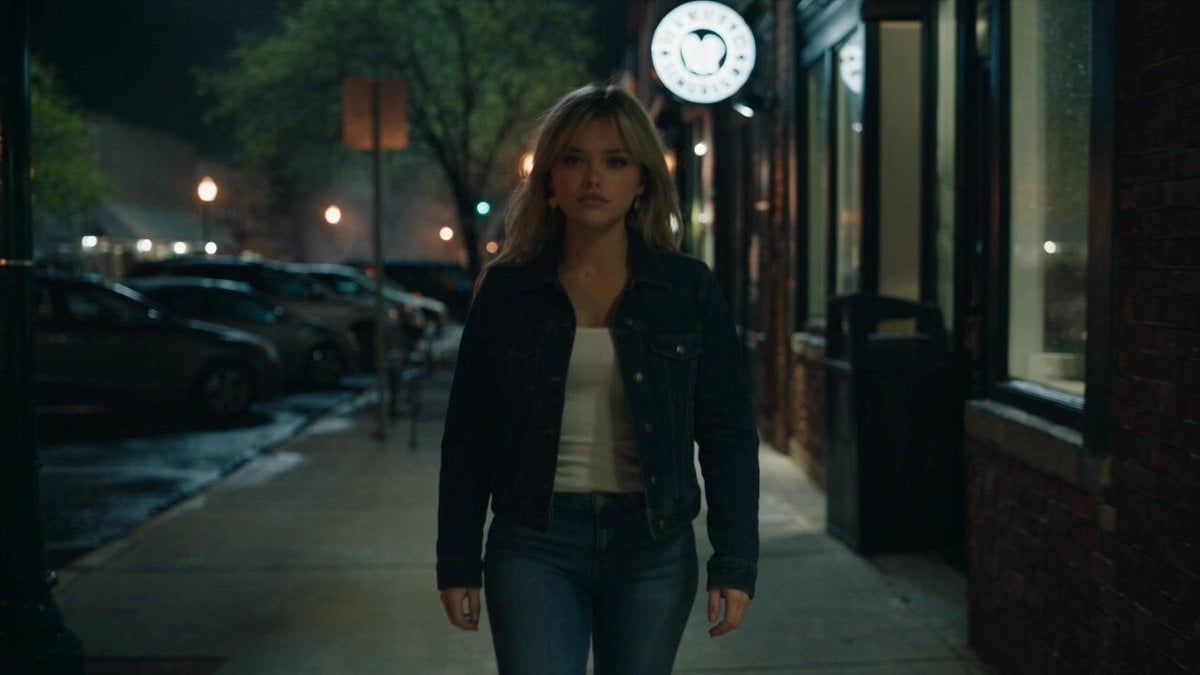
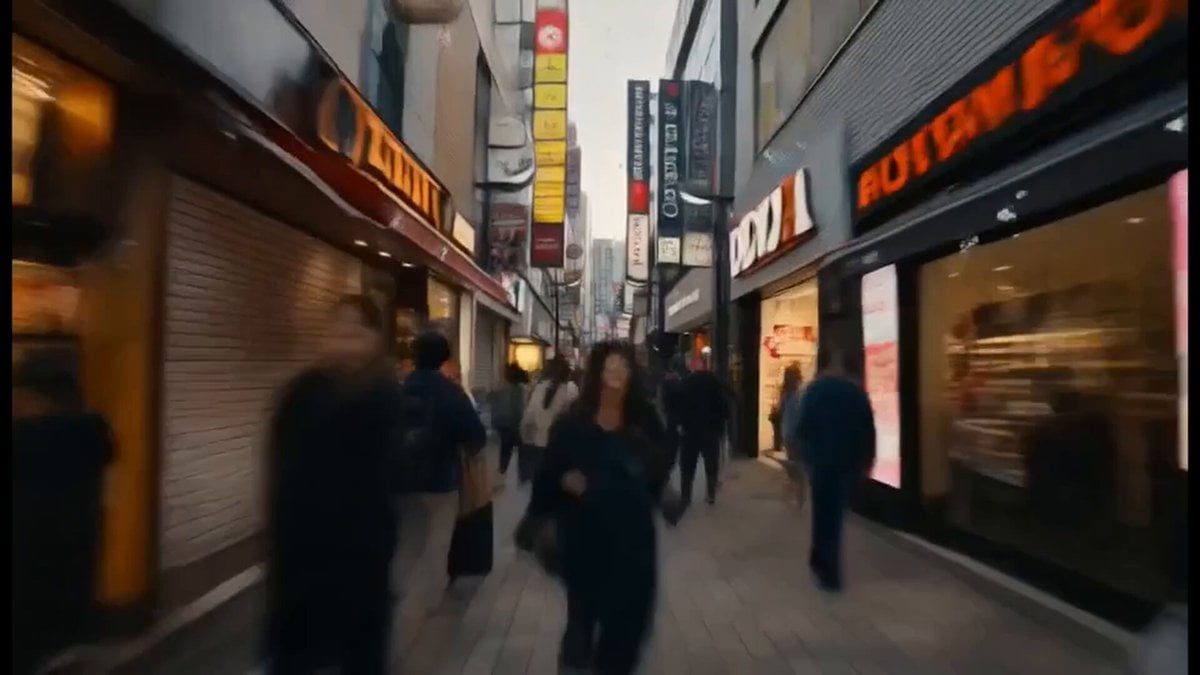
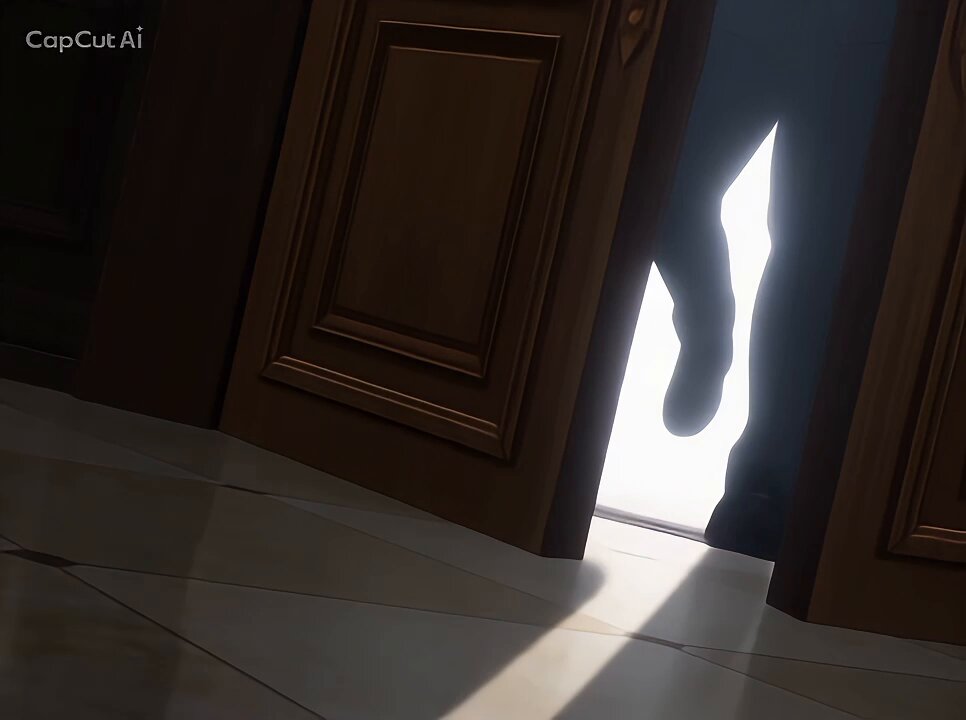
A cinematic, continuous rightward panning tracking shot depicting the journey of life from birth to old age through seamless transitions. The camera slides smoothly past walls, doors, and curtains to reveal different stages of life in chronological order. It begins in a hospital room with a crying newborn baby on a medical cart, passing through a blue curtain into a bright preschool classroom where a toddler plays. The camera continues panning right into a sunny schoolyard with kids running with backpacks, then seamlessly glides through a wall into a teenager's bedroom where a boy jumps on his bed. The pan continues onto a leafy college campus with a young man walking with a backpack, then immediately transitions into a bustling city crosswalk in Times Square. Moving right, the scene shifts to an elegant wedding reception with a couple dancing amidst falling confetti, then to a green park where a middle-aged father watches children play. The camera passes through a house wall into a cozy living room where a man gently helps an elderly woman sit down. The final scene rests on the elderly woman sitting peacefully in an armchair, smiling softly as warm golden hour sunset light streams through the window.
A cinematic, continuous rightward panning tracking shot depicting the journey of life from birth to old age through seamless transitions. The camera slides smoothly past walls, doors, and curtains to reveal different stages of life in chronological order. It begins in a hospital room with a crying newborn baby on a medical cart, passing through a blue curtain into a bright preschool classroom where a toddler plays. The camera continues panning right into a sunny schoolyard with kids running with backpacks, then seamlessly glides through a wall into a teenager's bedroom where a boy jumps on his bed. The pan continues onto a leafy college campus with a young man walking with a backpack, then immediately transitions into a bustling city crosswalk in Times Square. Moving right, the scene shifts to an elegant wedding reception with a couple dancing amidst falling confetti, then to a green park where a middle-aged father watches children play. The camera passes through a house wall into a cozy living room where a man gently helps an elderly woman sit down. The final scene rests on the elderly woman sitting peacefully in an armchair, smiling softly as warm golden hour sunset light streams through the window.
Edit the prompt in the box under the preview — the template's model and format are already selected — and press Generate. Your version appears right on this page.
Yes. You can change the subject, setting, lighting, mood, format, and available model controls before creating your video.
Opening and editing this template is free. Generating uses credits, shown on the Generate button when you are signed in.
Start with Seedance 2.0, which is the model associated with this template. You can compare another compatible model for a different finish.
Follow a topic to a crawlable collection of related PicX Studio templates.