How do I use the Modern House Construction Time Lapse template?
Edit the prompt in the box under the preview — the template's model and format are already selected — and press Generate. Your version appears right on this page.
A highly detailed cinematic prompt for generating a 15-second time-lapse of a house being built from scratch, featuring dynamic camera movements and realistic construction details.
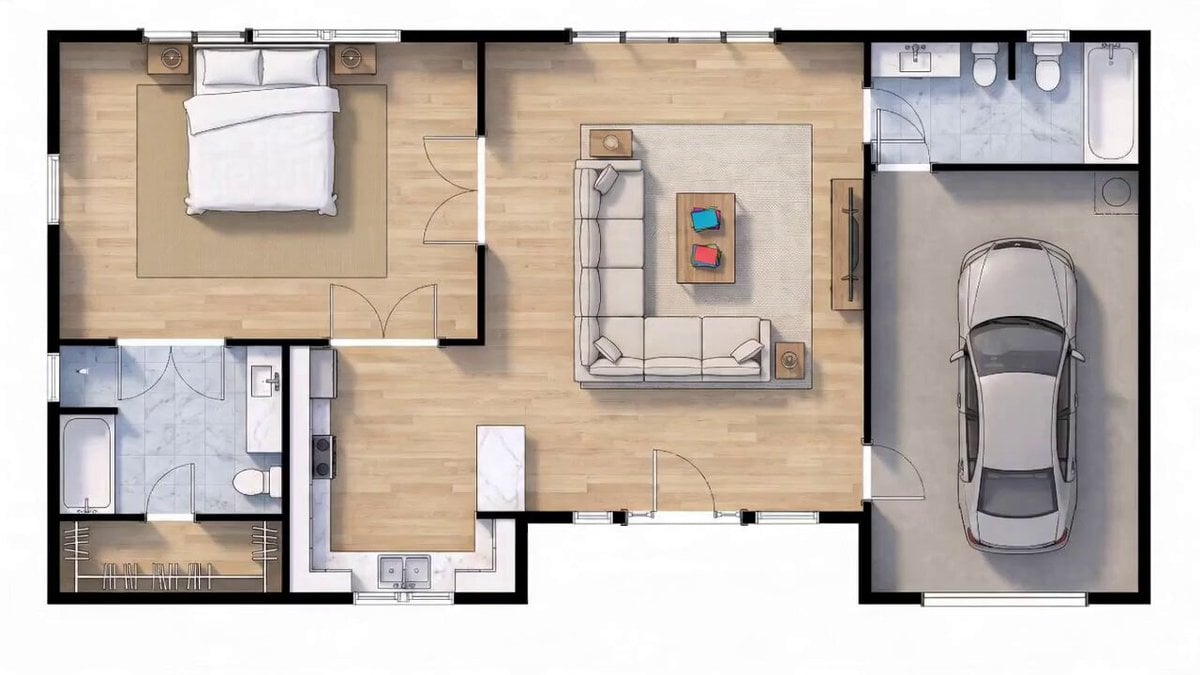
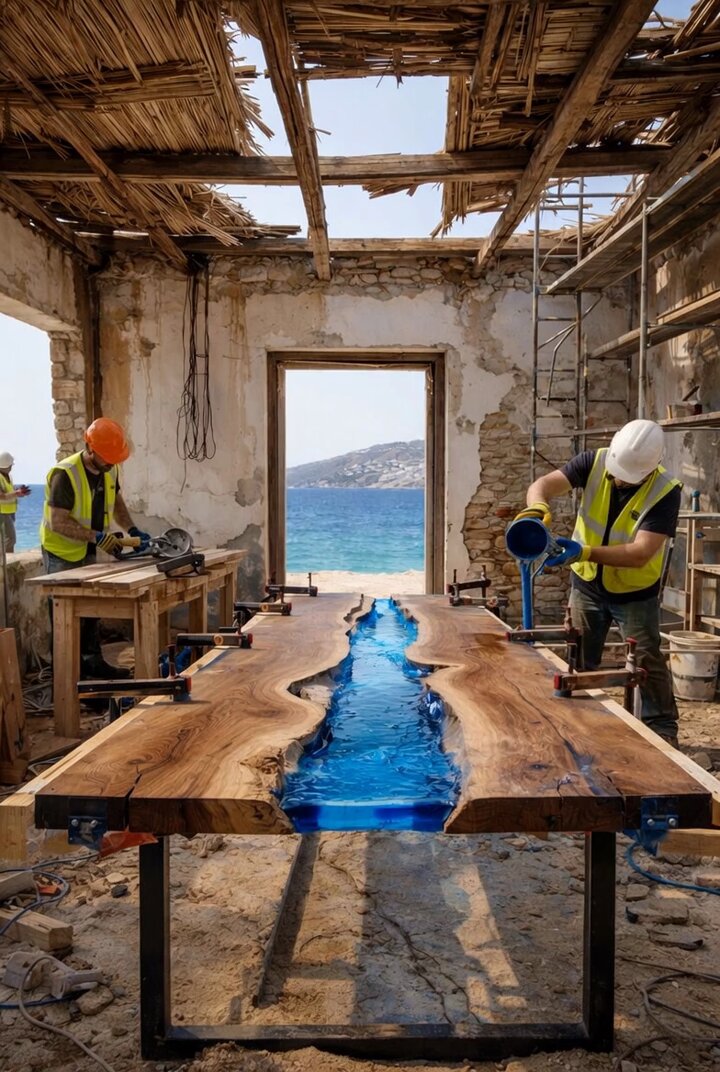
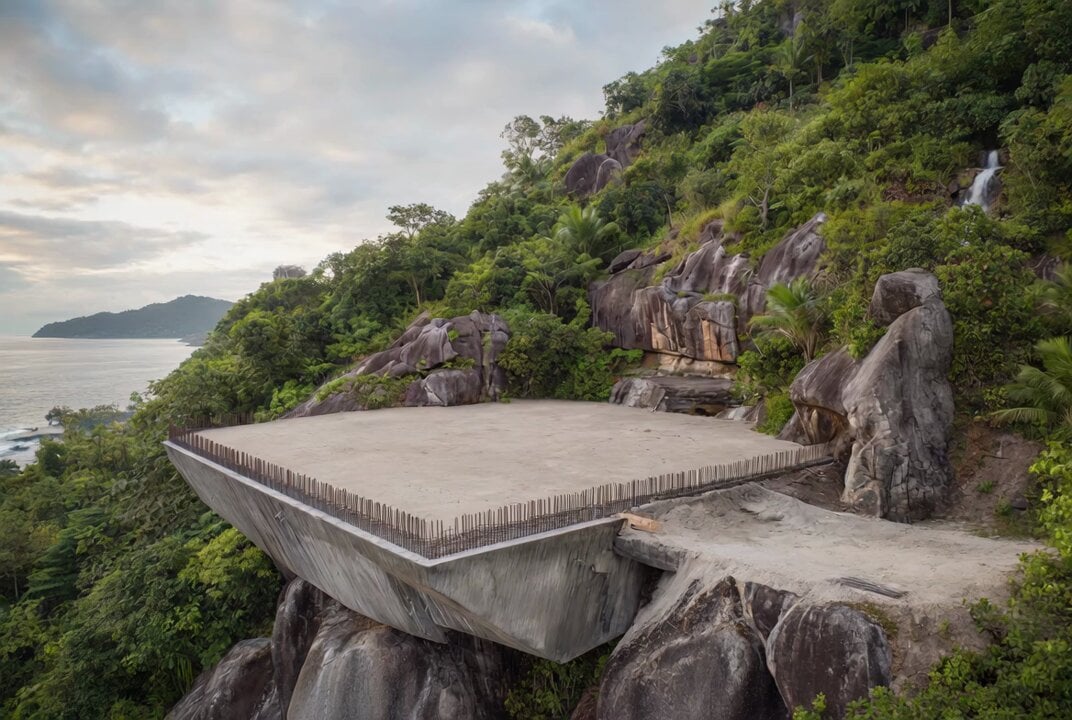
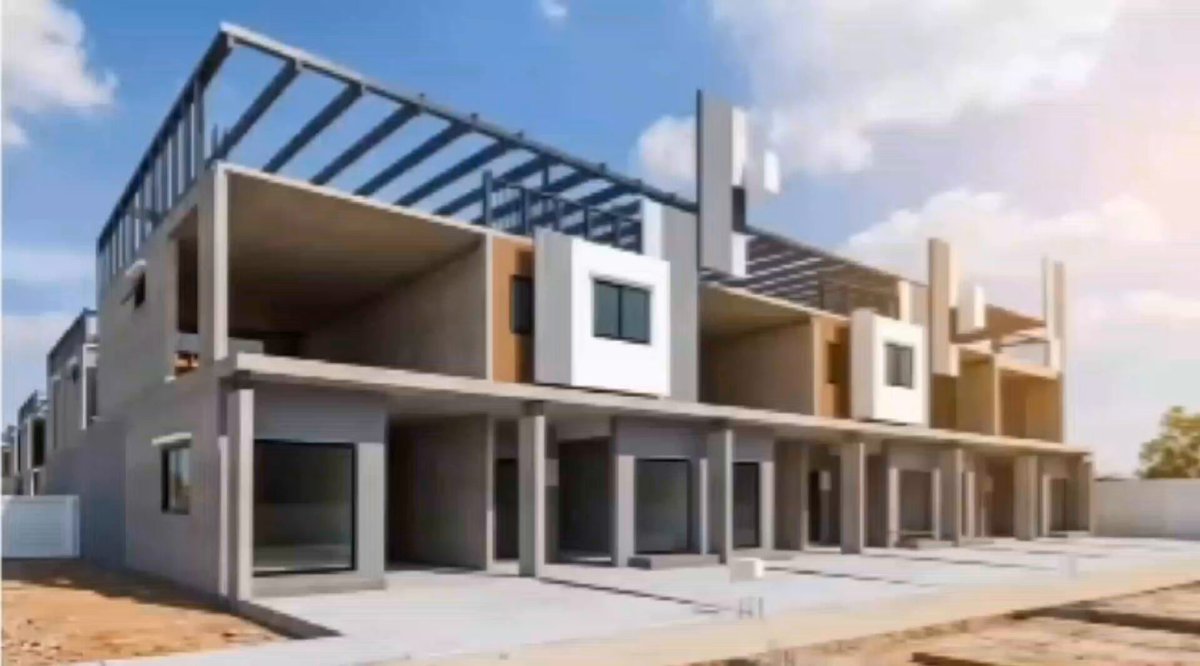
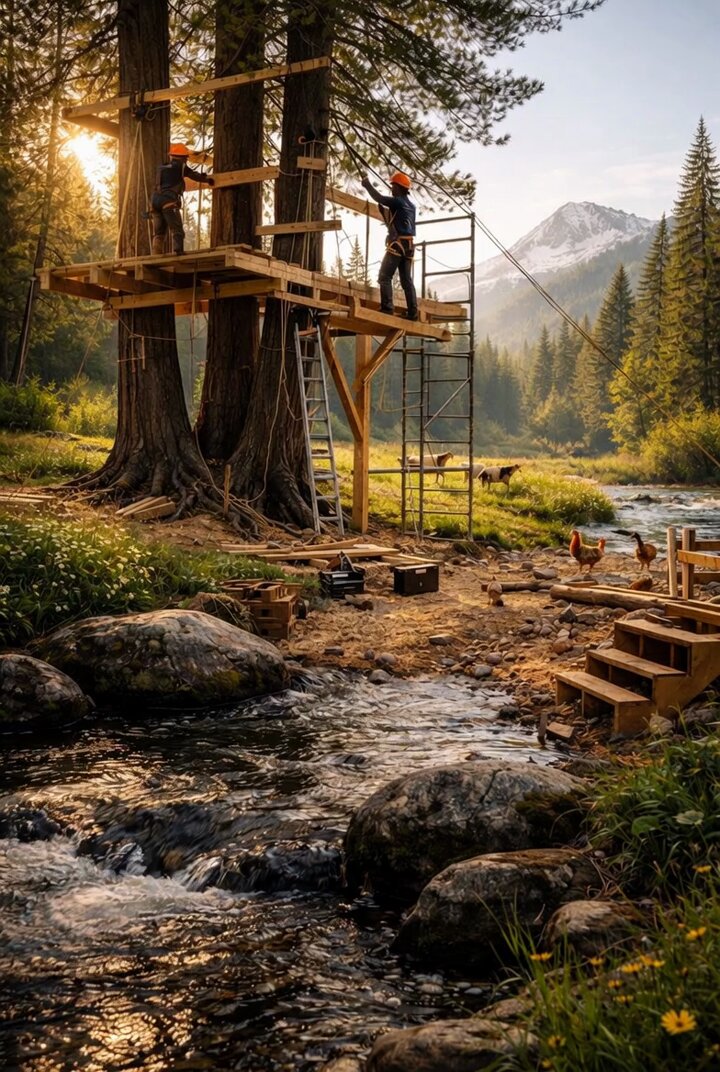
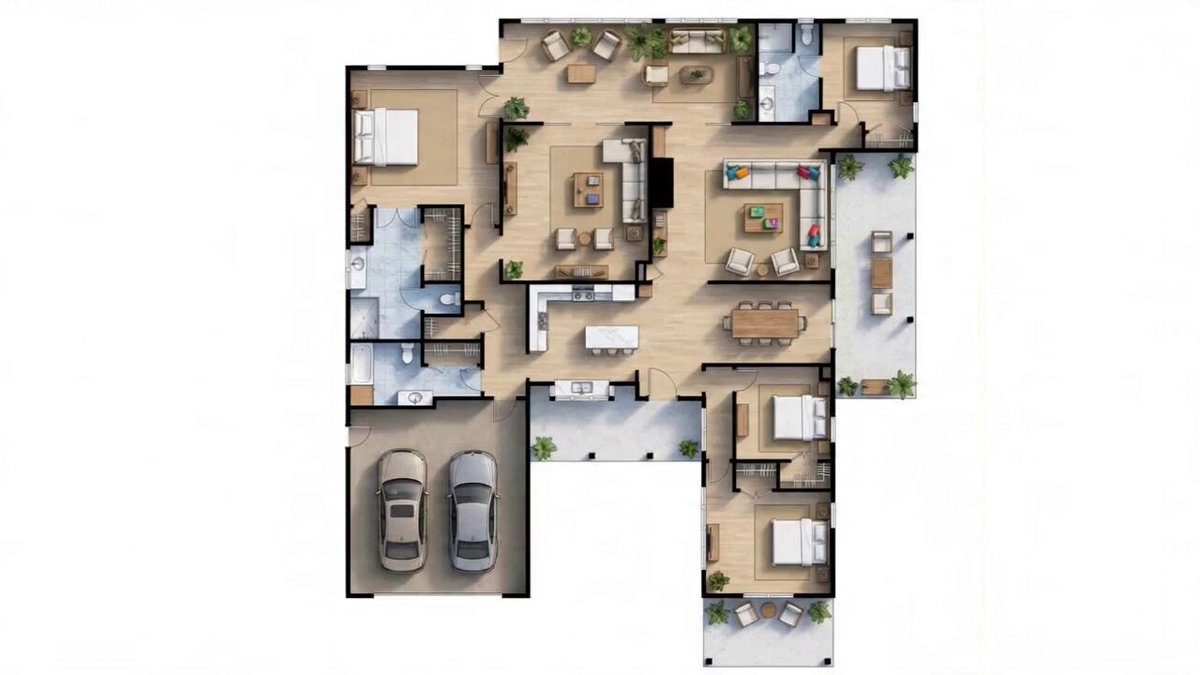
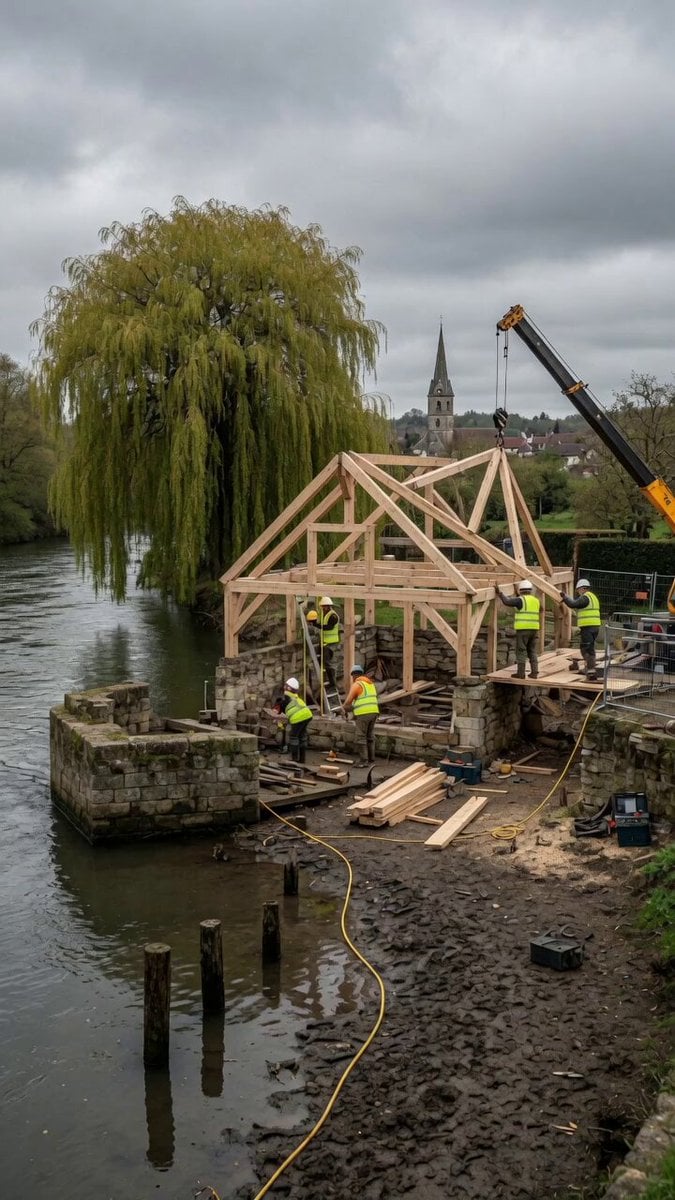
A cinematic 15 second time lapse video of a house being built from an empty plot. The scene begins with a clear, vacant land under daylight. Construction starts quickly: workers arrive, laying the foundation with concrete and steel. The structure rises rapidly walls form, bricks are placed, and scaffolding appears. The roof is installed, followed by windows and doors. Exterior finishing and painting happen smoothly. The surrounding area becomes neat and landscaped. The final scene reveals a fully completed modern house standing beautifully on the plot. Smooth time-lapse transitions, dynamic camera movement, realistic construction details, bright natural lighting, high detail, 4K quality.
A cinematic 15 second time lapse video of a house being built from an empty plot. The scene begins with a clear, vacant land under daylight. Construction starts quickly: workers arrive, laying the foundation with concrete and steel. The structure rises rapidly walls form, bricks are placed, and scaffolding appears. The roof is installed, followed by windows and doors. Exterior finishing and painting happen smoothly. The surrounding area becomes neat and landscaped. The final scene reveals a fully completed modern house standing beautifully on the plot. Smooth time-lapse transitions, dynamic camera movement, realistic construction details, bright natural lighting, high detail, 4K quality.
Edit the prompt in the box under the preview — the template's model and format are already selected — and press Generate. Your version appears right on this page.
Yes. You can change the subject, setting, lighting, mood, format, and available model controls before creating your video.
Opening and editing this template is free. Generating uses credits, shown on the Generate button when you are signed in.
Start with Seedance 2.0, which is the model associated with this template. You can compare another compatible model for a different finish.
Follow a topic to a crawlable collection of related PicX Studio templates.