
Volcanic Web Escape
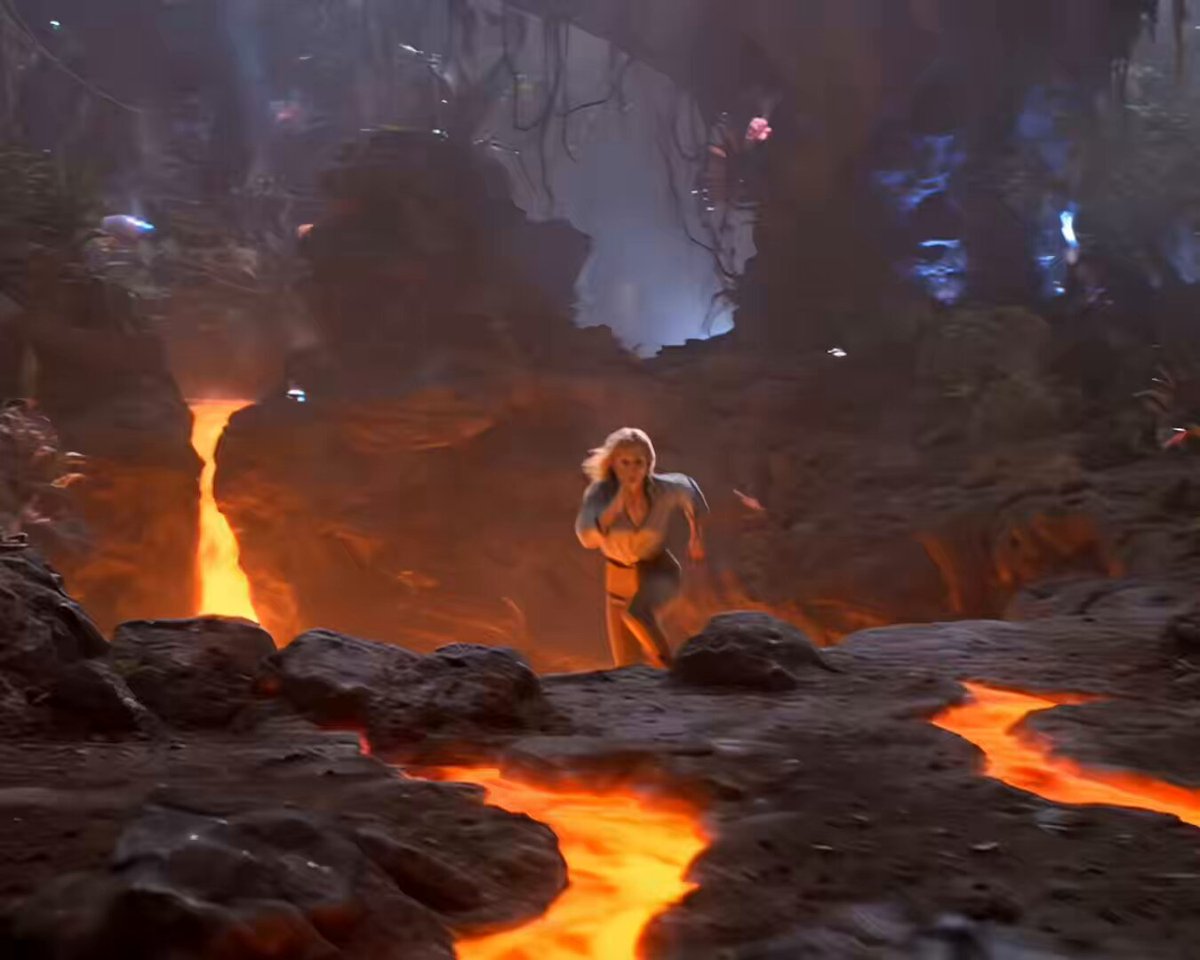
A cinematic action sequence prompt featuring a rugged explorer escaping a giant spider creature on a volcanic alien island.
- Prompt included
- Model and format preset
- Free template
The prompt behind this video
Copy the exact prompt behind Volcanic Web Escape, or open it in the studio and make it yours.
“Volcanic Web Escape” (15s, 5 Shots)\n\nHigh action, chaotic sequence on an alien volcanic jungle island, shot on 35mm with heat shimmer, drifting ash, bioluminescent plants, and glowing lava fissures. Terrain is uneven, with hanging vine-like structures and deep vents emitting orange light. Sound: heavy breathing, crackling lava, alien screeches.\n\n⸻\n\nShot 1 (0–3s):\nA woman (mid-20s, athletic, rugged explorer gear) sprints across jagged terrain, leaping over glowing cracks where lava pulses beneath. Behind her, something skitters rapidly through the environment—unseen but close.\n\n⸻\n\nShot 2 (3–6s):\nSuddenly—she’s yanked violently upward by a thick, elastic web strand. She spins mid-air, suspended above the ground.\n\nBelow, a massive spider-like creature emerges—long limbs, fast, climbing toward her.\n\n⸻\n\nShot 3 (6–9s):\nHanging upside-down, she pulls a blade and cuts one web strand. She swings sideways in a wide arc, gaining momentum.\nThe creature lunges upward—just misses her.\n\n⸻\n\nShot 4 (9–12s):\nShe kicks off a nearby rock/tree structure, redirecting her swing and dropping to the ground. She lands, rolls, instantly back on her feet.\nBehind her—the creature crashes down, immediately chasing again.\n\nShe runs toward a large glowing lava vent ahead.
How to use Volcanic Web Escape in 3 steps
- 1
Open
The prompt is already in the box next to the preview, with the template's model and format selected.
- 2…a portrait of your subject in softgolden-hour light, 85mm…
Personalize
Edit the subject and creative details for your destination.
- 3Generate
Generate
Press Generate — your video is created in PicX Studio, so you can compare it with the original and refine one variable at a time.
More like this
Templates with the same subject, style or setup. Open one to see its prompt.
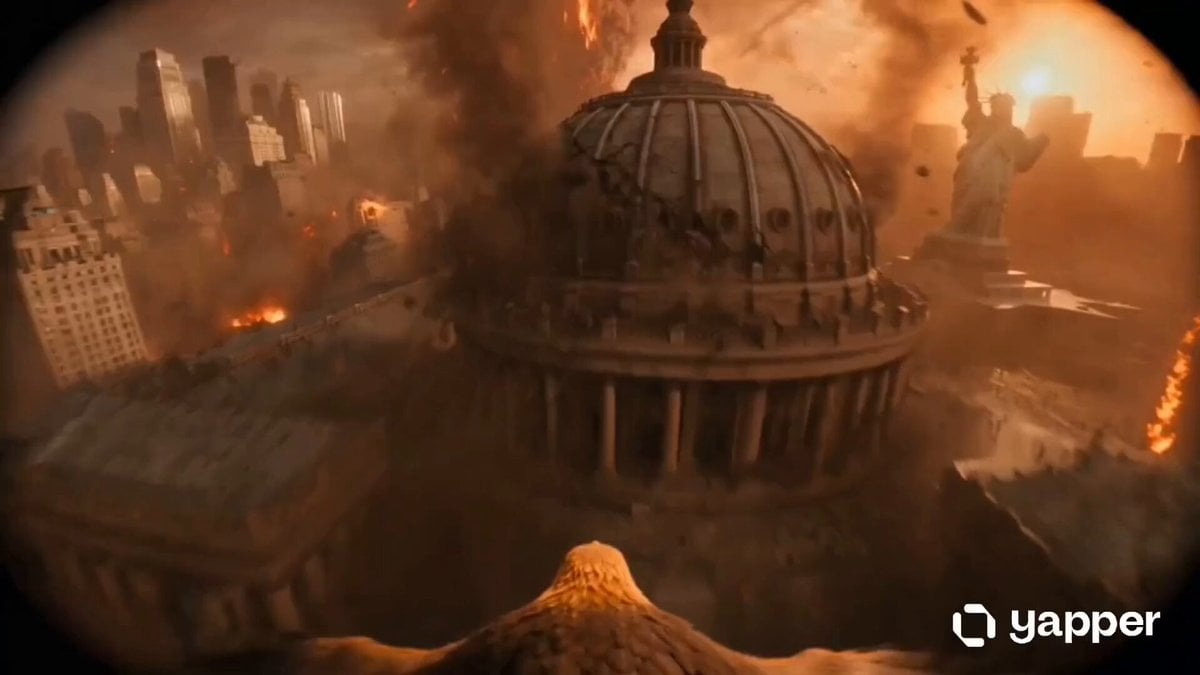
Golden Eagle Escape from Volcanic New York
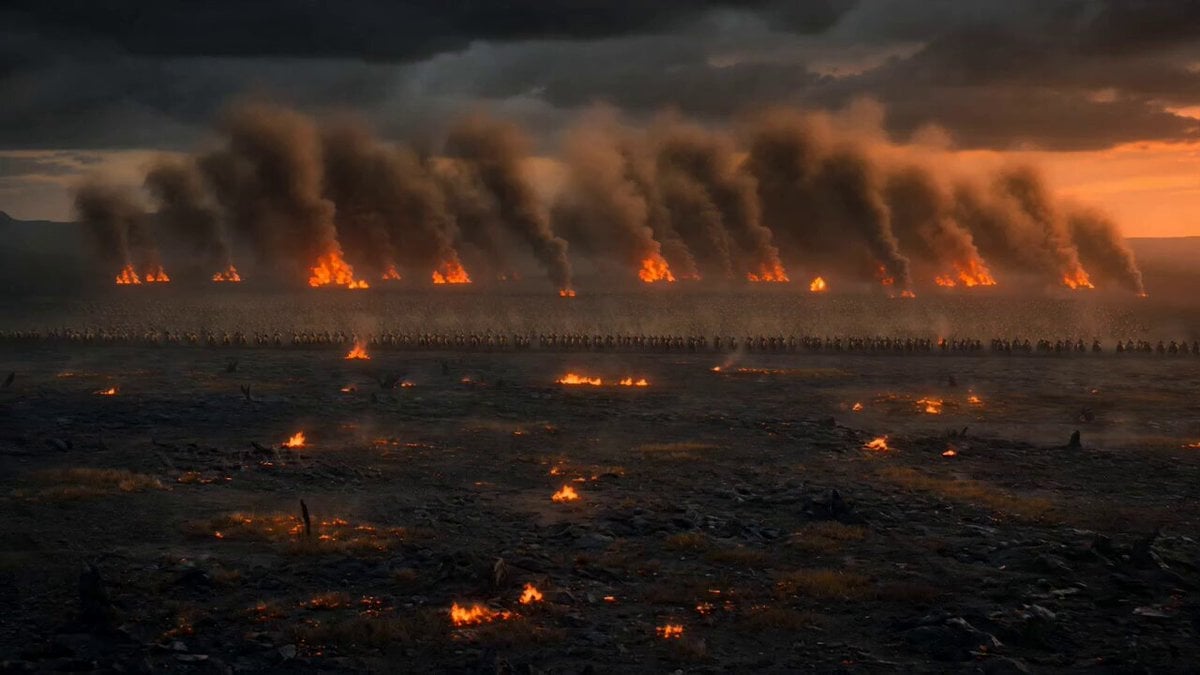
Dark Fantasy Volcanic War Sequence

Mutant Demon Insect Web
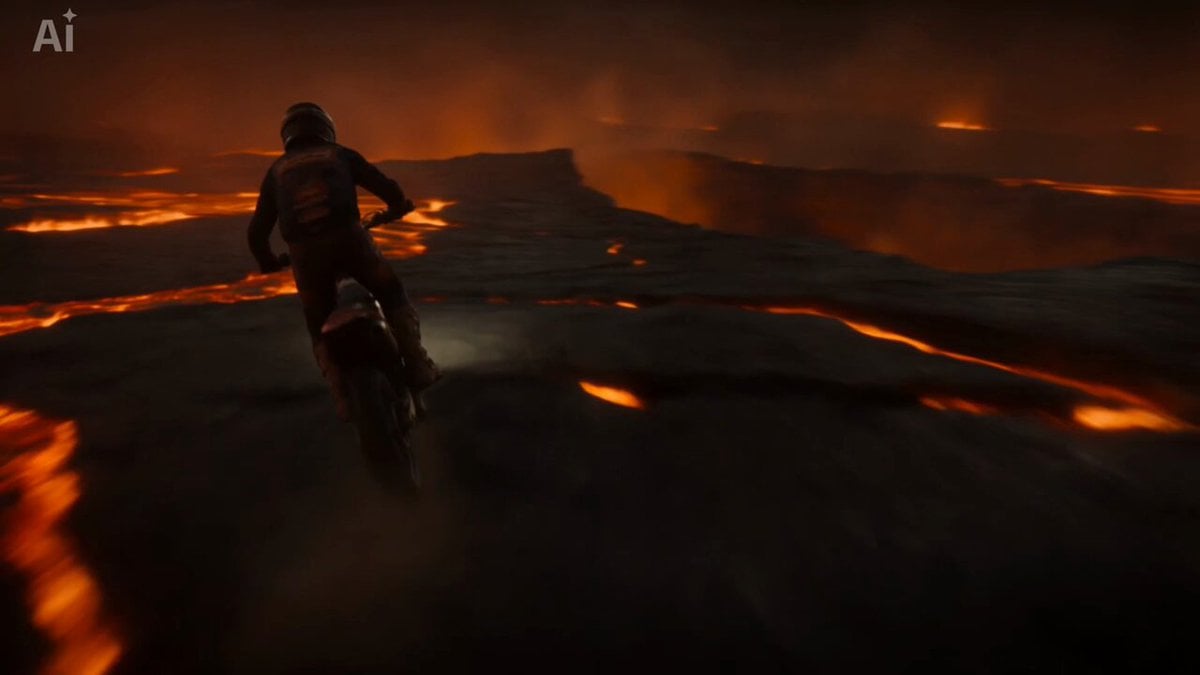
Volcanic Motocross Lava Jump
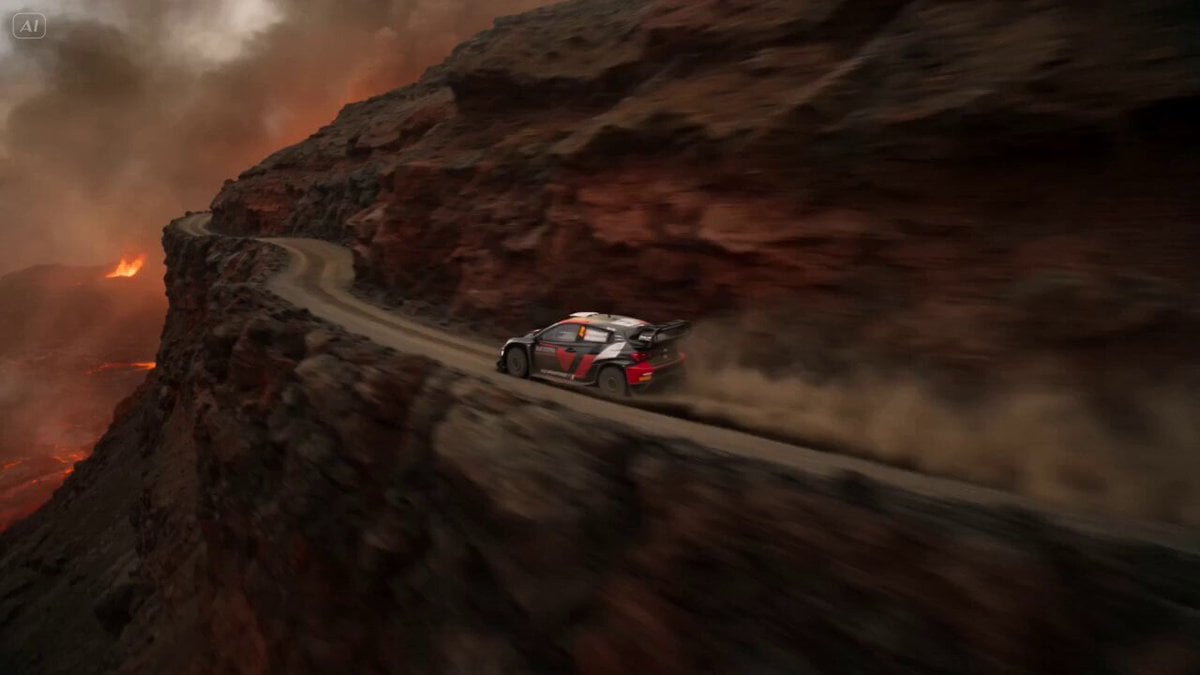
Volcanic Rally Stunt Ejection
Armored Dinosaur Volcanic Jungle
Volcanic Dragon Transformation Sequence
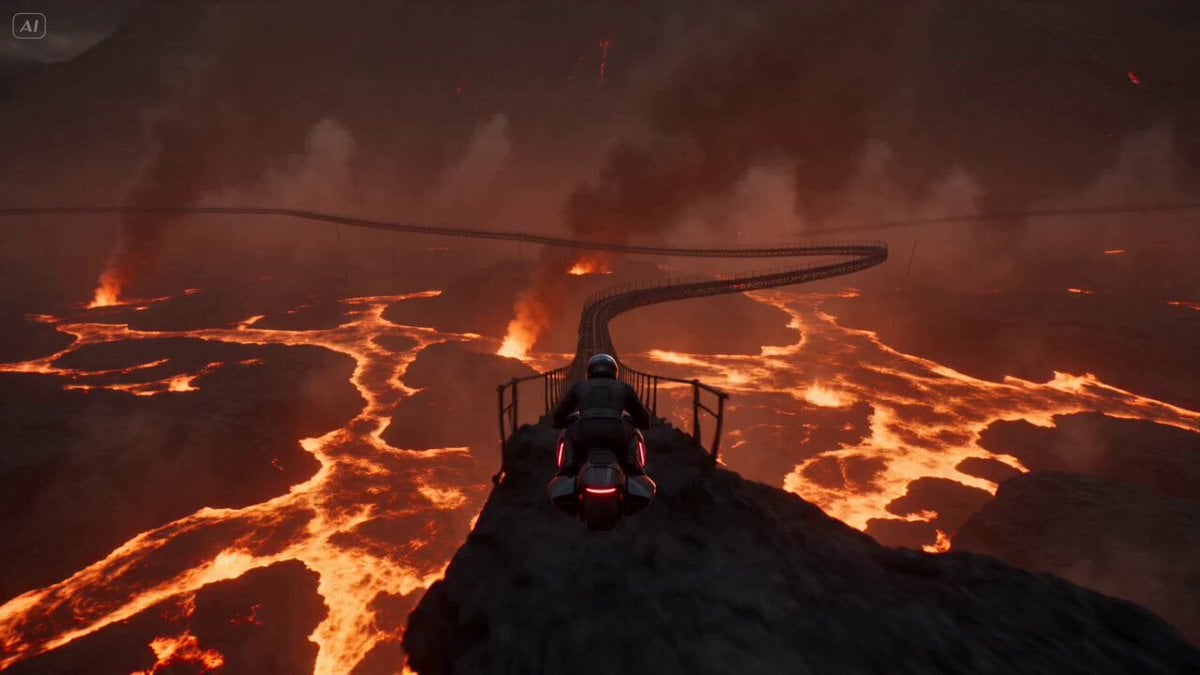
Volcanic Rail Rider Action Sequence
Volcanic Canyon Titan Awakening
Volcanic Island Skateboard Championship
Volcanic Observatory Cinematic Disaster
Volcanic Paradise Video Prompt for Grok Imagine
Make it yours
Volcanic Web Escape works as-is. These are the safest ways to change it without losing the look.
Change one field
Copy a single group, rewrite it, and generate again so you can see what that field is doing.
Keep the frame, change the subject
Hold the composition and light of Volcanic Web Escape, then swap wardrobe, props or the person for a new take.
| If the result… | Why | Fix |
|---|---|---|
| The result drifts from the preview | Too many fields changed at once. | Reuse Volcanic Web Escape as-is first, then change one group — subject, light, or setting. |
| The model over-stylizes the scene | The prose prompt leaves finish and camera underspecified. | Add one camera or lighting sentence and stay on Seedance 2.0. |
More Seedance 2.0 templates
Other prompts made for Seedance 2.0.

Comical Martial Arts Punch Scene

Maglev Train Action Sequence

Martial Arts Fight Sequence

Wuxia Protection and Trust Script

Vintage Korean Arcade MiniDV Vlog

Mercedes 190 SL Luxury Ad

Rainy Night Supernatural Reverse Comedy Video Script

Amazon Civilization Discovery

Futuristic South Asian City Transformation

Cozy Luxury Cafe Commercial
More video prompts
Fresh picks from across the catalog.
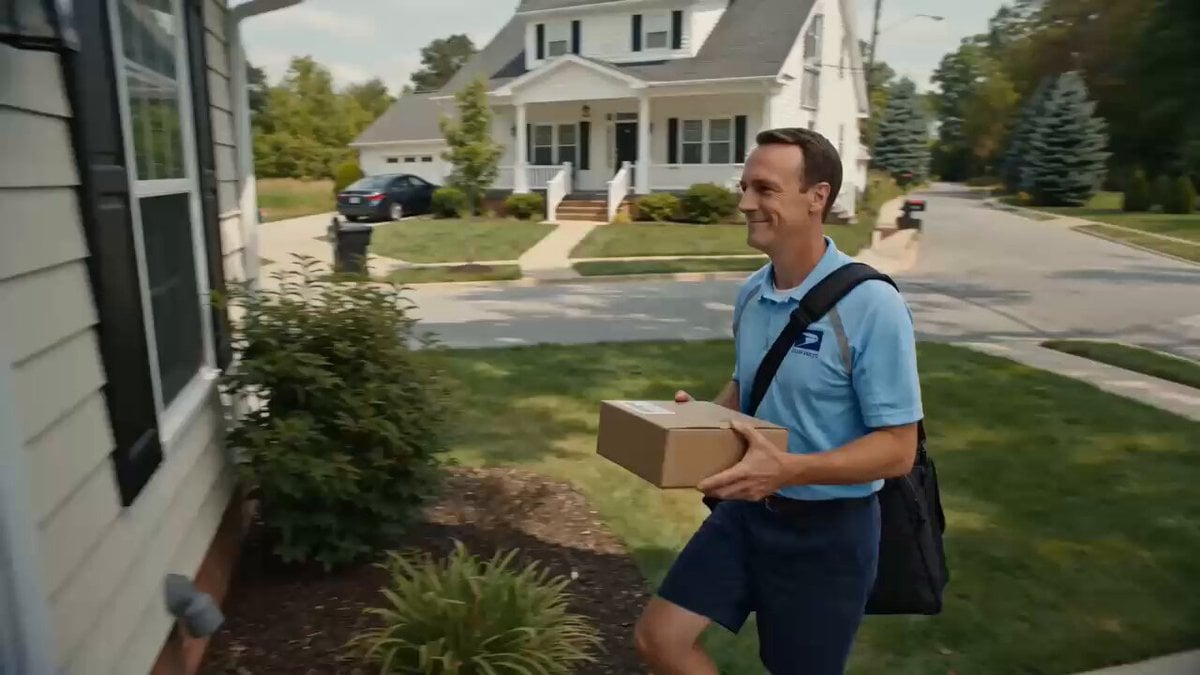
Superhuman Speed Delivery Man Cinematic Sequence

Ultra elegant underwater princess in Art Nouveau palace
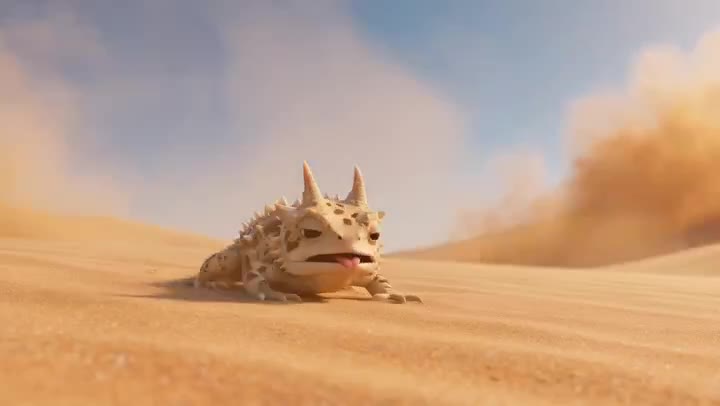
Desert Horned Lizard Grapefruit Ad
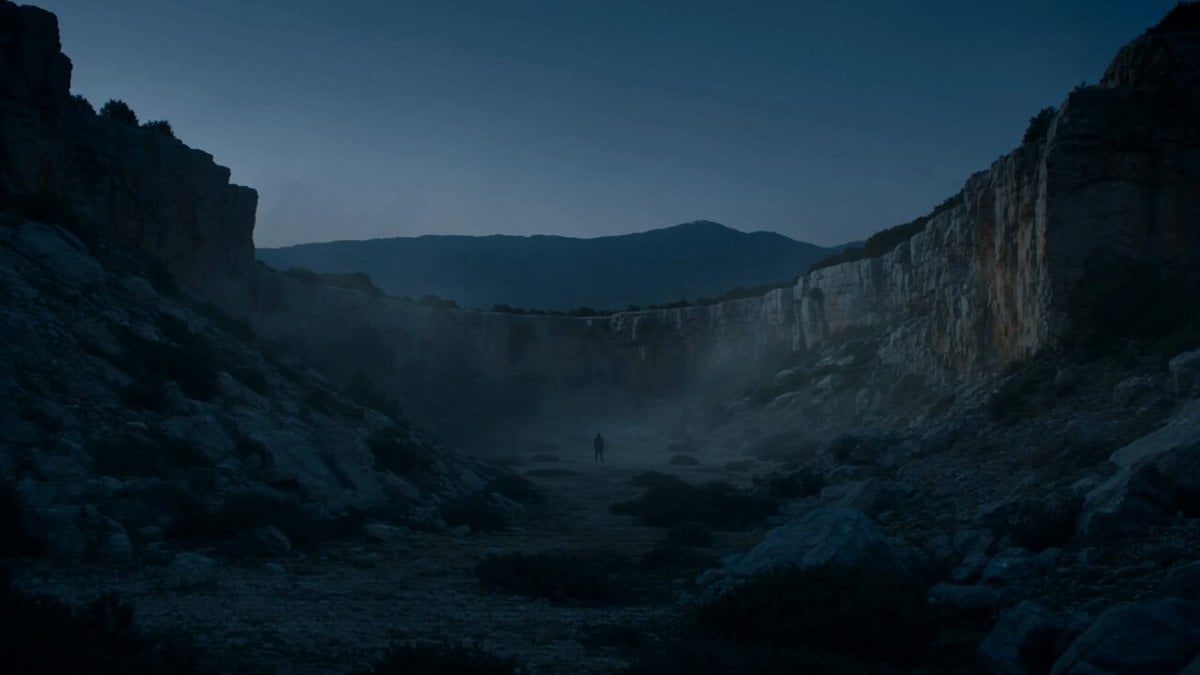
Epic Mountain Dragon Sequence

Grok Imagine prompt for Giant Baby Clown Villain Dancing
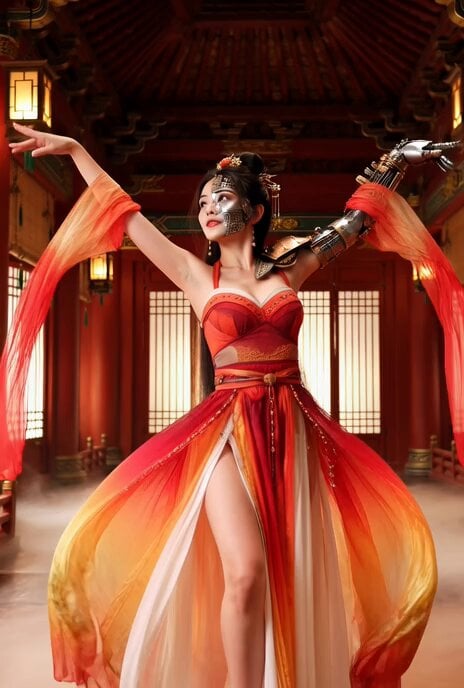
Better Version: Half-Cyberpunk Chinese Dancer in Classical Palace

Reality vs Graffiti Interaction
Seaside Sunrise Jogging Cinematic
Cyberpunk Assassin CGI Scene
Seedance 2.0 Video Prompt: Skincare Product Ad (Scene 1)
Browse template categories
Volcanic Web Escape questions
How do I use the Volcanic Web Escape template?
Add your photo if the template asks for one, edit the prompt if you like — the template's model and format are already selected — and press Generate. Your version opens in PicX Studio.
Can I customize the Volcanic Web Escape template?
Yes. You can change the subject, setting, lighting, mood, format, and available model controls before creating your video.
Is the Volcanic Web Escape template free?
Opening and editing this template is free. Generating uses credits, shown on the Generate button when you are signed in.
Which AI model should I use?
Start with Seedance 2.0, which is the model associated with this template. You can compare another compatible model for a different finish.
Looking for something else? Browse all templates.

Your photo, any look
Thousands of ready templates for every top image and video model, from one credit balance.