
Reality vs Graffiti Interaction
A creative prompt featuring a real person interacting with a matching exaggerated graffiti version of themselves on a white wall.

- Prompt included
- Model and format preset
- Premium template
The prompt behind this video
Copy the exact prompt behind Reality vs Graffiti Interaction, or open it in the studio and make it yours.
生成一条 10 秒、9:16 竖屏、固定机位、一镜到底的写实混合媒介短视频。\n\n主体:20 岁年轻东亚女性,长头发,白色运动背心,牛仔裤,红色高跟鞋,保持人物一致性\n\n场景:一面白墙,白墙上有一个和女主同款的二维黑白涂鸦,表情姿势非常夸张搞怪
How to use Reality vs Graffiti Interaction in 3 steps
- 1
Open
The prompt is already in the box next to the preview, with the template's model and format selected.
- 2…a portrait of your subject in softgolden-hour light, 85mm…
Personalize
Edit the subject and creative details for your destination.
- 3Generate
Generate
Press Generate — your video is created in PicX Studio, so you can compare it with the original and refine one variable at a time.
More like this
Templates with the same subject, style or setup. Open one to see its prompt.
Emotional Breakdown and Fabric Interaction - Seedance 2.5
Romance Reality Show Confession
Mixed-Reality Stop-Motion Transformation
Reality TV Water Obstacle Competition
Nighttime Anime Graffiti Tunnel Scene
Mixed Reality Anime Sticker Cooking
Haunted Painting Reality Window
Cyborg Graffiti Artist Scene
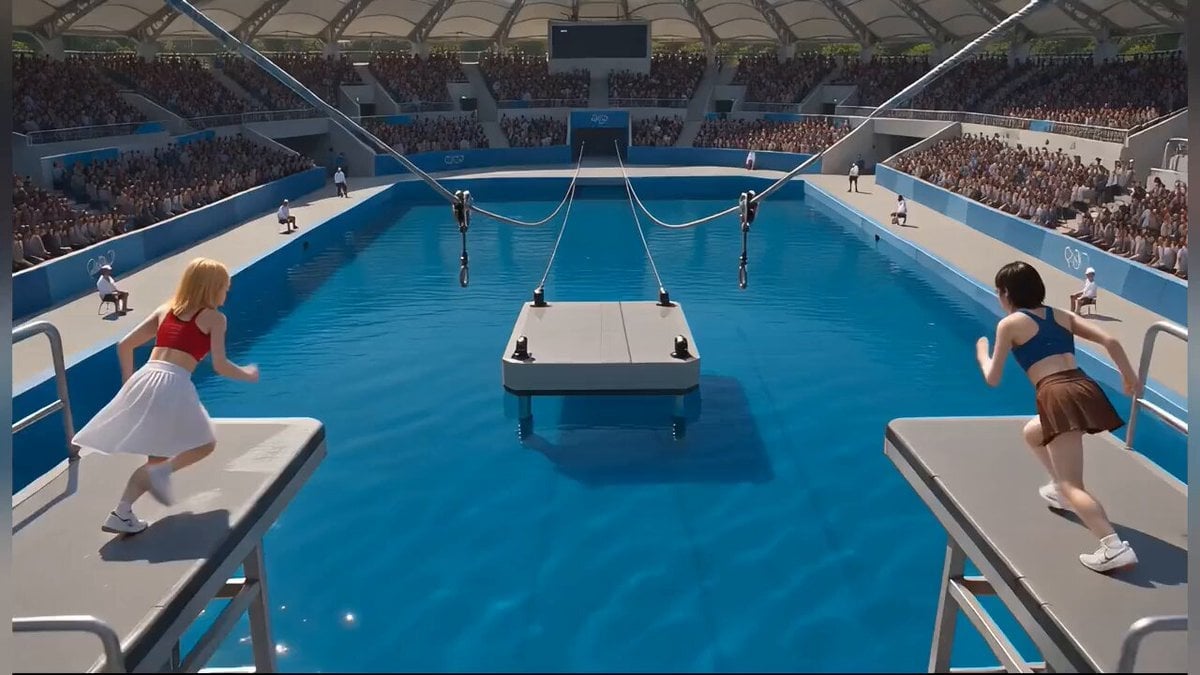
Photorealistic Water Reality Show Action
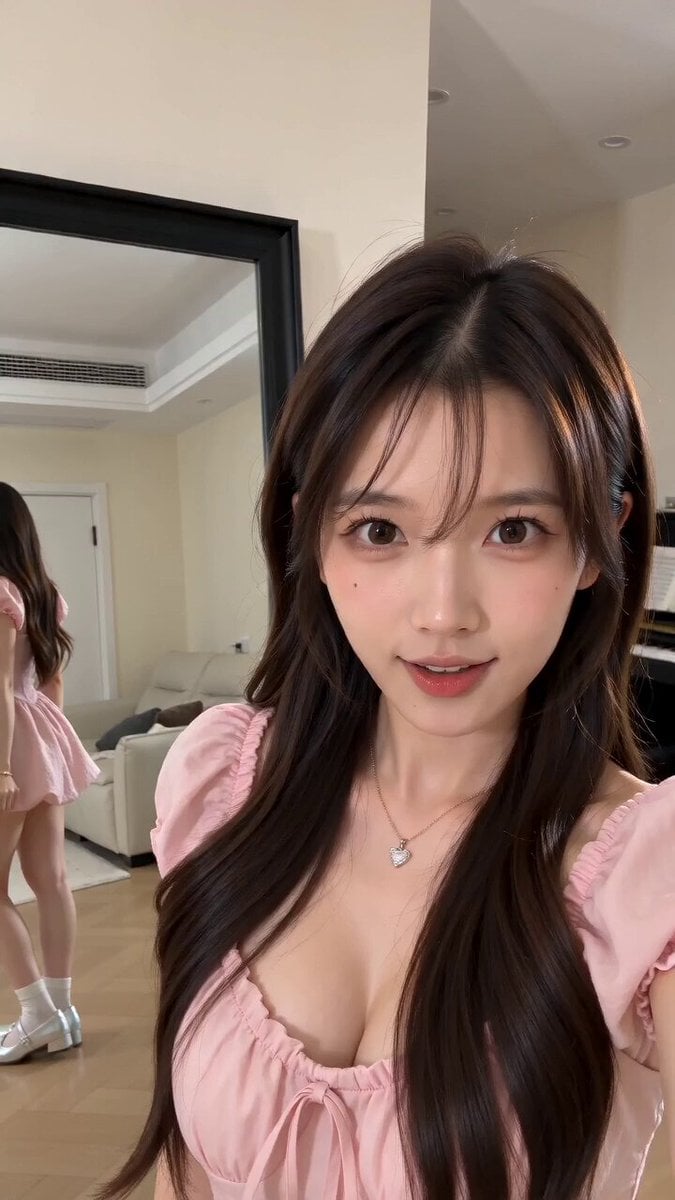
Mixed Reality Home Vlog Animation
Reality-Shattering Glitch Metamorphosis
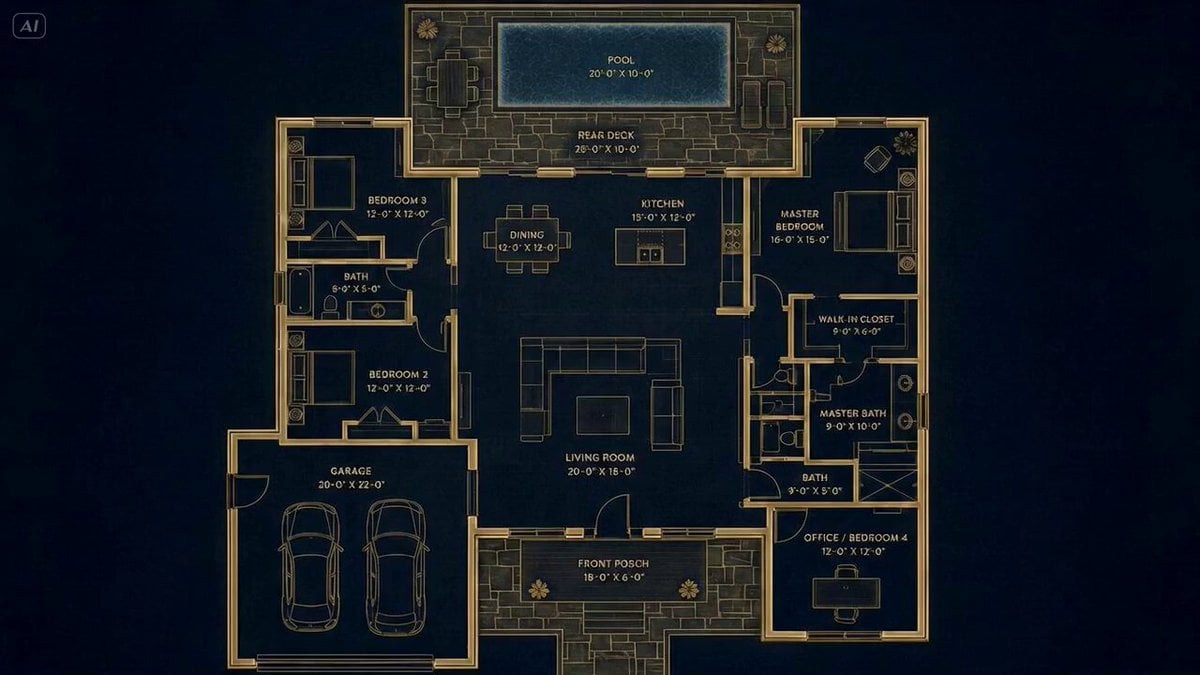
Architectural Blueprint to Reality Transformation
Make it yours
Reality vs Graffiti Interaction works as-is. These are the safest ways to change it without losing the look.
Change one field
Copy a single group, rewrite it, and generate again so you can see what that field is doing.
Keep the frame, change the subject
Hold the composition and light of Reality vs Graffiti Interaction, then swap wardrobe, props or the person for a new take.
| If the result… | Why | Fix |
|---|---|---|
| The result drifts from the preview | Too many fields changed at once. | Reuse Reality vs Graffiti Interaction as-is first, then change one group — subject, light, or setting. |
| The model over-stylizes the scene | The prose prompt leaves finish and camera underspecified. | Add one camera or lighting sentence and stay on Seedance 2.0. |
More Seedance 2.0 templates
Other prompts made for Seedance 2.0.

Comical Martial Arts Punch Scene

Maglev Train Action Sequence

Martial Arts Fight Sequence

Wuxia Protection and Trust Script

Vintage Korean Arcade MiniDV Vlog

Mercedes 190 SL Luxury Ad

Rainy Night Supernatural Reverse Comedy Video Script

Amazon Civilization Discovery

Futuristic South Asian City Transformation

Cozy Luxury Cafe Commercial
More video prompts
Fresh picks from across the catalog.
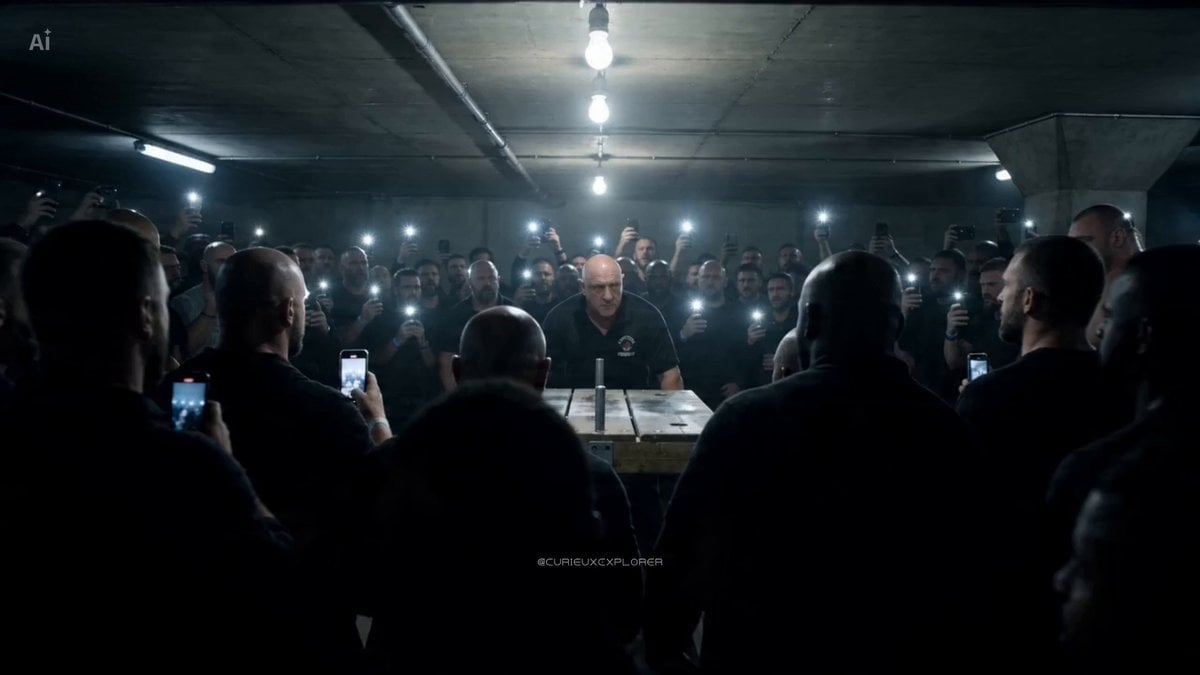
Scientific Storytelling Video on Honeybee Venom and Cancer
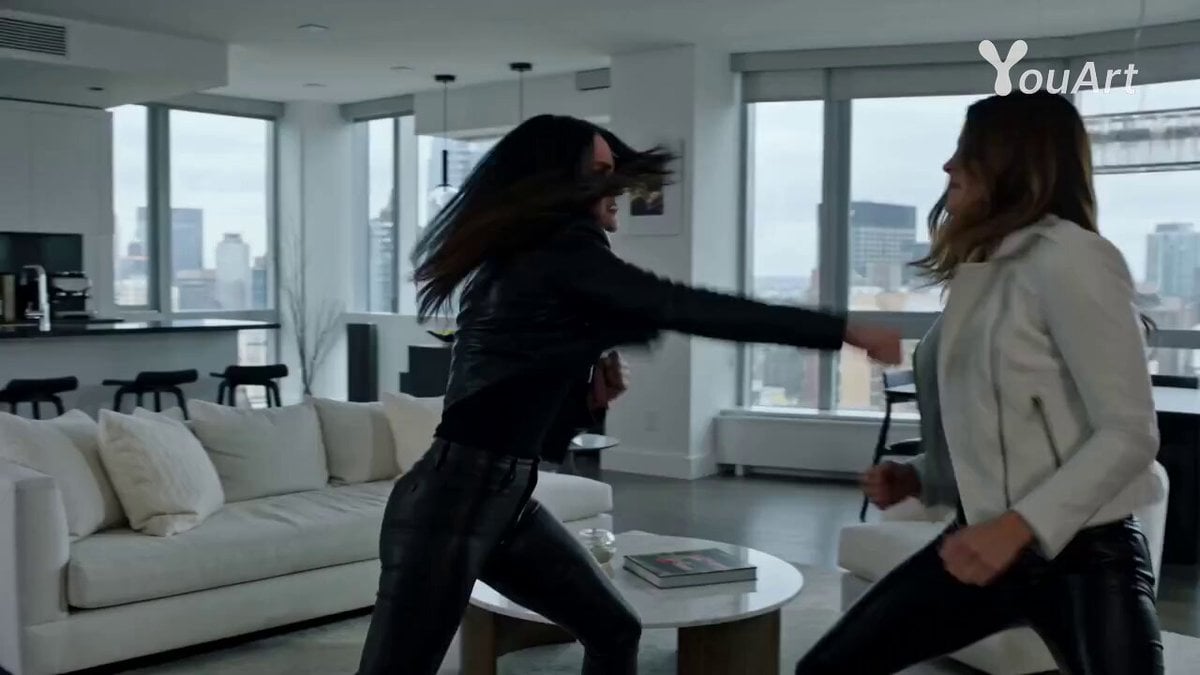
Epstein Files Fight Scene Prompt
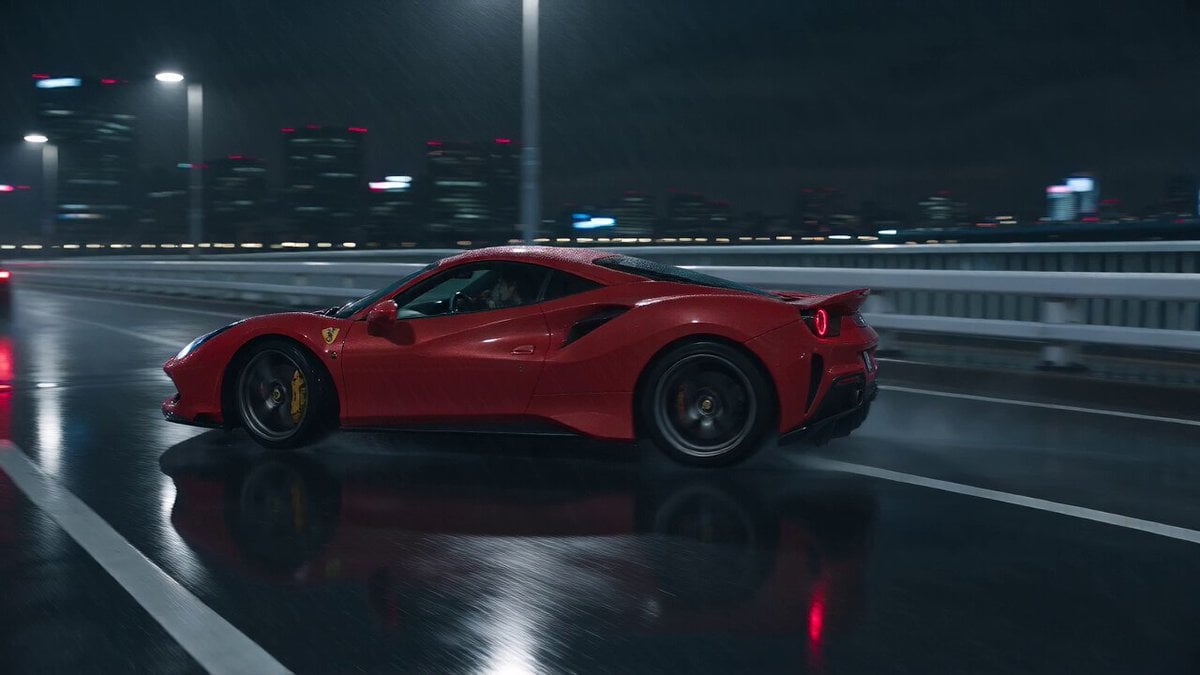
Cyberpunk Tokyo Rainy Car Chase
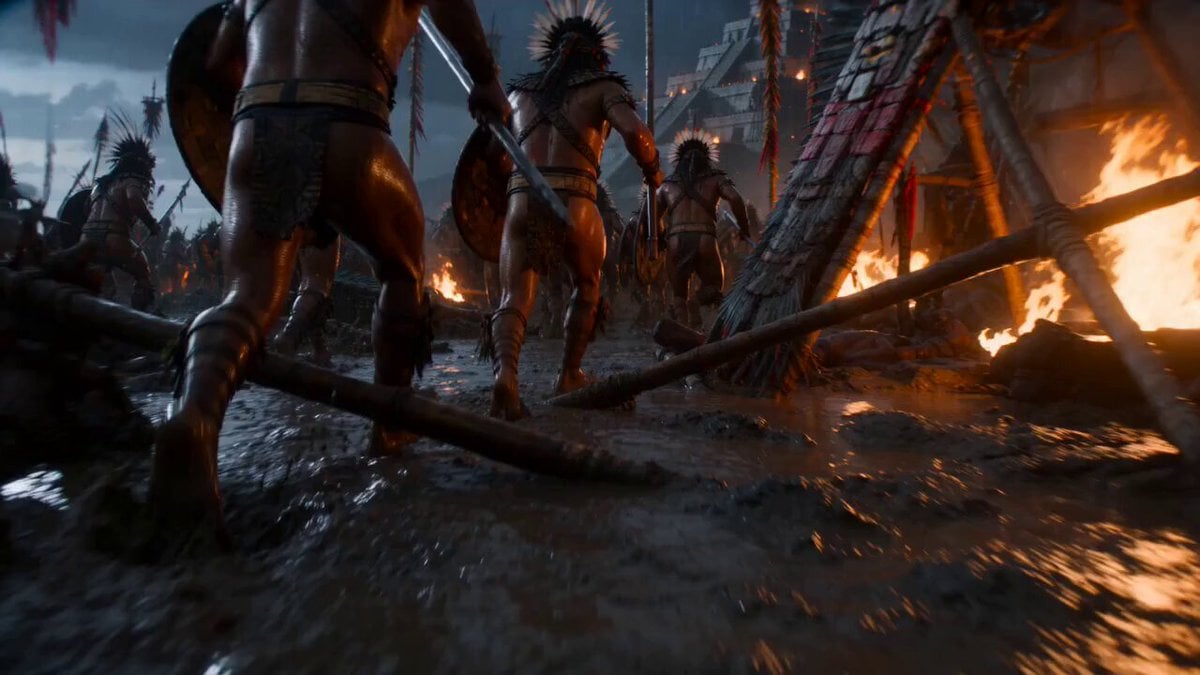
Cinematic War Rhythm Video Prompt
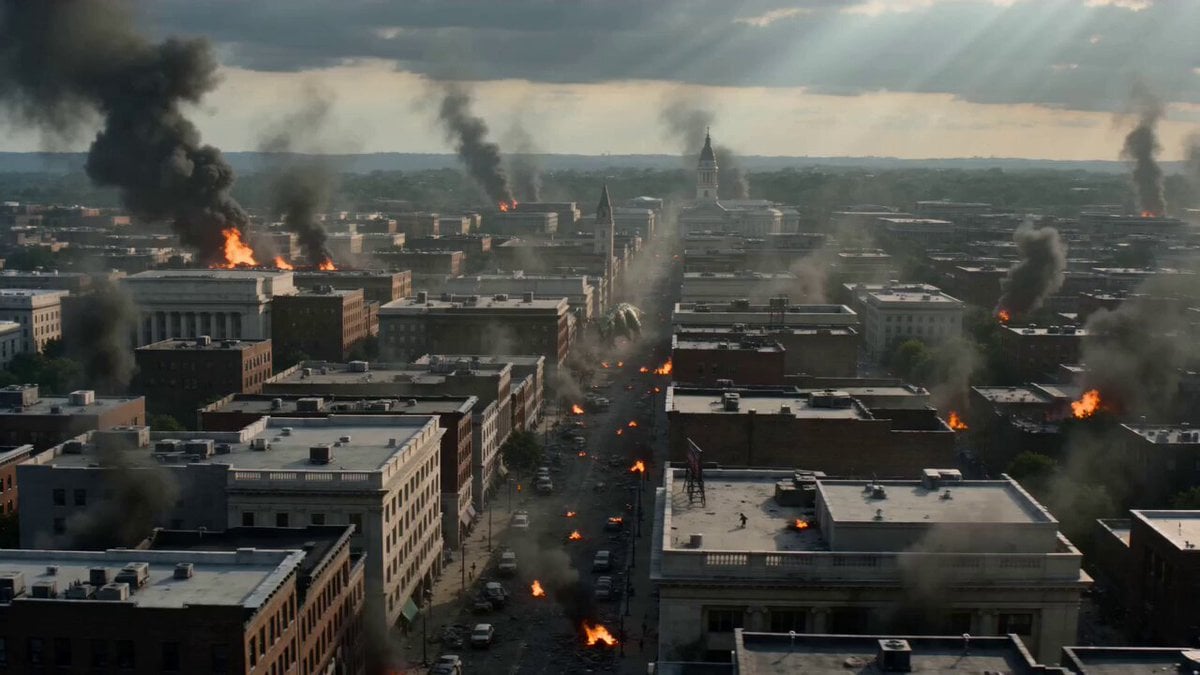
Dinosaur War Military Jets
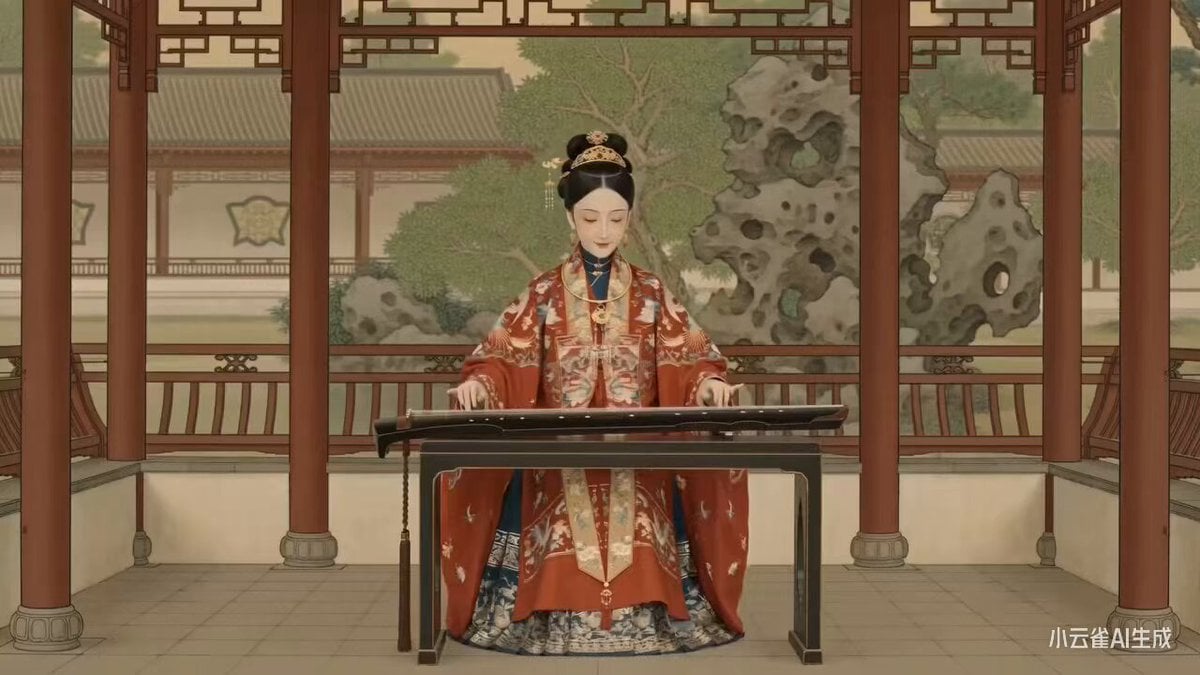
Seedance 2.0 Ming Dynasty Painting Revival Prompt
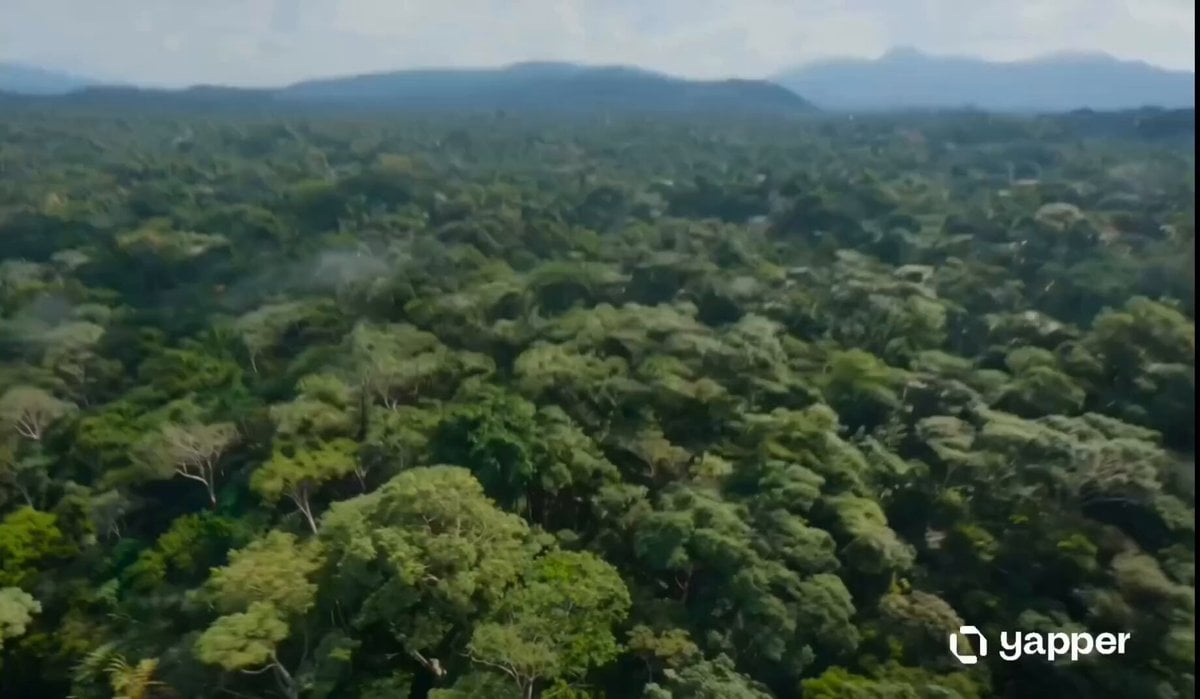
Amazon Jungle Insectoid Drone Flight

Skytree Railgun Transformation Video Prompt for Seedance 2.0
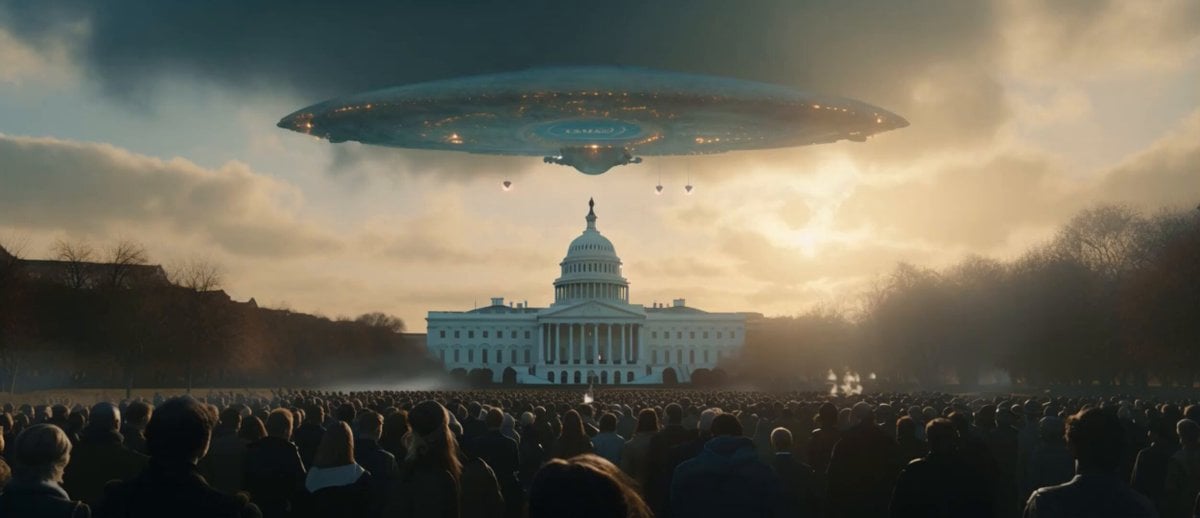
Sci-Fi Disaster Movie Scene - Seedance 2.5

World Cup Football Fan Meme
Browse template categories
Reality vs Graffiti Interaction questions
How do I use the Reality vs Graffiti Interaction template?
Add your photo if the template asks for one, edit the prompt if you like — the template's model and format are already selected — and press Generate. Your version opens in PicX Studio.
Can I customize the Reality vs Graffiti Interaction template?
Yes. You can change the subject, setting, lighting, mood, format, and available model controls before creating your video.
Is the Reality vs Graffiti Interaction template free?
Opening and editing this template is free. Generating uses credits, shown on the Generate button when you are signed in.
Which AI model should I use?
Start with Seedance 2.0, which is the model associated with this template. You can compare another compatible model for a different finish.
Looking for something else? Browse all templates.

Your photo, any look
Thousands of ready templates for every top image and video model, from one credit balance.