How do I use the Mixed Reality Home Vlog Animation template?
Edit the prompt in the box under the preview — the template's model and format are already selected — and press Generate. Your version appears right on this page.
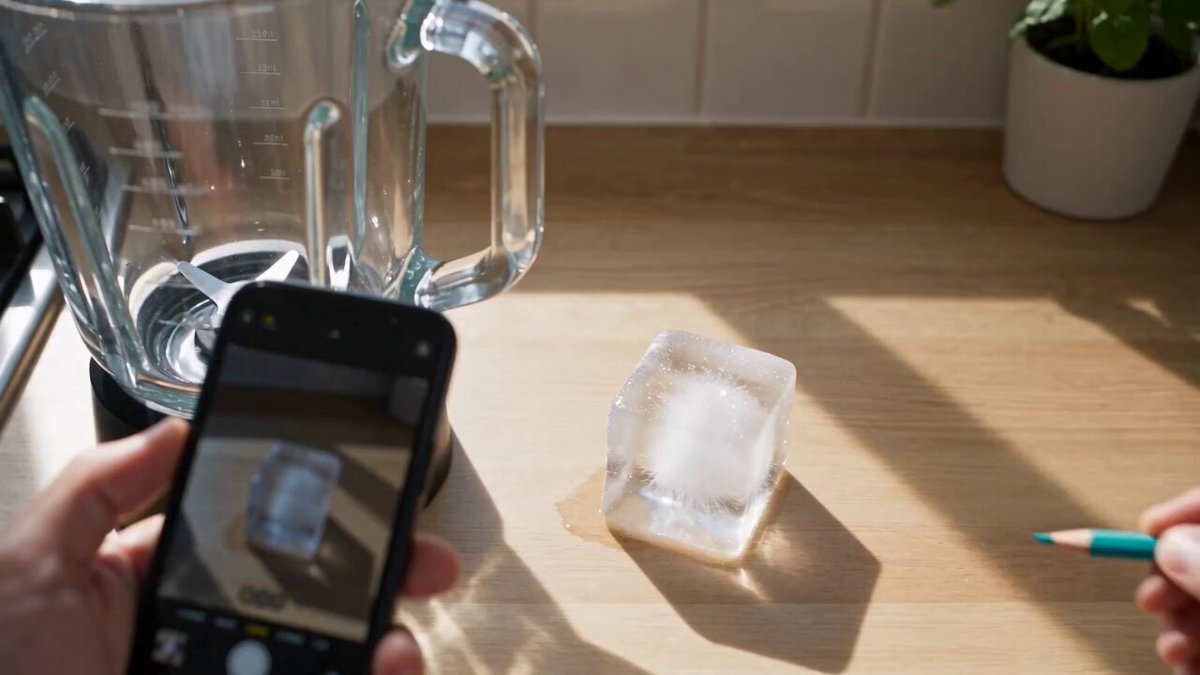
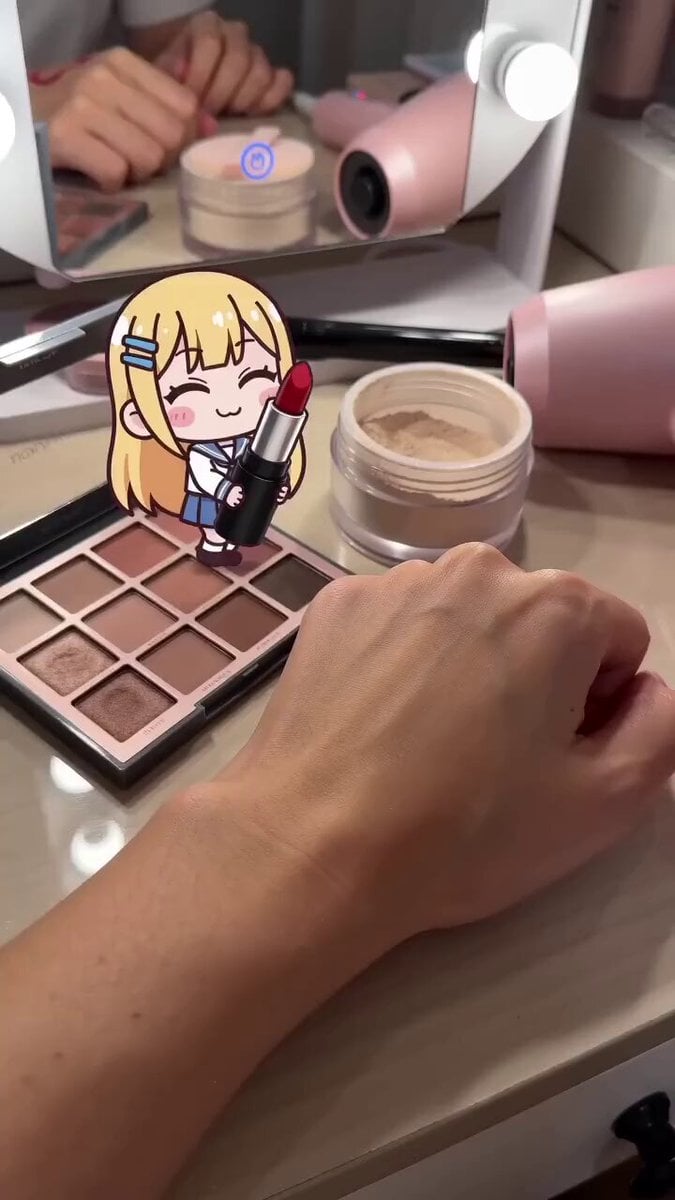
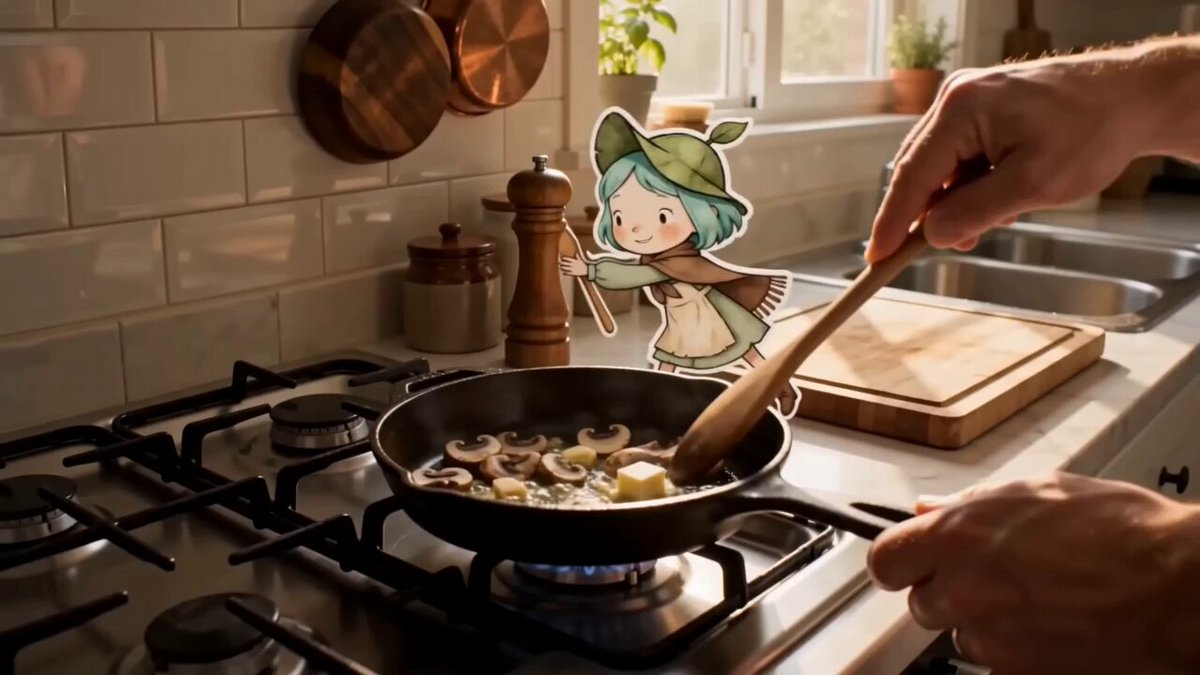
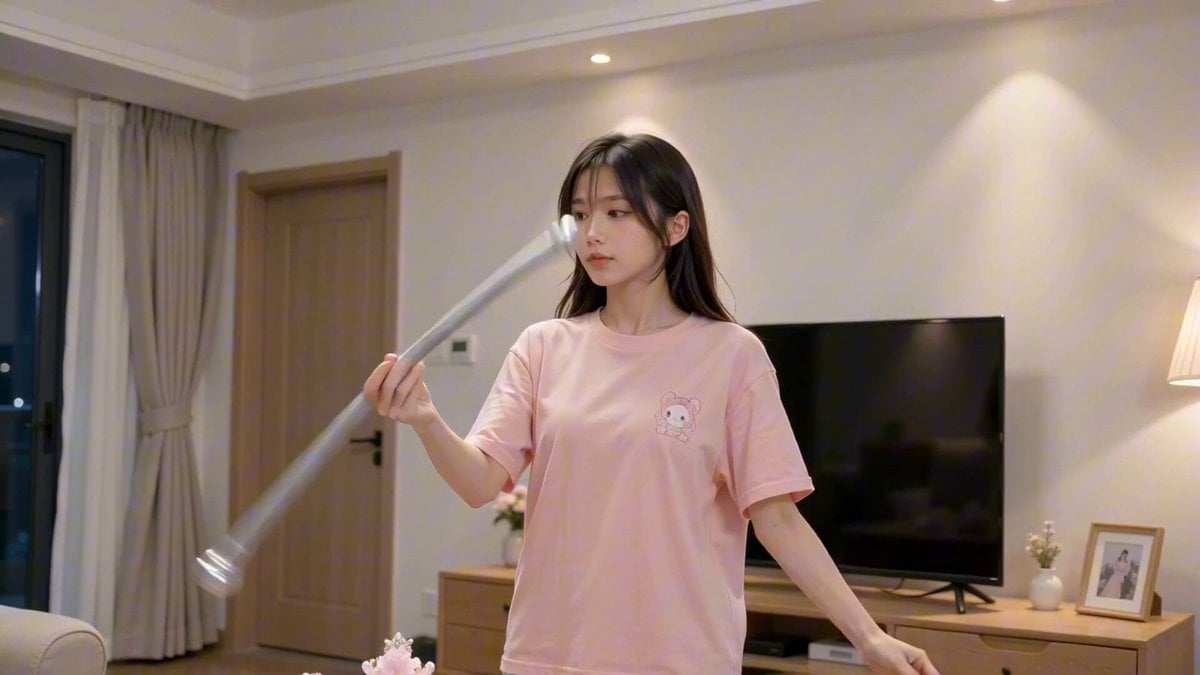
A complex creative prompt for Seedance 2.0 Mini that blends realistic home vlog footage with a 2D hand-drawn animation reflecting in a mirror, featuring identity reversals and outfit swaps.
【风格】真人+二维手绘混合创意短视频(Live-Action × 2D Hand-drawn Animation),竖屏9:16,真实家居实拍质感(Photorealistic Home Vlog)+ 镜中倒影为扁平赛璐璐手绘动画(Flat Cel-Shading, Clean Linework),俏皮反转,8K超清\n【时长】12秒\n【场景】明亮的现代家居客厅:浅木地板、奶白墙面,墙边立一面黑色粗框全身穿衣镜,镜旁挂一顶草帽,背景有矮柜和钢琴一角,柔和室内自然光\n【角色】主角@图片1(严格保持参考图容貌、发型与粉色连衣裙高跟鞋造型);镜中倒影为同一主角的二维手绘动画版:同脸型同发型同穿搭,扁平色块+干净线稿,动作与真人镜像同步但带轻微卡通夸张(肢体弹性、幅度放大10%)\n【规则】真人始终在镜子外的现实空间,倒影始终是手绘动画;两次身份反转时空间互换但风格规则不变;换装在节拍瞬间完成,镜内外同步换装\n\n[00:00-00:01] 镜头1:开场钩子(Hook Close-up)\n近景:主角@图片1对镜头露出狡黠一笑,侧身指向身后的穿衣镜;快速甩镜(Whip Pan)转到镜子正面。\n\n[00:01-00:04] 镜头2:镜前共舞(Mirror Duet)\n中景固定机位,画面同时容纳真人侧背影与镜面:主角穿参考图粉色连衣裙对镜起舞——指镜、侧踢、转身、摸头发卡点动作。\n镜中倒影是二维手绘版的她,同款粉裙,动作镜像同步,但每个动作末尾带一点Q弹的卡通余摆,脚下白袜配的是手绘平底鞋。\n音效:轻快流行舞曲起,鼓点与每个动作卡点。\n\n[00:04-00:05.5] 镜头3:反转一·走出镜子(Role Swap)\n节拍重音上:手绘女孩单脚迈出镜框站到现实房间前景,线稿风格保持不变,与实拍地板形成风格反差;同一瞬间真人主角出现在镜子里面,扶着镜框探头张望,一脸惊讶。\n音效:重音"咚"+俏皮"啵"的出框音。\n\n[00:05.5-00:08] 镜头4:换装二·灰调街头(Outfit Swap 2)\n再次重音,两人瞬间互回原位并同步换装:主角换灰色短款卫衣+灰色迷你裙+运动鞋(脸 and 发型不变),高马尾。\n真人与手绘倒影继续镜前共舞:扭胯、交叉步、抬膝,卡通版动作幅度更夸张,裙摆甩出弹性弧线。\n音效:节拍延续,换装瞬间配"唰"声。\n\n[00:08-00:11] 镜头5:换装三·奶油裙(Outfit Swap 3)\n第三次重音换装:淡黄色泡泡袖蓬蓬连衣裙+棕色短靴,双马尾。\n两人隔着镜面对拍呼应:真人叉腰摆胯,手绘版单脚跳配夸张笑脸;最后一拍两人同时定格同一姿势。\n音效:节拍推向最高点。\n\n[00:11-00:12] 镜头6:卡通收尾(2D Ending)\n手绘女孩再次跨出镜框、大步走近镜头占据前景半个画面,对镜头做一个俏皮的"嘘"手势并眨眼;背景镜子里真人主角笑着摆手。\n画面戛然定格收尾,不淡出。\n音效:音乐急停+一声手绘风"叮"。
【风格】真人+二维手绘混合创意短视频(Live-Action × 2D Hand-drawn Animation),竖屏9:16,真实家居实拍质感(Photorealistic Home Vlog)+ 镜中倒影为扁平赛璐璐手绘动画(Flat Cel-Shading, Clean Linework),俏皮反转,8K超清\n【时长】12秒\n【场景】明亮的现代家居客厅:浅木地板、奶白墙面,墙边立一面黑色粗框全身穿衣镜,镜旁挂一顶草帽,背景有矮柜和钢琴一角,柔和室内自然光\n【角色】主角@图片1(严格保持参考图容貌、发型与粉色连衣裙高跟鞋造型);镜中倒影为同一主角的二维手绘动画版:同脸型同发型同穿搭,扁平色块+干净线稿,动作与真人镜像同步但带轻微卡通夸张(肢体弹性、幅度放大10%)\n【规则】真人始终在镜子外的现实空间,倒影始终是手绘动画;两次身份反转时空间互换但风格规则不变;换装在节拍瞬间完成,镜内外同步换装\n\n[00:00-00:01] 镜头1:开场钩子(Hook Close-up)\n近景:主角@图片1对镜头露出狡黠一笑,侧身指向身后的穿衣镜;快速甩镜(Whip Pan)转到镜子正面。\n\n[00:01-00:04] 镜头2:镜前共舞(Mirror Duet)\n中景固定机位,画面同时容纳真人侧背影与镜面:主角穿参考图粉色连衣裙对镜起舞——指镜、侧踢、转身、摸头发卡点动作。\n镜中倒影是二维手绘版的她,同款粉裙,动作镜像同步,但每个动作末尾带一点Q弹的卡通余摆,脚下白袜配的是手绘平底鞋。\n音效:轻快流行舞曲起,鼓点与每个动作卡点。\n\n[00:04-00:05.5] 镜头3:反转一·走出镜子(Role Swap)\n节拍重音上:手绘女孩单脚迈出镜框站到现实房间前景,线稿风格保持不变,与实拍地板形成风格反差;同一瞬间真人主角出现在镜子里面,扶着镜框探头张望,一脸惊讶。\n音效:重音"咚"+俏皮"啵"的出框音。\n\n[00:05.5-00:08] 镜头4:换装二·灰调街头(Outfit Swap 2)\n再次重音,两人瞬间互回原位并同步换装:主角换灰色短款卫衣+灰色迷你裙+运动鞋(脸 and 发型不变),高马尾。\n真人与手绘倒影继续镜前共舞:扭胯、交叉步、抬膝,卡通版动作幅度更夸张,裙摆甩出弹性弧线。\n音效:节拍延续,换装瞬间配"唰"声。\n\n[00:08-00:11] 镜头5:换装三·奶油裙(Outfit Swap 3)\n第三次重音换装:淡黄色泡泡袖蓬蓬连衣裙+棕色短靴,双马尾。\n两人隔着镜面对拍呼应:真人叉腰摆胯,手绘版单脚跳配夸张笑脸;最后一拍两人同时定格同一姿势。\n音效:节拍推向最高点。\n\n[00:11-00:12] 镜头6:卡通收尾(2D Ending)\n手绘女孩再次跨出镜框、大步走近镜头占据前景半个画面,对镜头做一个俏皮的"嘘"手势并眨眼;背景镜子里真人主角笑着摆手。\n画面戛然定格收尾,不淡出。\n音效:音乐急停+一声手绘风"叮"。
Edit the prompt in the box under the preview — the template's model and format are already selected — and press Generate. Your version appears right on this page.
Yes. You can change the subject, setting, lighting, mood, format, and available model controls before creating your video.
Opening and editing this template is free. Generating uses credits, shown on the Generate button when you are signed in.
Start with Seedance 2.0, which is the model associated with this template. You can compare another compatible model for a different finish.
Follow a topic to a crawlable collection of related PicX Studio templates.