
Cinematic Trunk POV Scene
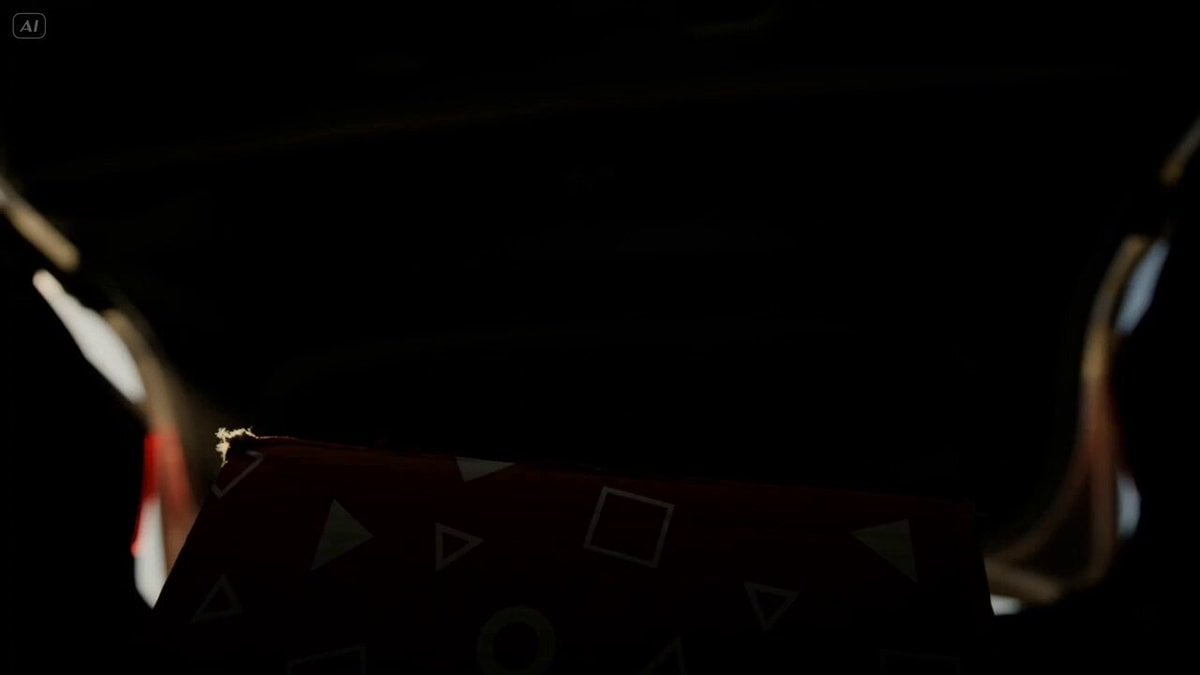
A suspenseful continuous shot prompt from inside a car trunk, revealing a mysterious red box as the trunk opens to daylight.
- Prompt included
- Model and format preset
- Free template
The prompt behind this video
Copy the exact prompt behind Cinematic Trunk POV Scene, or open it in the studio and make it yours.
Single continuous static low-angle shot from inside the trunk of a sedan, camera positioned deep inside and tilted slightly upward, creating a dramatic perspective. In the foreground, clearly visible due to the low angle, sits a red cardboard box placed near the camera. The box has a matte texture, decorated with scattered white geometric symbols—triangles, circles, and squares—randomly distributed across its surface, slightly worn at the edges. The frame begins in complete darkness, with faint muffled ambient street noise and subtle creaks from the car body. After a brief pause, the trunk unlocks with a sharp mechanical click and slowly opens. A thin beam of light slices into the darkness, gradually revealing the red box first—its patterns catching the light—before the rest of the trunk becomes visible. Dust particles float in the air, illuminated dramatically. As the trunk fully opens, bright daylight floods in. The camera remains fixed, looking upward past the box toward the sky and two figures standing behind the car. The low angle makes them appear dominant, towering above the trunk opening. The first person stands slightly off to the side, partially silhouetted, looking down into the trunk, their face partially obscured by shadow. They say in a cautious tone: "Is this the one?" The second person steps forward, leaning into the frame. As they move closer, their face enters a low-angle close-up above the red box, visually aligning the box and their gaze. Their expression is focused, lit by natural light with soft shadows emphasizing their features. They respond: "Yeah… I think this matches the photo they sent." A brief tense pause. The red box remains still in the foreground, its geometric symbols stark against the scene. The first person subtly shifts, scanning the surroundings, then says: "Alright. Let’s switch cars." The second person straightens and steps back out of the frame. The trunk begins to close, the incoming light narrowing, casting long shadows over the red box until it is gradually swallowed by darkness. The trunk shuts completely, returning the frame to full black. Ambient sound becomes muffled and fades. No Music
How to use Cinematic Trunk POV Scene in 3 steps
- 1Upload ImagePNG, JPG or paste
Add your photo
Upload the photo the template builds on. The prompt, model and format are already set.
- 2…a portrait of your subject in softgolden-hour light, 85mm…
Personalize
Edit the subject and creative details for your destination.
- 3Generate
Generate
Press Generate — your video is created in PicX Studio, so you can compare it with the original and refine one variable at a time.
More like this
Templates with the same subject, style or setup. Open one to see its prompt.

DV Camcorder POV Gym Montage — Seedance 2.5
DV Camcorder POV Gym Montage — Seedance 2.5
Ice Queen — Frozen Battlefield Time Control (Seedance)
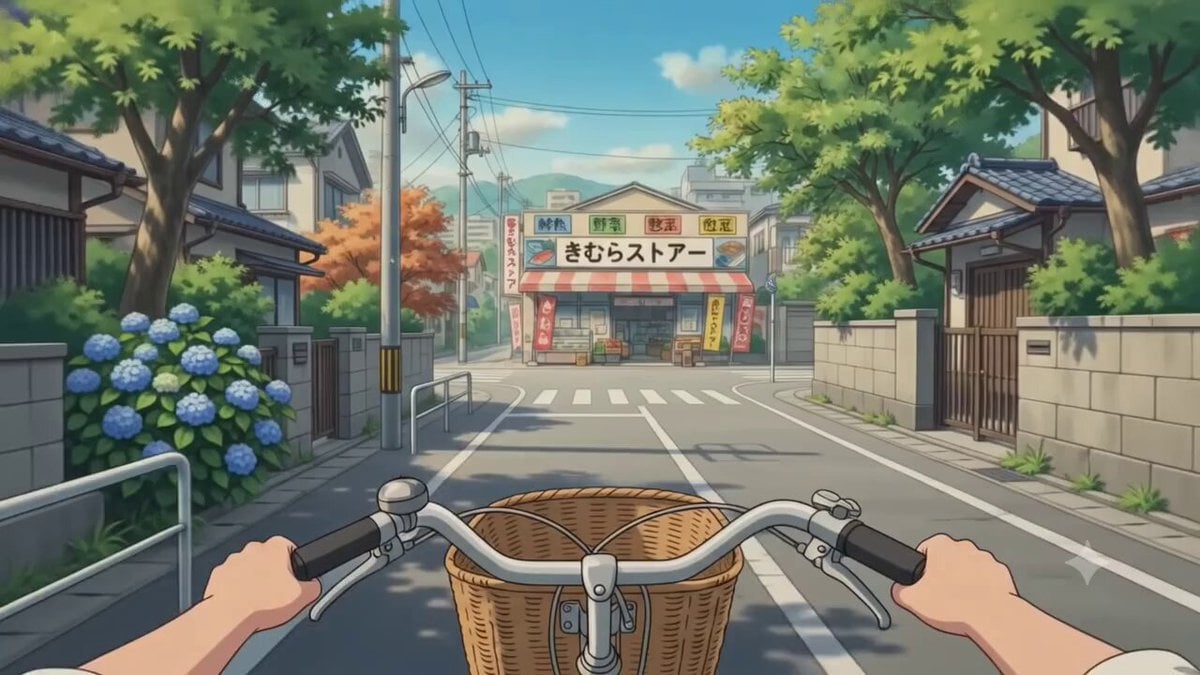
POV Japanese Residential Neighborhood Bike Trip
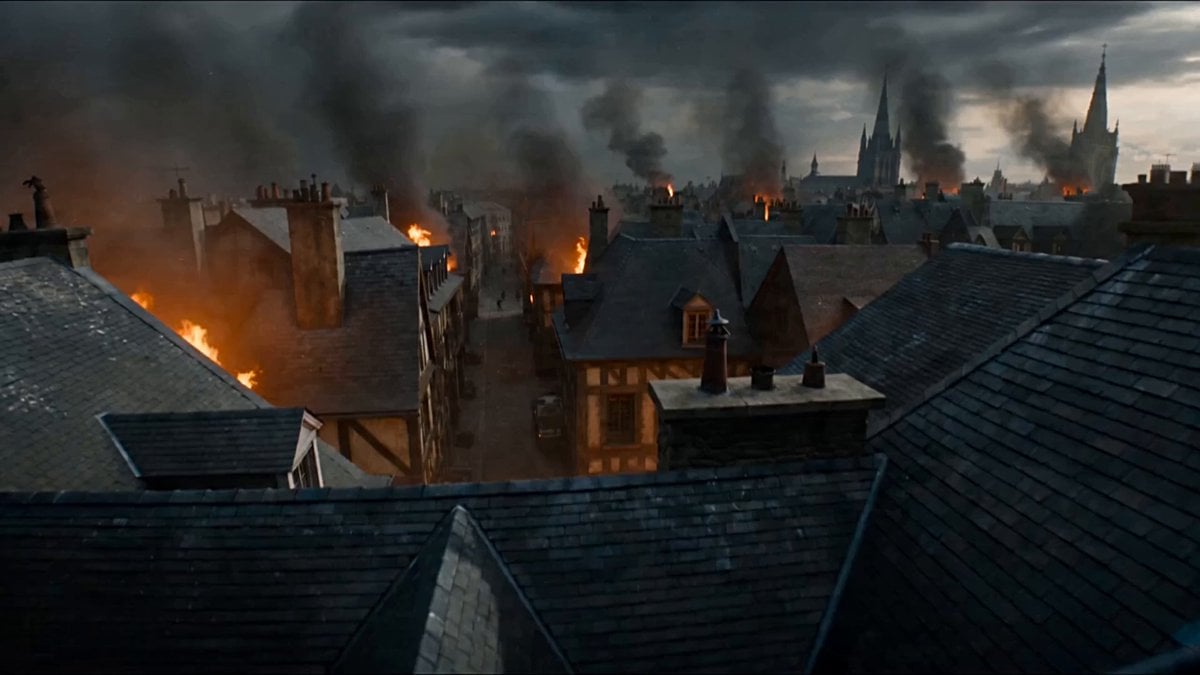
First-Person POV Fantasy Demon Battle
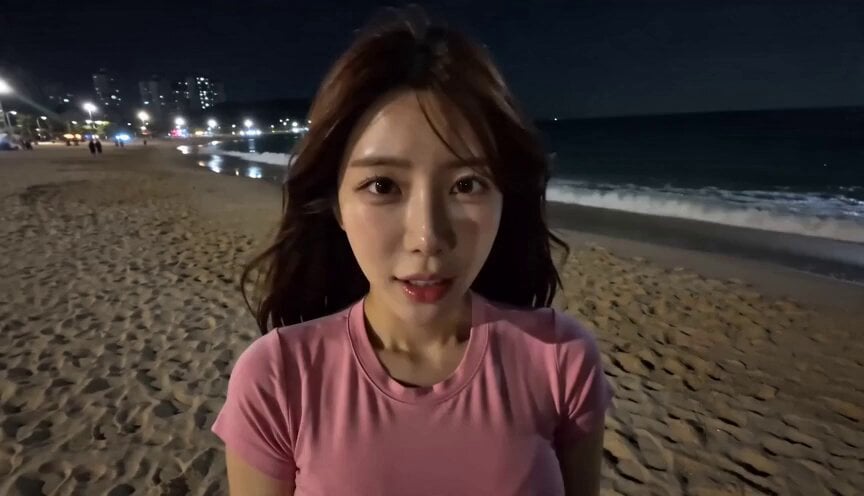
POV Handheld DV Camcorder Beach
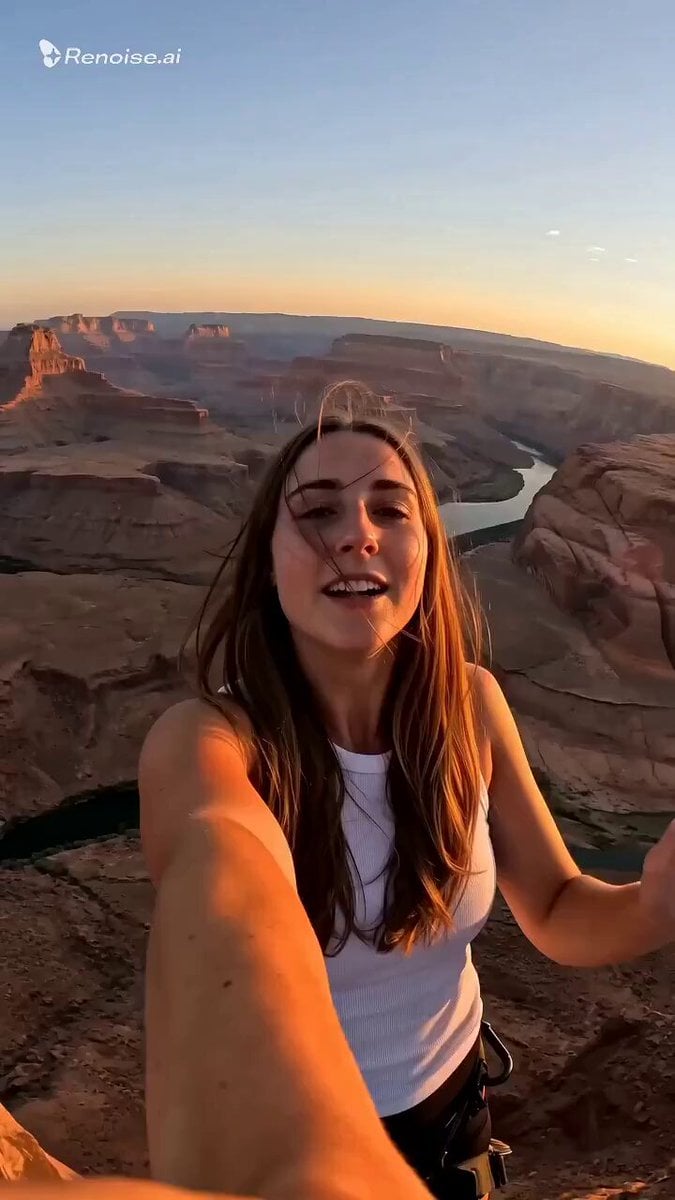
Selfie POV Bungee Jump Vlog
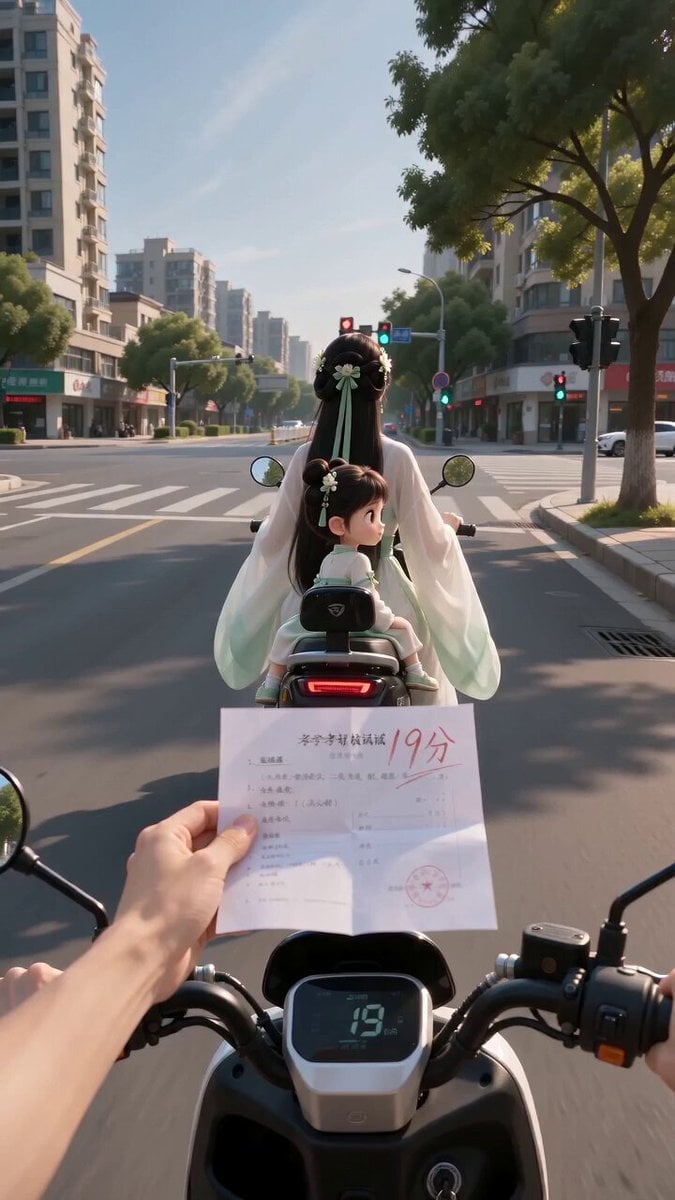
Ancient POV Child Report Card
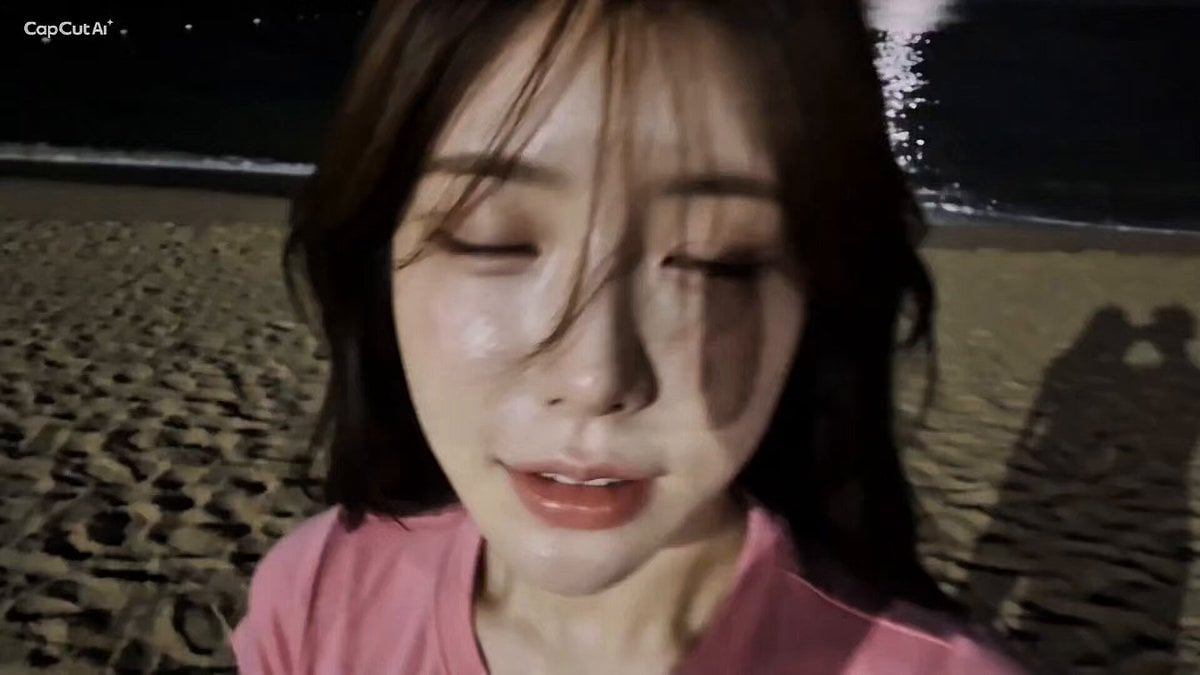
16mm Camcorder POV Beach Vlog
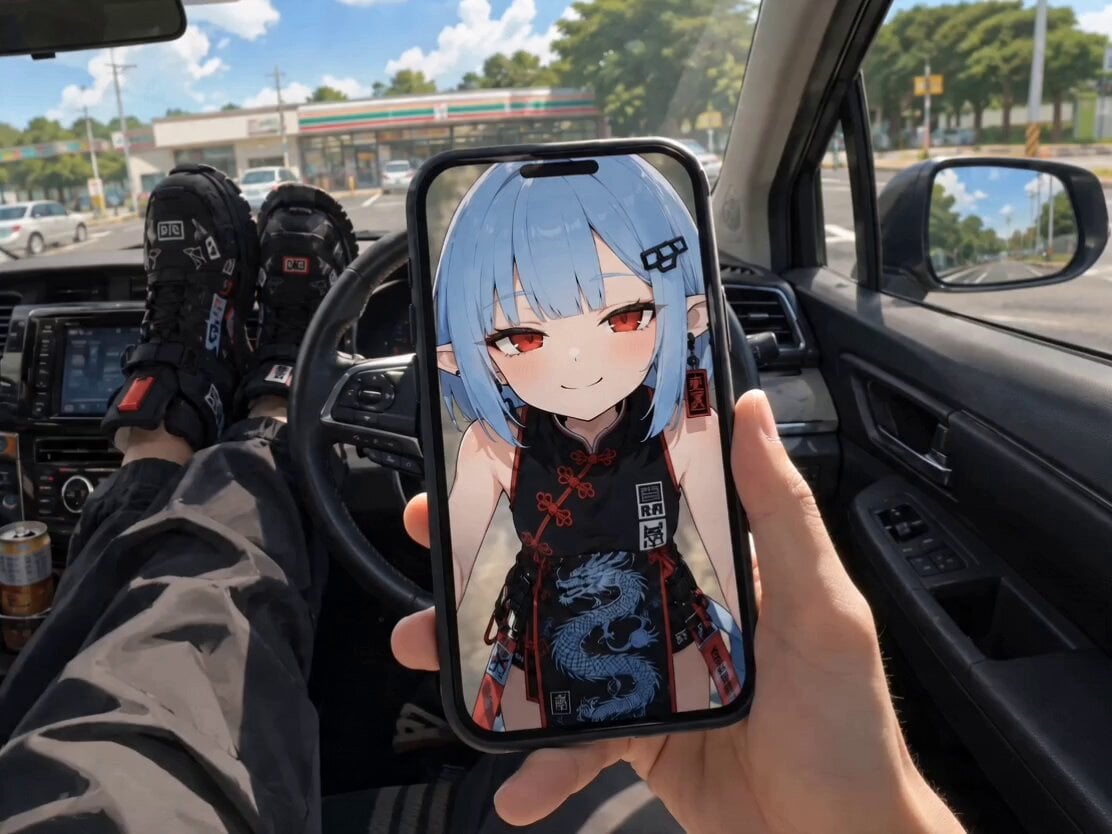
POV Singing Video Call in Car
POV First-Person Remote Outfit Swap

ASMR Date Bar POV Product Video
Make it yours
Cinematic Trunk POV Scene works as-is. These are the safest ways to change it without losing the look.
Change one field
Copy a single group, rewrite it, and generate again so you can see what that field is doing.
Keep the frame, change the subject
Hold the composition and light of Cinematic Trunk POV Scene, then swap wardrobe, props or the person for a new take.
| If the result… | Why | Fix |
|---|---|---|
| The result drifts from the preview | Too many fields changed at once. | Reuse Cinematic Trunk POV Scene as-is first, then change one group — subject, light, or setting. |
| The model over-stylizes the scene | The prose prompt leaves finish and camera underspecified. | Add one camera or lighting sentence and stay on Seedance 2.0. |
More Seedance 2.0 templates
Other prompts made for Seedance 2.0.

Comical Martial Arts Punch Scene

Maglev Train Action Sequence

Martial Arts Fight Sequence

Wuxia Protection and Trust Script

Vintage Korean Arcade MiniDV Vlog

Mercedes 190 SL Luxury Ad

Rainy Night Supernatural Reverse Comedy Video Script

Amazon Civilization Discovery

Futuristic South Asian City Transformation

Cozy Luxury Cafe Commercial
More video prompts
Fresh picks from across the catalog.
K-pop Music Video Performance
Anime Big Wave Surfing Action
Motivational Speaker Studio Scene
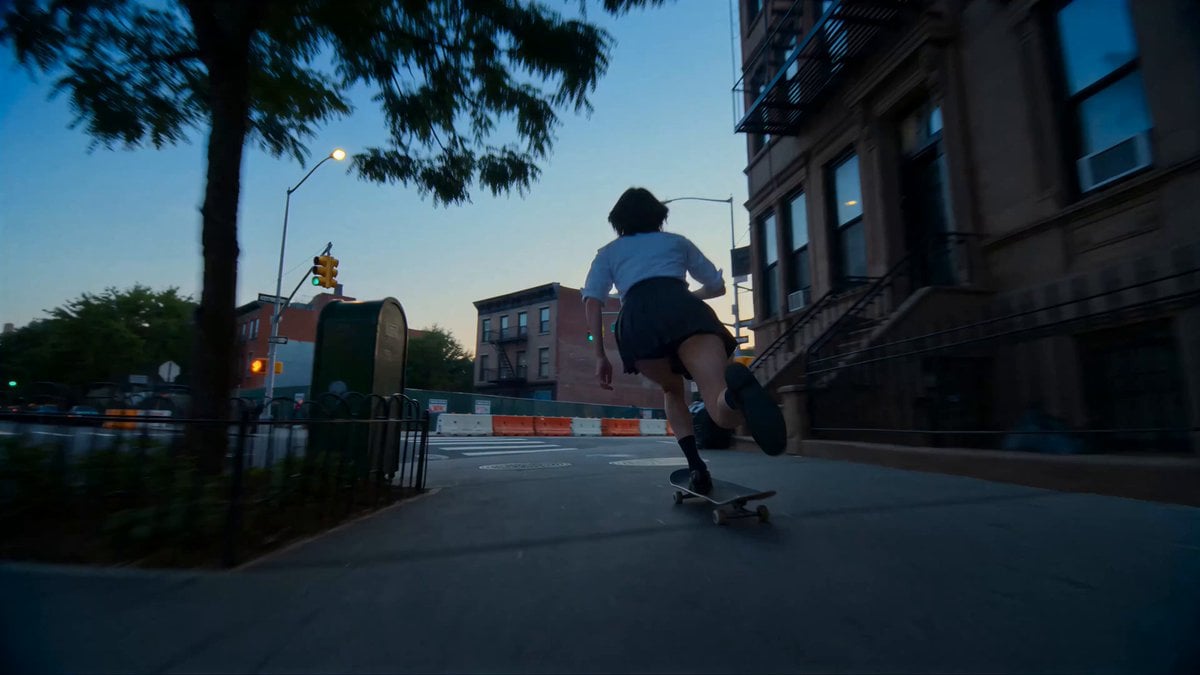
Cinematic NYC Street Skateboarding
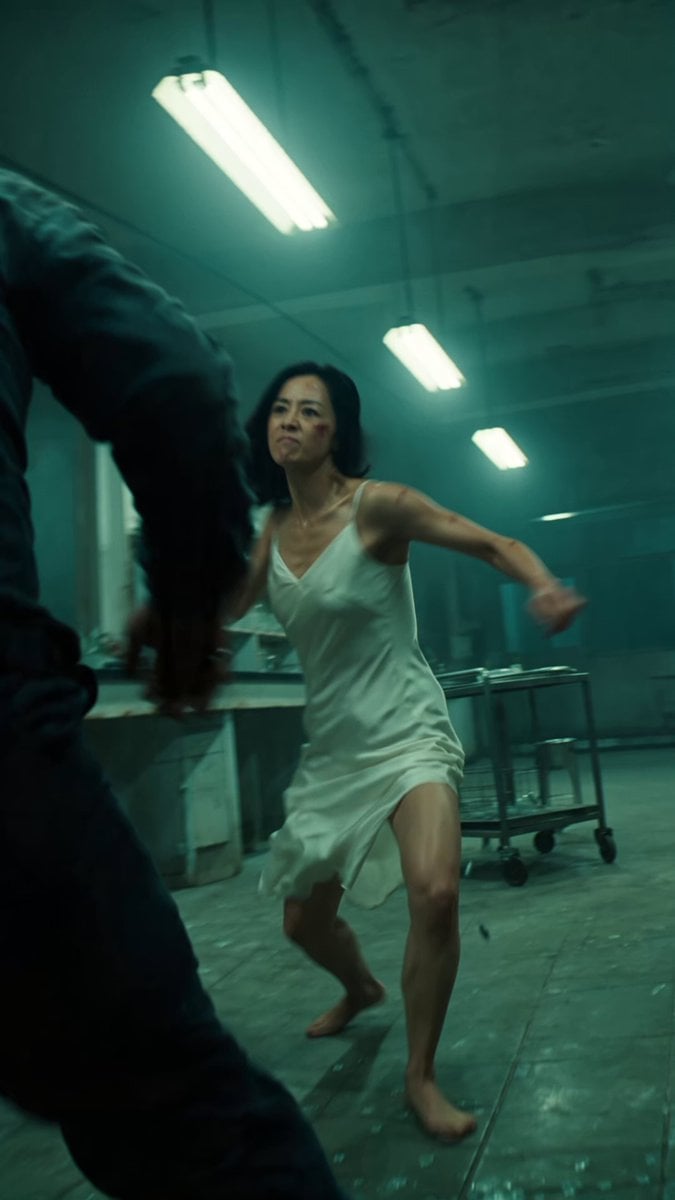
Cinematic IMAX Laboratory Fight Scene
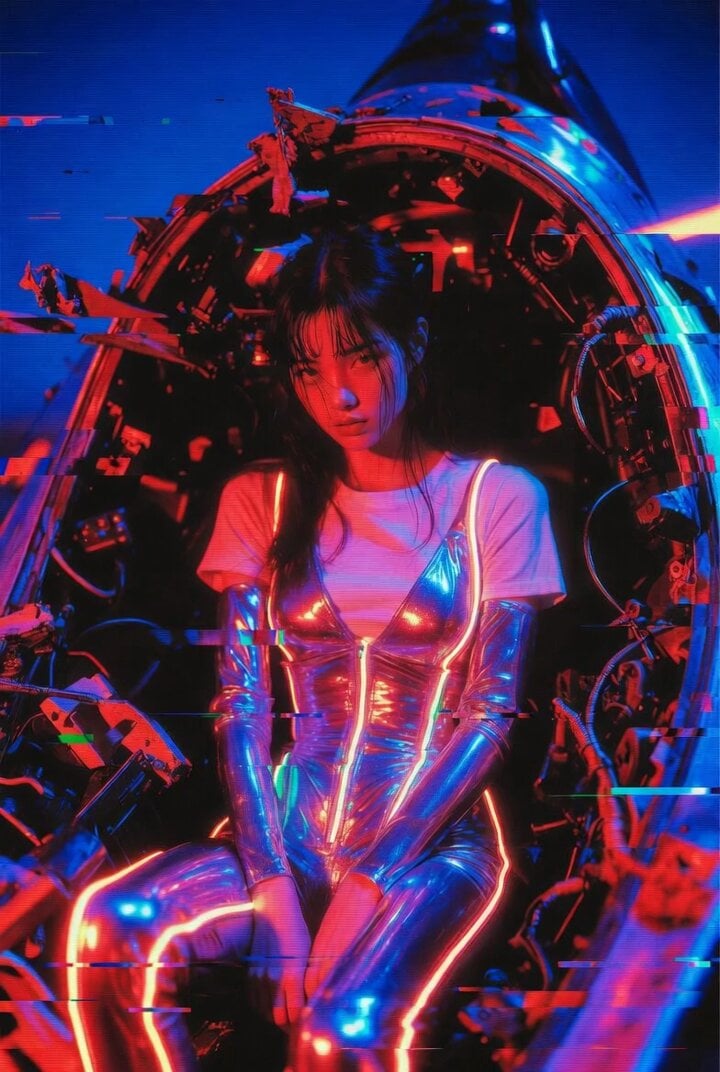
Ultra Cinematic Cyberpunk Portrait Video Prompt
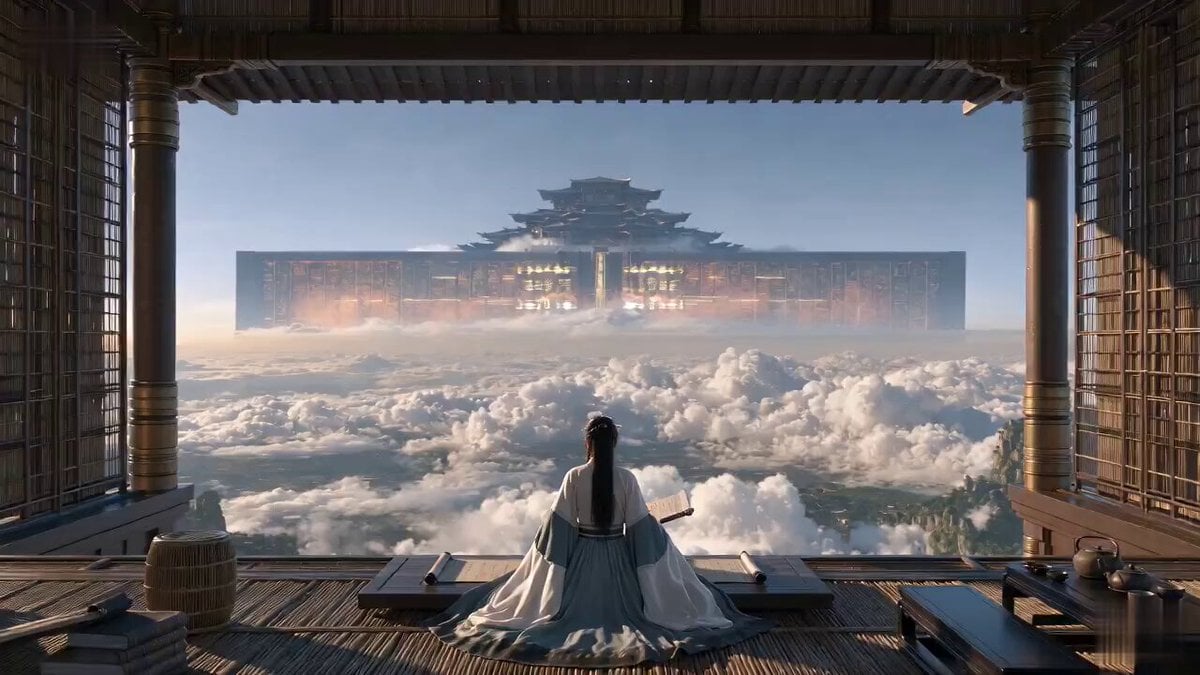
Cinematic Xianxia Power Dynamics Short Film
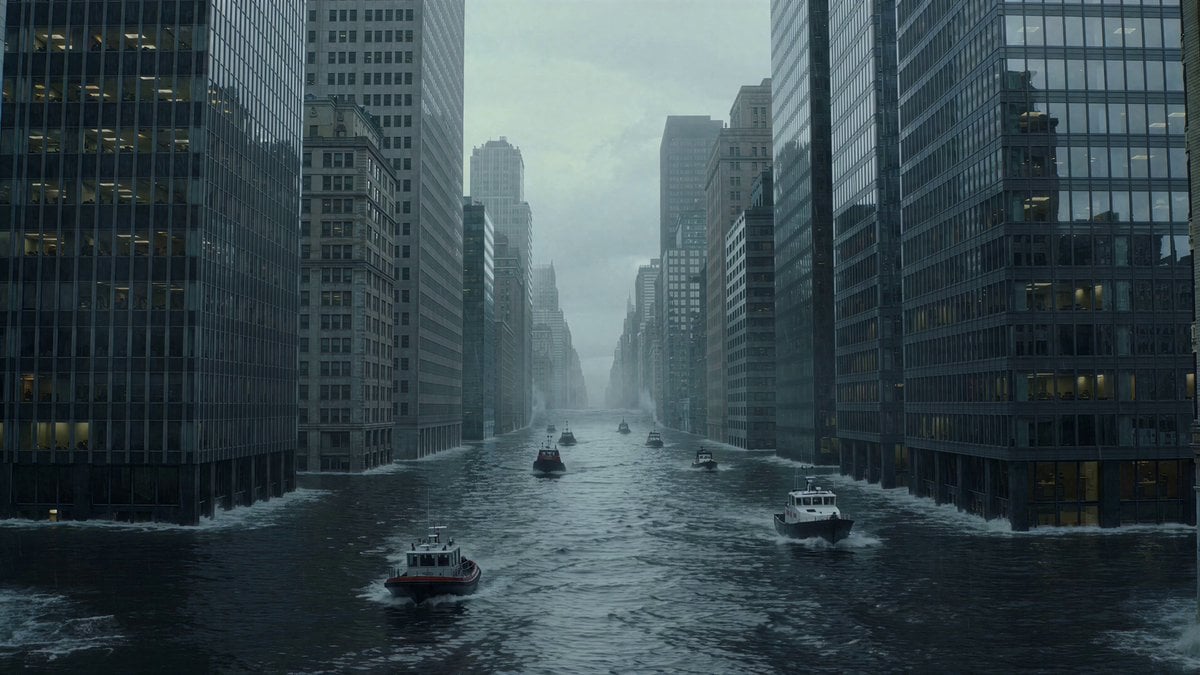
Drowned Megacity Whale Breach
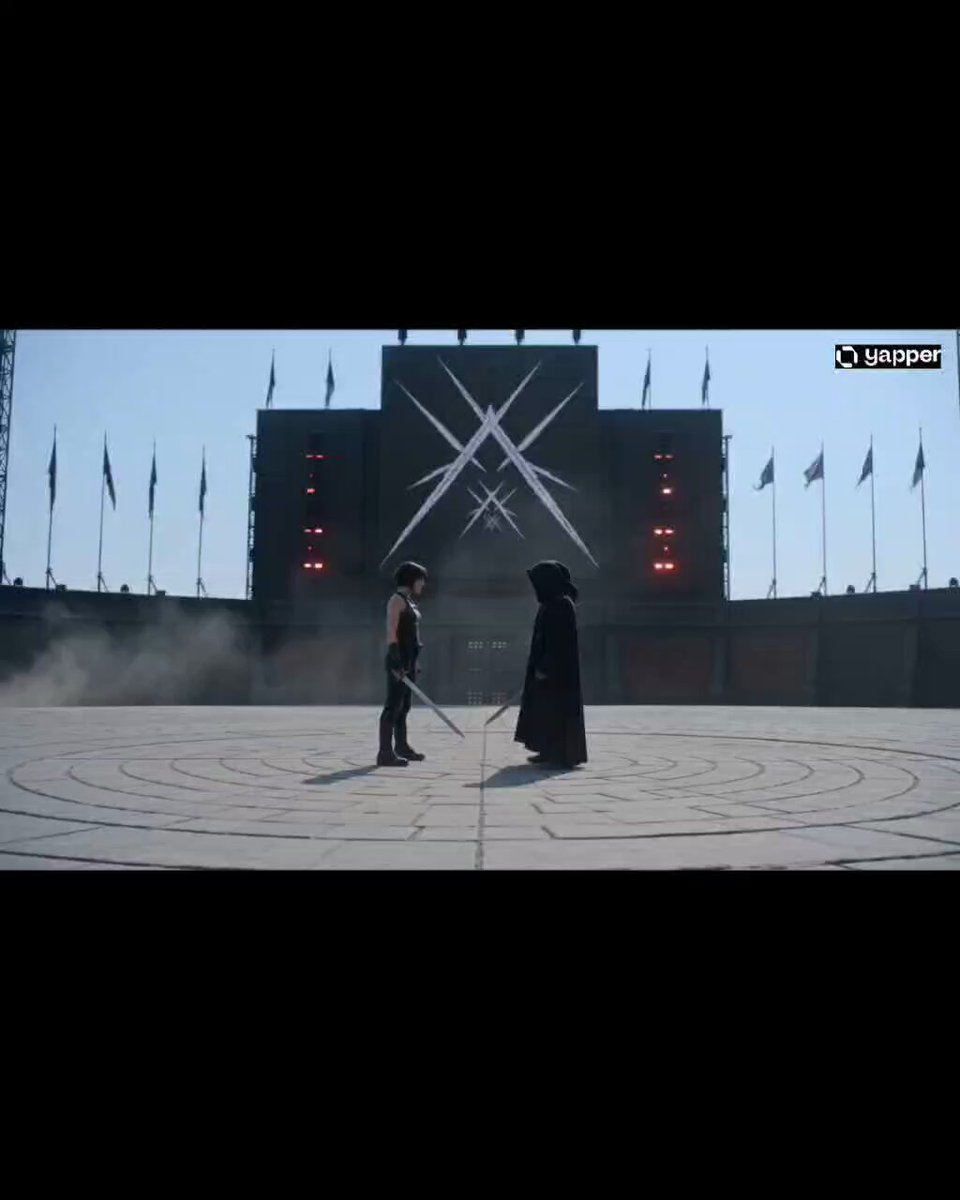
Cinematic Arena Duel Showdown
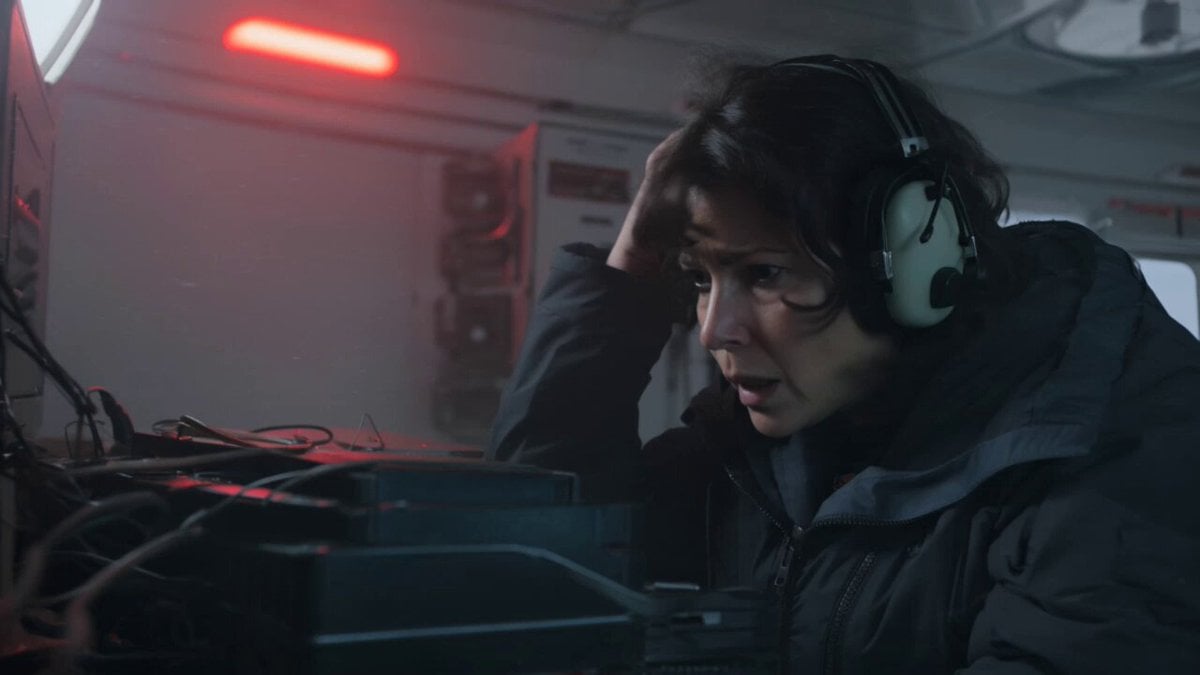
Kling 3.0 Antarctic Station Sci-Fi Horror Prompt
Browse template categories
Cinematic Trunk POV Scene questions
How do I use the Cinematic Trunk POV Scene template?
Add your photo if the template asks for one, edit the prompt if you like — the template's model and format are already selected — and press Generate. Your version opens in PicX Studio.
Can I customize the Cinematic Trunk POV Scene template?
Yes. You can change the subject, setting, lighting, mood, format, and available model controls before creating your video.
Is the Cinematic Trunk POV Scene template free?
Opening and editing this template is free. Generating uses credits, shown on the Generate button when you are signed in.
Which AI model should I use?
Start with Seedance 2.0, which is the model associated with this template. You can compare another compatible model for a different finish.
Looking for something else? Browse all templates.

Your photo, any look
Thousands of ready templates for every top image and video model, from one credit balance.