How do I use the Ultra Cinematic Cyberpunk Portrait Video Prompt template?
Edit the prompt in the box under the preview — the template's model and format are already selected — and press Generate. Your version appears right on this page.
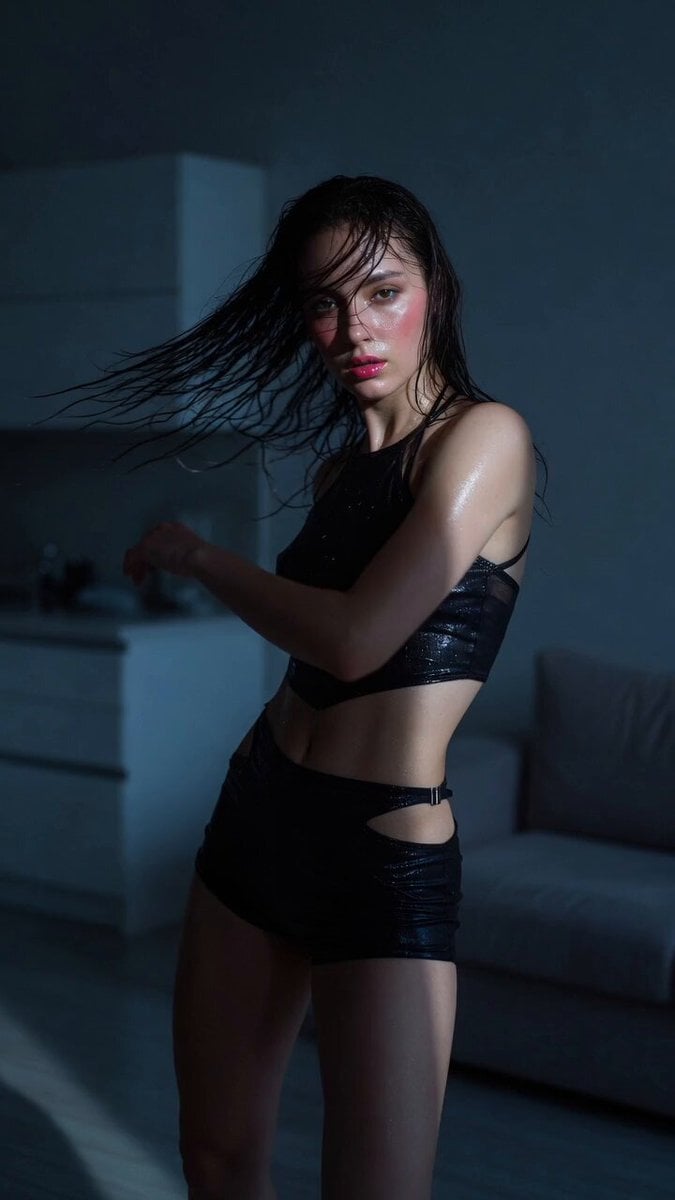
A detailed Grok Imagine prompt for generating an ultra cinematic cyberpunk portrait video of a young woman in a futuristic cockpit, featuring specific lighting, effects, and cinematic qualities.
ultra cinematic cyberpunk portrait of a young woman sitting inside a damaged futuristic cockpit, wearing a reflective chrome bodysuit with glowing neon seams and a plain white t-shirt, surrounded by broken mechanical parts and exposed wiring, deep blue ambient lighting with strong red color contrast, heavy glitch overlay, digital noise, CRT scanlines, holographic interference patterns across the entire image, subtle pixel displacement, VHS distortion, chromatic aberration, low-key lighting, moody shadows, dystopian sci fi atmosphere, 85mm lens, shallow depth of field, ultra realistic skin but partially fragmented by digital artifacts, cinematic composition, IMAX quality, masterpiece, 8k.
ultra cinematic cyberpunk portrait of a young woman sitting inside a damaged futuristic cockpit, wearing a reflective chrome bodysuit with glowing neon seams and a plain white t-shirt, surrounded by broken mechanical parts and exposed wiring, deep blue ambient lighting with strong red color contrast, heavy glitch overlay, digital noise, CRT scanlines, holographic interference patterns across the entire image, subtle pixel displacement, VHS distortion, chromatic aberration, low-key lighting, moody shadows, dystopian sci fi atmosphere, 85mm lens, shallow depth of field, ultra realistic skin but partially fragmented by digital artifacts, cinematic composition, IMAX quality, masterpiece, 8k.
Edit the prompt in the box under the preview — the template's model and format are already selected — and press Generate. Your version appears right on this page.
Yes. You can change the subject, setting, lighting, mood, format, and available model controls before creating your video.
Opening and editing this template is free. Generating uses credits, shown on the Generate button when you are signed in.
Start with Grok Imagine, which is the model associated with this template. You can compare another compatible model for a different finish.
Follow a topic to a crawlable collection of related PicX Studio templates.