
Mixed Reality Cartoon Sticker Vlog
A creative video prompt combining live-action footage of a makeup desk with a mischievous 2D anime sticker character interacting with real objects.

- Prompt included
- Model and format preset
- Free template
The prompt behind this video
Copy the exact prompt behind Mixed Reality Cartoon Sticker Vlog, or open it in the studio and make it yours.
【风格】真人实拍+2D动漫贴纸合成搞笑短视频(Live-Action + Flat 2D Sticker Composite),第一人称化妆台视角(POV Vanity Vlog),写实化妆品质感与扁平卡通贴纸风格强烈反差混搭,8K超清,手持轻微晃动(Handheld Micro-shake),竖屏 【时长】10秒 【场景】真实化妆台第一人称视角:桌面摆着打开的眼影盘、散粉罐、一支旋开的正红色口红、化妆镜带灯珠;右侧放着一把粉色吹风机,暖白灯光,镜面只拍桌面反光边缘不拍完整倒影 【角色】Q版动漫贴纸角色(扁平2D贴纸质感,卡通描边,纸片感):金色长发齐刘海、大大的紫色圆眼睛、粉色腮红、白色水手服学生装、蓝色发卡,站在眼影盘旁,身高约为口红的两倍,全程保持纯2D平面质感,不被真实光照重打光;真人的手(写实、毛孔可见)从画面右侧入画 [00:00-00:03] 镜头1:口红涂鸦(Lipstick Vandal Opening) 第一人称俯视POV:真人的手正用刷子蘸取眼影;贴纸角色抱着比自己还高的真实口红当画笔,眯眼坏笑,在真人手背上豪迈画出一个歪歪扭扭的红色笑脸——真实口红膏体在皮肤上留下油亮红痕,它还满意地签了个爪印。 音效:口红划过皮肤的黏腻声+卡通得意哼歌声。 [00:03-00:05] 镜头2:粉扑连击(Powder Puff Combo) 真人的手抄起散粉粉扑,对着它的脸"啪啪啪"连拍三下——每一下都扑出一小团真实粉尘云,它整张脸被拍得左右横甩,两团腮红被扑成整脸粉白,呛得连连摆手。 音效:粉扑连拍"噗噗噗"声+粉尘簌簌声+卡通咳嗽声。 [00:05-00:08] 镜头3:呛哭花脸(Makeup Meltdown) 它蚊香眼(Swirl Eyes)上线,张大嘴嚎啕大哭,蓝色卡通泪水呈喷泉状向两侧飞溅(Fountain Tears)——泪水把满脸粉白冲出两道竖条纹,混着之前蹭到的口红红印,哭成一张卡通大花脸。 音效:夸张卡通爆哭声+泪水滴答声。 [00:08-00:10] 镜头4:吹风机送客(Blow-Dry K.O. Ending) 真人的手拿起吹风机对准它按下开关——强风瞬间把纸片身体吹得猎猎狂抖、双手死死扒住眼影盘边缘,头发和裙摆被吹成一条直线,扒了半秒手一松,"嗖"地整张贴纸被吹飞出画面,只留一枚蓝色发卡打着转落回桌面。真人的手淡定关掉吹风机继续化妆。画面定格在发卡上。 音效:吹风机轰鸣声+纸片猎猎抖动声+"嗖"飞走声+发卡落桌"叮"一声收束。
How to use Mixed Reality Cartoon Sticker Vlog in 3 steps
- 1
Open
The prompt is already in the box next to the preview, with the template's model and format selected.
- 2…a portrait of your subject in softgolden-hour light, 85mm…
Personalize
Edit the subject and creative details for your destination.
- 3Generate
Generate
Press Generate — your video is created in PicX Studio, so you can compare it with the original and refine one variable at a time.
More like this
Templates with the same subject, style or setup. Open one to see its prompt.
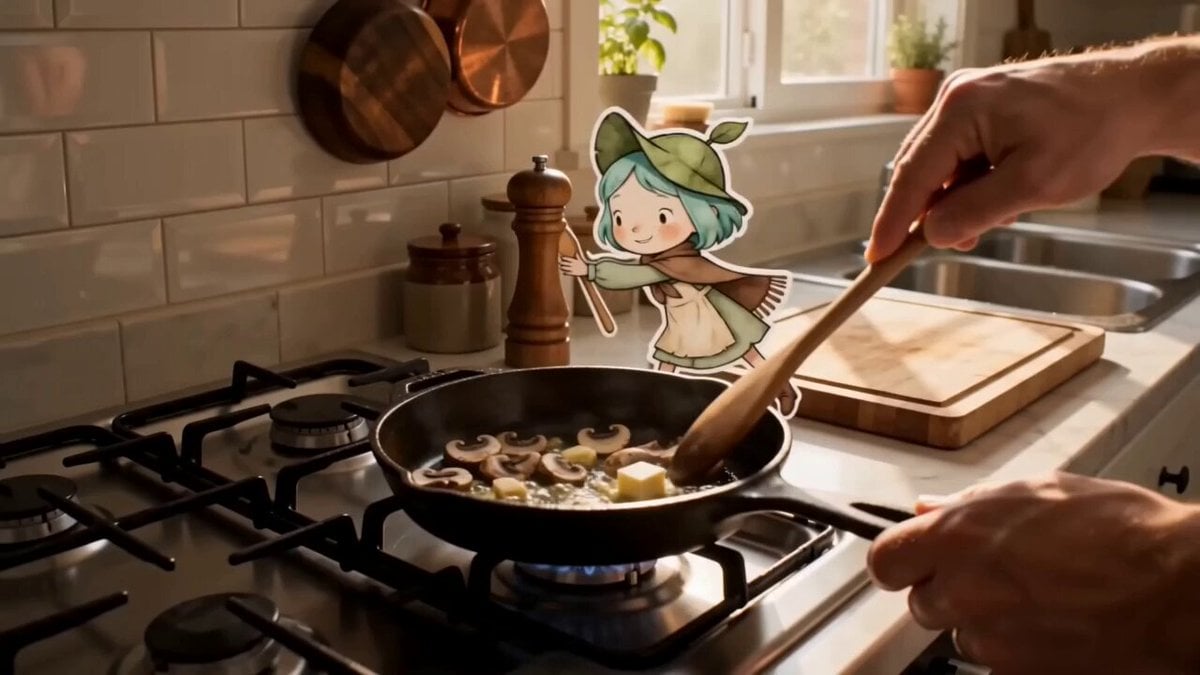
Mixed Reality Anime Sticker Cooking
Mixed Reality Home Vlog Animation
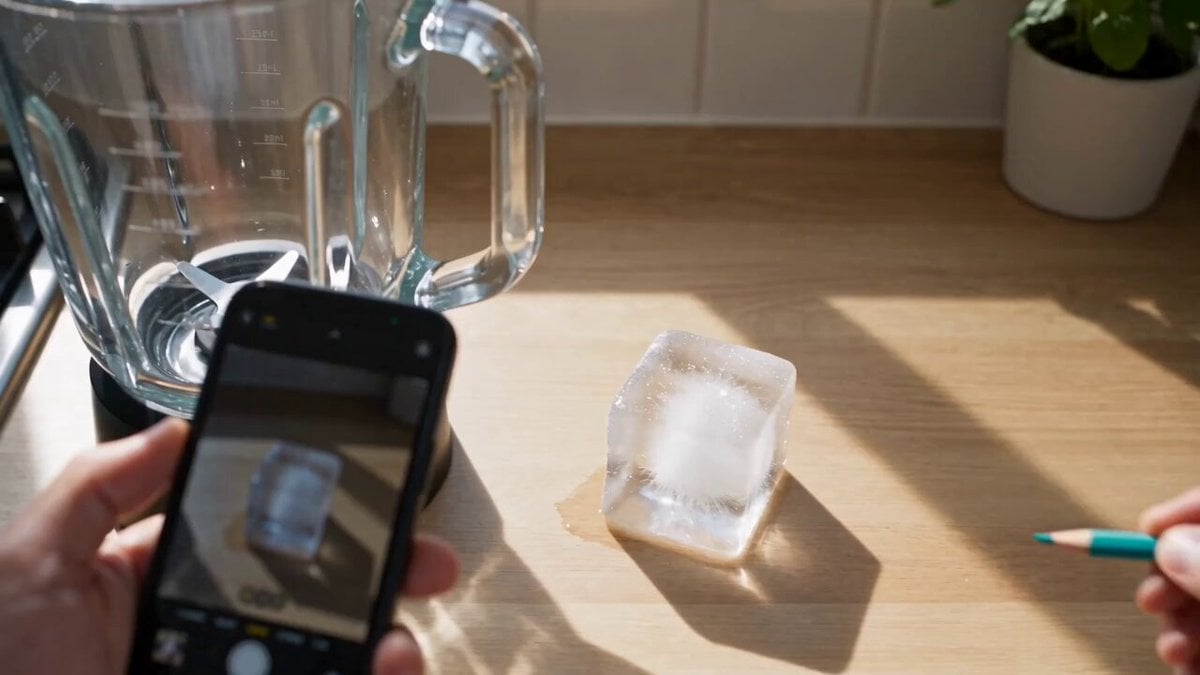
Mixed-Reality Stop-Motion Transformation

Mediterranean Coffee Run Vlog - Seedance 2.5

Mysterious Home Exploration Vlog - Seedance 2.5

Realistic Morning Routine Lifestyle Vlog - Seedance 2.5

Handheld Tokyo Travel Vlog - Seedance 2.5

Nostalgic MiniDV Convenience Store Vlog - Seedance 2.5

Mediterranean Morning Coffee Run Vlog (Seedance 2.5)
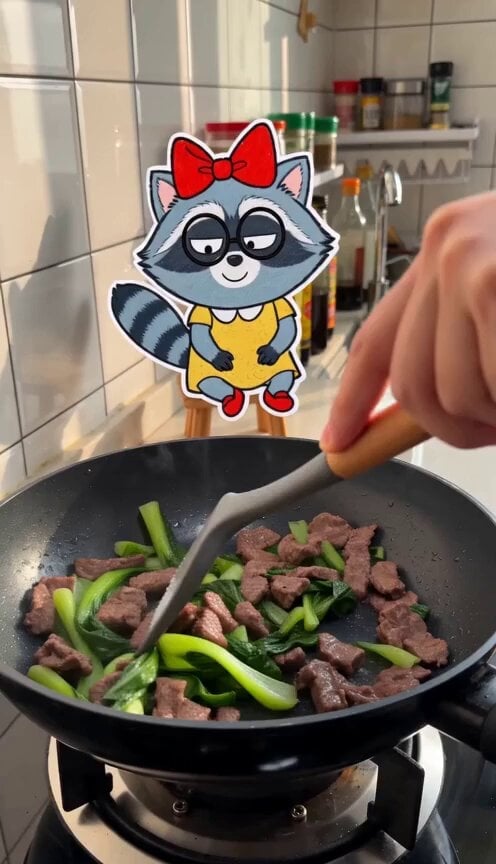
Cooking Vlog with 2D Sticker Raccoon

Luxury Lifestyle Day Vlog

Luxury Airport Travel Vlog
Make it yours
Mixed Reality Cartoon Sticker Vlog works as-is. These are the safest ways to change it without losing the look.
Change one field
Copy a single group, rewrite it, and generate again so you can see what that field is doing.
Keep the frame, change the subject
Hold the composition and light of Mixed Reality Cartoon Sticker Vlog, then swap wardrobe, props or the person for a new take.
| If the result… | Why | Fix |
|---|---|---|
| The result drifts from the preview | Too many fields changed at once. | Reuse Mixed Reality Cartoon Sticker Vlog as-is first, then change one group — subject, light, or setting. |
| The model over-stylizes the scene | The prose prompt leaves finish and camera underspecified. | Add one camera or lighting sentence and stay on Seedance 2.0. |
More Seedance 2.0 templates
Other prompts made for Seedance 2.0.

Comical Martial Arts Punch Scene

Maglev Train Action Sequence

Martial Arts Fight Sequence

Wuxia Protection and Trust Script

Mercedes 190 SL Luxury Ad

Rainy Night Supernatural Reverse Comedy Video Script

Amazon Civilization Discovery

Futuristic South Asian City Transformation

Cozy Luxury Cafe Commercial

Cyber Ronin Nanotech Transformation Video
More video prompts
Fresh picks from across the catalog.
Cinematic Paragliding Travel Vlog
Reality-Warping Meta Cinematic Walk

Musical Notes Cloud Prompt

Hard Rock Performance Music Video
Ocean Megacity Bird's-Eye View Flight
Cybernetic Sci-Fi Duel

Cinematic surreal 'Time Freeze' workflow
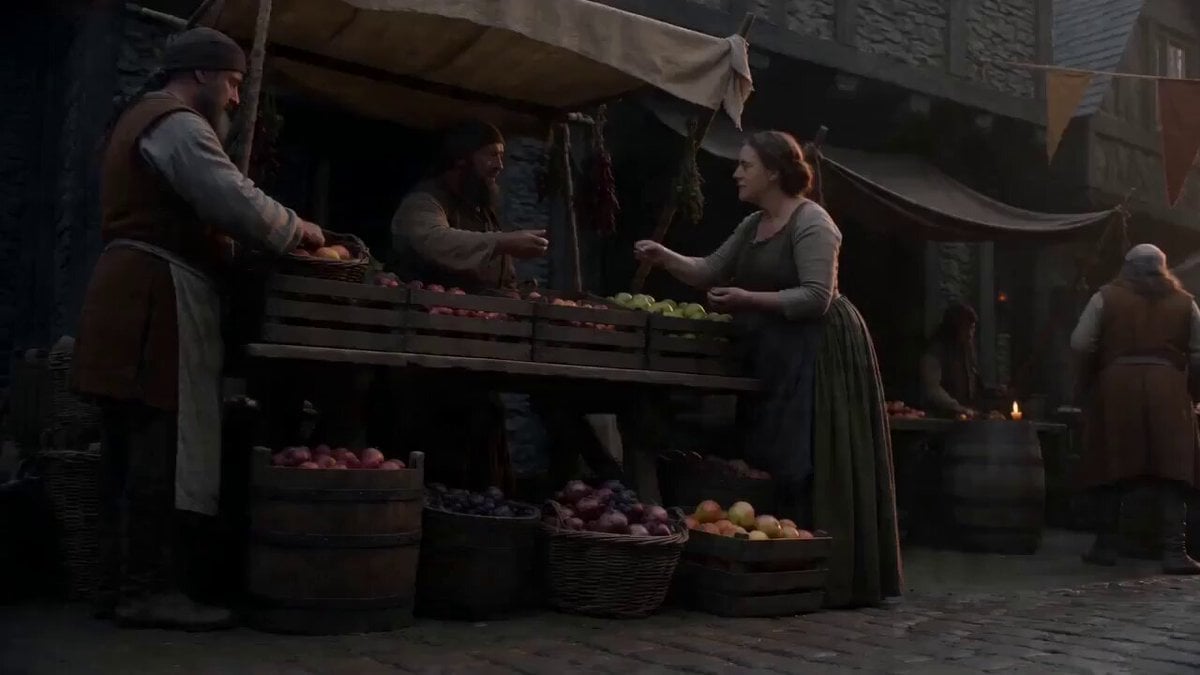
Motivated Continuous Camera Movement in Medieval Market Video Prompt
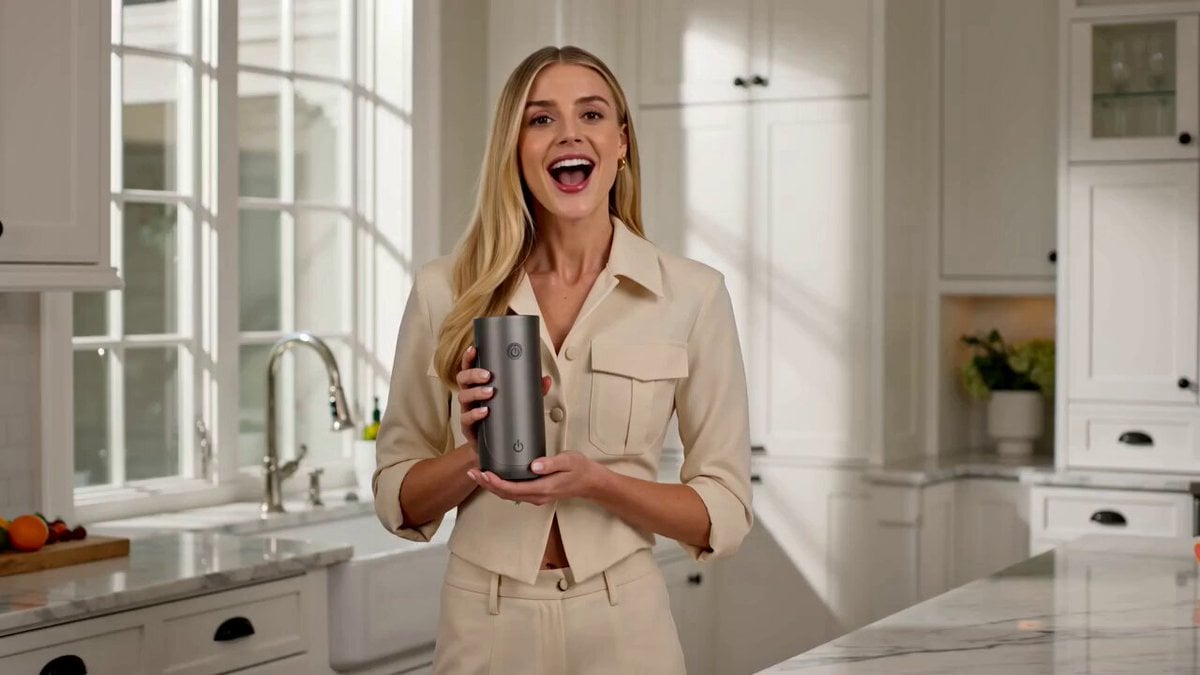
Luxury Portable Blender Commercial featuring Aria
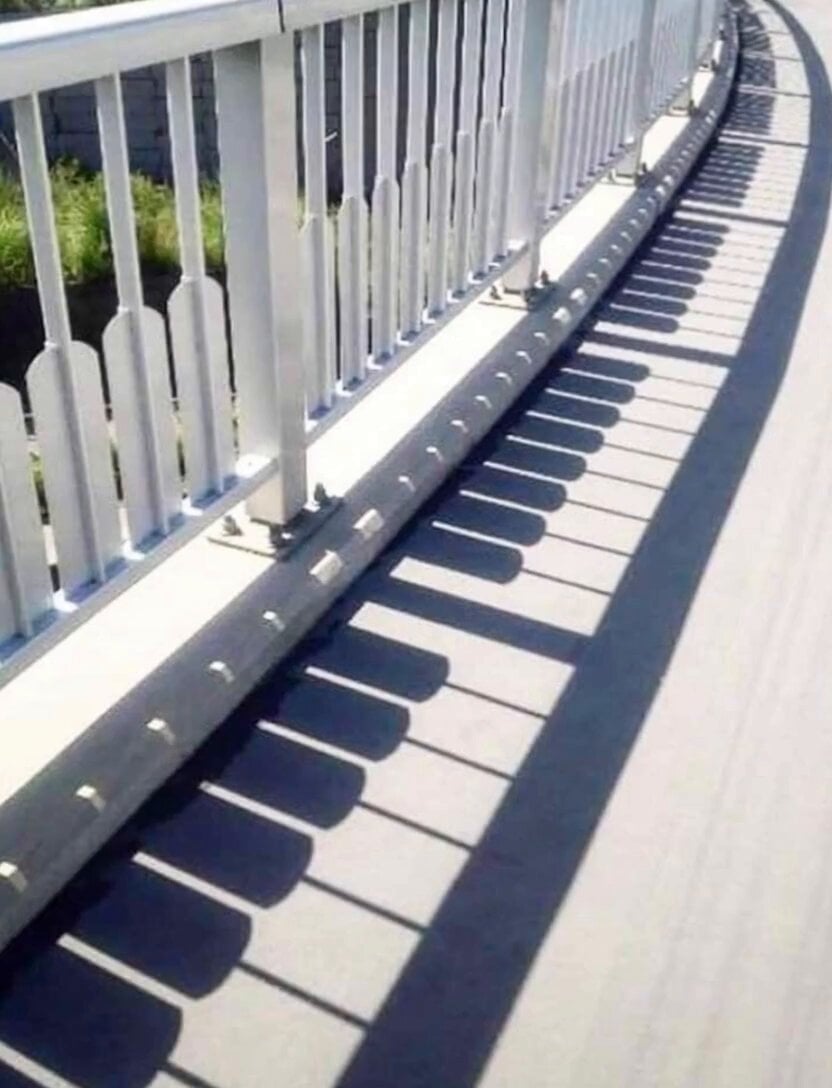
Piano Key Shadow Performance
Browse template categories
Mixed Reality Cartoon Sticker Vlog questions
How do I use the Mixed Reality Cartoon Sticker Vlog template?
Add your photo if the template asks for one, edit the prompt if you like — the template's model and format are already selected — and press Generate. Your version opens in PicX Studio.
Can I customize the Mixed Reality Cartoon Sticker Vlog template?
Yes. You can change the subject, setting, lighting, mood, format, and available model controls before creating your video.
Is the Mixed Reality Cartoon Sticker Vlog template free?
Opening and editing this template is free. Generating uses credits, shown on the Generate button when you are signed in.
Which AI model should I use?
Start with Seedance 2.0, which is the model associated with this template. You can compare another compatible model for a different finish.
Looking for something else? Browse all templates.

Your photo, any look
Thousands of ready templates for every top image and video model, from one credit balance.