
Cinematic Paragliding Travel Vlog
A detailed cinematic video prompt for a travel vlog featuring an East Asian woman paragliding over a tropical coastline.
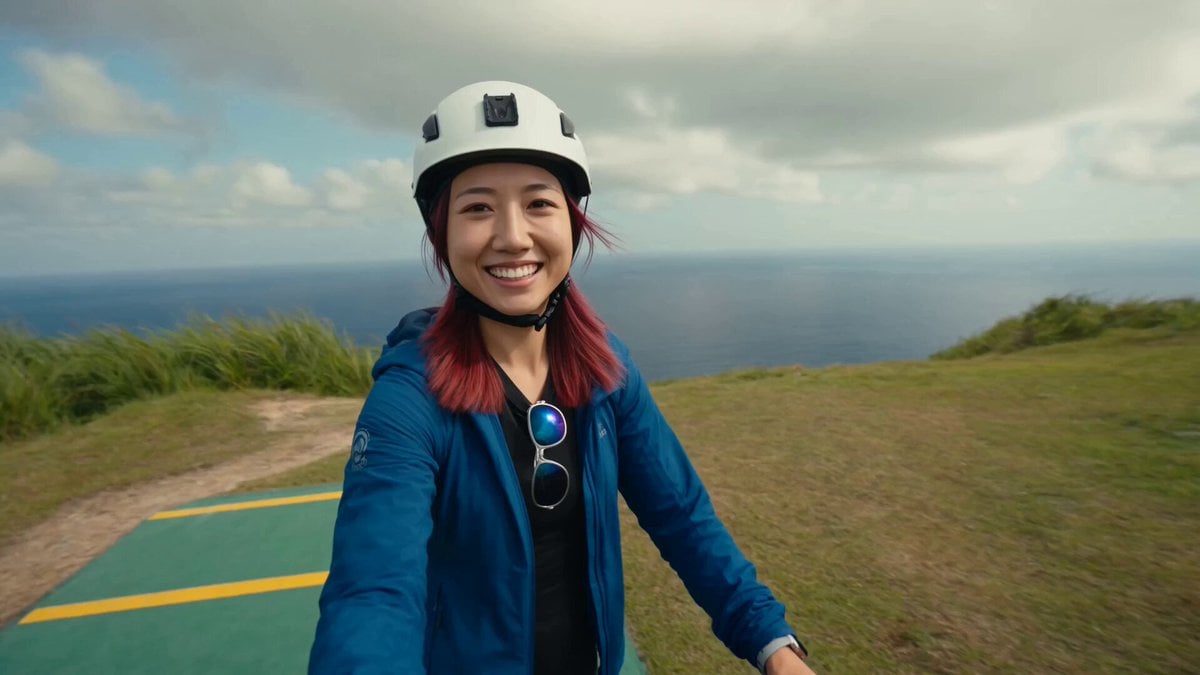
- Prompt included
- Model and format preset
- Premium template
The prompt behind this video
Copy the exact prompt behind Cinematic Paragliding Travel Vlog, or open it in the studio and make it yours.
Ultra-realistic live-action cinematic travel vlog, absolutely NO CGI, NO animation, NO game graphics, NO artificial visual effects. A young East Asian woman with long layered maroon hair, wearing the EXACT SAME professional paragliding outfit throughout both videos: matte white certified paragliding helmet, navy blue lightweight windproof paragliding jacket with subtle reflective details, black moisture-wicking performance base layer, black certified tandem paragliding harness with properly secured leg straps and chest buckle, black stretch outdoor pants, gray high-ankle hiking boots with strong ankle support, lightweight black paragliding gloves, sport sunglasses tucked into the jacket collar. Location: a real tropical coastal mountain paragliding launch site with lush green cliffs overlooking turquoise ocean, white sandy beaches, and distant mountain ranges under bright morning sunlight. Montage sequence: • Walking confidently toward the launch area while smiling naturally at the vlog camera. • Close-up tightening the helmet strap and checking the harness buckles. • Instructor performing a final safety check as she laughs and gives a thumbs-up. • Holding the brake toggles correctly while facing the wind. • Running naturally down the grassy launch slope. • The wing inflates smoothly overhead and both feet lift naturally from the ground. • Ending with a breathtaking wide shot as she glides away above the coastline. Natural handheld vlog camera mixed with cinematic tracking shots, realistic wind interaction, authentic paragliding procedures, practical lighting, ARRI Alexa 35, ARRI Signature Prime lenses, subtle film grain, warm cinematic color grading, documentary realism, realistic physics.
How to use Cinematic Paragliding Travel Vlog in 3 steps
- 1
Open
The prompt is already in the box next to the preview, with the template's model and format selected.
- 2…a portrait of your subject in softgolden-hour light, 85mm…
Personalize
Edit the subject and creative details for your destination.
- 3Generate
Generate
Press Generate — your video is created in PicX Studio, so you can compare it with the original and refine one variable at a time.
More like this
Templates with the same subject, style or setup. Open one to see its prompt.
Handheld Tokyo Travel Vlog - Seedance 2.5
Luxury Airport Travel Vlog
Kenting Lifestyle Travel Vlog
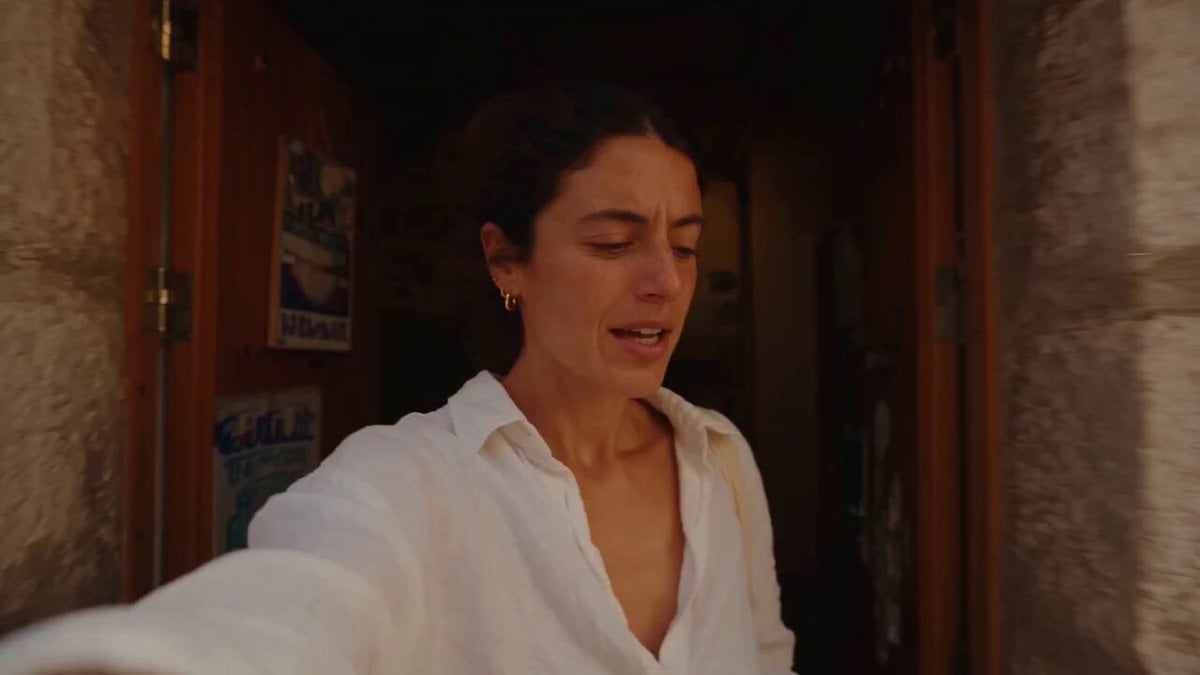
Mediterranean Coffee Run Vlog - Seedance 2.5

Mysterious Home Exploration Vlog - Seedance 2.5
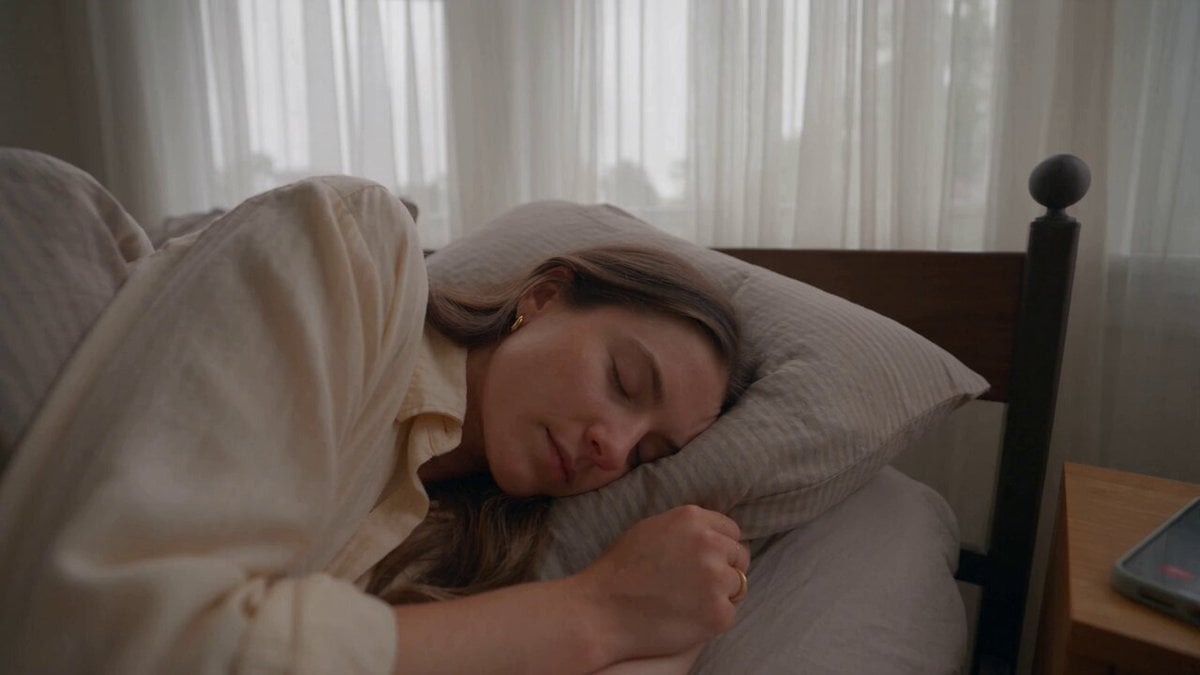
Realistic Morning Routine Lifestyle Vlog - Seedance 2.5
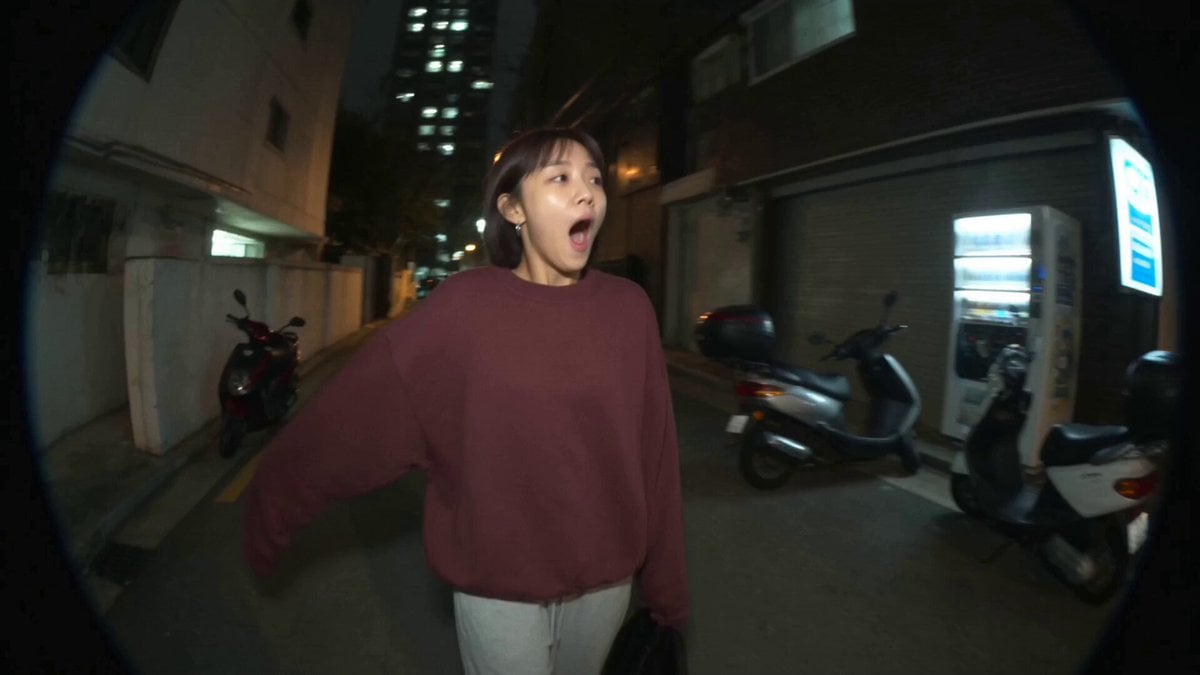
Nostalgic MiniDV Convenience Store Vlog - Seedance 2.5
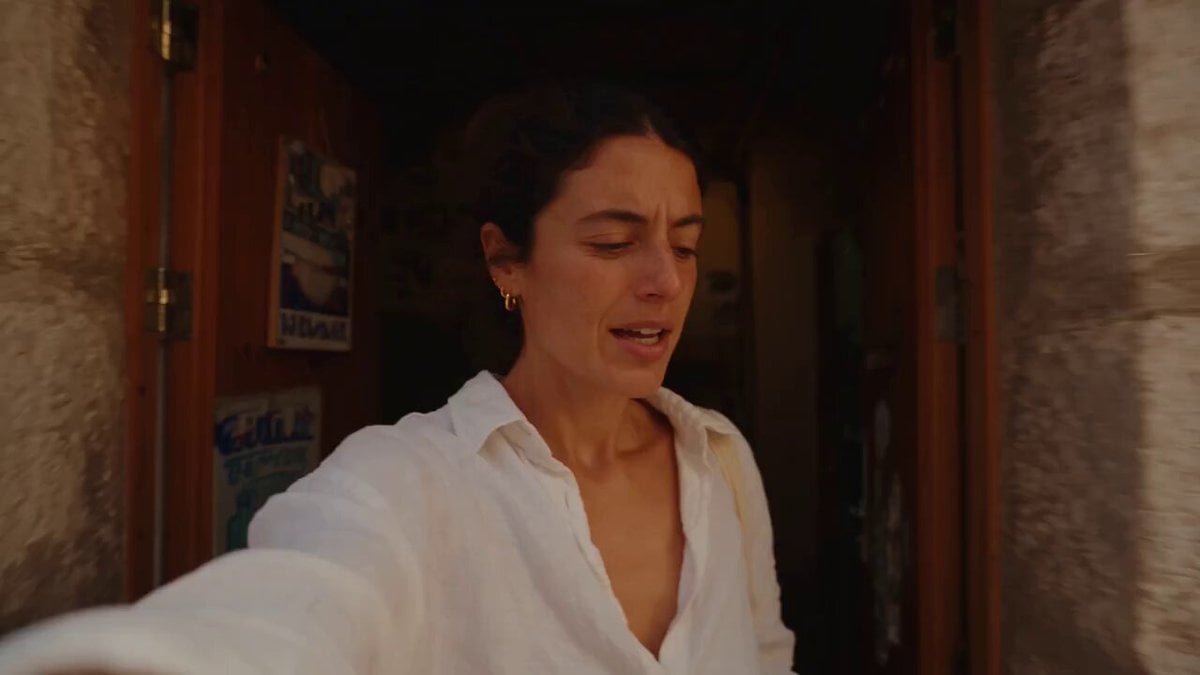
Mediterranean Morning Coffee Run Vlog (Seedance 2.5)
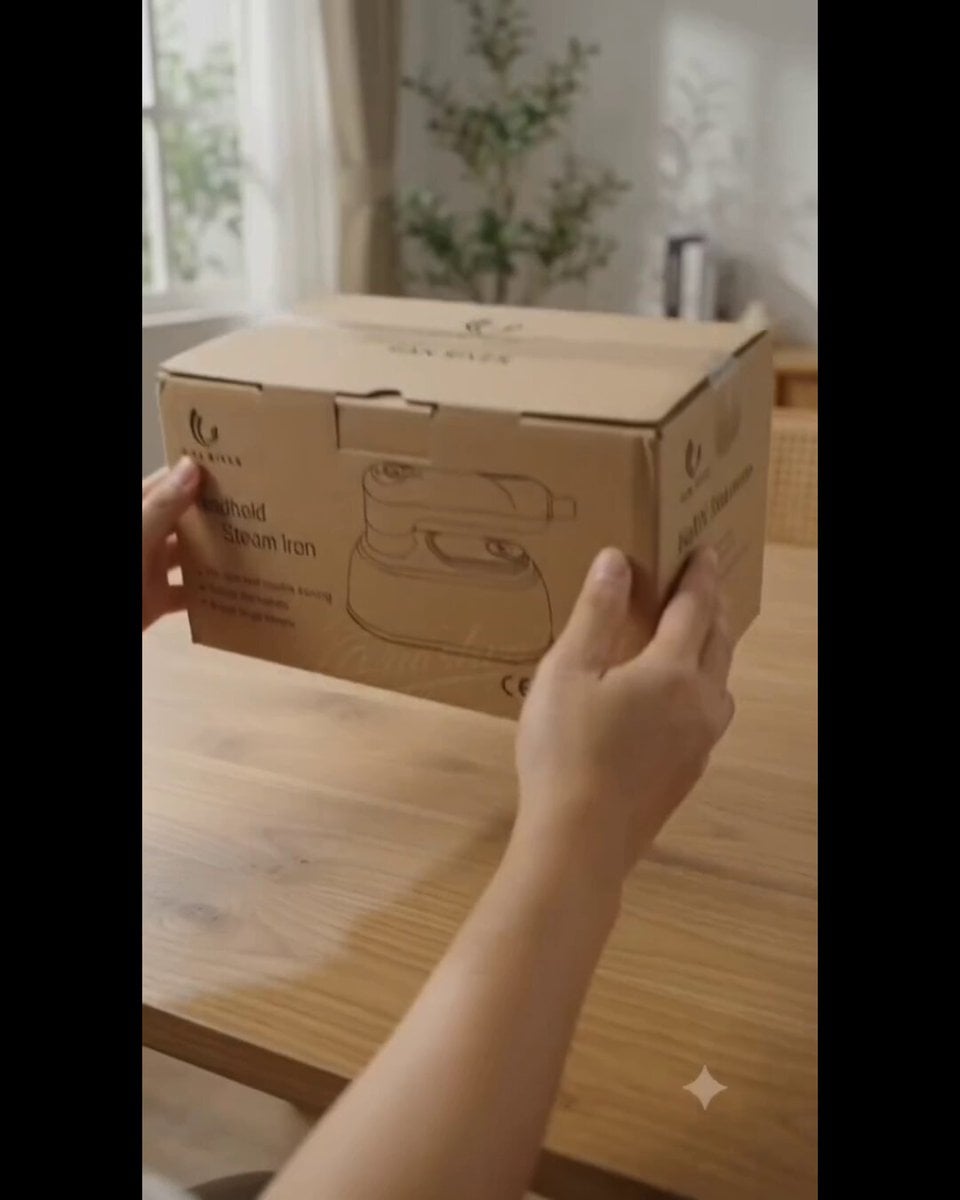
Product UGC Commercial
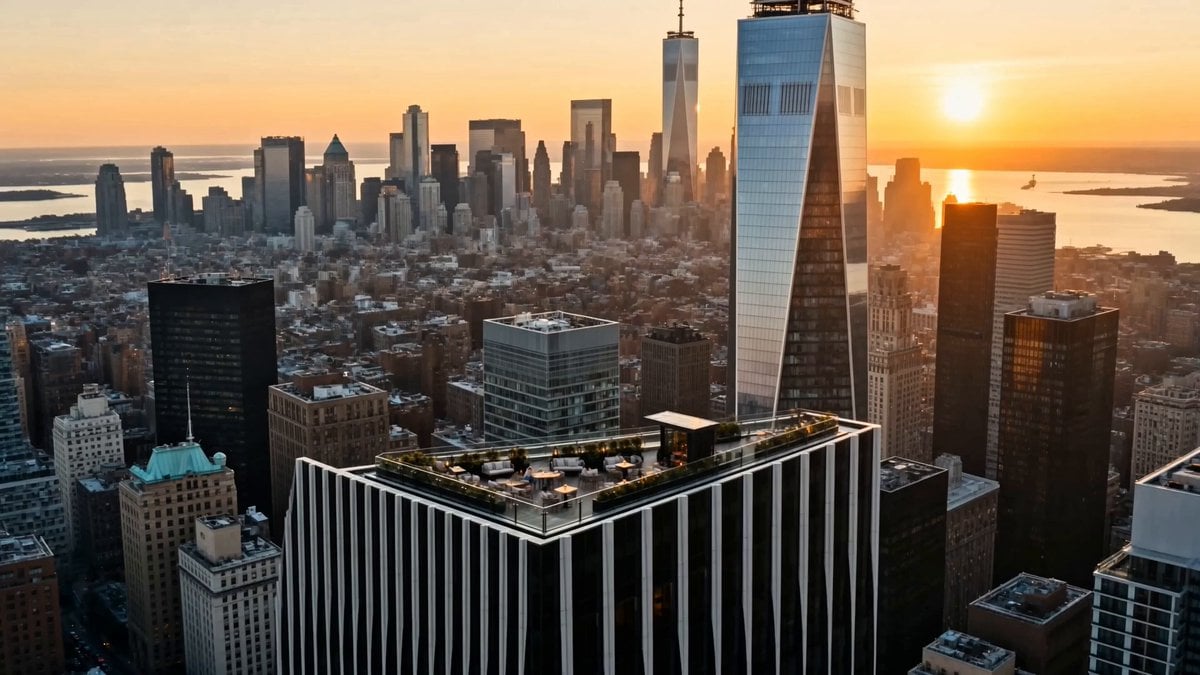
Luxury Lifestyle Day Vlog
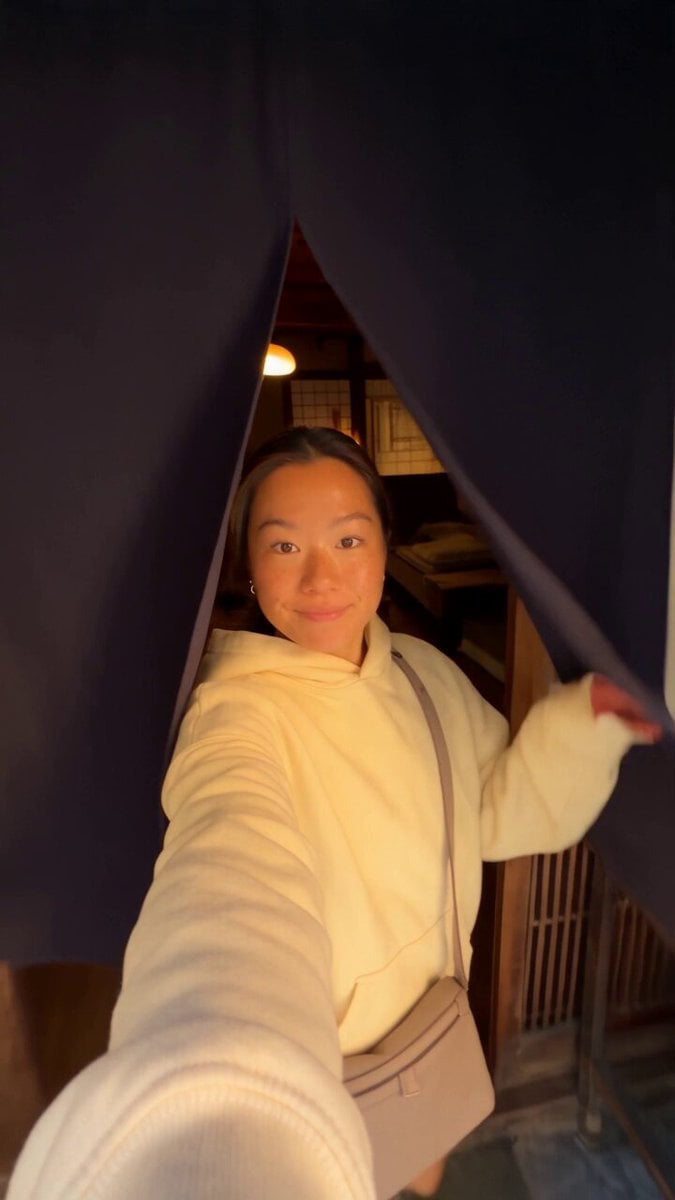
Kyoto Morning Selfie Vlog
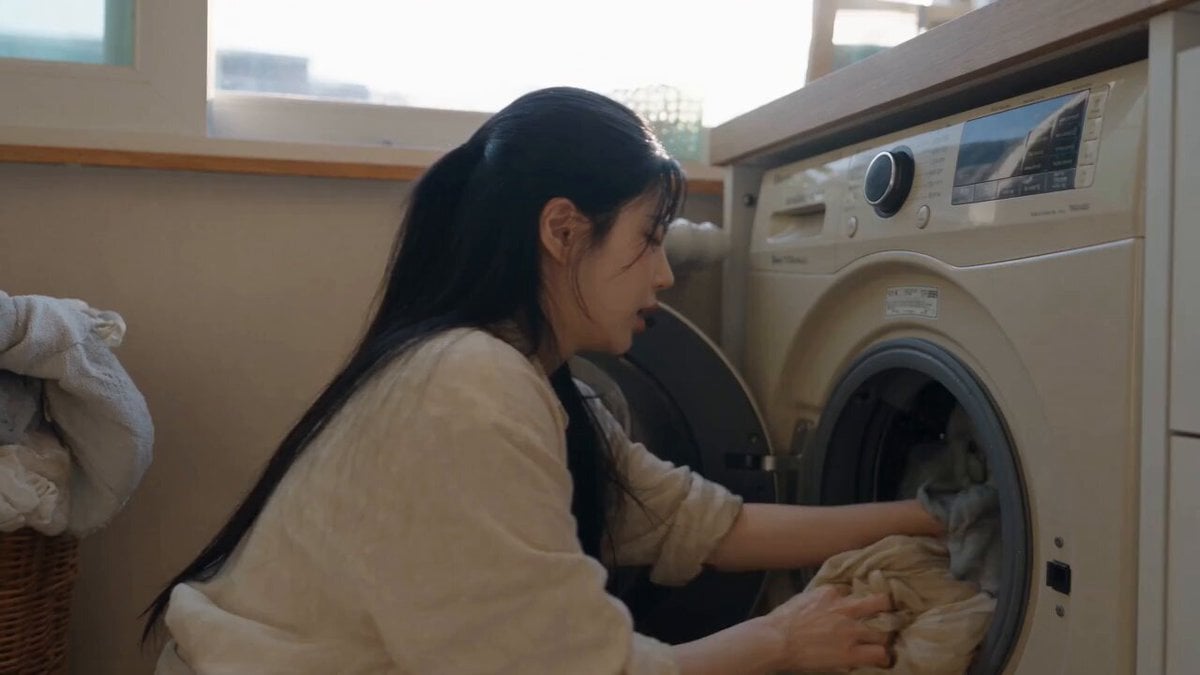
Sunny Morning Laundry Vlog
Make it yours
Cinematic Paragliding Travel Vlog works as-is. These are the safest ways to change it without losing the look.
Change one field
Copy a single group, rewrite it, and generate again so you can see what that field is doing.
Keep the frame, change the subject
Hold the composition and light of Cinematic Paragliding Travel Vlog, then swap wardrobe, props or the person for a new take.
| If the result… | Why | Fix |
|---|---|---|
| The result drifts from the preview | Too many fields changed at once. | Reuse Cinematic Paragliding Travel Vlog as-is first, then change one group — subject, light, or setting. |
| The model over-stylizes the scene | The prose prompt leaves finish and camera underspecified. | Add one camera or lighting sentence and stay on Seedance 2.0. |
More Seedance 2.0 templates
Other prompts made for Seedance 2.0.

Comical Martial Arts Punch Scene

Maglev Train Action Sequence

Martial Arts Fight Sequence

Wuxia Protection and Trust Script

Vintage Korean Arcade MiniDV Vlog

Mercedes 190 SL Luxury Ad

Rainy Night Supernatural Reverse Comedy Video Script

Amazon Civilization Discovery

Futuristic South Asian City Transformation

Cozy Luxury Cafe Commercial
More video prompts
Fresh picks from across the catalog.
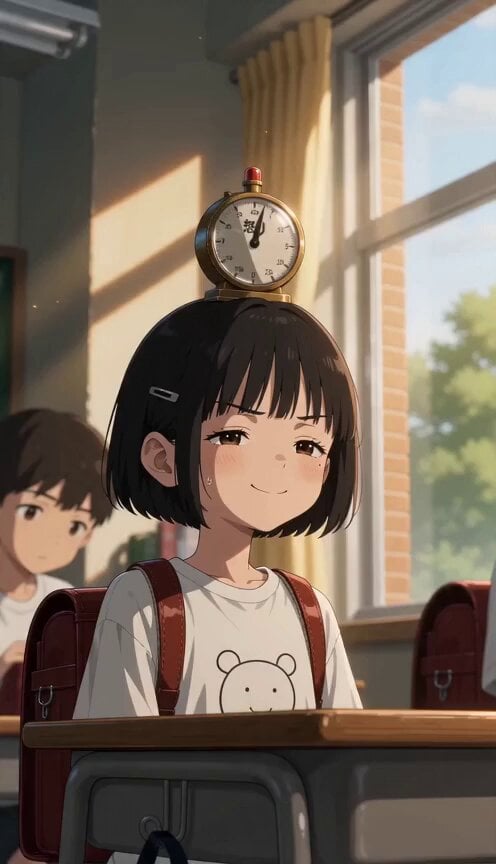
Anime Anger Meter Gag
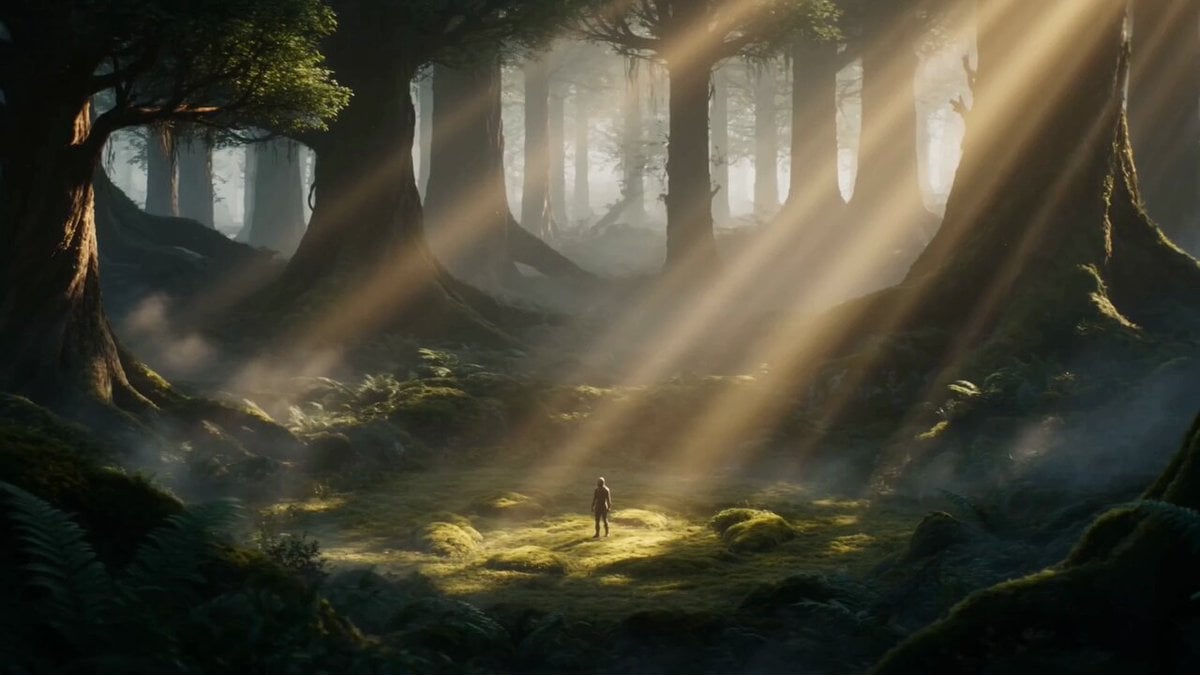
Ancient Tree Guardian Transformation
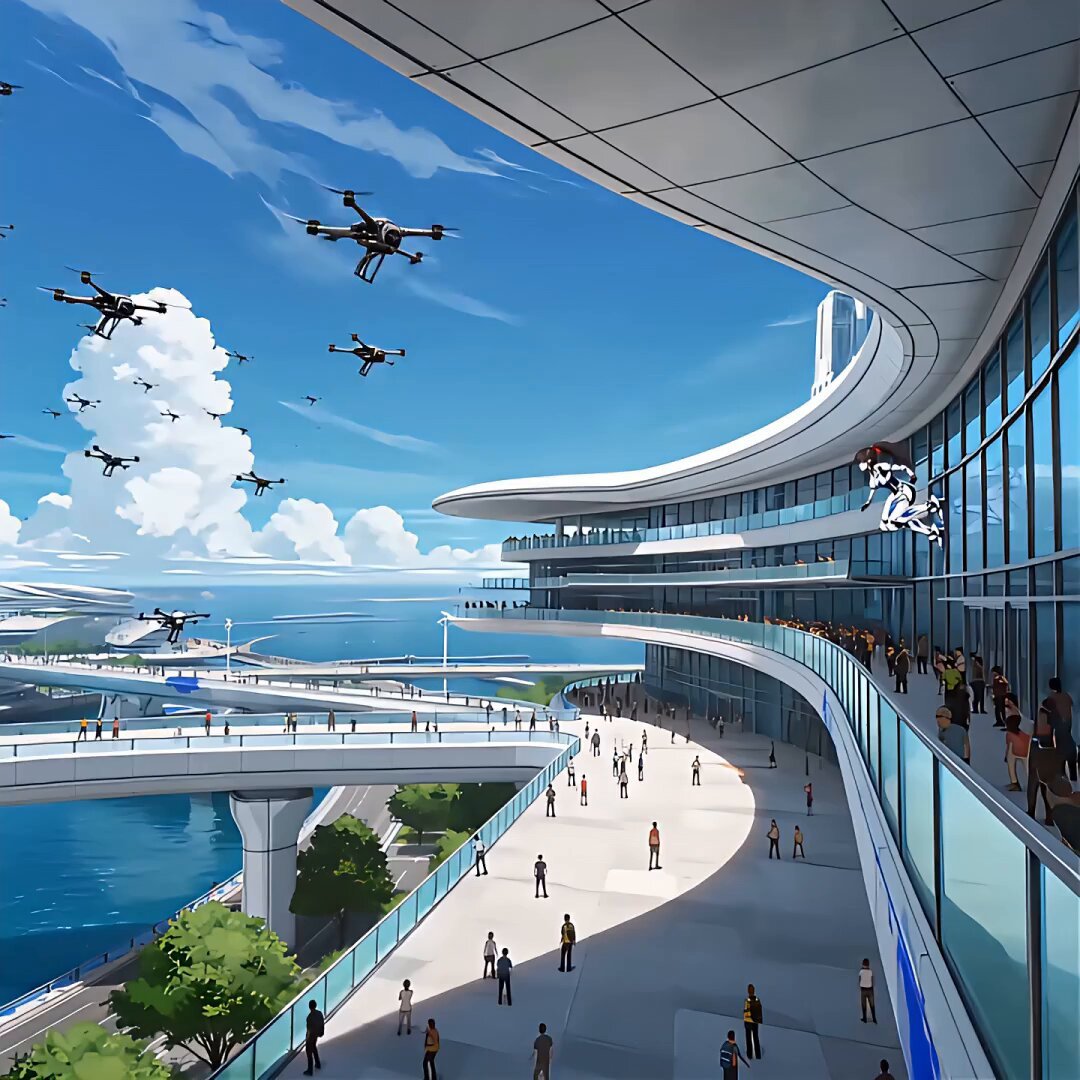
Futuristic Anime Aerial Combat
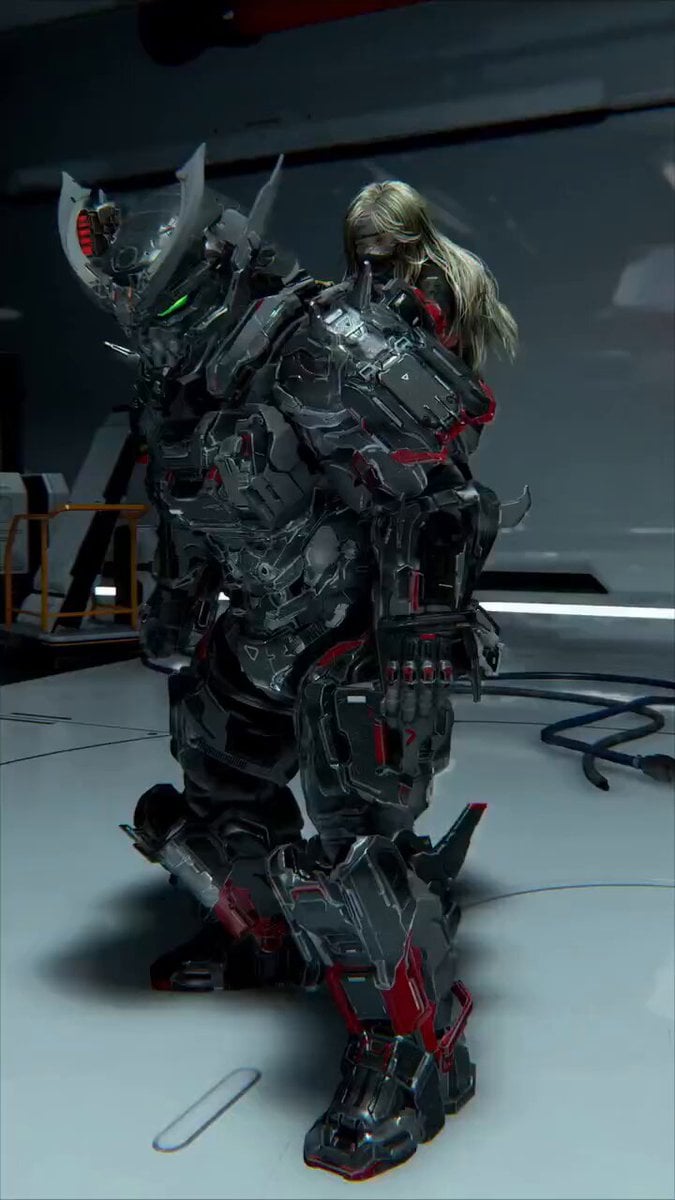
Futuristic Mech and Pilot Orbiting Shot
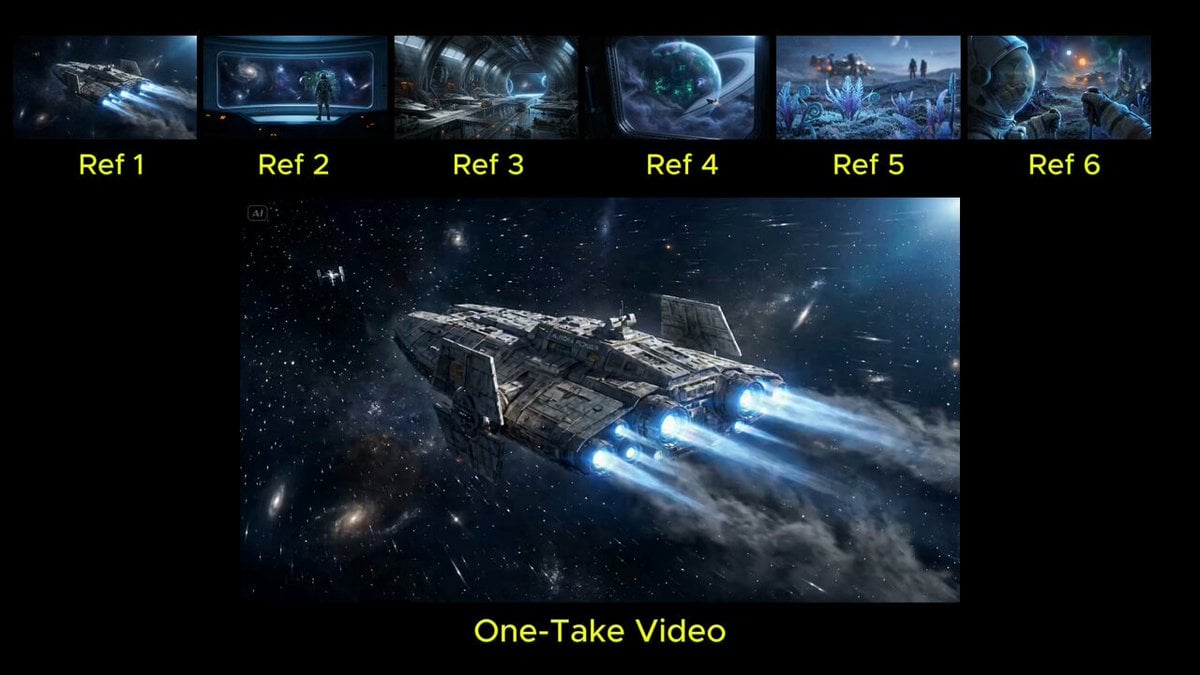
Seamless Continuous One-Take Video Prompt
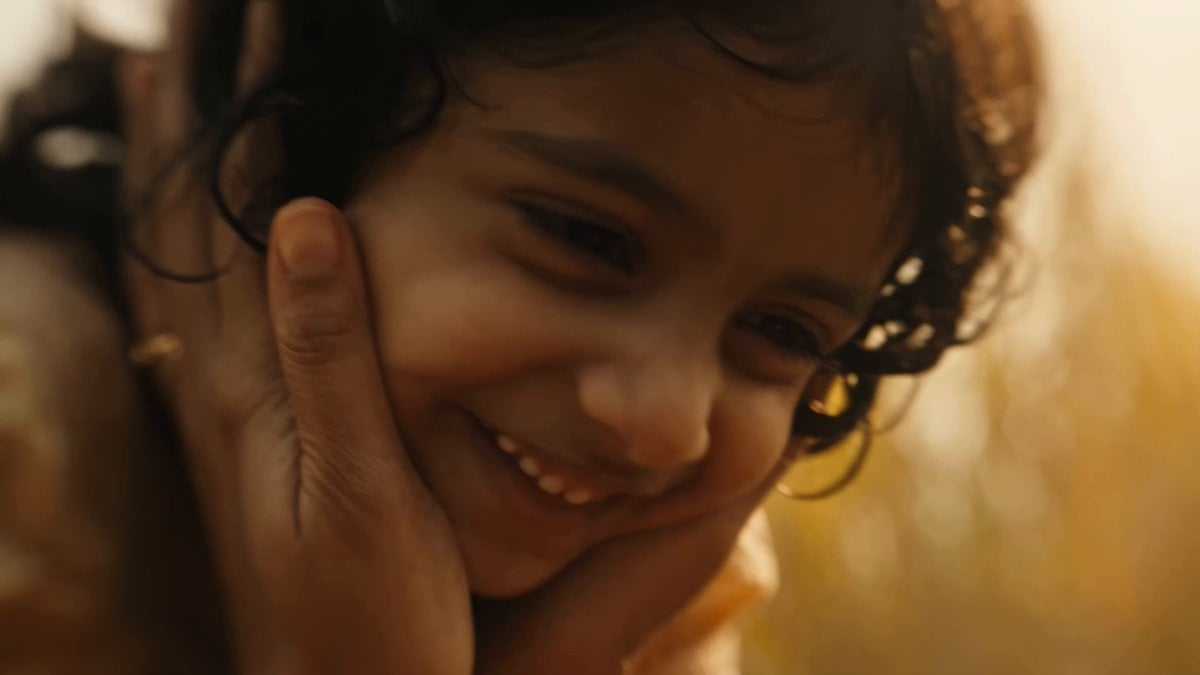
Indian Village Zombie Chase Intercut

Teacher Japanese Chalkboard Writing Animation
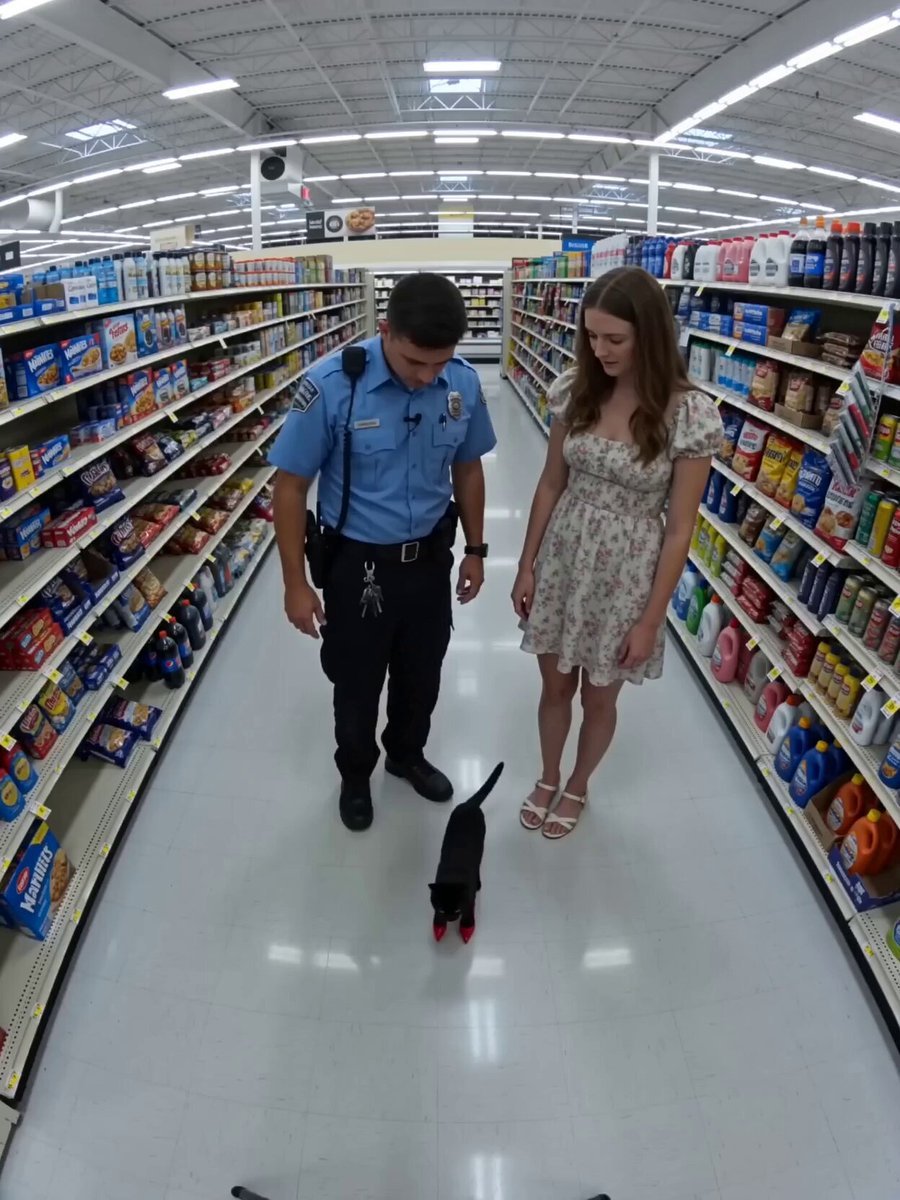
Cat in High Heels Security Footage
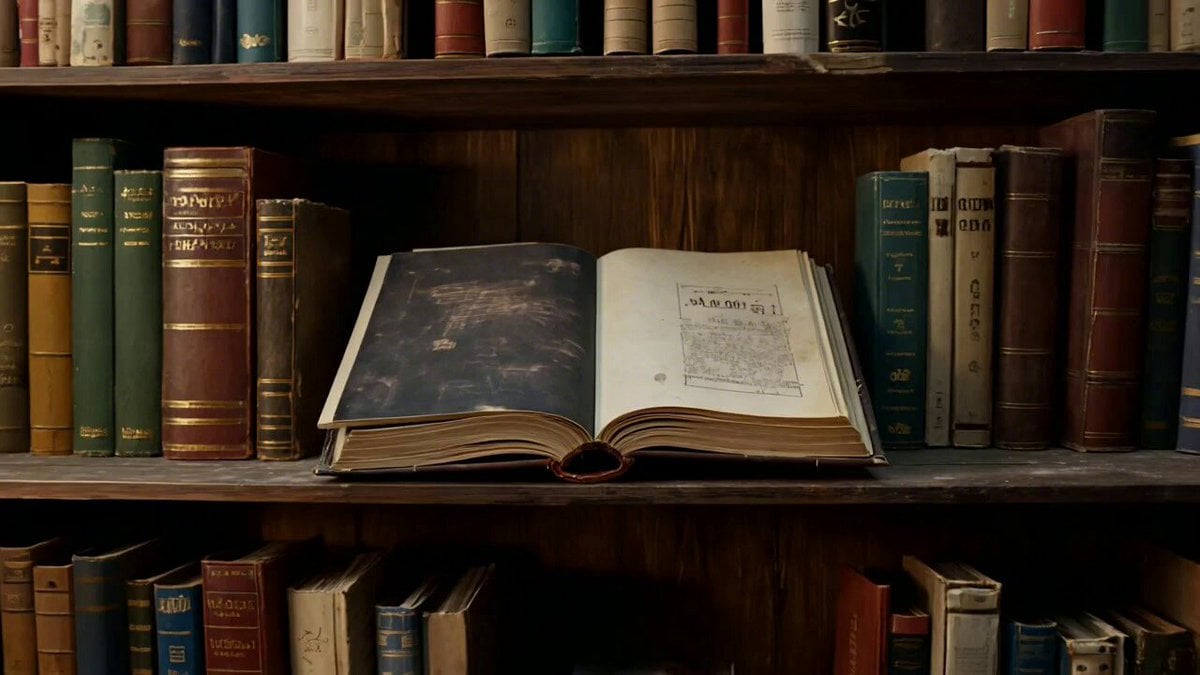
Magical Paper Origami Dragon
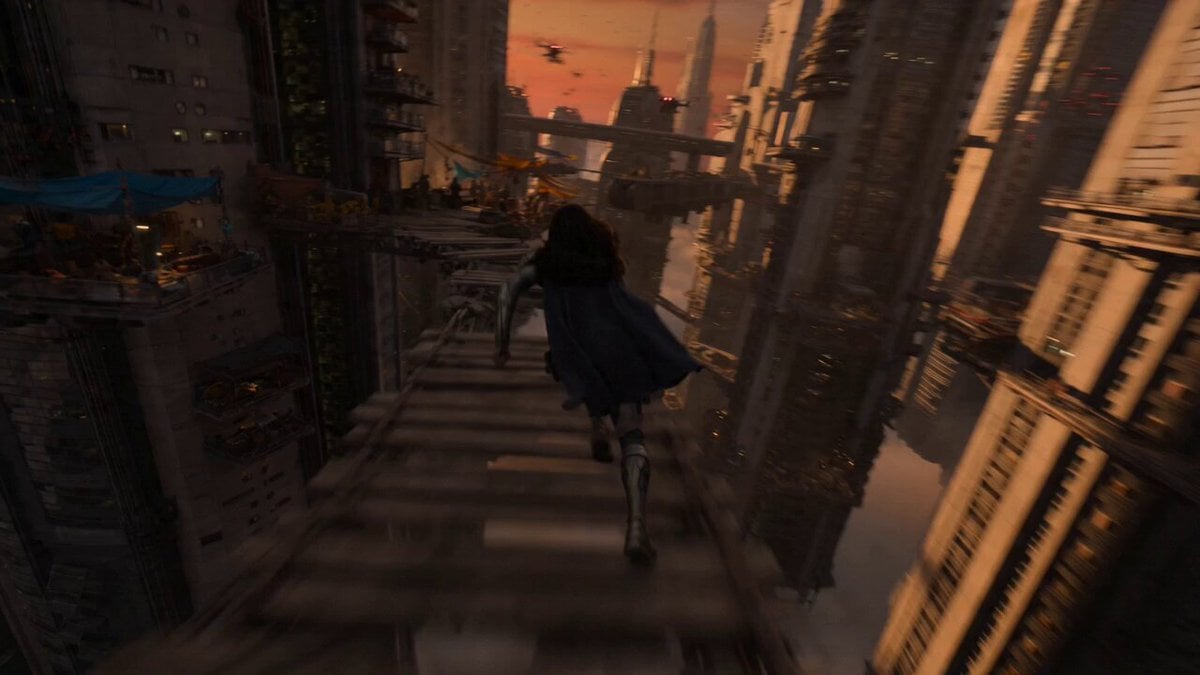
Cyberpunk Sky Runner Chase
Browse template categories
Cinematic Paragliding Travel Vlog questions
How do I use the Cinematic Paragliding Travel Vlog template?
Add your photo if the template asks for one, edit the prompt if you like — the template's model and format are already selected — and press Generate. Your version opens in PicX Studio.
Can I customize the Cinematic Paragliding Travel Vlog template?
Yes. You can change the subject, setting, lighting, mood, format, and available model controls before creating your video.
Is the Cinematic Paragliding Travel Vlog template free?
Opening and editing this template is free. Generating uses credits, shown on the Generate button when you are signed in.
Which AI model should I use?
Start with Seedance 2.0, which is the model associated with this template. You can compare another compatible model for a different finish.
Looking for something else? Browse all templates.

Your photo, any look
Thousands of ready templates for every top image and video model, from one credit balance.