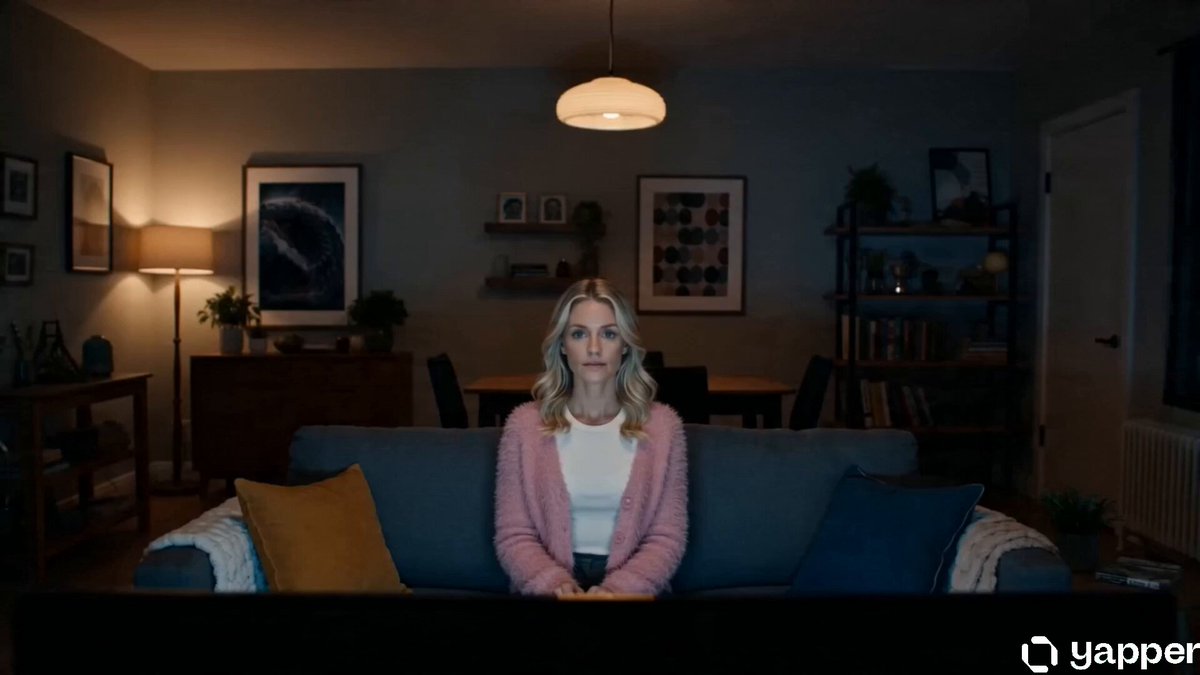
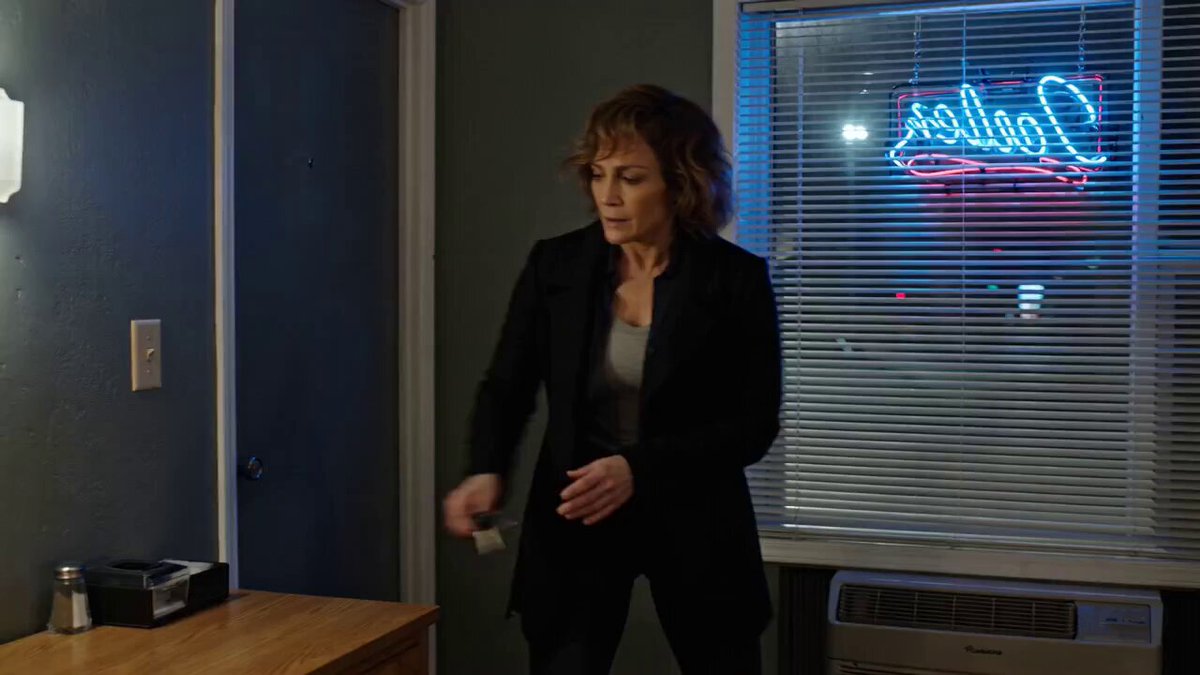
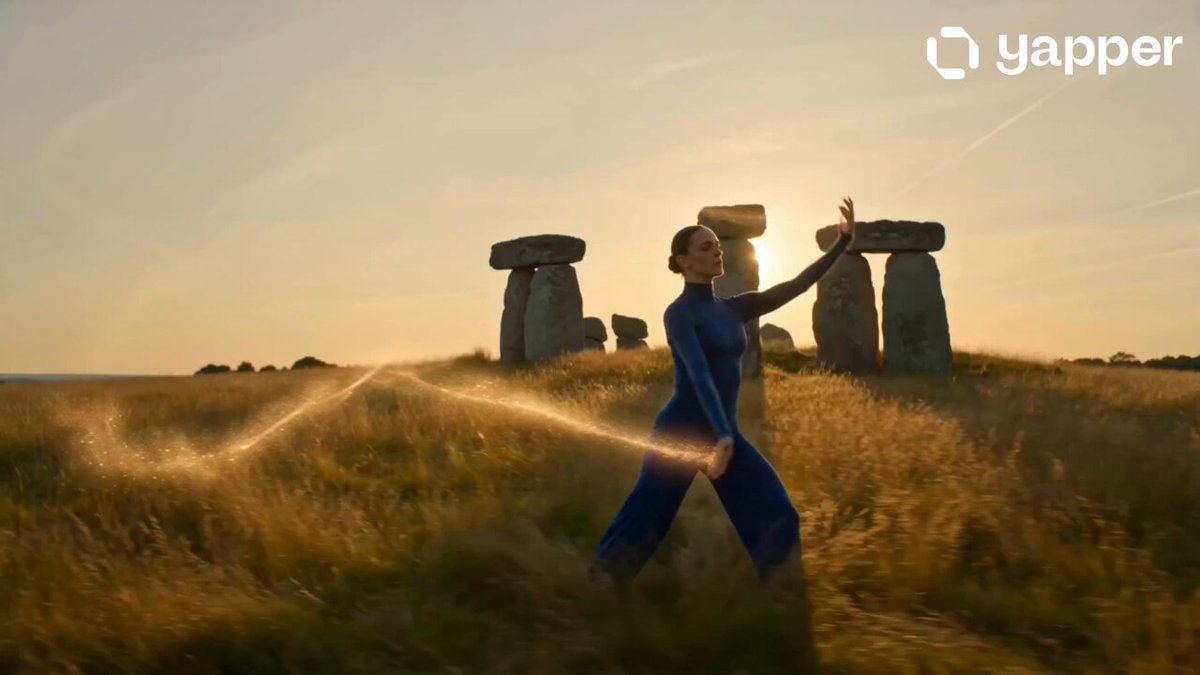
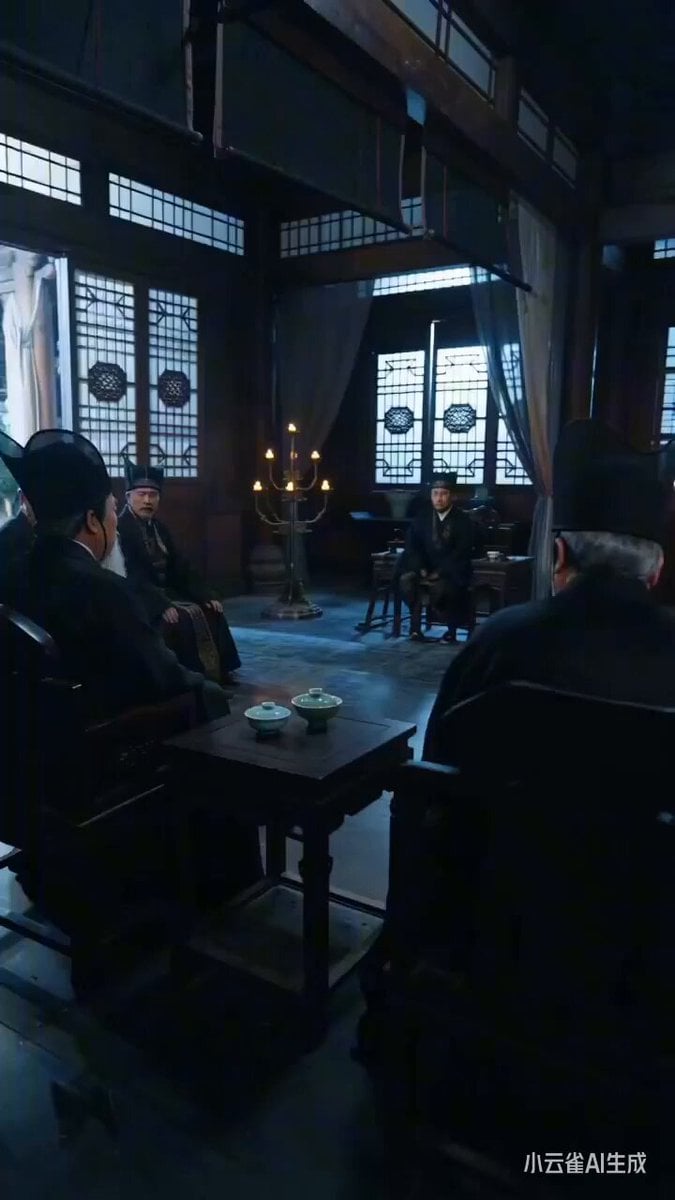
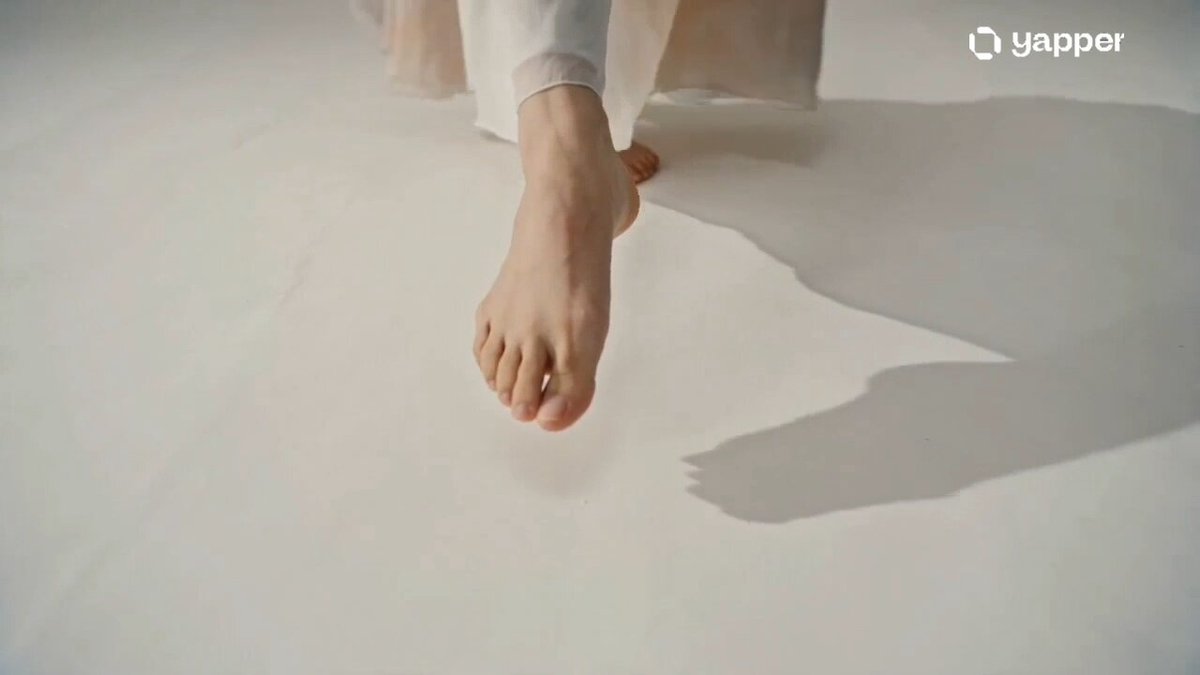
How do I use the Reality-Warping Meta Cinematic Walk template?
Edit the prompt in the box under the preview — the template's model and format are already selected — and press Generate. Your version appears right on this page.
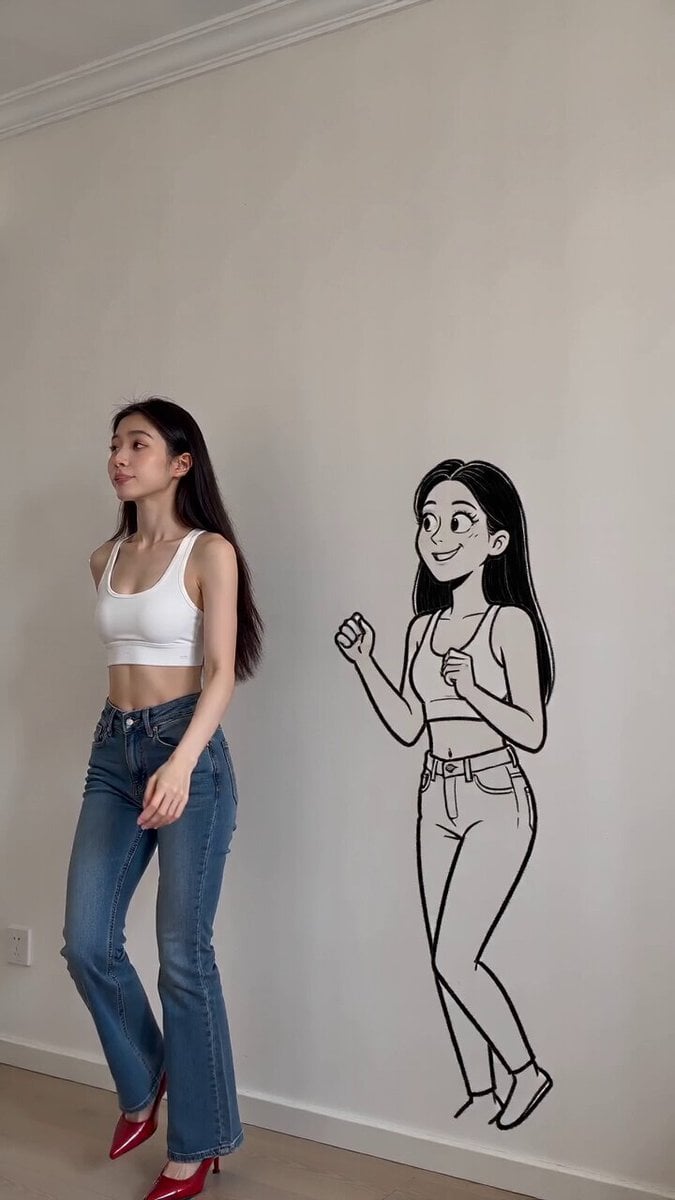
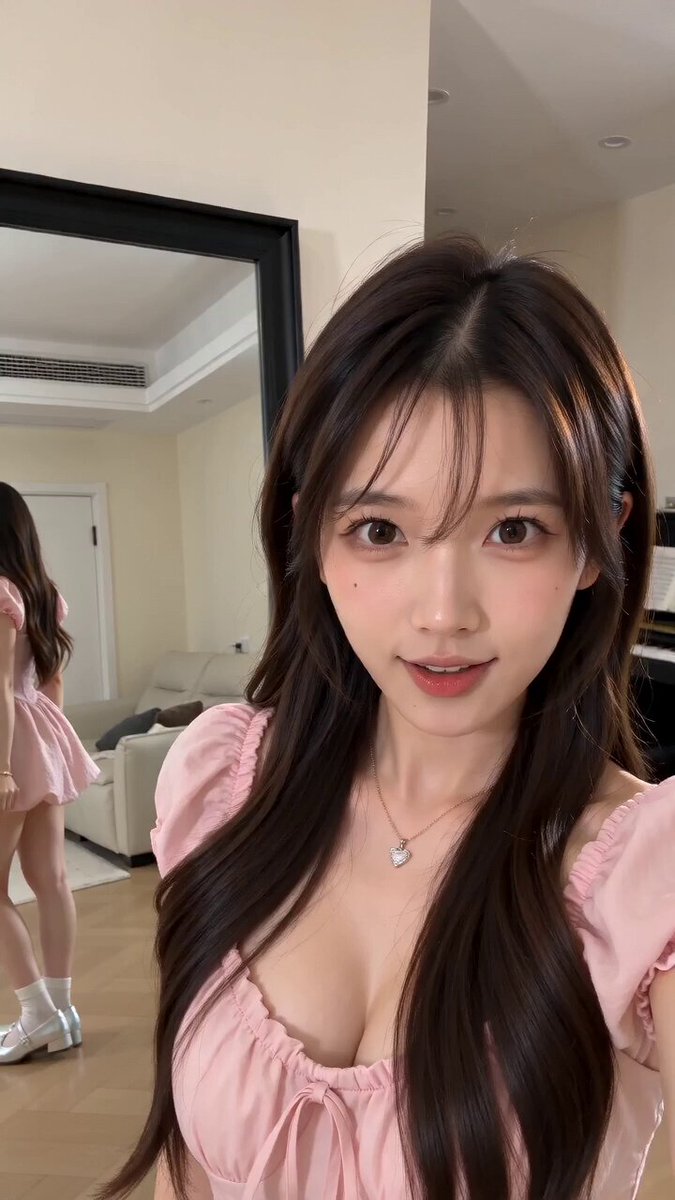
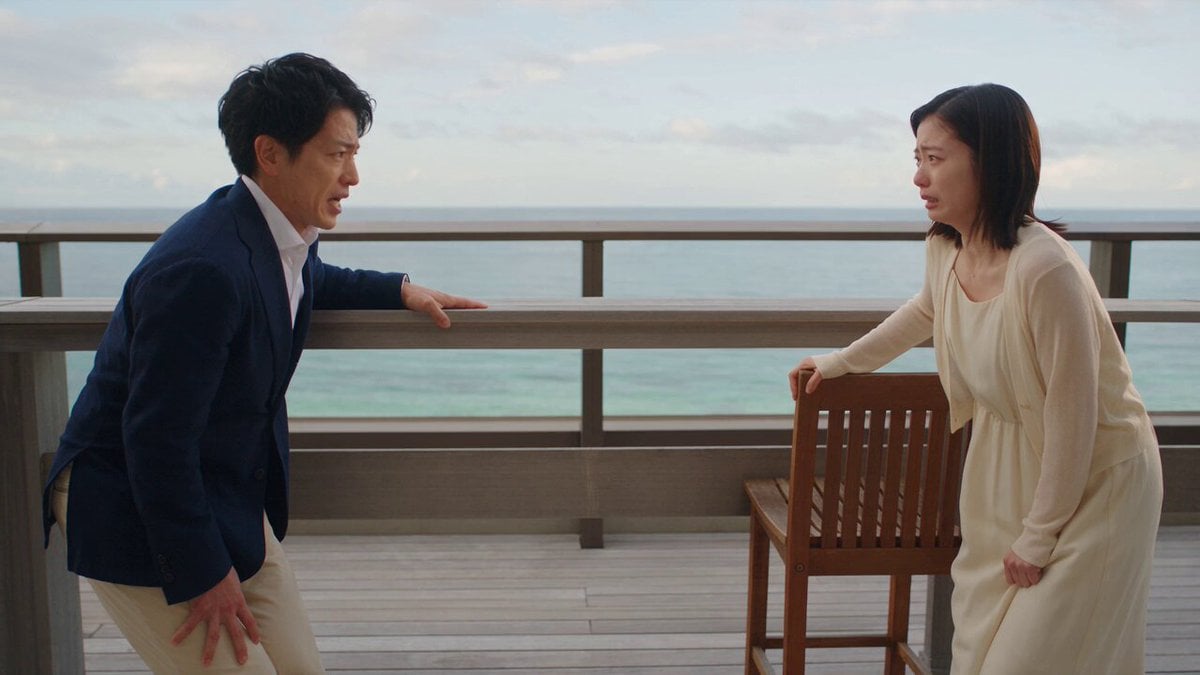
A complex video prompt for Seedance 2.0 that changes camera angles and cinematography based on the subject's physical steps.
FORMAT: 15s / 140 BPM / 14 SHOTS SUBJECT: @[image1] WARDROBE: Casual ENVIRONMENT: Street / indoor MOOD: Playful → stylish STYLE: Meta cinematic CORE IDEA: Reality behaves like a film set reacting to her steps SHOT FLOW: Normal walking Step → sudden top-down shot She looks confused Step → low-angle cinematic Step → slow motion Realizes pattern Tests movement Controls angles Walk becomes stylish Perfect framing each step Confident expression Final hero shot Hold frame End
FORMAT: 15s / 140 BPM / 14 SHOTS SUBJECT: @[image1] WARDROBE: Casual ENVIRONMENT: Street / indoor MOOD: Playful → stylish STYLE: Meta cinematic CORE IDEA: Reality behaves like a film set reacting to her steps SHOT FLOW: Normal walking Step → sudden top-down shot She looks confused Step → low-angle cinematic Step → slow motion Realizes pattern Tests movement Controls angles Walk becomes stylish Perfect framing each step Confident expression Final hero shot Hold frame End
Edit the prompt in the box under the preview — the template's model and format are already selected — and press Generate. Your version appears right on this page.
Yes. You can change the subject, setting, lighting, mood, format, and available model controls before creating your video.
Opening and editing this template is free. Generating uses credits, shown on the Generate button when you are signed in.
Start with Seedance 2.0, which is the model associated with this template. You can compare another compatible model for a different finish.
Follow a topic to a crawlable collection of related PicX Studio templates.