
Netflix Reality Shift Ad
A complex cinematic advertisement prompt where a character remains still while reality transforms through different eras and dimensions.
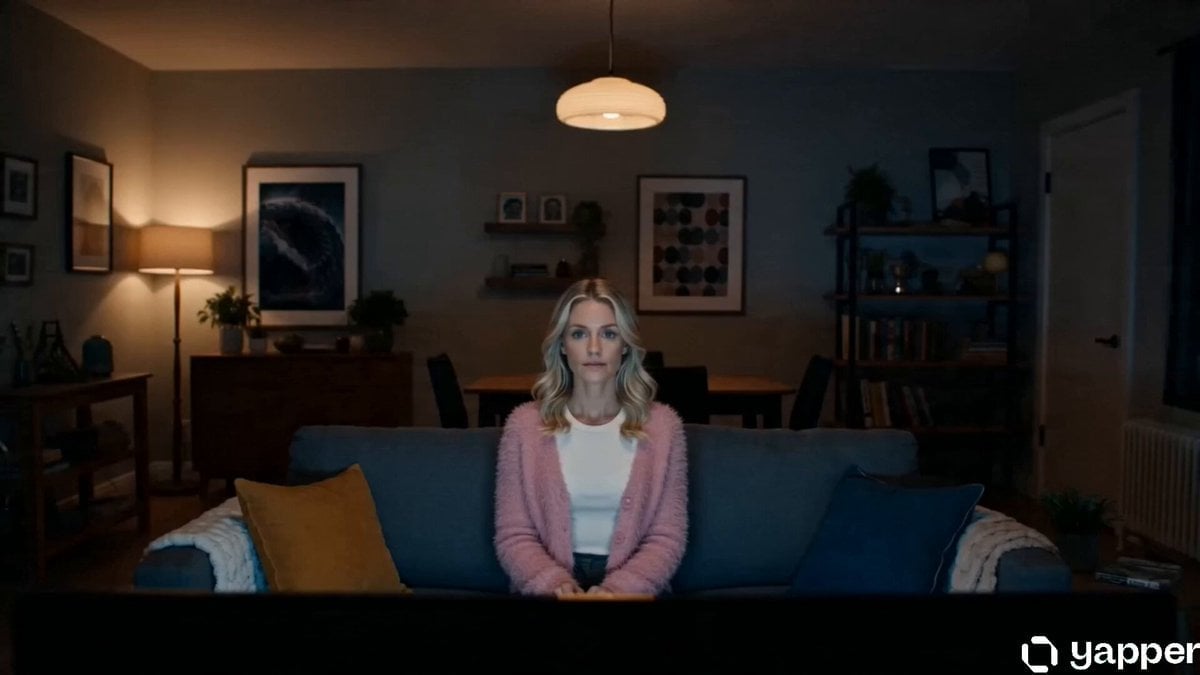
- Prompt included
- Model and format preset
- Free template
The prompt behind this video
Copy the exact prompt behind Netflix Reality Shift Ad, or open it in the studio and make it yours.
real-life filmed texture, handheld iPhone documentary aesthetic, natural low-light living room at night, TV flicker as the only light source, subtle camera shake, focus breathing, soft sensor noise, cinematic realism. Use Image1 as exact character reference, same face/body/clothes with a pink furry cardigan. One-take sequence: TV glitches and reality rapidly shifts around the calm character — horror dimension with decayed walls and red ambience, futuristic spaceship, medieval throne hall, interrogation room, post-apocalyptic wasteland. Netflix red glow spreads through every scene. Character remains perfectly still while environments transform realistically around them. She raises a remote, presses pause, and the entire world freezes mid-motion in complete silence. She calmly walks through the frozen chaos before sitting back on the couch as the room snaps to normal. On the TV: “Continue Watching?” ultra cinematic, realistic transitions, grounded practical lighting, immersive atmosphere, no stylized CGI, 13-second ad film look.
How to use Netflix Reality Shift Ad in 3 steps
- 1Upload ImagePNG, JPG or paste
Add your photo
Upload the photo the template builds on. The prompt, model and format are already set.
- 2…a portrait of your subject in softgolden-hour light, 85mm…
Personalize
Edit the subject and creative details for your destination.
- 3Generate
Generate
Press Generate — your video is created in PicX Studio, so you can compare it with the original and refine one variable at a time.
More like this
Templates with the same subject, style or setup. Open one to see its prompt.
One-Shot Rooms With Shifting Worlds

Surreal Material-Shifting Anime Run
Cinematic Raccoon Convenience Store Shift Prompt
Netflix Style Travel Vlog
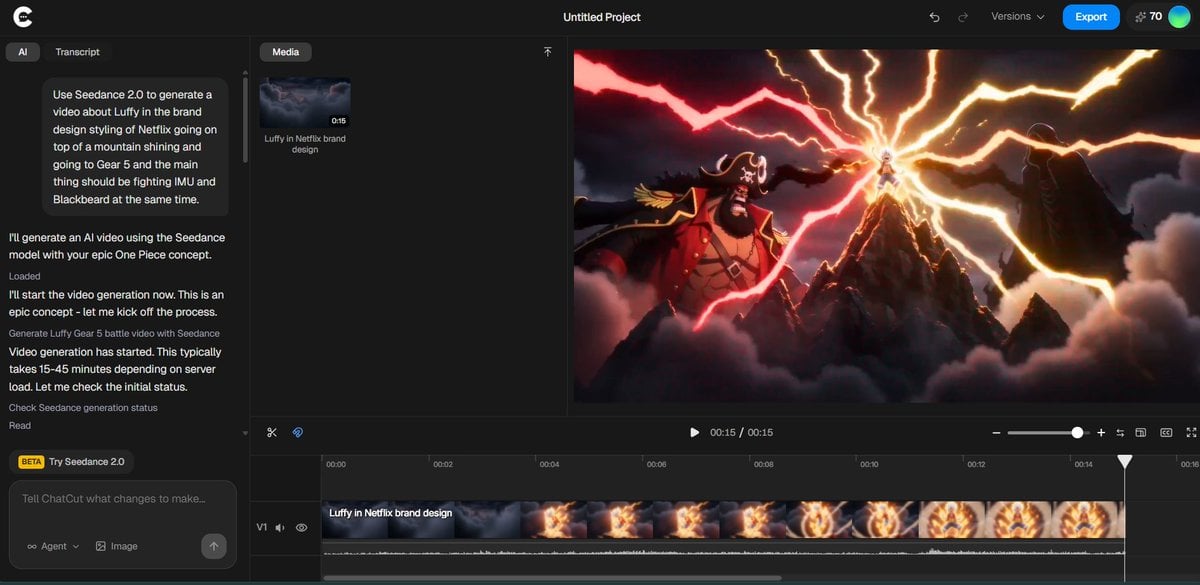
Luffy in Netflix Style Fighting Imu and Blackbeard

AI Dojo Fight Scene with Dimensional Style Shifts
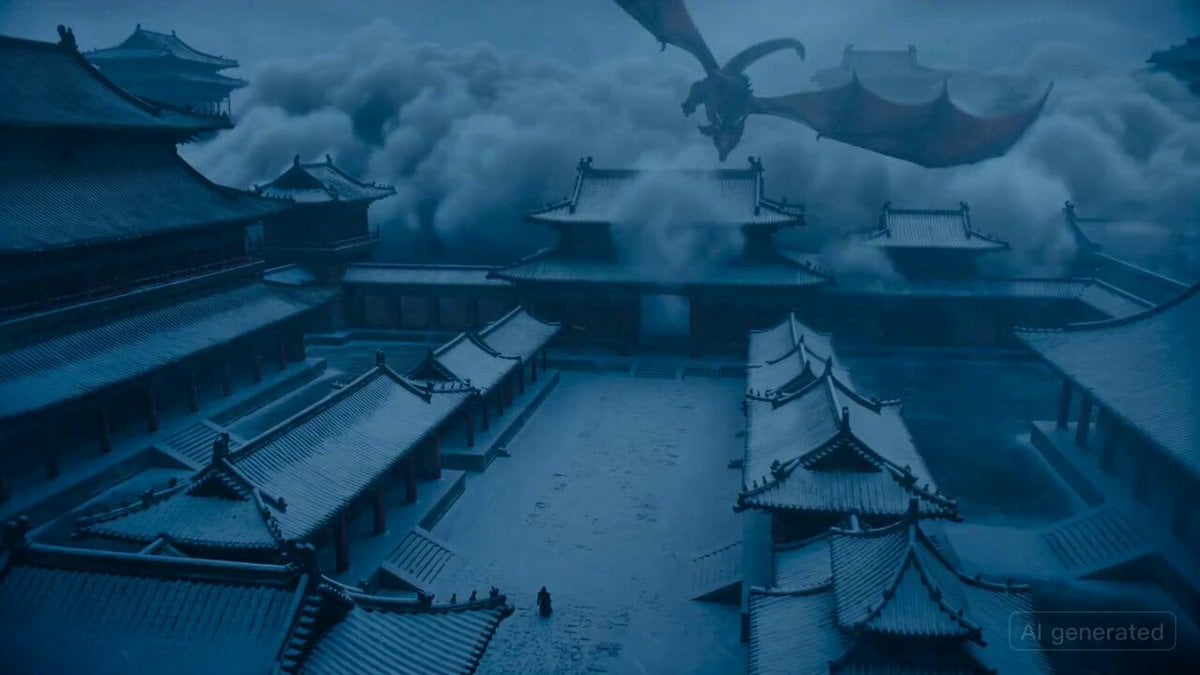
Epic fantasy scene with intense color shifts and atmosphere of oppression
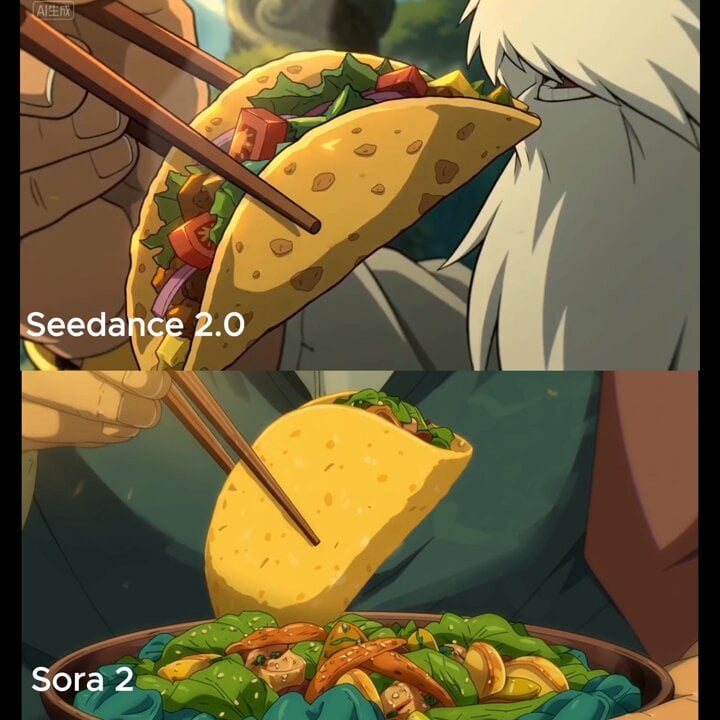
Close-up shot of taco filling shifting and warm light reflection
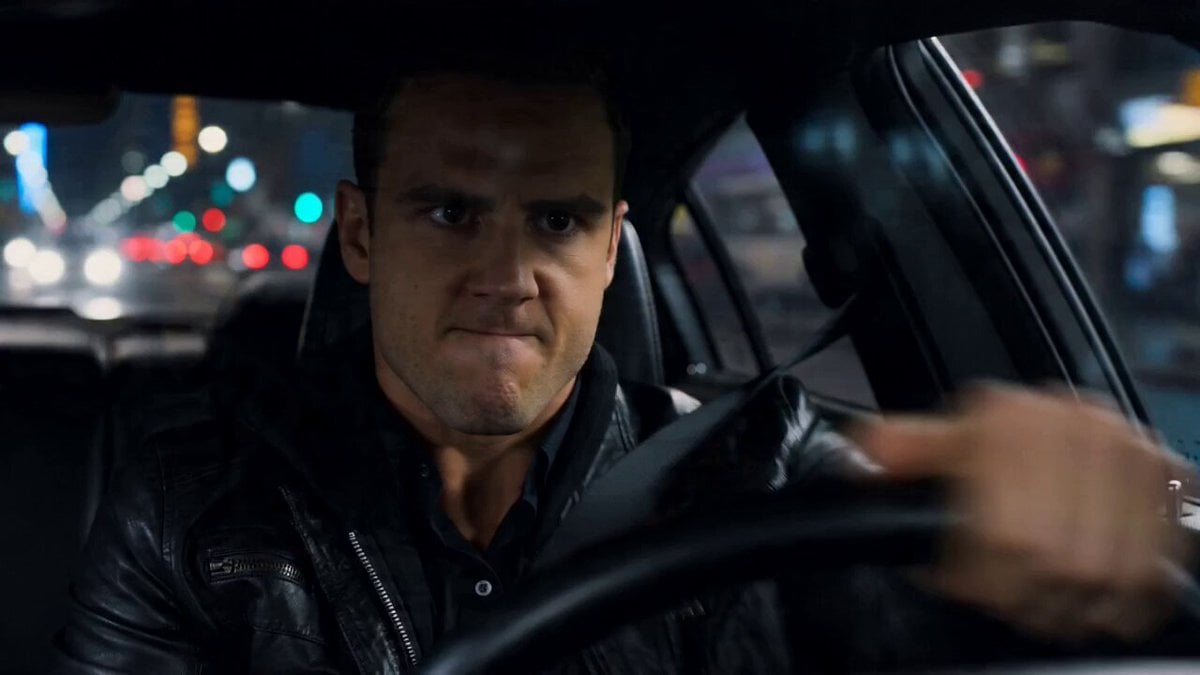
High-Speed Car Chase Gear Shift Video
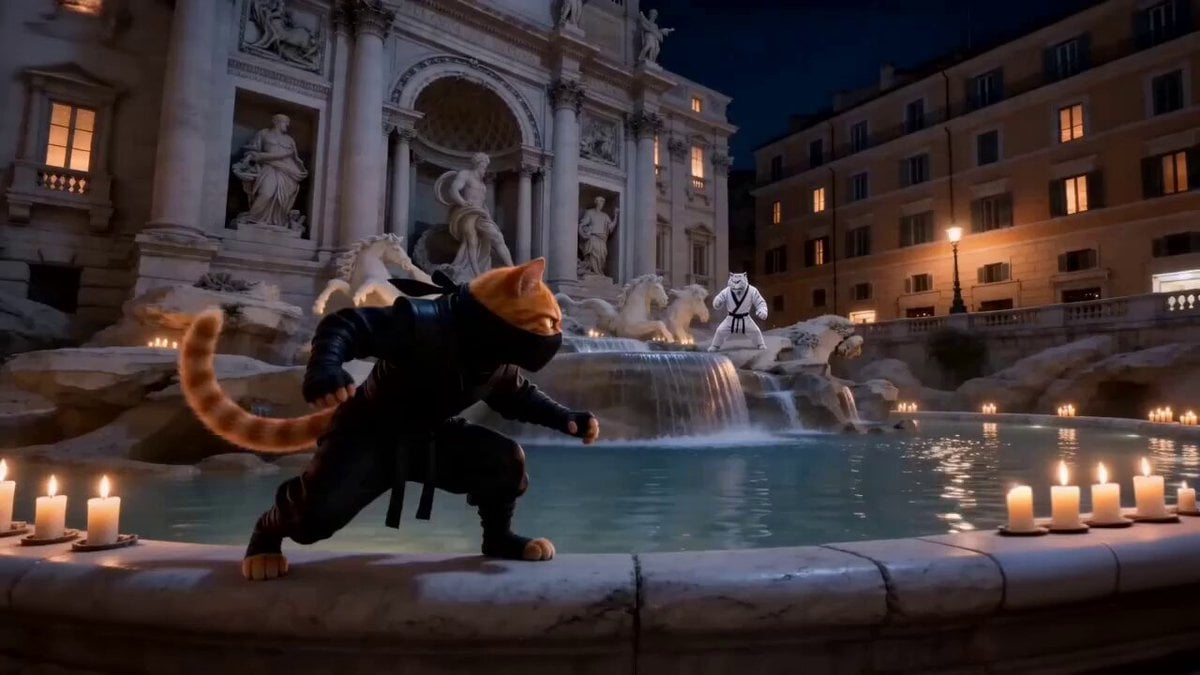
Urban Time-Shift Martial Arts Epic: Cat Ninja vs. Tiger Warrior
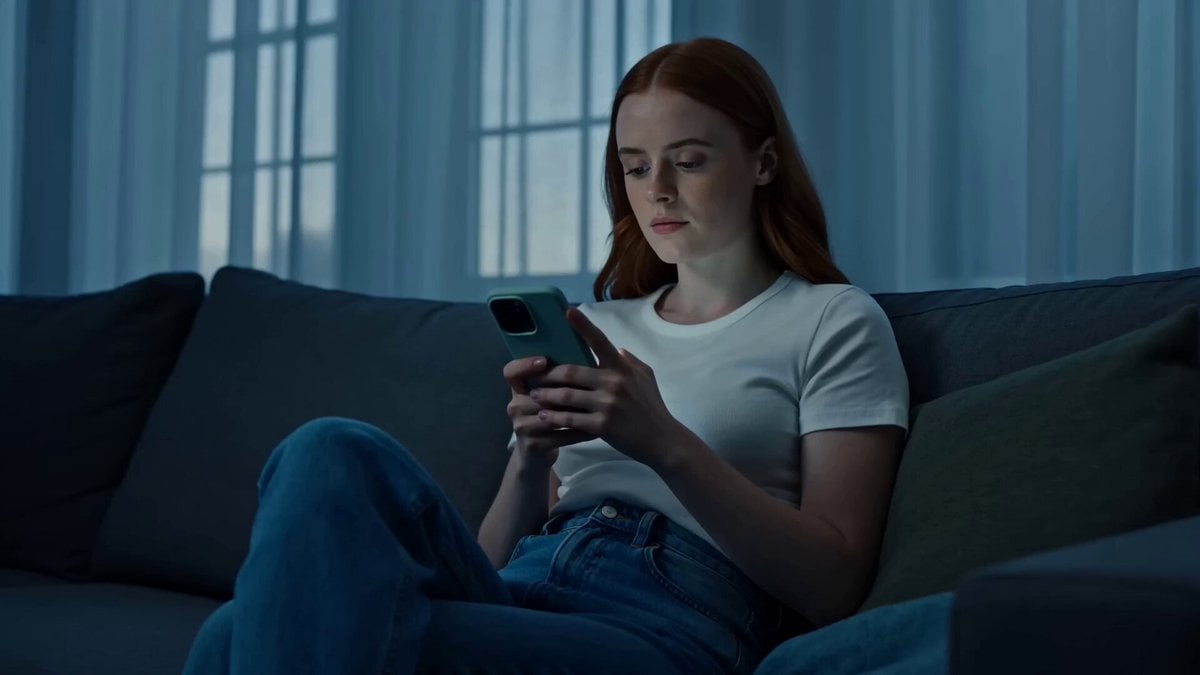
Cinematic Lifestyle Mood Shift
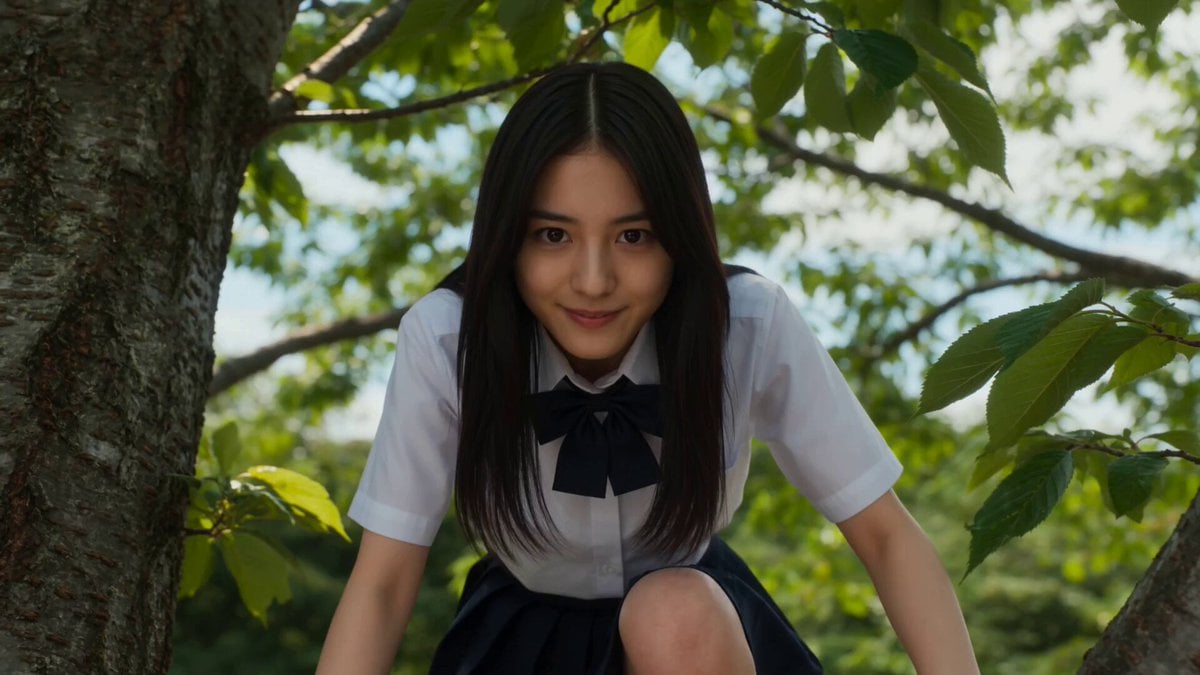
Cinematic Scale-Shifting Sequence
Make it yours
Netflix Reality Shift Ad works as-is. These are the safest ways to change it without losing the look.
Change one field
Copy a single group, rewrite it, and generate again so you can see what that field is doing.
Keep the frame, change the subject
Hold the composition and light of Netflix Reality Shift Ad, then swap wardrobe, props or the person for a new take.
| If the result… | Why | Fix |
|---|---|---|
| The result drifts from the preview | Too many fields changed at once. | Reuse Netflix Reality Shift Ad as-is first, then change one group — subject, light, or setting. |
| The model over-stylizes the scene | The prose prompt leaves finish and camera underspecified. | Add one camera or lighting sentence and stay on Seedance 2.0. |
More Seedance 2.0 templates
Other prompts made for Seedance 2.0.

Comical Martial Arts Punch Scene

Maglev Train Action Sequence

Martial Arts Fight Sequence

Wuxia Protection and Trust Script

Vintage Korean Arcade MiniDV Vlog

Mercedes 190 SL Luxury Ad

Rainy Night Supernatural Reverse Comedy Video Script

Amazon Civilization Discovery

Futuristic South Asian City Transformation

Cozy Luxury Cafe Commercial
More video prompts
Fresh picks from across the catalog.
Giant Mountain Koi Video Prompt
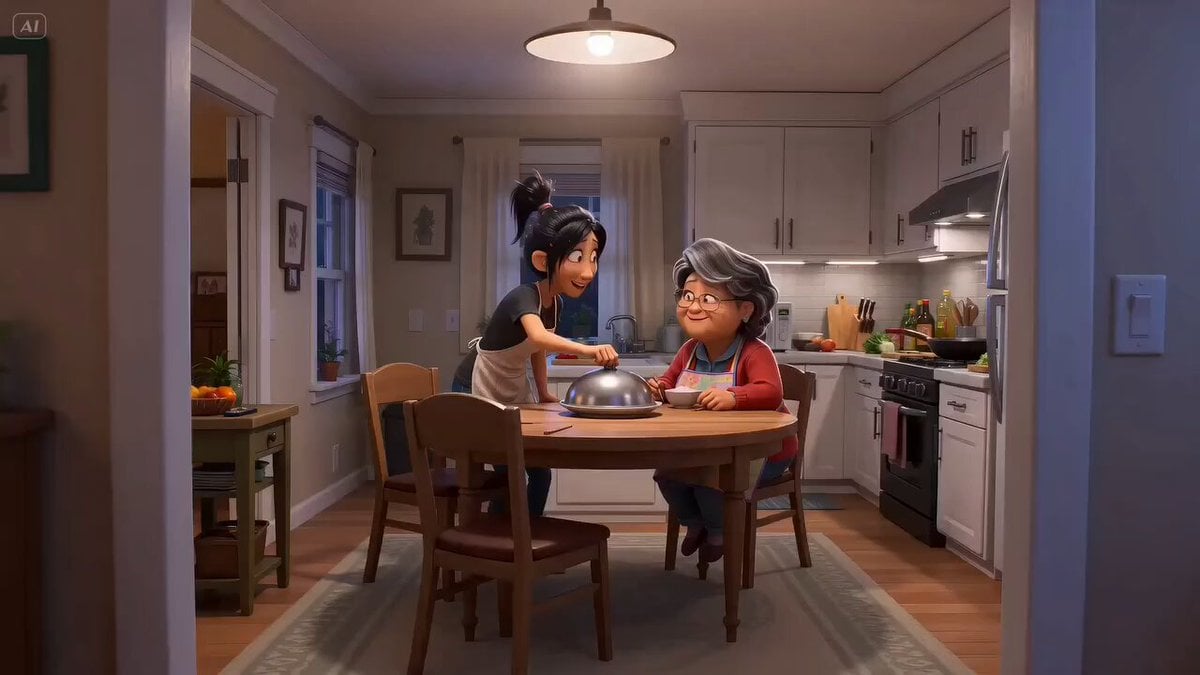
Pixar Style Mother Daughter Cooking Animation
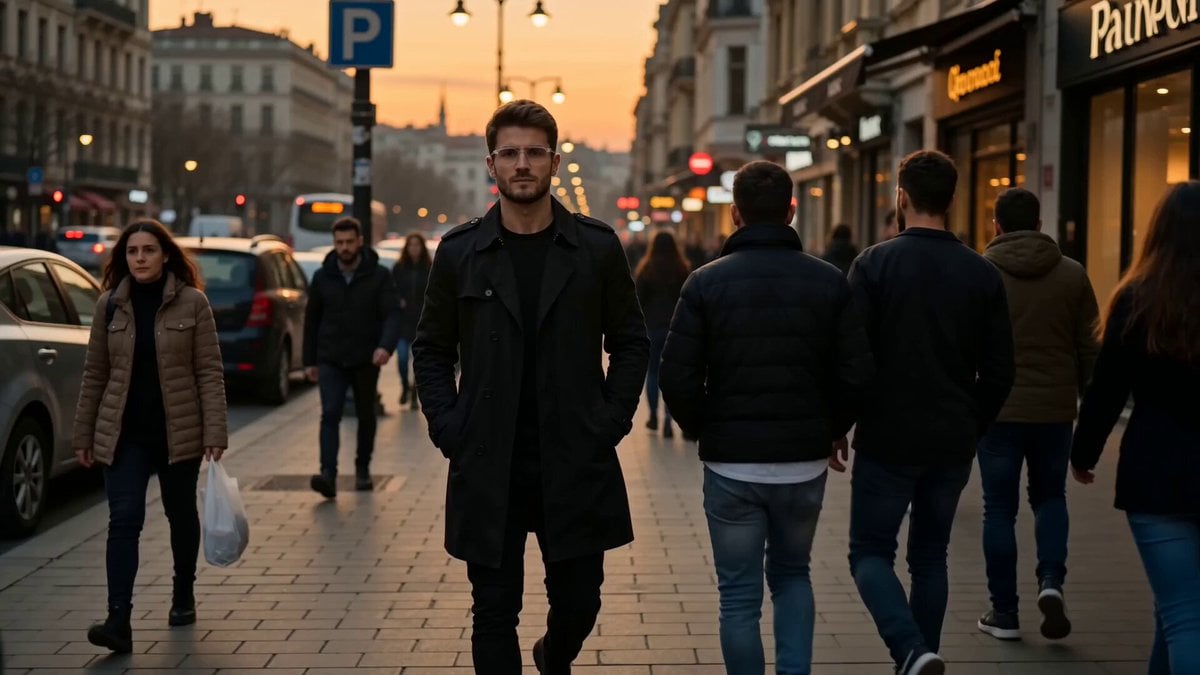
Istanbul sidewalk time-stealing sequence
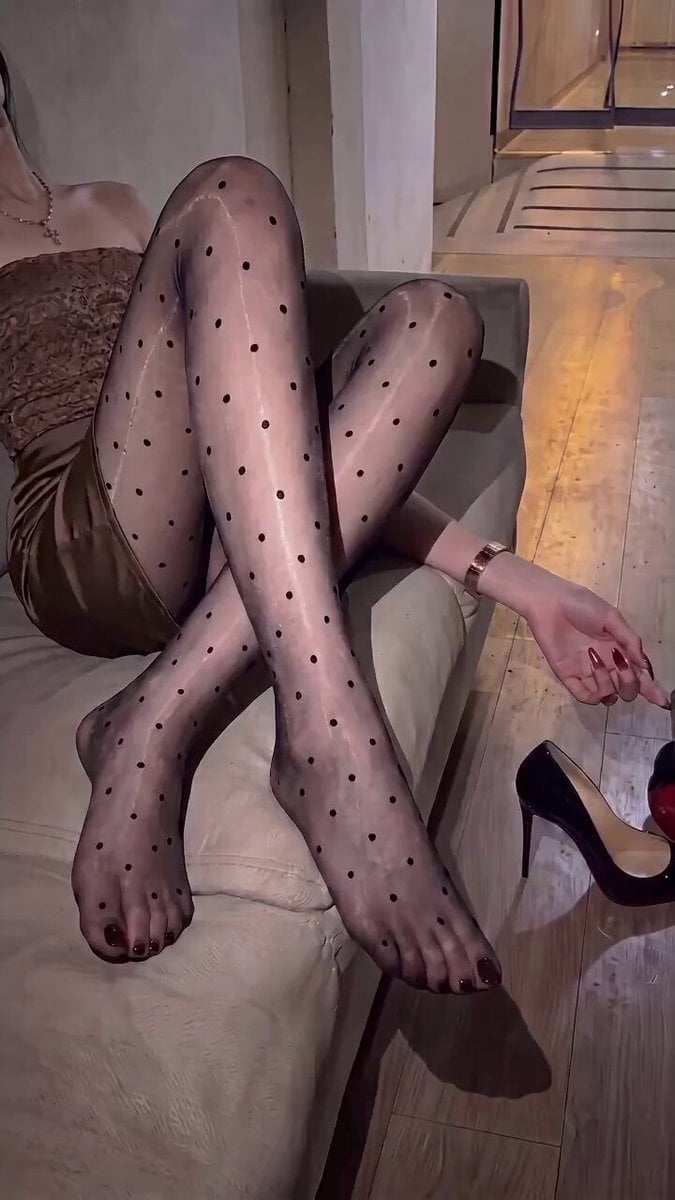
Realistic Small Restaurant Comedy Video Script
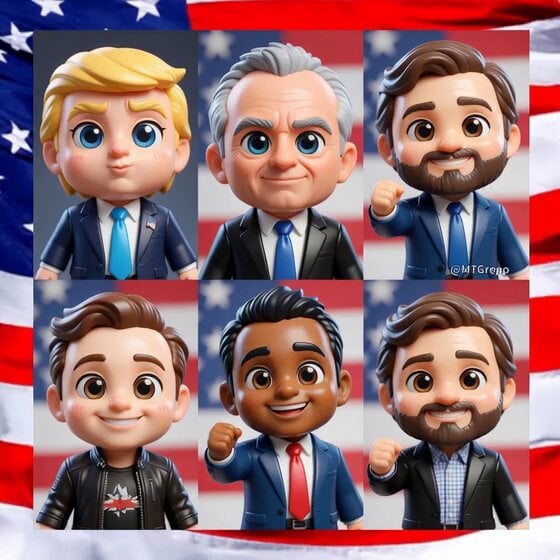
Transform subjects into cute anime chibi characters
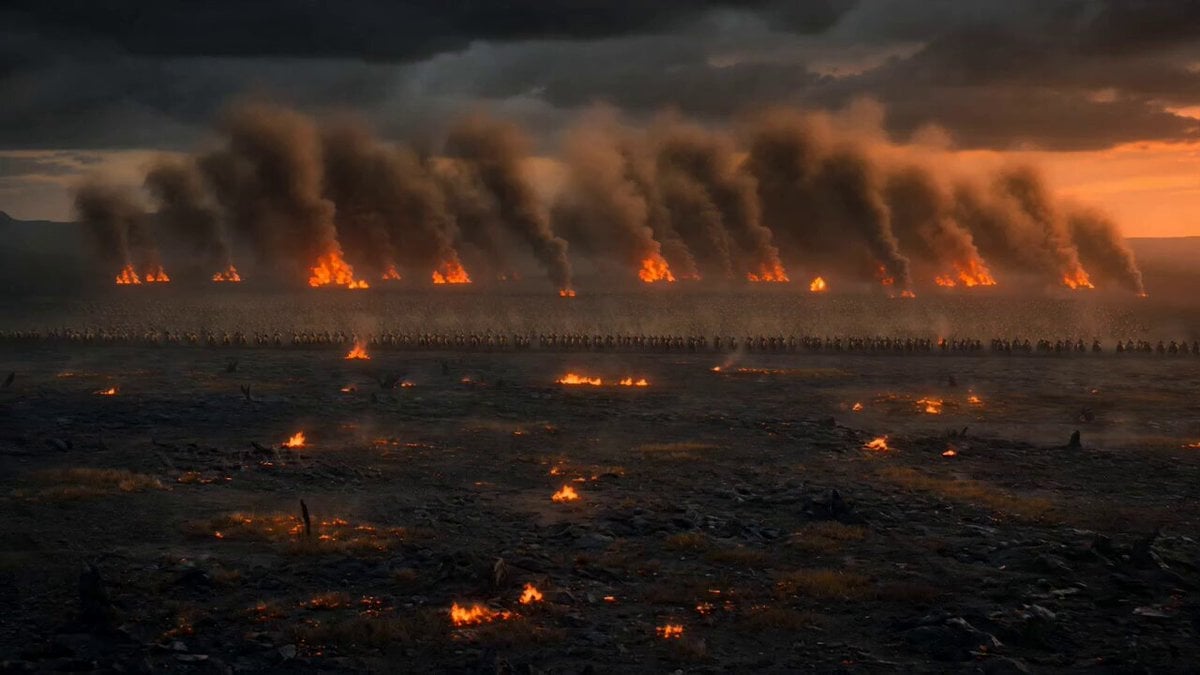
Dark Fantasy Volcanic War Sequence
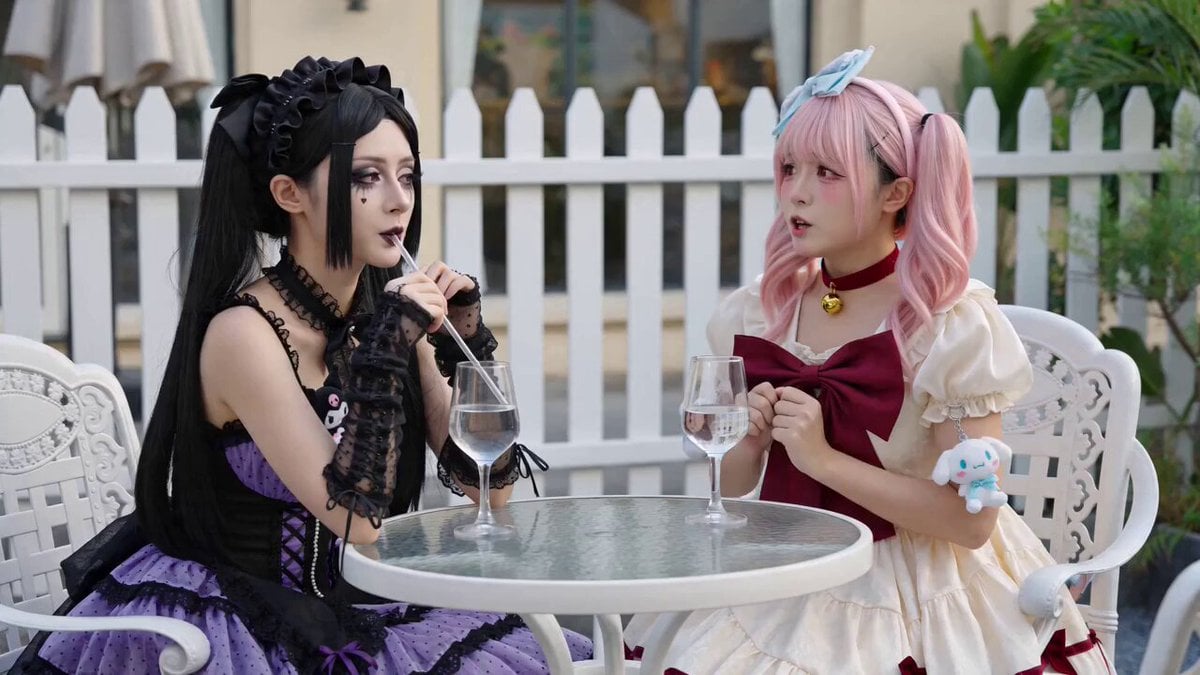
Anime Girls Interaction and Skit
Warrior Woman Riding a Dragon Cinematic Video Prompt

Man vs Anaconda Boat Fight
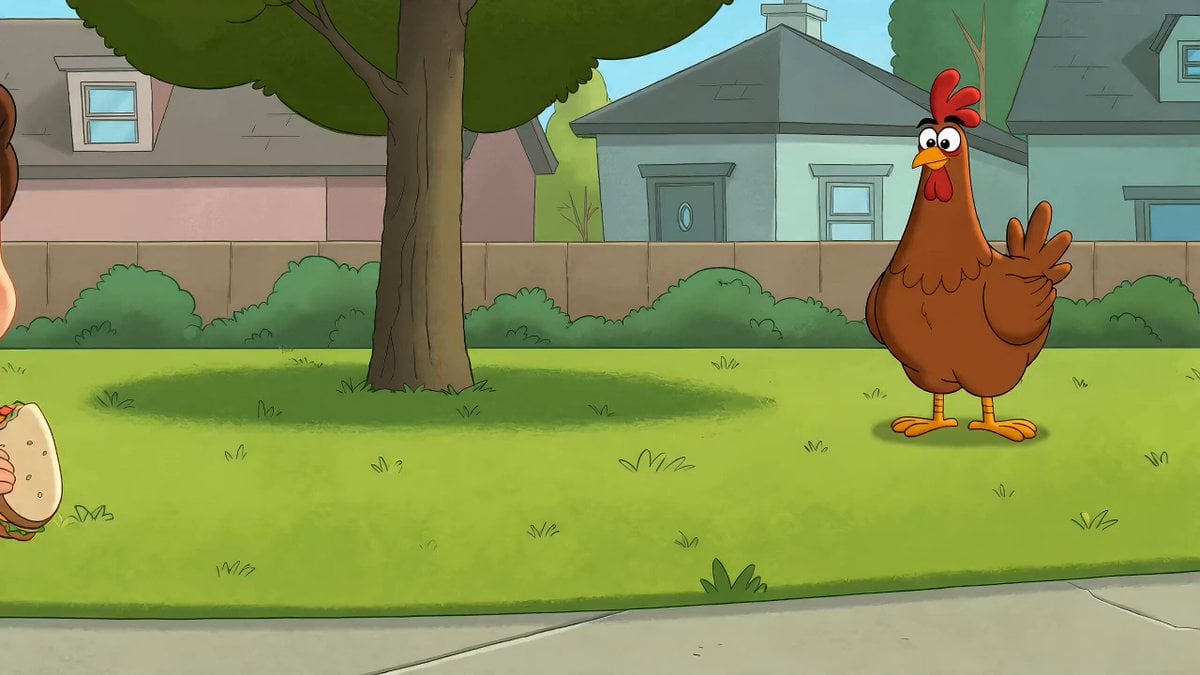
Cartoon Child and Chicken Chase
Browse template categories
Netflix Reality Shift Ad questions
How do I use the Netflix Reality Shift Ad template?
Add your photo if the template asks for one, edit the prompt if you like — the template's model and format are already selected — and press Generate. Your version opens in PicX Studio.
Can I customize the Netflix Reality Shift Ad template?
Yes. You can change the subject, setting, lighting, mood, format, and available model controls before creating your video.
Is the Netflix Reality Shift Ad template free?
Opening and editing this template is free. Generating uses credits, shown on the Generate button when you are signed in.
Which AI model should I use?
Start with Seedance 2.0, which is the model associated with this template. You can compare another compatible model for a different finish.
Looking for something else? Browse all templates.

Your photo, any look
Thousands of ready templates for every top image and video model, from one credit balance.