
Fake game show intro video
A grok-imagine prompt for a fictional game show introduction, featuring a logo reveal and off-screen narration context.
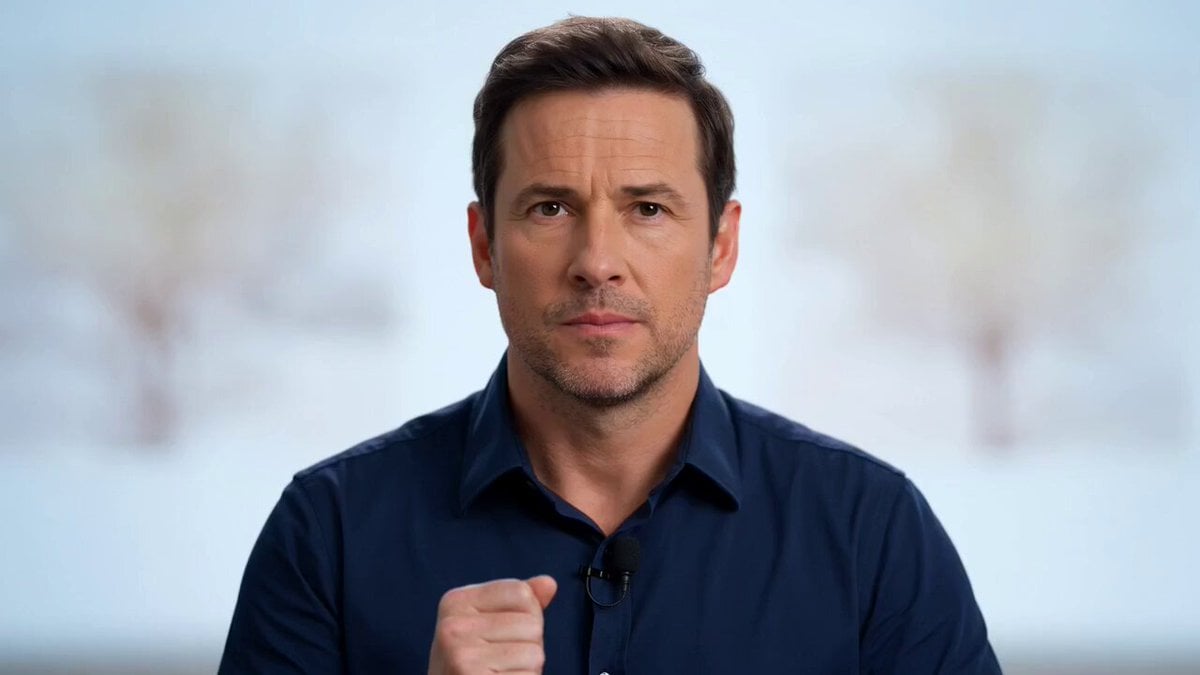
- Prompt included
- Model and format preset
- Premium template
The prompt behind this video
Copy the exact prompt behind Fake game show intro video, or open it in the studio and make it yours.
Apparition du logo de En Êtes-Vous Sur ? Puis d’une narration hors champ : Regardez en êtes-vous sûr, sur Wow! First fake game tv show on a fake specialized network.
How to use Fake game show intro video in 3 steps
- 1
Open
The prompt is already in the box next to the preview, with the template's model and format selected.
- 2…a portrait of your subject in softgolden-hour light, 85mm…
Personalize
Edit the subject and creative details for your destination.
- 3Generate
Generate
Press Generate — your video is created in PicX Studio, so you can compare it with the original and refine one variable at a time.
More like this
Templates with the same subject, style or setup. Open one to see its prompt.
Space Learning Center Show and Tell Video
Volleyball Game Zoom Out to TV Screen
Grok Imagine Real Estate Intro Video Prompt
Grok Imagine prompt for a unique board game image
The Jetsons live action concept intro
Video prompt for a person holding a mirror to show reflections
Water Game Show Crab Squat Challenge

Kaleidoscopic Cosmic Dolphin Video

Horror Daffy Duck Video Transition

America 250th Anniversary Celebration

Glowing Water Forest Night Prompt

Soft Pink Roses Dreamer Prompt
Make it yours
Fake game show intro video works as-is. These are the safest ways to change it without losing the look.
Change one field
Copy a single group, rewrite it, and generate again so you can see what that field is doing.
Keep the frame, change the subject
Hold the composition and light of Fake game show intro video, then swap wardrobe, props or the person for a new take.
| If the result… | Why | Fix |
|---|---|---|
| The result drifts from the preview | Too many fields changed at once. | Reuse Fake game show intro video as-is first, then change one group — subject, light, or setting. |
| The model over-stylizes the scene | The prose prompt leaves finish and camera underspecified. | Add one camera or lighting sentence and stay on Grok Imagine. |
More Grok Imagine templates
Other prompts made for Grok Imagine.

Mecha Runway Tap Dance Video Prompt

Emotional Angry Couple Drama

Cyberpunk Guerrilla Girl Video Generation

Detailed multi-part video prompt
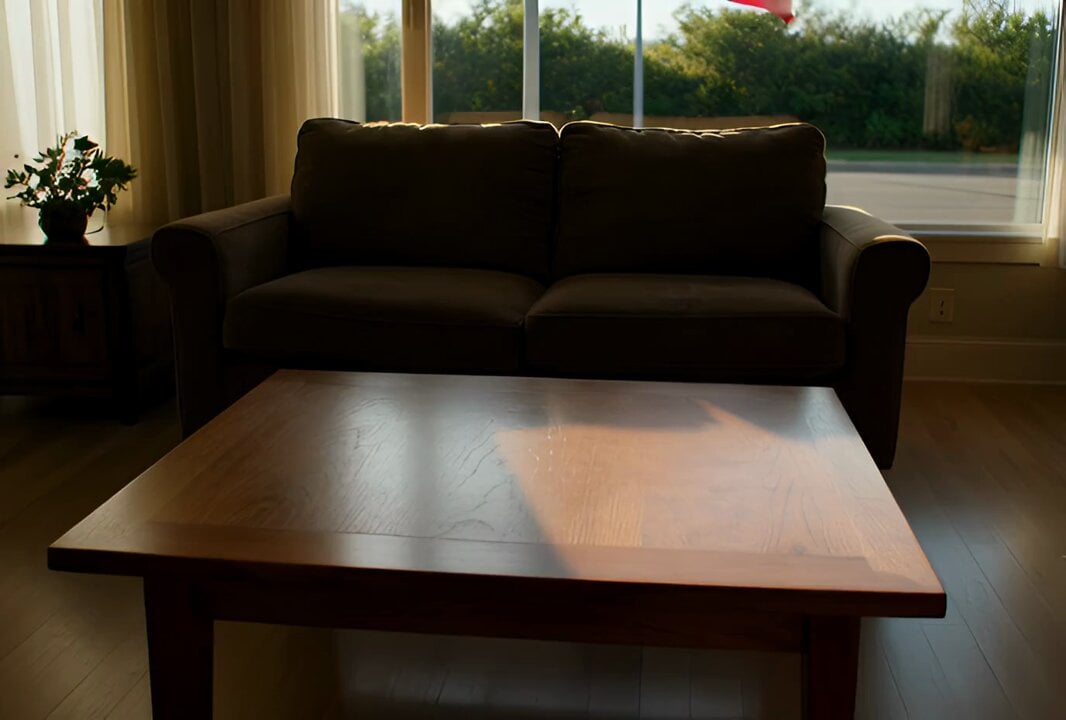
Interior View Video Generation Prompt
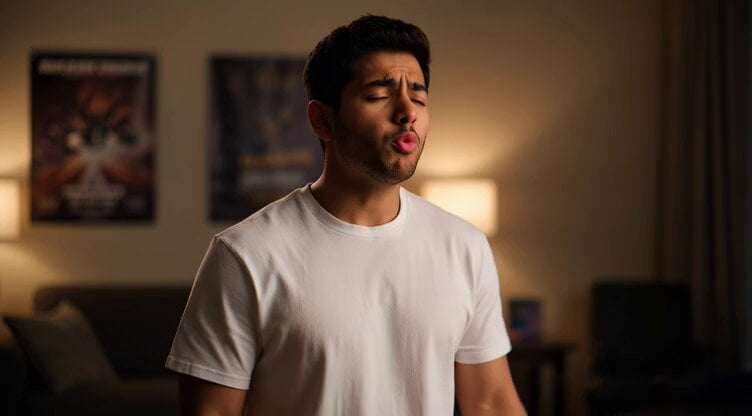
GTA 6 never came out in 1 million years

Bitcoin liferaft video prompt

Woman floating down, opening eyes and looking deeply into the viewer's eyes
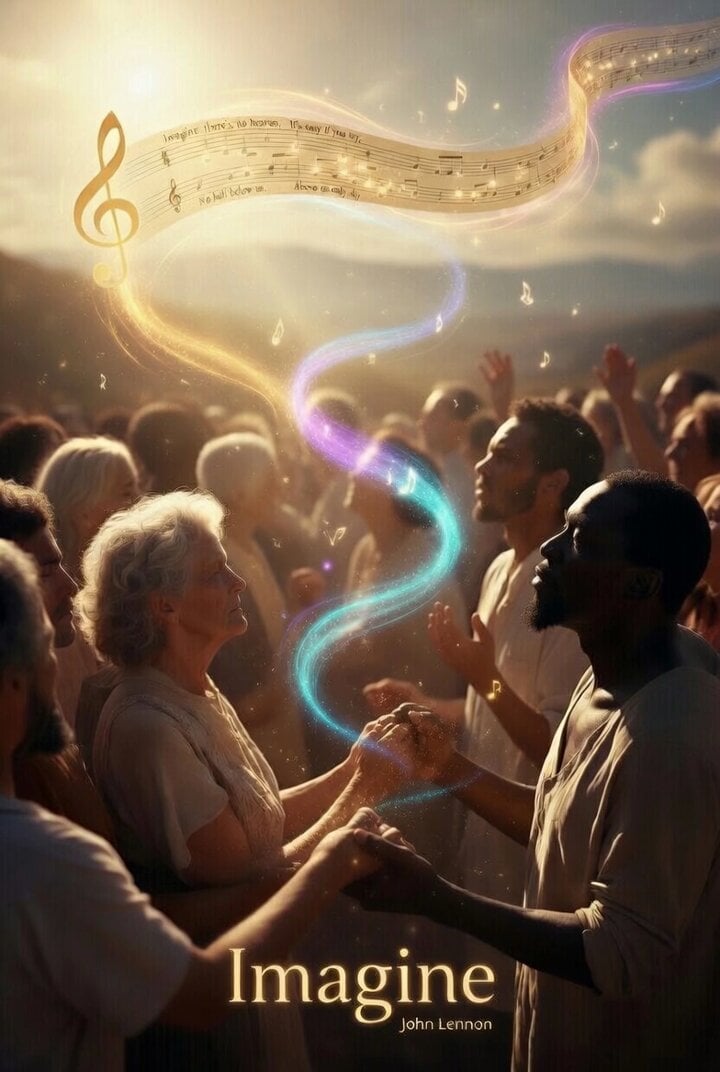
Utopian World of Harmony and Peace
Runner with BE 2060 i inscription passing through sequential doors video prompt
More video prompts
Fresh picks from across the catalog.
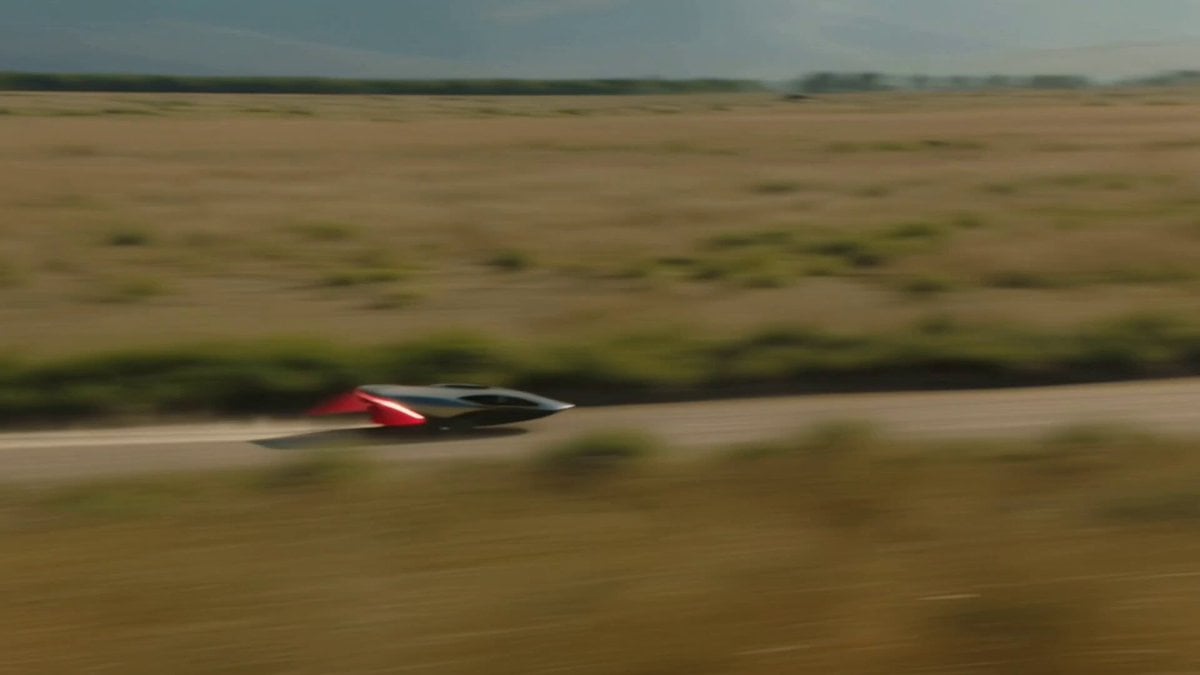
Futuristic Hovercraft on Savanna Hardpack
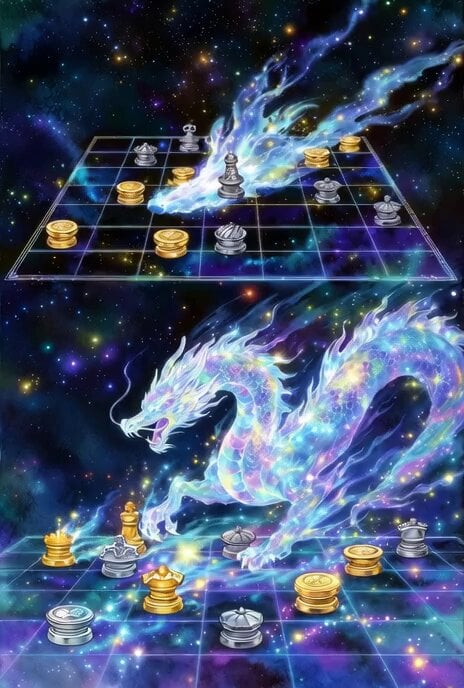
Shogi Piece Transforming into a Dragon in Space
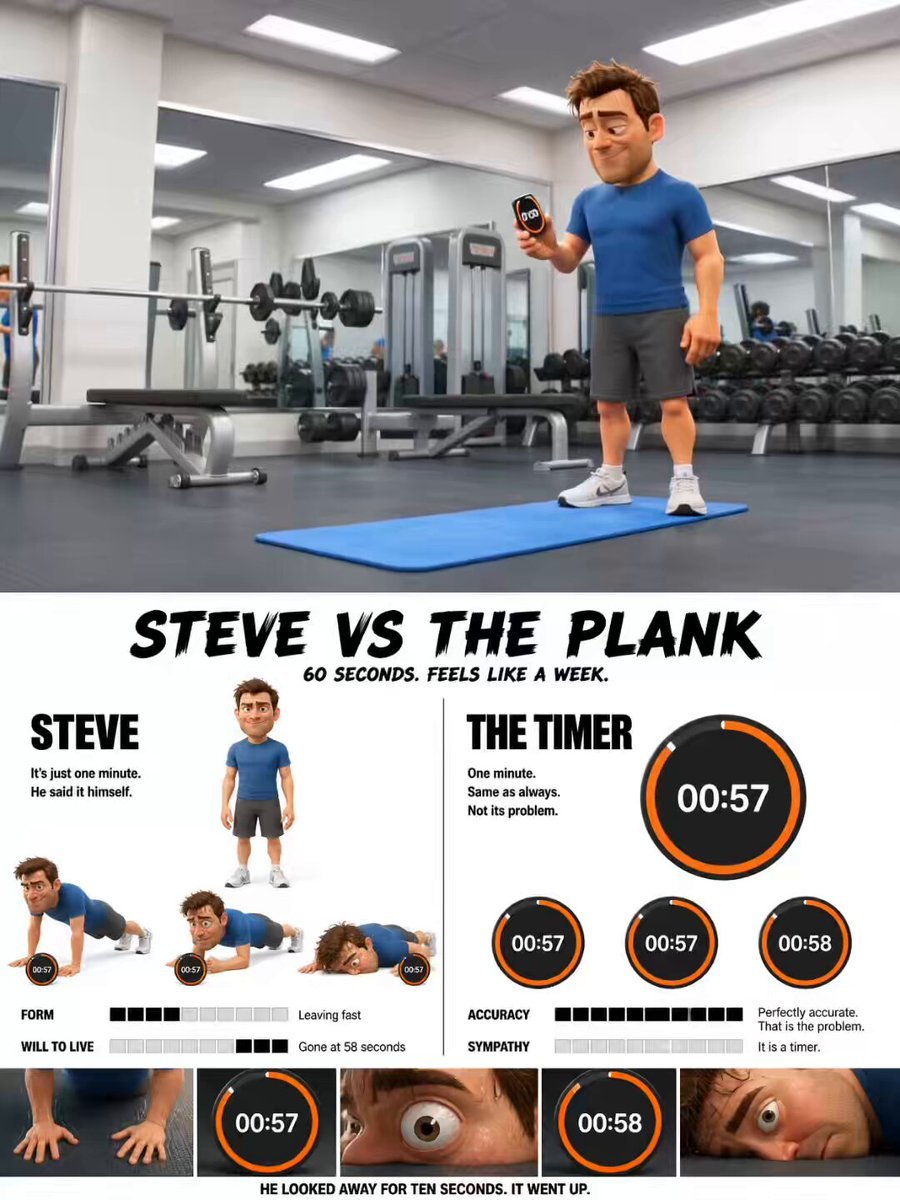
Pixar Style Character Animation
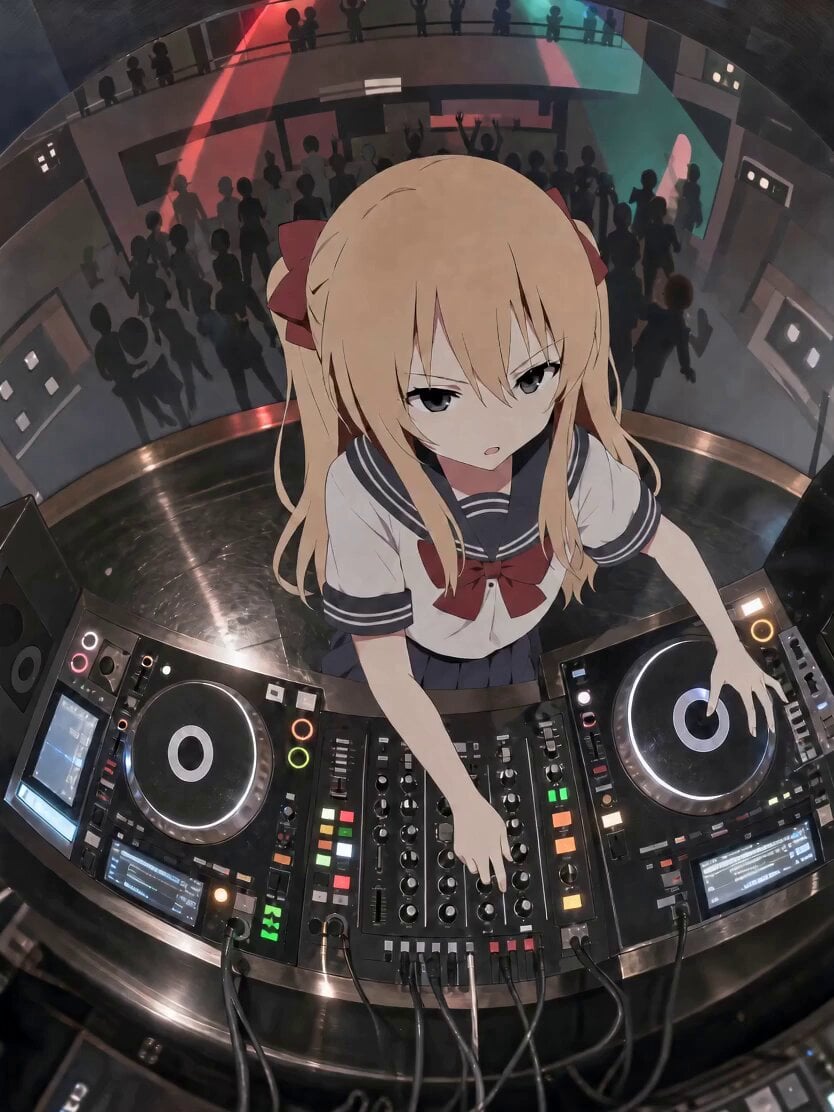
Anime DJ Girl Club Performance
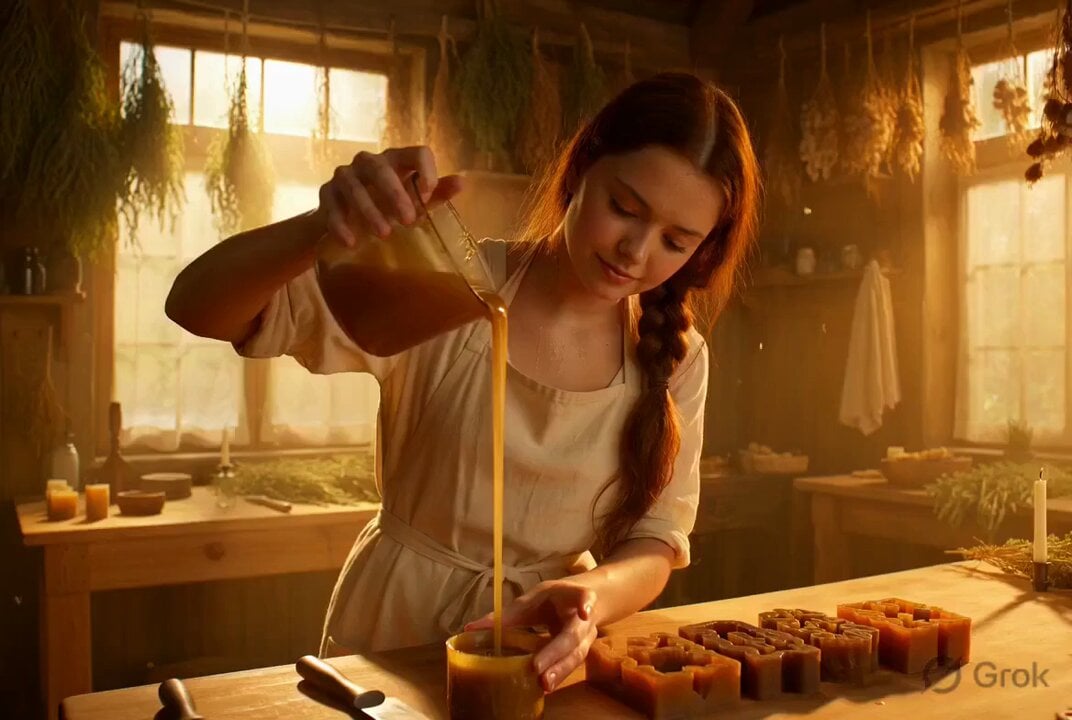
Photorealistic cinematic portrait of a gentle candle maker
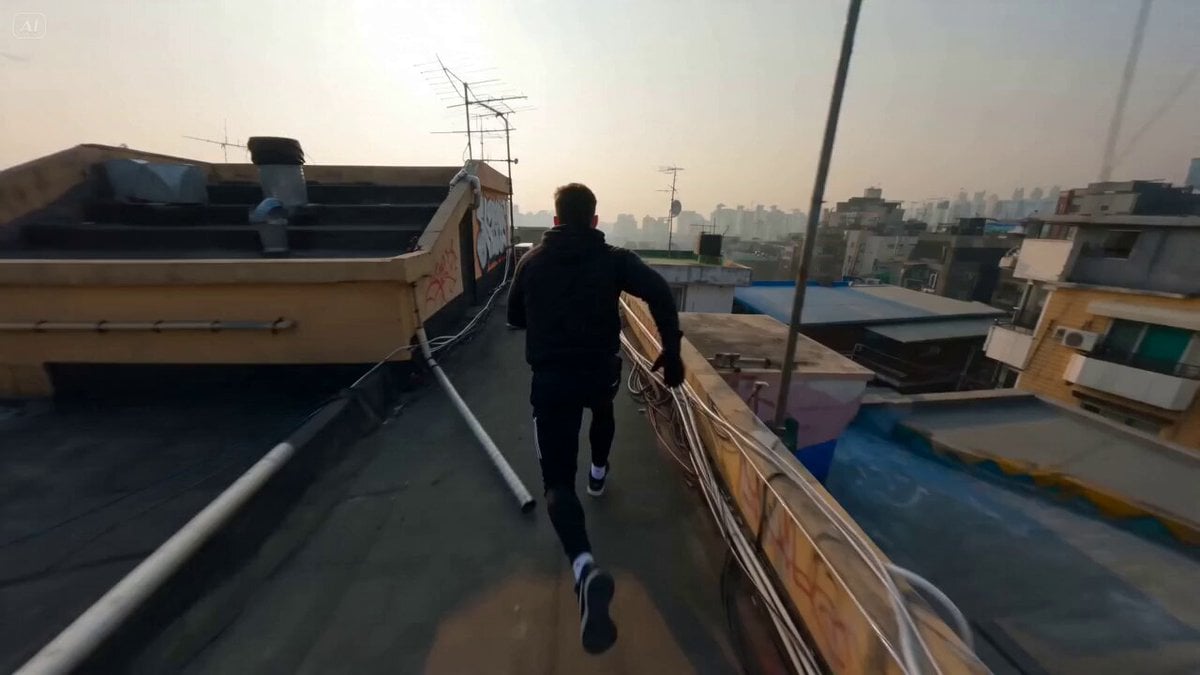
FPV Tracking Shot Parkour Runner
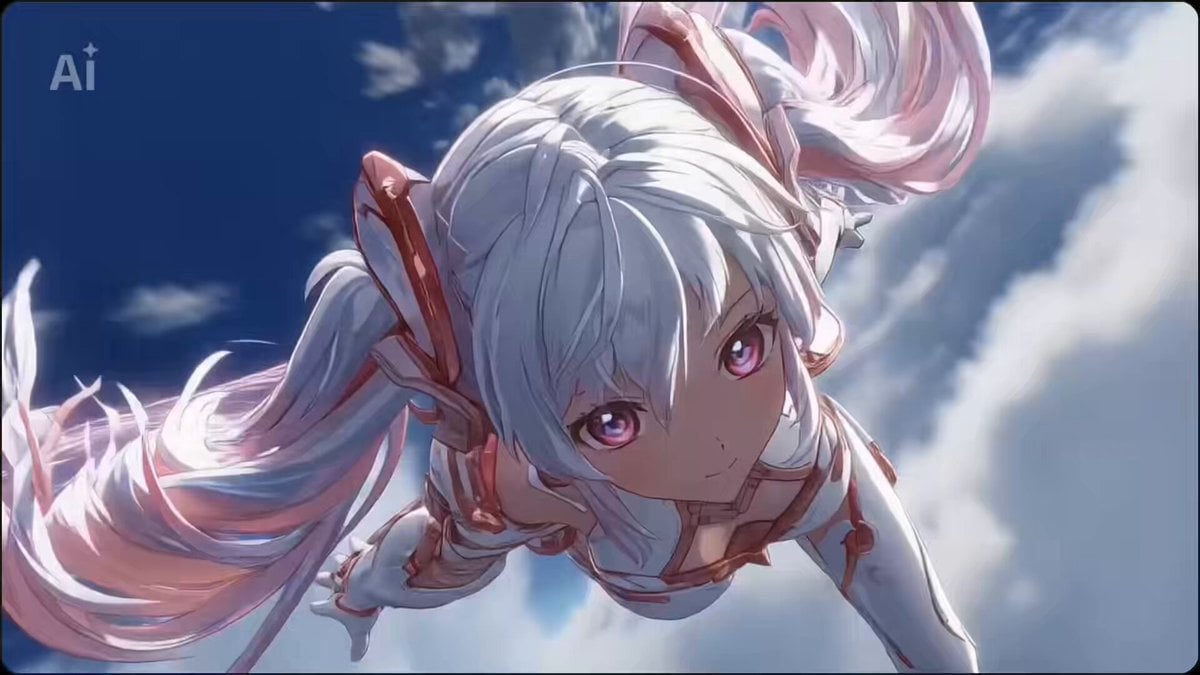
Seedance 2.0 Battle Anime Opening Prompts (Random and Fixed Characters)
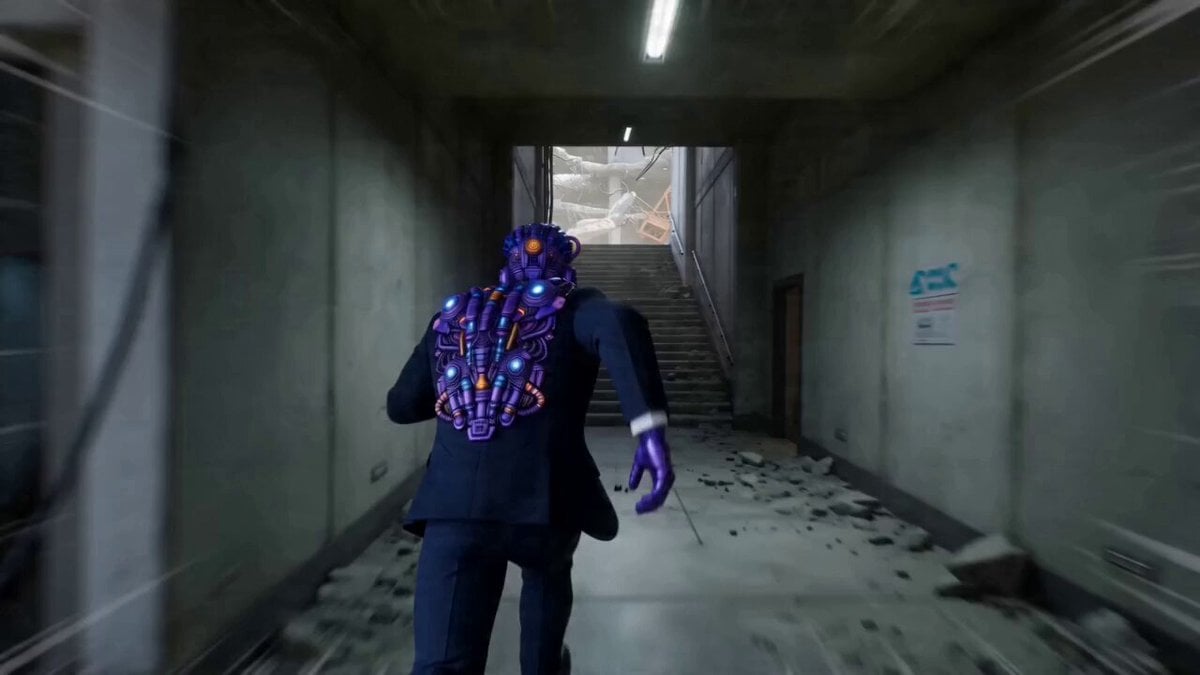
Photorealistic Kung-Fu Stuntman Video Prompt

Emotional vlog-style Japanese woman video
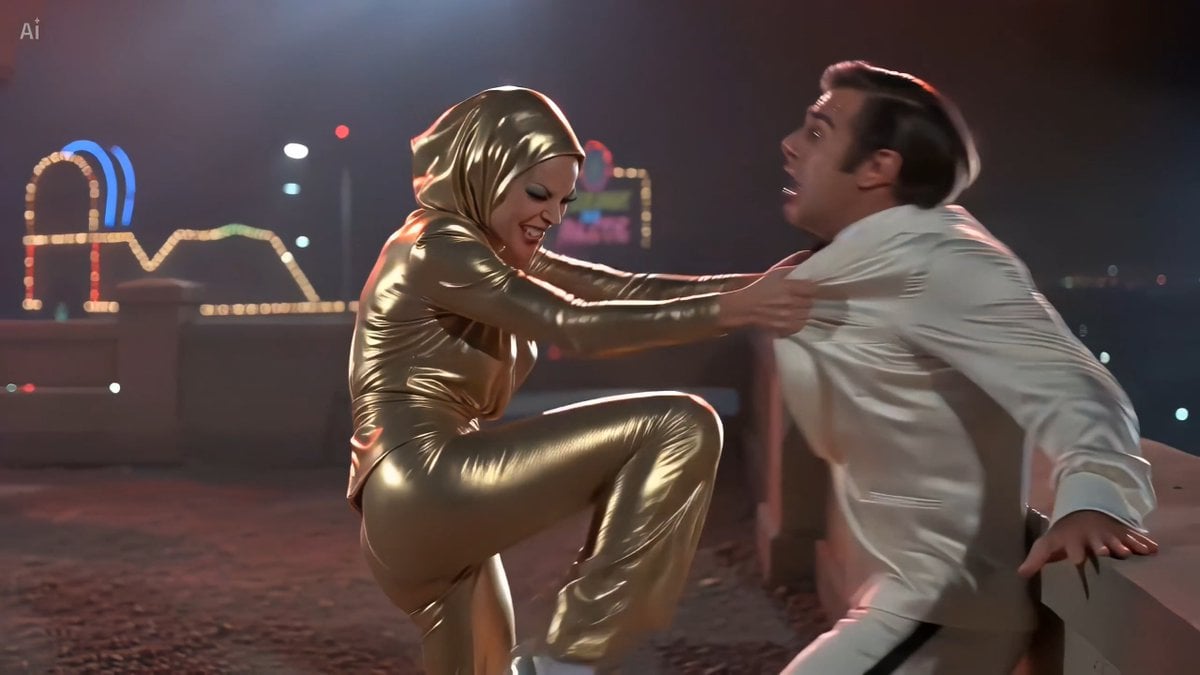
70s Giallo Action Casino Battle
Browse template categories
Fake game show intro video questions
How do I use the Fake game show intro video template?
Add your photo if the template asks for one, edit the prompt if you like — the template's model and format are already selected — and press Generate. Your version opens in PicX Studio.
Can I customize the Fake game show intro video template?
Yes. You can change the subject, setting, lighting, mood, format, and available model controls before creating your video.
Is the Fake game show intro video template free?
Opening and editing this template is free. Generating uses credits, shown on the Generate button when you are signed in.
Which AI model should I use?
Start with Grok Imagine, which is the model associated with this template. You can compare another compatible model for a different finish.
Looking for something else? Browse all templates.

Your photo, any look
Thousands of ready templates for every top image and video model, from one credit balance.