
Volcanic Observatory Cinematic Disaster
An multi-stage cinematic prompt for an intense disaster-science scene featuring a researcher at a volcanic observatory with lava flows and seismic equipment.
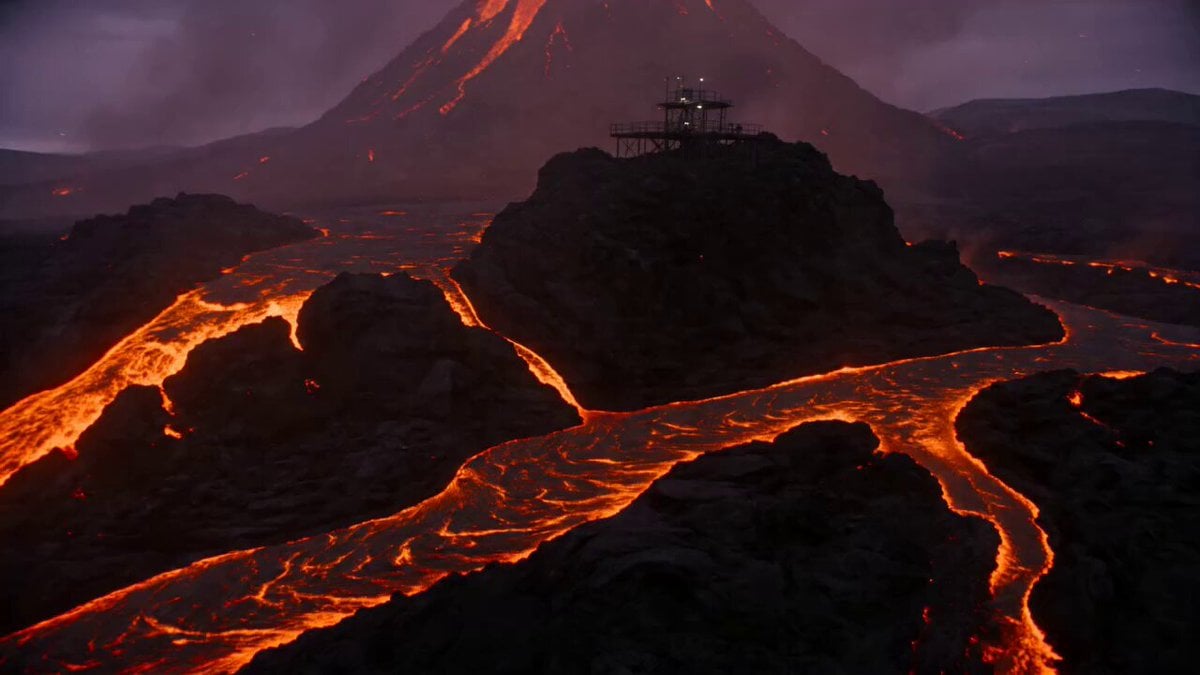
- Prompt included
- Model and format preset
- Premium template
The prompt behind this video
Copy the exact prompt behind Volcanic Observatory Cinematic Disaster, or open it in the studio and make it yours.
Create an intense cinematic disaster-science scene at a remote volcanic observatory during twilight. A field researcher climbs a metal platform above glowing lava rivers while the mountain trembles beneath them. 0–4s: Ultra-wide establishing shot. The observatory stands on black volcanic rock, orange lava veins glowing below, ash drifting through purple twilight. Camera performs a slow crane up. 4–9s: Medium tracking shot as the researcher moves across a shaking metal walkway, one hand gripping the rail, heat distortion warping the background. Sparks and ash pass through the foreground. 9–13s: Macro close-up of seismic equipment rattling on a metal table, needles jumping, red warning lights reflecting in protective goggles. Fast rack focus to the researcher turning toward the crater. 13–15s: Hero wide shot. The crater emits a huge vertical column of glowing ash and light while the researcher stands braced against the wind. Style: cinematic natural-disaster realism, orange-black color contrast, anamorphic lens, heat shimmer, ash particles, practical red lights, dramatic rim lighting, grounded physics, clean audio with metal creaks, lava rumble, wind, and distant rock movement.
How to use Volcanic Observatory Cinematic Disaster in 3 steps
- 1
Open
The prompt is already in the box next to the preview, with the template's model and format selected.
- 2…a portrait of your subject in softgolden-hour light, 85mm…
Personalize
Edit the subject and creative details for your destination.
- 3Generate
Generate
Press Generate — your video is created in PicX Studio, so you can compare it with the original and refine one variable at a time.
More like this
Templates with the same subject, style or setup. Open one to see its prompt.

Sci-Fi Disaster Movie Scene - Seedance 2.5
Subway Flood — Epic Tunnel Chaos
Asteroid Impact City Destruction
Dark Fantasy Volcanic War Sequence
Volcanic Motocross Lava Jump
Volcanic Web Escape
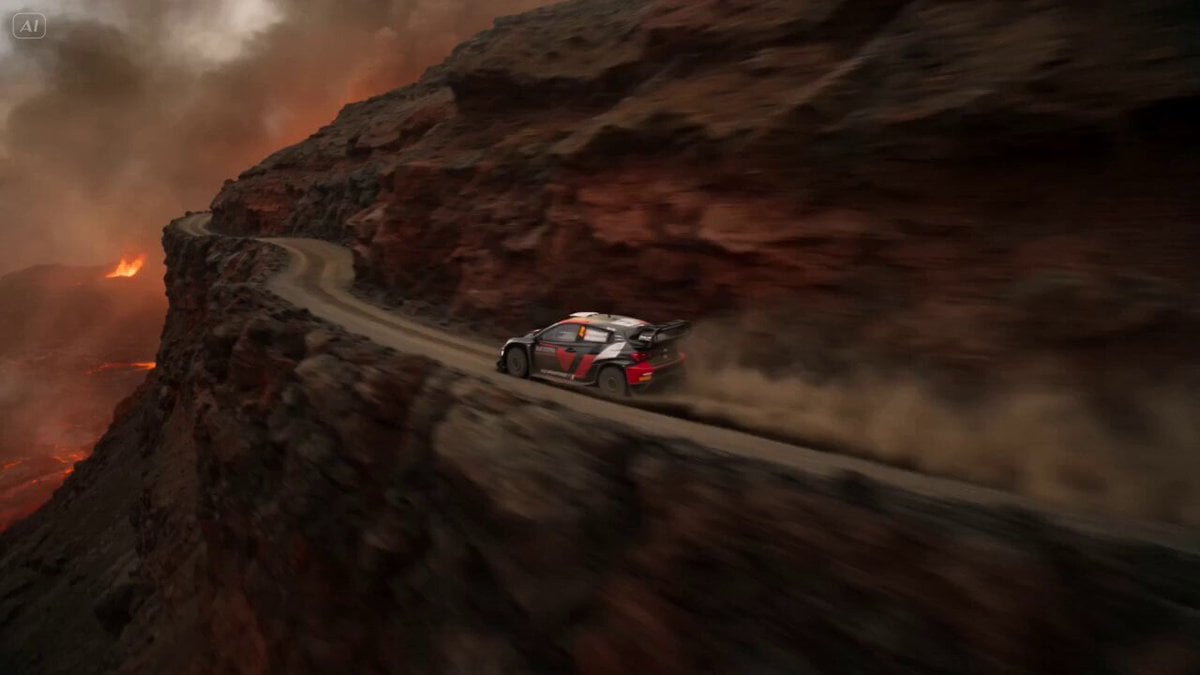
Volcanic Rally Stunt Ejection
Armored Dinosaur Volcanic Jungle
Volcanic Dragon Transformation Sequence
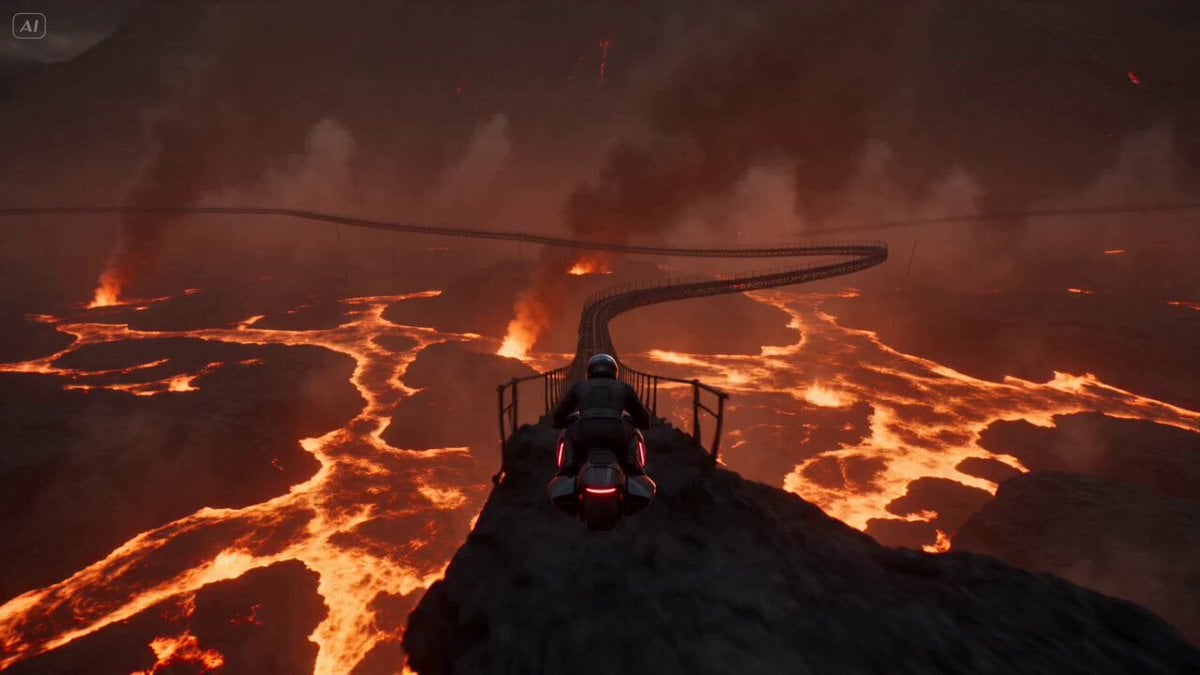
Volcanic Rail Rider Action Sequence
Volcanic Canyon Titan Awakening
Volcanic Island Skateboard Championship
Make it yours
Volcanic Observatory Cinematic Disaster works as-is. These are the safest ways to change it without losing the look.
Change one field
Copy a single group, rewrite it, and generate again so you can see what that field is doing.
Keep the frame, change the subject
Hold the composition and light of Volcanic Observatory Cinematic Disaster, then swap wardrobe, props or the person for a new take.
| If the result… | Why | Fix |
|---|---|---|
| The result drifts from the preview | Too many fields changed at once. | Reuse Volcanic Observatory Cinematic Disaster as-is first, then change one group — subject, light, or setting. |
| The model over-stylizes the scene | The prose prompt leaves finish and camera underspecified. | Add one camera or lighting sentence and stay on Seedance 2.0. |
More Seedance 2.0 templates
Other prompts made for Seedance 2.0.

Comical Martial Arts Punch Scene

Maglev Train Action Sequence

Martial Arts Fight Sequence

Wuxia Protection and Trust Script

Vintage Korean Arcade MiniDV Vlog

Mercedes 190 SL Luxury Ad

Rainy Night Supernatural Reverse Comedy Video Script

Amazon Civilization Discovery

Futuristic South Asian City Transformation

Cozy Luxury Cafe Commercial
More video prompts
Fresh picks from across the catalog.

Surreal Staircase Ascent
Japanese Boxer Visual Identity

90s OVA Style Elf Priestess
Epic Sci-Fi Action Sequence Prompt for Seedance 2.0
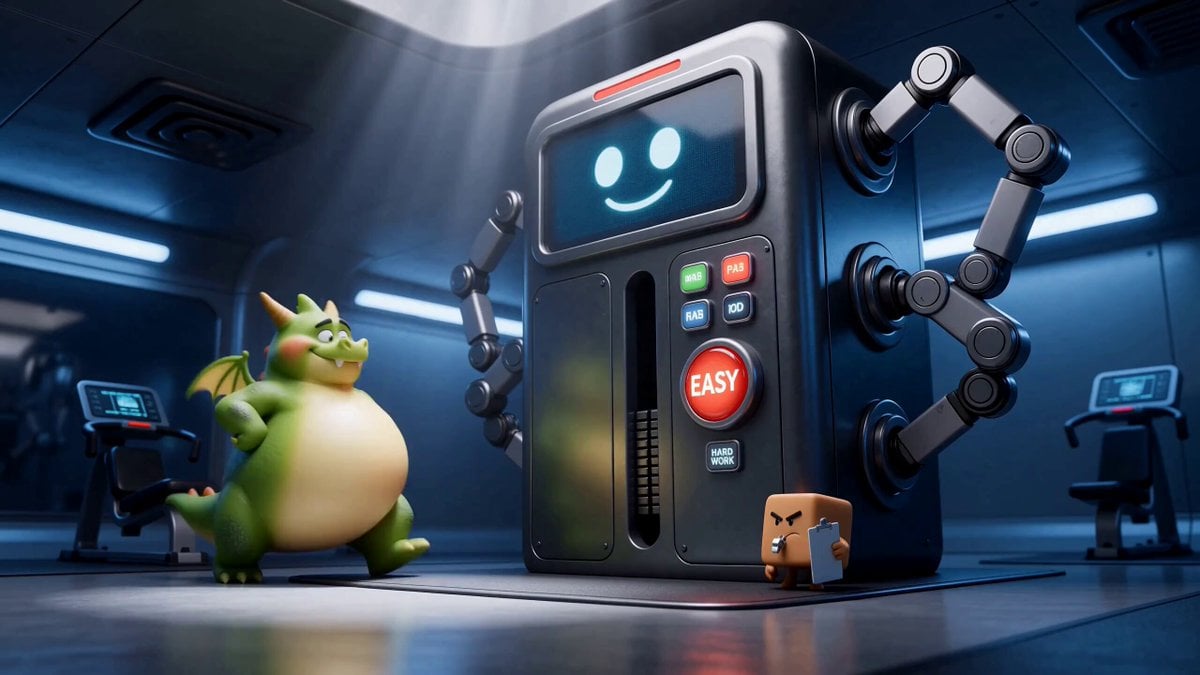
Green Dragon Training Short
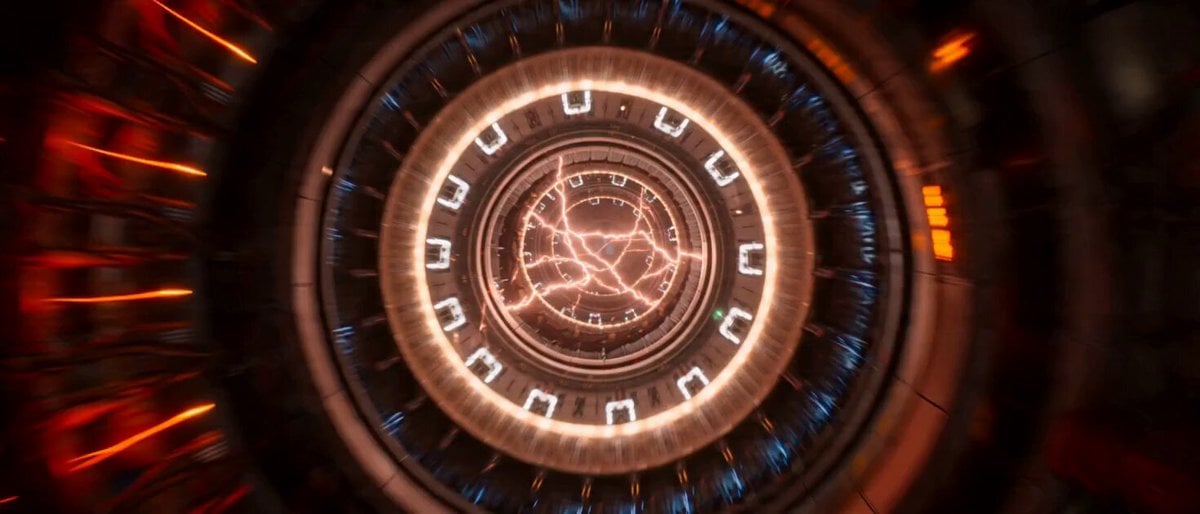
Impossible Single-Take Sci-Fi Ship Tour
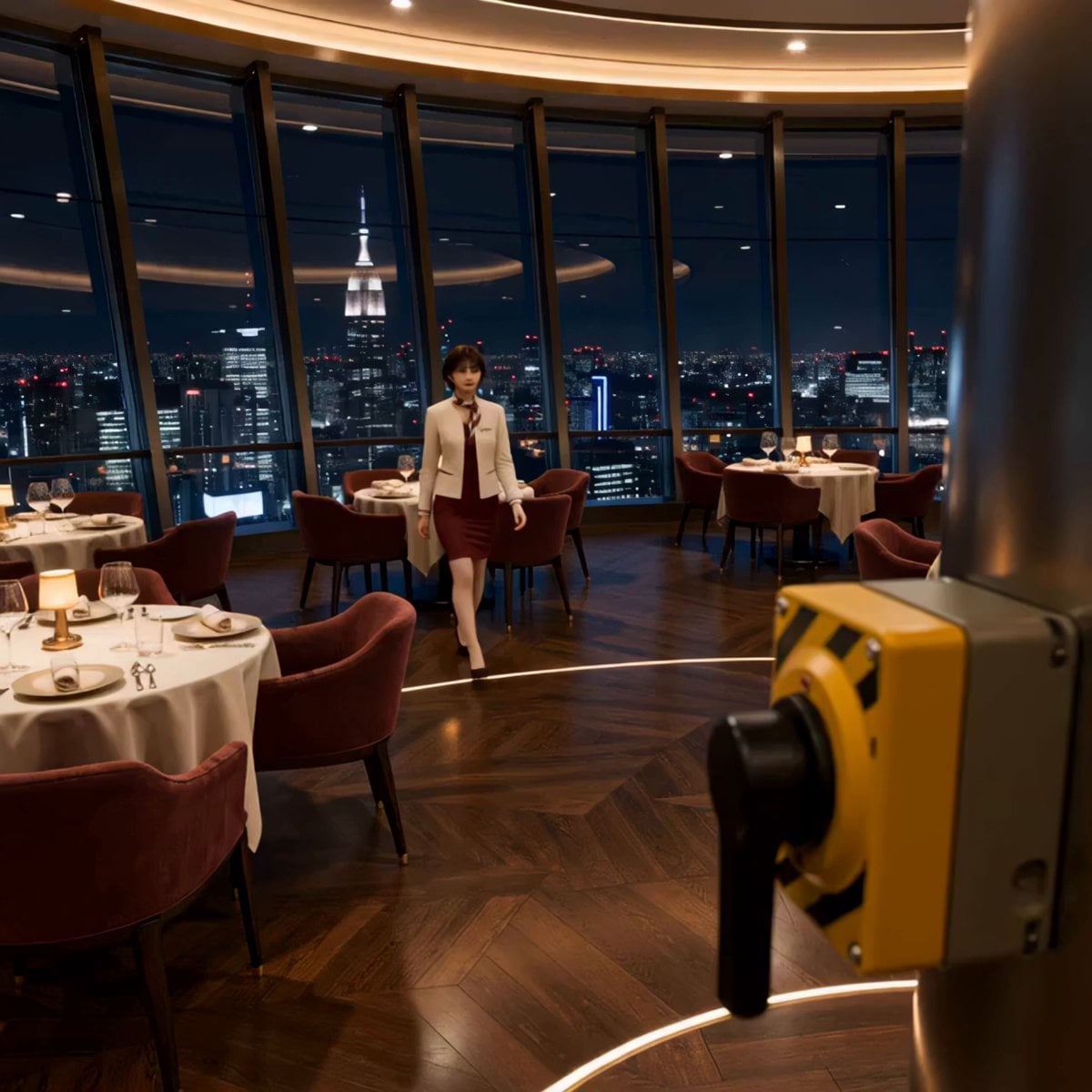
Luxury Restaurant Floor Manager Video
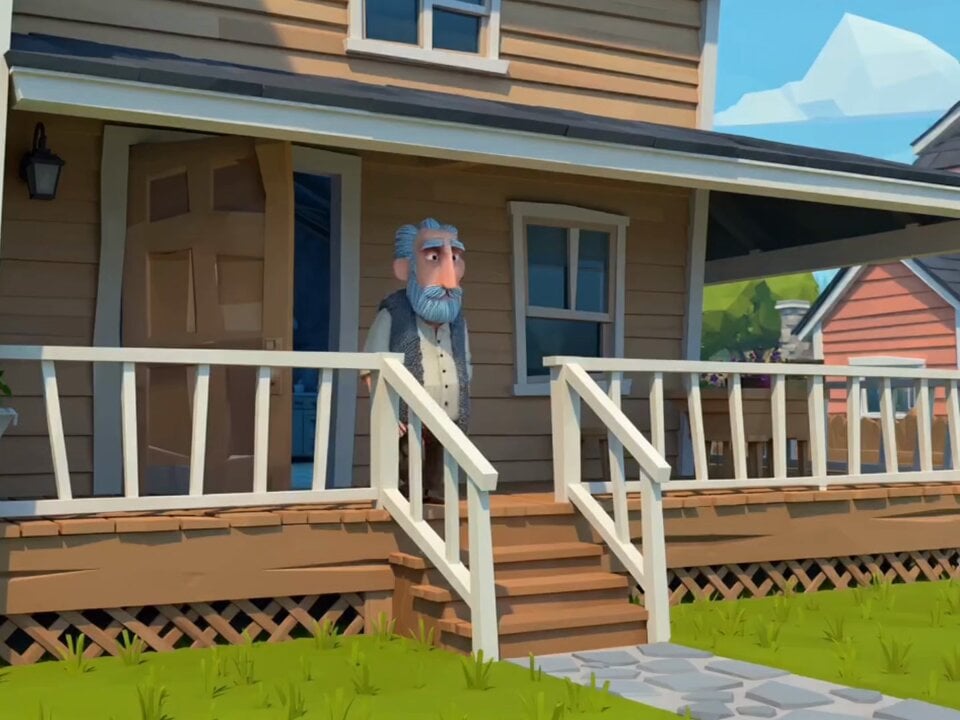
Multi-Shot Storyboard Prompt for Cartoon Generation
Commercial Visual Blockbuster Prompt for Seedance 2.0
Insane Explosion Scene (Seedance V2)
Browse template categories
Volcanic Observatory Cinematic Disaster questions
How do I use the Volcanic Observatory Cinematic Disaster template?
Add your photo if the template asks for one, edit the prompt if you like — the template's model and format are already selected — and press Generate. Your version opens in PicX Studio.
Can I customize the Volcanic Observatory Cinematic Disaster template?
Yes. You can change the subject, setting, lighting, mood, format, and available model controls before creating your video.
Is the Volcanic Observatory Cinematic Disaster template free?
Opening and editing this template is free. Generating uses credits, shown on the Generate button when you are signed in.
Which AI model should I use?
Start with Seedance 2.0, which is the model associated with this template. You can compare another compatible model for a different finish.
Looking for something else? Browse all templates.

Your photo, any look
Thousands of ready templates for every top image and video model, from one credit balance.