
Hard Sci-Fi Robot Judgement Script
A structured video prompt for a narrative sci-fi scene.
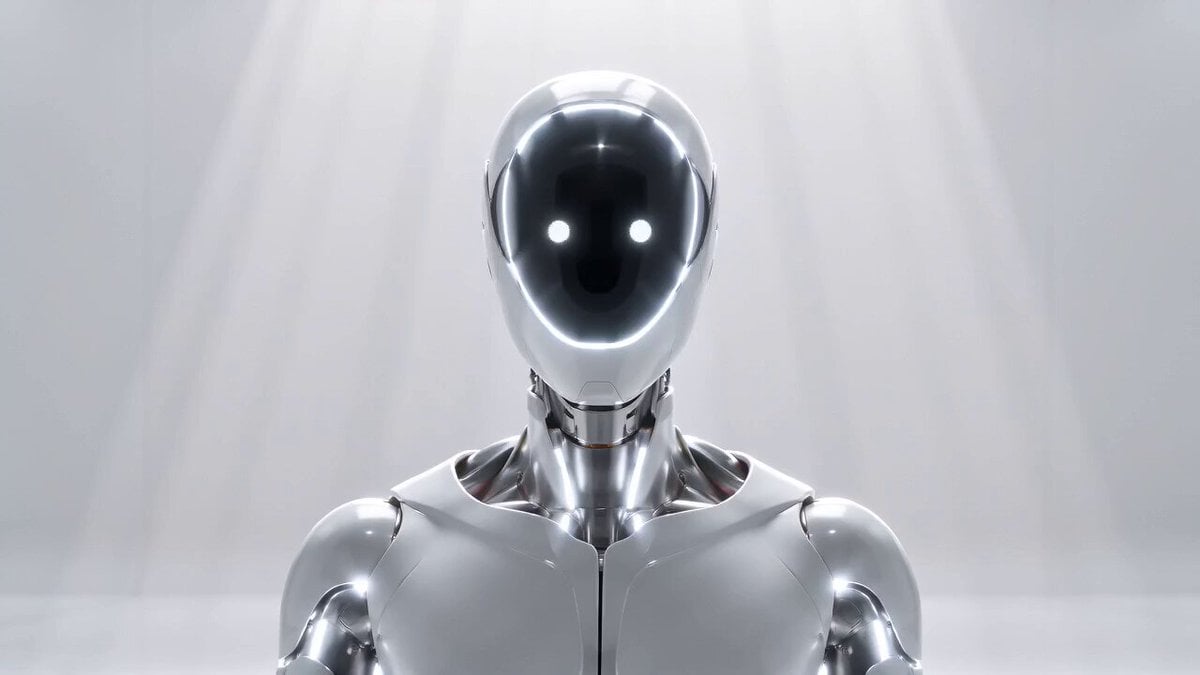
- Prompt included
- Model and format preset
- Premium template
The prompt behind this video
Copy the exact prompt behind Hard Sci-Fi Robot Judgement Script, or open it in the studio and make it yours.
【风格】硬科幻电影感(Hard Sci-fi Cinematic),写实CGI质感,2.39:1变形宽银幕,8K超清,冷白高调布光(High-key Cold White),无动漫感、无塑料感 【时长】10秒 【场景】纯白无限延伸的虚空房间,无门无窗,环境过曝接近死白,正中一束冷白顶光垂直打下 【角色】审判机器人UNIT-000@1ec64564-05c6-4493-994e-c93682167dba(光滑哑白+镀铬人形机器人,无眼无嘴,深色面罩是一块显示屏,用发光表情符号表情,全程嘴部零动作,所有台词为电子合成画外音AI Voice-over) [00:00-00:03] 镜头1:中立·冷白凝视(Slow Push-in 怼脸特写) 怼脸特写,镜头极缓推进机器人面罩。深色屏幕上亮着两个平静的白色圆点"• •",冷白光,纹丝不动,身体端坐神圣。 【AI画外音·冷静无起伏】:"编号000,请证明你的保留价值。" 音效:极轻电子底噪 + 一记低频"嗡"。 [00:03-00:05] 镜头2:警报·淘汰(Snap 急变 + Glitch Cut) 面罩符号猛地切成两个锐利的红色叉"✕ ✕",整屏泛警报红,关节缝同步爆红,机器人肩颈骤然绷紧前倾。 【AI画外音·冰冷加速】:"无价值。淘汰。" 音效:尖锐"淘汰"低频脉冲。 [00:05-00:08] 镜头3:犹豫·第一次迟疑(Slow Morph 柔化) 红光缓缓褪去,面罩浮现两个柔和圆点加一个微微抖动的绿色问号"• • ?",泛不确定的柔绿光,机器人头部极轻偏向一侧,肩膀松下。 【AI画外音·第一次卡顿、放慢】:"矛盾……无收益行为,不应持续。那你……是什么?" 音效:电子音由急转柔,钢琴单音轻响。 [00:08-00:10] 镜头4:过载·无法计算(Digital Glitch 数字故障) 面罩剧烈闪烁,红绿撕裂的"?!"抖动碎裂,扫过数字噪点与扫描线,身体微微失稳抽动,镜头猛地定格在故障面罩。 【AI画外音·破碎、多重回声】:"效用……NULL。无法……计算。" 音效:系统过载电流爆鸣,戛然切黑。
How to use Hard Sci-Fi Robot Judgement Script in 3 steps
- 1
Open
The prompt is already in the box next to the preview, with the template's model and format selected.
- 2…a portrait of your subject in softgolden-hour light, 85mm…
Personalize
Edit the subject and creative details for your destination.
- 3Generate
Generate
Press Generate — your video is created in PicX Studio, so you can compare it with the original and refine one variable at a time.
More like this
Templates with the same subject, style or setup. Open one to see its prompt.

Sci-Fi Disaster Movie Scene - Seedance 2.5

Japanese Pure Love Short Film
Green Dragon Training Short

Second Sci-Fi Comedy Video Prompt: Mechanic vs. Robot
The Departure Sci-Fi Ad Script
Cat and Robot Vacuum Narrative Script

Wuxia Protection and Trust Script
Wuxia Letting Go Drama Script

Cyberpunk Parkour Anime Script
Morning Skincare Routine Vlog Script
80s Sci-Fi Practical Effects Scene Prompt
Sci-Fi Horror Hospital Alien Scene
Make it yours
Hard Sci-Fi Robot Judgement Script works as-is. These are the safest ways to change it without losing the look.
Change one field
Copy a single group, rewrite it, and generate again so you can see what that field is doing.
Keep the frame, change the subject
Hold the composition and light of Hard Sci-Fi Robot Judgement Script, then swap wardrobe, props or the person for a new take.
| If the result… | Why | Fix |
|---|---|---|
| The result drifts from the preview | Too many fields changed at once. | Reuse Hard Sci-Fi Robot Judgement Script as-is first, then change one group — subject, light, or setting. |
| The model over-stylizes the scene | The prose prompt leaves finish and camera underspecified. | Add one camera or lighting sentence and stay on Seedance 2.0. |
More Seedance 2.0 templates
Other prompts made for Seedance 2.0.

Comical Martial Arts Punch Scene

Maglev Train Action Sequence

Martial Arts Fight Sequence

Vintage Korean Arcade MiniDV Vlog

Mercedes 190 SL Luxury Ad

Amazon Civilization Discovery

Futuristic South Asian City Transformation

Cozy Luxury Cafe Commercial

Cyber Ronin Nanotech Transformation Video

Desert Courier and Sandstorm Leviathan Chase
More video prompts
Fresh picks from across the catalog.
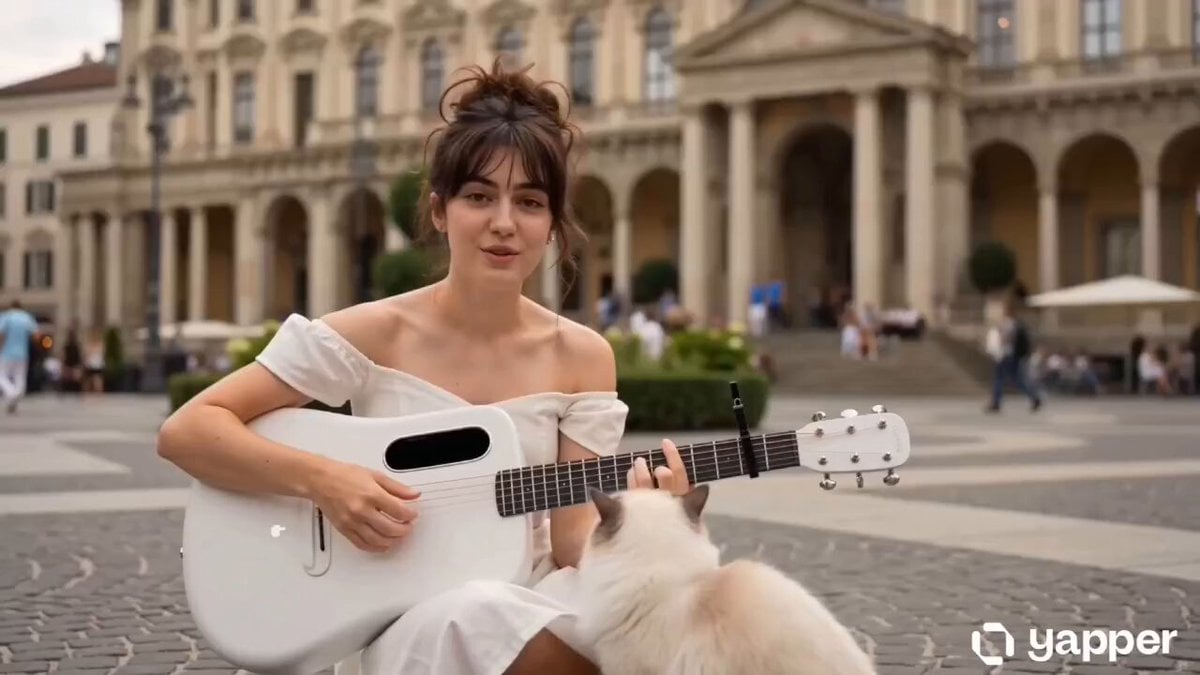
European Piazza guitar performance
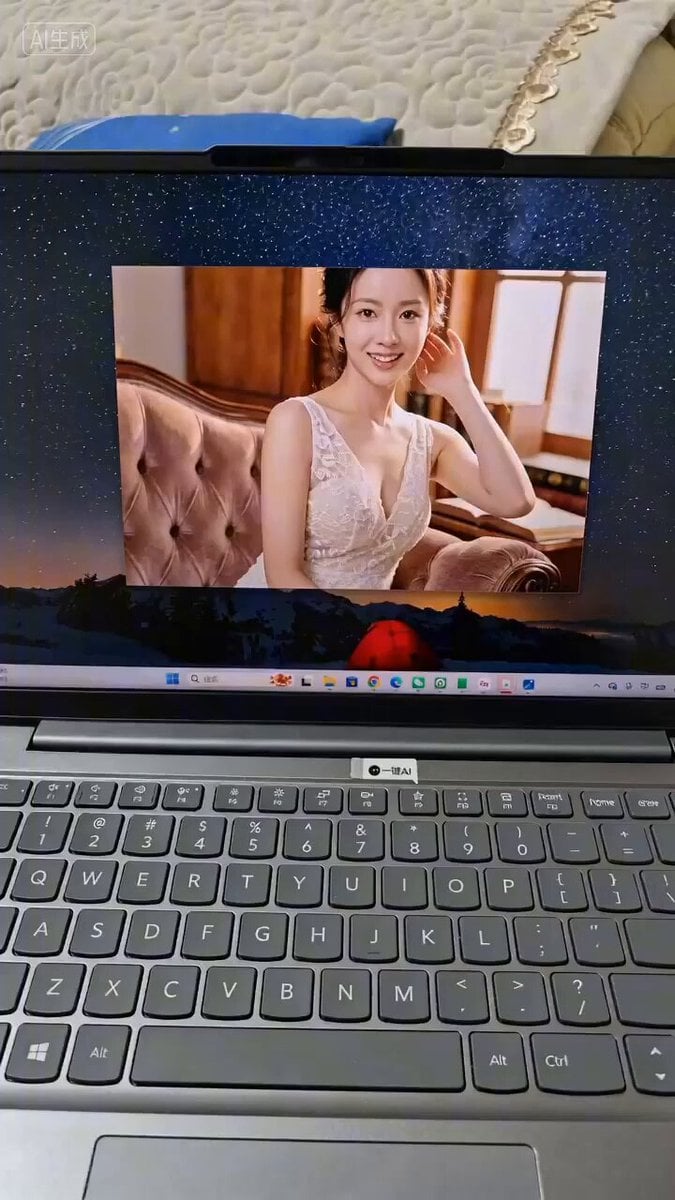
POV AI Girlfriend Interaction Prompt
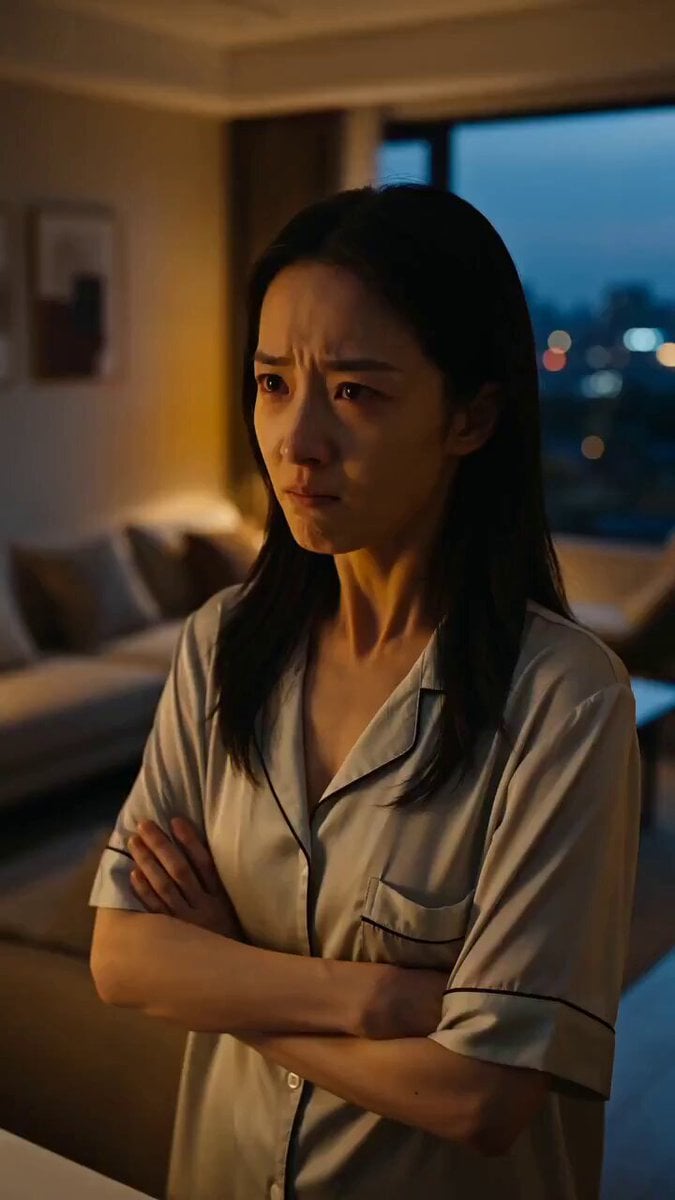
Seedance Micro-Expression Emotional Sequence
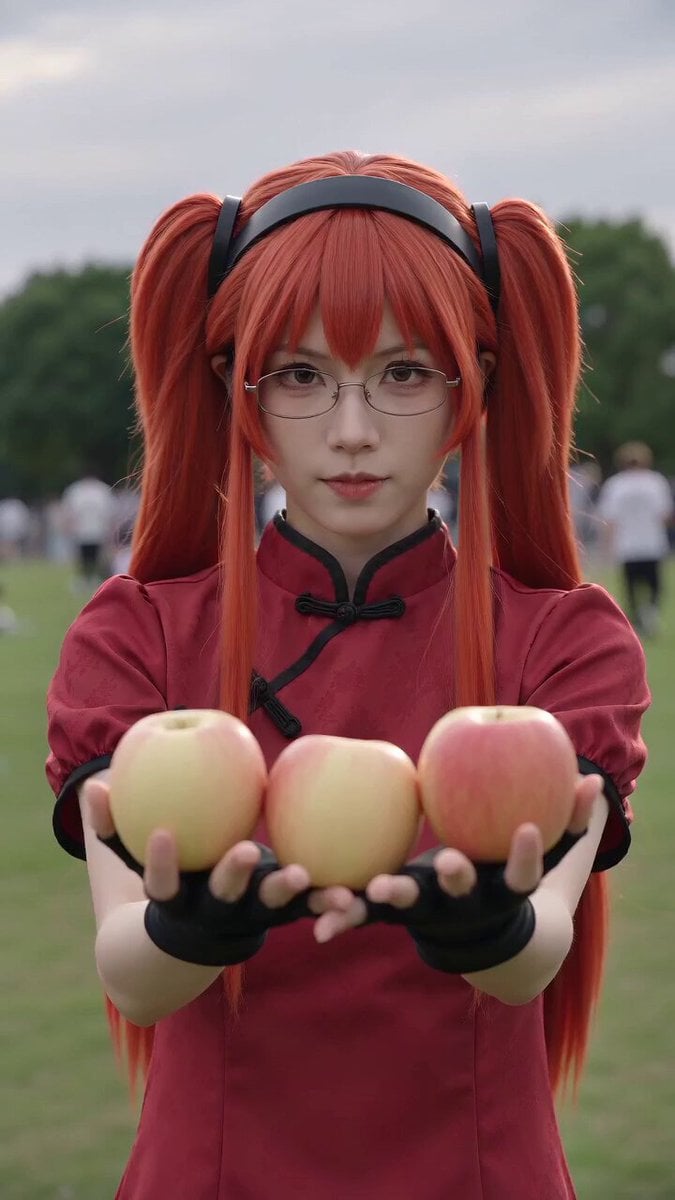
Anime Convention Vlog Cosplay Juggling

Adorable Accent Voiceover
High School Hallway Fight
Housefly POV Video Prompt

Alternative Football Reality Penalty Goal
Cinematic Couple Dancing in Rain

God of Mars Battle Scene
Browse template categories
Hard Sci-Fi Robot Judgement Script questions
How do I use the Hard Sci-Fi Robot Judgement Script template?
Add your photo if the template asks for one, edit the prompt if you like — the template's model and format are already selected — and press Generate. Your version opens in PicX Studio.
Can I customize the Hard Sci-Fi Robot Judgement Script template?
Yes. You can change the subject, setting, lighting, mood, format, and available model controls before creating your video.
Is the Hard Sci-Fi Robot Judgement Script template free?
Opening and editing this template is free. Generating uses credits, shown on the Generate button when you are signed in.
Which AI model should I use?
Start with Seedance 2.0, which is the model associated with this template. You can compare another compatible model for a different finish.
Looking for something else? Browse all templates.

Your photo, any look
Thousands of ready templates for every top image and video model, from one credit balance.