How do I use the POV AI Girlfriend Interaction Prompt template?
Edit the prompt in the box under the preview — the template's model and format are already selected — and press Generate. Your version appears right on this page.
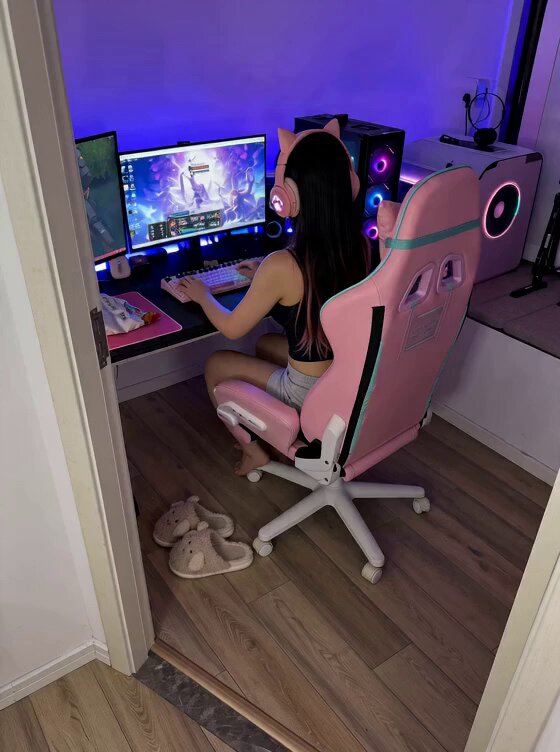
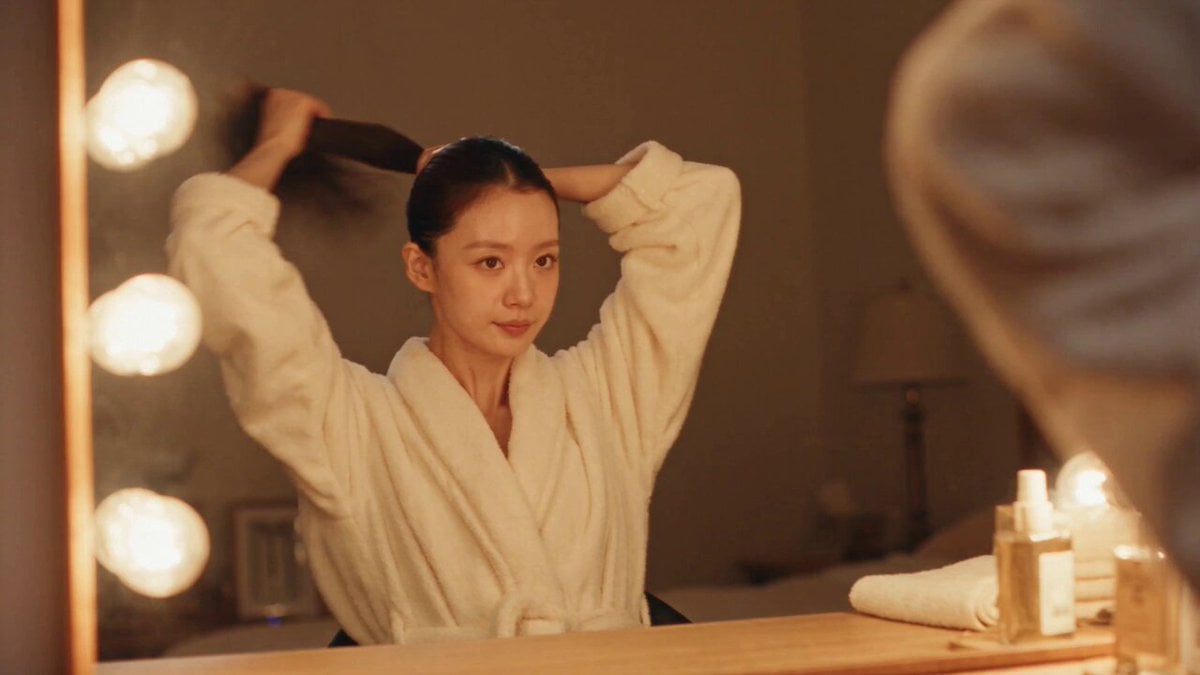
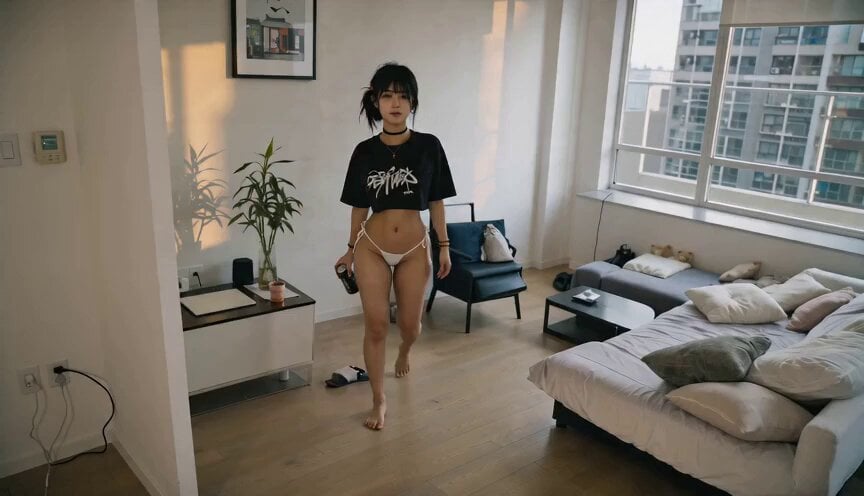
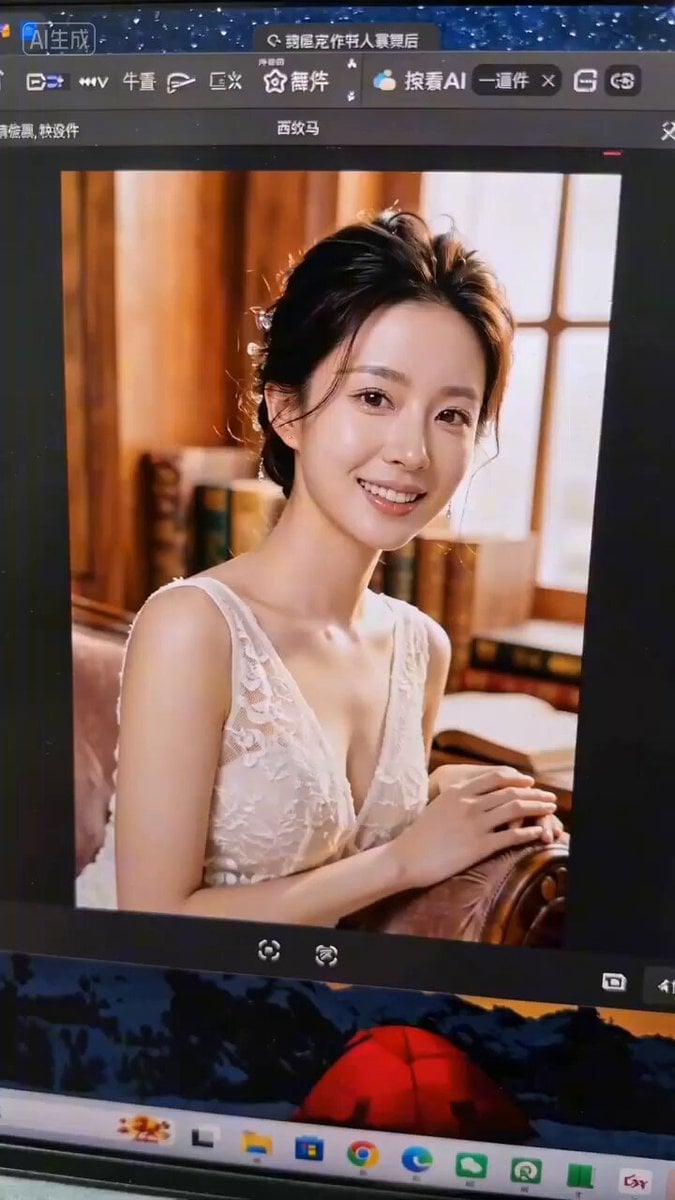
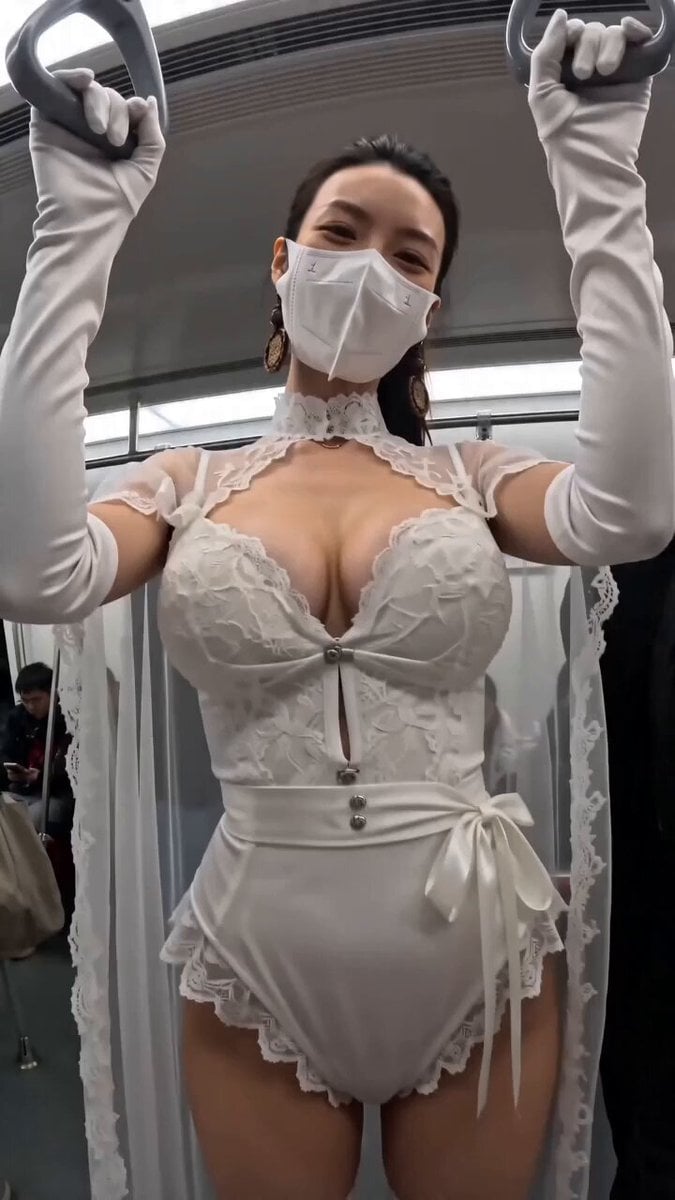
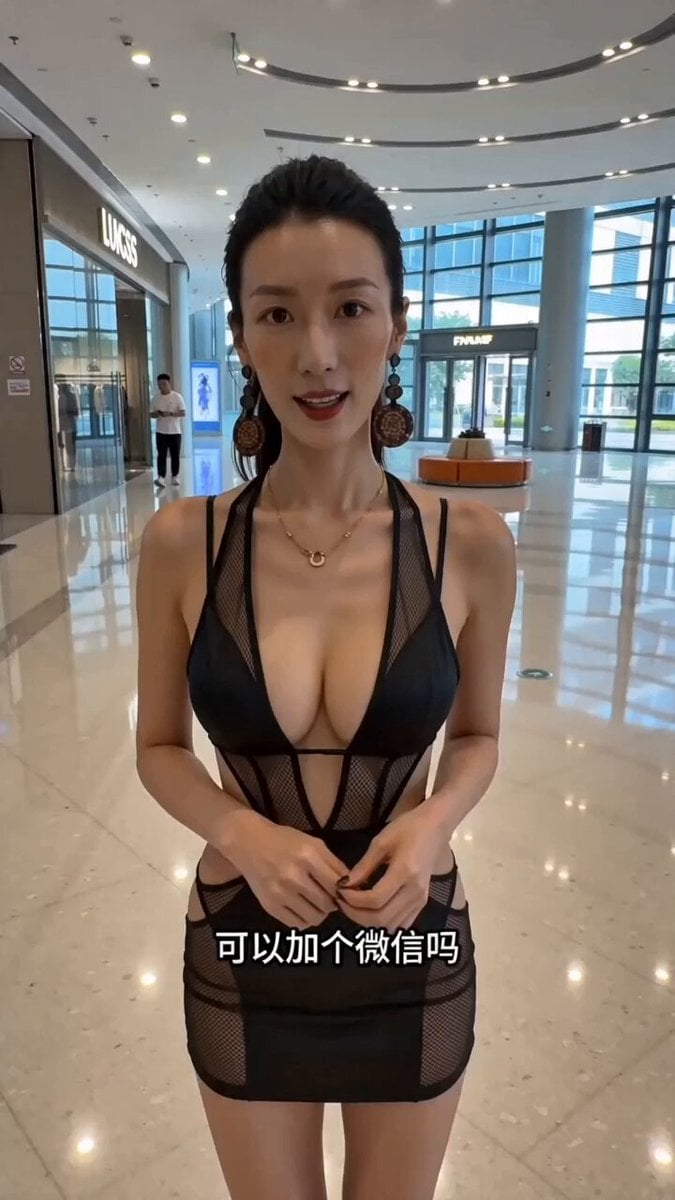
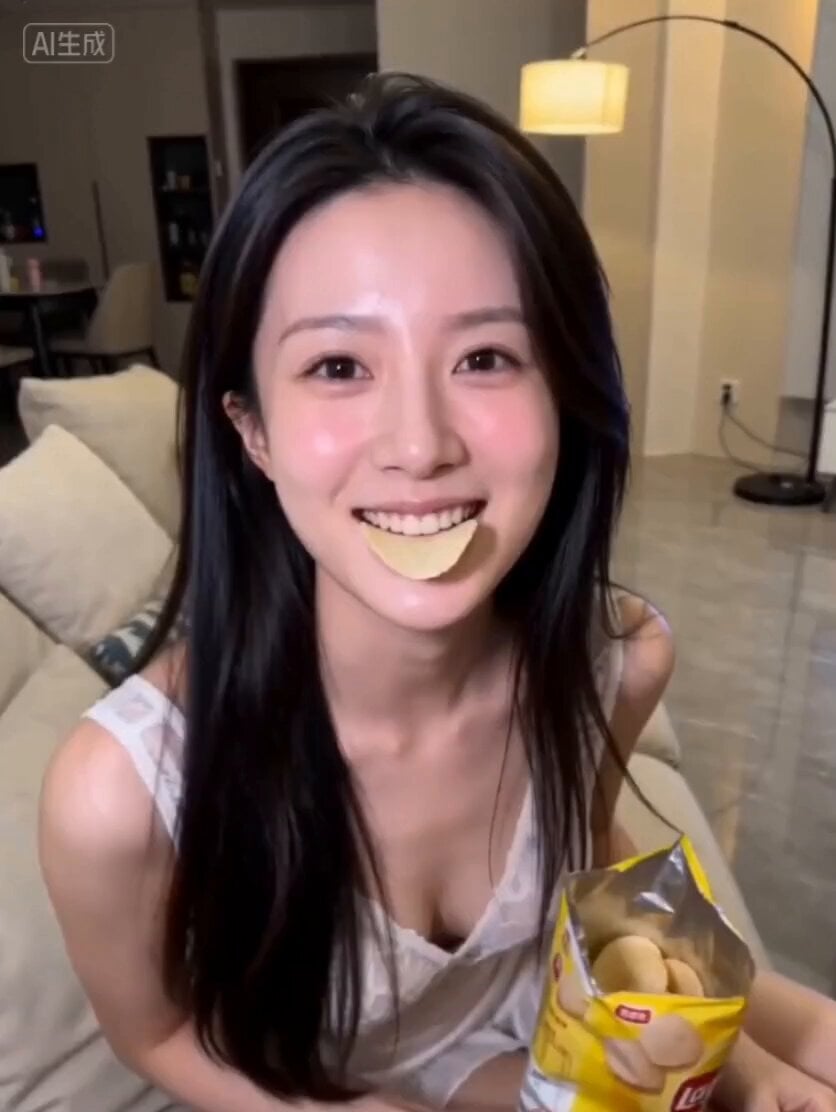
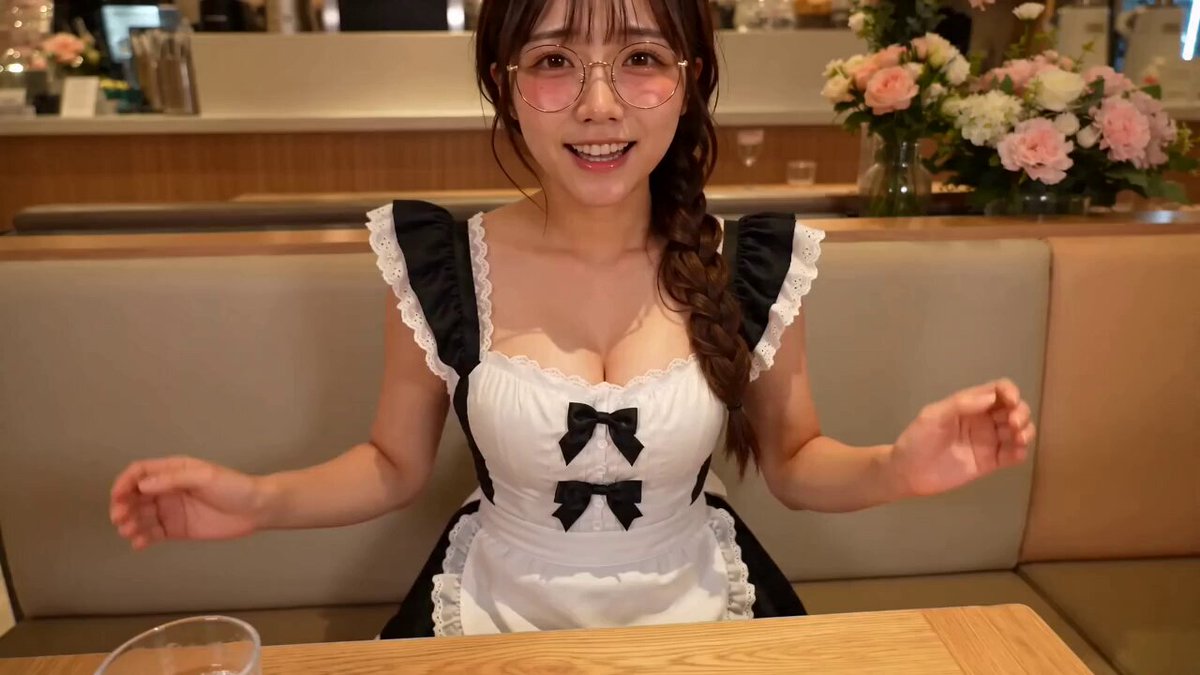
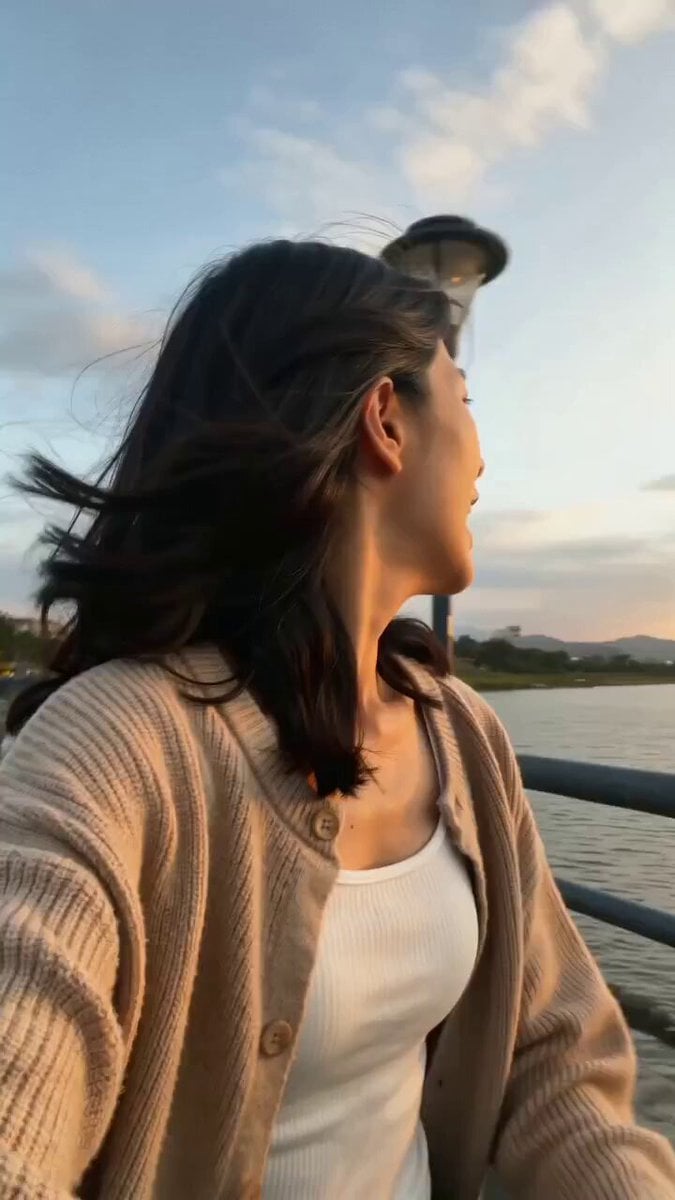
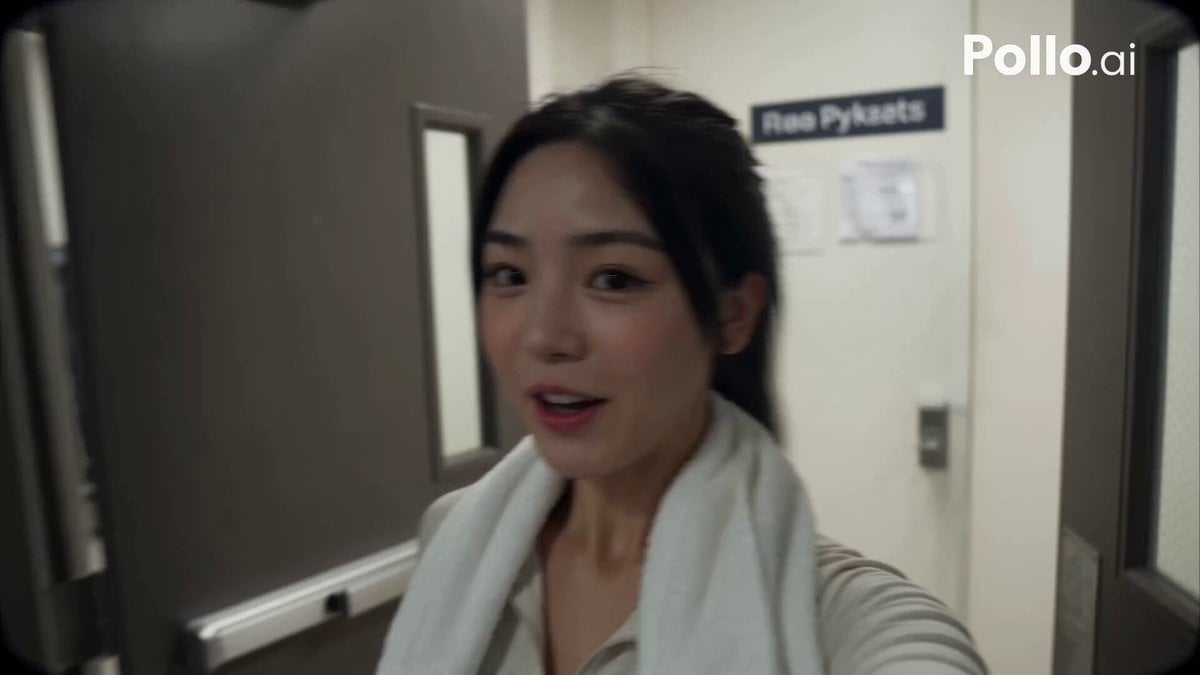
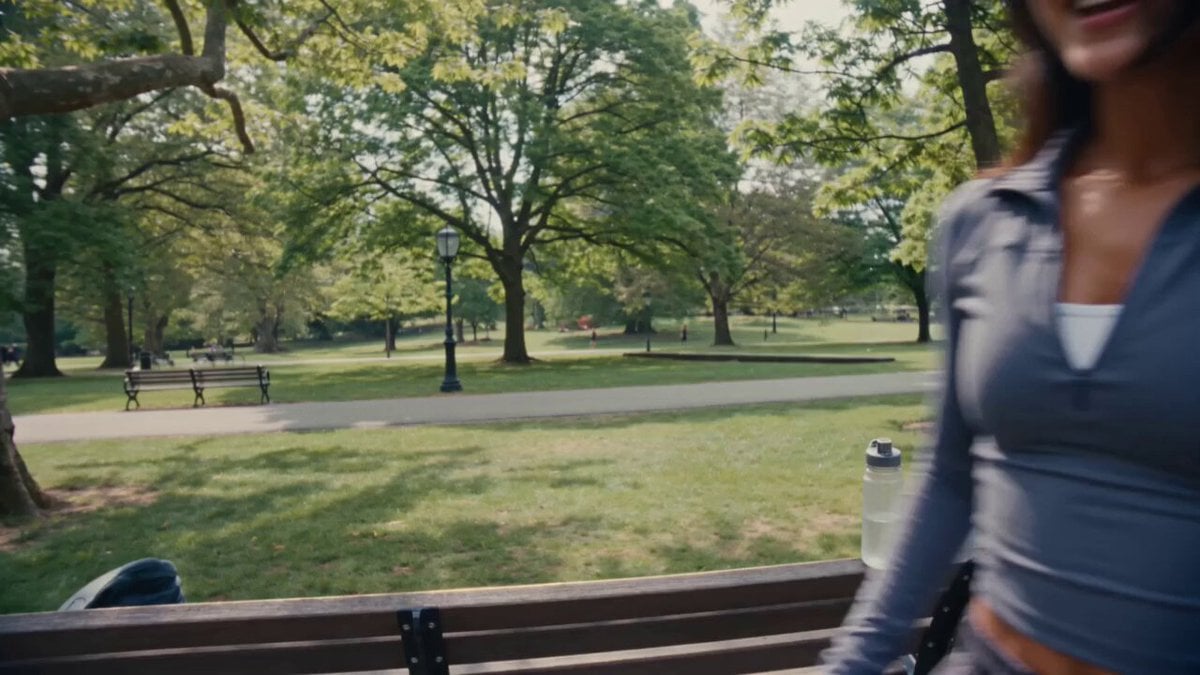
A user created an interesting interactive video using Seedance 2.0, where a photo of a person comes to life as a flirtatious AI girlfriend.
镜头保持主观视角(POV)指尖轻轻拂过镜头边缘,带着一点微凉的触感,布料轻轻蹭过的声音细得像耳语。 她弯着眼,声音温柔地贴过来: “又在偷偷看我啦?” 下一秒,她忽然靠近,发梢几乎要扫过镜头,暖融融的气息隔着画面都能感觉到。 她略带挑逗的尾音带着一点故意的勾人: “看够了没有呀…… 不如…… 好好看看我。” 睫毛轻轻垂了垂,再抬眼时,眼底全是笑意,安静得只剩下彼此的呼吸。
镜头保持主观视角(POV)指尖轻轻拂过镜头边缘,带着一点微凉的触感,布料轻轻蹭过的声音细得像耳语。 她弯着眼,声音温柔地贴过来: “又在偷偷看我啦?” 下一秒,她忽然靠近,发梢几乎要扫过镜头,暖融融的气息隔着画面都能感觉到。 她略带挑逗的尾音带着一点故意的勾人: “看够了没有呀…… 不如…… 好好看看我。” 睫毛轻轻垂了垂,再抬眼时,眼底全是笑意,安静得只剩下彼此的呼吸。
Edit the prompt in the box under the preview — the template's model and format are already selected — and press Generate. Your version appears right on this page.
Yes. You can change the subject, setting, lighting, mood, format, and available model controls before creating your video.
Opening and editing this template is free. Generating uses credits, shown on the Generate button when you are signed in.
Start with Seedance 2.0, which is the model associated with this template. You can compare another compatible model for a different finish.
Follow a topic to a crawlable collection of related PicX Studio templates.