How do I use the Sci-Fi Soldier Transformation VFX template?
Edit the prompt in the box under the preview — the template's model and format are already selected — and press Generate. Your version appears right on this page.
A Seedance 2.0 prompt for a cinematic VFX shot on an Arri Alexa Mini LF, depicting a rugged soldier in a desert hangar undergoing a visceral, violent transformation into a militaristic mecha suit via a wrist-mounted…
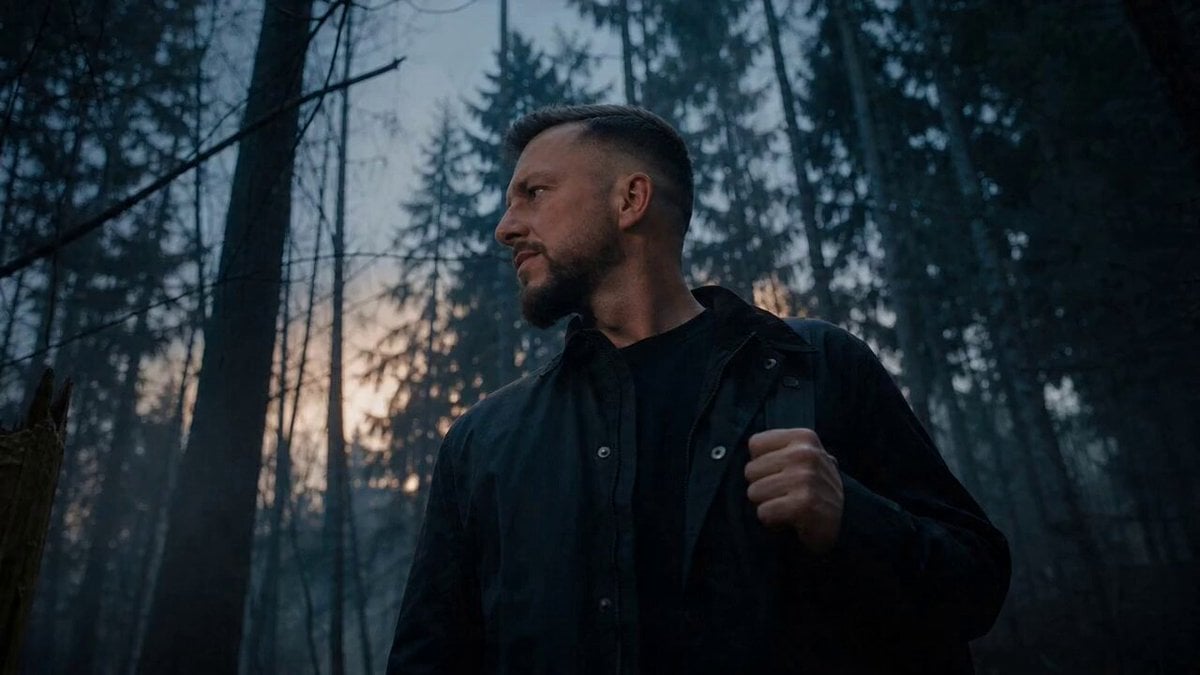
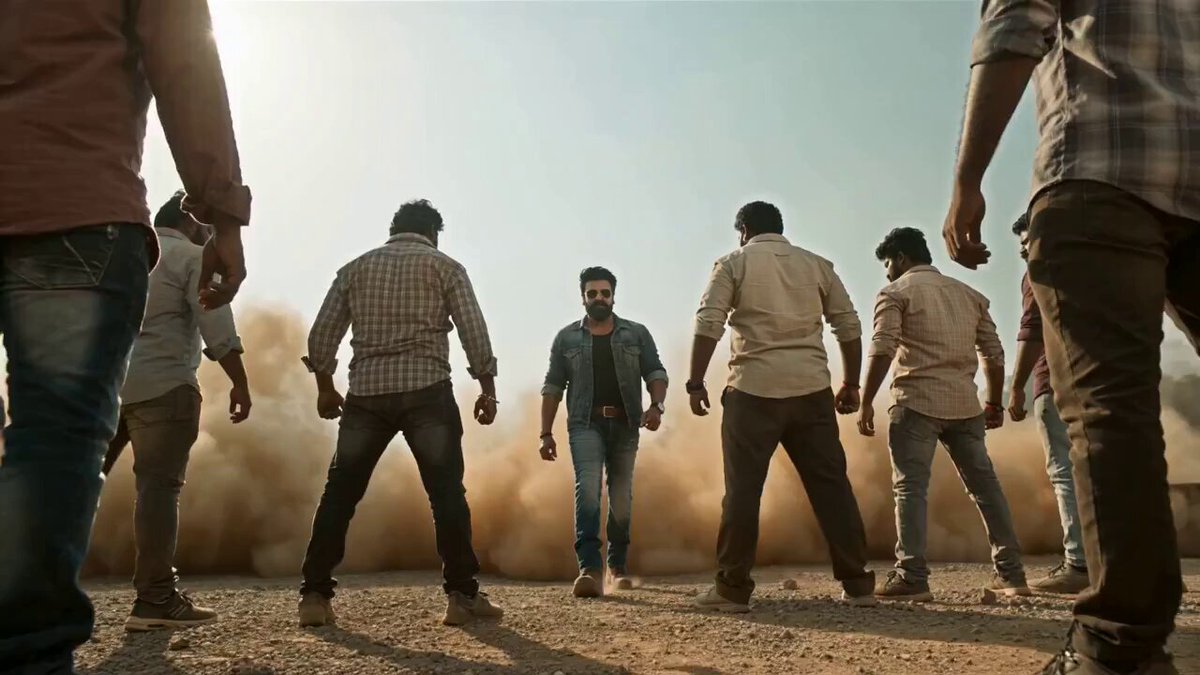
Cinematic VFX sci-fi transformation shot on Arri Alexa Mini LF with a low-angle steady-cam orbit. The scene features a rugged American soldier standing in a dusty desert hangar; as he activates a wrist-mounted neural trigger, heavy matte-black industrial armor plates and hydraulic pistons surge upward from his boots, encasing his body in a militaristic mecha frame. The camera circles closely as copper wires and steel framework interlock with violent precision, capturing his grimace of physical strain. The process accelerates with high-pressure steam venting from shoulder joints as a bulky chest plate slams shut. The transformation concludes with a heavy metallic resonance as a reinforced tactical helmet locks into place. The atmosphere is gritty and visceral, driven by a rhythmic crescendo of clanking metal and pressurized air, ending in a powerful, grounded stance.
Cinematic VFX sci-fi transformation shot on Arri Alexa Mini LF with a low-angle steady-cam orbit. The scene features a rugged American soldier standing in a dusty desert hangar; as he activates a wrist-mounted neural trigger, heavy matte-black industrial armor plates and hydraulic pistons surge upward from his boots, encasing his body in a militaristic mecha frame. The camera circles closely as copper wires and steel framework interlock with violent precision, capturing his grimace of physical strain. The process accelerates with high-pressure steam venting from shoulder joints as a bulky chest plate slams shut. The transformation concludes with a heavy metallic resonance as a reinforced tactical helmet locks into place. The atmosphere is gritty and visceral, driven by a rhythmic crescendo of clanking metal and pressurized air, ending in a powerful, grounded stance.
Edit the prompt in the box under the preview — the template's model and format are already selected — and press Generate. Your version appears right on this page.
Yes. You can change the subject, setting, lighting, mood, format, and available model controls before creating your video.
Opening and editing this template is free. Generating uses credits, shown on the Generate button when you are signed in.
Start with Seedance 2.0, which is the model associated with this template. You can compare another compatible model for a different finish.
Follow a topic to a crawlable collection of related PicX Studio templates.