
High School Hallway Fight
A high-energy cinematic action video prompt for Seedance 2.0 featuring a female fighter in a school hallway brawl with dynamic camera tracking.
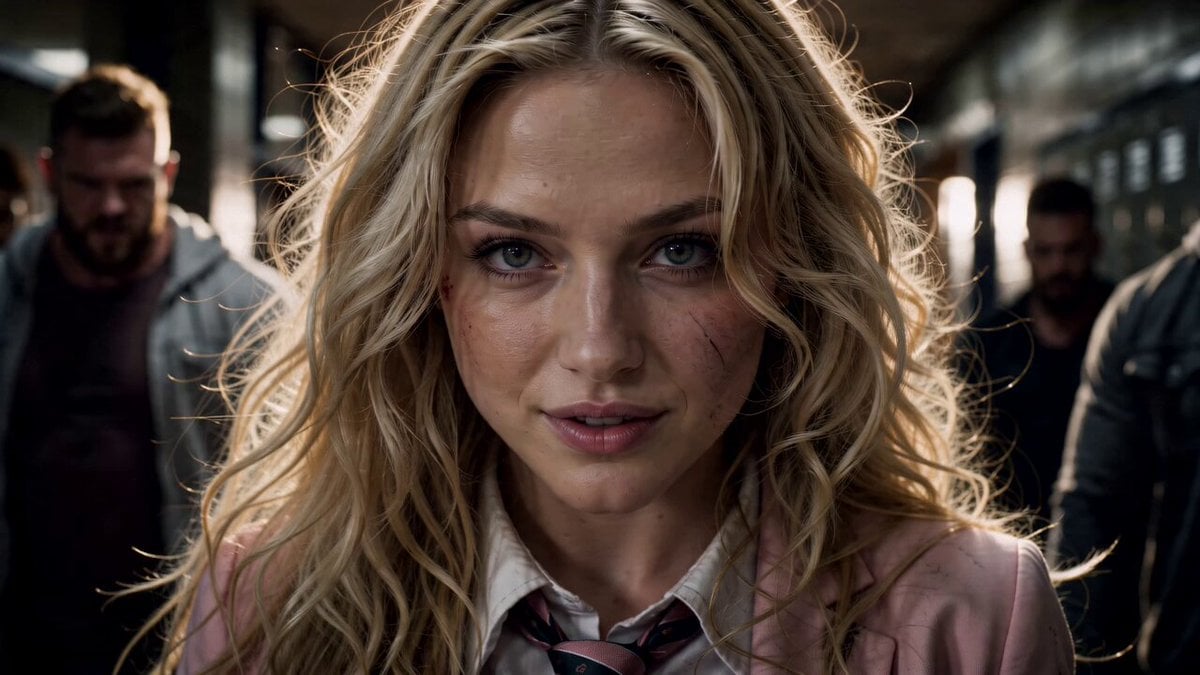
- Prompt included
- Model and format preset
- Premium template
The prompt behind this video
Copy the exact prompt behind High School Hallway Fight, or open it in the studio and make it yours.
A dynamic, high-energy cinematic action sequence in an American high school hallway. A fierce and beautiful Western woman with long wavy blonde hair, wearing a baby pink school uniform blazer with school emblem, white shirt, striped tie, pleated plaid skirt, black knee socks, and shoes, is single-handedly fighting multiple male attackers in an intense hallway brawl. She moves with incredible speed, agility, and martial arts skill — spinning, delivering powerful high kicks, punches, and fluid combos that send the larger men flying into lockers, slamming against walls, and crashing to the floor. Papers scatter everywhere across the polished floor. The men are knocked out or defeated one by one as she advances through the hallway. The camera is highly dynamic: low-angle tracking shots, quick pans, dramatic close-ups of her determined face and flowing blonde hair, wide shots showing the chaos, and intense over-the-shoulder action. Cinematic lighting with overhead fluorescent lights, realistic motion blur on fast movements, dramatic hair whip effects, and intense facial expressions. She looks powerful, confident, and slightly breathless by the end, standing amid the fallen opponents while looking directly forward with focus. Realistic live-action style, high detail, intense choreography similar to action film fight scenes, 14-second duration, 16:9 aspect ratio.
How to use High School Hallway Fight in 3 steps
- 1
Open
The prompt is already in the box next to the preview, with the template's model and format selected.
- 2…a portrait of your subject in softgolden-hour light, 85mm…
Personalize
Edit the subject and creative details for your destination.
- 3Generate
Generate
Press Generate — your video is created in PicX Studio, so you can compare it with the original and refine one variable at a time.
More like this
Templates with the same subject, style or setup. Open one to see its prompt.

Cinematic Istanbul Night Fight - Seedance 2.5
Swordsman vs Shadow Monster — Bamboo Forest Battle
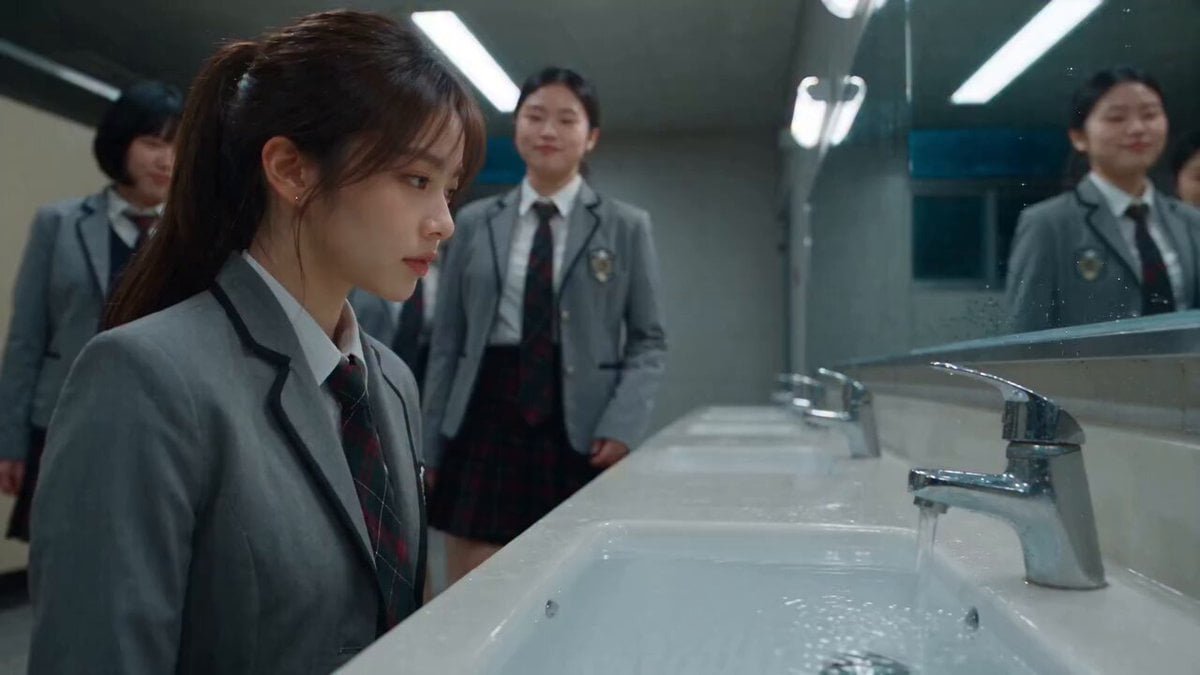
Dramatic School Bathroom Water Fight
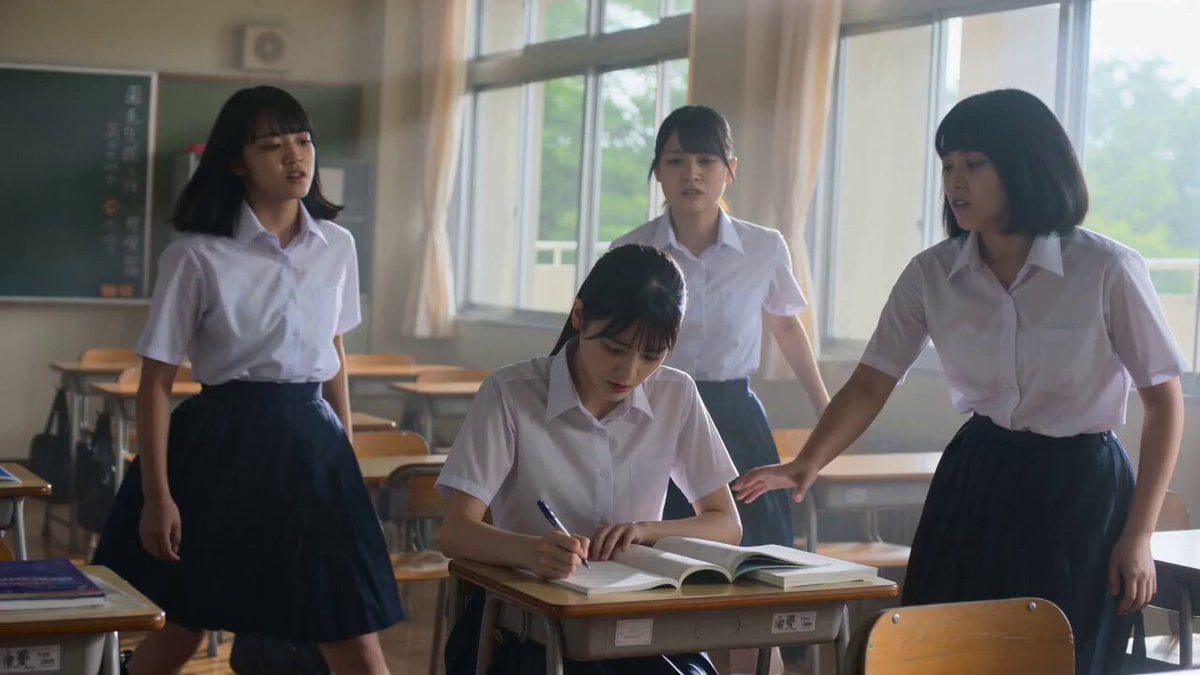
Cinematic School Fight Action Sequence
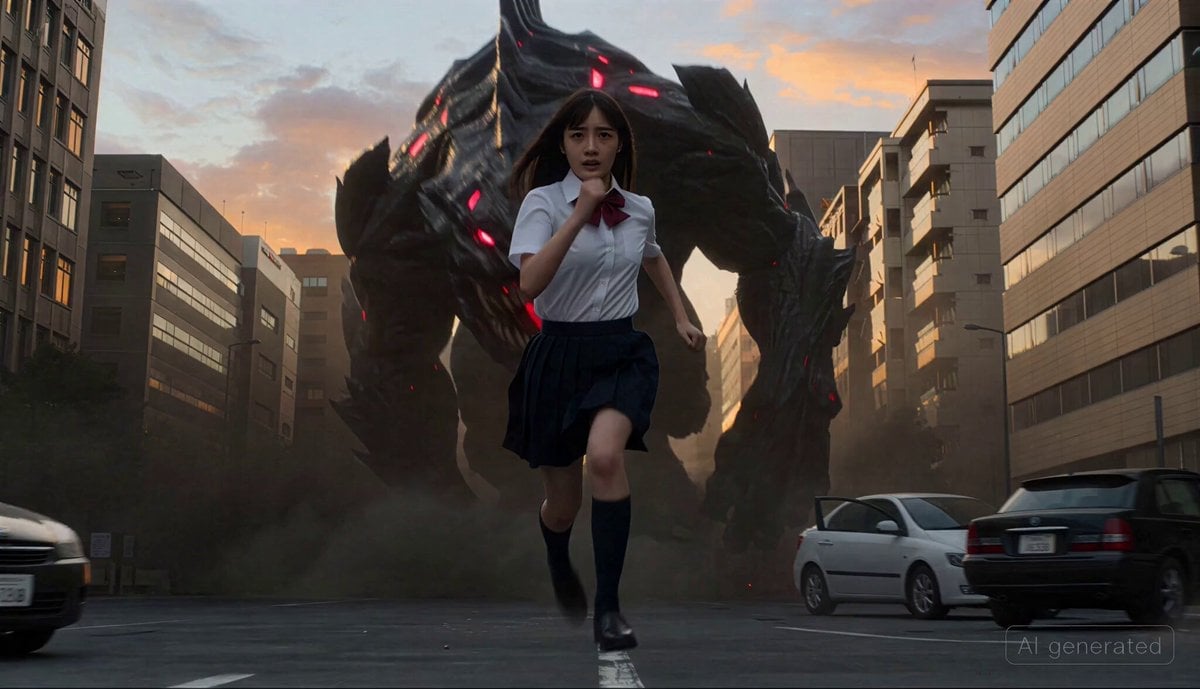
Cinematic transformation sequence of a Japanese high school girl fighting a giant monster
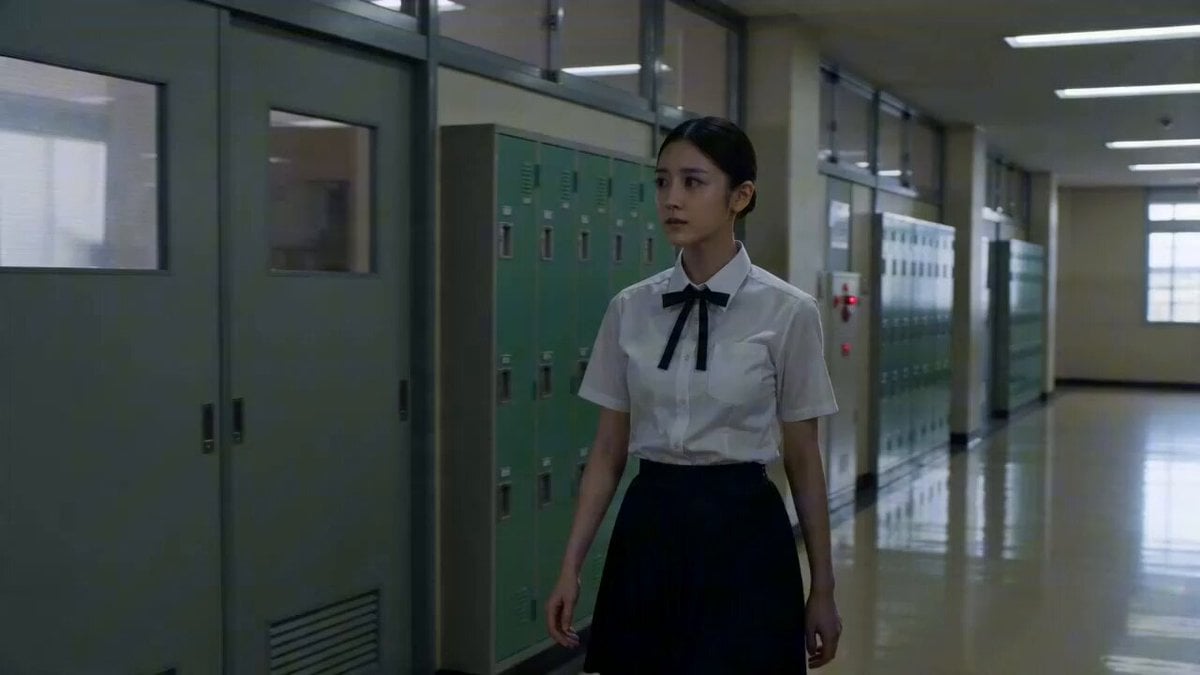
Japanese High School Cinematic Fight Scene
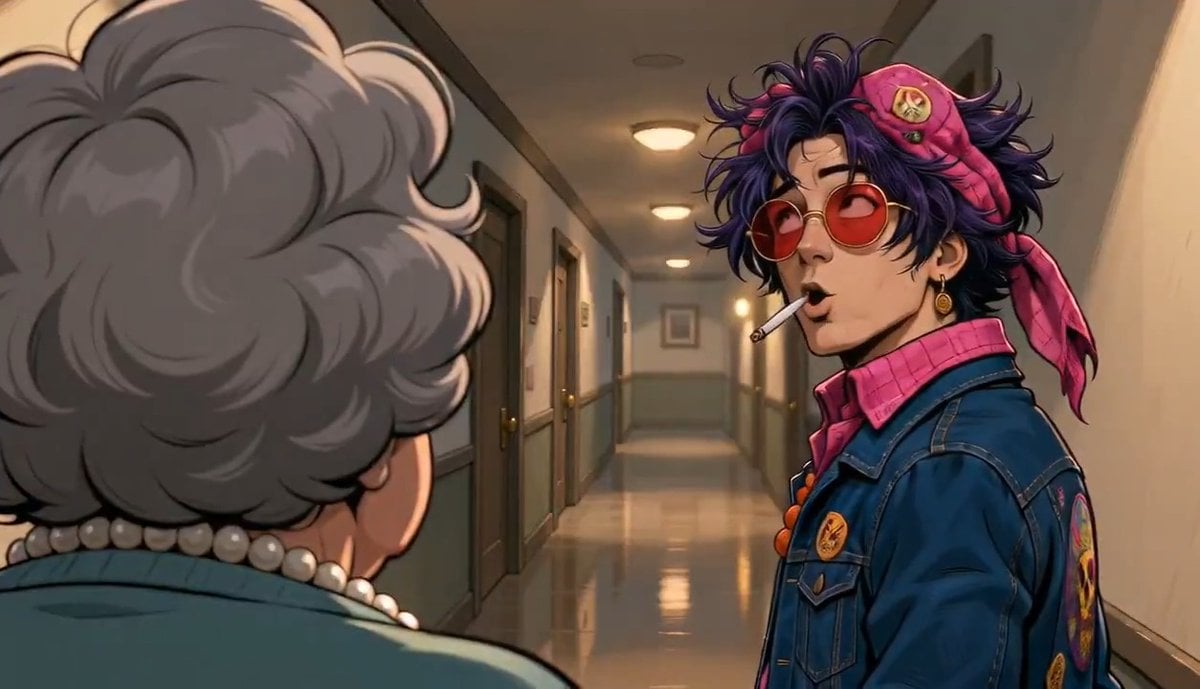
Apartment Hallway Neighbor Confrontation
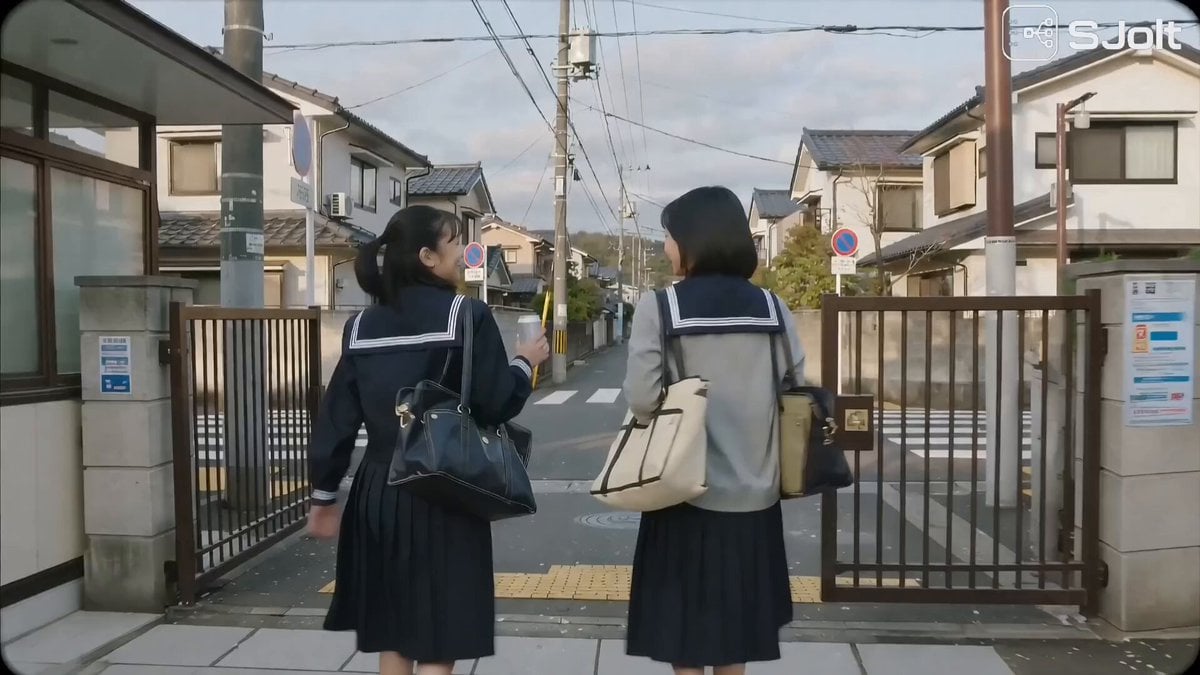
Japanese High School Golden Hour Walk
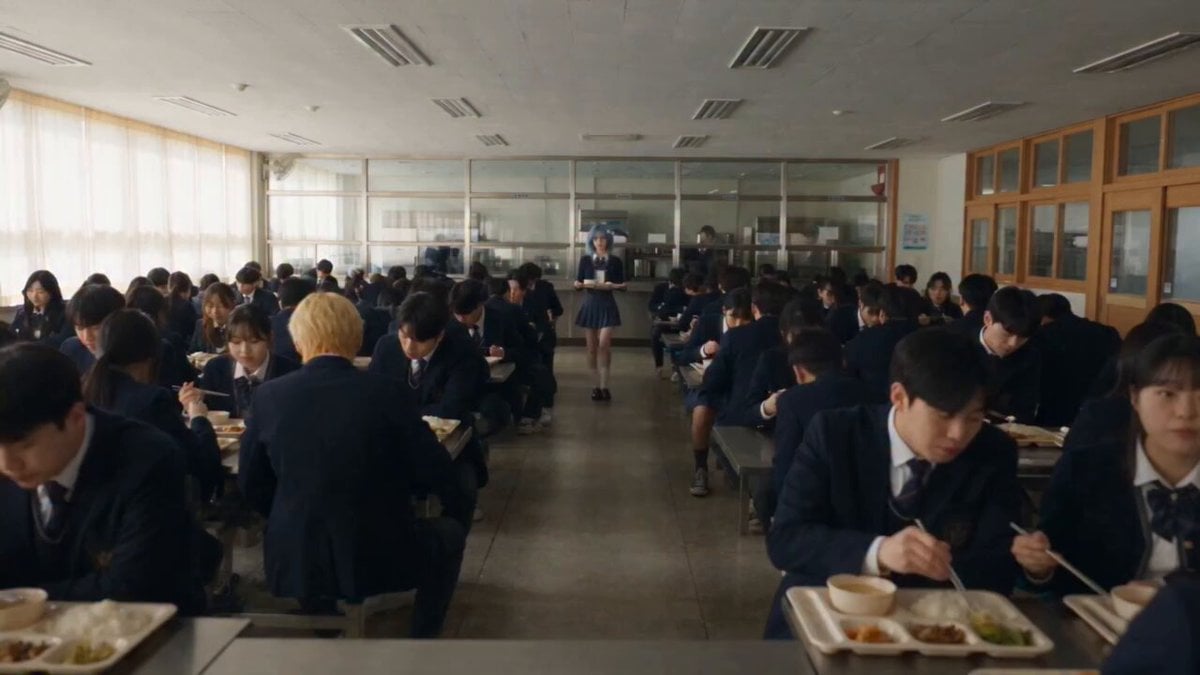
Anime School Cafeteria Encounter
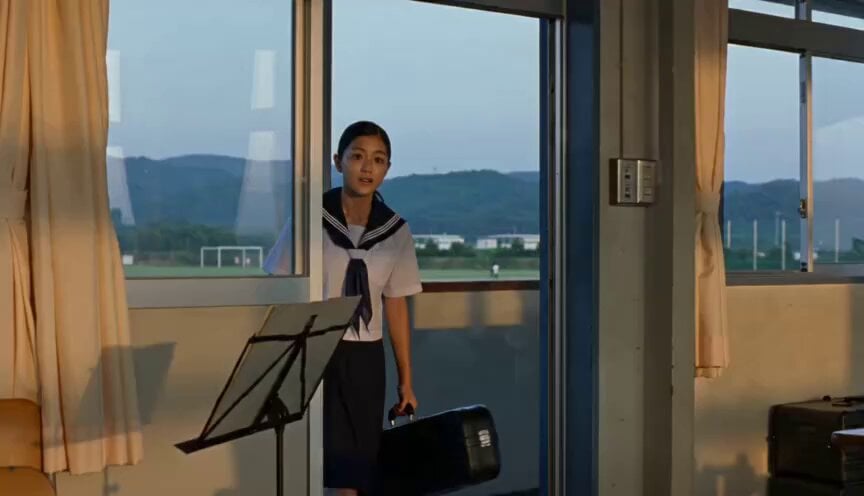
Japanese Schoolgirl Brass Band Vlog

Realistic Japanese High School Vlog
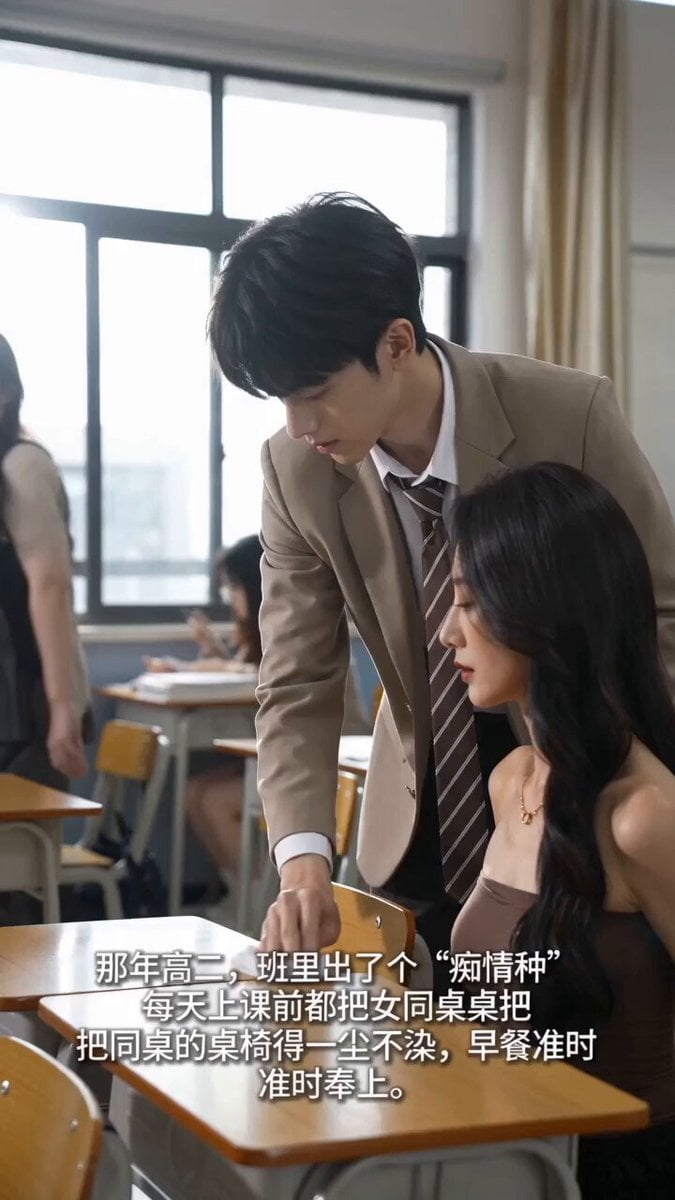
Handheld iPhone Style School Romance
Make it yours
High School Hallway Fight works as-is. These are the safest ways to change it without losing the look.
Change one field
Copy a single group, rewrite it, and generate again so you can see what that field is doing.
Keep the frame, change the subject
Hold the composition and light of High School Hallway Fight, then swap wardrobe, props or the person for a new take.
| If the result… | Why | Fix |
|---|---|---|
| The result drifts from the preview | Too many fields changed at once. | Reuse High School Hallway Fight as-is first, then change one group — subject, light, or setting. |
| The model over-stylizes the scene | The prose prompt leaves finish and camera underspecified. | Add one camera or lighting sentence and stay on Seedance 2.0. |
More Seedance 2.0 templates
Other prompts made for Seedance 2.0.

Comical Martial Arts Punch Scene

Maglev Train Action Sequence

Martial Arts Fight Sequence

Wuxia Protection and Trust Script

Vintage Korean Arcade MiniDV Vlog

Mercedes 190 SL Luxury Ad

Rainy Night Supernatural Reverse Comedy Video Script

Amazon Civilization Discovery

Futuristic South Asian City Transformation

Cozy Luxury Cafe Commercial
More video prompts
Fresh picks from across the catalog.

Japanese Summer Garden Shiba Inu

Football Stadium Broadcast Portrait
Lillyli Time Freeze Avatar

Serene Ethereal Angel Animation
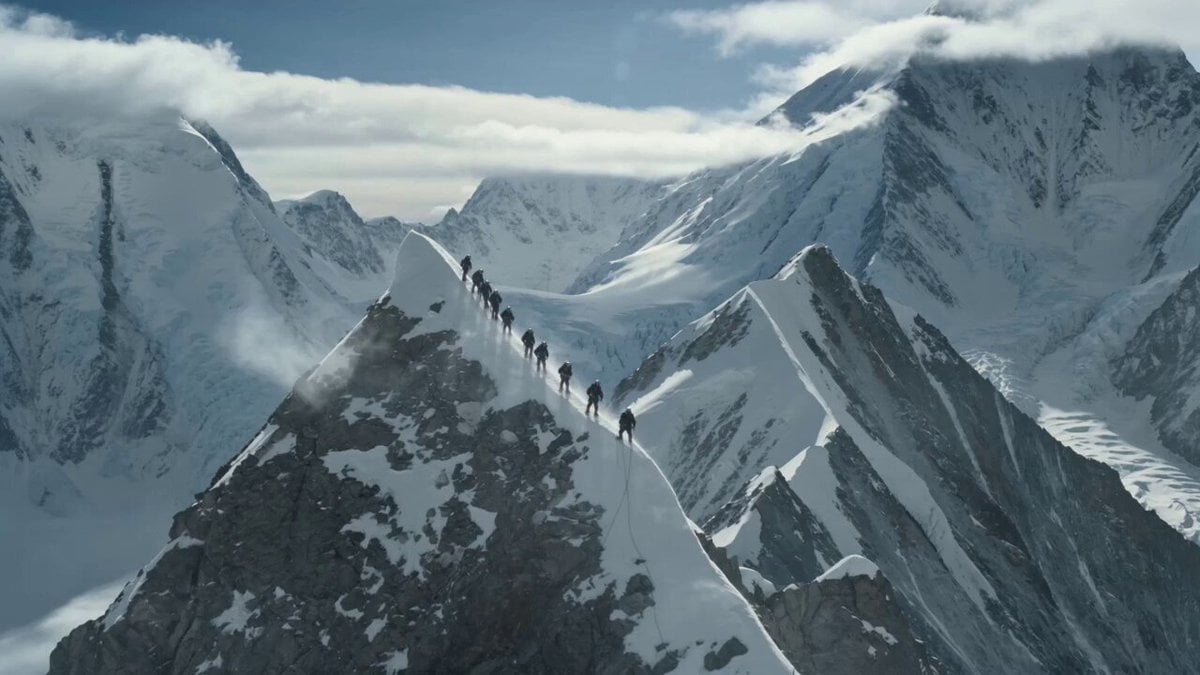
K2 Mountaineering Survival Drama

Epic Sci-Fi Space Battle

High-Speed Anime Sakuga Duel
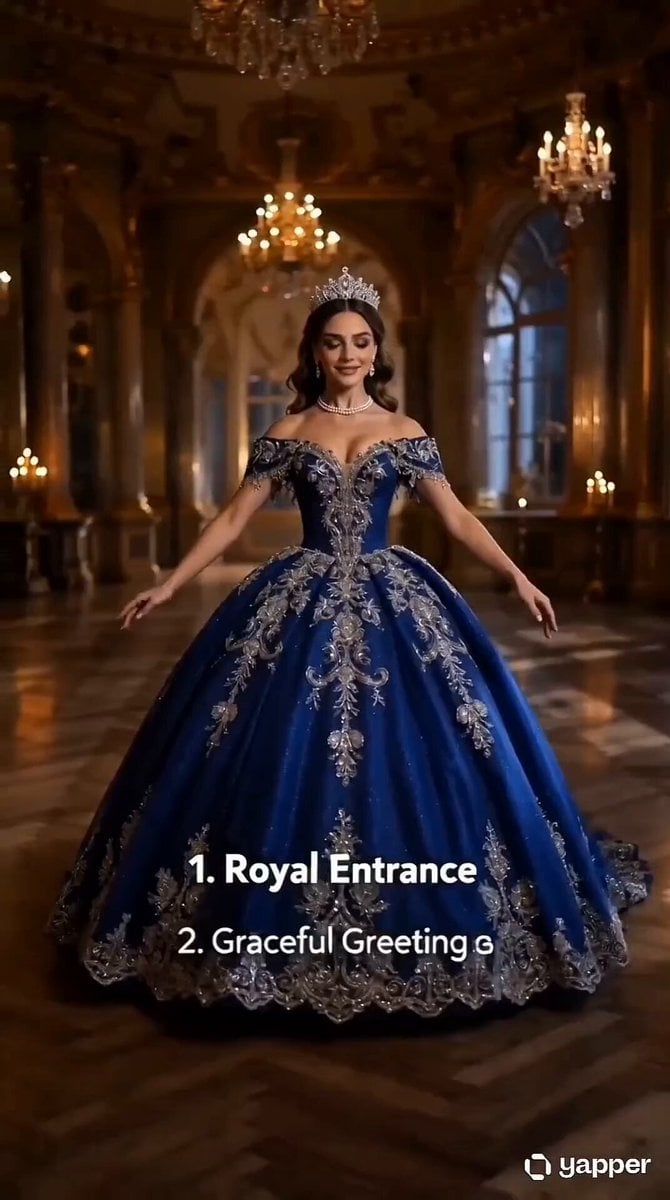
Royal Princess Ballroom Dance Sequence

Elemental Ice and Fire Goddess Battle

Cats Chasing via Red Mini Motorcycle
Browse template categories
High School Hallway Fight questions
How do I use the High School Hallway Fight template?
Add your photo if the template asks for one, edit the prompt if you like — the template's model and format are already selected — and press Generate. Your version opens in PicX Studio.
Can I customize the High School Hallway Fight template?
Yes. You can change the subject, setting, lighting, mood, format, and available model controls before creating your video.
Is the High School Hallway Fight template free?
Opening and editing this template is free. Generating uses credits, shown on the Generate button when you are signed in.
Which AI model should I use?
Start with Seedance 2.0, which is the model associated with this template. You can compare another compatible model for a different finish.
Looking for something else? Browse all templates.

Your photo, any look
Thousands of ready templates for every top image and video model, from one credit balance.