
Top-Down Psychological Short Film
A cinematic single-take prompt captured from a top-down perspective, depicting a woman's lethargic morning routine in a cramped apartment.
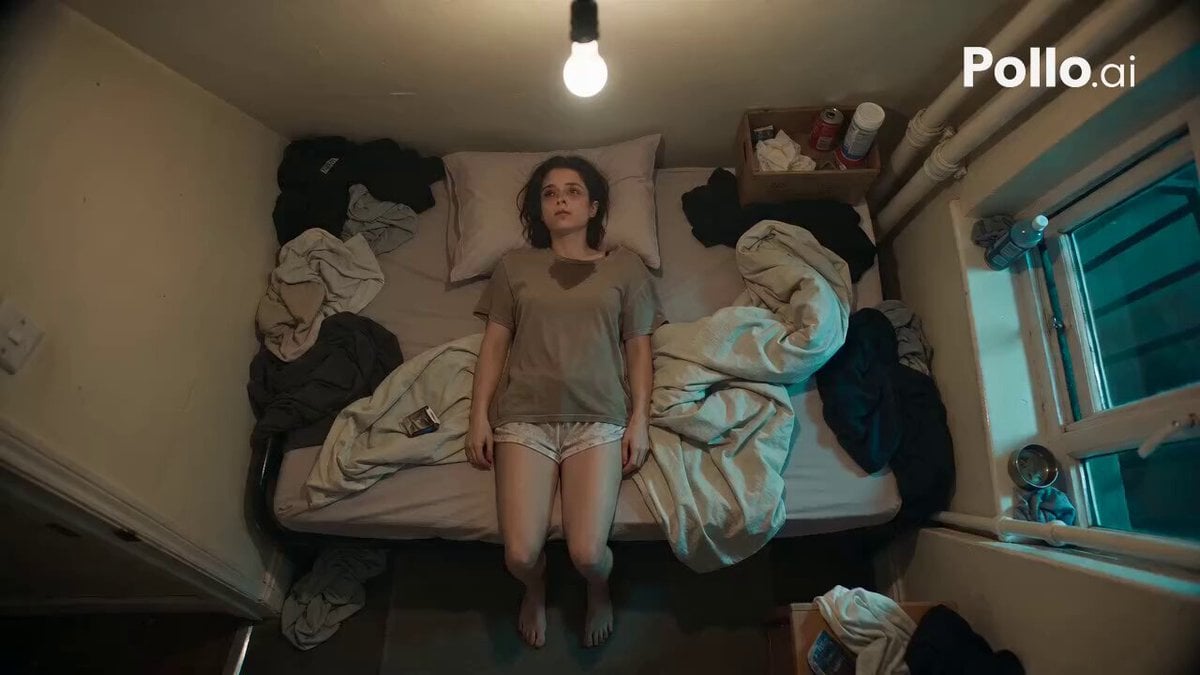
- Prompt included
- Model and format preset
- Free template
The prompt behind this video
Copy the exact prompt behind Top-Down Psychological Short Film, or open it in the studio and make it yours.
Cinematic psychological short film. Continuous single take, strict top-down overhead camera locked directly above a young woman matching the reference image. 24mm lens, realistic digital texture, soft haze, muted tungsten lighting mixed with green city light. A small cramped studio apartment with a thin mattress, rumpled sheets, scattered clothes, a narrow hallway, tiny wash area with a cracked mirror, and a cluttered kitchenette. The woman wears an oversized faded t-shirt, soft lounge shorts, and is barefoot. Slightly messy hair, faint smudged kajal under her eyes, tired expression, moving slowly like she is repeating a daily routine on autopilot. Scene: She lies awake on the mattress staring blankly. She sits up, grabs a crumpled cigarette pack beside her pillow, takes out one cigarette, finds a lighter under the sheet, lights it, inhales, and drops the lighter. She stands and slowly walks through the apartment while the camera perfectly tracks overhead without drifting. She enters the wash area, turns on the tap, wets her fingers, lazily splashes water on her face, and leaves water dripping. She walks into the kitchenette, moves a plate aside, picks up a steel tumbler, then pauses completely still. She takes another drag from the cigarette. After a few seconds, she slowly lifts her head and looks directly into the camera. She exhales smoke upward toward the lens and never breaks eye contact. Audio: soft lighter click, distant traffic, electrical hum, running water, soft footsteps, subtle ambient tension.
How to use Top-Down Psychological Short Film in 3 steps
- 1Upload ImagePNG, JPG or paste
Add your photo
Upload the photo the template builds on. The prompt, model and format are already set.
- 2…a portrait of your subject in softgolden-hour light, 85mm…
Personalize
Edit the subject and creative details for your destination.
- 3Generate
Generate
Press Generate — your video is created in PicX Studio, so you can compare it with the original and refine one variable at a time.
More like this
Templates with the same subject, style or setup. Open one to see its prompt.
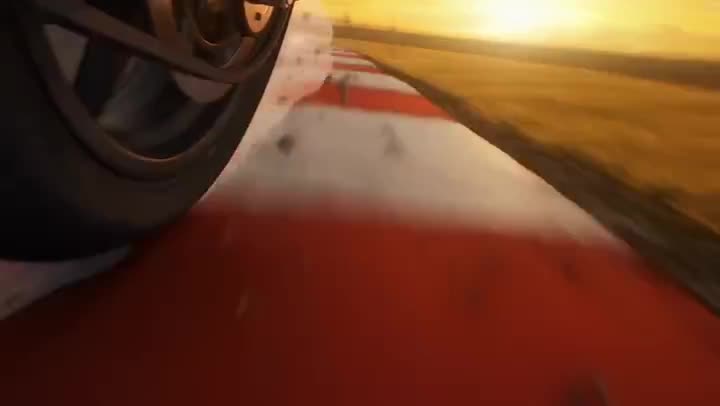
Youth Racing Short Film
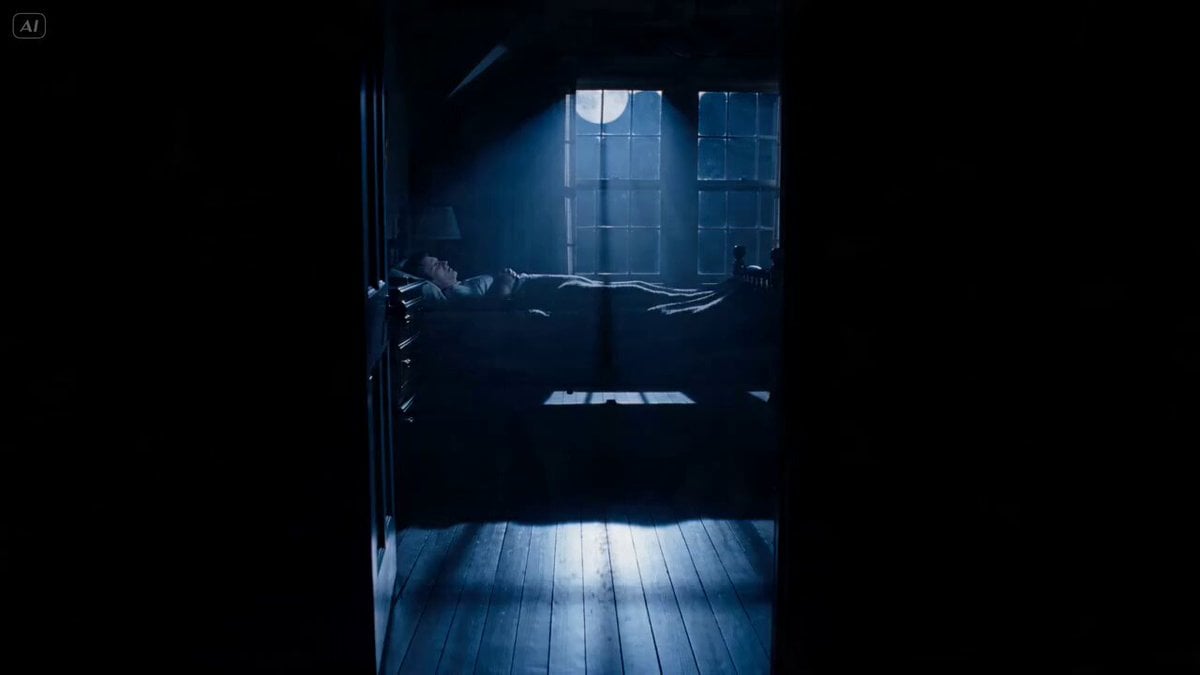
Psychological Horror Short Film

3D Animated Newspaper Delivery Short - Seedance 2.5
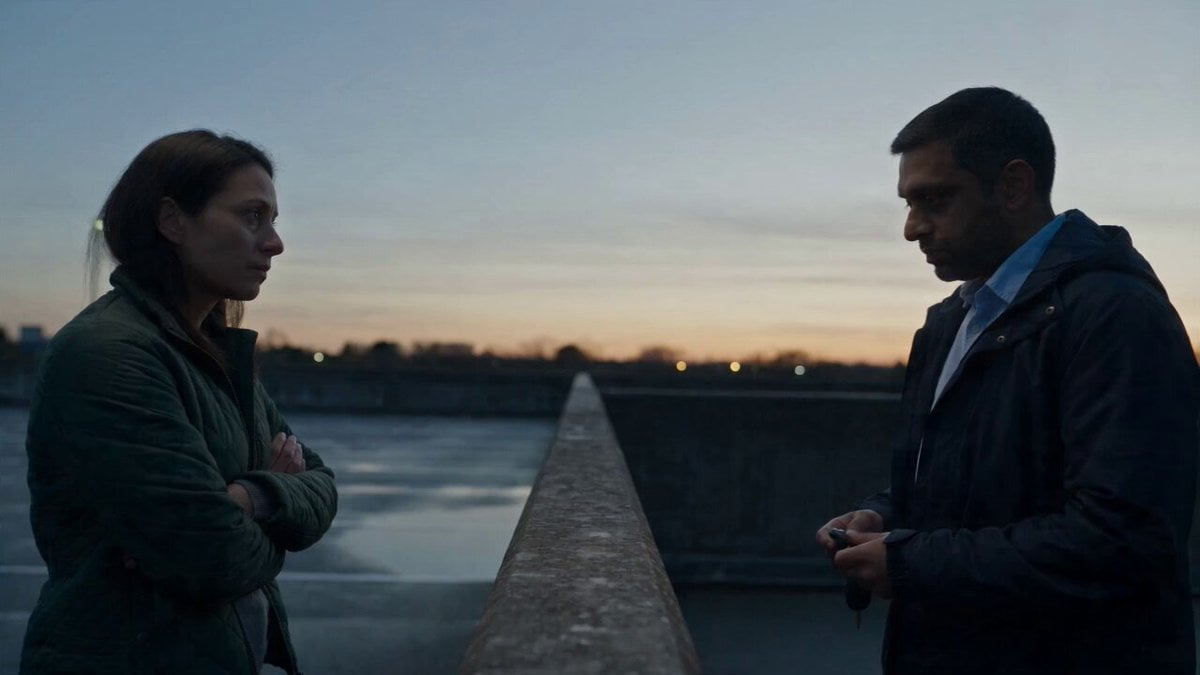
Hospital Car Park Dialogue Lip Sync
Global Flower Thank-You Film

Mechanical Flower Bloom Brand Film

Oceanic Civilization Epic Sci-Fi Film

Floating Desert Museum Cinematic Film
Haute Couture Dream Bokeh Film
Window-to-Eye Concept Film

Crystal Ball Match-Cut Brand Film
Cinematic Short Film Scene 2
Make it yours
Top-Down Psychological Short Film works as-is. These are the safest ways to change it without losing the look.
Change one field
Copy a single group, rewrite it, and generate again so you can see what that field is doing.
Keep the frame, change the subject
Hold the composition and light of Top-Down Psychological Short Film, then swap wardrobe, props or the person for a new take.
| If the result… | Why | Fix |
|---|---|---|
| The result drifts from the preview | Too many fields changed at once. | Reuse Top-Down Psychological Short Film as-is first, then change one group — subject, light, or setting. |
| The model over-stylizes the scene | The prose prompt leaves finish and camera underspecified. | Add one camera or lighting sentence and stay on Seedance 2.0. |
More Seedance 2.0 templates
Other prompts made for Seedance 2.0.

Comical Martial Arts Punch Scene

Maglev Train Action Sequence

Martial Arts Fight Sequence

Wuxia Protection and Trust Script

Vintage Korean Arcade MiniDV Vlog

Mercedes 190 SL Luxury Ad

Rainy Night Supernatural Reverse Comedy Video Script

Amazon Civilization Discovery

Futuristic South Asian City Transformation

Cozy Luxury Cafe Commercial
More video prompts
Fresh picks from across the catalog.
Corporate Office Glitch Simulation
Dubai Rooftop Parkour Action Sequence
Structured Caricature Animation Stack
Cosmic Sand Woman Transformation
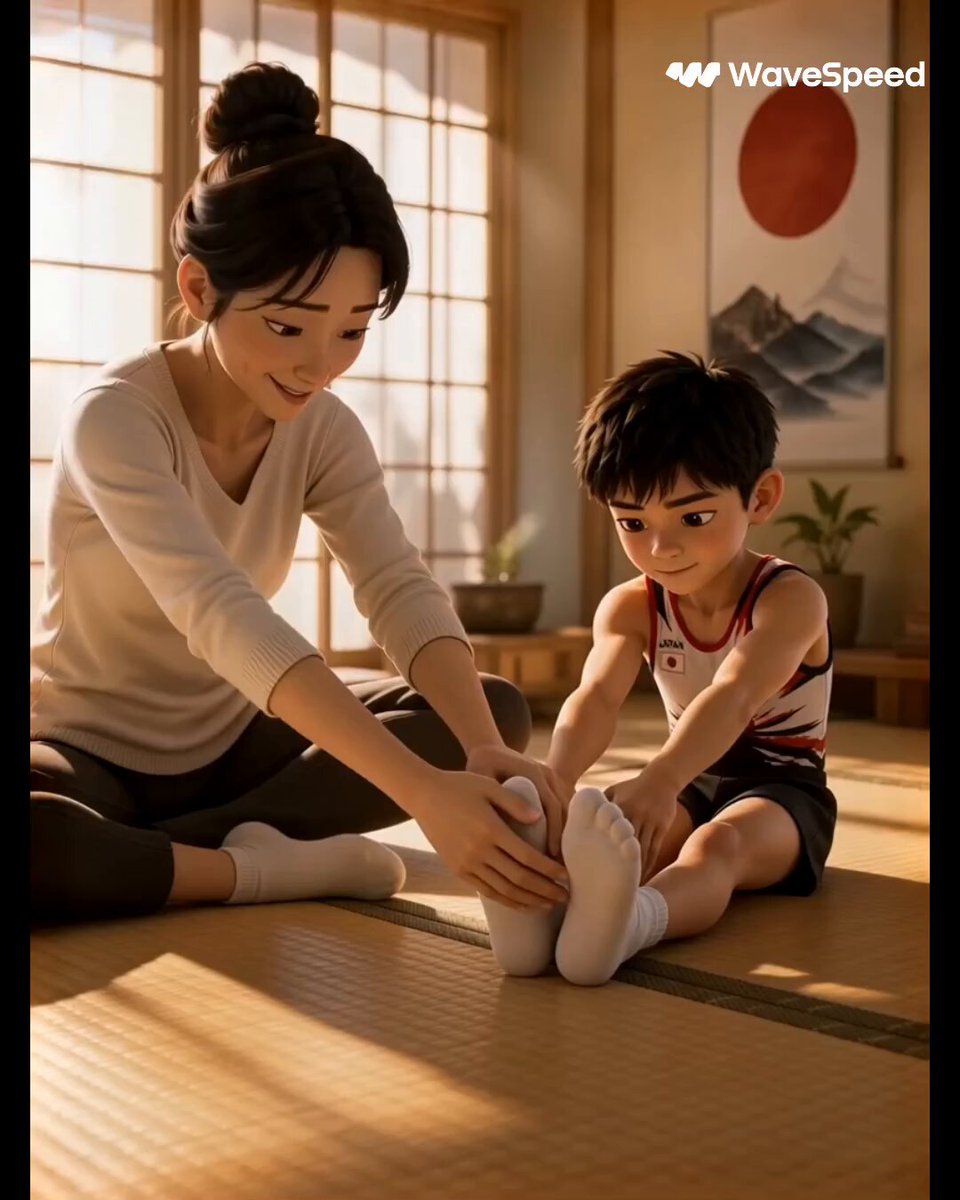
3D Animated Commercial from Storyboard
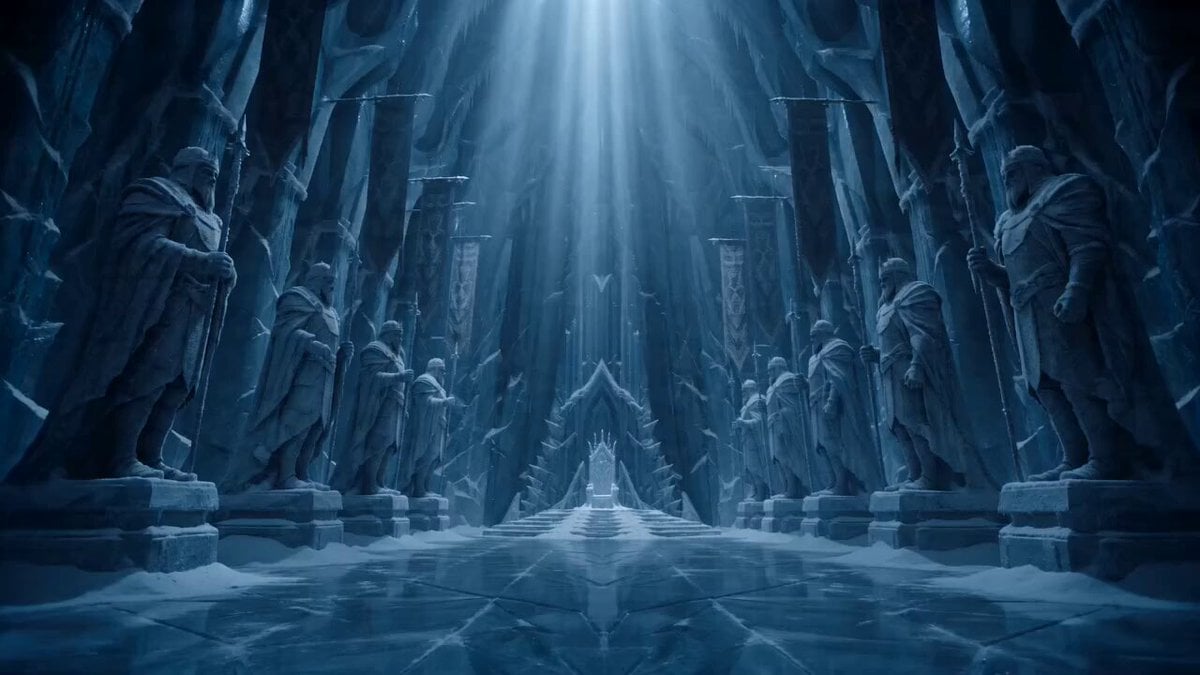
Frozen Ancient Kingdom Cinematic Fantasy
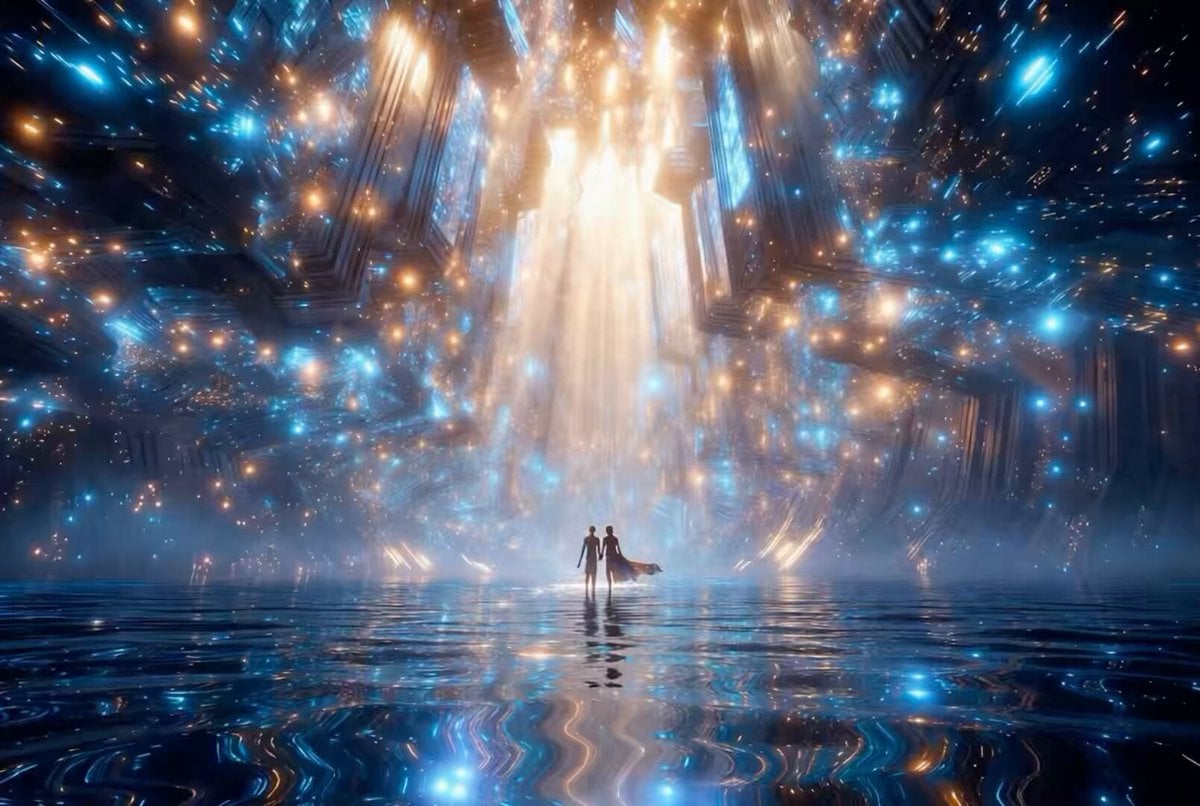
Futuristic Neon Cathedral
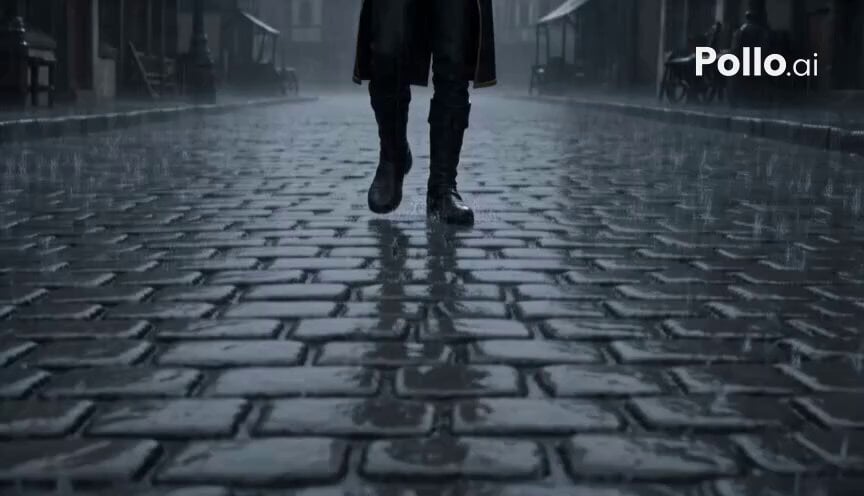
Ray Traced Rain Scene with Character and Dragon Emergence
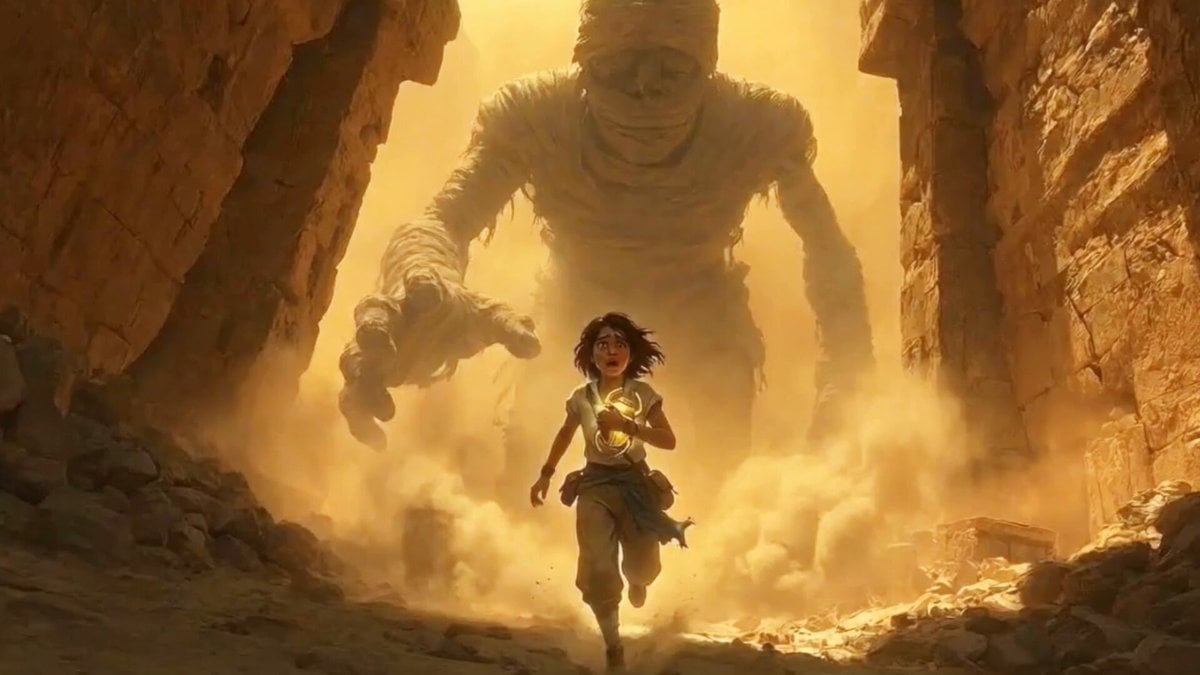
Cinematic Mummy Chase Sequence
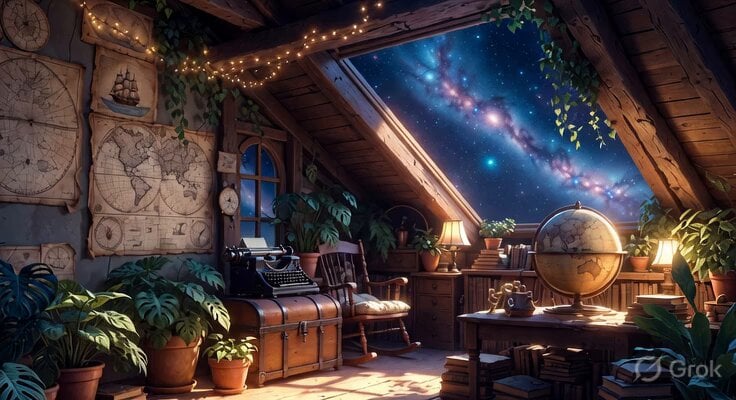
Studio Ghibli Inspired Cozy Attic
Browse template categories
Top-Down Psychological Short Film questions
How do I use the Top-Down Psychological Short Film template?
Add your photo if the template asks for one, edit the prompt if you like — the template's model and format are already selected — and press Generate. Your version opens in PicX Studio.
Can I customize the Top-Down Psychological Short Film template?
Yes. You can change the subject, setting, lighting, mood, format, and available model controls before creating your video.
Is the Top-Down Psychological Short Film template free?
Opening and editing this template is free. Generating uses credits, shown on the Generate button when you are signed in.
Which AI model should I use?
Start with Seedance 2.0, which is the model associated with this template. You can compare another compatible model for a different finish.
Looking for something else? Browse all templates.

Your photo, any look
Thousands of ready templates for every top image and video model, from one credit balance.