
Toy to Giant Dragon Transformation
An ultra-realistic fantasy sequence where a small toy dragon transforms into a massive mythical creature by a river.
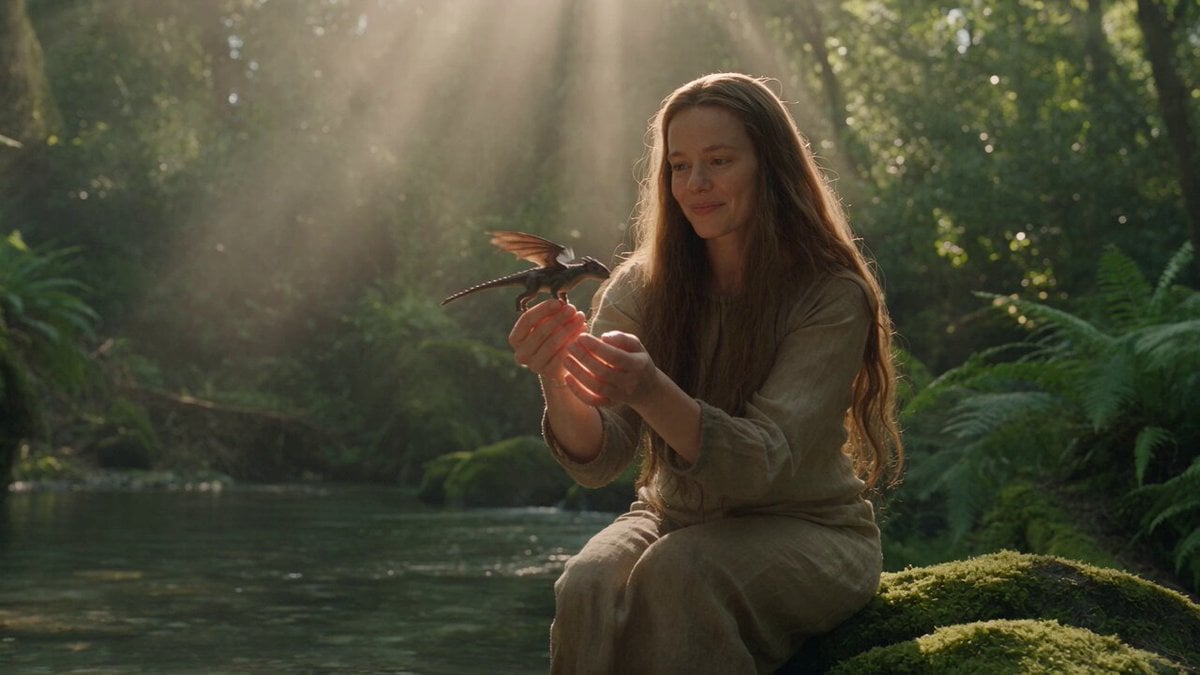
- Prompt included
- Model and format preset
- Free template
The prompt behind this video
Copy the exact prompt behind Toy to Giant Dragon Transformation, or open it in the studio and make it yours.
15-Second Realistic Dragon Transformation Prompt Create a 15-second ultra-realistic cinematic fantasy sequence featuring an adult woman in her 20s playing with a small toy dragon beside a crystal-clear river deep inside a lush, mysterious forest. Scene & Character: A beautiful adult woman in her 20s, natural appearance, realistic skin texture, long flowing hair, wearing a simple earthy-toned casual outfit. She is sitting on smooth rocks beside a shallow forest river, playfully holding a small, highly detailed toy dragon in her hands. The environment feels completely real and immersive: dense green foliage, moss-covered rocks, soft sunlight filtering through the trees, floating dust particles, realistic water movement and natural atmospheric depth. 0–4 seconds: Begin with a cinematic medium shot of the woman sitting beside the river, smiling naturally as she plays with the tiny dragon. She gently moves the toy through the air as if making it fly. Use subtle handheld camera movement and realistic environmental sounds. Sunlight creates soft highlights across her hair and the water. 4–7 seconds: She slowly lowers the toy dragon into the shallow river and briefly dips it completely underwater. As the toy touches the water, create subtle but realistic ripples and small waves around it. The woman watches with curiosity. 7–11 seconds — Transformation: The water suddenly begins to glow with a subtle mystical energy. The tiny dragon starts expanding beneath the surface. Its body rapidly grows while maintaining realistic anatomy and physical movement. Scales form naturally across its body, wings unfold, claws emerge, and its long tail sweeps through the water. The transformation should feel physically believable and photorealistic, not cartoonish. Water splashes naturally as the creature grows from a tiny toy into a massive, majestic dragon. 11–15 seconds: The giant dragon rises dramatically from the river, towering above the woman. Water cascades from its enormous scales and wings. It spreads its massive wings and releases a powerful but realistic roar that echoes through the forest. The woman steps back in genuine amazement while maintaining a natural, believable reaction. End with a wide cinematic shot revealing the woman, the giant dragon, the river and the surrounding forest together, creating a breathtaking sense of scale. Visual Style: Ultra-photorealistic live-action fantasy, cinematic Hollywood-level VFX, physically accurate water simulation, realistic dragon anatomy, detailed individual scales, natural skin and hair textures, volumetric sunlight, realistic shadows, atmospheric depth, subtle film grain, high dynamic range, realistic motion blur, full-frame cinema camera look, 35mm lens
How to use Toy to Giant Dragon Transformation in 3 steps
- 1
Open
The prompt is already in the box next to the preview, with the template's model and format selected.
- 2…a portrait of your subject in softgolden-hour light, 85mm…
Personalize
Edit the subject and creative details for your destination.
- 3Generate
Generate
Press Generate — your video is created in PicX Studio, so you can compare it with the original and refine one variable at a time.
More like this
Templates with the same subject, style or setup. Open one to see its prompt.
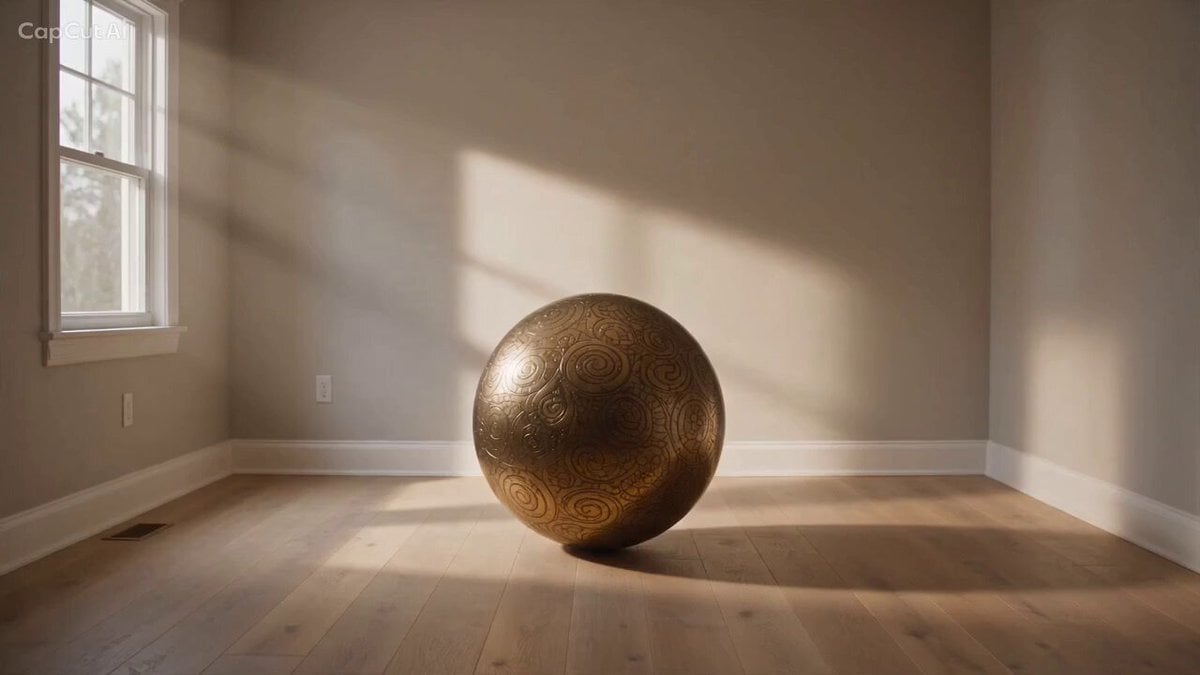
Magical Room Transformation - Seedance 2.5
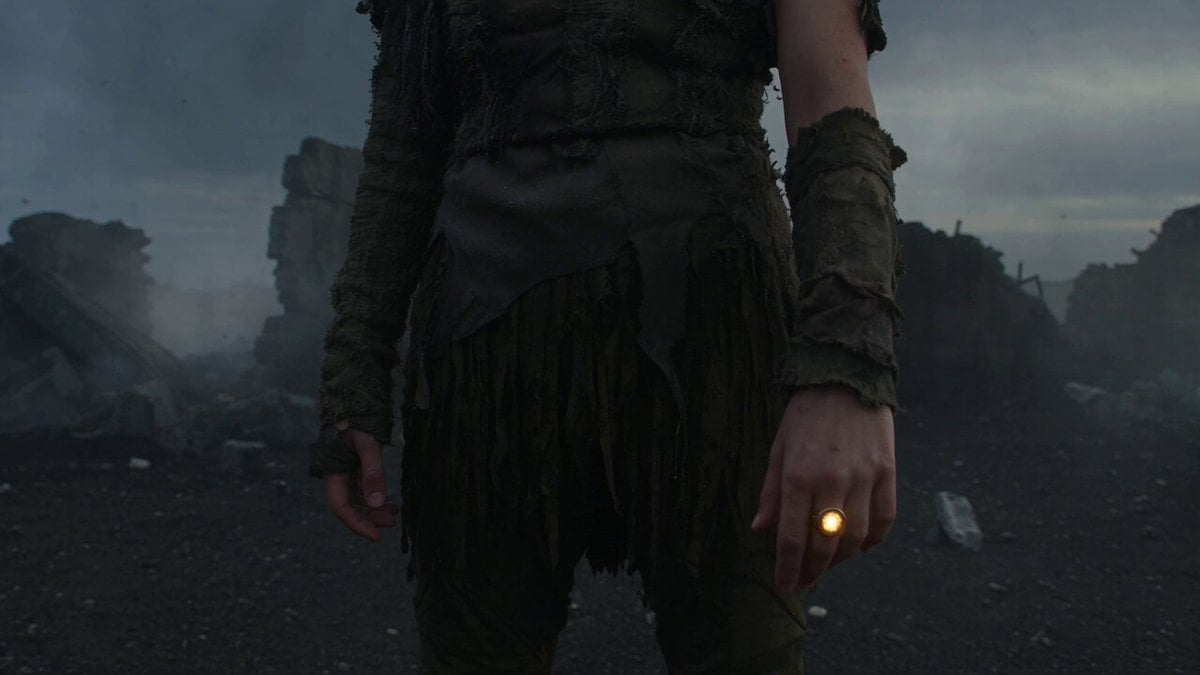
Dark Tokusatsu Transformation - Seedance 2.5
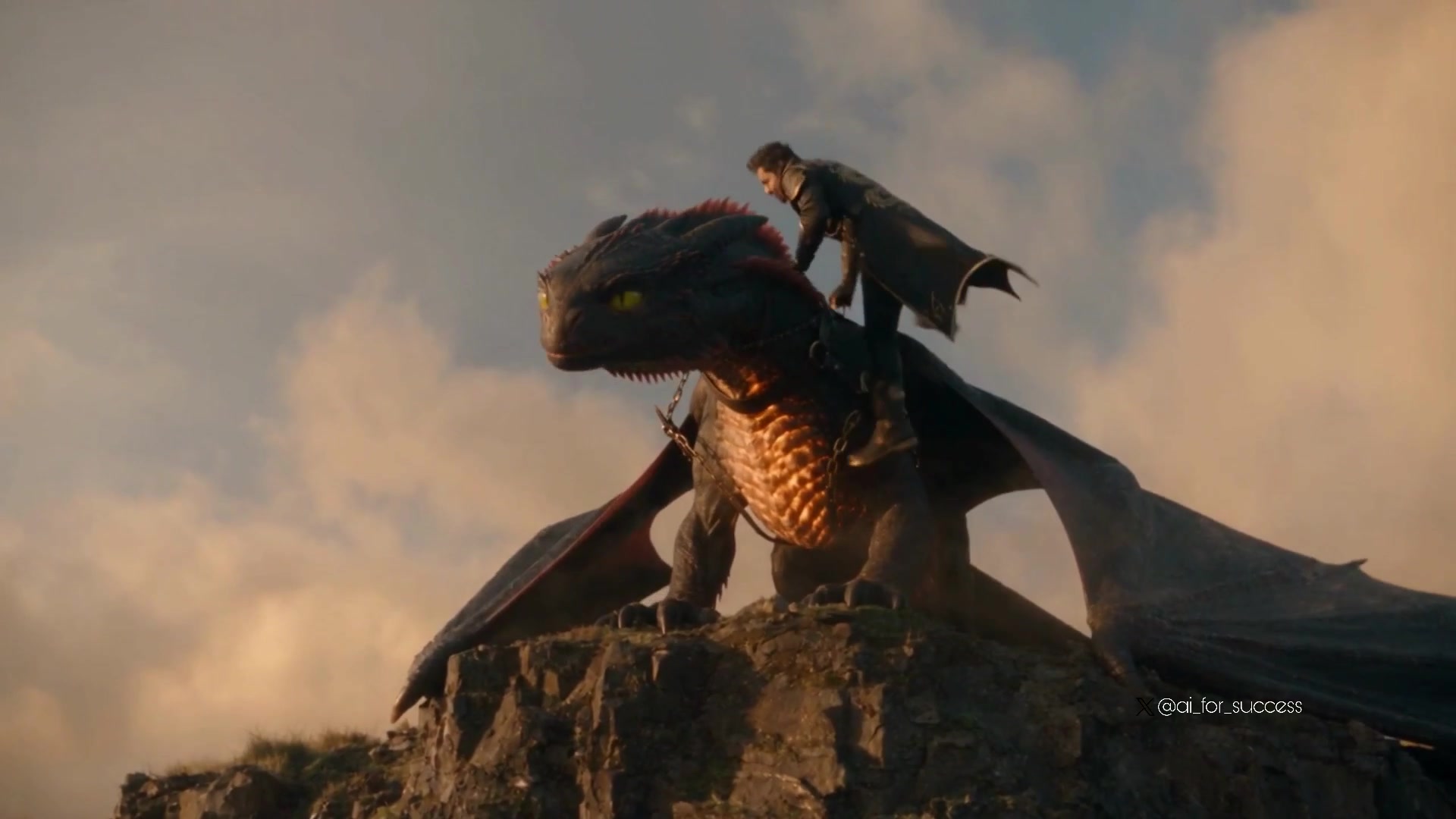
Dragon Rider Cinematic Flight — Seedance 2.5
RX-7 to Mech Transformation Cyberpunk
Giant mechanical robot transformation from airplane
Epic Superhero Transformation and Dragon Fight Video Prompt
Furious Giant Dragon Emerging from Ocean
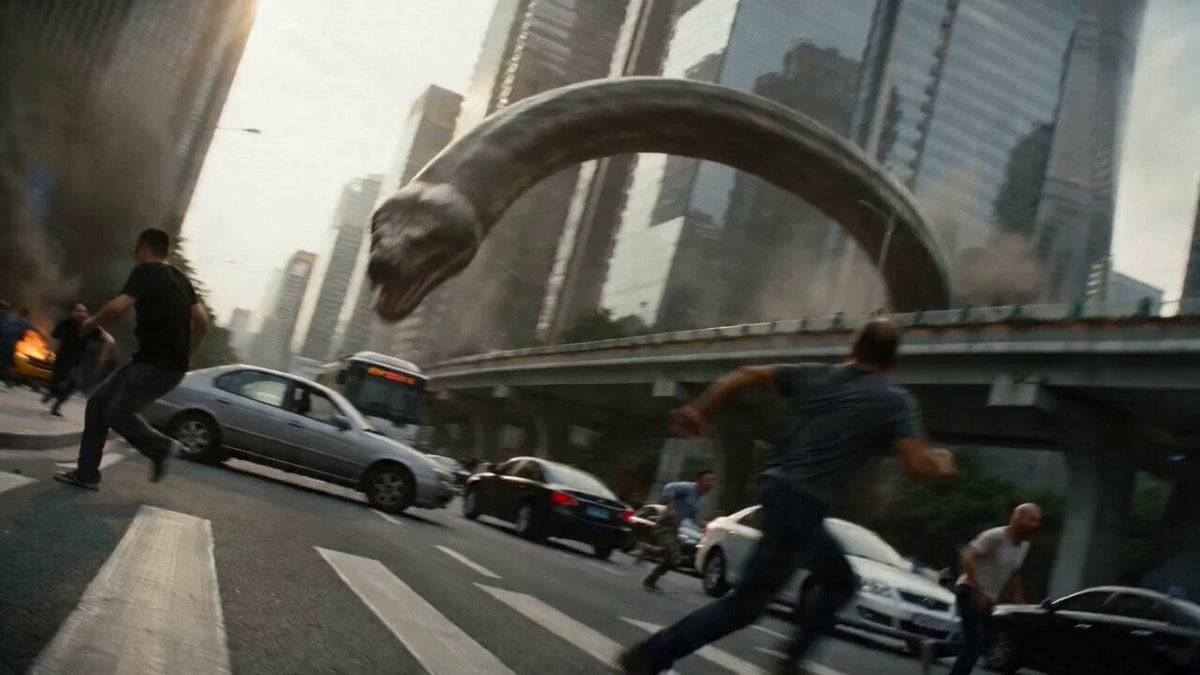
Epic Battle Between Giant Python and Chinese Dragon
Dragon Rescue — Volcanic Kingdom Collapse (Seedance)
Tiny Figure Climbing a Giant — Low Angle Seedance
Civilization Timelapse — Centuries in One Shot
Mecha Transformation vs Kaiju — 4-Scene Epic
Make it yours
Toy to Giant Dragon Transformation works as-is. These are the safest ways to change it without losing the look.
Change one field
Copy a single group, rewrite it, and generate again so you can see what that field is doing.
Keep the frame, change the subject
Hold the composition and light of Toy to Giant Dragon Transformation, then swap wardrobe, props or the person for a new take.
| If the result… | Why | Fix |
|---|---|---|
| The result drifts from the preview | Too many fields changed at once. | Reuse Toy to Giant Dragon Transformation as-is first, then change one group — subject, light, or setting. |
| The model over-stylizes the scene | The prose prompt leaves finish and camera underspecified. | Add one camera or lighting sentence and stay on Seedance 2.0. |
More Seedance 2.0 templates
Other prompts made for Seedance 2.0.

Comical Martial Arts Punch Scene

Maglev Train Action Sequence

Martial Arts Fight Sequence

Wuxia Protection and Trust Script

Vintage Korean Arcade MiniDV Vlog

Mercedes 190 SL Luxury Ad

Rainy Night Supernatural Reverse Comedy Video Script

Amazon Civilization Discovery

Futuristic South Asian City Transformation

Cozy Luxury Cafe Commercial
More video prompts
Fresh picks from across the catalog.
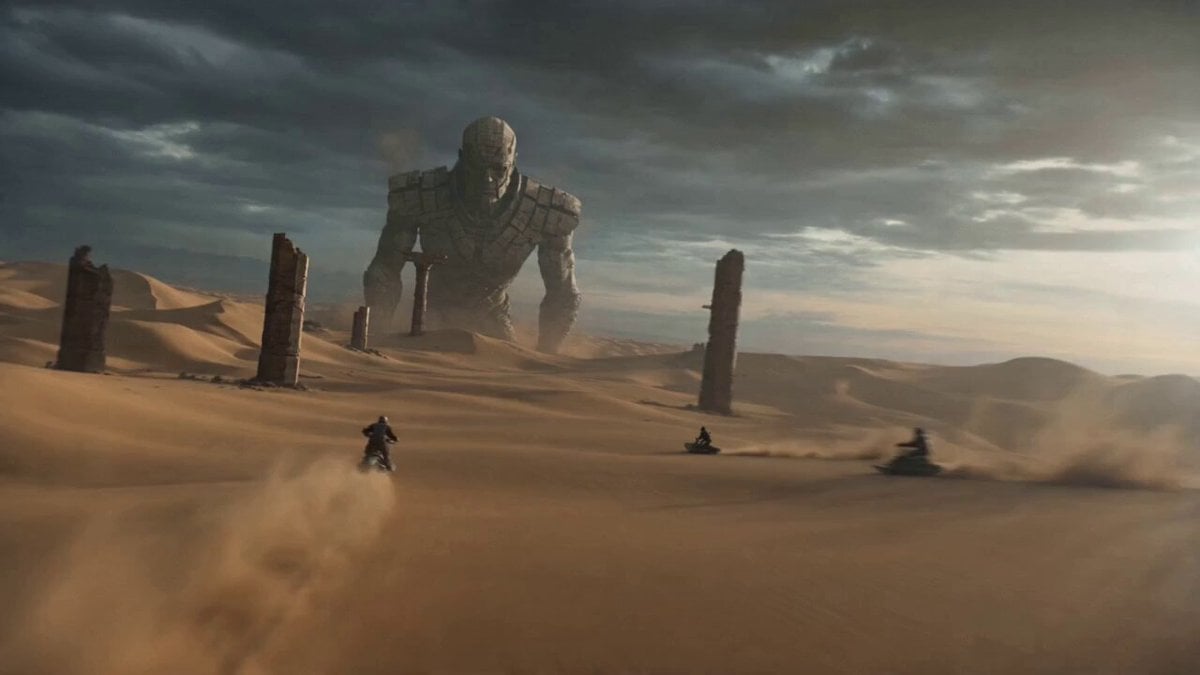
Stone Giant Desert Crossing
High Energy Cinematic Music Video
Vertical Character Dance MV

Minimalist Menswear Editorial GRWM

Cyberpunk Samurai Tokyo Storm
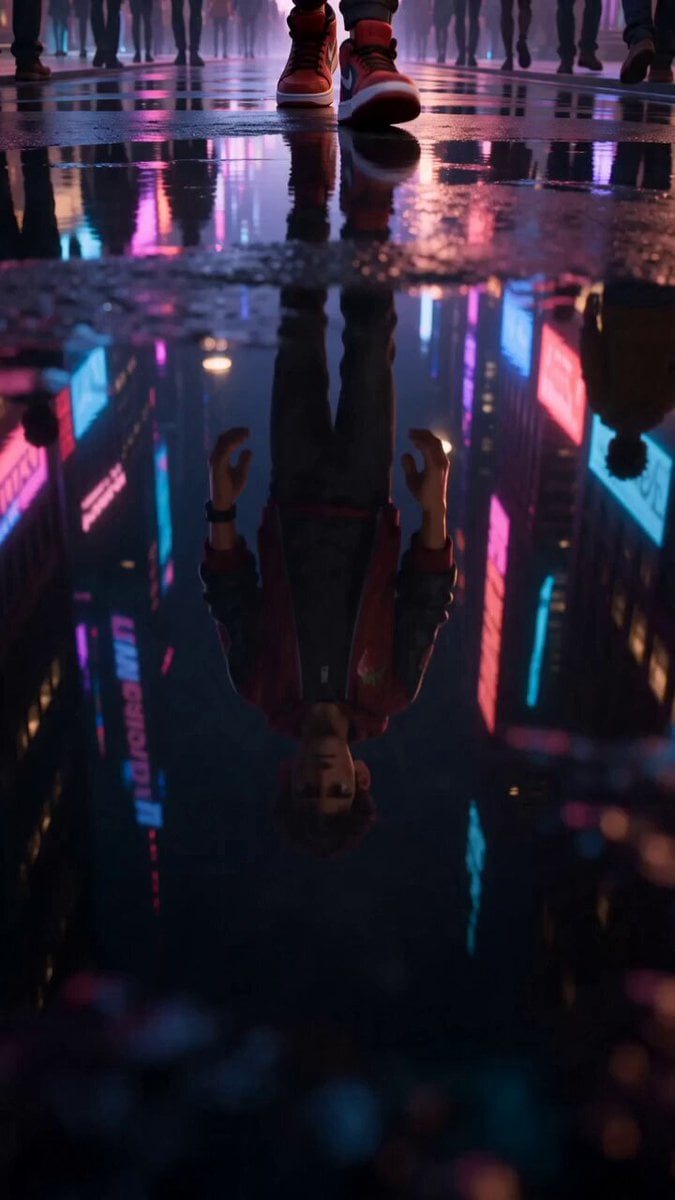
Strawberry Energy Drink 3D Commercial
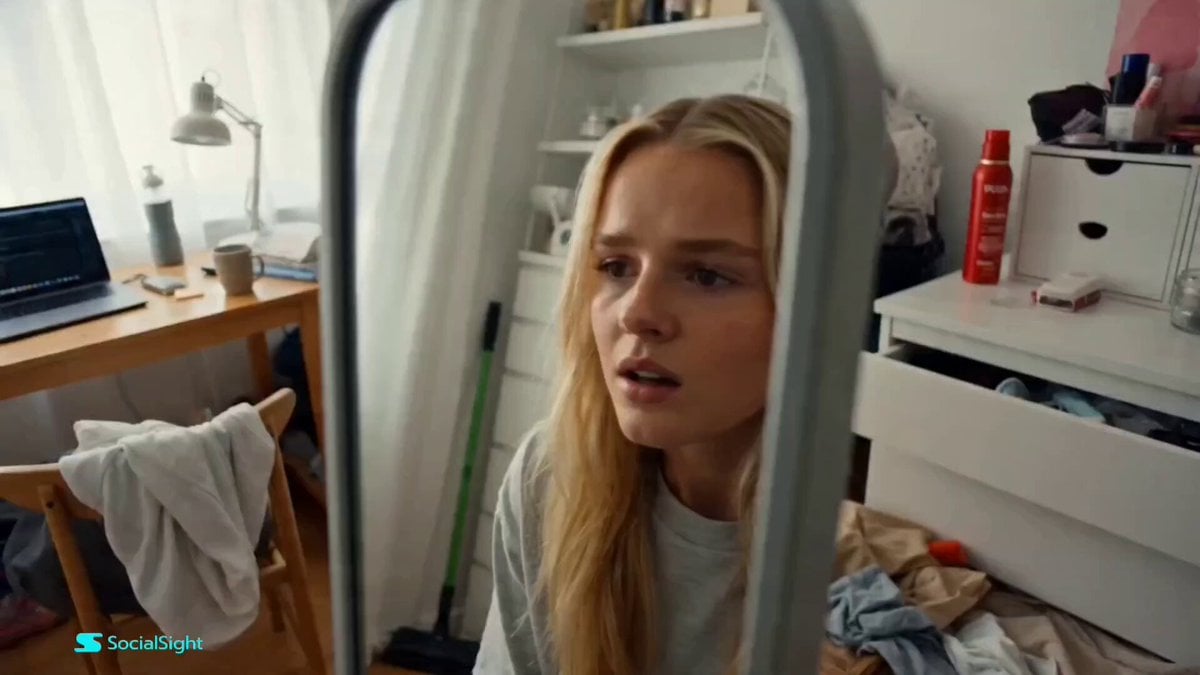
Beat-Synced Fitness Journey Arc
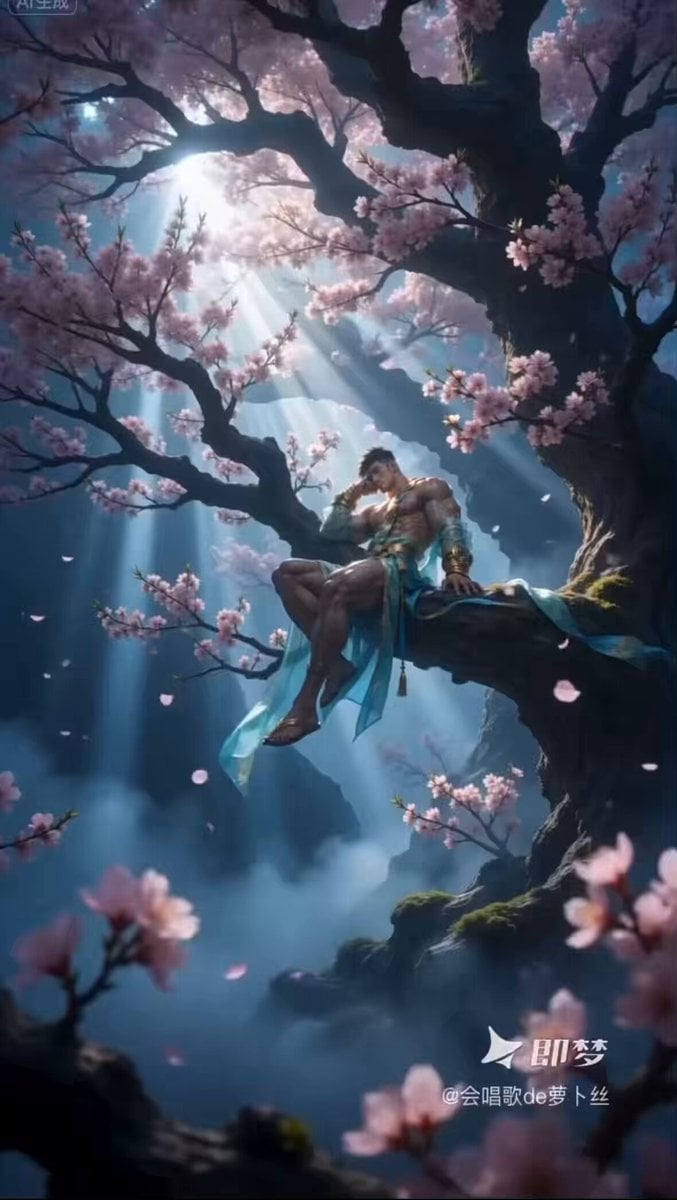
Ethereal Xianxia Immortal resting by Ancient Tree
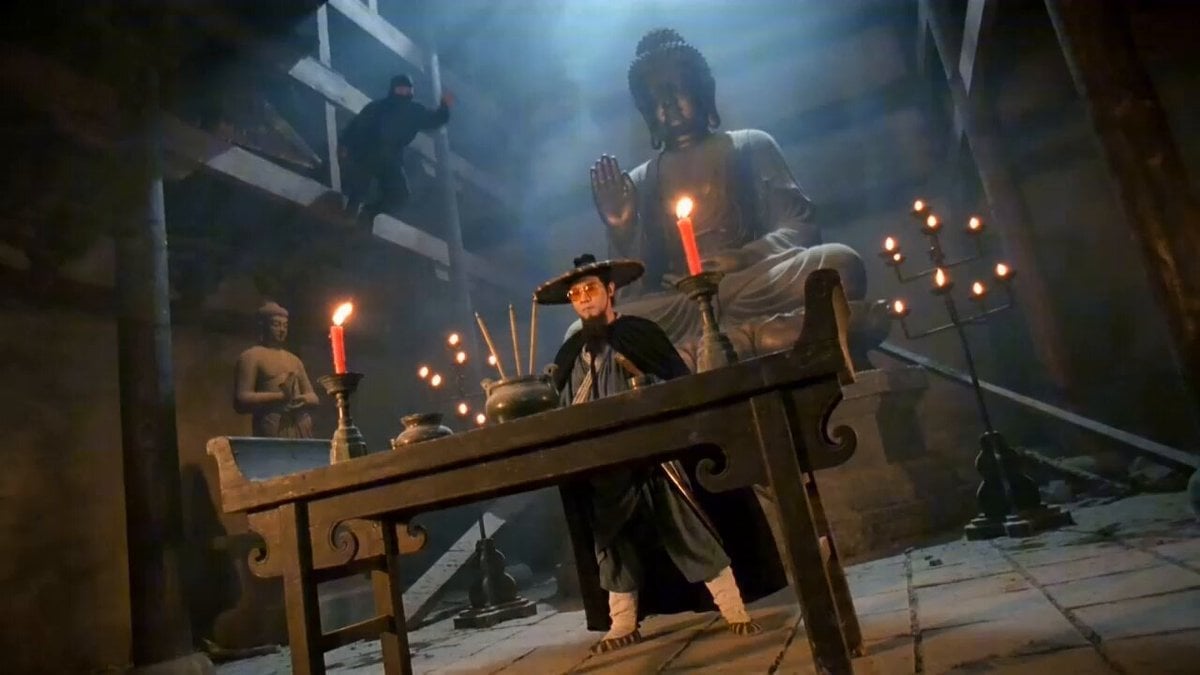
Seedance 2.0 Wuxia Film Style Video Prompt: Assassin Fight
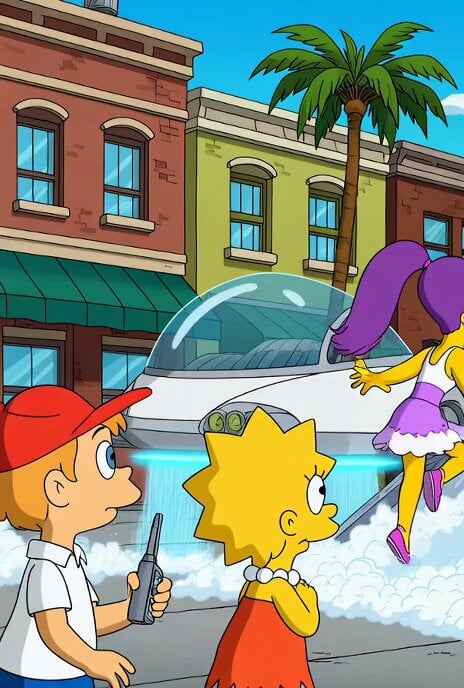
Jetsons Meet Simpsons Video Scene
Browse template categories
Toy to Giant Dragon Transformation questions
How do I use the Toy to Giant Dragon Transformation template?
Add your photo if the template asks for one, edit the prompt if you like — the template's model and format are already selected — and press Generate. Your version opens in PicX Studio.
Can I customize the Toy to Giant Dragon Transformation template?
Yes. You can change the subject, setting, lighting, mood, format, and available model controls before creating your video.
Is the Toy to Giant Dragon Transformation template free?
Opening and editing this template is free. Generating uses credits, shown on the Generate button when you are signed in.
Which AI model should I use?
Start with Seedance 2.0, which is the model associated with this template. You can compare another compatible model for a different finish.
Looking for something else? Browse all templates.

Your photo, any look
Thousands of ready templates for every top image and video model, from one credit balance.