
Cyberpunk Samurai Tokyo Storm
A cinematic script for an action-packed cyberpunk scene featuring a samurai in a rainy neon Tokyo intersection.

- Prompt included
- Model and format preset
- Premium template
The prompt behind this video
Copy the exact prompt behind Cyberpunk Samurai Tokyo Storm, or open it in the studio and make it yours.
Style: Ultra-cinematic cyberpunk realism, rainy neon Tokyo atmosphere, dramatic storm lighting, high-speed sword choreography, realistic tactical combat visuals, volumetric rain, slow-motion action bursts, film-grade color grading, intense emotional warrior tone, Blade Runner + samurai fusion aesthetic. 0–3s — Arrival Through Lightning Heavy rain floods a crowded Tokyo intersection at night. Neon signs flicker violently across wet streets. A sudden lightning strike splits the sky, and an ancient samurai appears kneeling in rising smoke, katana planted into the asphalt. Steam rises around him as the city freezes in shock. 3–6s — Encirclement Pedestrians step back in confusion and fear. Tactical soldiers rapidly form a perimeter around the intersection. Red laser sights cut through the rain in sharp lines. Loudspeakers crackle with commands. The samurai slowly rises, water streaming from his armor, completely calm amid chaos. 6–9s — Silence Before Motion Close-up on the samurai’s eyes reflecting flashing police lights and drifting rain. Time feels suspended. Soldiers aim weapons, shouting fades into distortion. His hand tightens on the katana hilt. Rain droplets briefly hang midair as tension peaks. 9–12s — Impossible Speed Explosive burst of action. The samurai moves with supernatural precision, slicing through incoming drones and dodging bullets in slow motion. Sparks, rain, and neon reflections collide across the frame. Each motion is fluid, silent, and controlled like a storm of steel. 12–15s — Last Standing Warrior Wide cinematic shot of a destroyed intersection filled with disabled drones and damaged tactical vehicles. Flickering holographic signs glitch above the scene. The samurai stands alone in the center, unmoving, then slowly looks up at the towering Tokyo skyline as thunder rolls overhead.
How to use Cyberpunk Samurai Tokyo Storm in 3 steps
- 1
Open
The prompt is already in the box next to the preview, with the template's model and format selected.
- 2…a portrait of your subject in softgolden-hour light, 85mm…
Personalize
Edit the subject and creative details for your destination.
- 3Generate
Generate
Press Generate — your video is created in PicX Studio, so you can compare it with the original and refine one variable at a time.
More like this
Templates with the same subject, style or setup. Open one to see its prompt.
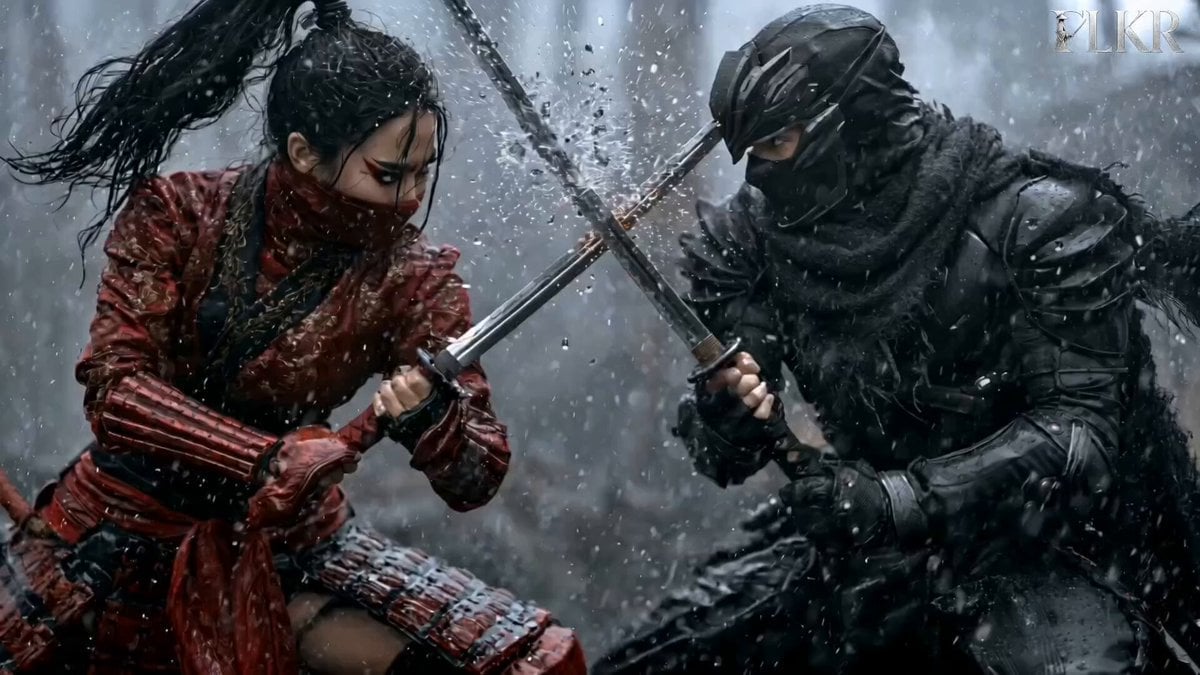
Samurai Duel in Stormy Rooftop

Cyberpunk Holographic Dance Performance - Seedance 2.5

Handheld Tokyo Travel Vlog - Seedance 2.5

RX-7 to Mech Transformation Cyberpunk

Smartphone Travel Vlog Tokyo Trip Identity Preserved
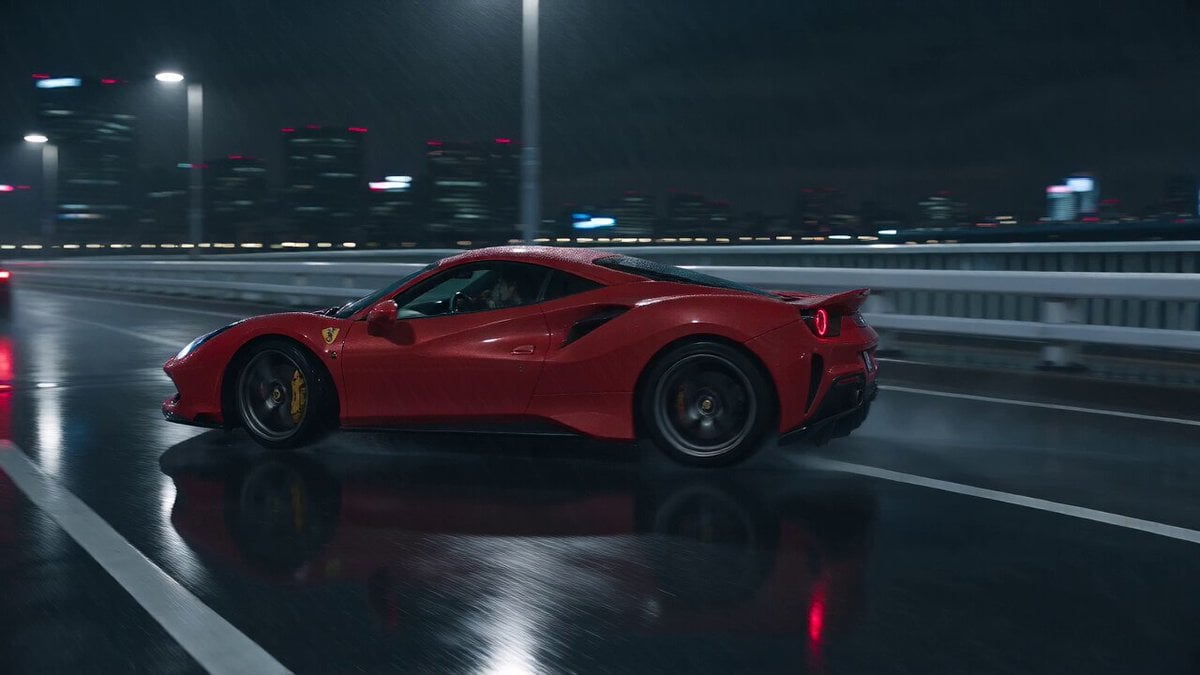
Cyberpunk Tokyo Rainy Car Chase
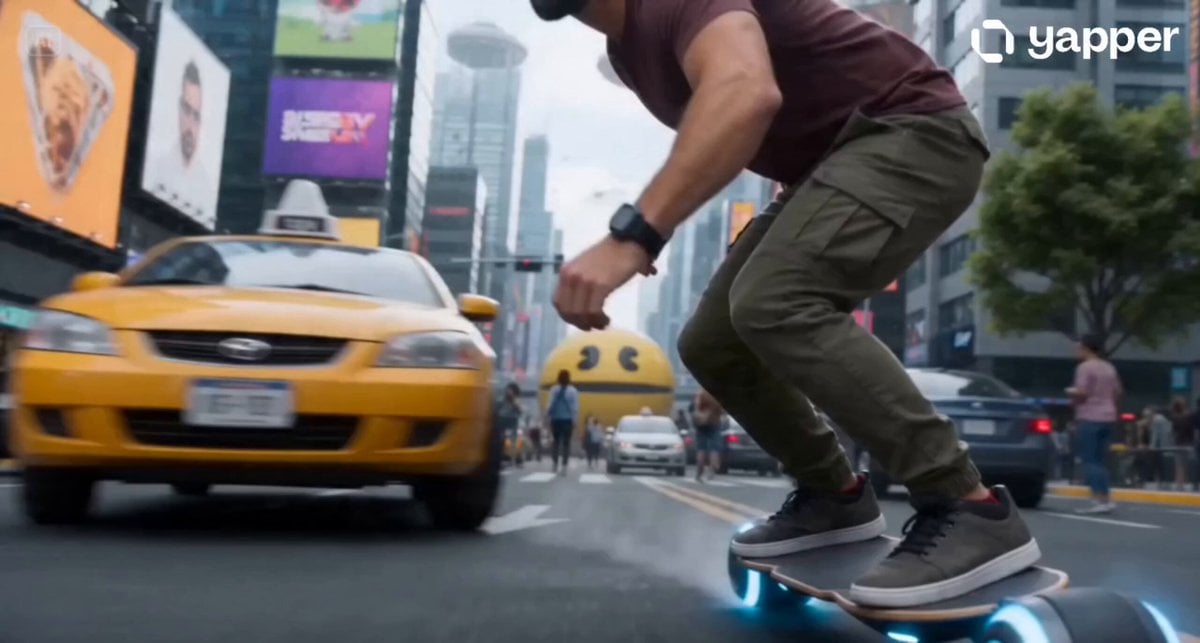
Cyberpunk Neo-Tokyo Survival Chase with Pac-Man
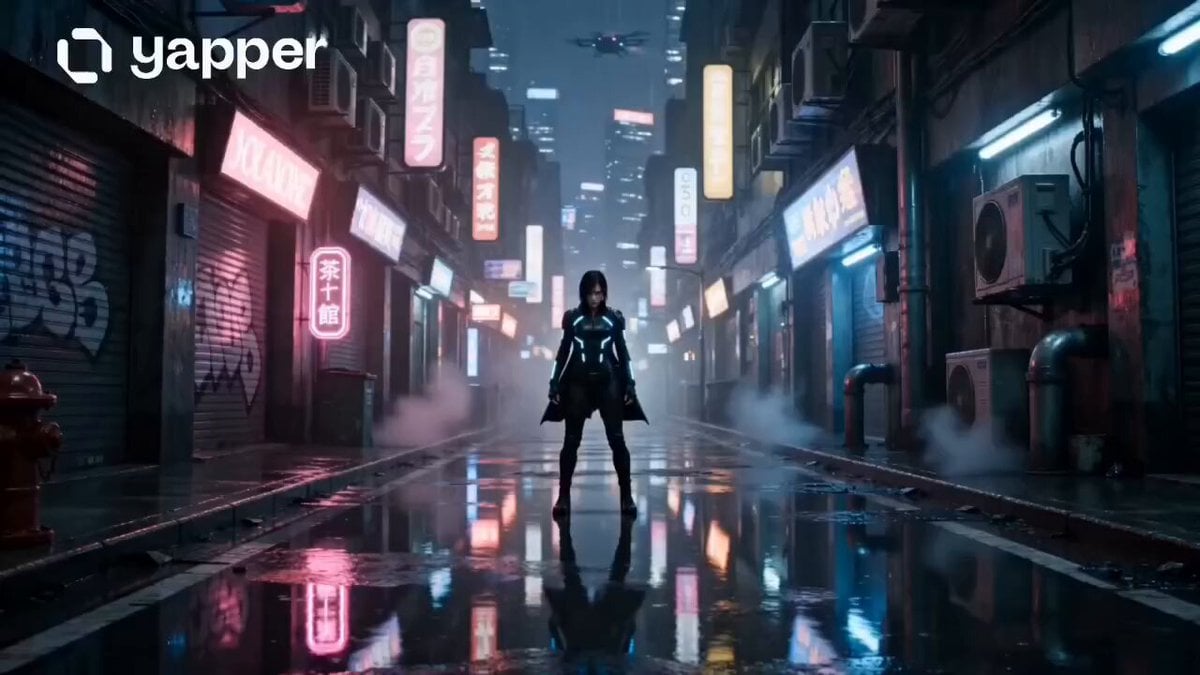
Neon Tokyo Cyberpunk Action Sequence
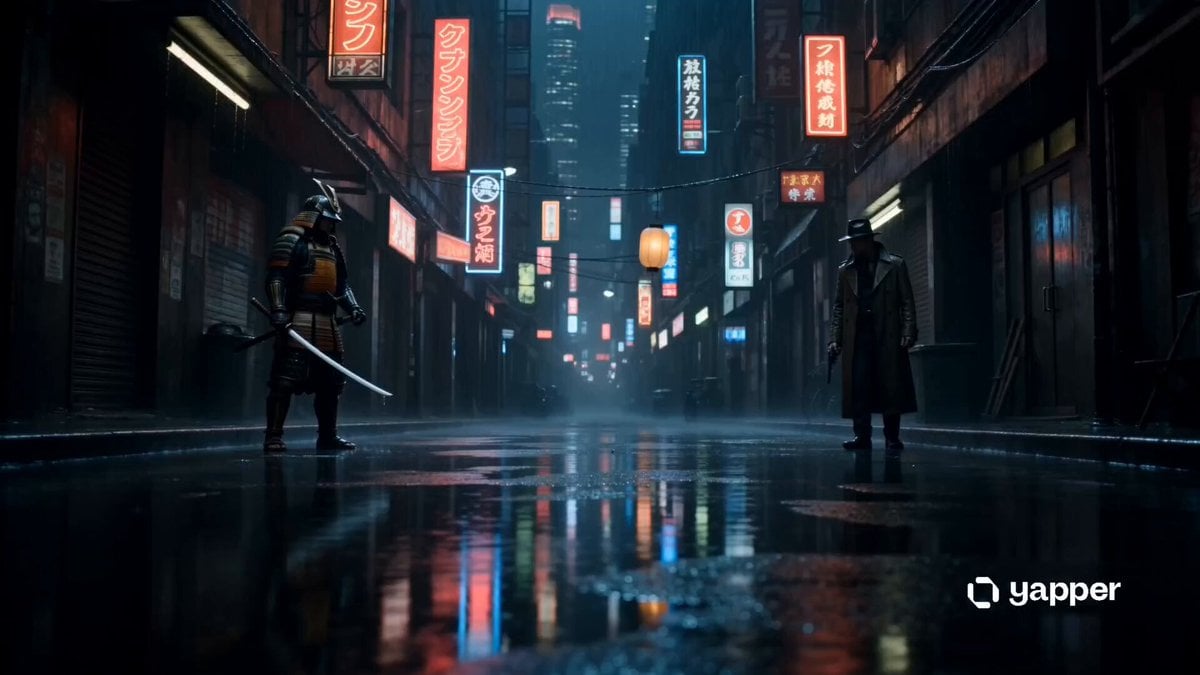
Cyberpunk Samurai vs Gunman Standoff
Cyberpunk Tokyo 2099 Rain
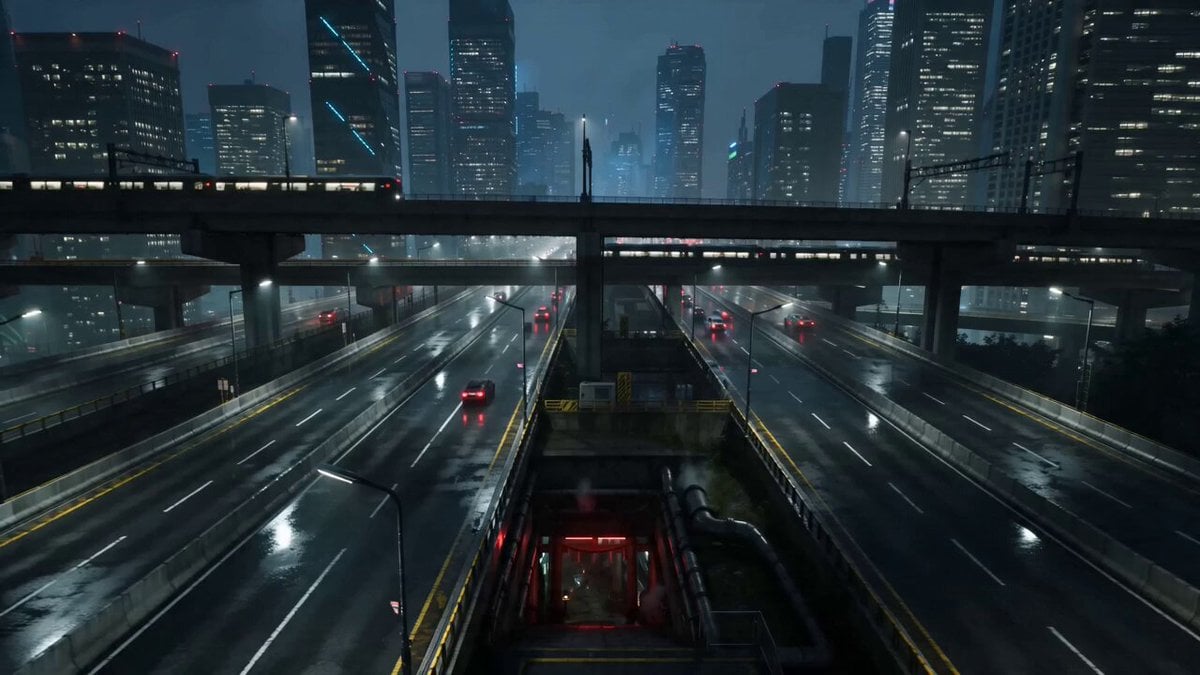
Cyberpunk Tokyo Underground Shrine
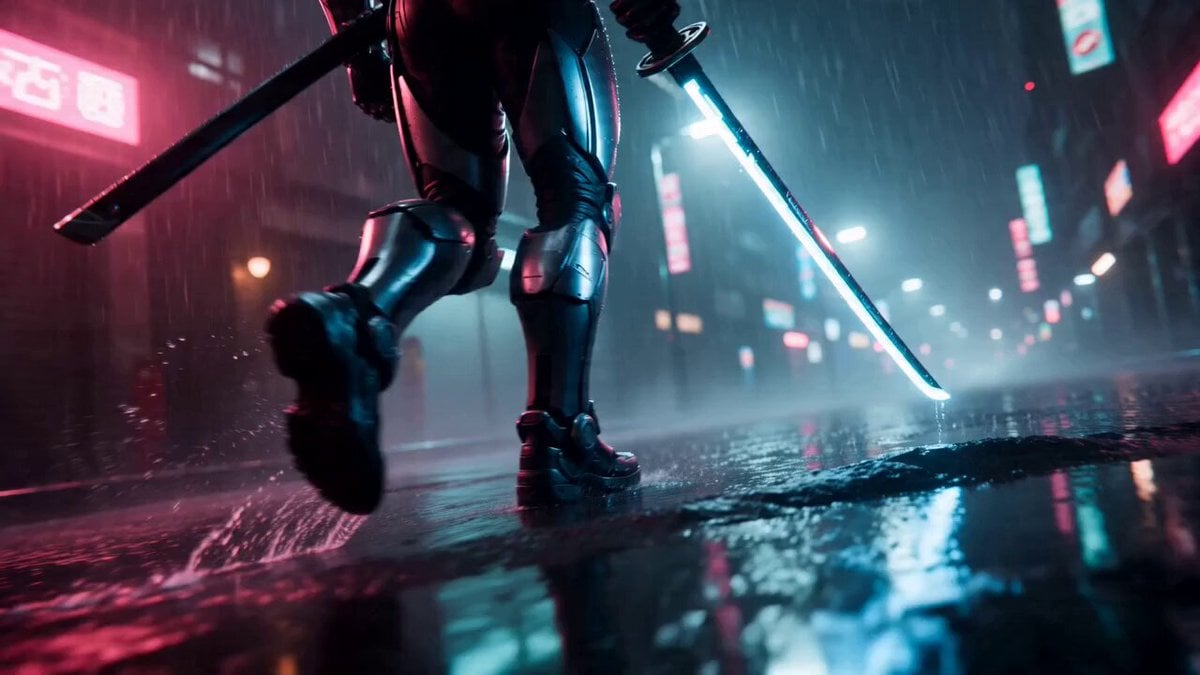
Cyberpunk Neon Samurai Duel
Make it yours
Cyberpunk Samurai Tokyo Storm works as-is. These are the safest ways to change it without losing the look.
Change one field
Copy a single group, rewrite it, and generate again so you can see what that field is doing.
Keep the frame, change the subject
Hold the composition and light of Cyberpunk Samurai Tokyo Storm, then swap wardrobe, props or the person for a new take.
| If the result… | Why | Fix |
|---|---|---|
| The result drifts from the preview | Too many fields changed at once. | Reuse Cyberpunk Samurai Tokyo Storm as-is first, then change one group — subject, light, or setting. |
| The model over-stylizes the scene | The prose prompt leaves finish and camera underspecified. | Add one camera or lighting sentence and stay on Seedance 2.0. |
More Seedance 2.0 templates
Other prompts made for Seedance 2.0.

Comical Martial Arts Punch Scene

Maglev Train Action Sequence

Martial Arts Fight Sequence

Wuxia Protection and Trust Script

Vintage Korean Arcade MiniDV Vlog

Mercedes 190 SL Luxury Ad

Rainy Night Supernatural Reverse Comedy Video Script

Amazon Civilization Discovery

Futuristic South Asian City Transformation

Cozy Luxury Cafe Commercial
More video prompts
Fresh picks from across the catalog.
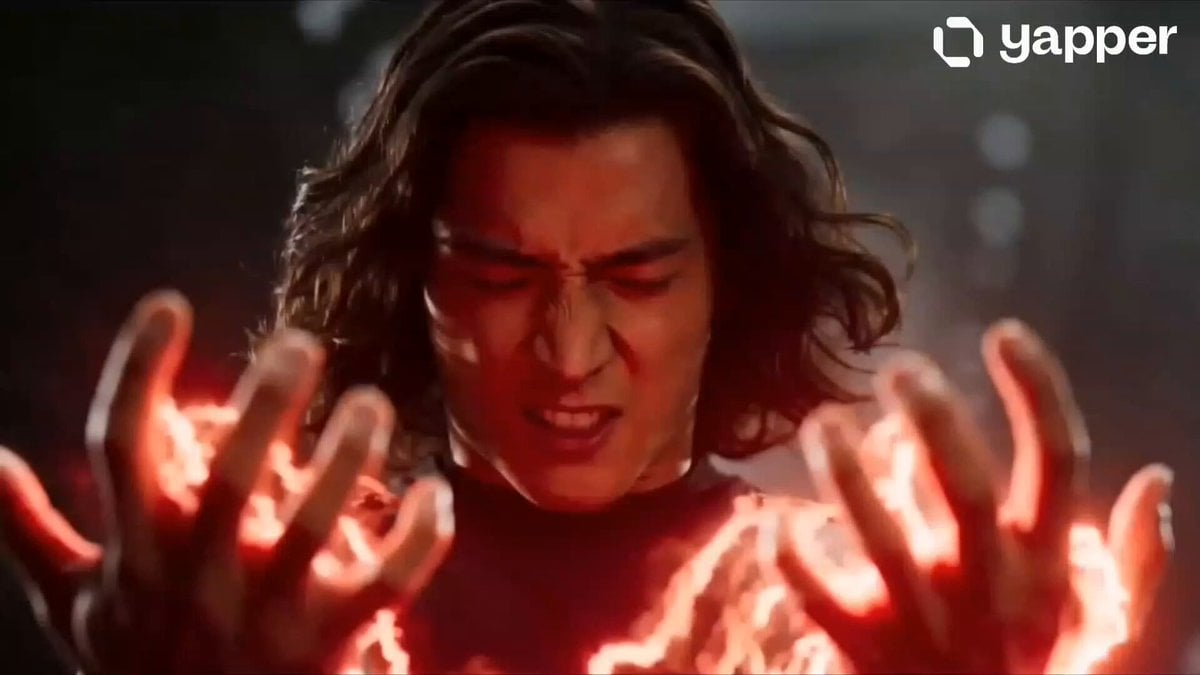
Mecha Exoskeleton Assembly Sequence

Naples Pizzeria Animation
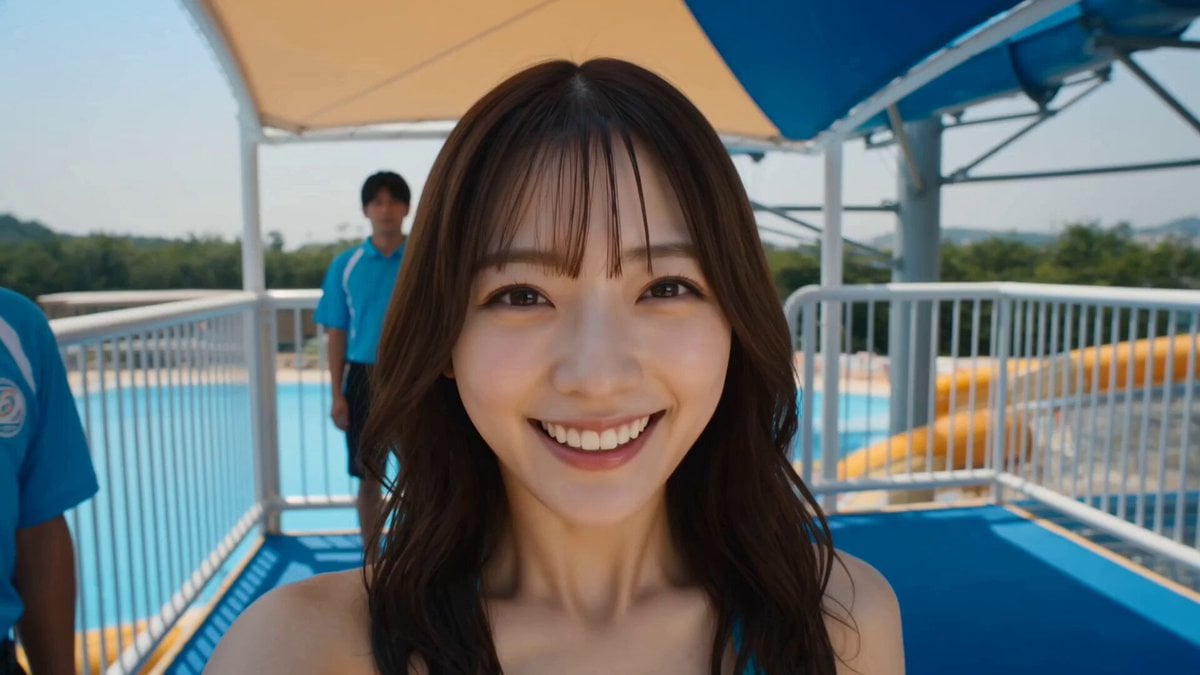
Water Park to Parliament Prank Video
90s OVA Style Elf Priestess
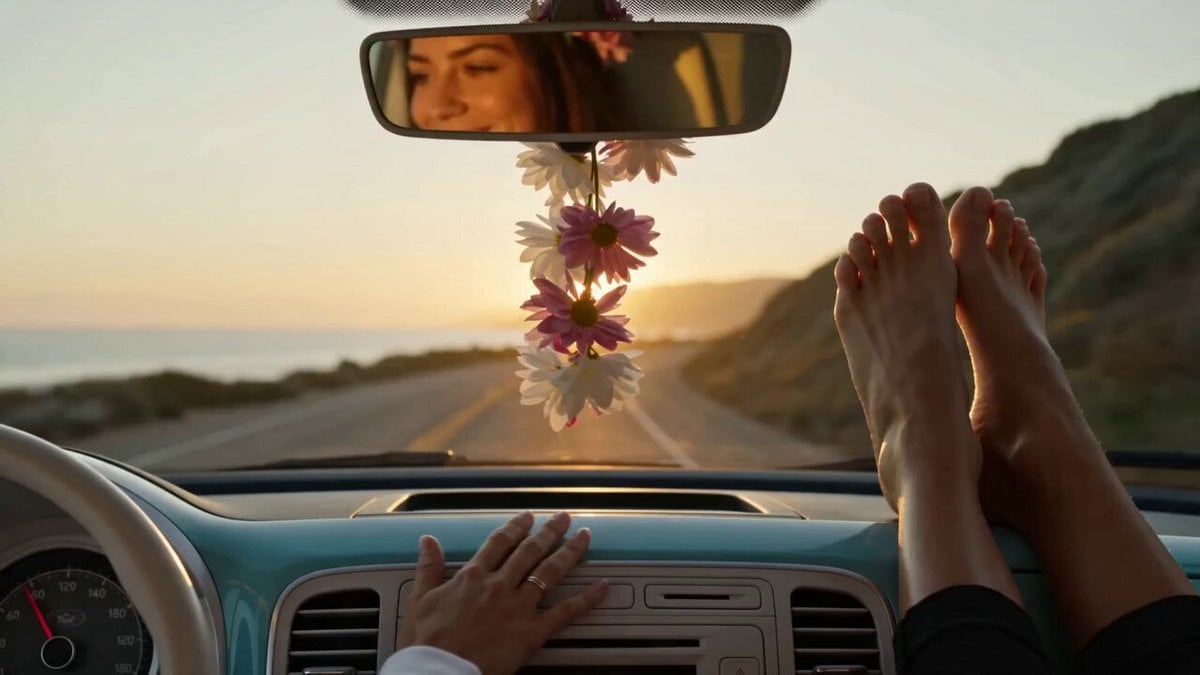
VW ID Buzz Robot Transformation

Explorer discovering a hidden valley in the snow
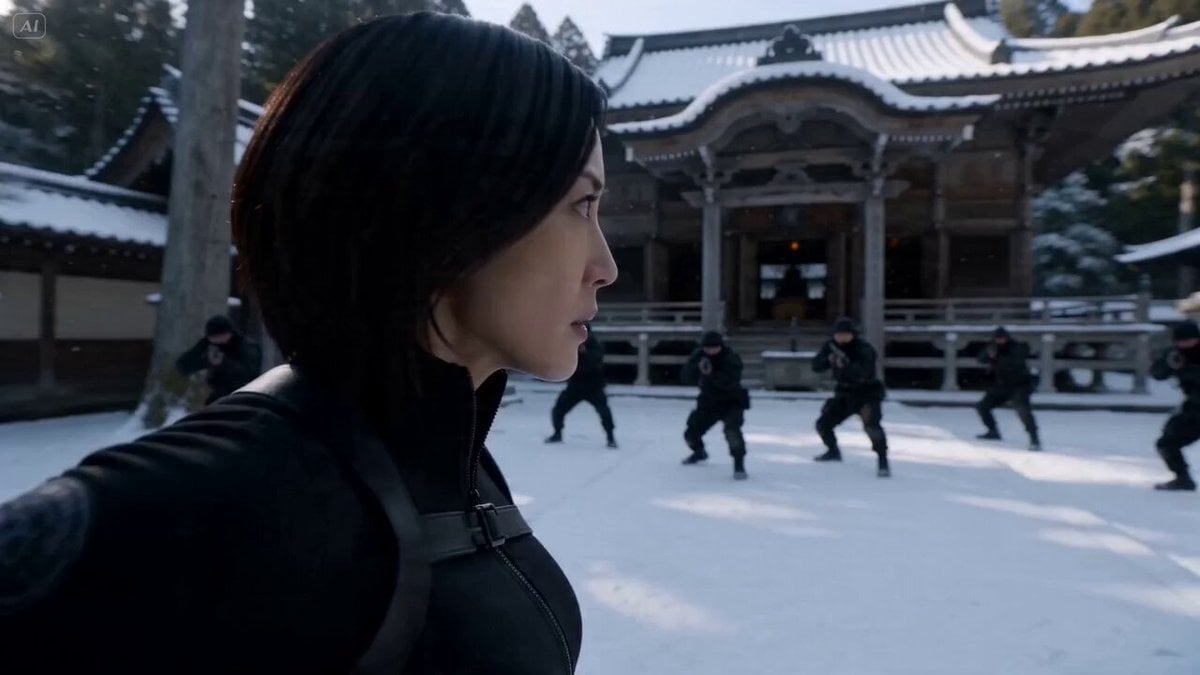
Cinematic Kunoichi Fight Video Prompt for Seedance 2.0
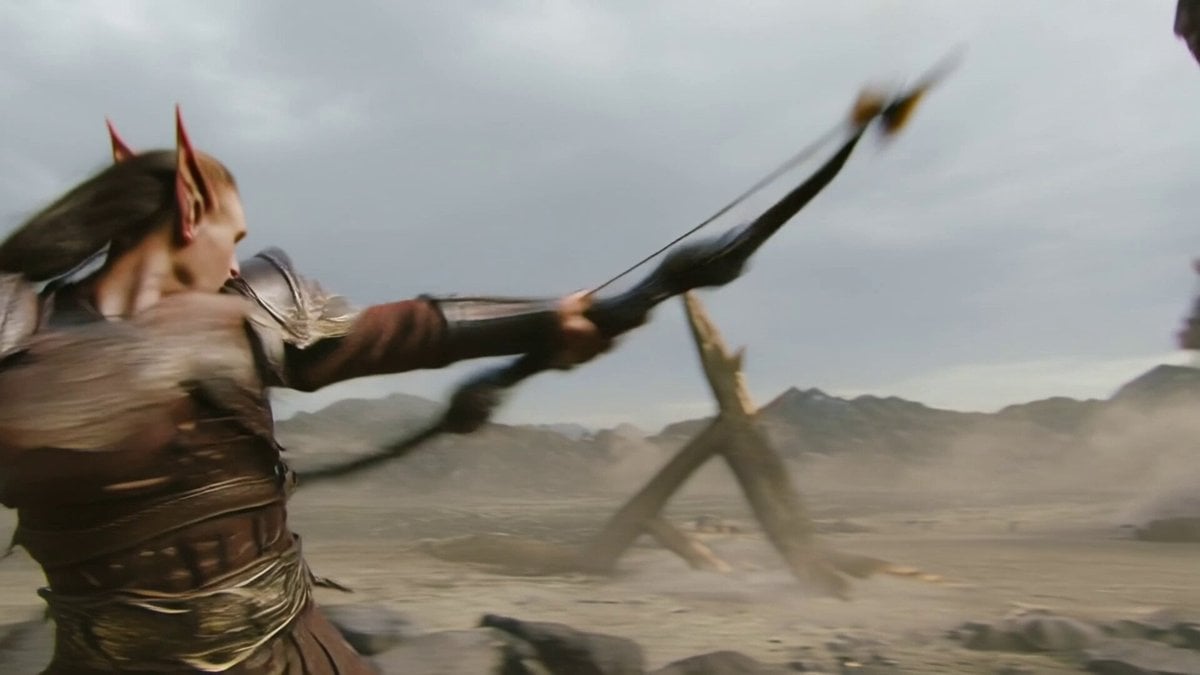
Elven Archer vs. Towering Brute Battle Scene Prompt

Storyboard to Scene Generation
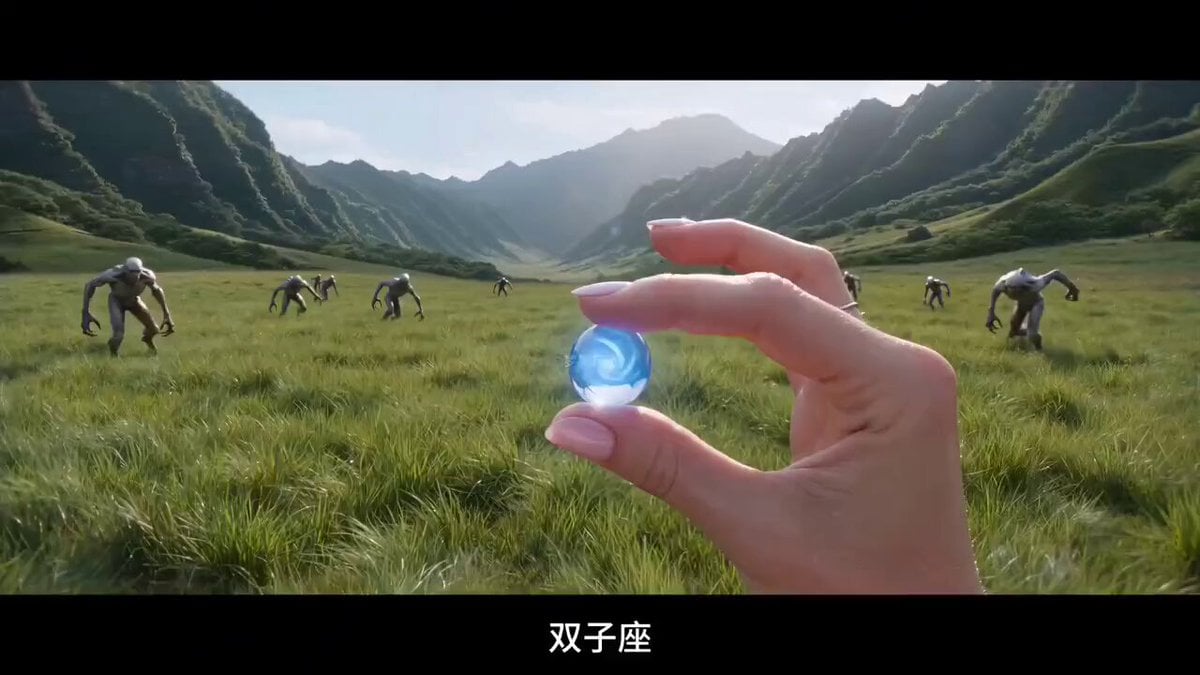
Cosmic Power Orb Explosion Prompt
Browse template categories
Cyberpunk Samurai Tokyo Storm questions
How do I use the Cyberpunk Samurai Tokyo Storm template?
Add your photo if the template asks for one, edit the prompt if you like — the template's model and format are already selected — and press Generate. Your version opens in PicX Studio.
Can I customize the Cyberpunk Samurai Tokyo Storm template?
Yes. You can change the subject, setting, lighting, mood, format, and available model controls before creating your video.
Is the Cyberpunk Samurai Tokyo Storm template free?
Opening and editing this template is free. Generating uses credits, shown on the Generate button when you are signed in.
Which AI model should I use?
Start with Seedance 2.0, which is the model associated with this template. You can compare another compatible model for a different finish.
Looking for something else? Browse all templates.

Your photo, any look
Thousands of ready templates for every top image and video model, from one credit balance.