
VW ID Buzz Robot Transformation
A nostalgic yet futuristic 1960s Kodachrome style prompt where a VW ID Buzz van transforms into a peaceful robot on the California coast.
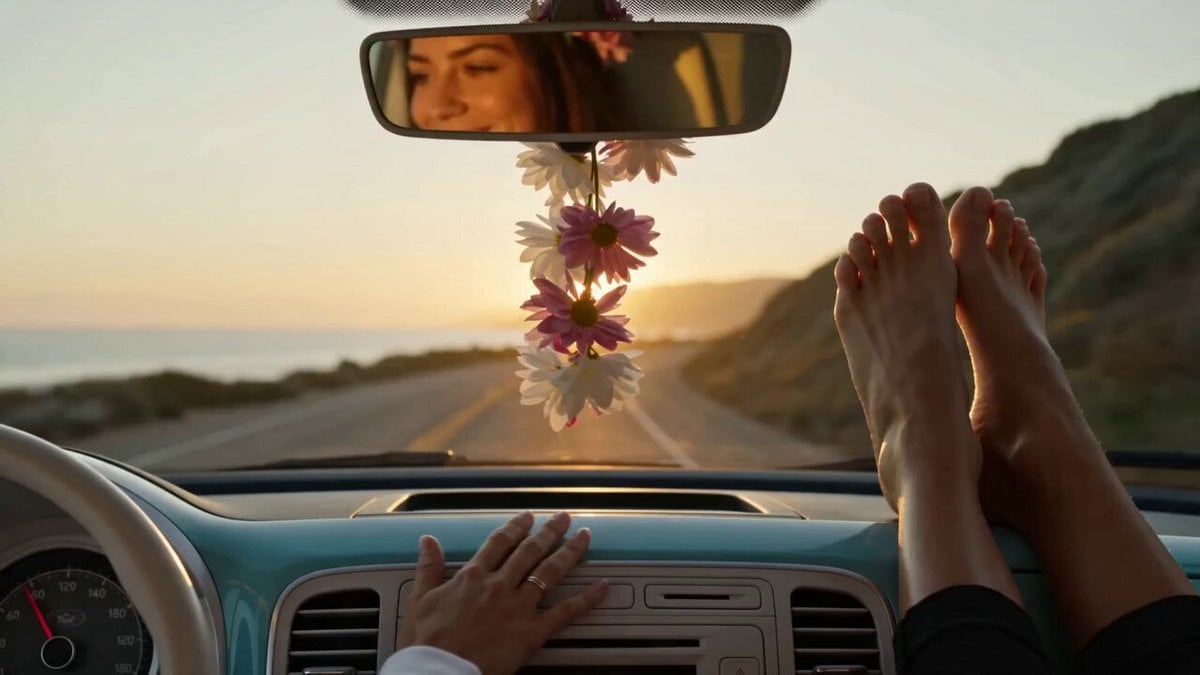
- Prompt included
- Model and format preset
- Free template
The prompt behind this video
Copy the exact prompt behind VW ID Buzz Robot Transformation, or open it in the studio and make it yours.
THE VW ID. BUZZ "PEACE, LOVE AND 400 HORSEPOWER" Character: SOL — 58 years old. Former Woodstock attendee. Currently a yoga instructor in Malibu. Still has the same flower-crown from 1969. 65mm IMAX. Ultra-wide anamorphic Panavision. Film grain: warm, heavy, slightly faded — like a 1969 Kodachrome slide. Key light: Pacific Coast Highway golden hour — the specific warm orange of California 4pm sun. Lens flares: CONSTANT — every chrome detail, every wave reflection, every VW badge triggers warm oval Kowa flares. Color grade: warm amber with deep teal shadows — sunset California. Background: PCH at sunset → transforming into a gentle giant robot standing in the Pacific surf. SOUND DESIGN DNA: Opening: "Here Comes The Sun" acoustic guitar riff — then vinyl scratch into a warm electric bass groove. Transformation sound: NOT metallic and violent — instead: wooden wind chimes cascading, deep bass resonance, flower petals scattering in wind sound. Robot voice: deep, warm, slow. "Faaaaar ouuuut." Completion: a single clean guitar chord ringing into silence over ocean waves. 00:00–00:02 · PCH CRUISE The VW ID. Buzz — powder blue and white two-tone, surfboard on the roof rack — cruising PCH at golden hour. Camera at road level looking up. Sol's bare feet visible on the dash through the windshield. A flower crown hanging from the rearview mirror swaying. The van moves with a peaceful, unhurried energy. The ocean to the left. Sun descending. A bumper sticker: NAMASTE, DUDE. 00:02–00:04.5 · THE SIGNAL Sol touches the dashboard lovingly — one hand, flat, like greeting an old friend. The VW badge on the nose begins to glow: soft amber first, then warm gold. The round headlights pulse — like eyes opening. The van's body panels begin vibrating with a low-frequency hum, like a tuning fork struck against the road. Wood chimes in the sound design. Sol smiles. She knew this was coming. 00:04.5–00:08 · THE TRANSFORMATION Speed 40% — unhurried even in transformation, because Sol wouldn't have it any other way. The roof rack with the surfboard lifts and becomes the robot's shoulders — the surfboard now a backpack wing. The sliding door panels unfold outward like lotus petals opening — becoming the robot's arms, the flower-pattern upholstery visible on the inside of the arm panels. The front end rises — the round headlights becoming the robot's warm glowing eyes, the VW badge its heart-center. The wheels rotating inward, the electric motors in each wheel humming as the legs form. NOT violent — each panel finding its place with the patience of someone who has done yoga for 40 years. Flower petals scatter across the screen. 00:08–00:11 · THE ROBOT The ID. Buzz Robot stands in the Pacific surf — 15 feet tall, two-tone blue and white, the surfboard as a back wing, flower-crown decals on its shoulders. The round headlight eyes warm amber. It raises one hand — a peace sign formed by two mechanical fingers. The ocean behind it.
How to use VW ID Buzz Robot Transformation in 3 steps
- 1
Open
The prompt is already in the box next to the preview, with the template's model and format selected.
- 2…a portrait of your subject in softgolden-hour light, 85mm…
Personalize
Edit the subject and creative details for your destination.
- 3Generate
Generate
Press Generate — your video is created in PicX Studio, so you can compare it with the original and refine one variable at a time.
More like this
Templates with the same subject, style or setup. Open one to see its prompt.

Magical Room Transformation - Seedance 2.5

Dark Tokusatsu Transformation - Seedance 2.5

RX-7 to Mech Transformation Cyberpunk

Japanese Pure Love Short Film
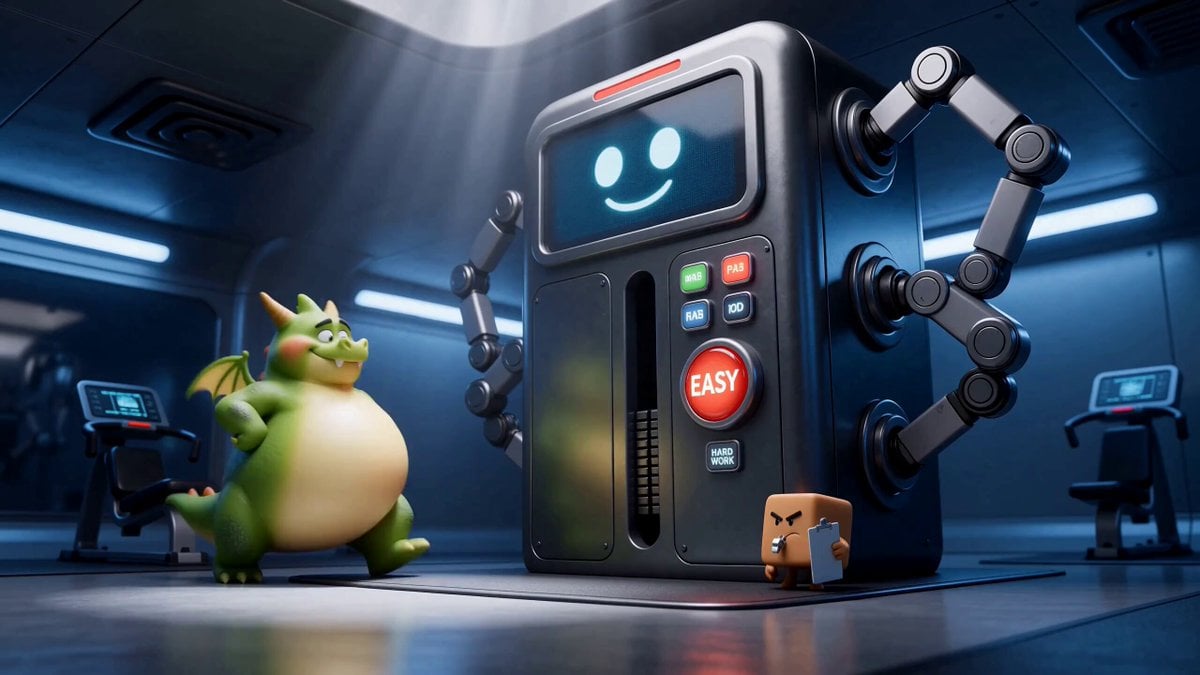
Green Dragon Training Short
Civilization Timelapse — Centuries in One Shot
Mecha Transformation vs Kaiju — 4-Scene Epic
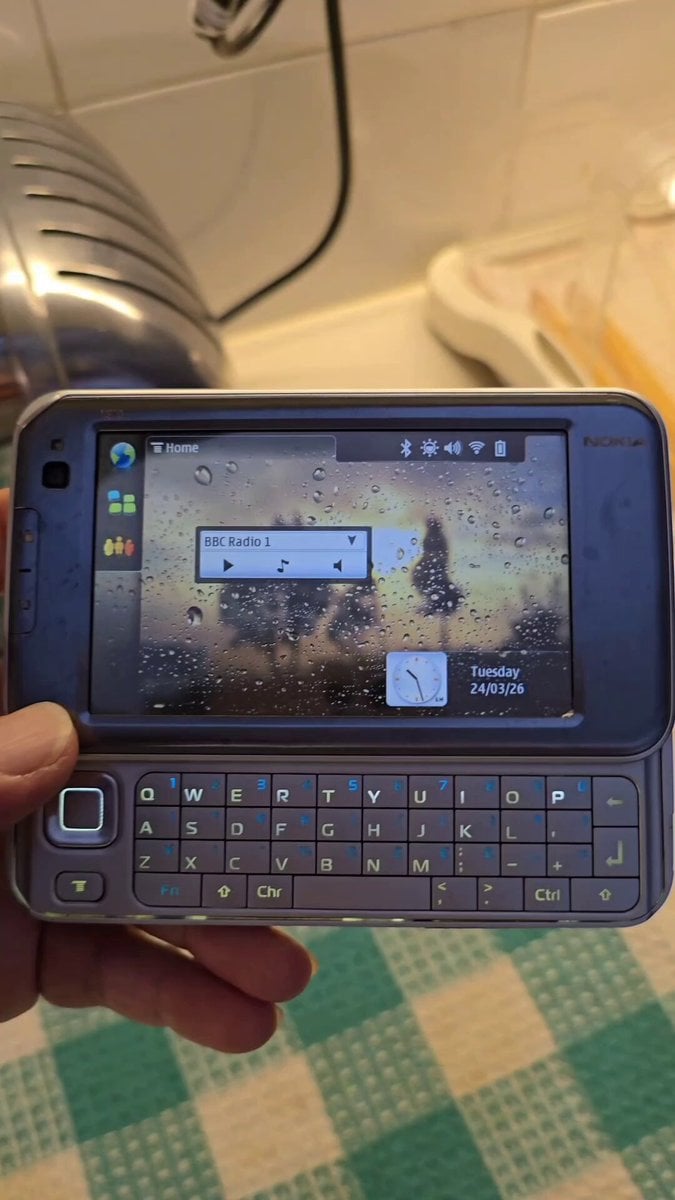
Nokia Phone Robot Transformation
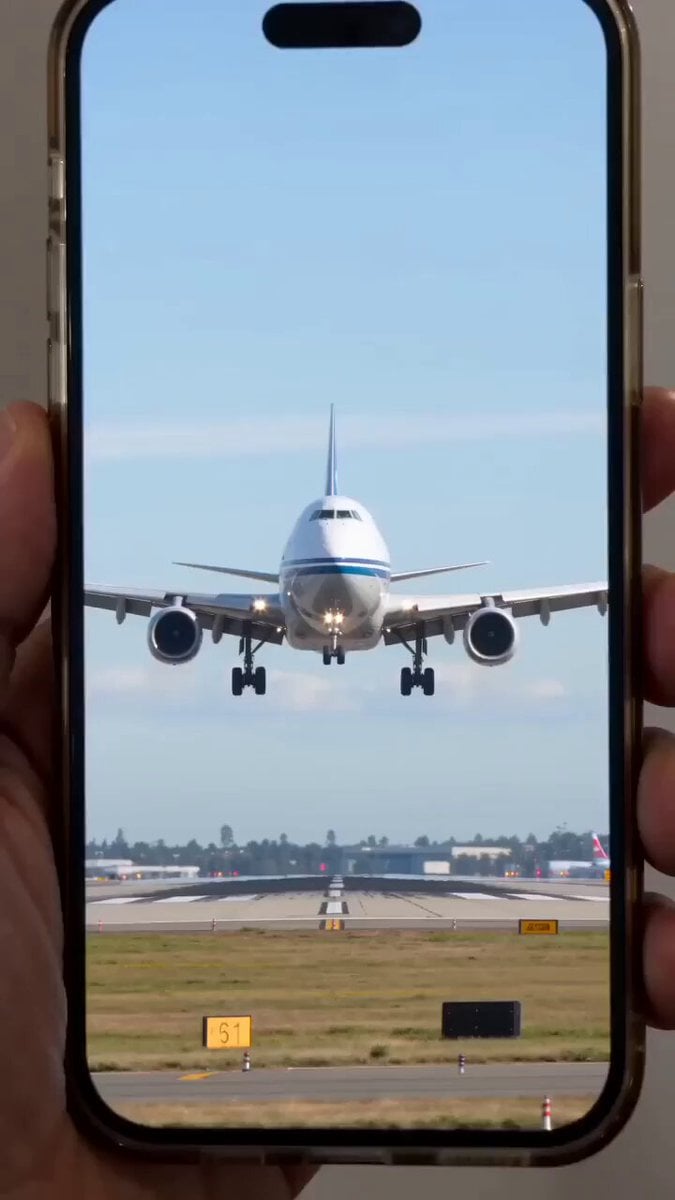
Giant mechanical robot transformation from airplane
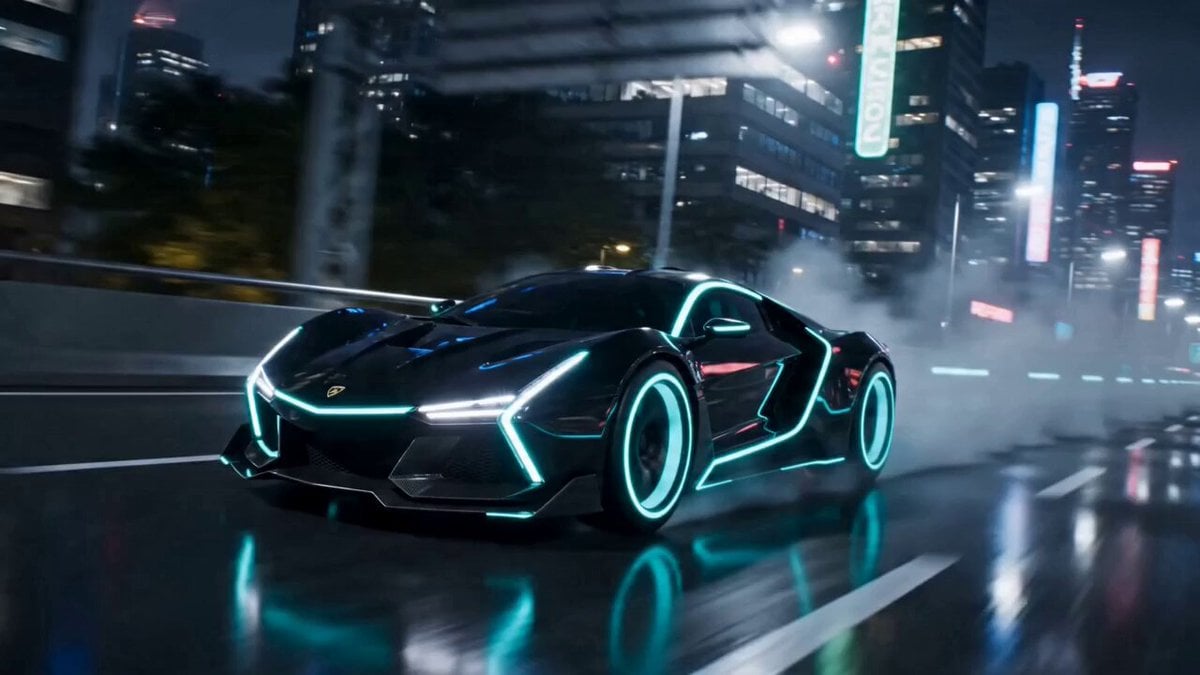
Cinematic Car-to-Robot Transformation
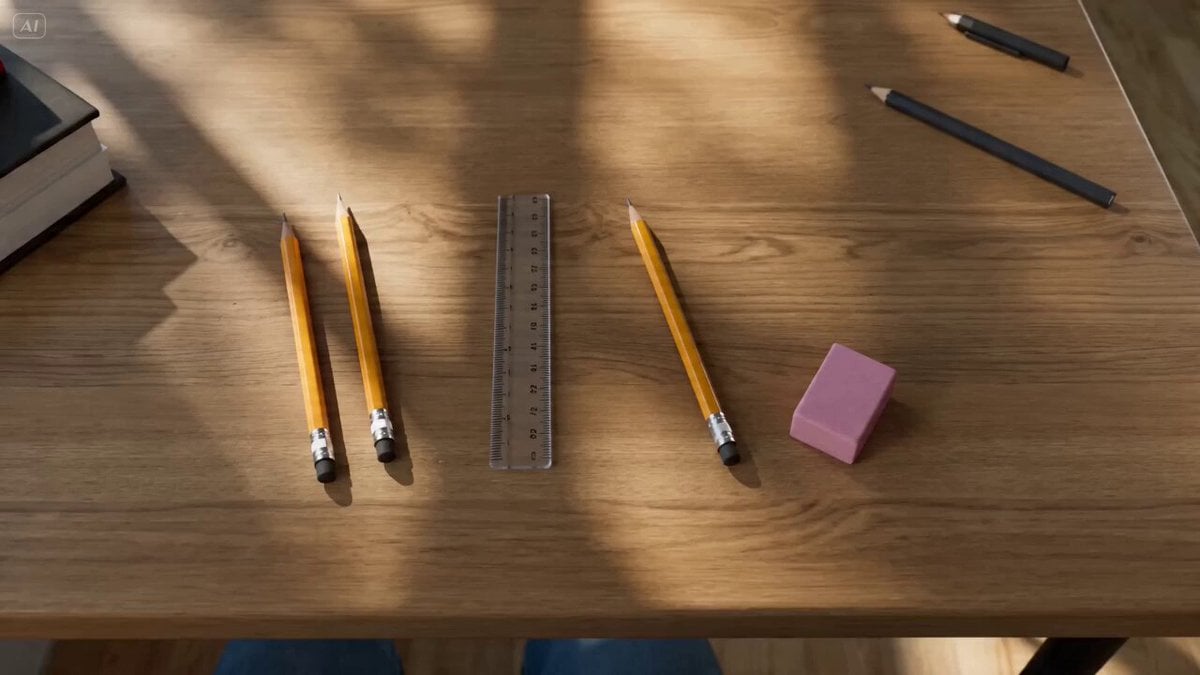
School Supplies Transformation into Robot

Buzz Lightyear Cameo Video
Make it yours
VW ID Buzz Robot Transformation works as-is. These are the safest ways to change it without losing the look.
Change one field
Copy a single group, rewrite it, and generate again so you can see what that field is doing.
Keep the frame, change the subject
Hold the composition and light of VW ID Buzz Robot Transformation, then swap wardrobe, props or the person for a new take.
| If the result… | Why | Fix |
|---|---|---|
| The result drifts from the preview | Too many fields changed at once. | Reuse VW ID Buzz Robot Transformation as-is first, then change one group — subject, light, or setting. |
| The model over-stylizes the scene | The prose prompt leaves finish and camera underspecified. | Add one camera or lighting sentence and stay on Seedance 2.0. |
More Seedance 2.0 templates
Other prompts made for Seedance 2.0.

Comical Martial Arts Punch Scene

Maglev Train Action Sequence

Martial Arts Fight Sequence

Wuxia Protection and Trust Script

Vintage Korean Arcade MiniDV Vlog

Mercedes 190 SL Luxury Ad

Rainy Night Supernatural Reverse Comedy Video Script

Amazon Civilization Discovery

Futuristic South Asian City Transformation

Cozy Luxury Cafe Commercial
More video prompts
Fresh picks from across the catalog.
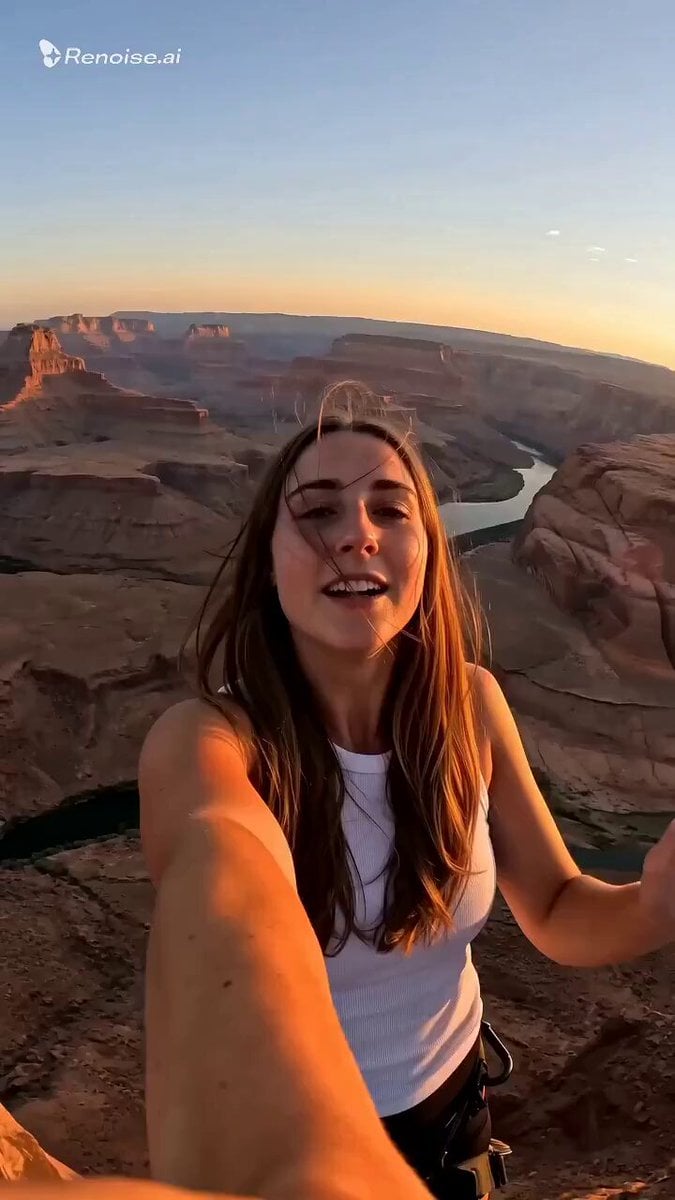
Selfie POV Bungee Jump Vlog
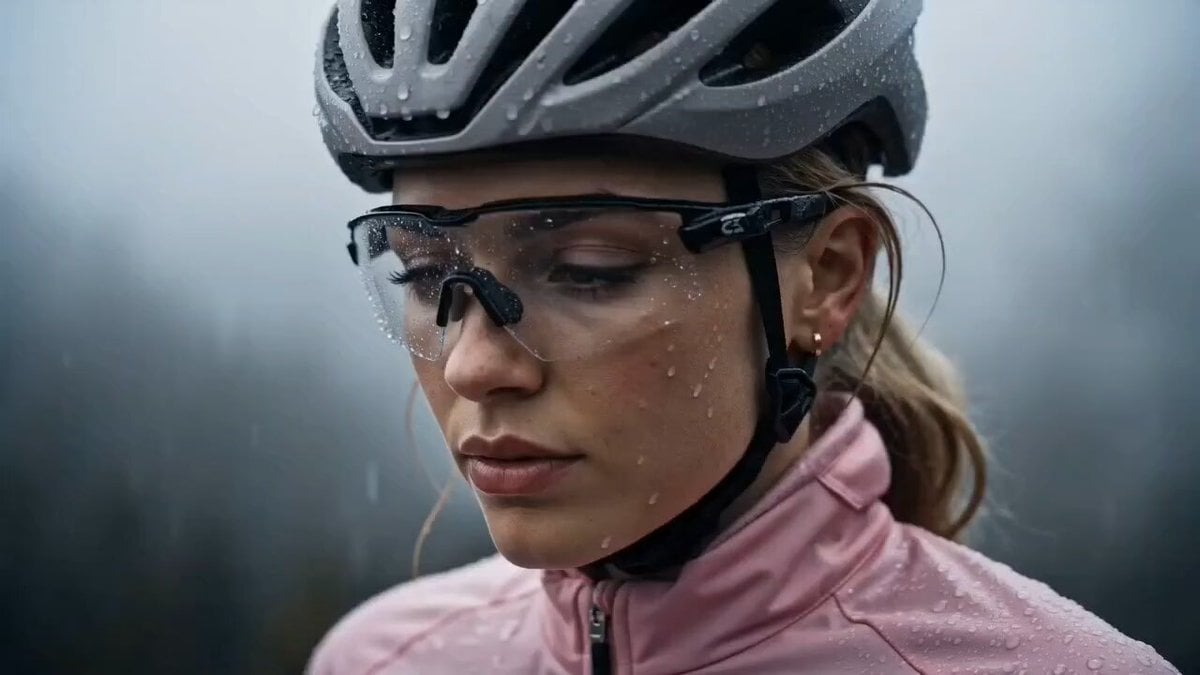
Cinematic Night Cycling Commercial
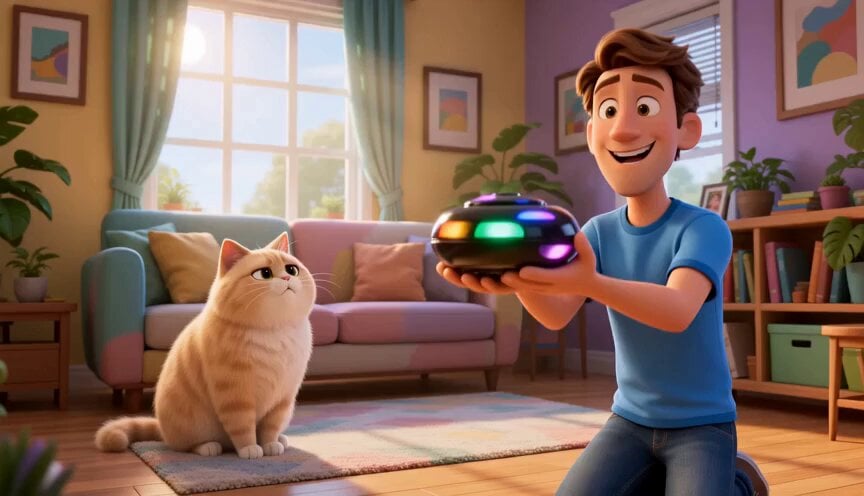
Funny Cartoon Cat with High-Tech Toy

Grok Imagine prompt: Subterranean advanced civilizations

Cinematic POV of stressed Ghanaian healthcare worker prompt
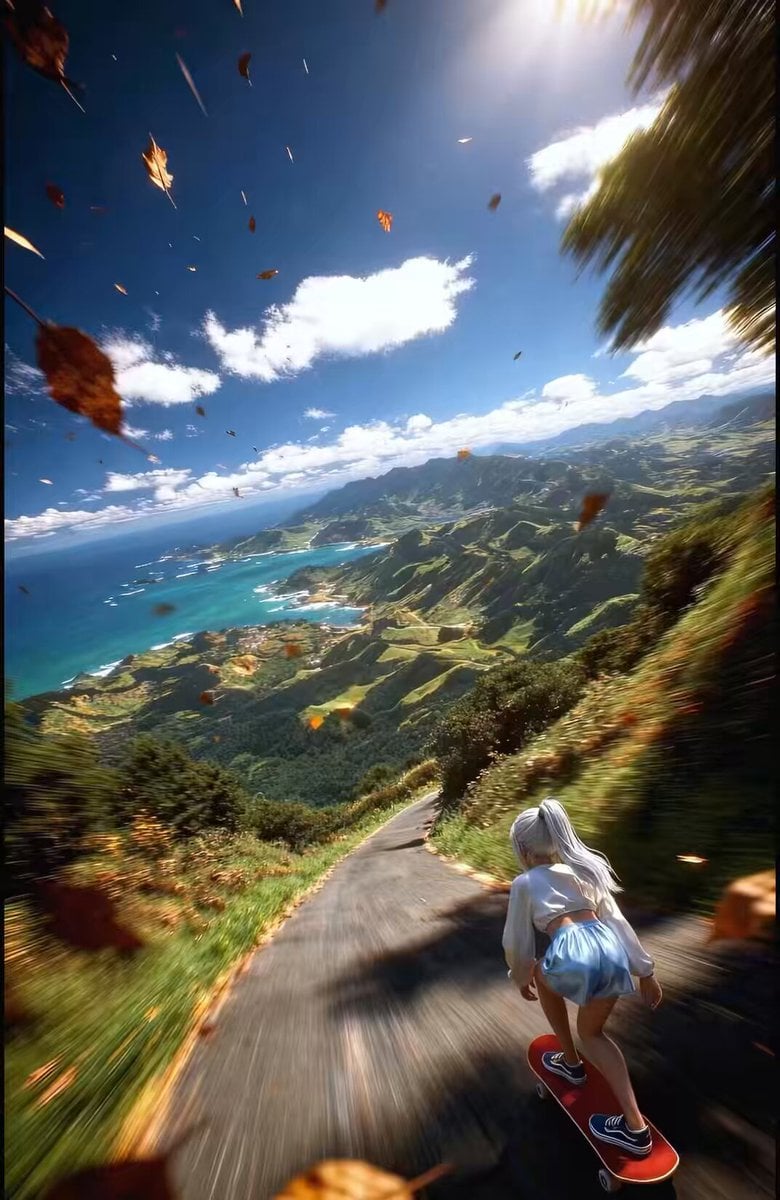
FPV Drone Shot of Anime Girl Skateboarding

Dolphins in Yin Yang Waterspout
Arknights: Endfield Gugu Gaga Shopping Scene
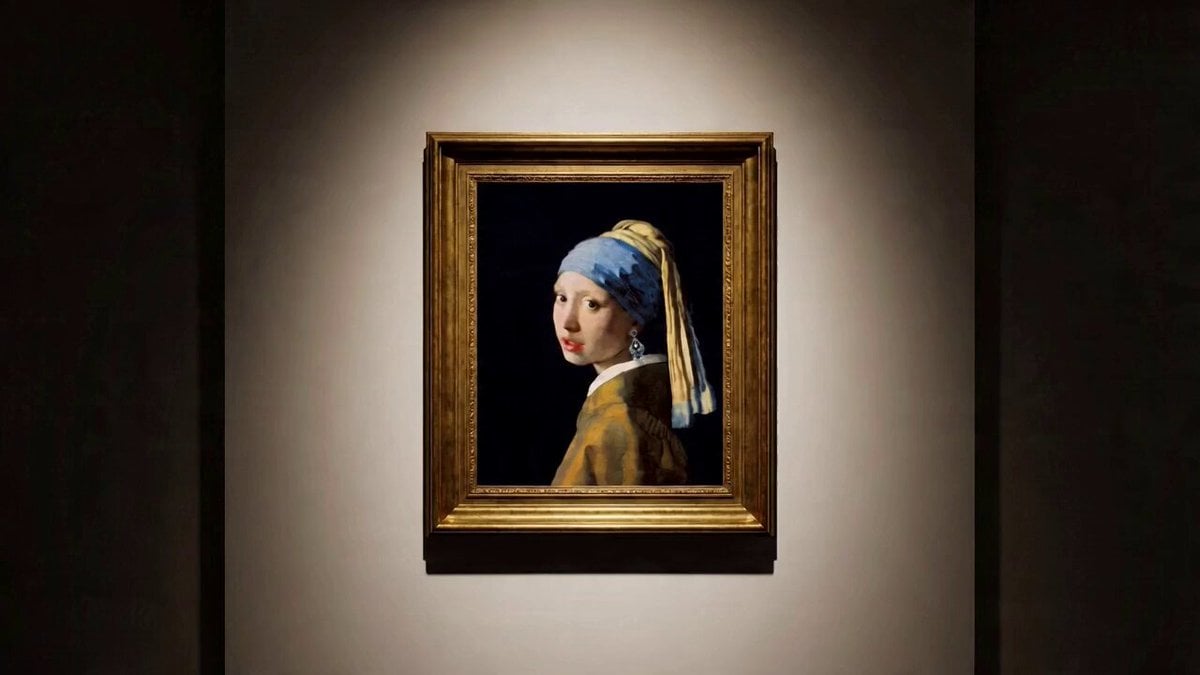
Multi-shot video prompt for a girl stealing earrings from an art museum at night
Ballerina Opera House — Seedance 2.0
Browse template categories
VW ID Buzz Robot Transformation questions
How do I use the VW ID Buzz Robot Transformation template?
Add your photo if the template asks for one, edit the prompt if you like — the template's model and format are already selected — and press Generate. Your version opens in PicX Studio.
Can I customize the VW ID Buzz Robot Transformation template?
Yes. You can change the subject, setting, lighting, mood, format, and available model controls before creating your video.
Is the VW ID Buzz Robot Transformation template free?
Opening and editing this template is free. Generating uses credits, shown on the Generate button when you are signed in.
Which AI model should I use?
Start with Seedance 2.0, which is the model associated with this template. You can compare another compatible model for a different finish.
Looking for something else? Browse all templates.

Your photo, any look
Thousands of ready templates for every top image and video model, from one credit balance.