
Shibuya Street Photography POV
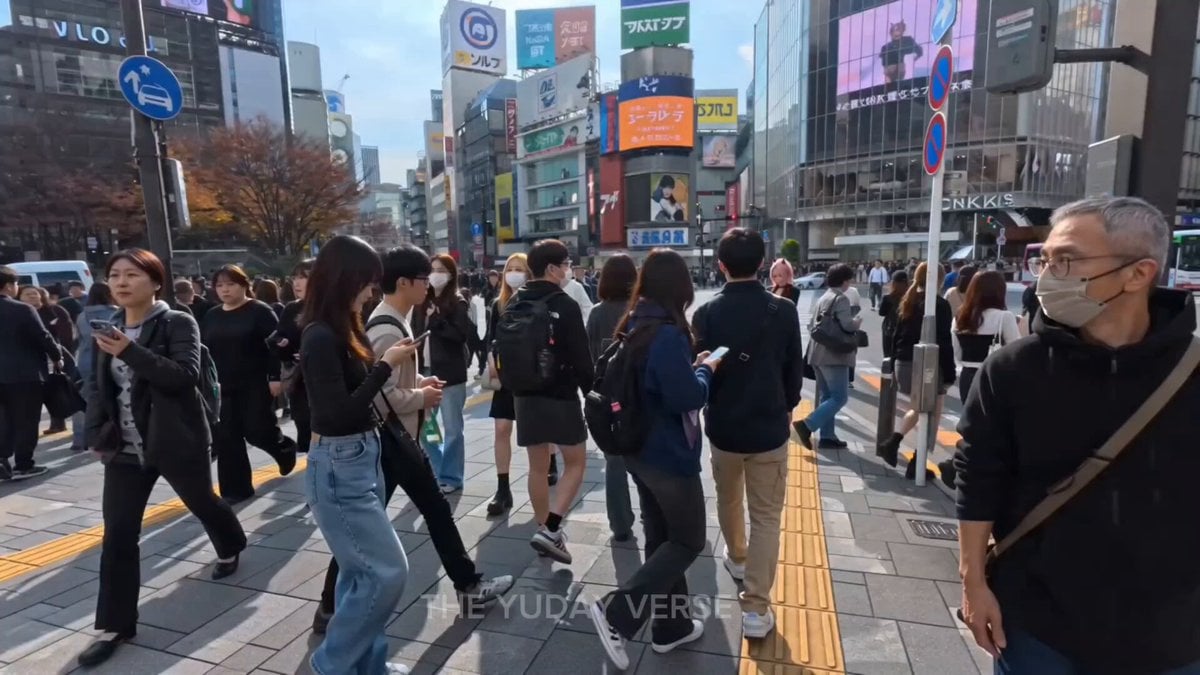
A POV street photography prompt set in Shibuya, featuring a conversation and posing session with a woman.
- Prompt included
- Model and format preset
- Premium template
The prompt behind this video
Copy the exact prompt behind Shibuya Street Photography POV, or open it in the studio and make it yours.
POV: First-person handheld shot of a young adult male street photographer walking casually through the extremely crowded streets of Shibuya, Japan on a sunny daytime, surrounded by hundreds of pedestrians rushing across the famous Shibuya Scramble Crossing, tall buildings with huge digital billboards, neon signs, and busy city atmosphere. @image as the exact character reference for the woman — her full appearance, face, hair, outfit, and style must strictly and perfectly match the uploaded reference image @image . 0-4 seconds: Natural handheld walking motion forward through the crowd. The photographer spots @image standing at the edge of the sidewalk, fully focused and looking down at her smartphone. 4-7 seconds: He gently approaches closer to her. Photographer’s voice (friendly, clear English): “Hey there!” 7-10 seconds: @image looks up from her phone toward him with a warm, confident smile. Photographer: “You look absolutely beautiful in that outfit!” 10-13 seconds: Photographer continues: “I’m a street photographer and I’d really love to take some photos of you if you’re okay with that?” 13-15 seconds: Woman @image nods enthusiastically and replies in clear English: “Sure, that sounds fun! I’d love to pose for you.” She then strikes a graceful pose. Photographer’s hands raise the DSLR camera into the foreground (camera and hands visible in POV), framing her perfectly as if about to shoot. Gentle shutter click sound. Cinematic realistic style, vibrant urban colors of busy Shibuya, bright daytime lighting with natural sunlight, sharp focus on the woman @image , dynamic crowded background with moving pedestrians, smooth natural handheld movement, high detail textures, friendly and positive atmosphere, clear audible English dialogue with natural lip sync, subtle city background sounds with footsteps, crowd chatter and traffic noise, enthusiastic yet respectful mood, 15-second video.
How to use Shibuya Street Photography POV in 3 steps
- 1Upload ImagePNG, JPG or paste
Add your photo
Upload the photo the template builds on. The prompt, model and format are already set.
- 2…a portrait of your subject in softgolden-hour light, 85mm…
Personalize
Edit the subject and creative details for your destination.
- 3Generate
Generate
Press Generate — your video is created in PicX Studio, so you can compare it with the original and refine one variable at a time.
More like this
Templates with the same subject, style or setup. Open one to see its prompt.
Street Photographer Shibuya Interaction

Realistic City Street Story Cinematic Video - Seedance

DV Camcorder POV Gym Montage — Seedance 2.5
DV Camcorder POV Gym Montage — Seedance 2.5
Alien Street Duel POV
Japanese City Street Photography Video Prompt

Nano Banana Seedance Time Control Streets
Ice Queen — Frozen Battlefield Time Control (Seedance)
Minimalist Photography Studio Golden Hour
Urban Lifestyle Smartphone Photography
Candid Lakeside Photography Vlog
Tokyo Street Style Travel Film
Make it yours
Shibuya Street Photography POV works as-is. These are the safest ways to change it without losing the look.
Change one field
Copy a single group, rewrite it, and generate again so you can see what that field is doing.
Keep the frame, change the subject
Hold the composition and light of Shibuya Street Photography POV, then swap wardrobe, props or the person for a new take.
| If the result… | Why | Fix |
|---|---|---|
| The result drifts from the preview | Too many fields changed at once. | Reuse Shibuya Street Photography POV as-is first, then change one group — subject, light, or setting. |
| The model over-stylizes the scene | The prose prompt leaves finish and camera underspecified. | Add one camera or lighting sentence and stay on Seedance 2.0. |
More Seedance 2.0 templates
Other prompts made for Seedance 2.0.

Comical Martial Arts Punch Scene

Maglev Train Action Sequence

Martial Arts Fight Sequence

Wuxia Protection and Trust Script

Vintage Korean Arcade MiniDV Vlog

Mercedes 190 SL Luxury Ad

Rainy Night Supernatural Reverse Comedy Video Script

Amazon Civilization Discovery

Futuristic South Asian City Transformation

Cozy Luxury Cafe Commercial
More video prompts
Fresh picks from across the catalog.

Grok Girl Anime Character
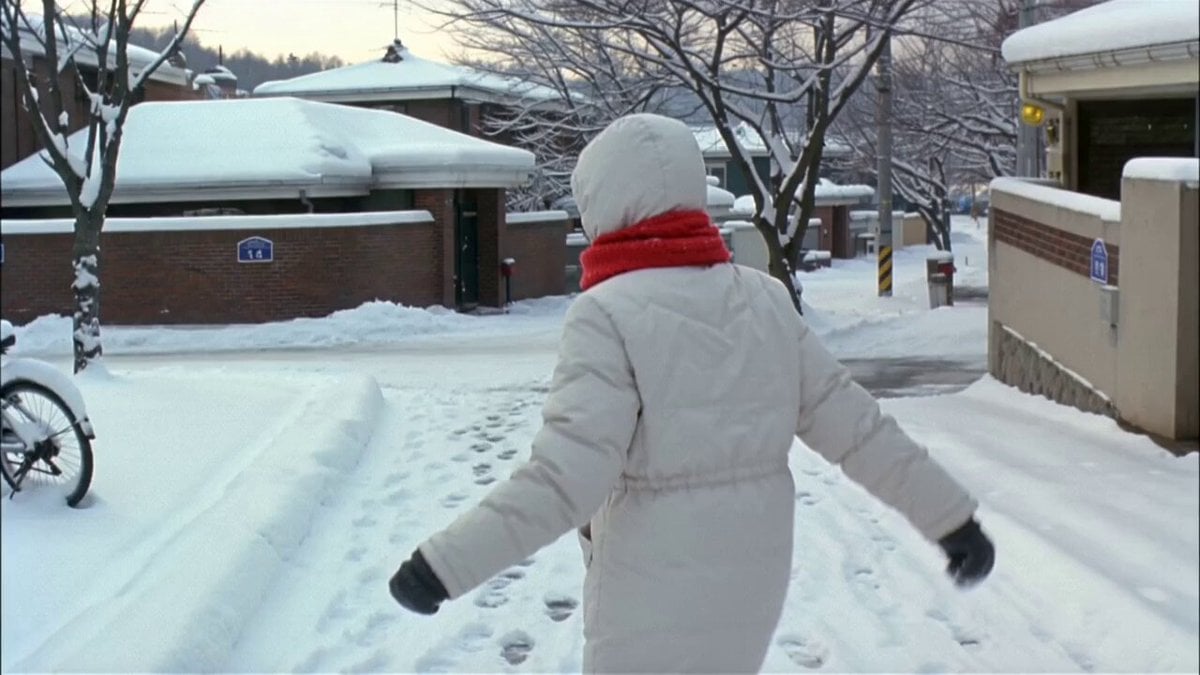
Winter Snow Walk VHS Style

Luxury Airport Travel Vlog
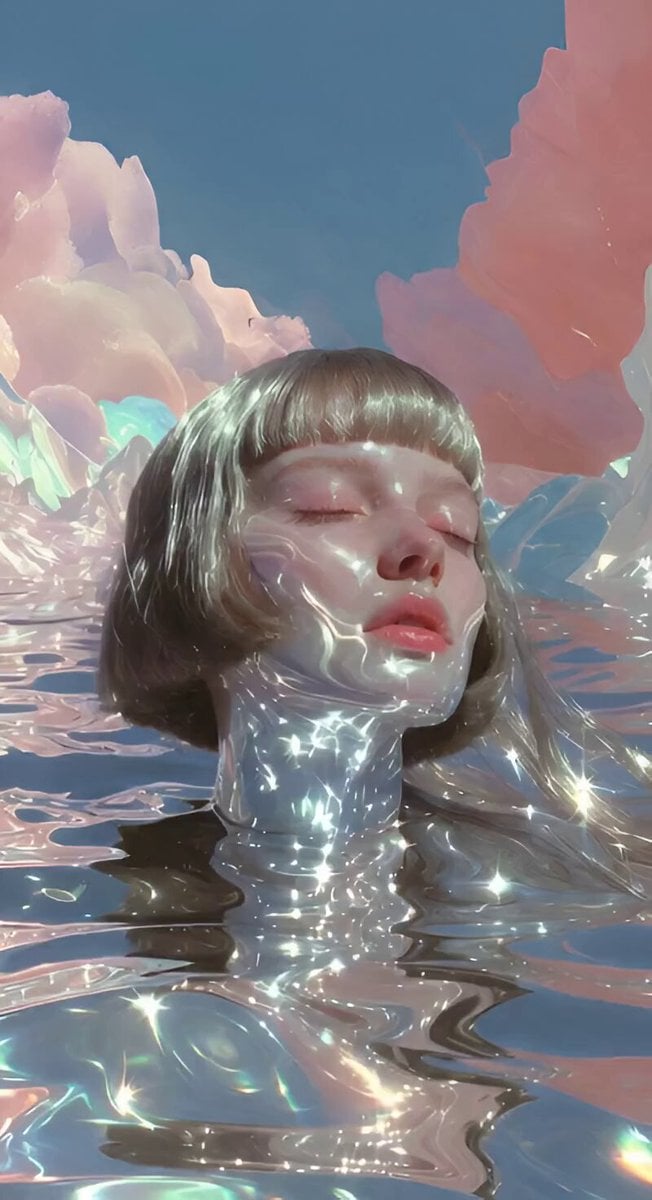
Poetic Speaking Portrait Prompt

Video Generation Prompt: Fluid Ribbon in a Transparent Brain
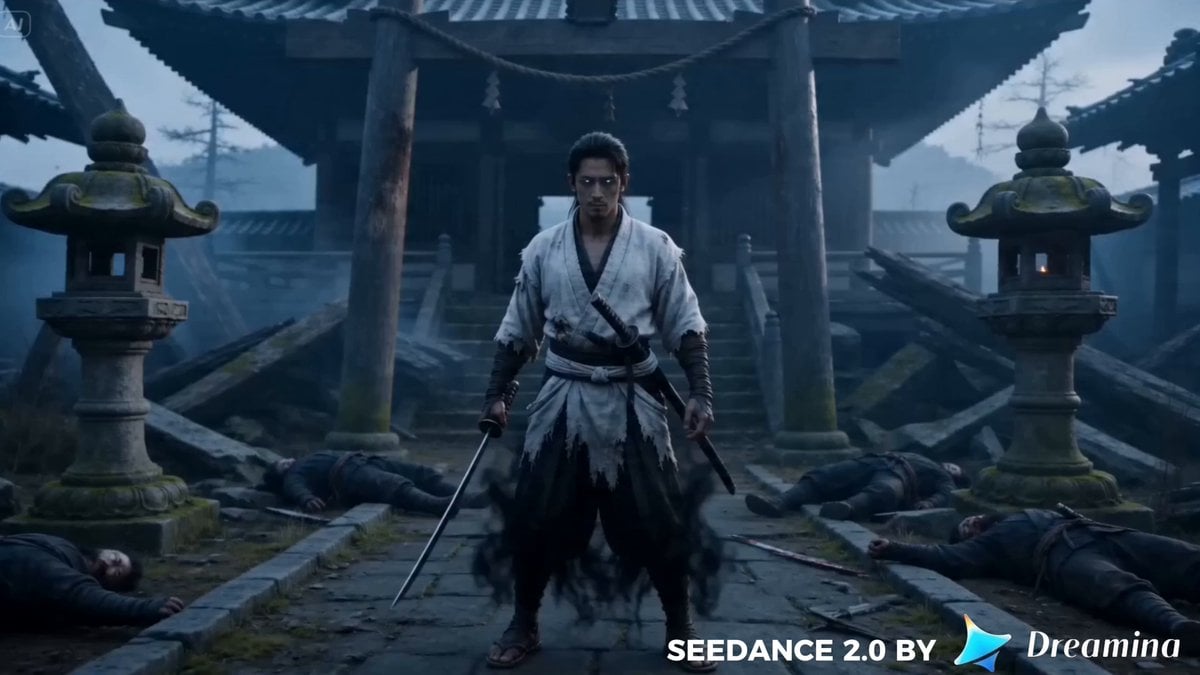
Character Reference Video Generation

Seedance 2.0 prompt for a continuous cartoon sequence
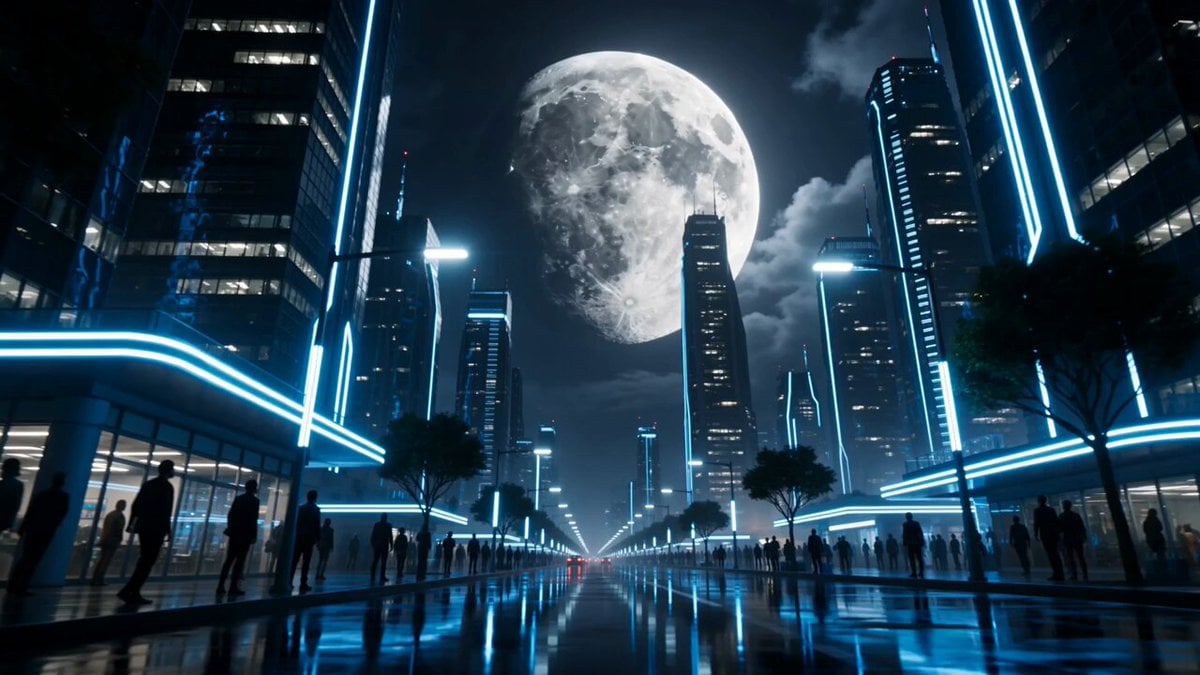
Lunar Catastrophe Sequence
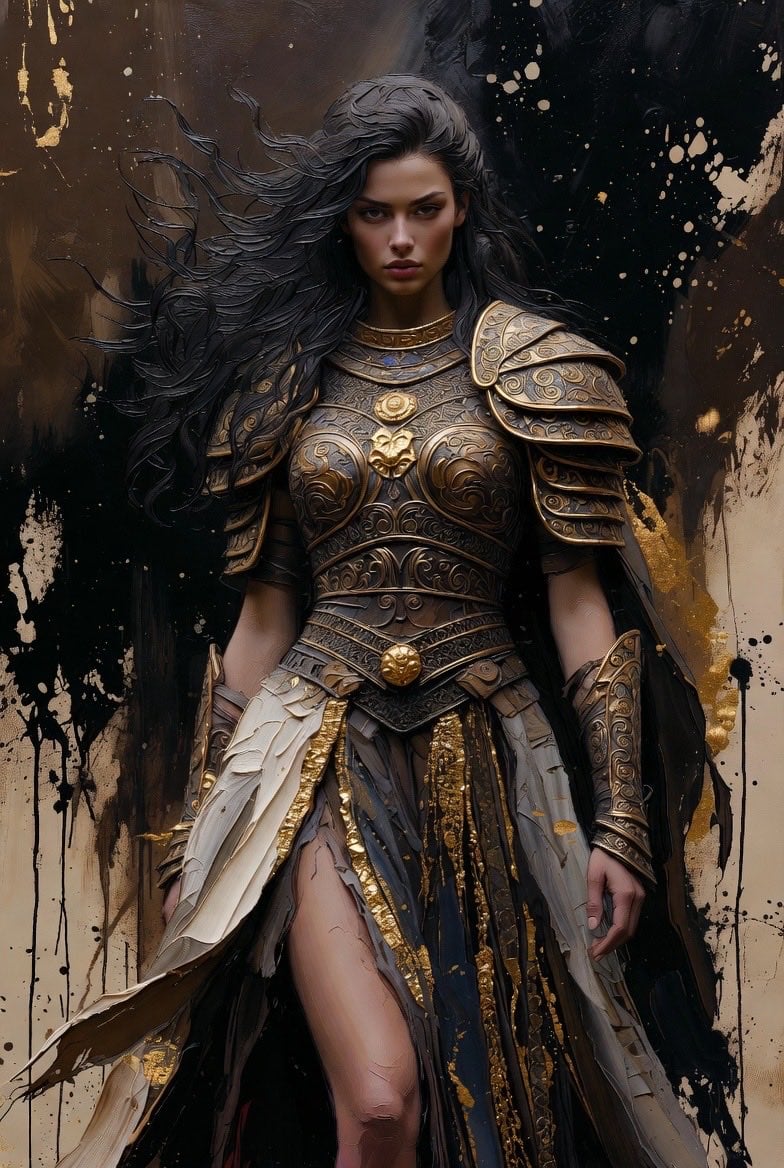
Detailed Dark Fantasy Warrior Woman Video Prompt

Emotional Anime Monologue Video
Browse template categories
Shibuya Street Photography POV questions
How do I use the Shibuya Street Photography POV template?
Add your photo if the template asks for one, edit the prompt if you like — the template's model and format are already selected — and press Generate. Your version opens in PicX Studio.
Can I customize the Shibuya Street Photography POV template?
Yes. You can change the subject, setting, lighting, mood, format, and available model controls before creating your video.
Is the Shibuya Street Photography POV template free?
Opening and editing this template is free. Generating uses credits, shown on the Generate button when you are signed in.
Which AI model should I use?
Start with Seedance 2.0, which is the model associated with this template. You can compare another compatible model for a different finish.
Looking for something else? Browse all templates.

Your photo, any look
Thousands of ready templates for every top image and video model, from one credit balance.