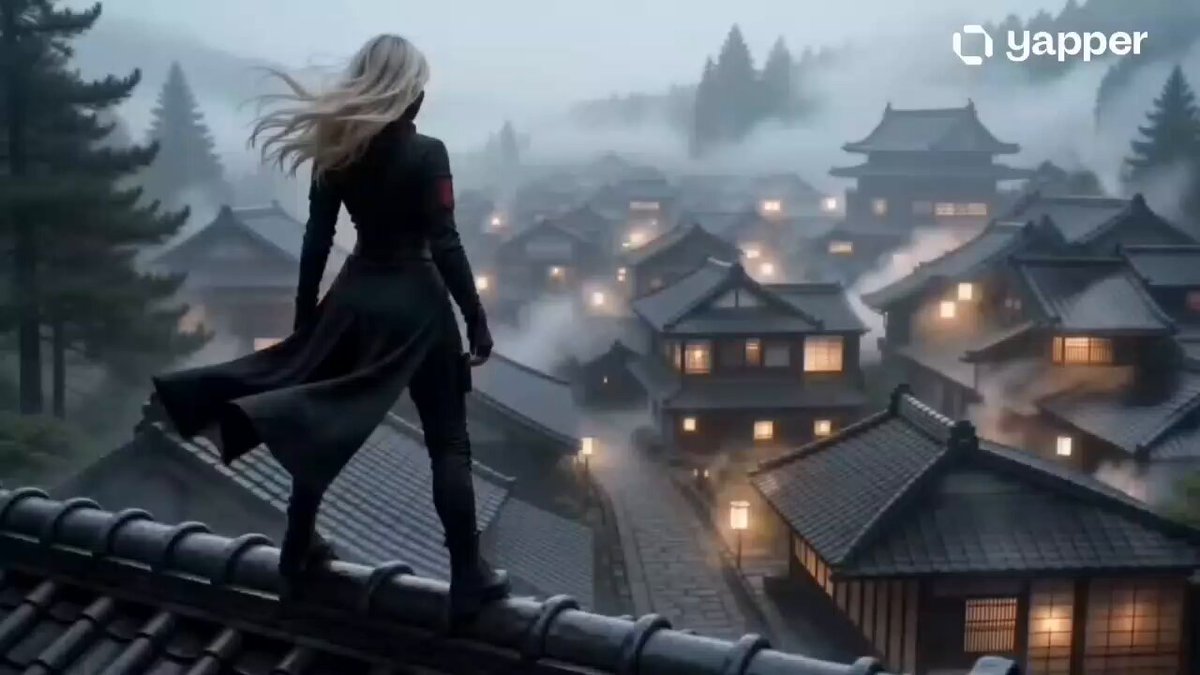
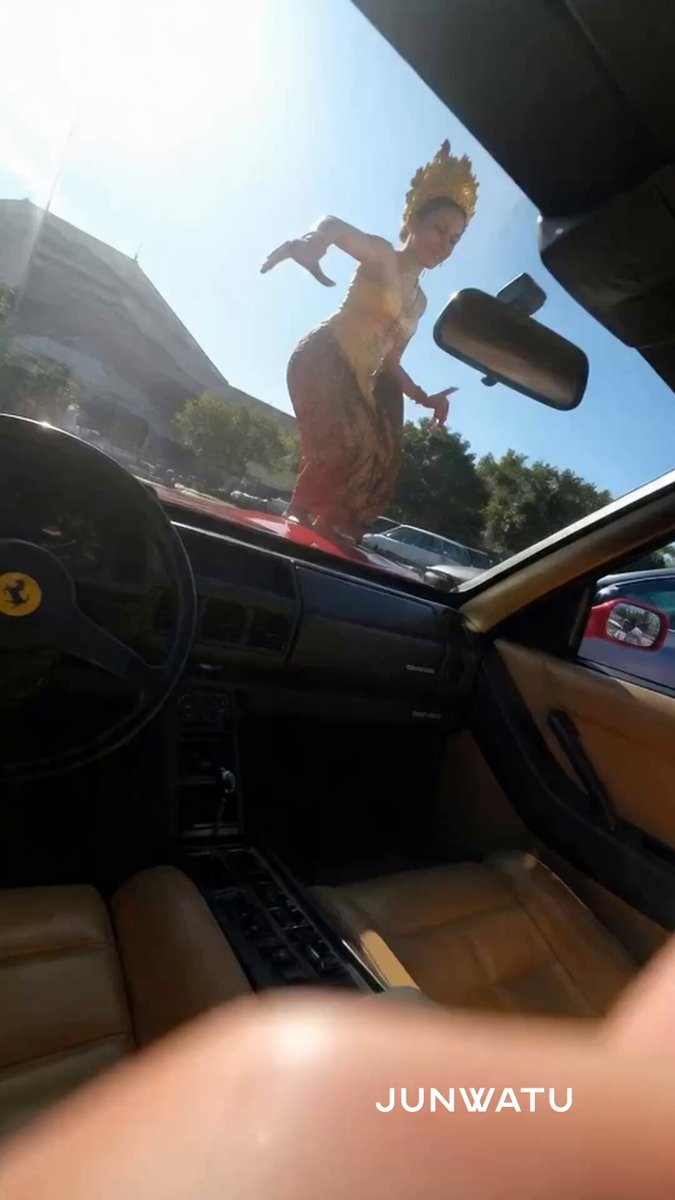
How do I use the Japanese City Street Photography Video Prompt template?
Edit the prompt in the box under the preview — the template's model and format are already selected — and press Generate. Your version appears right on this page.
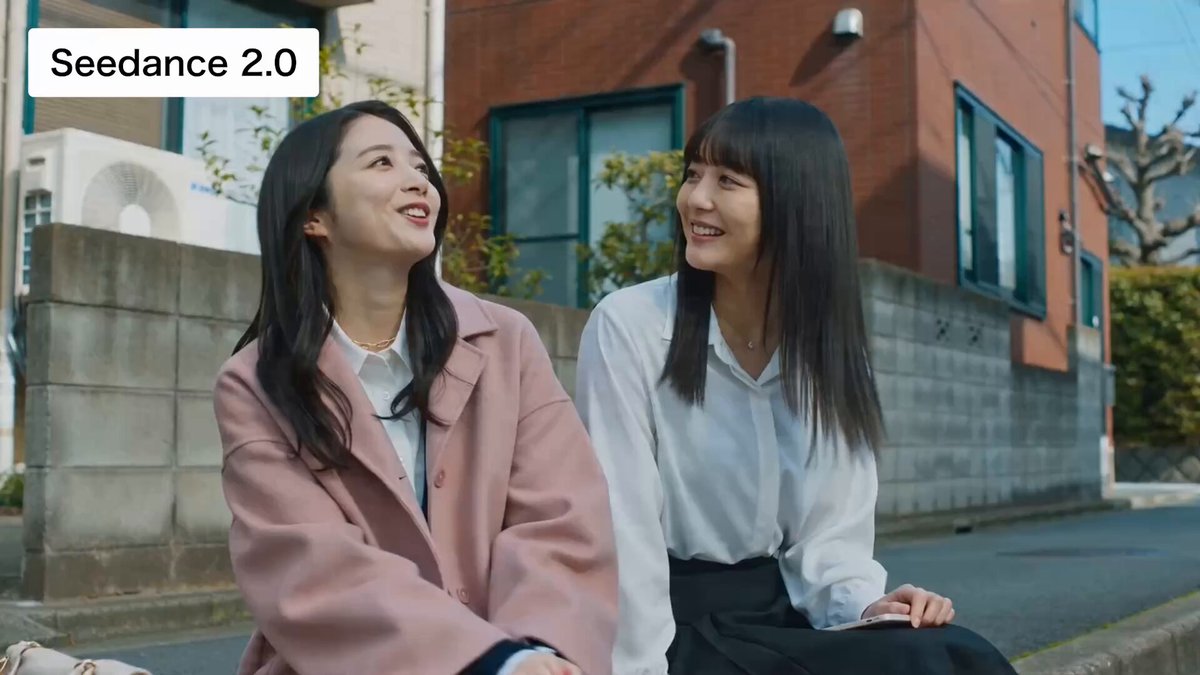
A detailed 15-second video prompt for Seedance 2.0 focusing on Japanese city street photography.
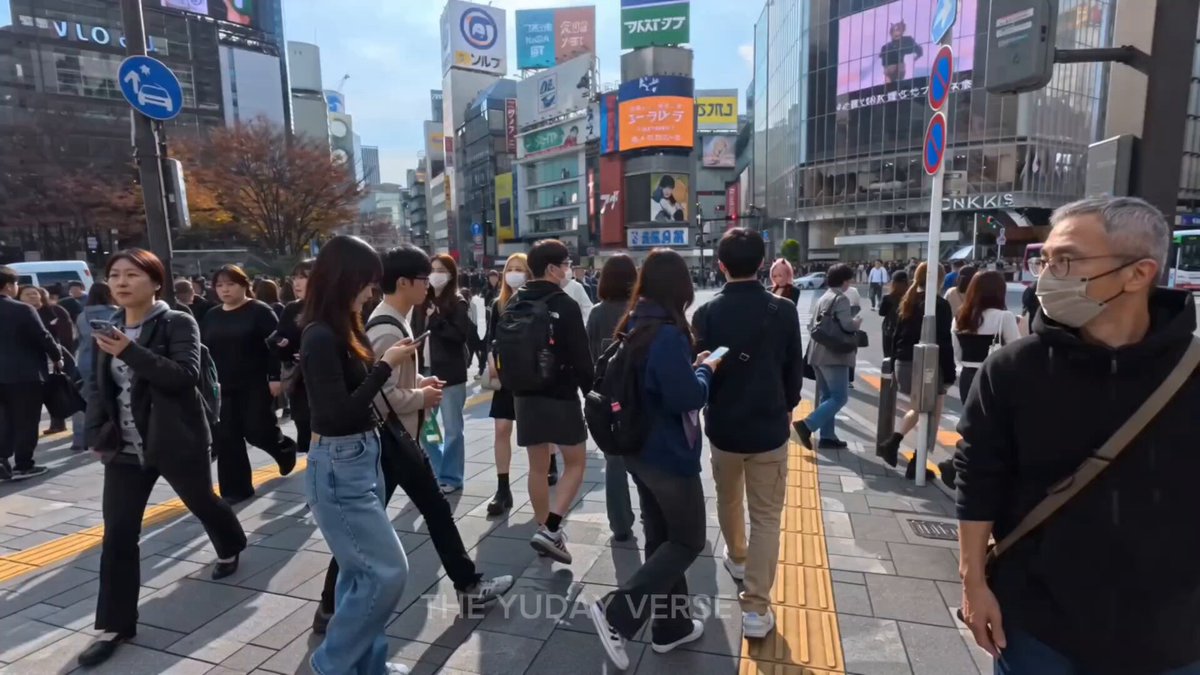
总体风格:日系城市街拍,快节奏碎片化剪辑。冷暖光影交织,夜景带有轻度赛博朋克霓虹氛围,画面具电影感。 BGM与音效:节奏紧凑明快的日系流行摇滚,鼓点清晰,人声充满情绪张力,画面切换与音乐节拍严格卡点。 [0:00-0:01] 白天街景。建筑顶端有3D怒吼雄狮屏幕,下方为罗森便利店,少量行人。 [0:01-0:02] 模糊黑影骑车快速掠过发光自动售货机,带强烈运动模糊。 [0:02-0:03] 车内主观视角。看窗外积雪村庄,内暗外明。 [0:03-0:04] 晴天。密集人群背对镜头走向新宿站玻璃大楼。 [0:04-0:05] 夜间特写。雨后积水石板路倒映霓虹灯,行人快步走过。 [0:05-0:06] 透过深色墙面复古圆窗,窥见暖光下日式厨师忙碌。 [0:06-0:07] 夜晚罗森明亮蓝白招牌,店外有行人穿梭残影。 [0:07-0:08] 东京繁华街头。巨型LED广告牌,大量行人黑色剪影穿行。 [0:08-0:09] 传统木质居酒屋正门,挂白色提灯,透出橘黄暖光。 [0:09-0:10] 极其逼仄的日式夜间小巷,挂红灯笼,行人拥挤。 [0:10-0:11] 局促后厨,长发店员背对镜头整理物品。 [0:11-0:12] 昏暗夜市半露天摊位,点缀红灯笼,人群拥挤就餐。 [0:12-0:13] 地铁站台,戴口罩制服乘务员注视列车门。 [0:013-0:14] 仰拍夜间街道,博多拉面等密集霓虹灯,冷暖光混合。 [0:14-0:15] 镜头快速平移扫过街边密集发光商铺与路人。 涩谷十字路口夜景,巨型屏幕与庞大过马路人潮交织。
总体风格:日系城市街拍,快节奏碎片化剪辑。冷暖光影交织,夜景带有轻度赛博朋克霓虹氛围,画面具电影感。 BGM与音效:节奏紧凑明快的日系流行摇滚,鼓点清晰,人声充满情绪张力,画面切换与音乐节拍严格卡点。 [0:00-0:01] 白天街景。建筑顶端有3D怒吼雄狮屏幕,下方为罗森便利店,少量行人。 [0:01-0:02] 模糊黑影骑车快速掠过发光自动售货机,带强烈运动模糊。 [0:02-0:03] 车内主观视角。看窗外积雪村庄,内暗外明。 [0:03-0:04] 晴天。密集人群背对镜头走向新宿站玻璃大楼。 [0:04-0:05] 夜间特写。雨后积水石板路倒映霓虹灯,行人快步走过。 [0:05-0:06] 透过深色墙面复古圆窗,窥见暖光下日式厨师忙碌。 [0:06-0:07] 夜晚罗森明亮蓝白招牌,店外有行人穿梭残影。 [0:07-0:08] 东京繁华街头。巨型LED广告牌,大量行人黑色剪影穿行。 [0:08-0:09] 传统木质居酒屋正门,挂白色提灯,透出橘黄暖光。 [0:09-0:10] 极其逼仄的日式夜间小巷,挂红灯笼,行人拥挤。 [0:10-0:11] 局促后厨,长发店员背对镜头整理物品。 [0:11-0:12] 昏暗夜市半露天摊位,点缀红灯笼,人群拥挤就餐。 [0:12-0:13] 地铁站台,戴口罩制服乘务员注视列车门。 [0:013-0:14] 仰拍夜间街道,博多拉面等密集霓虹灯,冷暖光混合。 [0:14-0:15] 镜头快速平移扫过街边密集发光商铺与路人。 涩谷十字路口夜景,巨型屏幕与庞大过马路人潮交织。
Edit the prompt in the box under the preview — the template's model and format are already selected — and press Generate. Your version appears right on this page.
Yes. You can change the subject, setting, lighting, mood, format, and available model controls before creating your video.
Opening and editing this template is free. Generating uses credits, shown on the Generate button when you are signed in.
Start with Seedance 2.0, which is the model associated with this template. You can compare another compatible model for a different finish.
Follow a topic to a crawlable collection of related PicX Studio templates.