How do I use the Futuristic Elite Soldier template?
Edit the prompt in the box under the preview — the template's model and format are already selected — and press Generate. Your version appears right on this page.
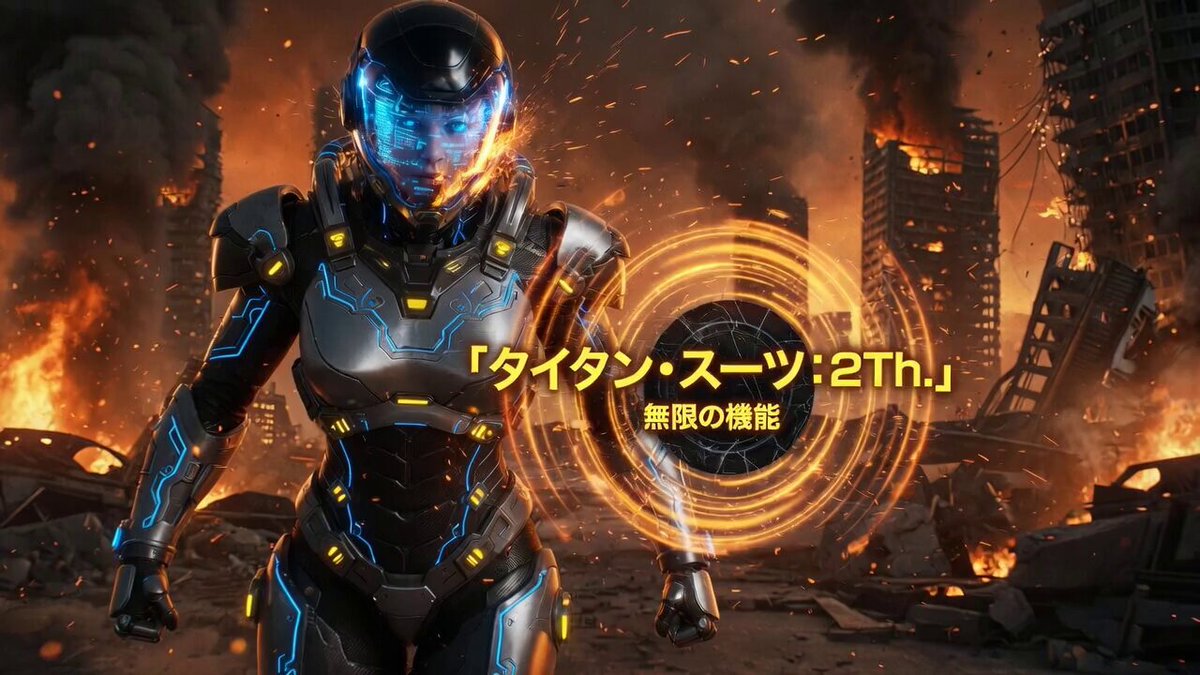
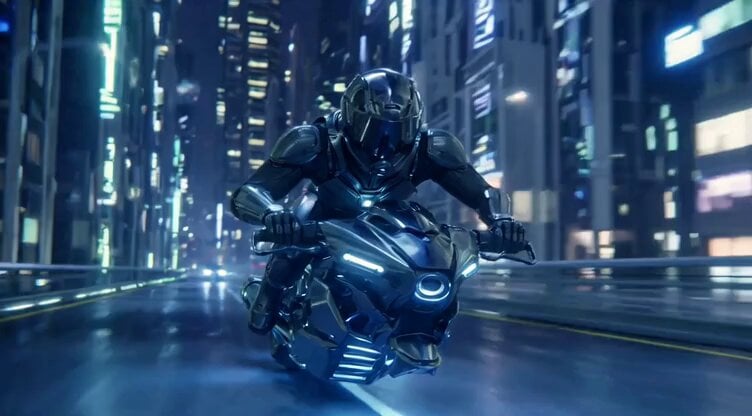
A technical 3D render prompt for a cyberpunk soldier in matte black armor with glowing orange accents, set in a futuristic city.
A highly detailed cinematic 3D render of a futuristic elite special forces soldier in sleek matte black powered armor with silver metallic accents and glowing orange-yellow visor/eye lights, standing in a dynamic action pose on a futuristic city street. The armor is ultra-detailed with segmented plating, mechanical joints, hoses, tactical pouches, glowing orange circuit lines, and a flowing black tactical coat/cape. Large heavy dual shoulder-mounted miniguns or rocket launchers are mounted on the back/shoulders. The helmet is full-face with advanced optics and glowing visor. Dramatic low-angle heroic shot, sharp focus, volumetric lighting, cinematic atmosphere, flying drones and blurred futuristic buildings in the soft bokeh background, subtle motion blur, epic sci-fi style, cyberpunk military aesthetic, 8k, photorealistic, octane render, unreal engine 5 --stylize 250 --v 6
A highly detailed cinematic 3D render of a futuristic elite special forces soldier in sleek matte black powered armor with silver metallic accents and glowing orange-yellow visor/eye lights, standing in a dynamic action pose on a futuristic city street. The armor is ultra-detailed with segmented plating, mechanical joints, hoses, tactical pouches, glowing orange circuit lines, and a flowing black tactical coat/cape. Large heavy dual shoulder-mounted miniguns or rocket launchers are mounted on the back/shoulders. The helmet is full-face with advanced optics and glowing visor. Dramatic low-angle heroic shot, sharp focus, volumetric lighting, cinematic atmosphere, flying drones and blurred futuristic buildings in the soft bokeh background, subtle motion blur, epic sci-fi style, cyberpunk military aesthetic, 8k, photorealistic, octane render, unreal engine 5 --stylize 250 --v 6
Edit the prompt in the box under the preview — the template's model and format are already selected — and press Generate. Your version appears right on this page.
Yes. You can change the subject, setting, lighting, mood, format, and available model controls before creating your video.
Opening and editing this template is free. Generating uses credits, shown on the Generate button when you are signed in.
Start with Grok Imagine, which is the model associated with this template. You can compare another compatible model for a different finish.
Follow a topic to a crawlable collection of related PicX Studio templates.