
Peking Opera Heritage Short Film
cinematic text-to-video direction, camera movement, and scene planning.
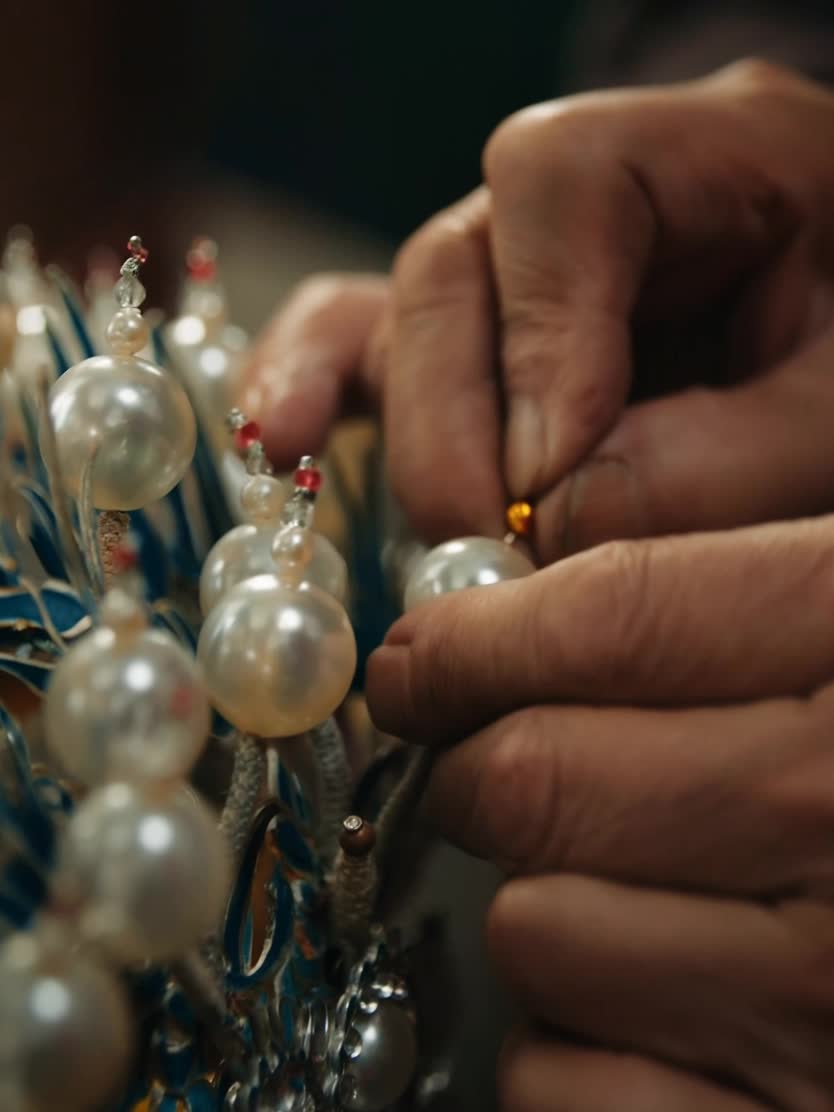
- Prompt included
- Model and format preset
- Free template
The prompt behind this video
Copy the exact prompt behind Peking Opera Heritage Short Film, or open it in the studio and make it yours.
A short film about the intangible cultural heritage of Peking Opera, cinematic, warm, restrained, and rooted in Eastern aesthetics. In a traditional troupe backstage area and handcraft workshop, an old master quietly makes opera headdresses, arranges costumes, and paints facial makeup. The hand details are delicate; silk threads, beads, pigments, and embroidered patterns have rich texture. A young apprentice watches seriously nearby, then carefully receives a tool and completes a small step under the master's guidance. The master straightens the apprentice's headwear and collar, as if gently passing on both a craft and an emotion. In the final shot, the young performer is fully dressed and stands beside the stage just before entering. A soft light illuminates the costume and side profile, creating a quiet, moving inheritance moment.
How to use Peking Opera Heritage Short Film in 3 steps
- 1
Open
The prompt is already in the box next to the preview, with the template's model and format selected.
- 2…a portrait of your subject in softgolden-hour light, 85mm…
Personalize
Edit the subject and creative details for your destination.
- 3Generate
Generate
Press Generate — your video is created in PicX Studio, so you can compare it with the original and refine one variable at a time.
More like this
Templates with the same subject, style or setup. Open one to see its prompt.
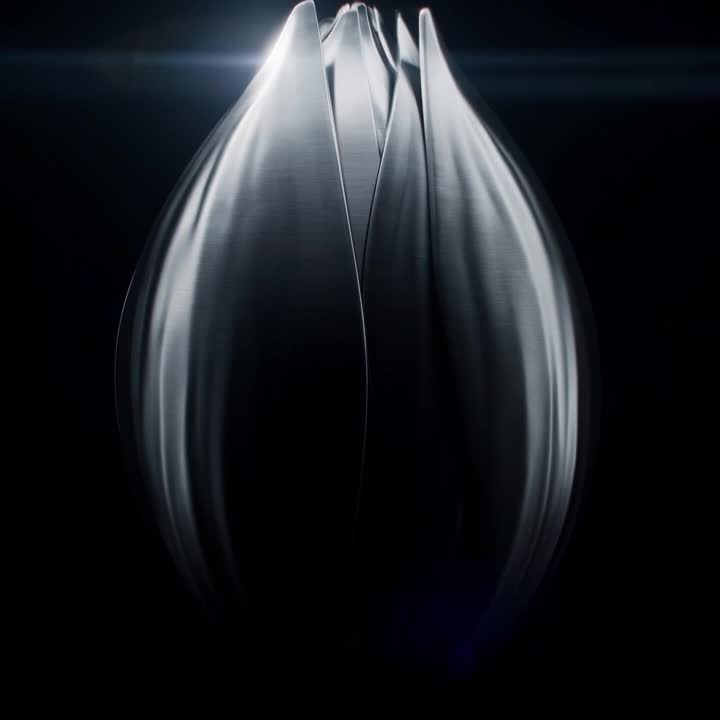
Oceanic Civilization Epic Sci-Fi Film
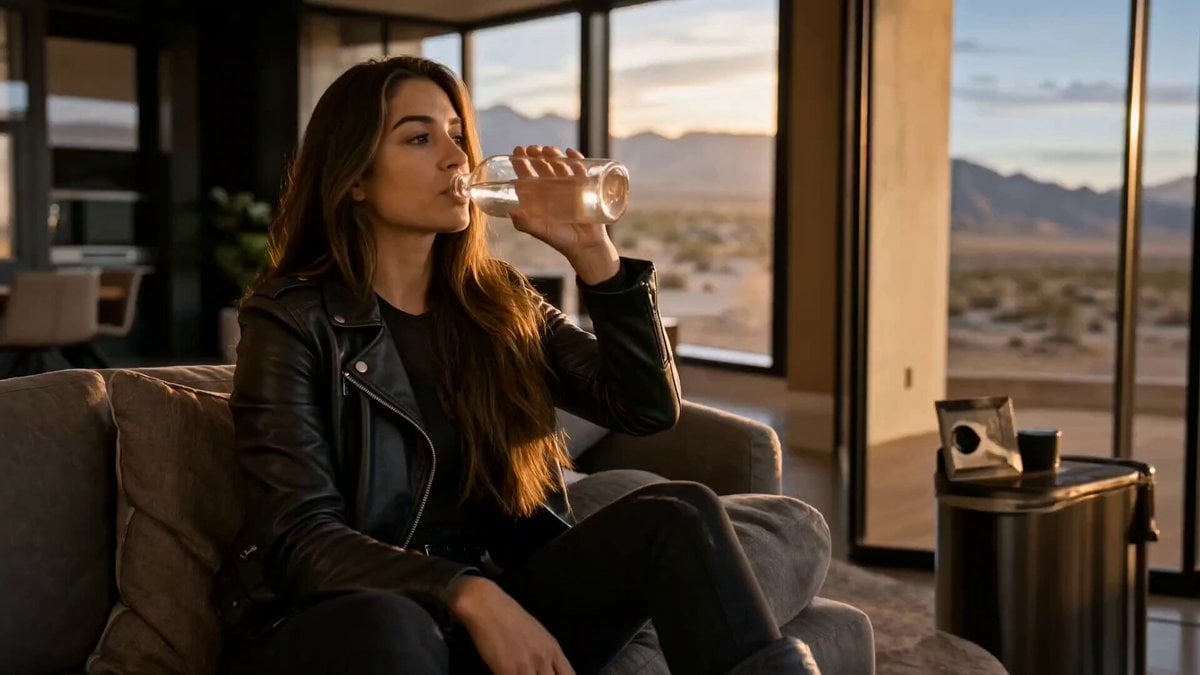
Cinematic Short Film Scene 2

Cinematic Short Film Scene
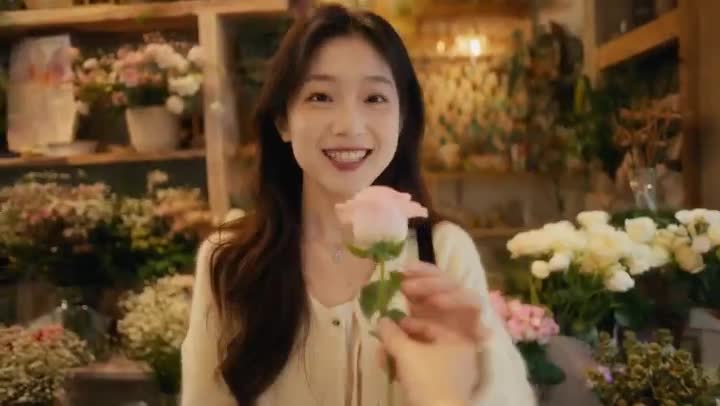
Global Flower Thank-You Film
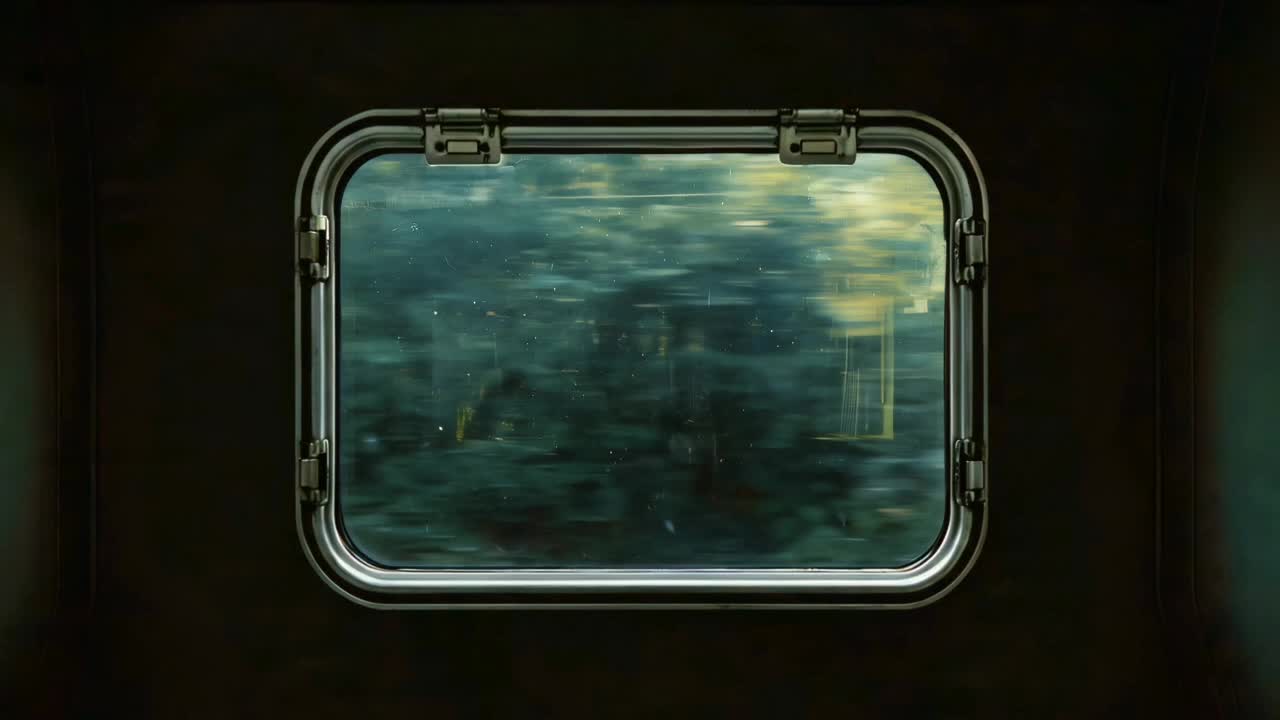
Window-to-Eye Concept Film
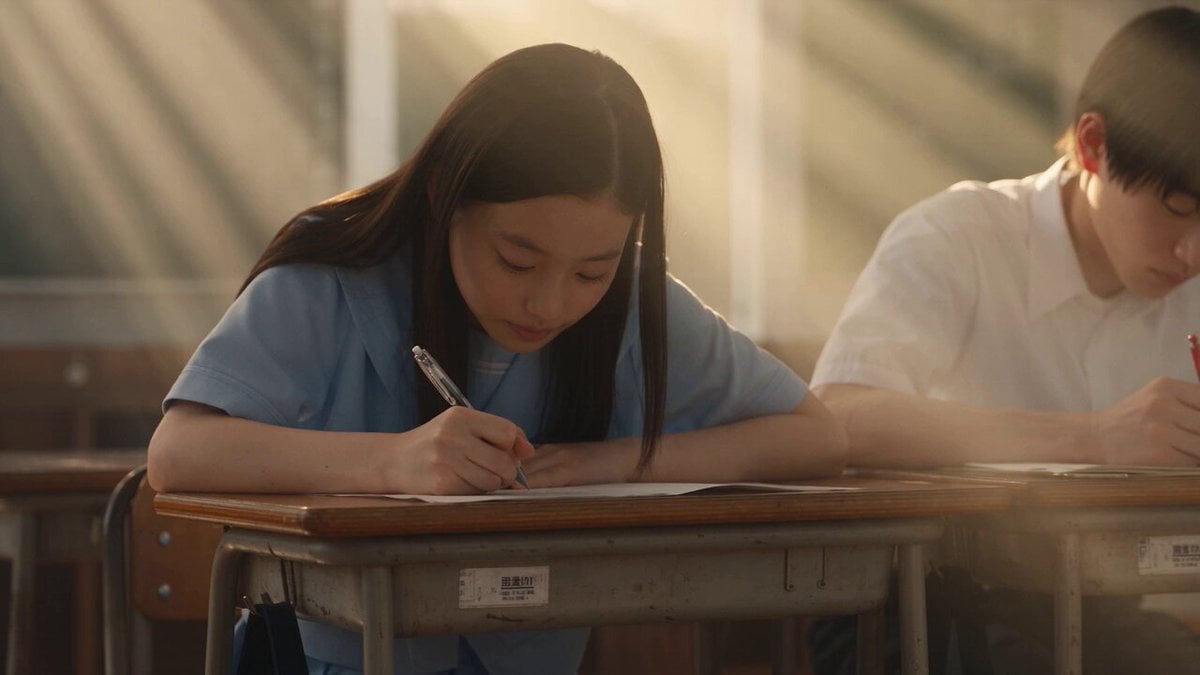
Japanese Pure Love Short Film

Cinematic Excalibur Space Knight Opera
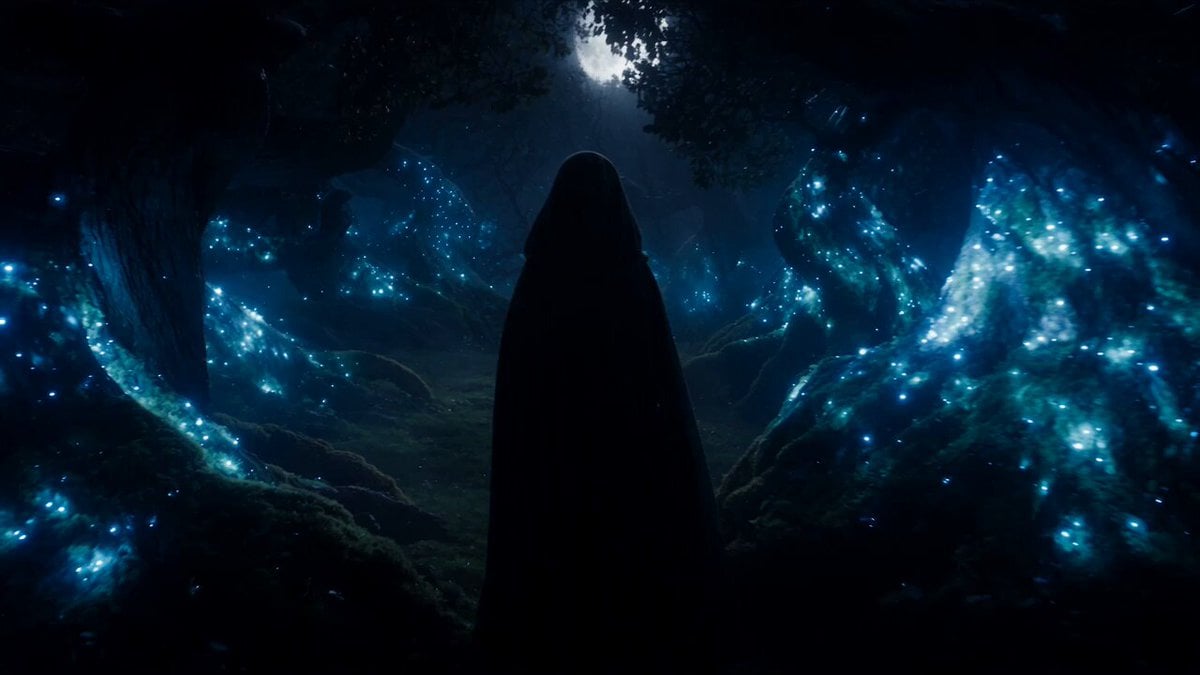
Forest Fantasy Girl Short Film
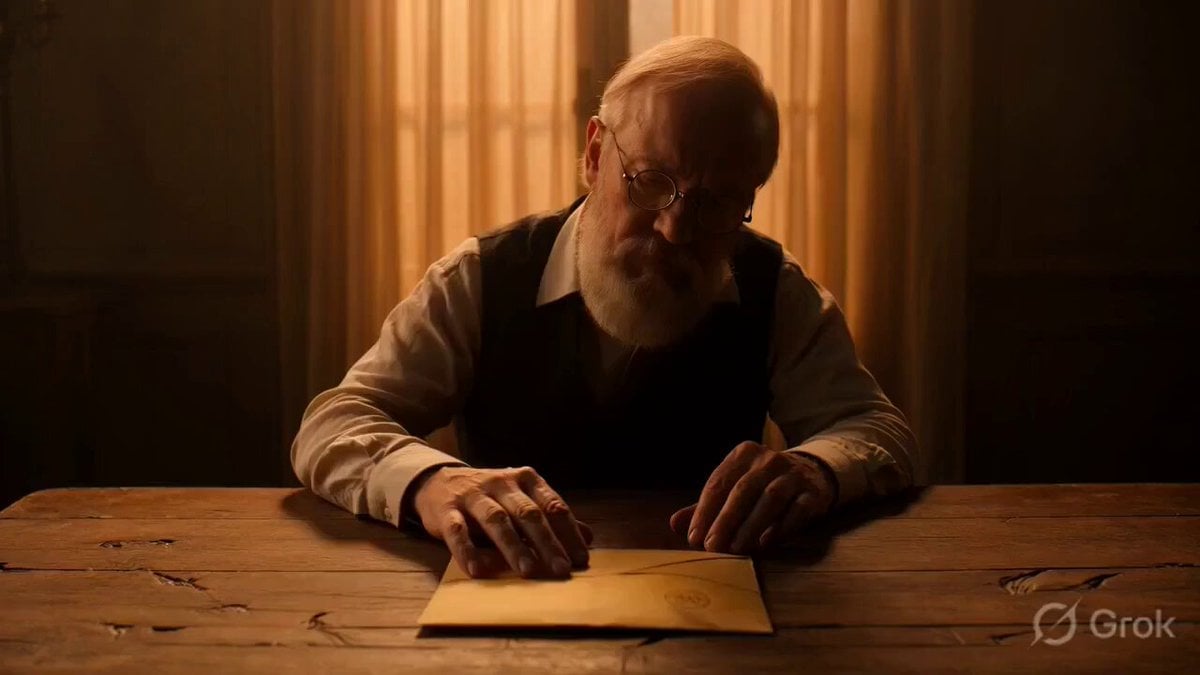
Multi-scene video prompt for a short film about a letter and a memory
Ballerina Opera House — Seedance 2.0
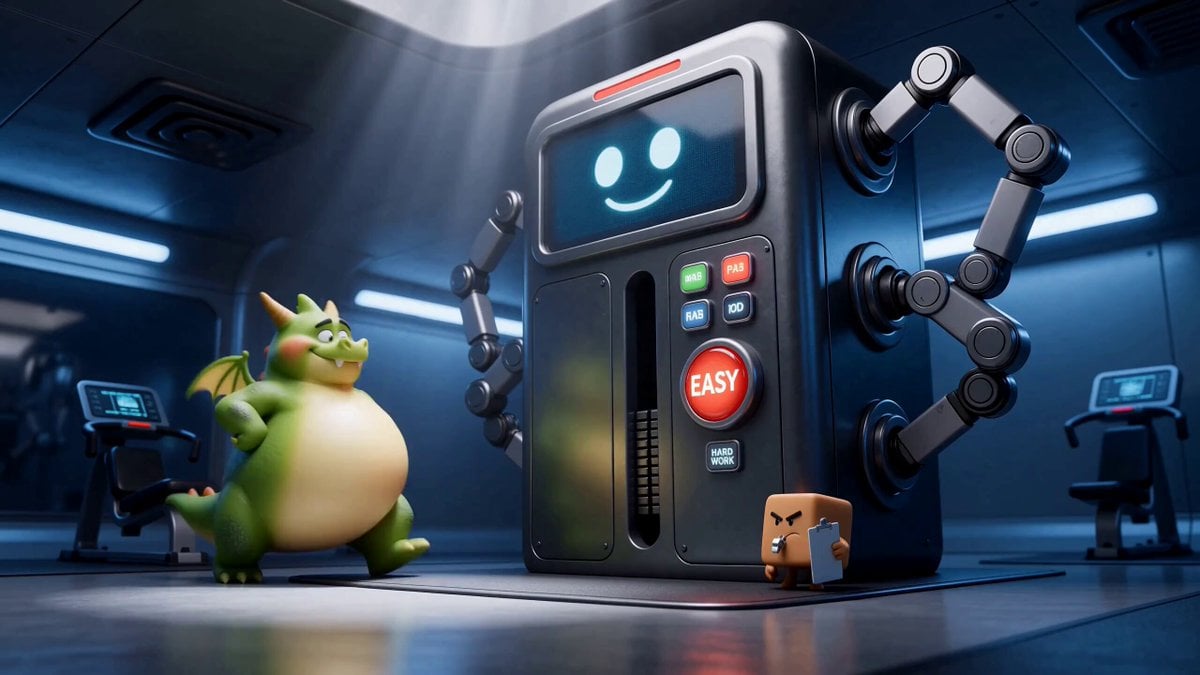
Green Dragon Training Short
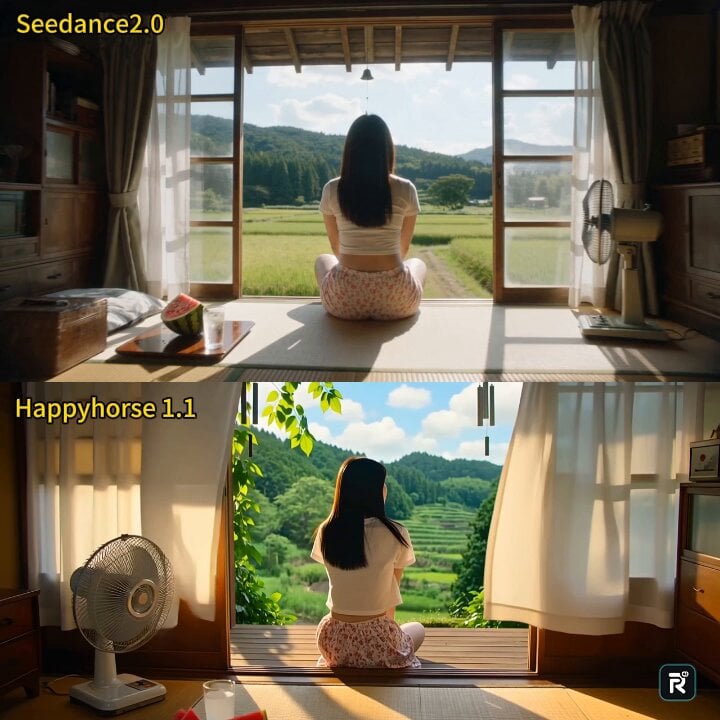
Cinematic Japanese Countryside Summer Short Film
Make it yours
Peking Opera Heritage Short Film works as-is. These are the safest ways to change it without losing the look.
Change one field
Copy a single group, rewrite it, and generate again so you can see what that field is doing.
Keep the frame, change the subject
Hold the composition and light of Peking Opera Heritage Short Film, then swap wardrobe, props or the person for a new take.
| If the result… | Why | Fix |
|---|---|---|
| The result drifts from the preview | Too many fields changed at once. | Reuse Peking Opera Heritage Short Film as-is first, then change one group — subject, light, or setting. |
| The model over-stylizes the scene | The prose prompt leaves finish and camera underspecified. | Add one camera or lighting sentence and stay on Seedance 2.5. |
More Seedance 2.5 templates
Other prompts made for Seedance 2.5.

Wholesome Puppy and Kitten Story - Seedance 2.5
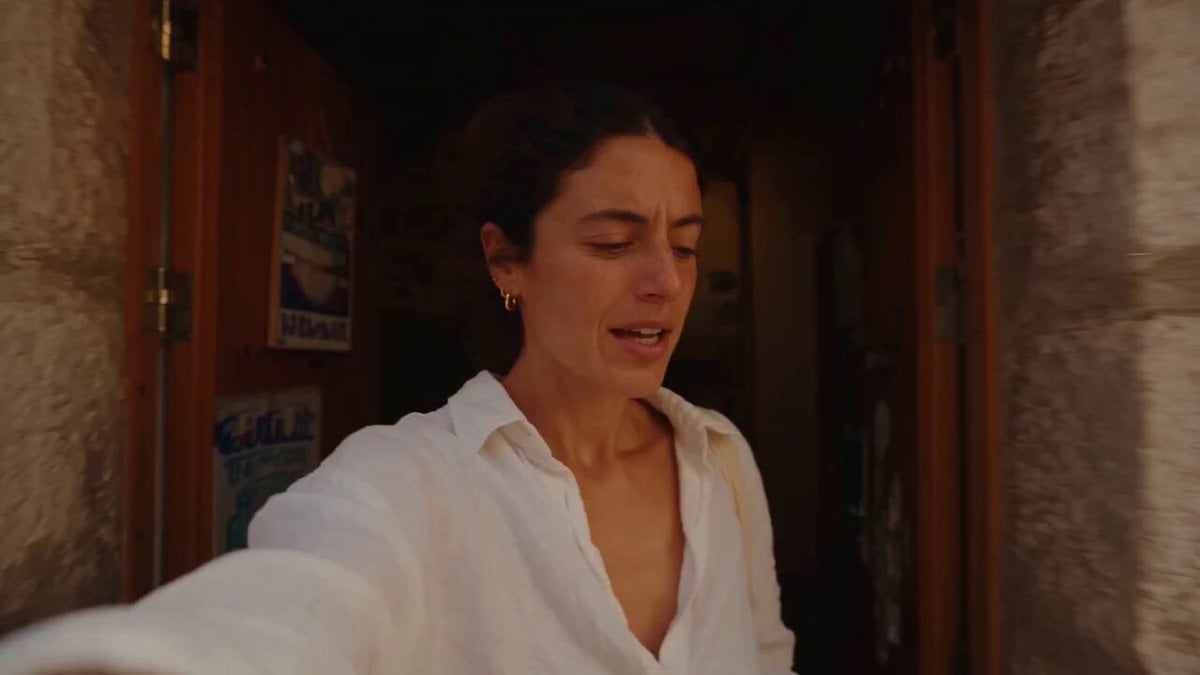
Mediterranean Coffee Run Vlog - Seedance 2.5
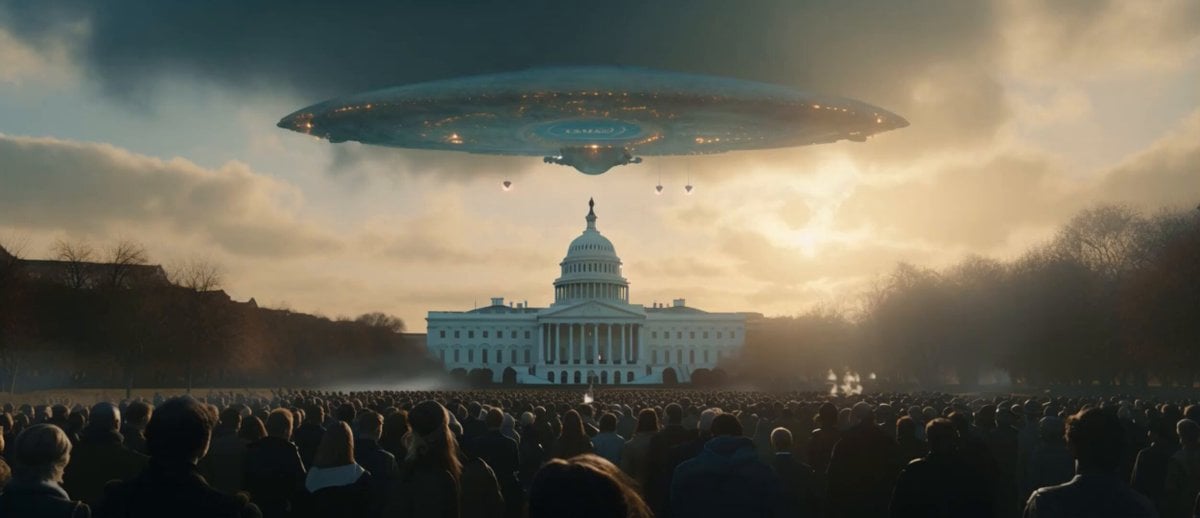
Sci-Fi Disaster Movie Scene - Seedance 2.5

Mysterious Home Exploration Vlog - Seedance 2.5
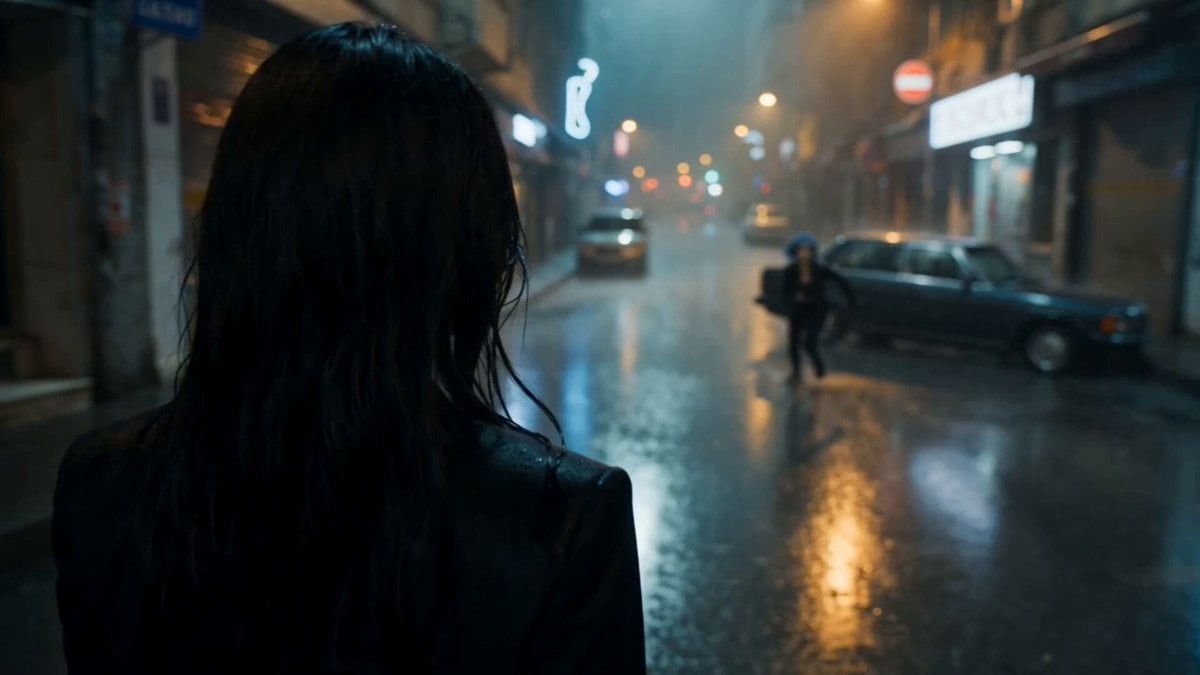
Cinematic Istanbul Night Fight - Seedance 2.5

Magical Room Transformation - Seedance 2.5

Dark Tokusatsu Transformation - Seedance 2.5
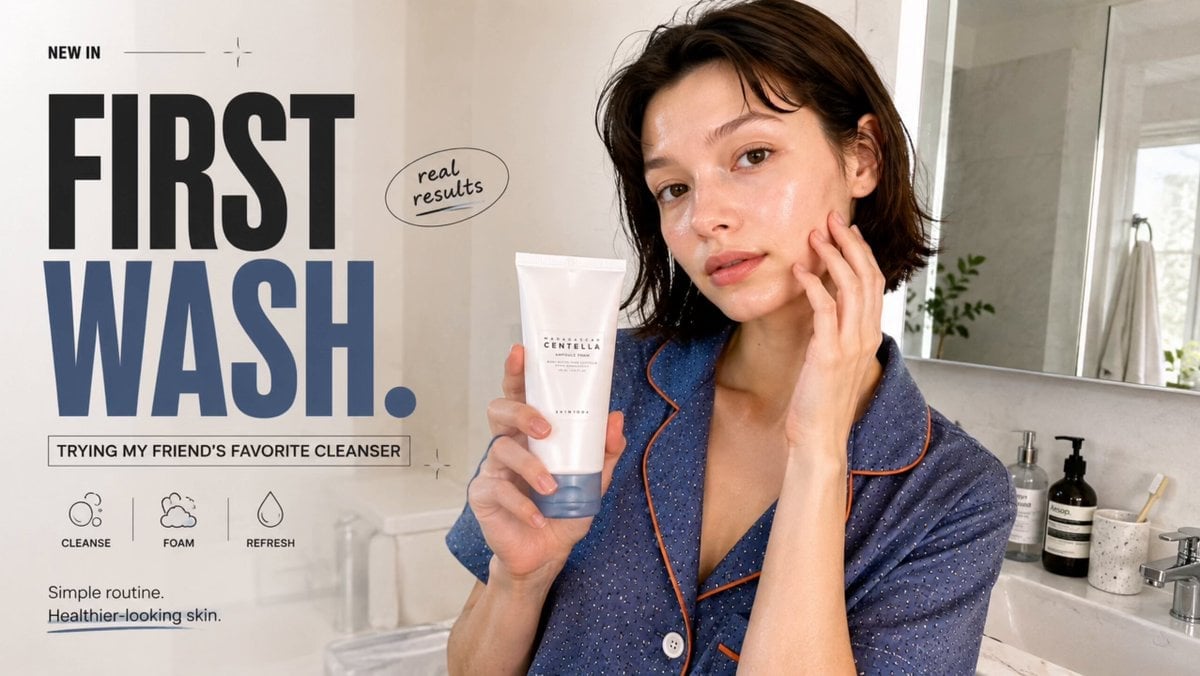
Realistic UGC Cleanser Review - Seedance 2.5
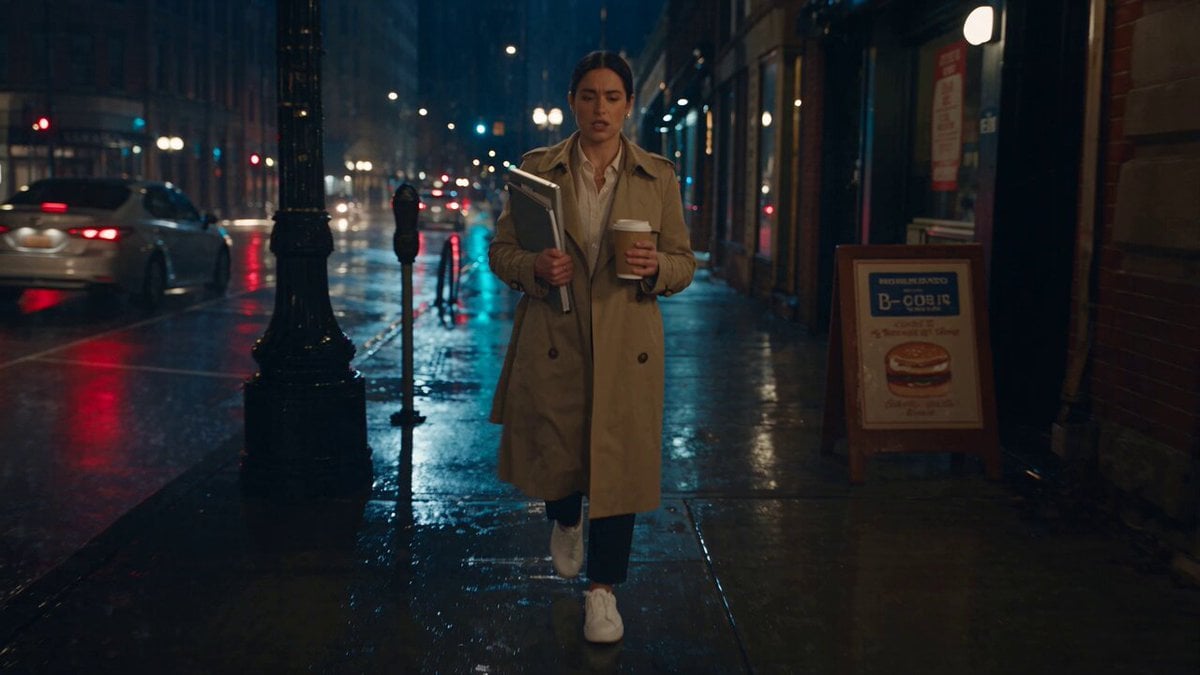
Viking in Modern America Comedy - Seedance 2.5
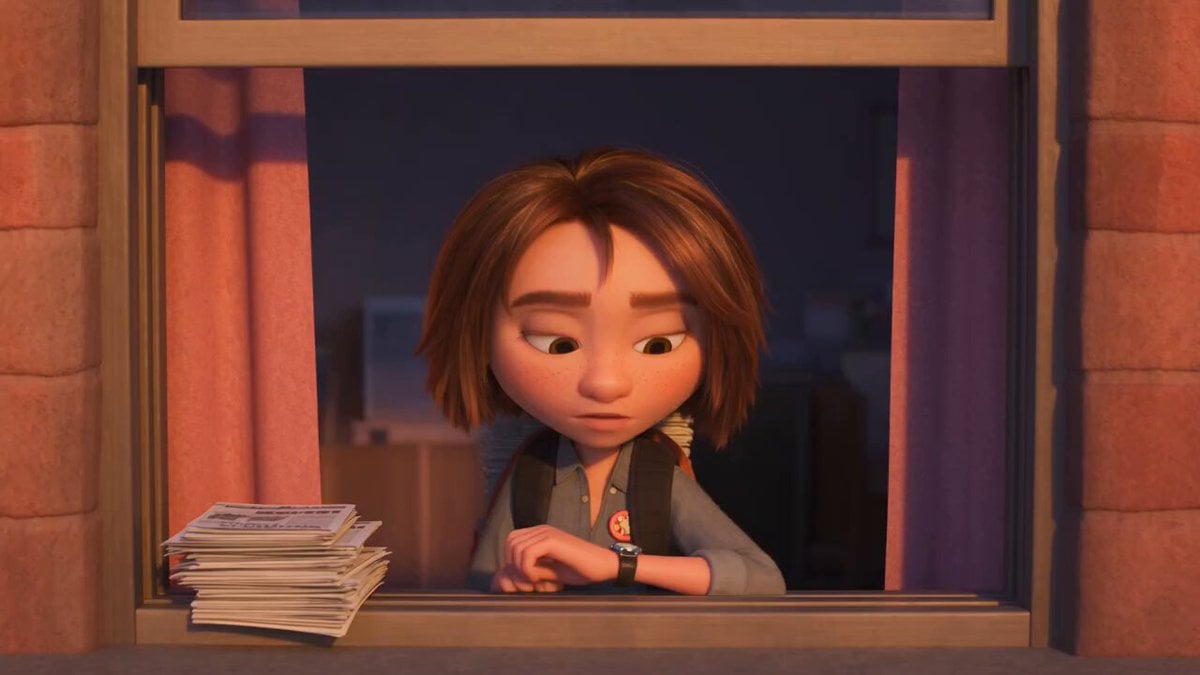
3D Animated Newspaper Delivery Short - Seedance 2.5
More video prompts
Fresh picks from across the catalog.

Soccer Stadium Woman Cheeseburger
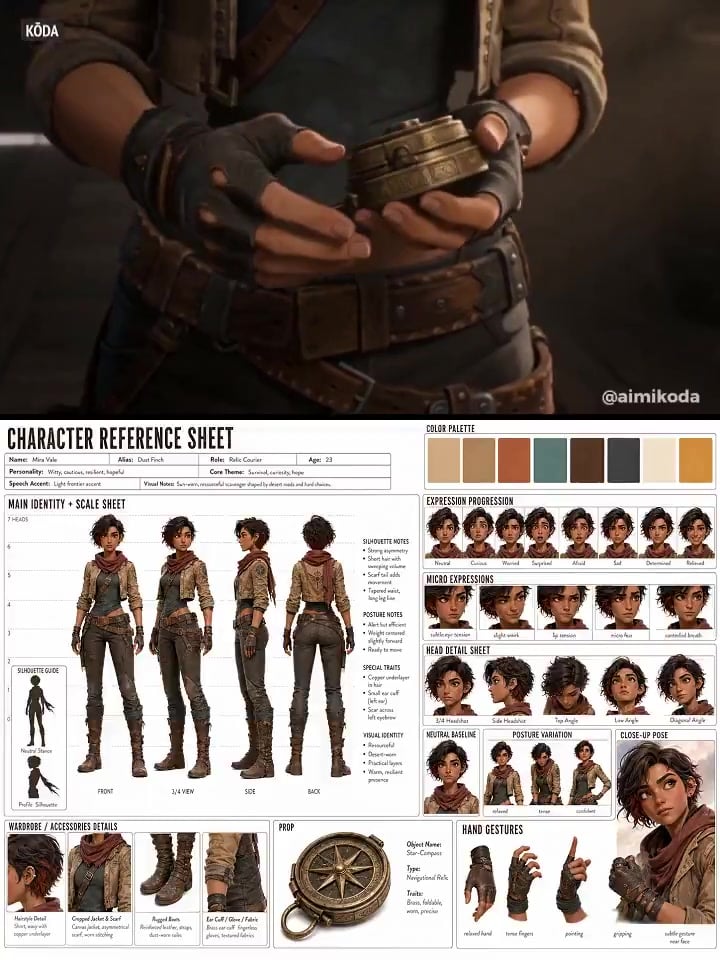
Character Reference Sheet → Cinematic Intro — GPT Image 2 + Seedance 2.0
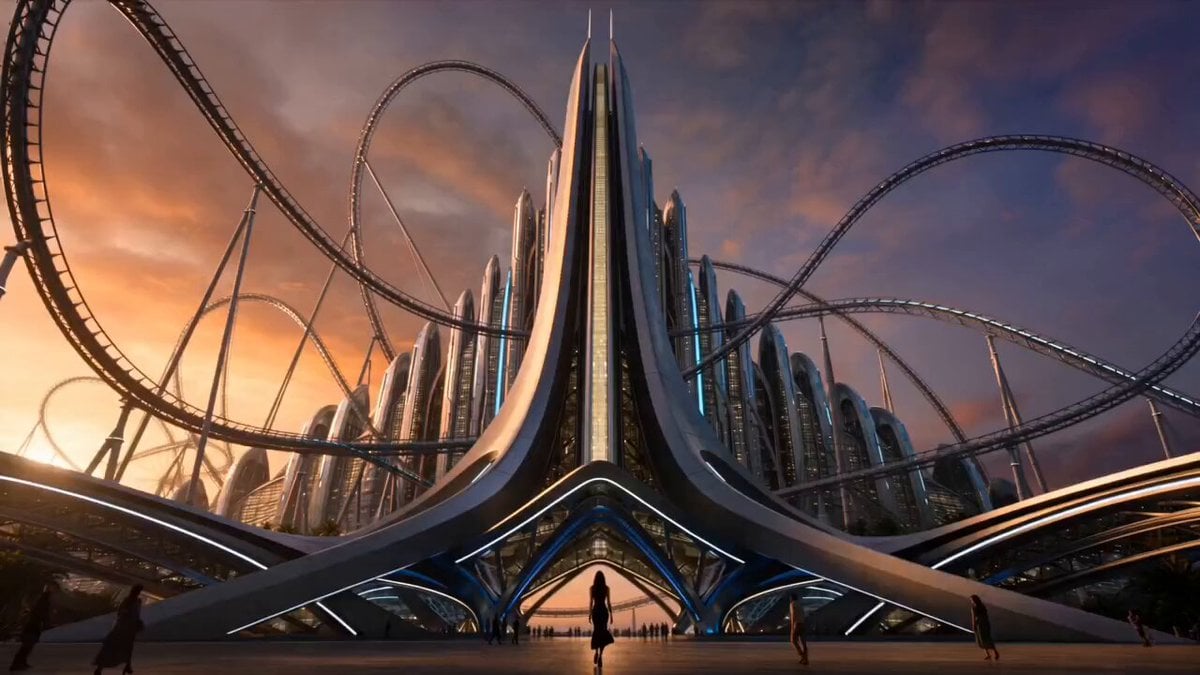
Extreme Amusement Park Adventure
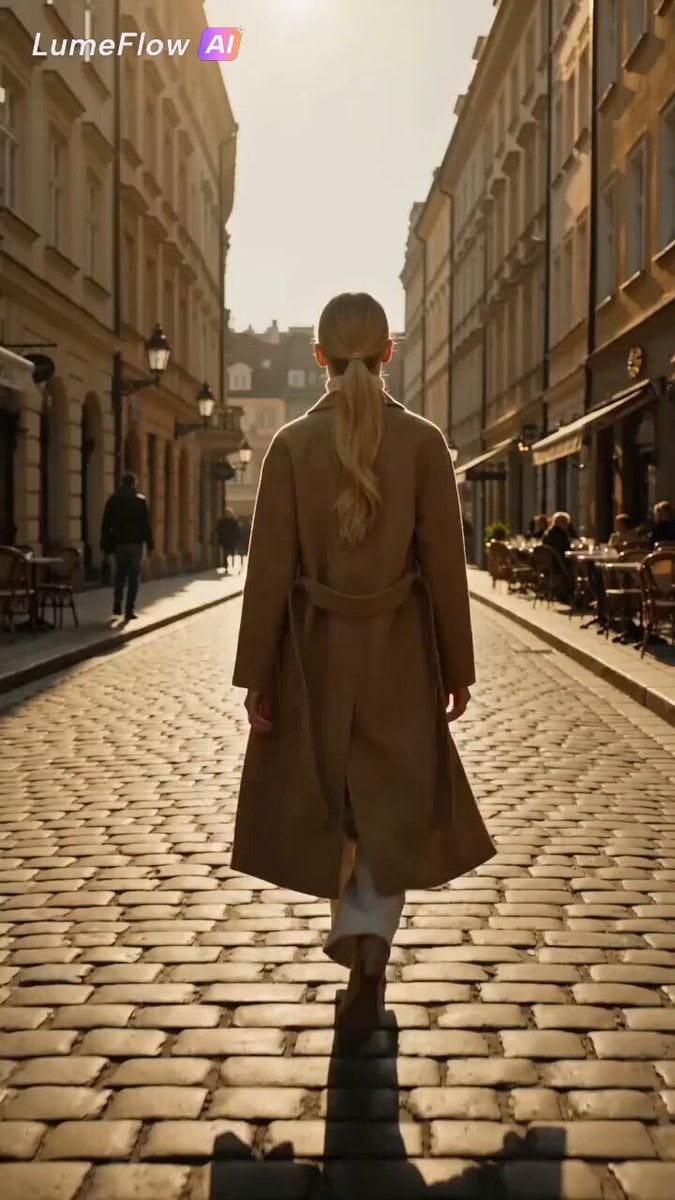
Luxury Wireless Earbuds Product Showcase
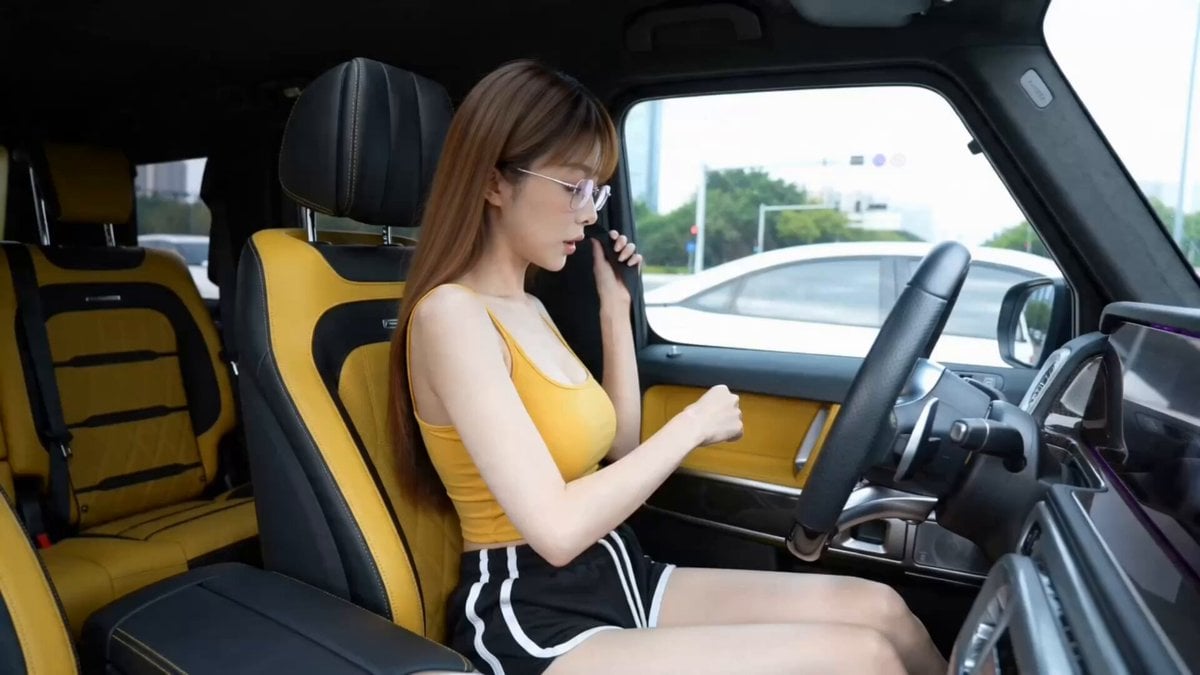
Luxury Car Fashion Montage
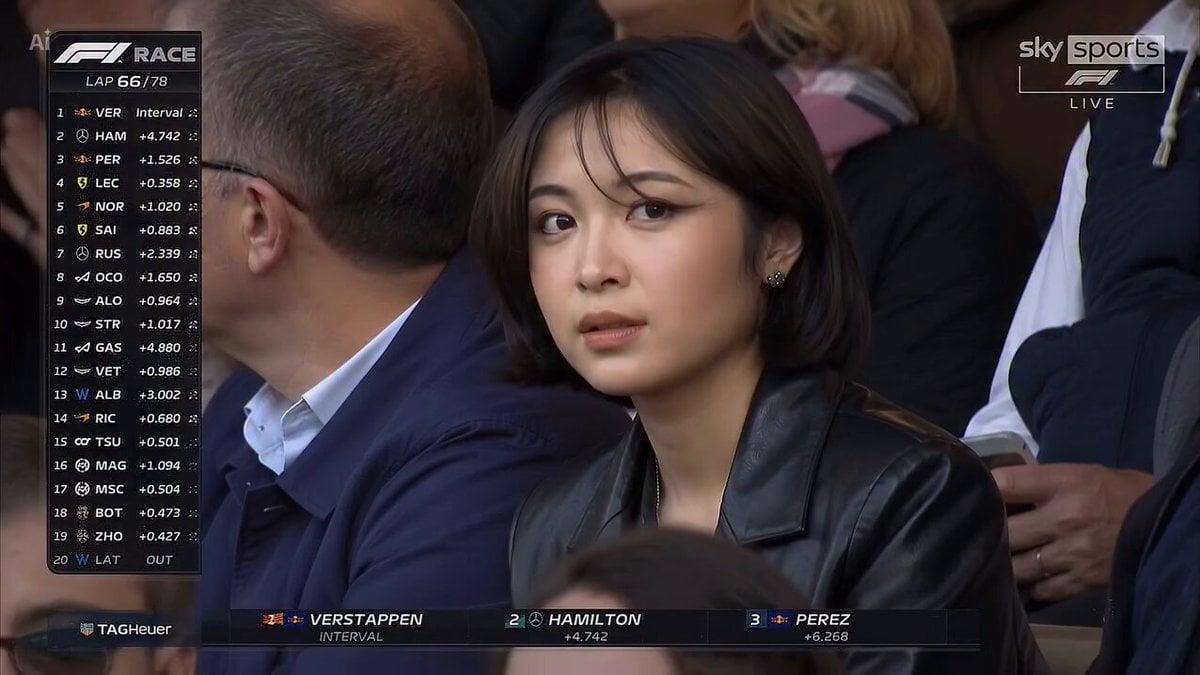
Cinematic Stadium Portrait
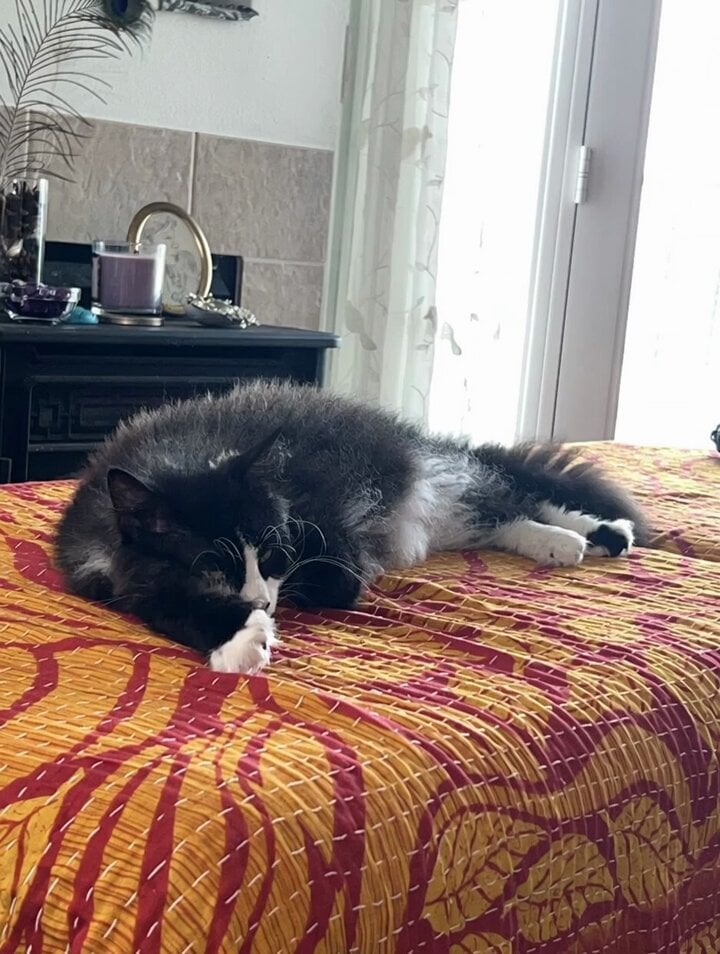
Leo the Cat and Alien Kitten Friends
Viking Warrior Forest Charge
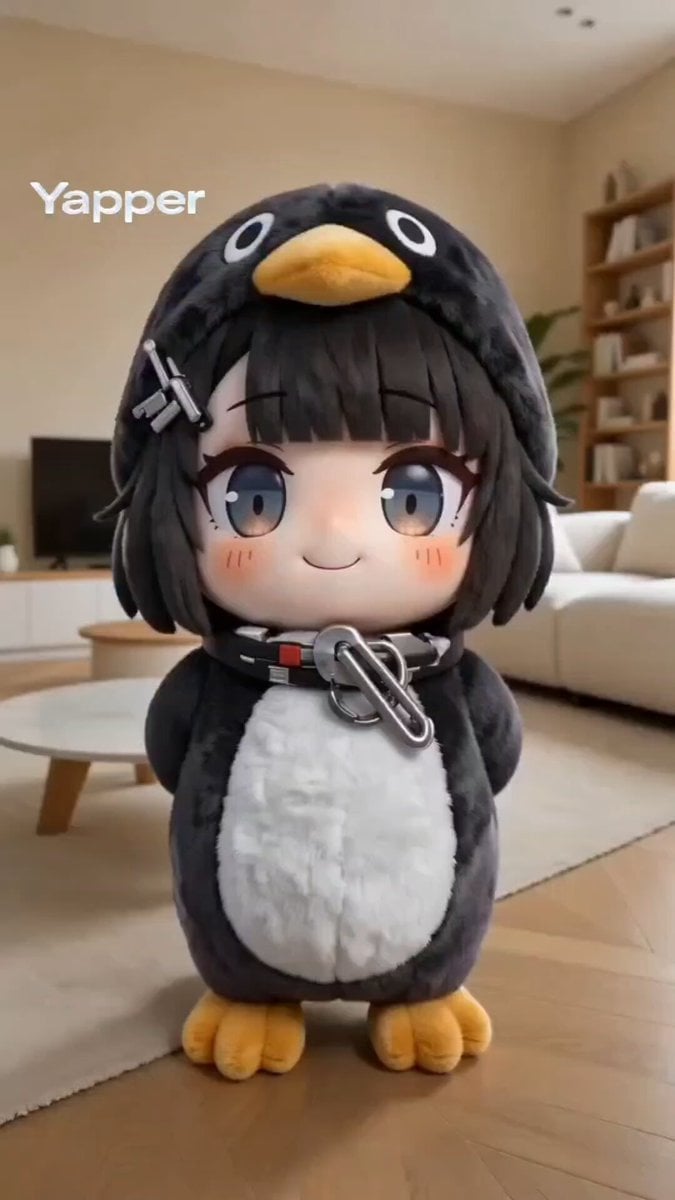
Kawaii chibi penguin-girl dancing prompt
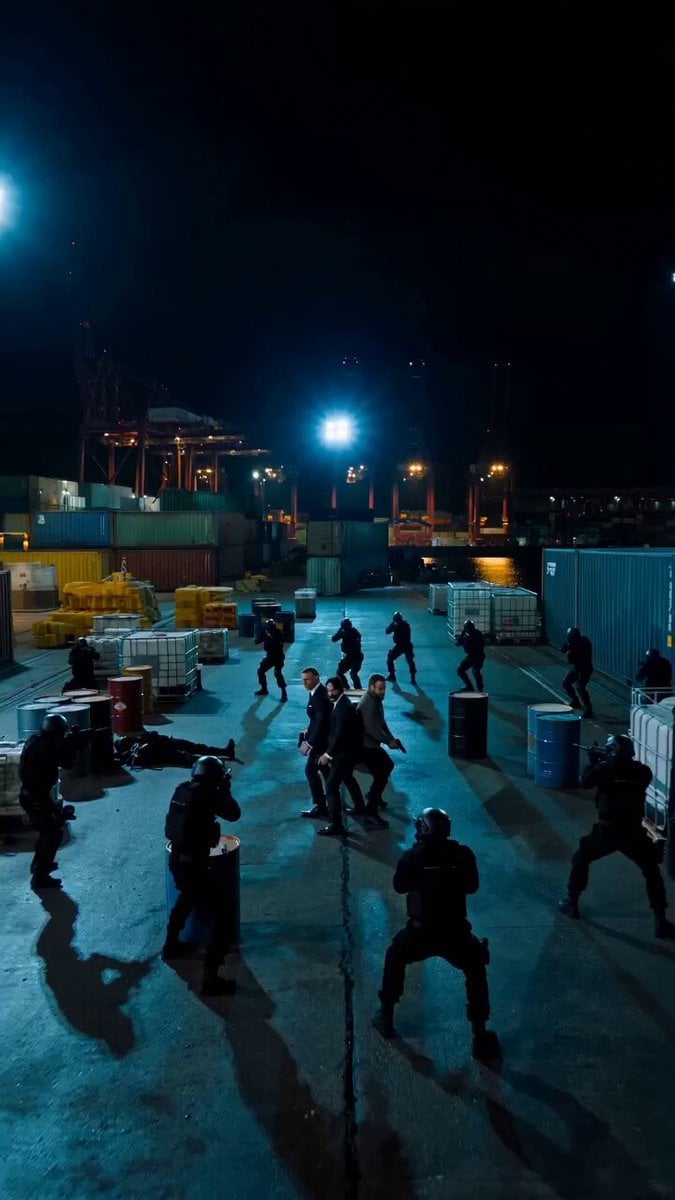
Fast-Paced Action Scene Prompt
Browse template categories
Peking Opera Heritage Short Film questions
How do I use the Peking Opera Heritage Short Film template?
Add your photo if the template asks for one, edit the prompt if you like — the template's model and format are already selected — and press Generate. Your version opens in PicX Studio.
Can I customize the Peking Opera Heritage Short Film template?
Yes. You can change the subject, setting, lighting, mood, format, and available model controls before creating your video.
Is the Peking Opera Heritage Short Film template free?
Opening and editing this template is free. Generating uses credits, shown on the Generate button when you are signed in.
Which AI model should I use?
Start with Seedance 2.5, which is the model associated with this template. You can compare another compatible model for a different finish.
Looking for something else? Browse all templates.

Your photo, any look
Thousands of ready templates for every top image and video model, from one credit balance.