
Viral Shark Attack Fishing Boat
A cinematic and high-tension prompt for creating a viral-style video of a shark attack on a fishing boat at night, featuring raw handheld movement and dramatic lighting.
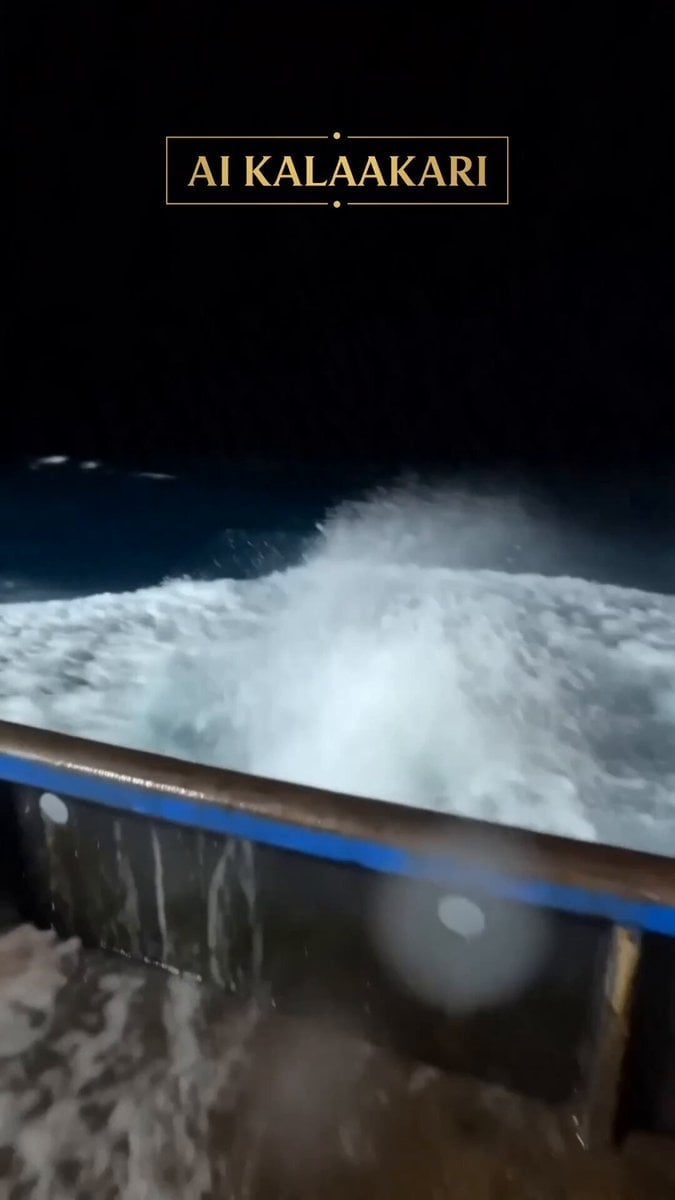
- Prompt included
- Model and format preset
- Free template
The prompt behind this video
Copy the exact prompt behind Viral Shark Attack Fishing Boat, or open it in the studio and make it yours.
Handheld mobile phone footage at night on a fishing boat deck in the open ocean. Bright boat lights illuminate the wet deck as large silver tuna suddenly leap out of the dark water and crash onto the boat. The fish flop and thrash violently while fishermen in orange and yellow rain gear react in panic, dodging and trying to grab the jumping tuna. Chaotic energy with people moving quickly and shouting. The shaky phone camera captures the wild scene with motion blur and raw handheld movement. In the final two seconds, a massive shark suddenly bursts out of the water right in front of the camera, mouth open - cut to static like the camera got damaged. Viral social media style, realistic night lighting, wet reflective surfaces, high tension and excitement, documentary-style handheld footage
How to use Viral Shark Attack Fishing Boat in 3 steps
- 1
Open
The prompt is already in the box next to the preview, with the template's model and format selected.
- 2…a portrait of your subject in softgolden-hour light, 85mm…
Personalize
Edit the subject and creative details for your destination.
- 3Generate
Generate
Press Generate — your video is created in PicX Studio, so you can compare it with the original and refine one variable at a time.
More like this
Templates with the same subject, style or setup. Open one to see its prompt.
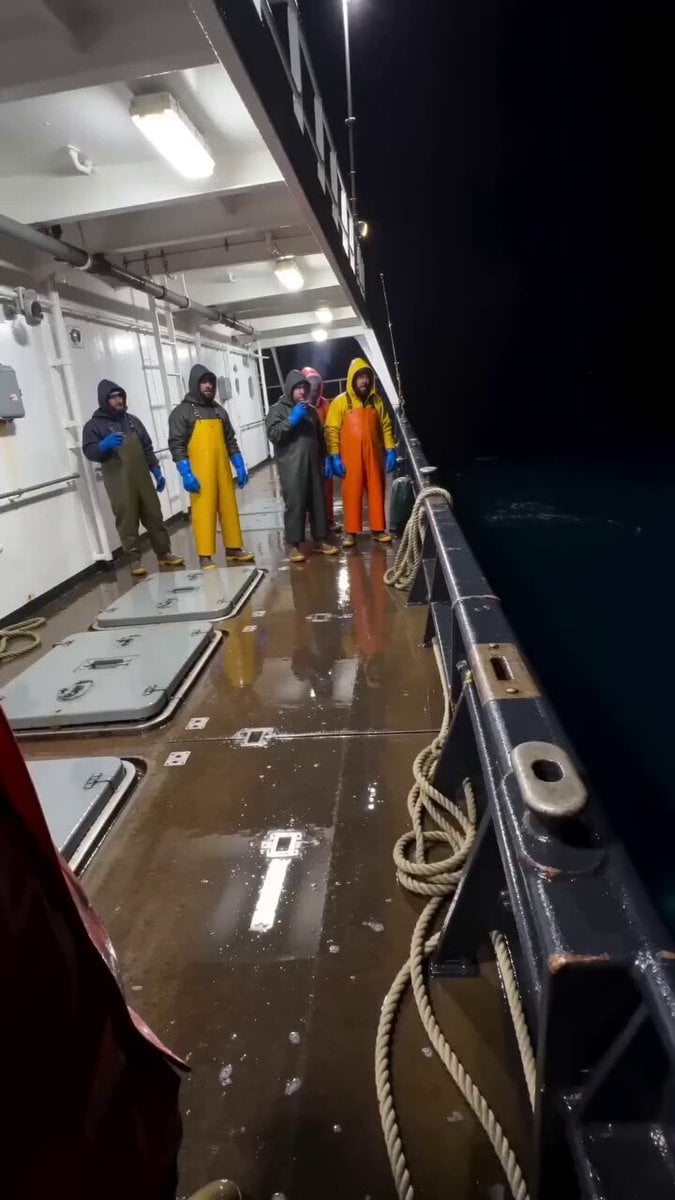
Shark Chasing Tuna on Fishing Boat
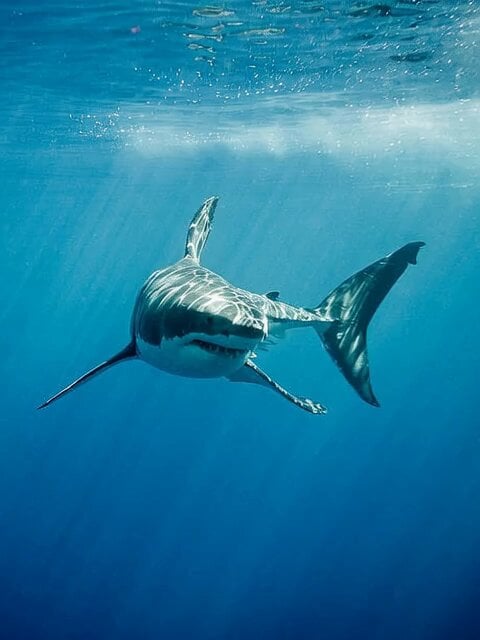
POV Shark Attack
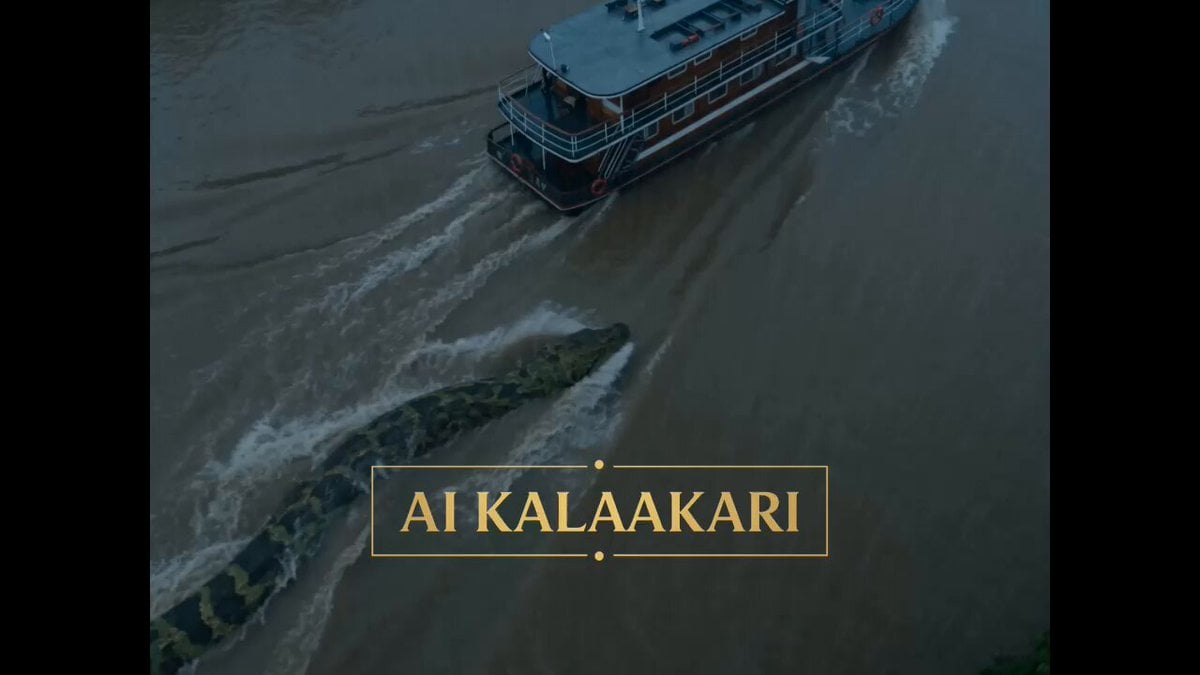
Giant Anaconda Houseboat Attack Horror

Giant Anaconda Houseboat Attack
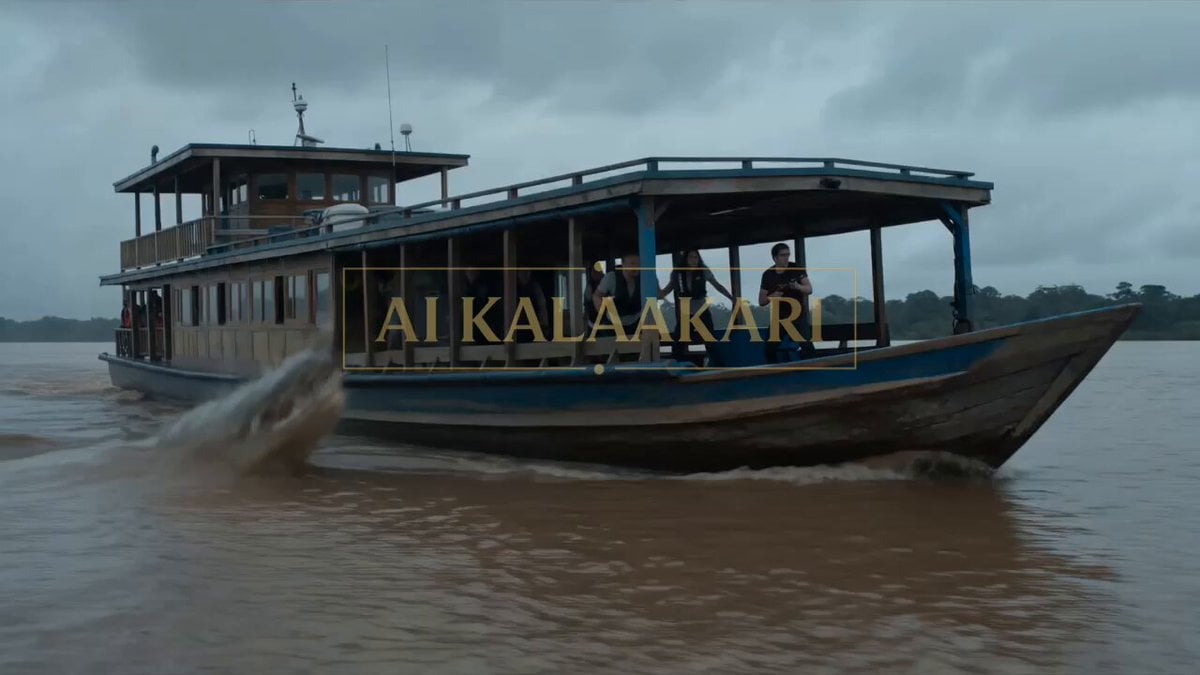
Giant Crocodile Houseboat Attack
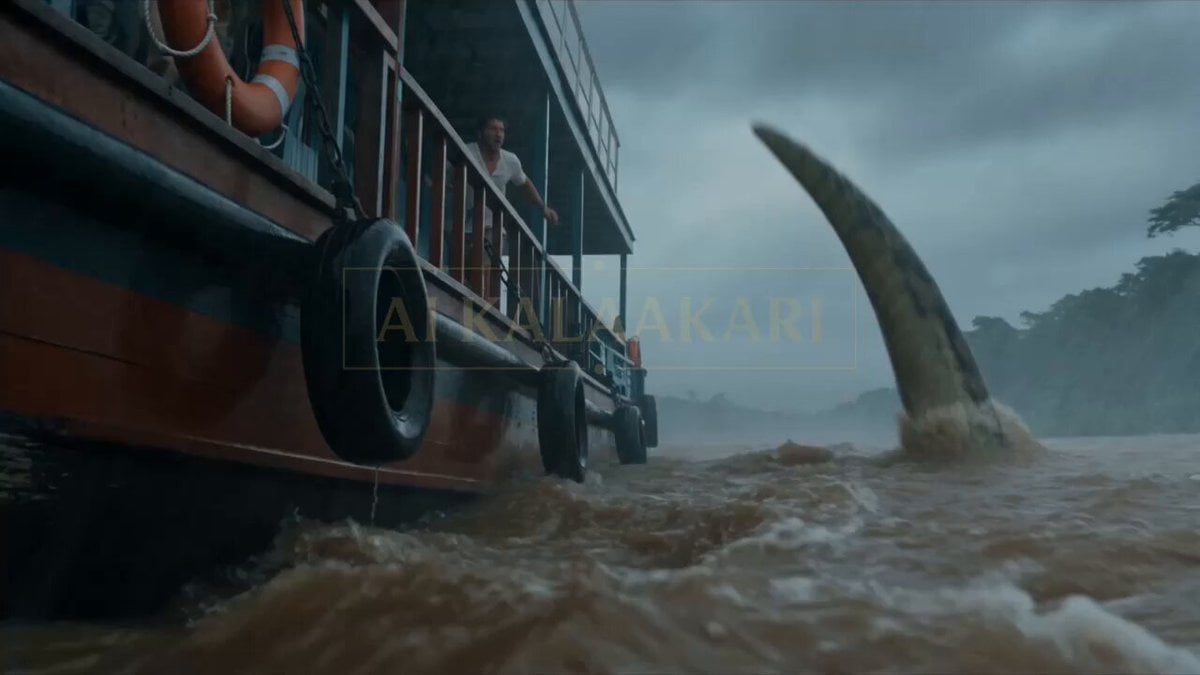
Anaconda Houseboat Attack

4DX Cinema Shark Attack Simulation

Man on a seaboat attacked by a sea monster
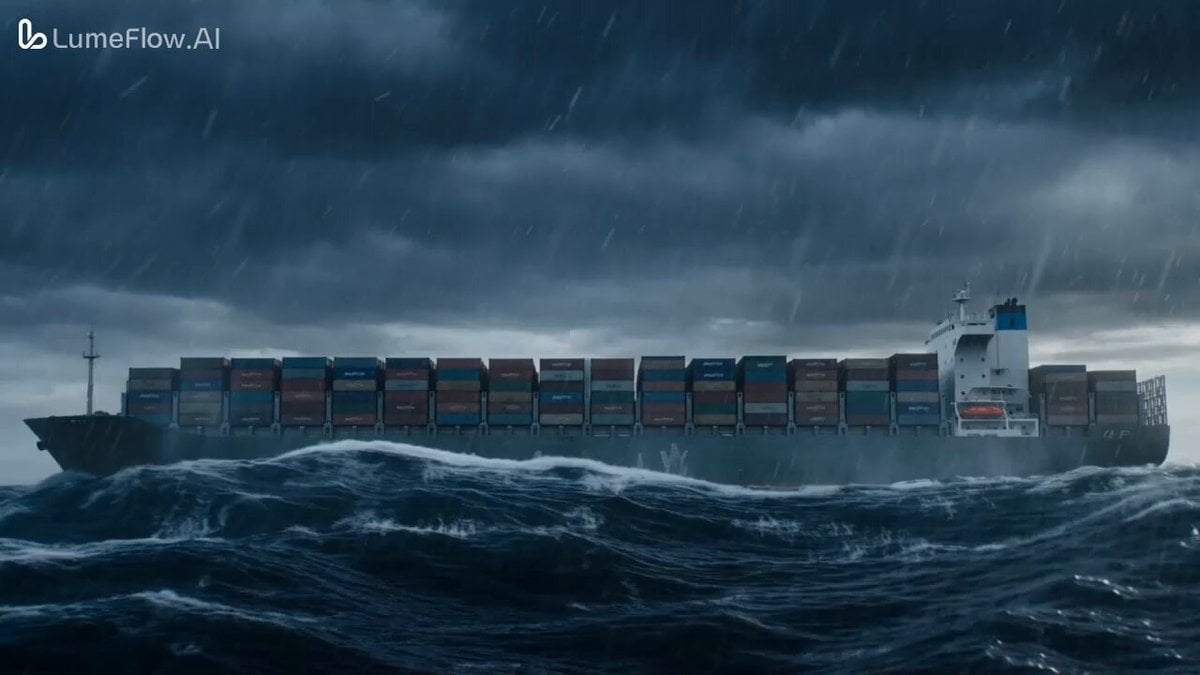
Colossal Prehistoric Shark Attack Video Prompt

Cyberpunk Wuxia Warrior on a Fishing Boat in the Desert
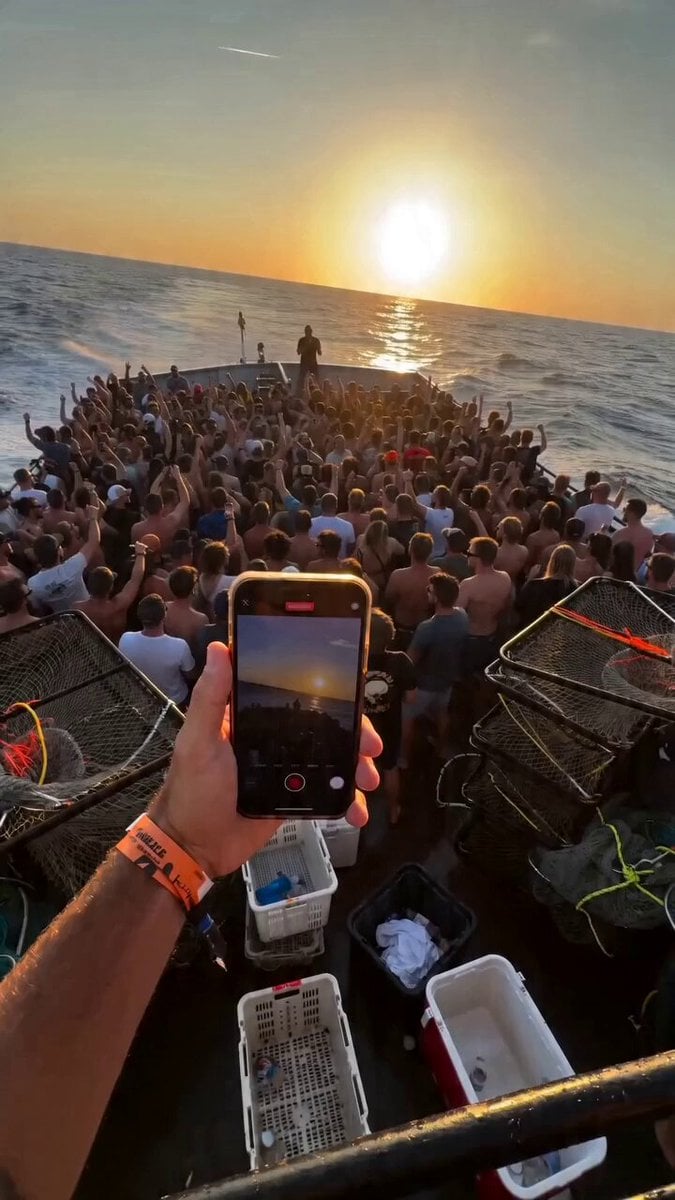
Fishing Boat Crowd POV Video Prompt
Ankitpatel Time Freeze Viral
Make it yours
Viral Shark Attack Fishing Boat works as-is. These are the safest ways to change it without losing the look.
Change one field
Copy a single group, rewrite it, and generate again so you can see what that field is doing.
Keep the frame, change the subject
Hold the composition and light of Viral Shark Attack Fishing Boat, then swap wardrobe, props or the person for a new take.
| If the result… | Why | Fix |
|---|---|---|
| The result drifts from the preview | Too many fields changed at once. | Reuse Viral Shark Attack Fishing Boat as-is first, then change one group — subject, light, or setting. |
| The model over-stylizes the scene | The prose prompt leaves finish and camera underspecified. | Add one camera or lighting sentence and stay on Seedance 2.0. |
More Seedance 2.0 templates
Other prompts made for Seedance 2.0.

Comical Martial Arts Punch Scene

Maglev Train Action Sequence

Martial Arts Fight Sequence

Wuxia Protection and Trust Script

Vintage Korean Arcade MiniDV Vlog

Mercedes 190 SL Luxury Ad

Rainy Night Supernatural Reverse Comedy Video Script

Amazon Civilization Discovery

Futuristic South Asian City Transformation

Cozy Luxury Cafe Commercial
More video prompts
Fresh picks from across the catalog.

Blockbuster Supercar Chase Scene
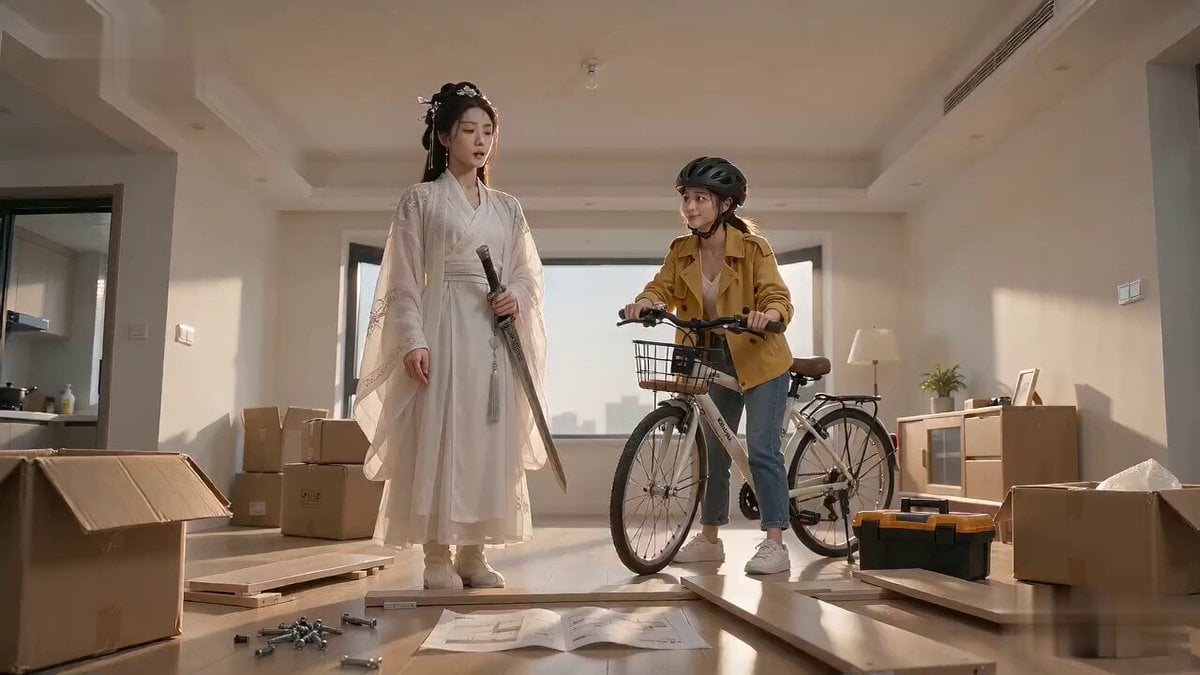
Xianxia Furniture Assembly Comedy
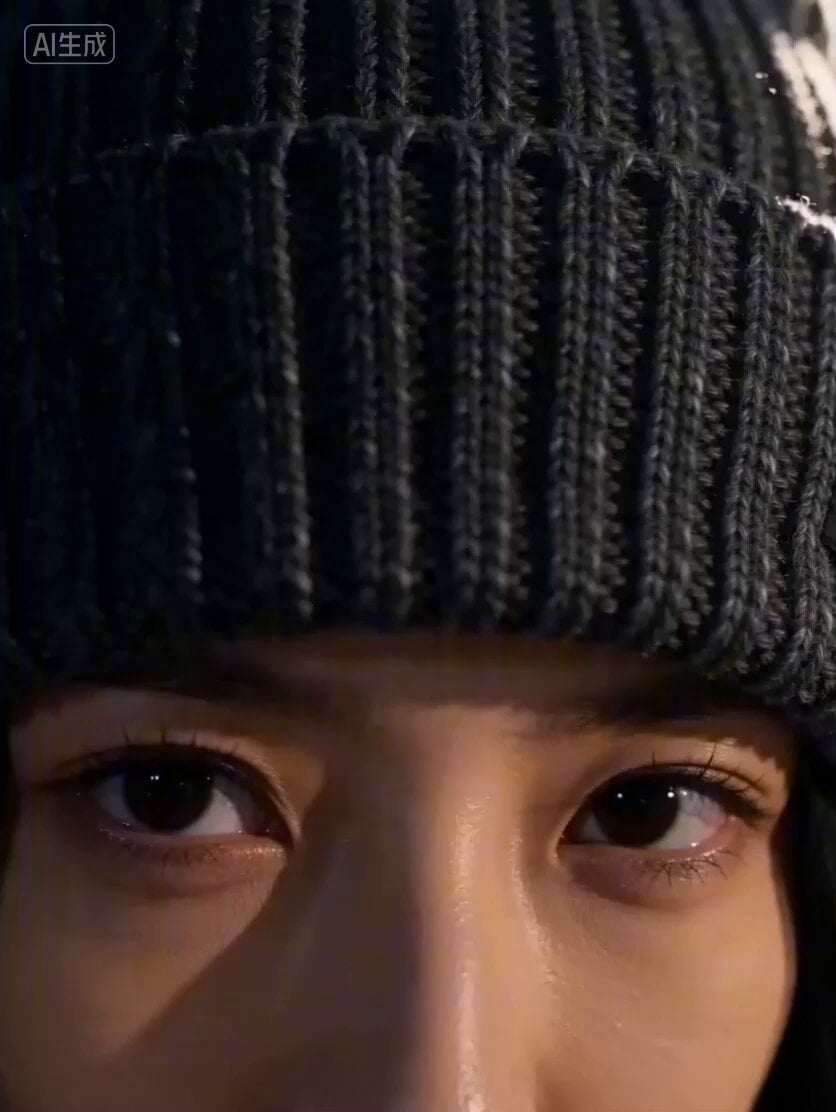
Seedance 2.0 Video Prompt: Fashion Commercial for Adam Hat Brand
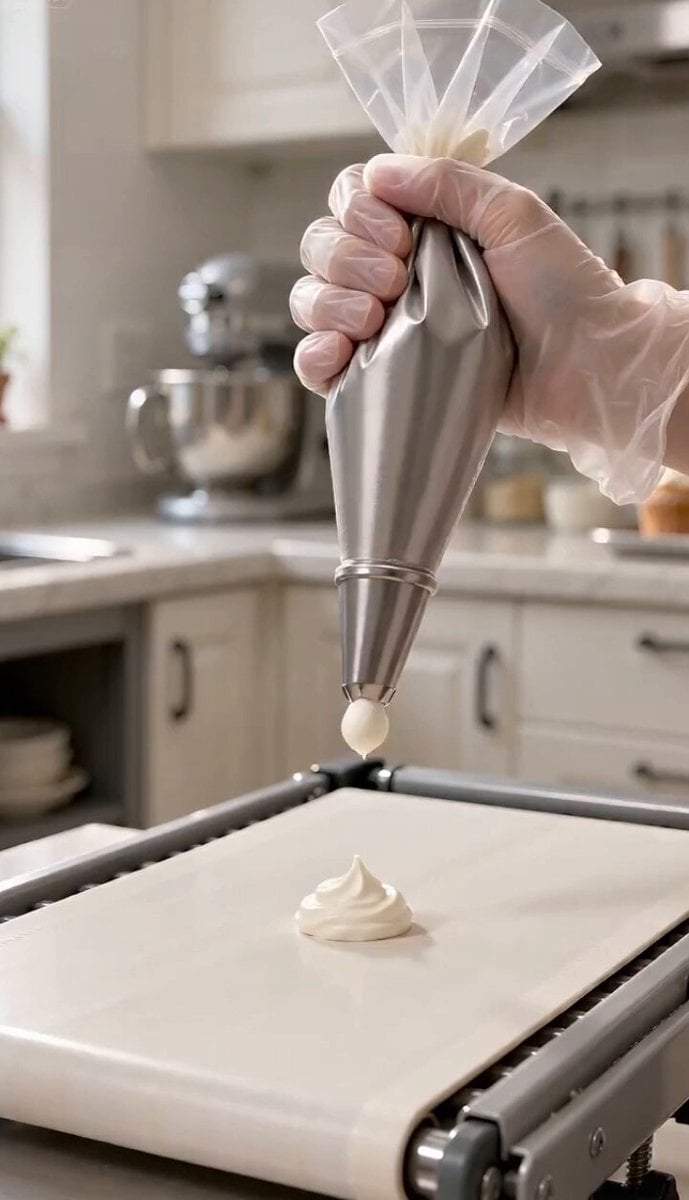
Magic Baking Kitchen Cat Transformation

Loch Ness Monster Grin

Cinematic Lightning Avatar Transformation Sequence
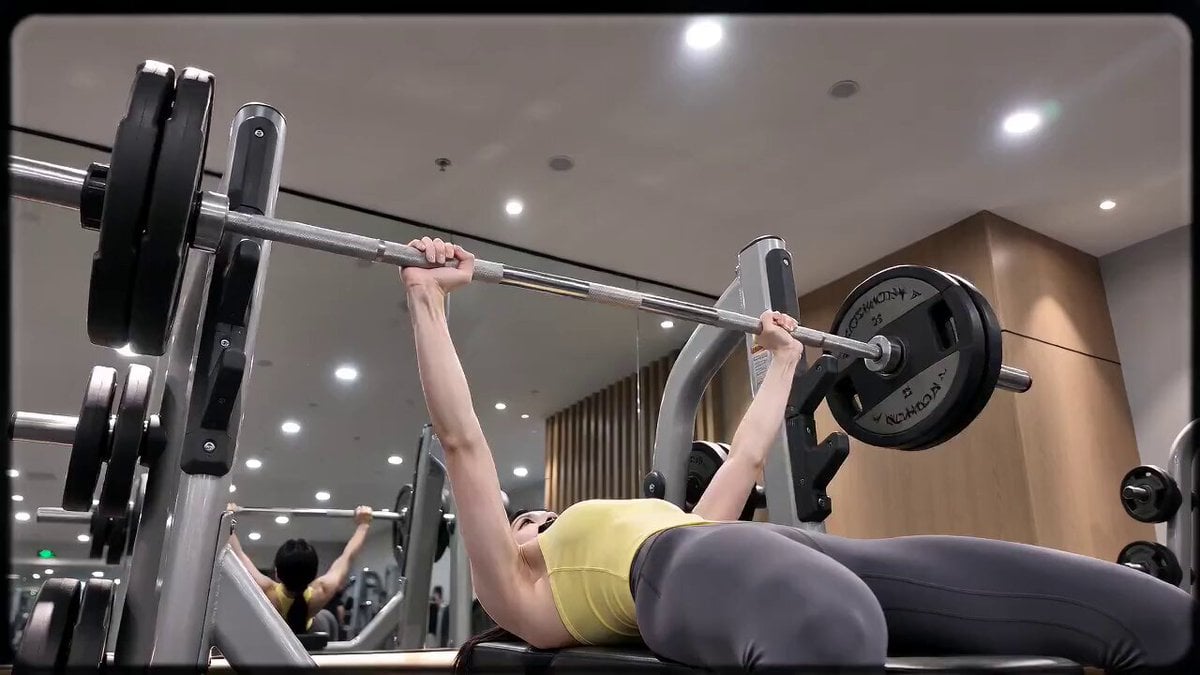
16mm DV Fitness Vlog POV
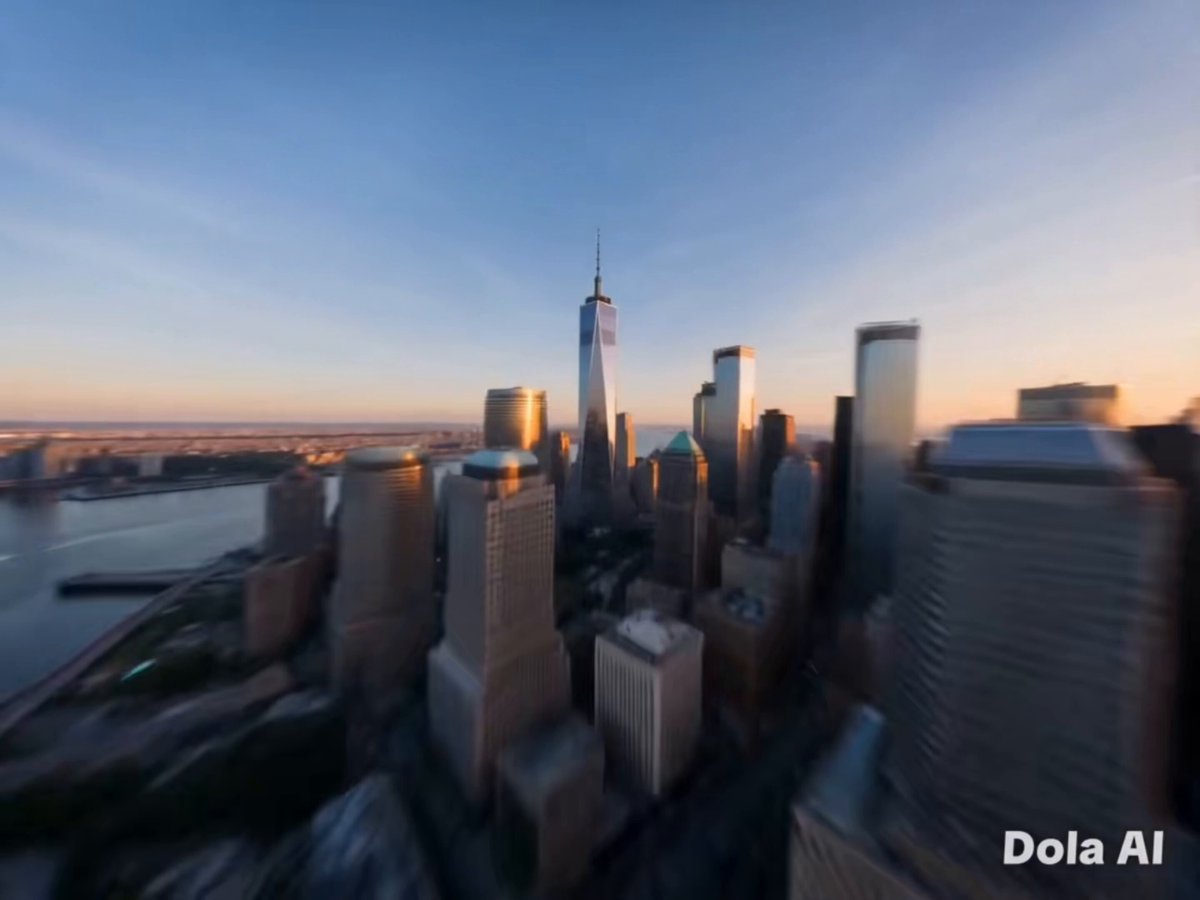
New York FPV Drone Flight
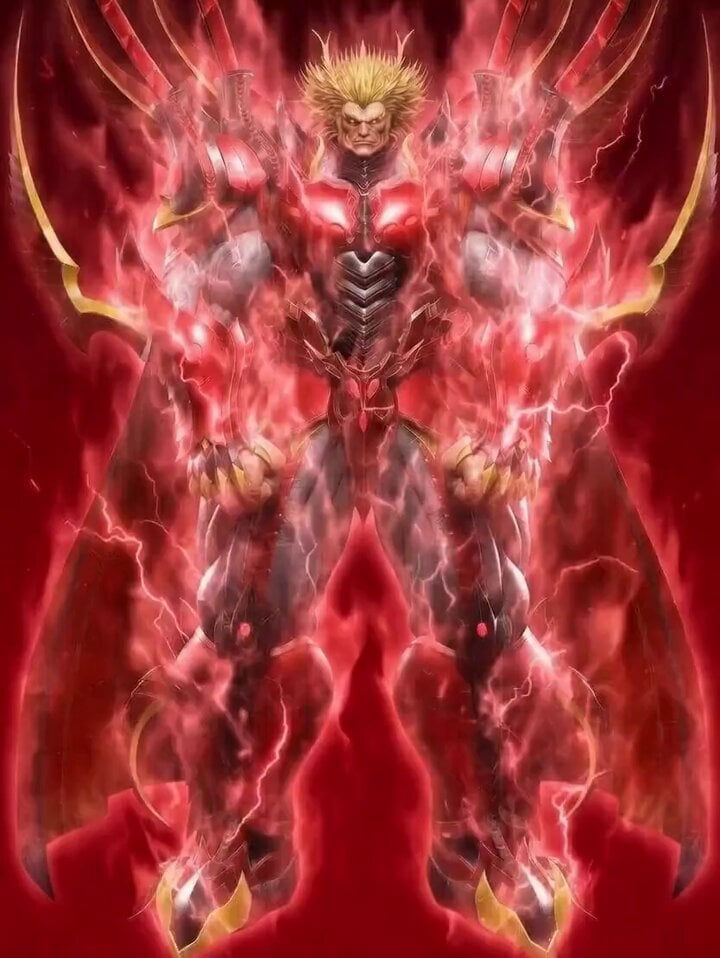
Obelisk The Tormentor Punch Prompt
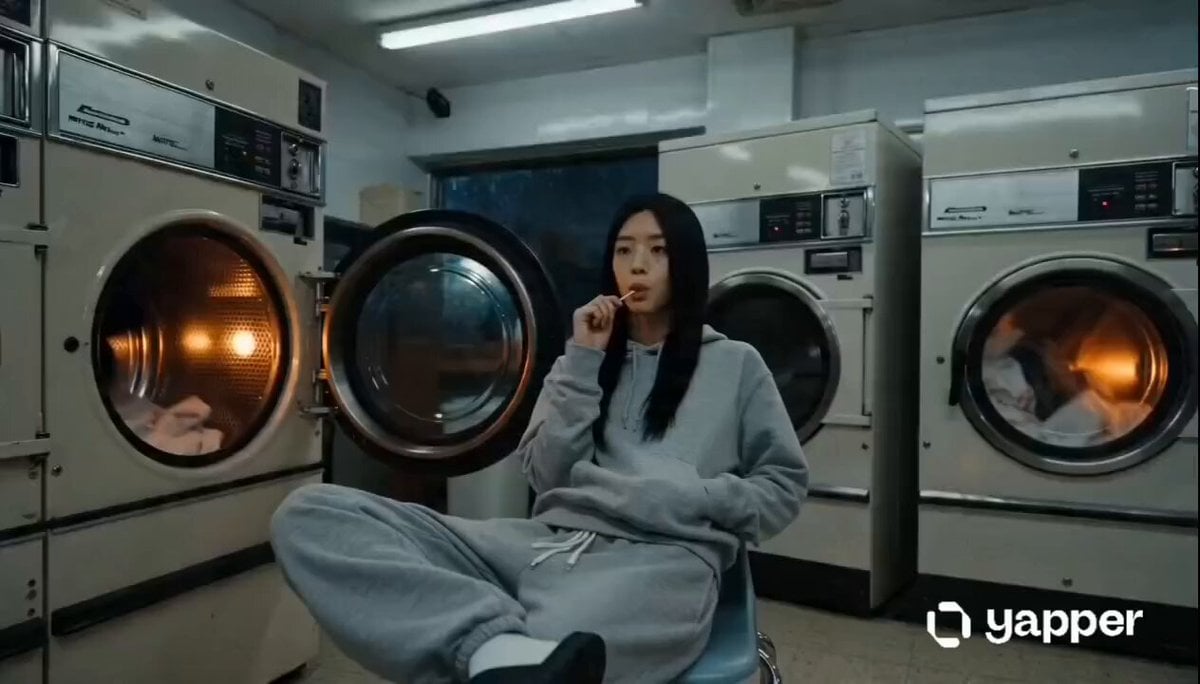
Laundromat Sci-Fi Armor Transformation
Browse template categories
Viral Shark Attack Fishing Boat questions
How do I use the Viral Shark Attack Fishing Boat template?
Add your photo if the template asks for one, edit the prompt if you like — the template's model and format are already selected — and press Generate. Your version opens in PicX Studio.
Can I customize the Viral Shark Attack Fishing Boat template?
Yes. You can change the subject, setting, lighting, mood, format, and available model controls before creating your video.
Is the Viral Shark Attack Fishing Boat template free?
Opening and editing this template is free. Generating uses credits, shown on the Generate button when you are signed in.
Which AI model should I use?
Start with Seedance 2.0, which is the model associated with this template. You can compare another compatible model for a different finish.
Looking for something else? Browse all templates.

Your photo, any look
Thousands of ready templates for every top image and video model, from one credit balance.