
Live NHL Hockey Broadcast
A detailed prompt for creating a realistic 15-second NHL hockey broadcast clip, including dynamic camera angles, on-screen graphics, and commentary.
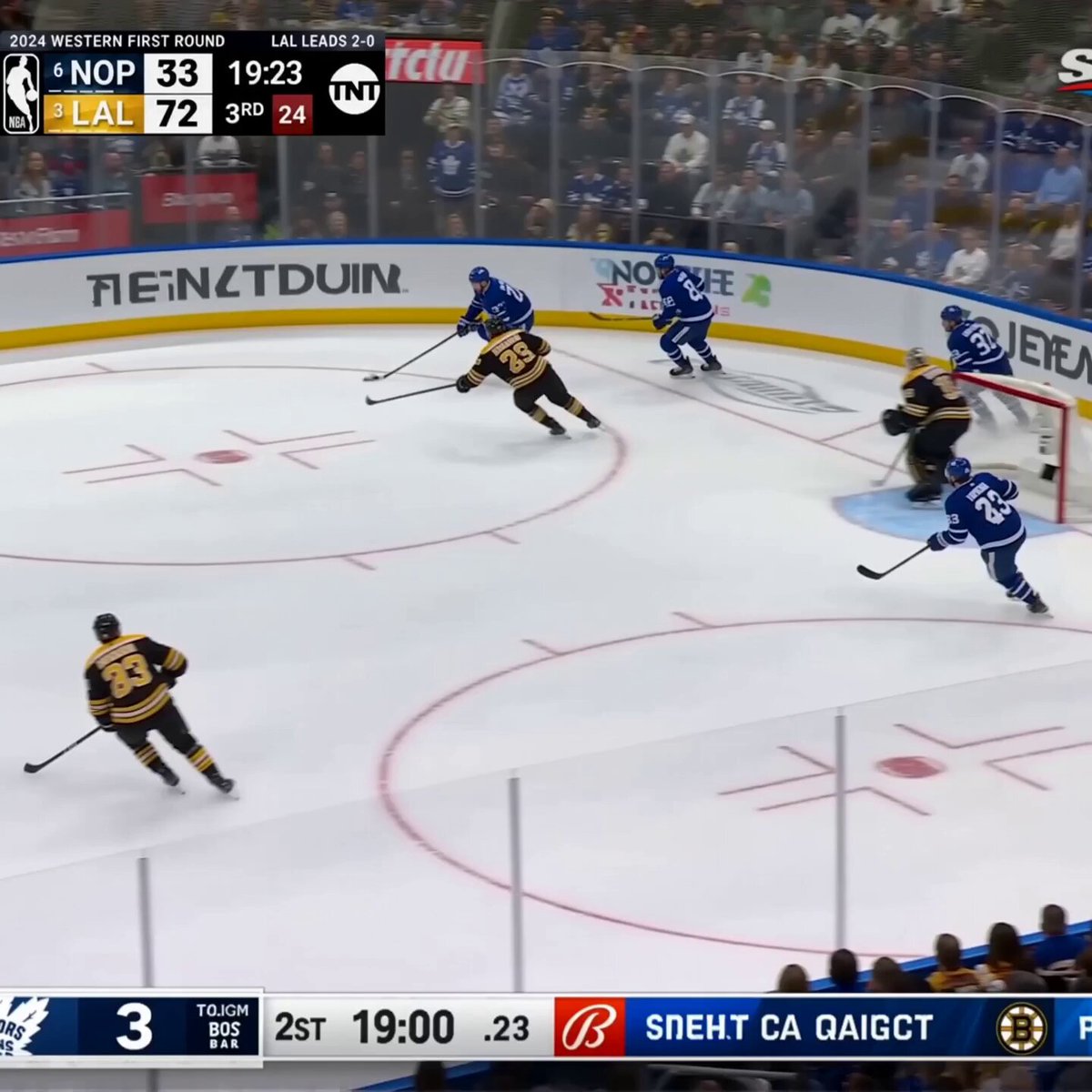
- Prompt included
- Model and format preset
- Free template
The prompt behind this video
Copy the exact prompt behind Live NHL Hockey Broadcast, or open it in the studio and make it yours.
Animate the reference image_1 into a dynamic 15-second hyper-realistic live NHL hockey TV broadcast clip. Visuals: Professional multi-camera broadcast sequence — start with wide high-angle tracking shot following the puck, quick cut to side medium shot of players stickhandling and battling along the boards, fast skate into offensive zone, dramatic shot on goal with goalie save and ice spray explosion, subtle handheld camera shake during intensity, crowd standing and cheering, perfect character consistency, realistic physics on skates/puck/sticks, authentic broadcast color grading and lens effects. On-screen graphics: Live-updating scorebug (TOR 3 - BOS 2, time counting down), player stats pop-ups, channel logo top-right, lower-third ticker. Audio & Dialogues (synchronized perfectly with action, energetic sports commentator style, clear male voices, background arena noise): - 0-3s (wide tracking shot): Play-by-play announcer (excited, fast): "Here we go! Matthews with the puck, entering the zone... he drops it back to Nylander!" - 3-7s (board battle + shot): Color commentator (deeper voice): "Oh what a battle along the boards! Boston trying to clear but Toronto's forecheck is relentless... wrist shot! Save by Ullmark!" - 7-10s (after save, crowd roar): Play-by-play: "Big save! The Maple Leafs keep the pressure on... crowd is on their feet here at Scotiabank Arena!" - Background: Loud arena crowd roar building, ice skate scratches, puck impacts, stick clacks, faint on-ice player shouts ("Pick it up!", "Screen!"). Photorealistic broadcast quality, 1080p 60fps, perfect lip-sync if any close-ups, no AI artifacts, maximum realism, cinematic sports documentary style.
How to use Live NHL Hockey Broadcast in 3 steps
- 1
Open
The prompt is already in the box next to the preview, with the template's model and format selected.
- 2…a portrait of your subject in softgolden-hour light, 85mm…
Personalize
Edit the subject and creative details for your destination.
- 3Generate
Generate
Press Generate — your video is created in PicX Studio, so you can compare it with the original and refine one variable at a time.
More like this
Templates with the same subject, style or setup. Open one to see its prompt.
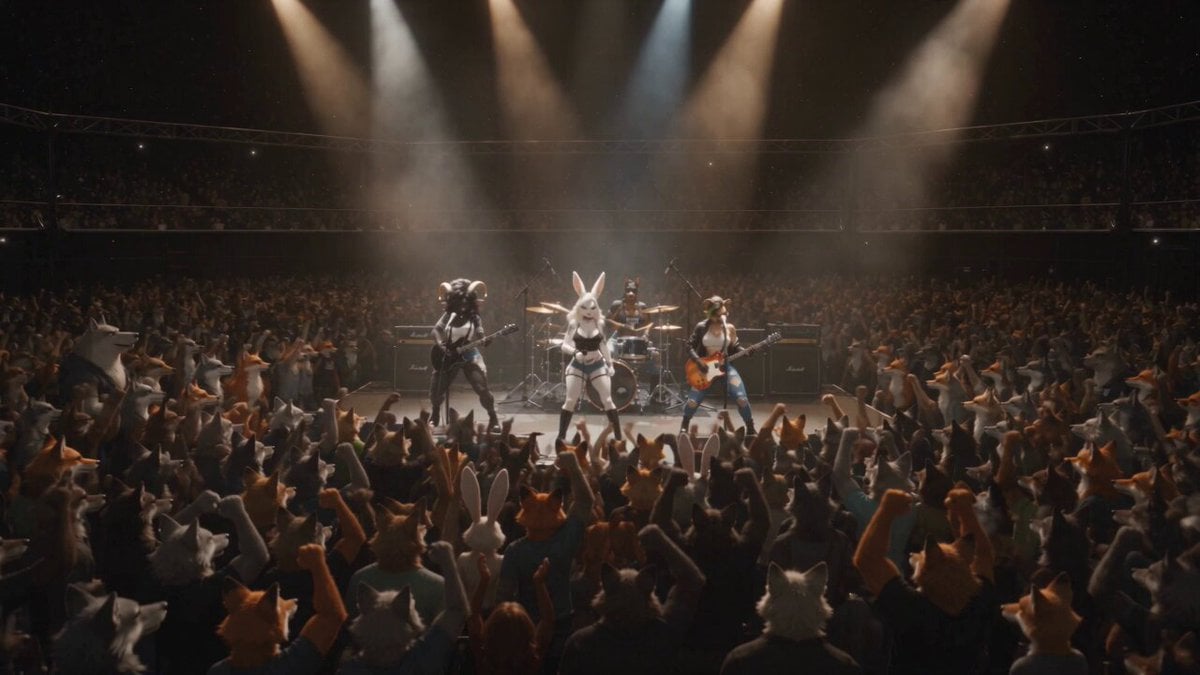
Anthropomorphic Rock Band Live Concert - Seedance 2.5
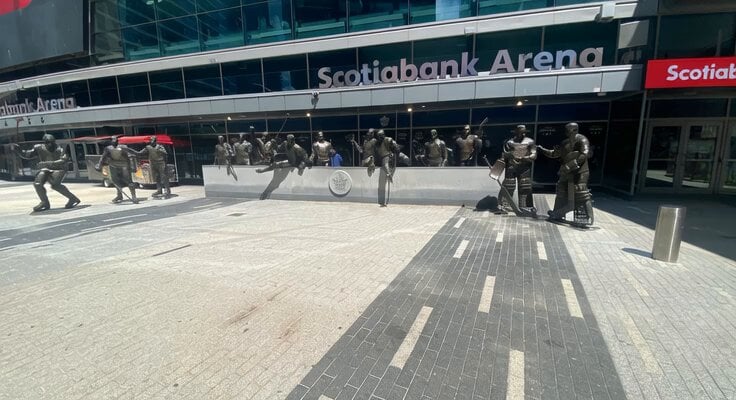
Animated Hockey Player Statues
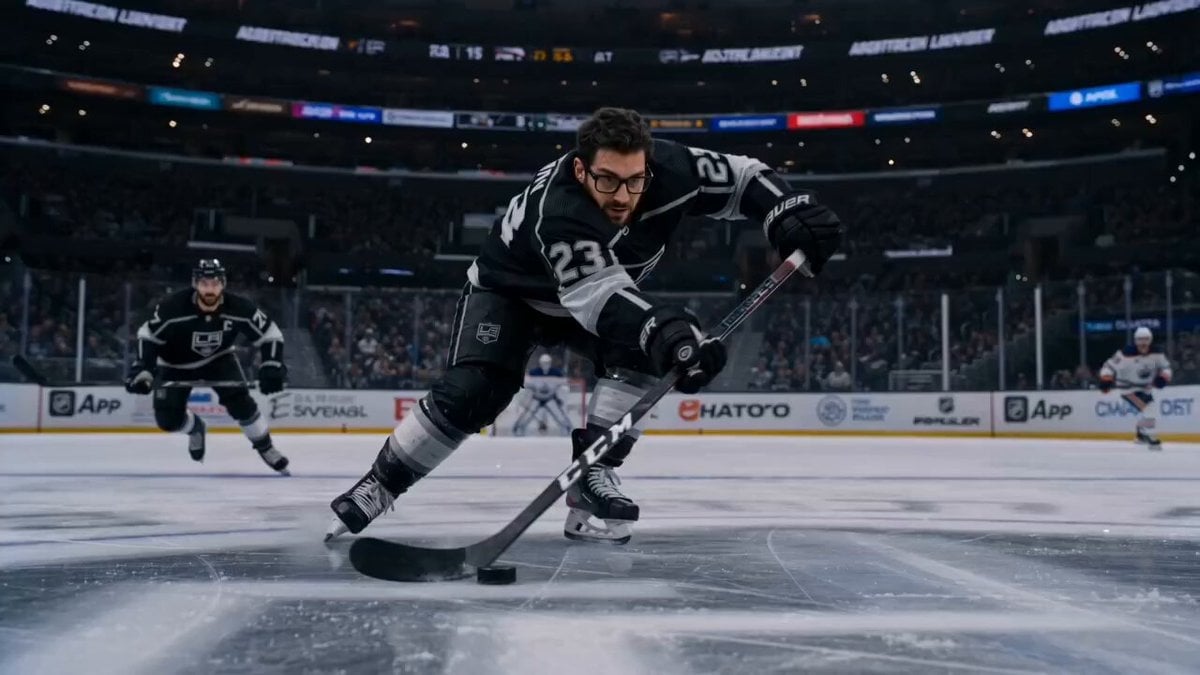
Cinematic Hockey Sequence
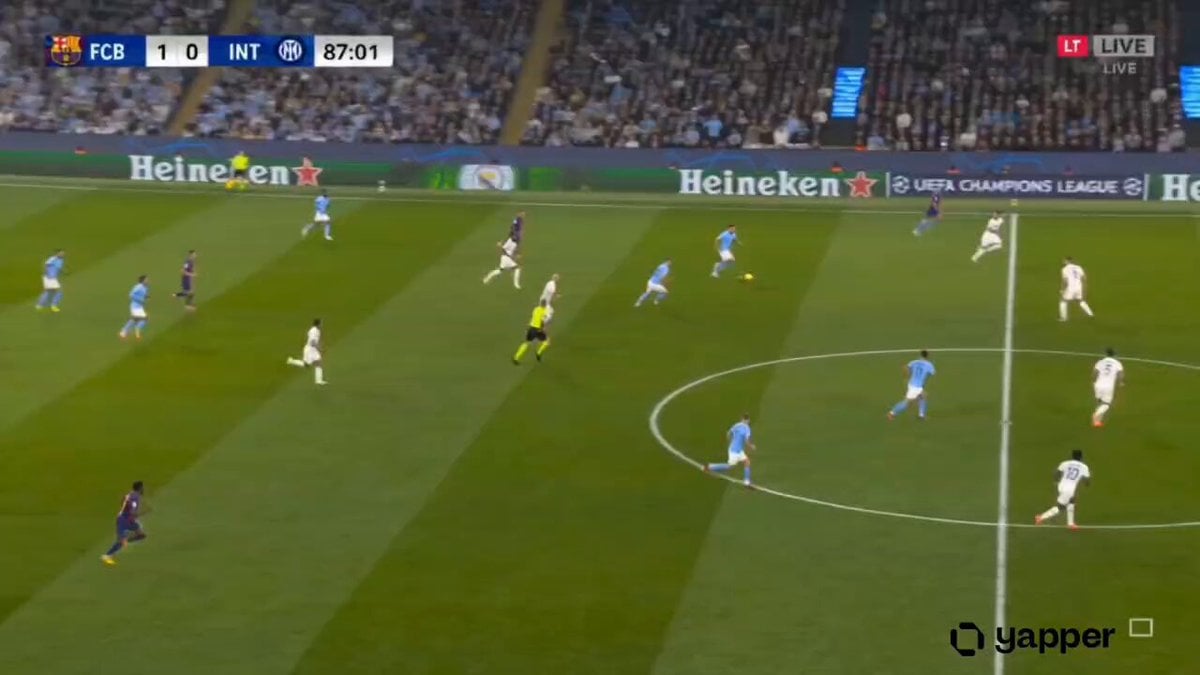
Hyper-realistic Live Football Broadcast
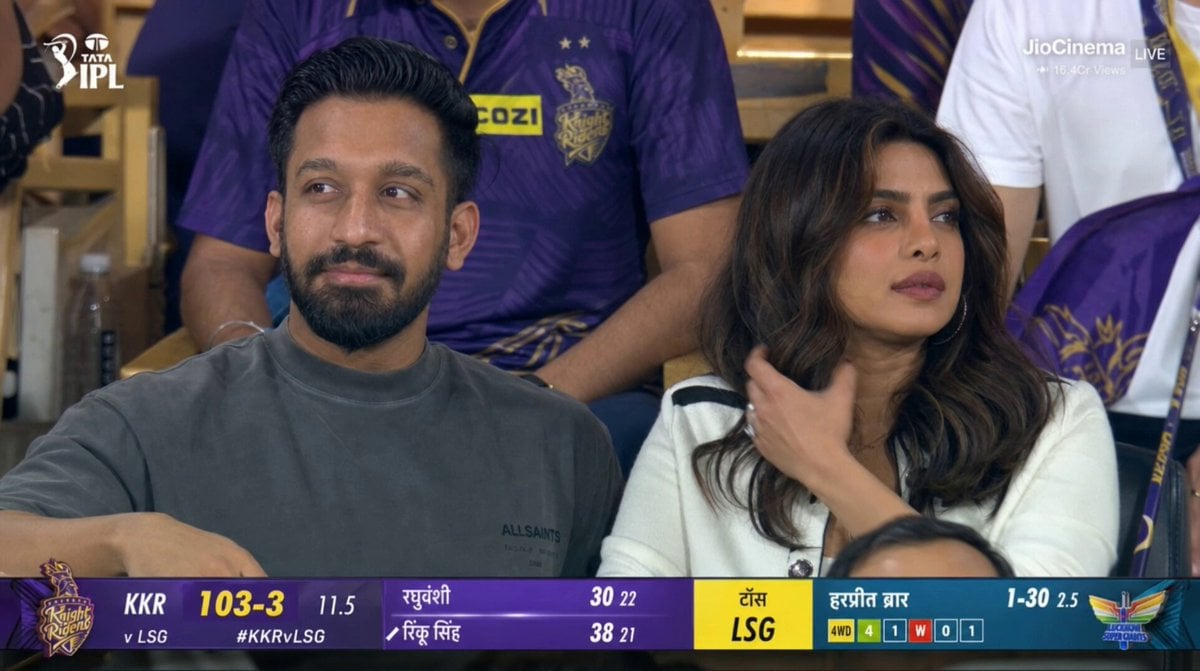
Live IPL Cricket Audience Broadcast
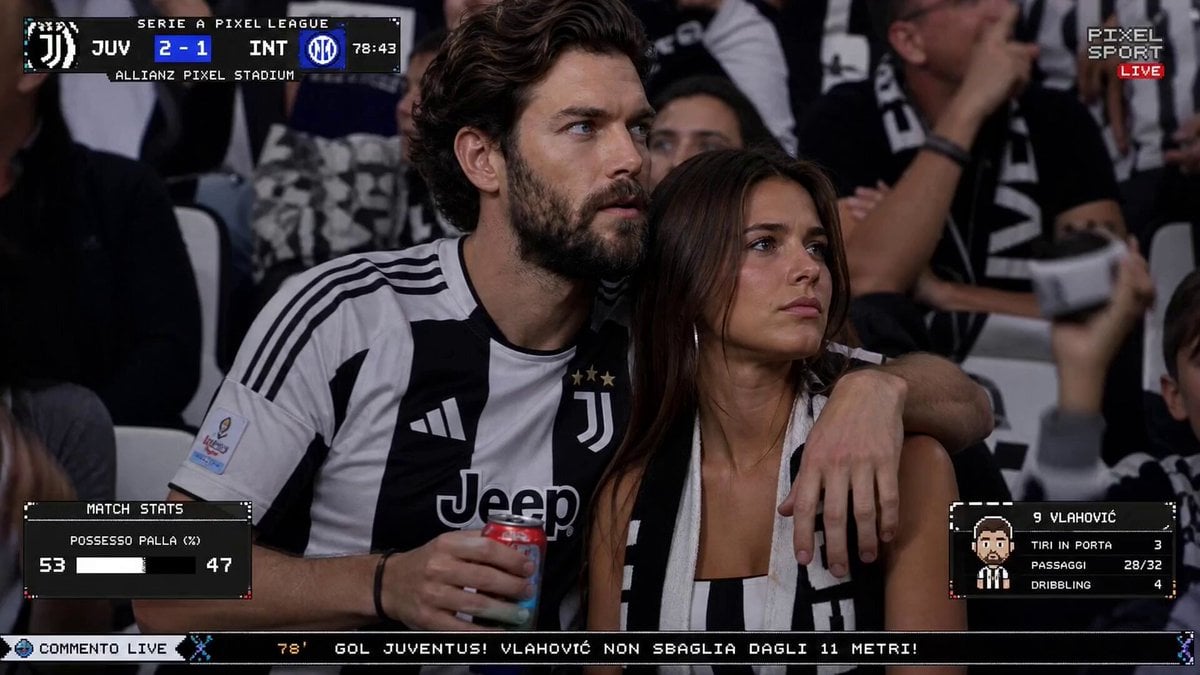
Live TV Football Broadcast Crowd Reaction
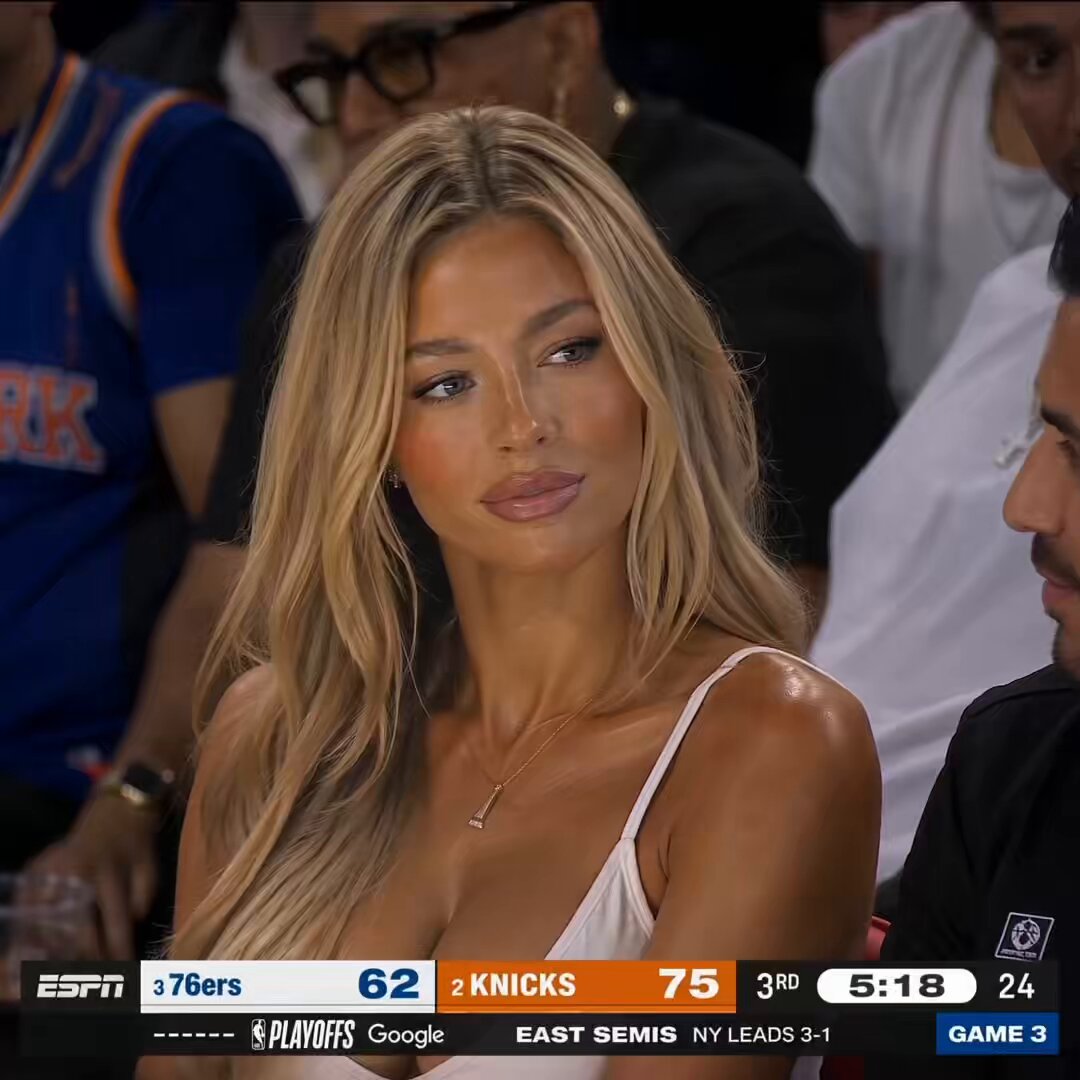
NBA Courtside Live Broadcast
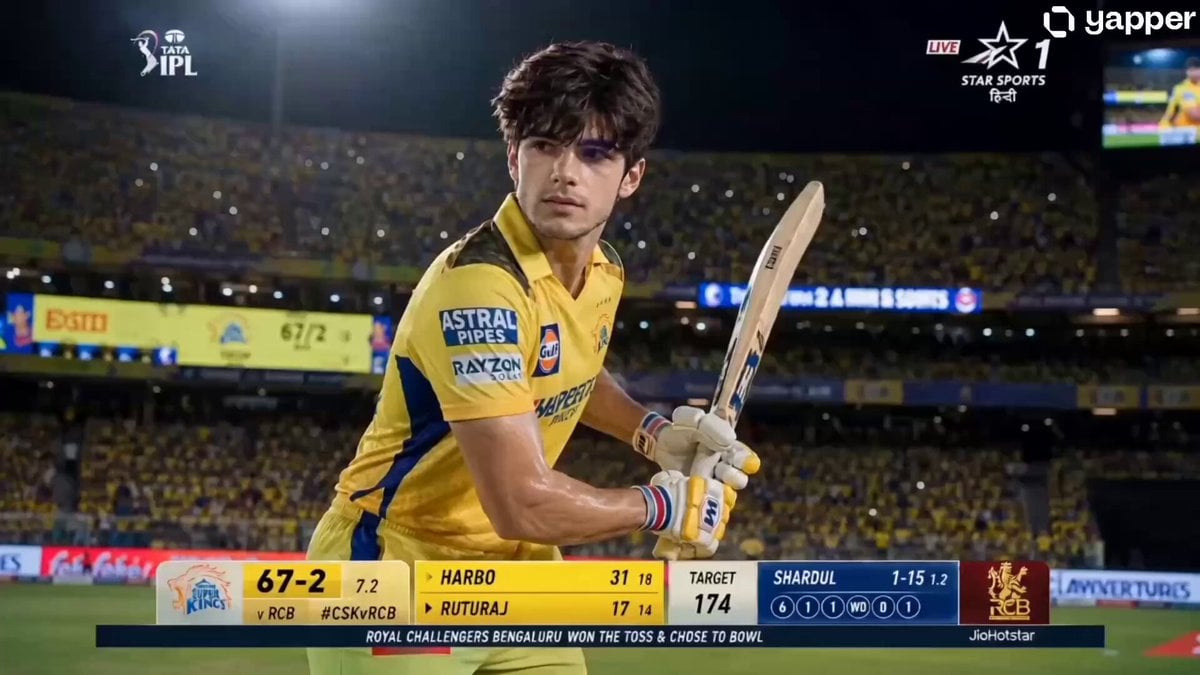
IPL Live Broadcast Scene
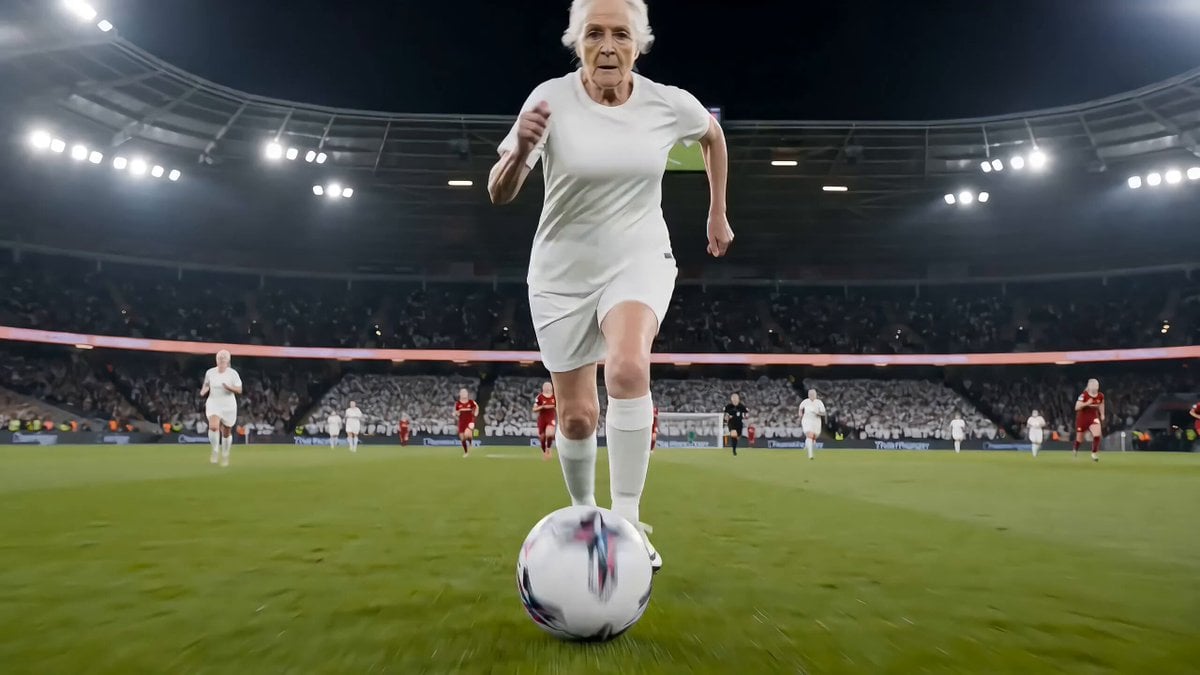
Live football broadcast video prompt
Fantasy Martial Arts Live Action
Cinematic Beer Commercial Live Action
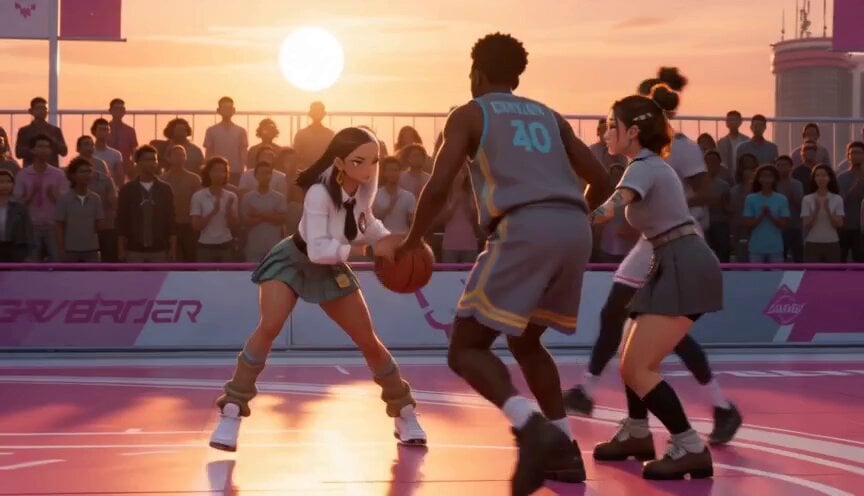
Anime and Live-Action Basketball Mix
Make it yours
Live NHL Hockey Broadcast works as-is. These are the safest ways to change it without losing the look.
Change one field
Copy a single group, rewrite it, and generate again so you can see what that field is doing.
Keep the frame, change the subject
Hold the composition and light of Live NHL Hockey Broadcast, then swap wardrobe, props or the person for a new take.
| If the result… | Why | Fix |
|---|---|---|
| The result drifts from the preview | Too many fields changed at once. | Reuse Live NHL Hockey Broadcast as-is first, then change one group — subject, light, or setting. |
| The model over-stylizes the scene | The prose prompt leaves finish and camera underspecified. | Add one camera or lighting sentence and stay on Seedance 2.0. |
More Seedance 2.0 templates
Other prompts made for Seedance 2.0.

Comical Martial Arts Punch Scene

Maglev Train Action Sequence

Martial Arts Fight Sequence

Wuxia Protection and Trust Script

Vintage Korean Arcade MiniDV Vlog

Mercedes 190 SL Luxury Ad

Rainy Night Supernatural Reverse Comedy Video Script

Amazon Civilization Discovery

Futuristic South Asian City Transformation

Cozy Luxury Cafe Commercial
More video prompts
Fresh picks from across the catalog.
Nanotech Superhero Armor Transformation
Cinematic Trunk POV Scene
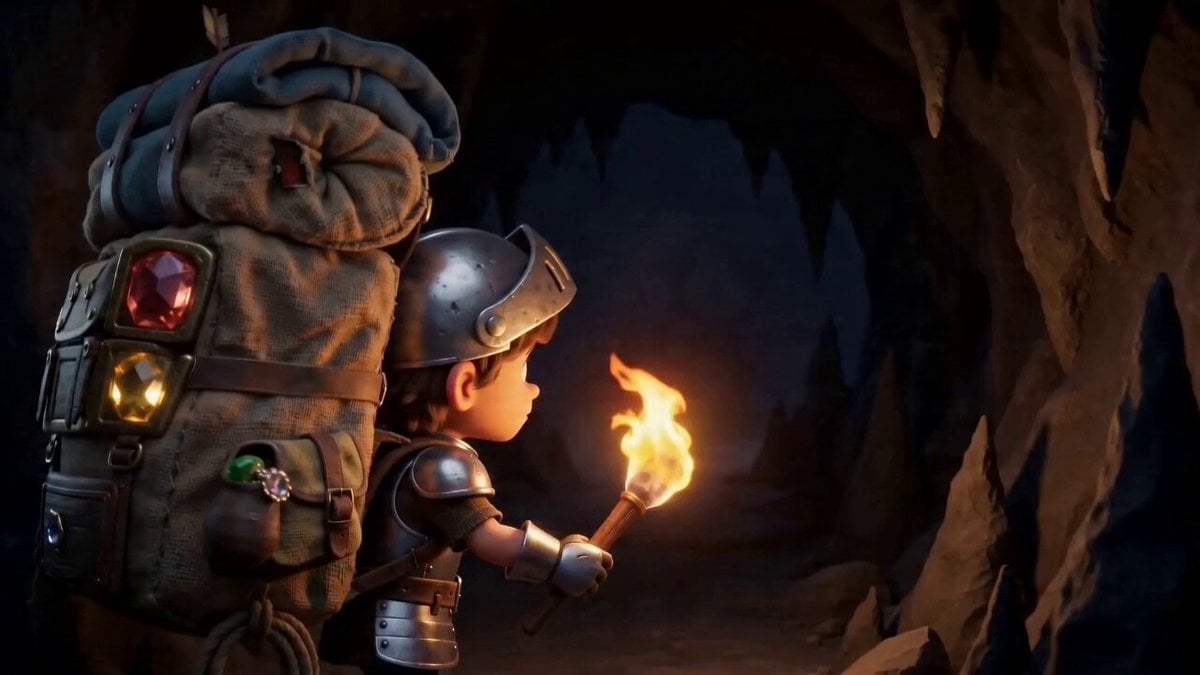
Multi-Reference Chibi Adventure
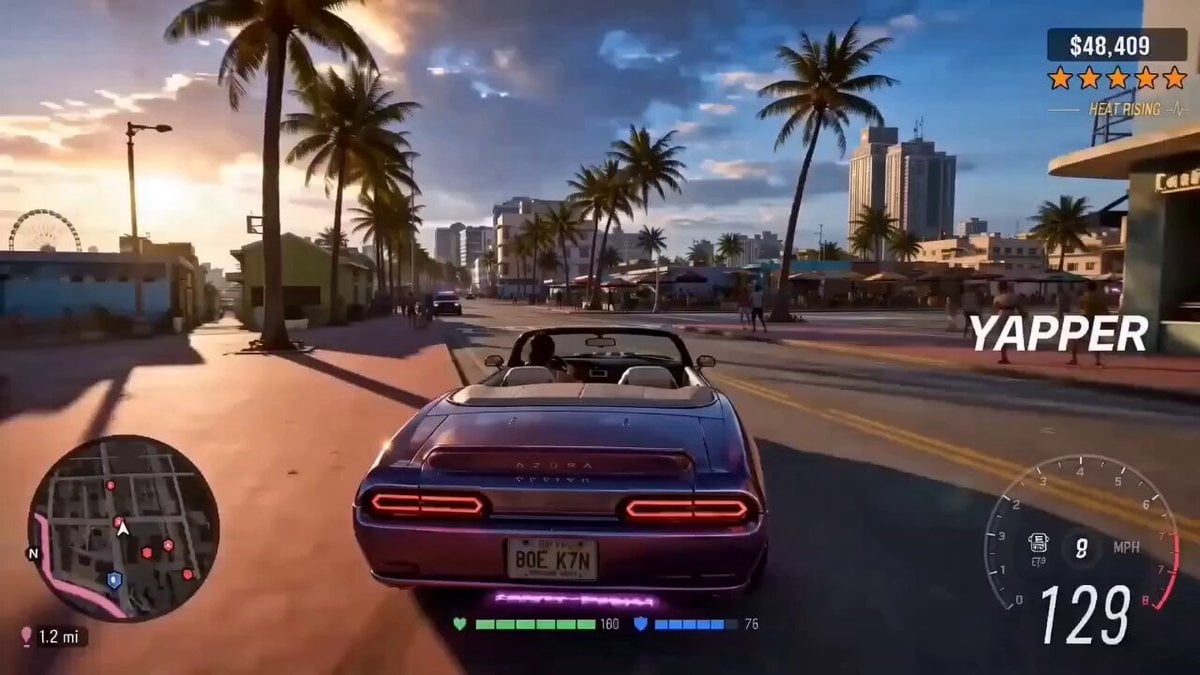
Cinematic Vehicle Tracking and Text Overlay
Cyberpunk Tokyo 2099 Rain

Pixar Style Animated Chef Action
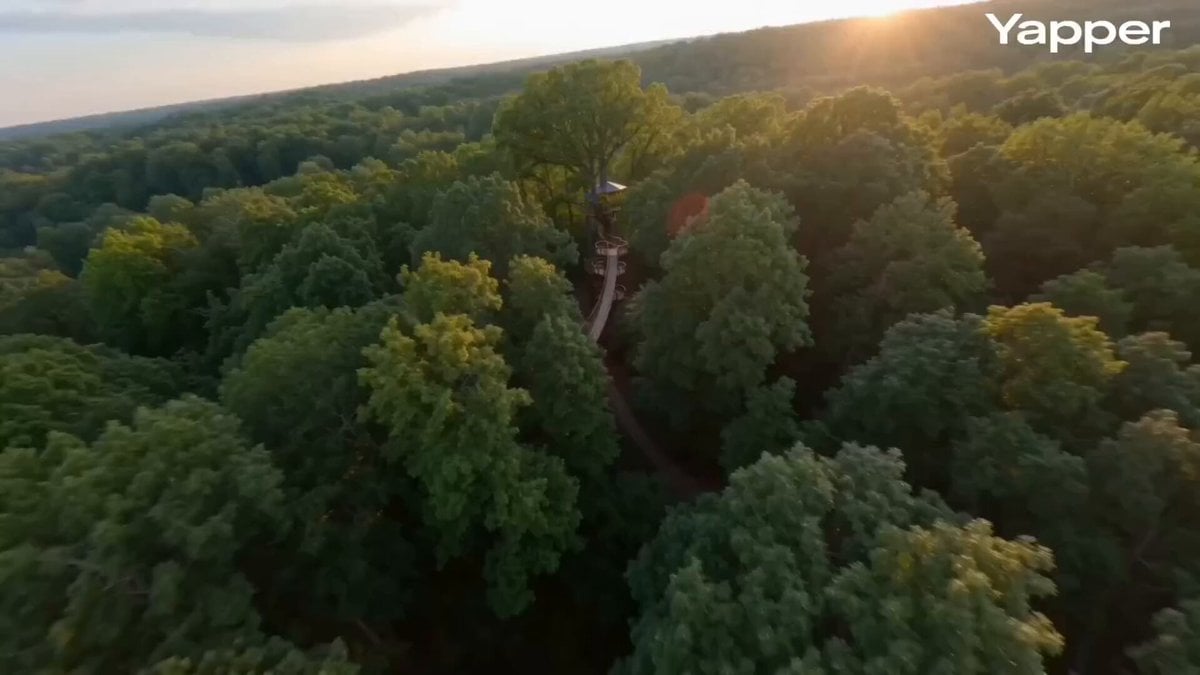
FPV cinematic flight through a treehouse
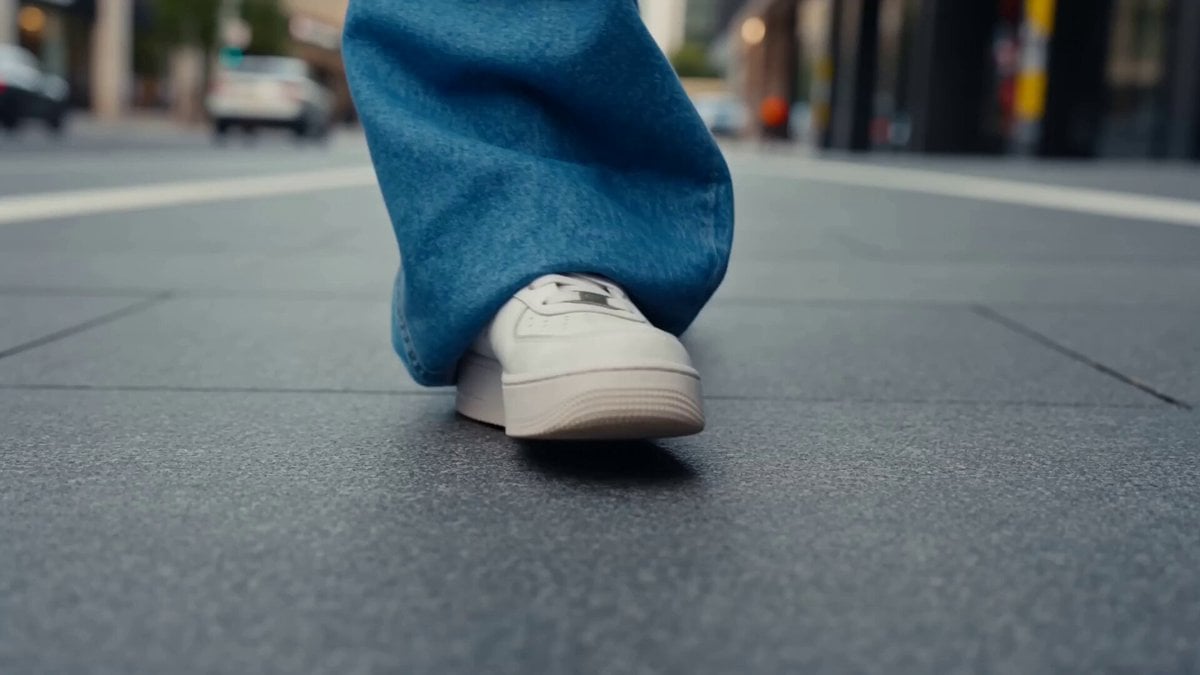
Beat-Driven Streetwear Video
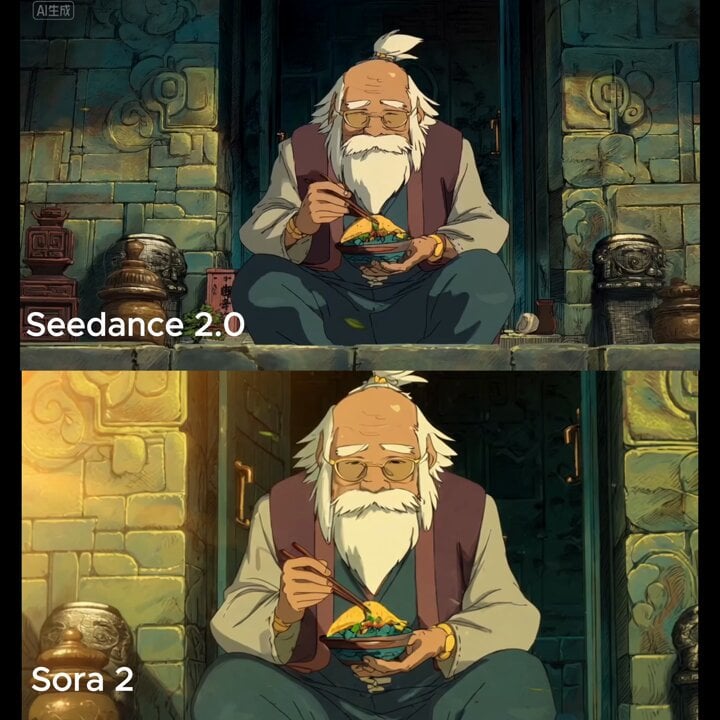
Slow cinematic push-in with leaves passing across the frame

Anime Takoyaki Cooking Montage
Browse template categories
Live NHL Hockey Broadcast questions
How do I use the Live NHL Hockey Broadcast template?
Add your photo if the template asks for one, edit the prompt if you like — the template's model and format are already selected — and press Generate. Your version opens in PicX Studio.
Can I customize the Live NHL Hockey Broadcast template?
Yes. You can change the subject, setting, lighting, mood, format, and available model controls before creating your video.
Is the Live NHL Hockey Broadcast template free?
Opening and editing this template is free. Generating uses credits, shown on the Generate button when you are signed in.
Which AI model should I use?
Start with Seedance 2.0, which is the model associated with this template. You can compare another compatible model for a different finish.
Looking for something else? Browse all templates.

Your photo, any look
Thousands of ready templates for every top image and video model, from one credit balance.