
Cinematic Vehicle Tracking and Text Overlay
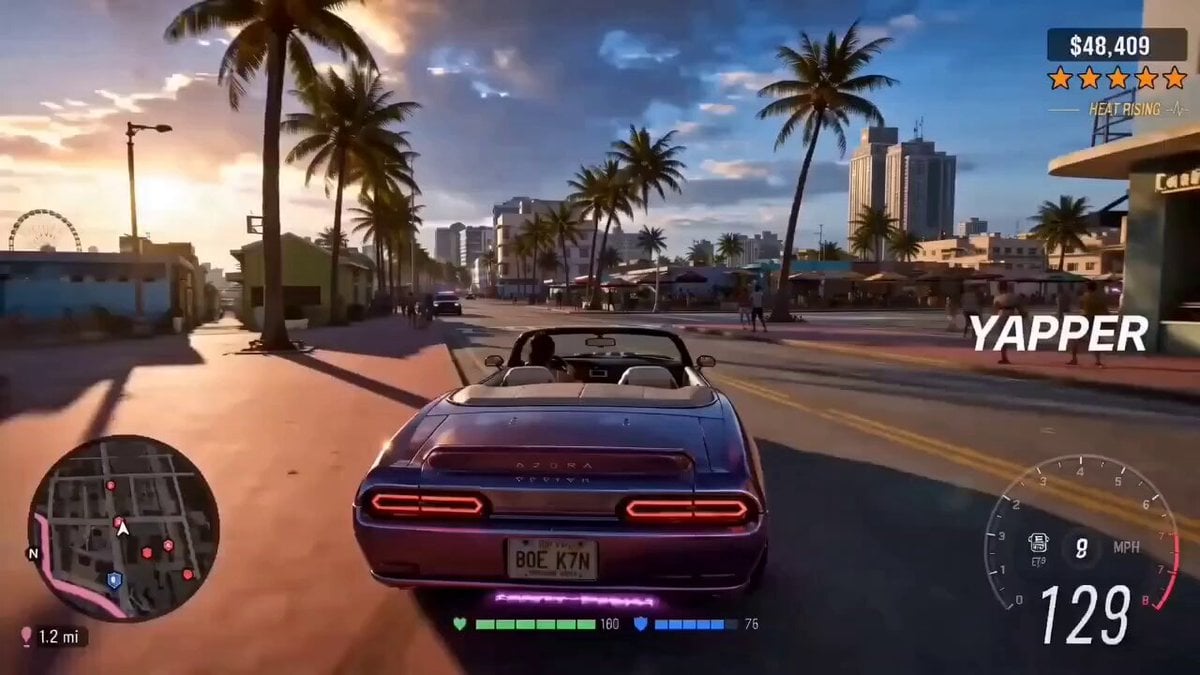
A highly detailed cinematic prompt for a tracking shot of a vehicle, including specific timing for camera movement, lighting changes, and audio layers.
- Prompt included
- Model and format preset
- Premium template
The prompt behind this video
Copy the exact prompt behind Cinematic Vehicle Tracking and Text Overlay, or open it in the studio and make it yours.
Characters: Vehicle and driver matching Scene:Prominent text overlay "YAPPER" positioned on the right side of the frame. Style: High-end cinematic realism, sharp focus, enhanced visual fidelity, photorealistic textures. Lighting: Cinematic and realistic, dynamic environmental reflections, rich contrast. Audio: Steady engine rumble, tire hum on asphalt, rushing wind. [0-3s] camera: Smooth tracking shot matching the exact motion of the reference. action: The vehicle drives forward through the environment. The text "YAPPER" is overlaid cleanly and prominently on the right side of the screen. lighting: Cinematic directional lighting establishing realistic shadows and depth. [3-7s] camera: Continued tracking, maintaining the exact framing and speed from the reference. action: The car navigates the road. Environmental reflections glide smoothly across the car's metallic surface, enhancing the realistic feel. The "YAPPER" text remains locked in place on the right side. lighting: Dynamic specular highlights rolling over the car body. [7-10s] camera: Steady follow, preserving the reference's final camera state. action: The vehicle powers through the final stretch of the scene. The "YAPPER" text overlay stays sharp, legible, and perfectly positioned on the right side. lighting: Deep, rich contrast with cinematic falloff to finish the shot.
How to use Cinematic Vehicle Tracking and Text Overlay in 3 steps
- 1
Open
The prompt is already in the box next to the preview, with the template's model and format selected.
- 2…a portrait of your subject in softgolden-hour light, 85mm…
Personalize
Edit the subject and creative details for your destination.
- 3Generate
Generate
Press Generate — your video is created in PicX Studio, so you can compare it with the original and refine one variable at a time.
More like this
Templates with the same subject, style or setup. Open one to see its prompt.

Professional Text Overlay Edit
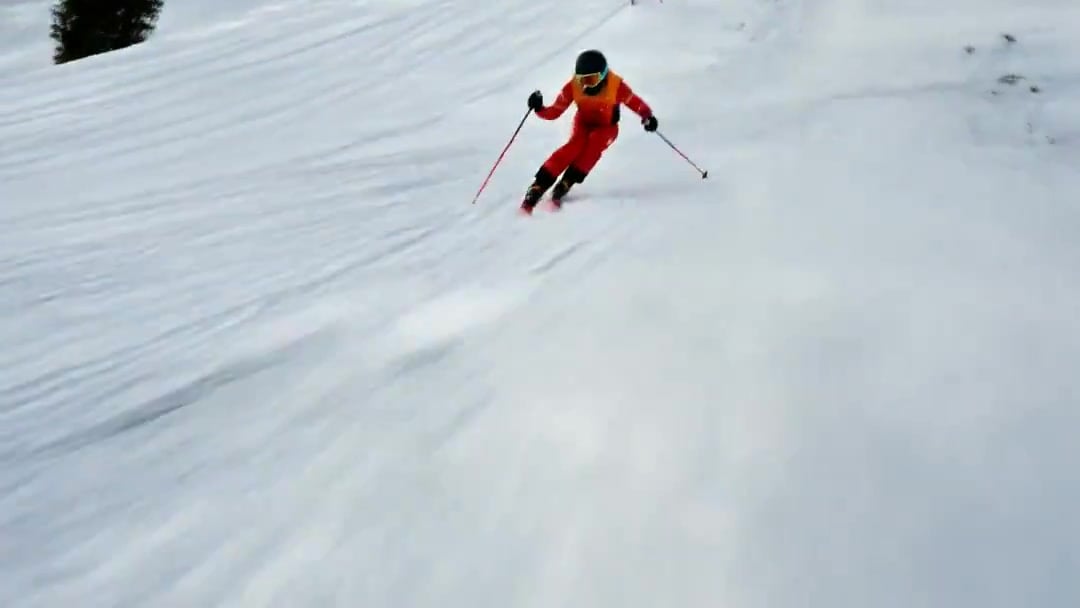
FPV Drone Skier Tracking — Kling 3.0 O3 Pro
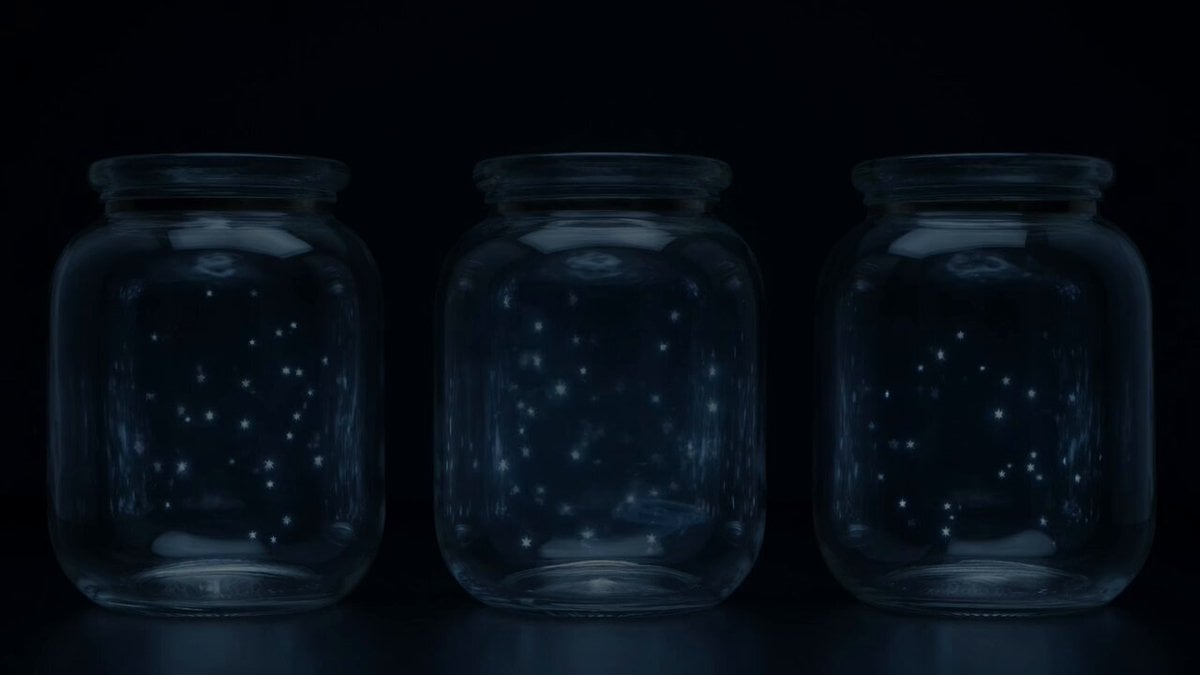
Stars in Jars Timed Overlay
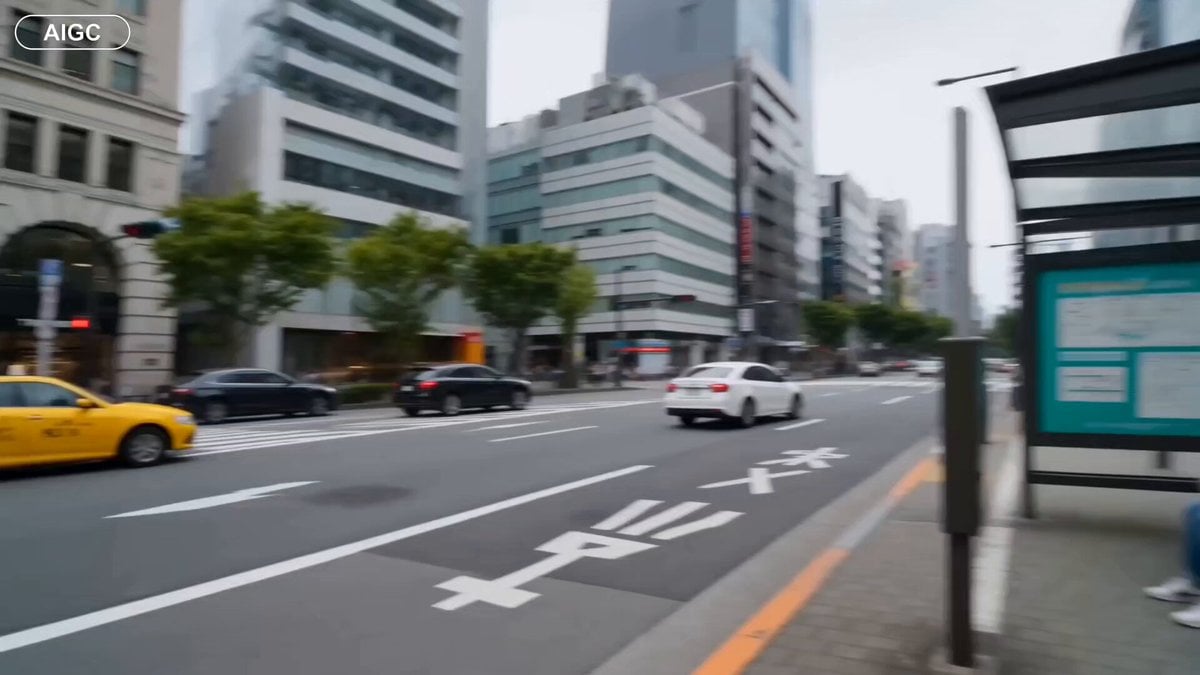
City Doodle Overlay Animation
Futuristic Vehicle UI Cinematic Animation
Autumn Leaves Vortex Text VFX
Monochrome Text City Surreal Transformation
Woman in Winter Storm with HUD Overlay
Cinematic Horror/Action Text-to-Video

Text-to-video prompt: The First Bloom
3D Anime Figurine Prompt (Text-to-Image/Video)
Red Energy Ball Lighting Up Text Boxes
Make it yours
Cinematic Vehicle Tracking and Text Overlay works as-is. These are the safest ways to change it without losing the look.
Change one field
Copy a single group, rewrite it, and generate again so you can see what that field is doing.
Keep the frame, change the subject
Hold the composition and light of Cinematic Vehicle Tracking and Text Overlay, then swap wardrobe, props or the person for a new take.
| If the result… | Why | Fix |
|---|---|---|
| The result drifts from the preview | Too many fields changed at once. | Reuse Cinematic Vehicle Tracking and Text Overlay as-is first, then change one group — subject, light, or setting. |
| The model over-stylizes the scene | The prose prompt leaves finish and camera underspecified. | Add one camera or lighting sentence and stay on Seedance 2.0. |
More Seedance 2.0 templates
Other prompts made for Seedance 2.0.

Comical Martial Arts Punch Scene

Maglev Train Action Sequence

Martial Arts Fight Sequence

Wuxia Protection and Trust Script

Vintage Korean Arcade MiniDV Vlog

Mercedes 190 SL Luxury Ad

Rainy Night Supernatural Reverse Comedy Video Script

Amazon Civilization Discovery

Futuristic South Asian City Transformation

Cozy Luxury Cafe Commercial
More video prompts
Fresh picks from across the catalog.
Battle-Damaged Megacity Mech
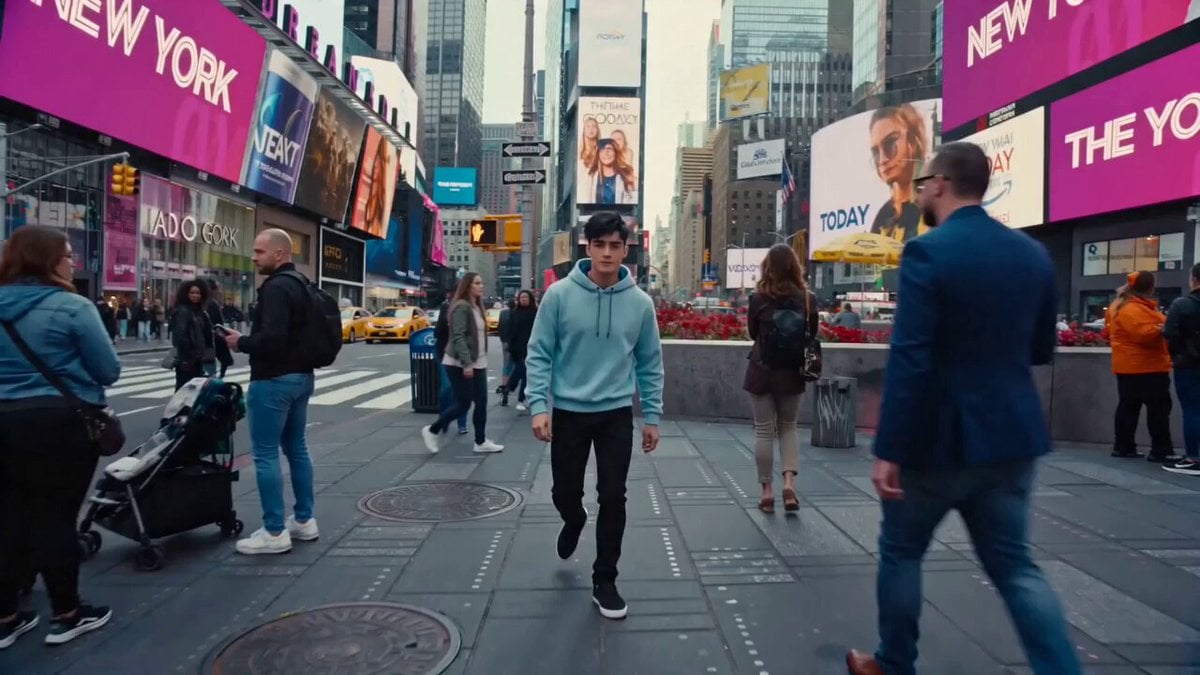
Cinematic Times Square Confidence Walk
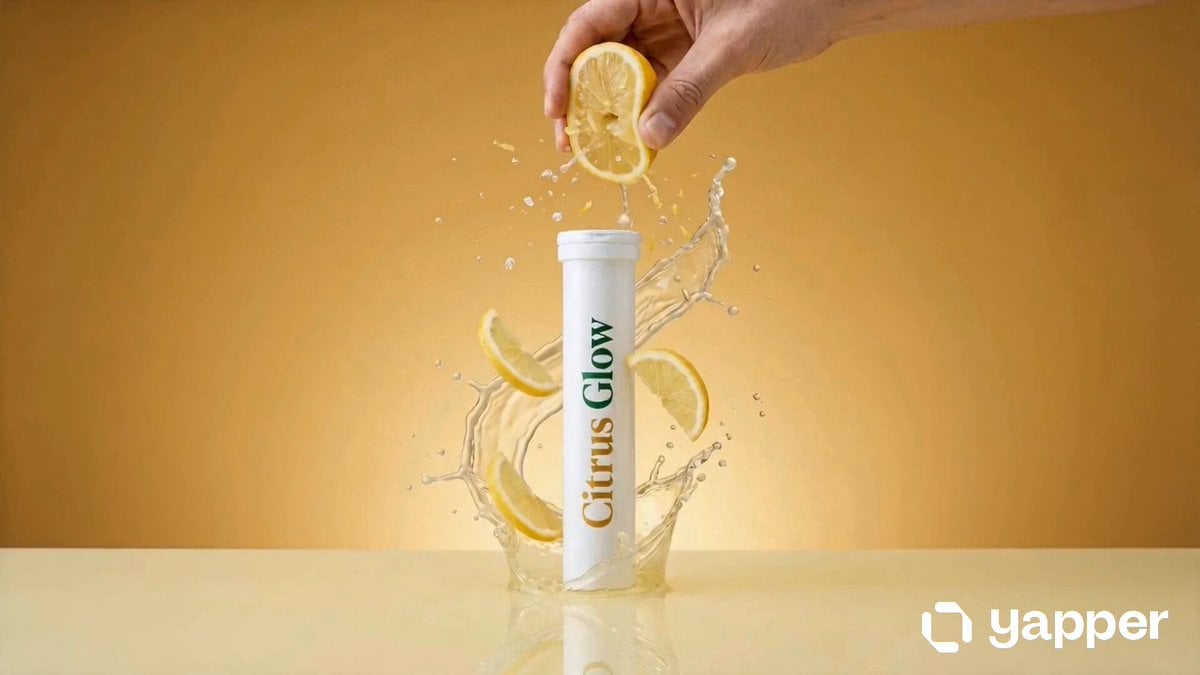
Citrus Glow Skincare Product Video
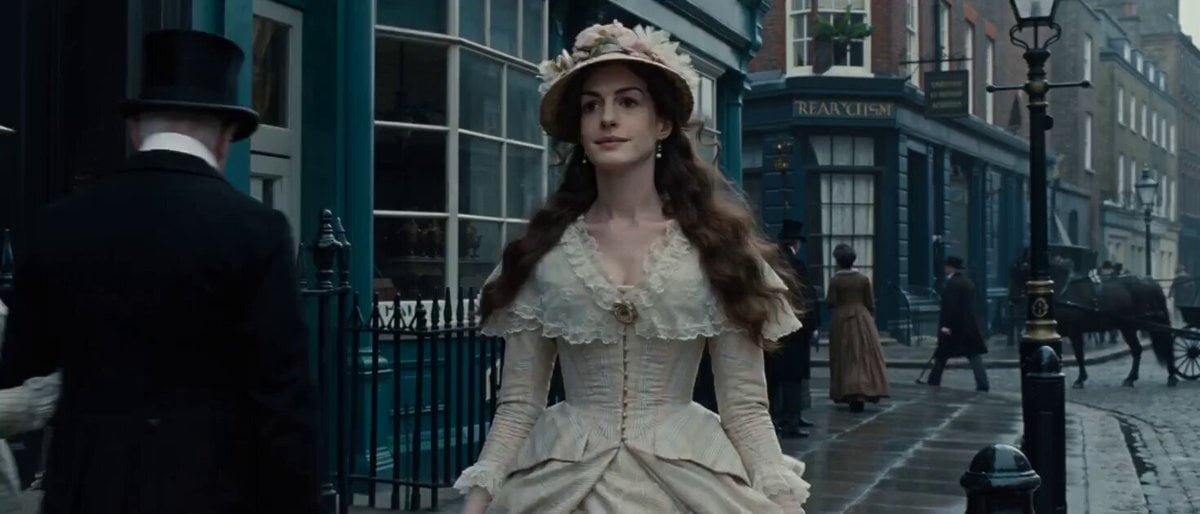
Video Prompt: 19th Century London Street Scene

Terracotta Veil Dancer

Soccer Stadium Woman Cheeseburger

Open-World RPG Grocery Store Quest Prompt
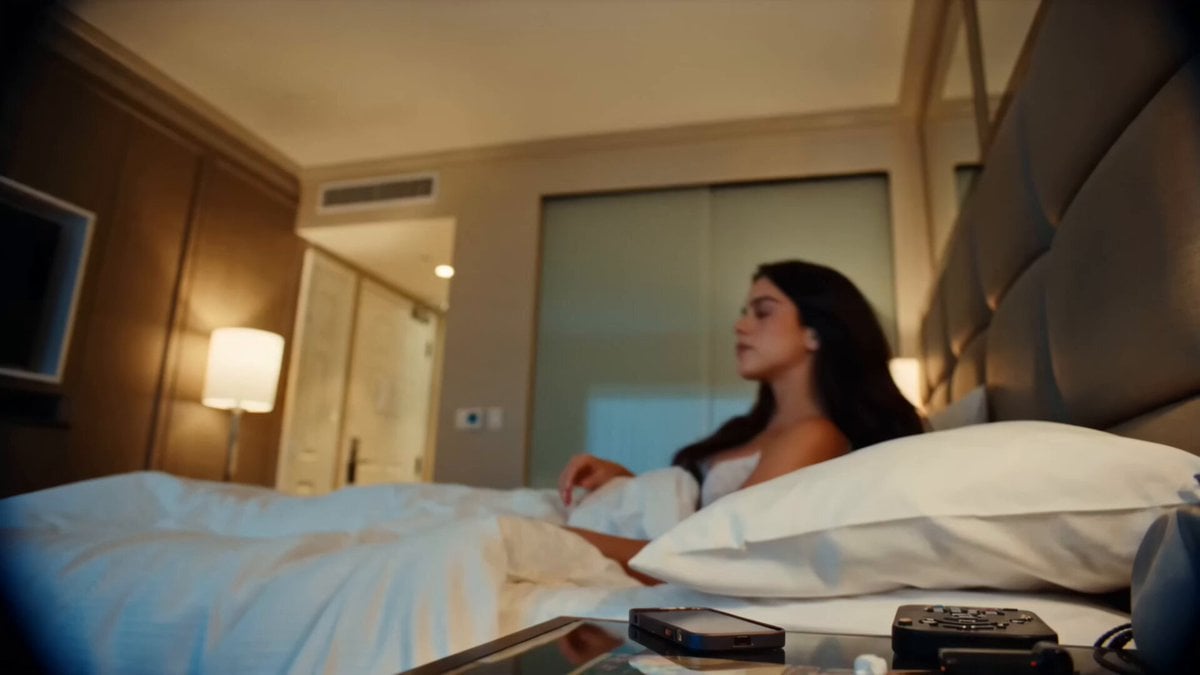
Handheld DV Influencer Montage
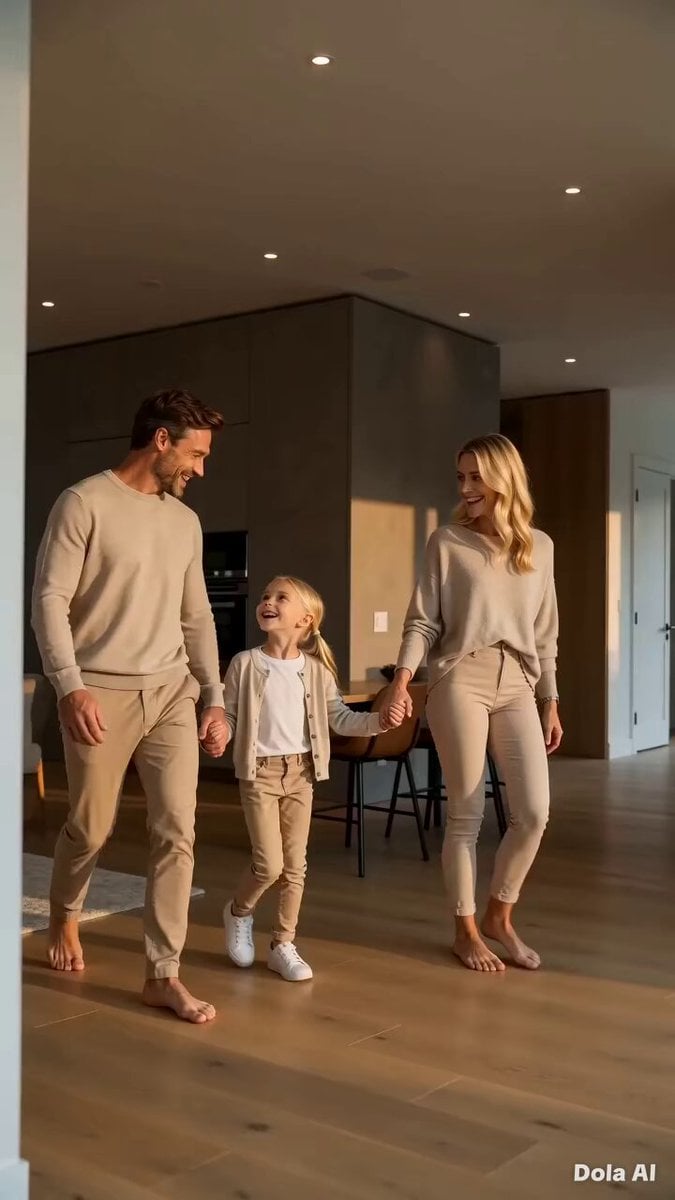
Modern Family Home Walkthrough
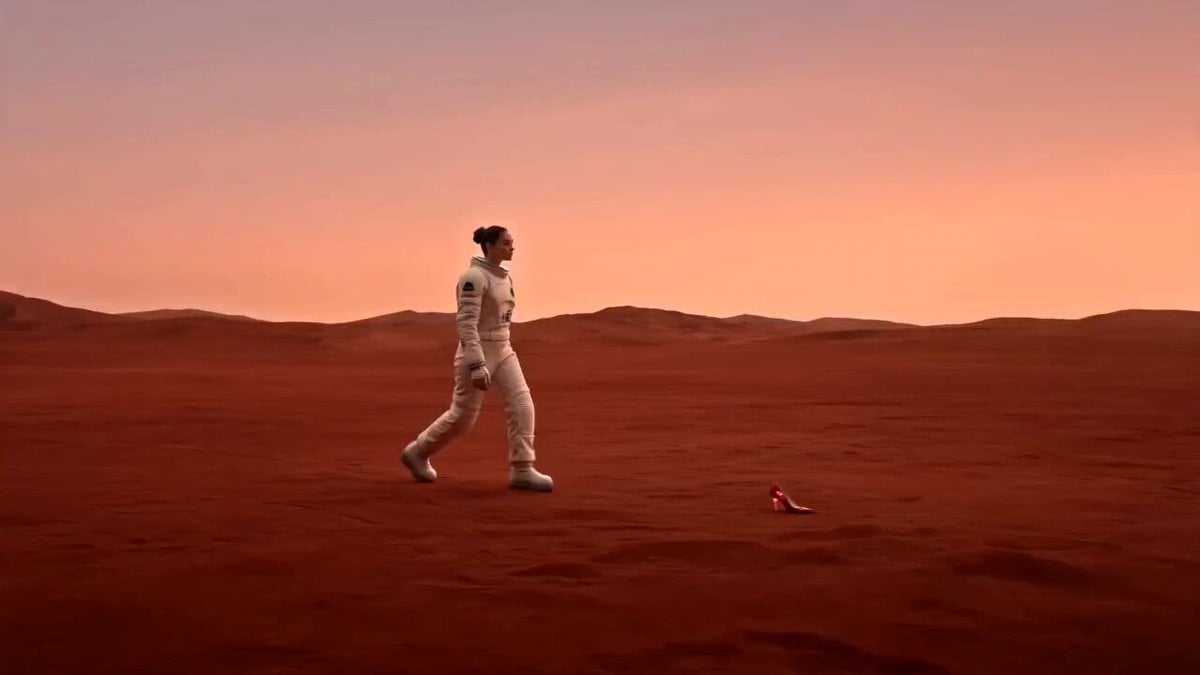
Astronaut Martian High Heels Ad
Browse template categories
Cinematic Vehicle Tracking and Text Overlay questions
How do I use the Cinematic Vehicle Tracking and Text Overlay template?
Add your photo if the template asks for one, edit the prompt if you like — the template's model and format are already selected — and press Generate. Your version opens in PicX Studio.
Can I customize the Cinematic Vehicle Tracking and Text Overlay template?
Yes. You can change the subject, setting, lighting, mood, format, and available model controls before creating your video.
Is the Cinematic Vehicle Tracking and Text Overlay template free?
Opening and editing this template is free. Generating uses credits, shown on the Generate button when you are signed in.
Which AI model should I use?
Start with Seedance 2.0, which is the model associated with this template. You can compare another compatible model for a different finish.
Looking for something else? Browse all templates.

Your photo, any look
Thousands of ready templates for every top image and video model, from one credit balance.