
Football Player Stadium Tunnel Sequence
An ultra-cinematic 15-second sports sequence prompt involving a football player in a rain-soaked stadium with dramatic lighting and high-speed motion.

- Prompt included
- Model and format preset
- Free template
The prompt behind this video
Copy the exact prompt behind Football Player Stadium Tunnel Sequence, or open it in the studio and make it yours.
Ultra-cinematic 15-second Seedance-style video of a lone football player walking through a rain-soaked stadium tunnel at night, slow-motion water droplets falling from his jersey, dramatic blue and white floodlights flickering overhead, deep bass cinematic atmosphere, camera starts with close-up on muddy boots splashing through puddles, then smoothly transitions into a powerful low-angle tracking shot as he steps onto the glowing field. Crowd roars in the distance, lightning flashes across the sky, wind blowing fabric realistically, hyper-realistic skin texture and wet hair details, intense focused expression, volumetric fog, realistic stadium reflections, dynamic handheld camera movement mixed with smooth cinematic stabilization, epic sports movie color grading, ultra-detailed 4K realism, emotional and motivational vibe, ending with the player striking the ball toward the camera in extreme slow motion with rain particles exploding everywhere.
How to use Football Player Stadium Tunnel Sequence in 3 steps
- 1
Open
The prompt is already in the box next to the preview, with the template's model and format selected.
- 2…a portrait of your subject in softgolden-hour light, 85mm…
Personalize
Edit the subject and creative details for your destination.
- 3Generate
Generate
Press Generate — your video is created in PicX Studio, so you can compare it with the original and refine one variable at a time.
More like this
Templates with the same subject, style or setup. Open one to see its prompt.

Football Stadium Fan Celebration Sequence

Three-Thousand-Year Football History

Candid Joyful Woman Football Stadium Portrait
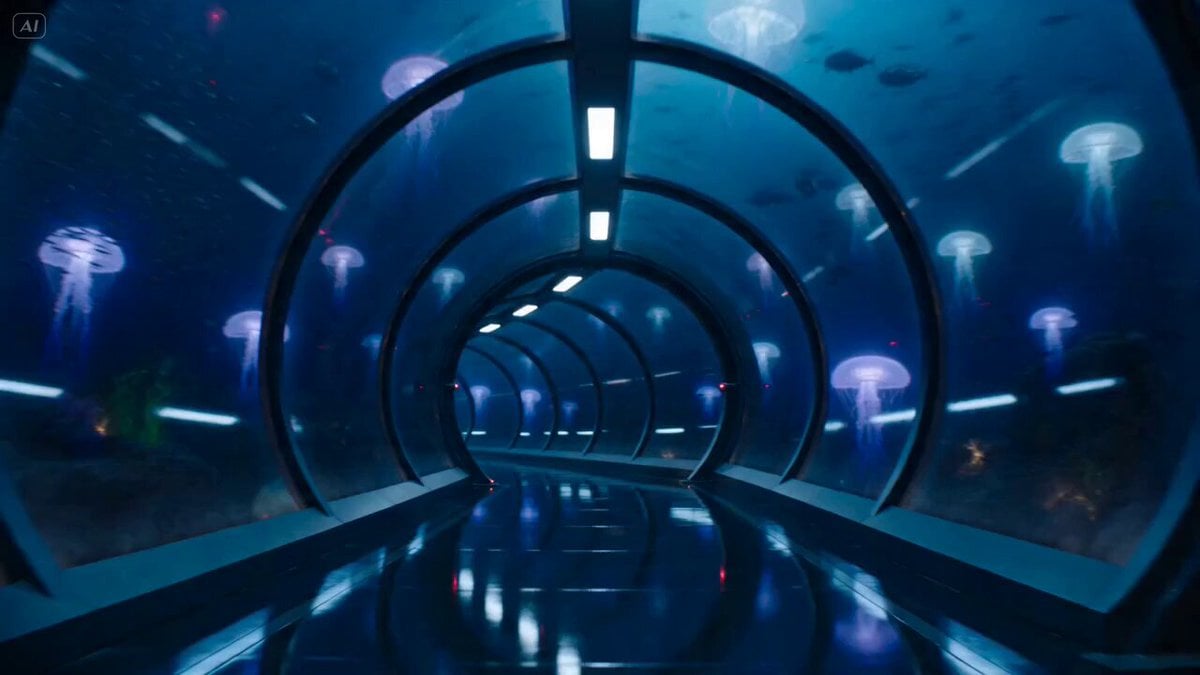
Underwater Glass Tunnel Action Sequence

Cinematic Football Freestyle Sequence

Basketball Player Action Sequence

Dramatic Female Football Nutmeg Sequence

Street to Stadium Football Dream

Football Stadium Fan Broadcast Shot

Stadium Football Action Narrative

Football Stadium Broadcast Portrait
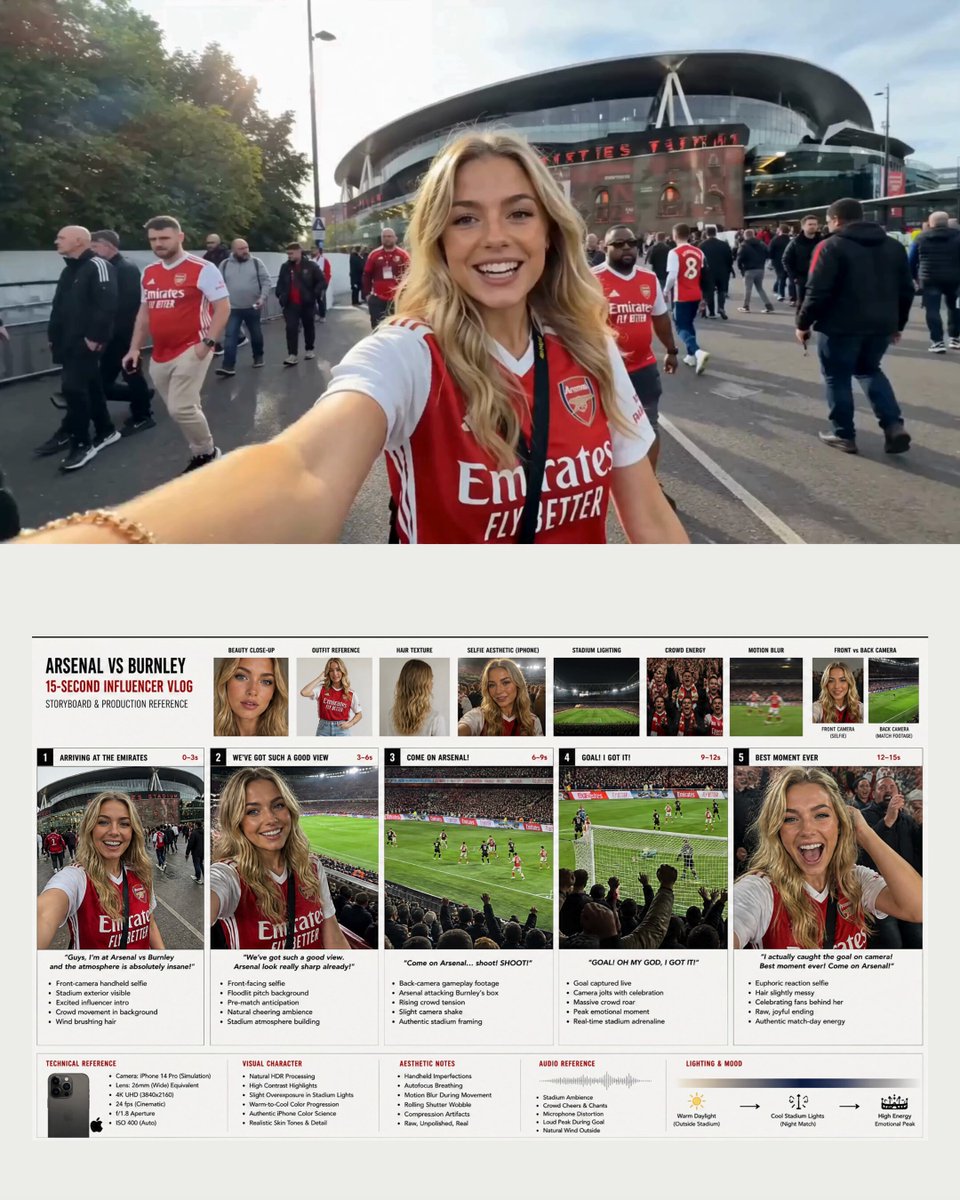
Arsenal Football Stadium Influencer Vlog
Make it yours
Football Player Stadium Tunnel Sequence works as-is. These are the safest ways to change it without losing the look.
Change one field
Copy a single group, rewrite it, and generate again so you can see what that field is doing.
Keep the frame, change the subject
Hold the composition and light of Football Player Stadium Tunnel Sequence, then swap wardrobe, props or the person for a new take.
| If the result… | Why | Fix |
|---|---|---|
| The result drifts from the preview | Too many fields changed at once. | Reuse Football Player Stadium Tunnel Sequence as-is first, then change one group — subject, light, or setting. |
| The model over-stylizes the scene | The prose prompt leaves finish and camera underspecified. | Add one camera or lighting sentence and stay on Seedance 2.0. |
More Seedance 2.0 templates
Other prompts made for Seedance 2.0.

Comical Martial Arts Punch Scene

Wuxia Protection and Trust Script

Vintage Korean Arcade MiniDV Vlog

Mercedes 190 SL Luxury Ad

Rainy Night Supernatural Reverse Comedy Video Script

Amazon Civilization Discovery

Futuristic South Asian City Transformation

Cozy Luxury Cafe Commercial

Cyber Ronin Nanotech Transformation Video

Desert Courier and Sandstorm Leviathan Chase
More video prompts
Fresh picks from across the catalog.
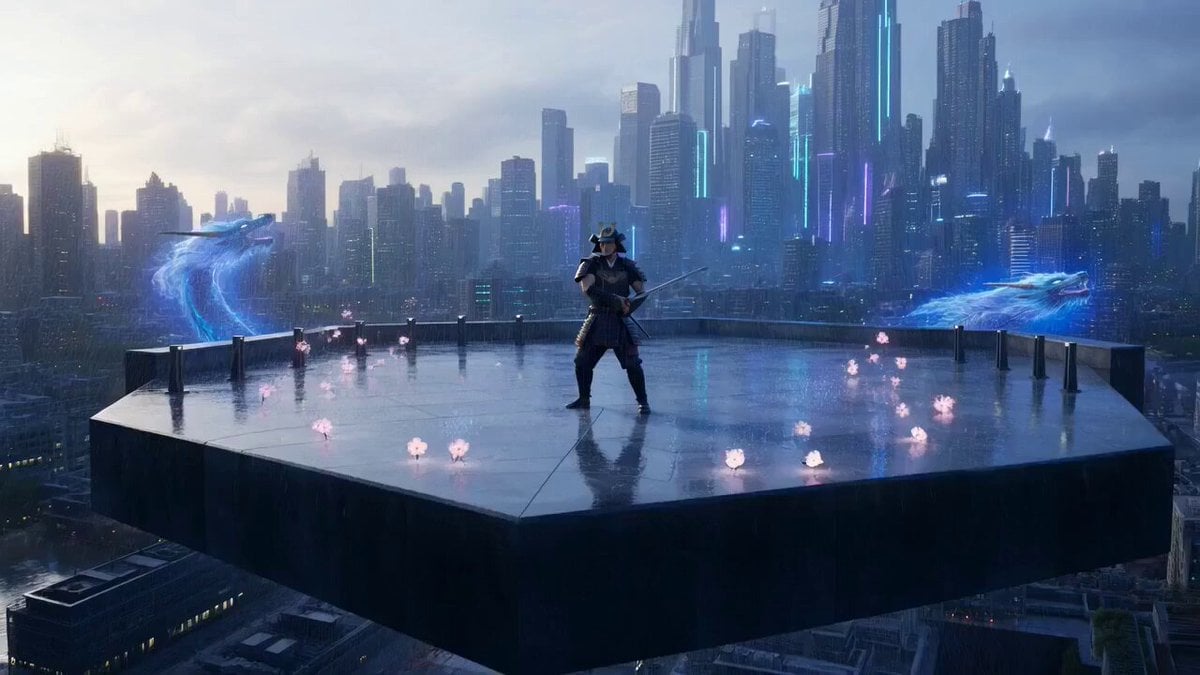
Cinematic Cyberpunk Samurai with Dragons
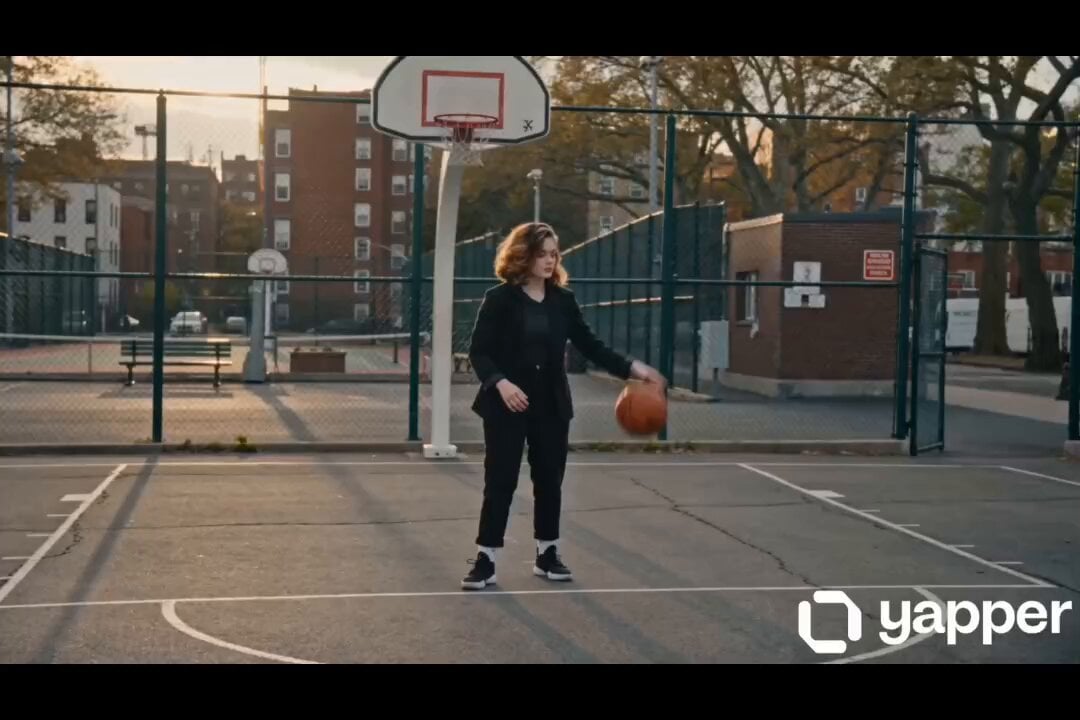
Female street basketball freestyle video
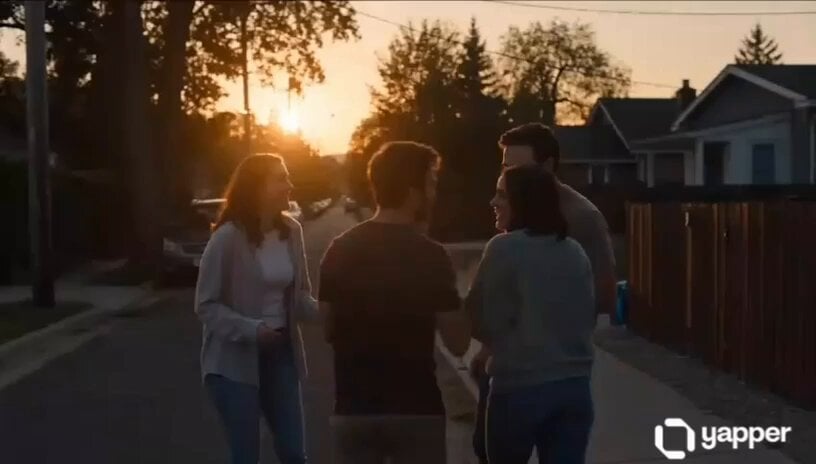
Emotional Neighborhood Short Film
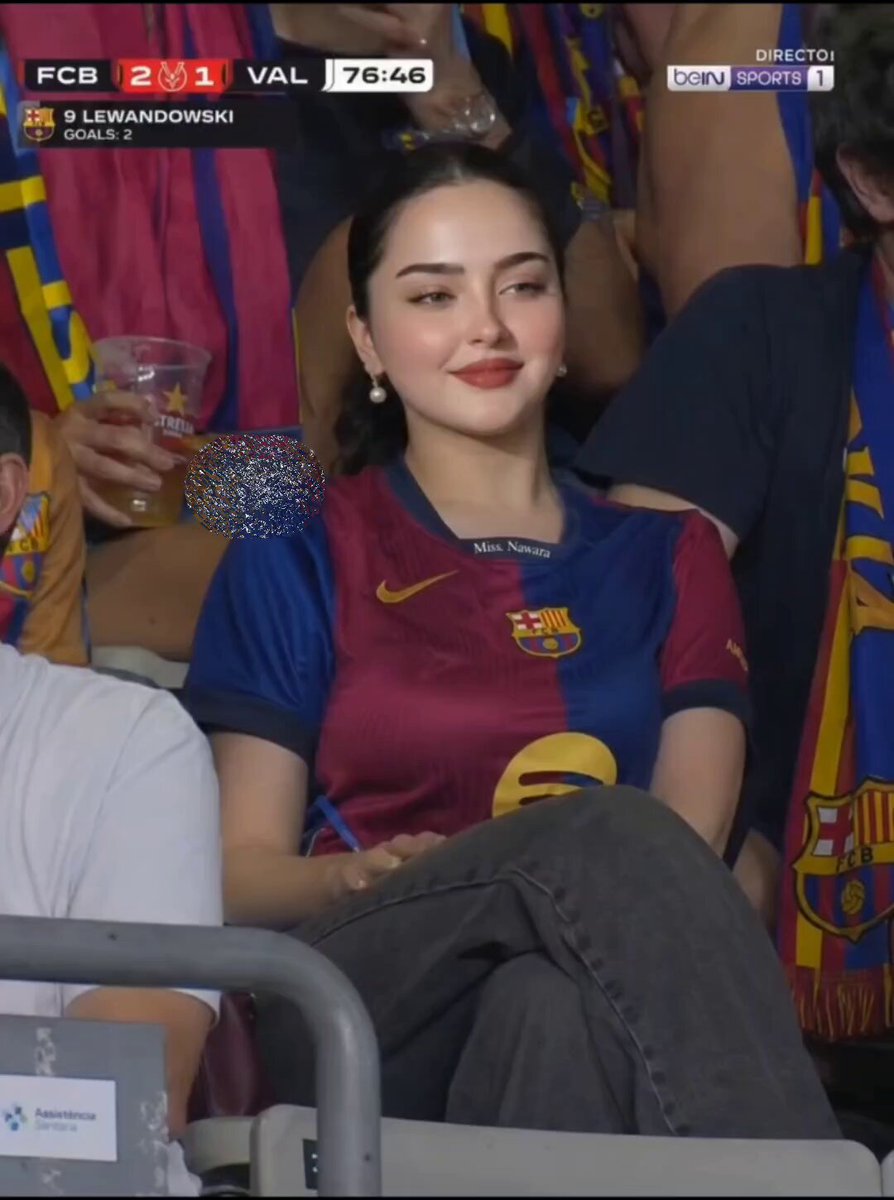
FC Barcelona Stadium Fan Broadcast

Cinematic Action Cooking Scene
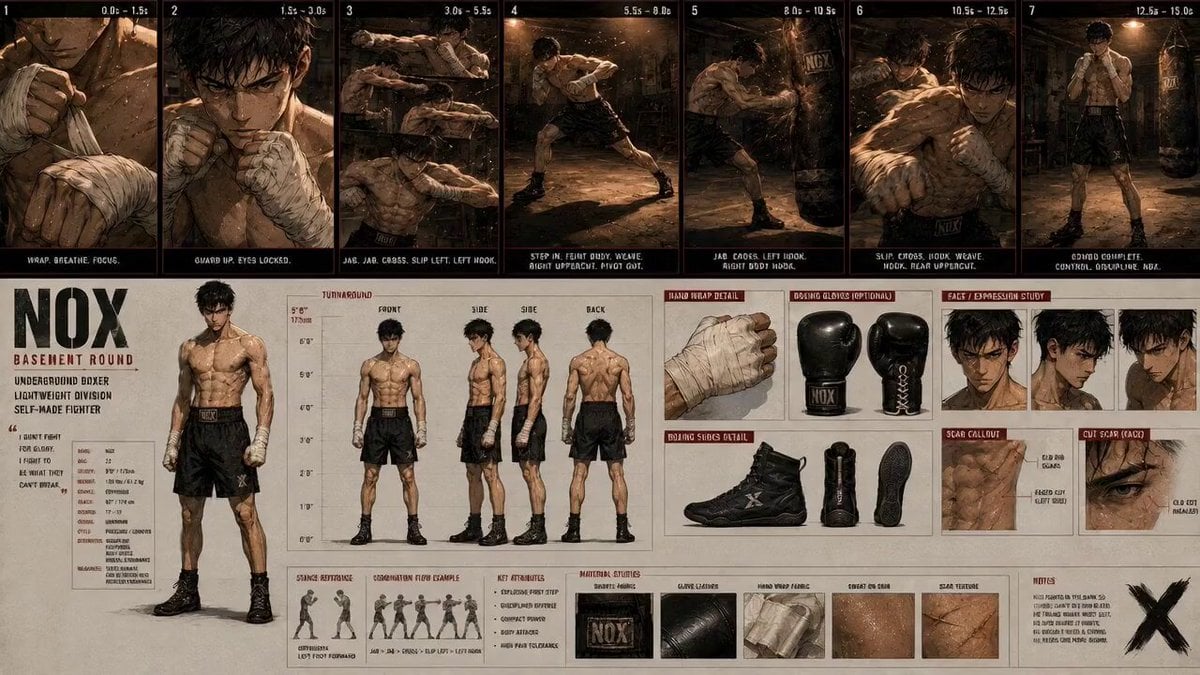
Boxing Gym Character Reference
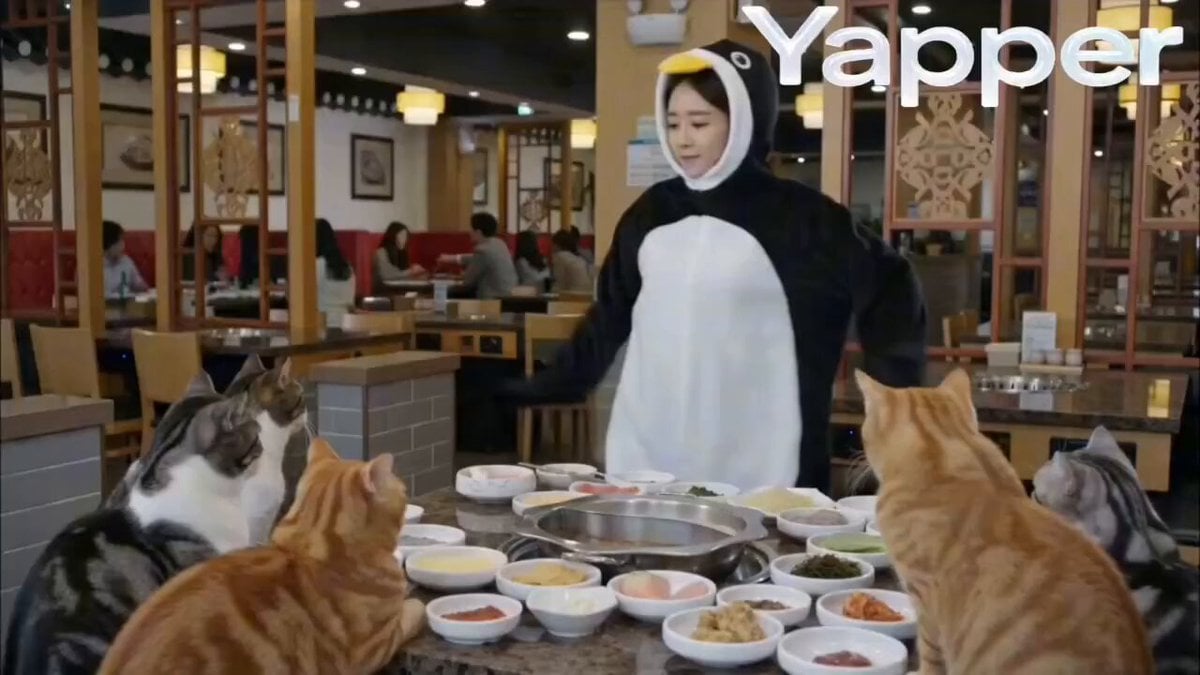
Penguin Dancer in Cat Hotpot Restaurant

Pixar Style Robot Inventor Animation

Cosmic Energy Ritual Ruins
SpaceX Starship Orbital Drop Pods
Browse template categories
Football Player Stadium Tunnel Sequence questions
How do I use the Football Player Stadium Tunnel Sequence template?
Add your photo if the template asks for one, edit the prompt if you like — the template's model and format are already selected — and press Generate. Your version opens in PicX Studio.
Can I customize the Football Player Stadium Tunnel Sequence template?
Yes. You can change the subject, setting, lighting, mood, format, and available model controls before creating your video.
Is the Football Player Stadium Tunnel Sequence template free?
Opening and editing this template is free. Generating uses credits, shown on the Generate button when you are signed in.
Which AI model should I use?
Start with Seedance 2.0, which is the model associated with this template. You can compare another compatible model for a different finish.
Looking for something else? Browse all templates.

Your photo, any look
Thousands of ready templates for every top image and video model, from one credit balance.