
First-Person RPG Dialogue and Exploration Video Prompt
A comprehensive video generation prompt for Seedance 2.0 that creates a first-person RPG game scene.
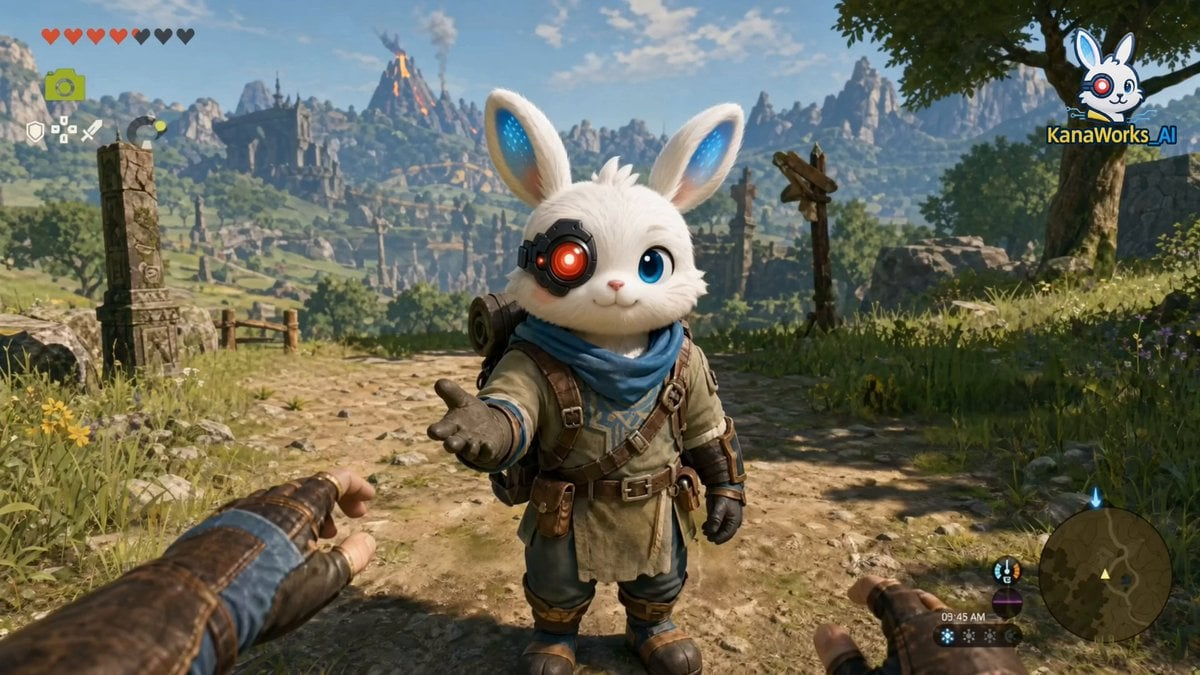
- Prompt included
- Model and format preset
- Premium template
The prompt behind this video
Copy the exact prompt behind First-Person RPG Dialogue and Exploration Video Prompt, or open it in the studio and make it yours.
First-person perspective, immersive ARPG dialogue scene, single continuous shot. A small white rabbit adventurer stands directly in front of the camera. Its fur is soft and finely detailed, and its right eye is a glowing red mechanical eye. It reaches out toward the camera in an inviting gesture, with a calm and confident demeanor. The environment is a vast fantasy world: rolling green grasslands, ruined ancient stone structures, distant mountain ranges, and a lightly smoking volcano. The morning light is soft, the air is clear, and a gentle breeze moves the grass and leaves, creating a strong cinematic atmosphere with depth. The camera is in first-person view, with slight handheld motion and natural breathing sway. Shallow depth of field, cinematic realism. The rabbit looks directly into the camera and says: “Good morning, adventurer. It’s time to set out.” A semi-transparent game UI (modern ARPG style) appears on the right side: Alright, let’s go. Not right now. Why not? The cursor moves smoothly twice, pauses for 0.3 seconds, then selects “Why not?” The rabbit smiles slightly, tilts its head, and responds in a relaxed tone: “Sure.” In the next moment, all UI elements (dialogue box, options, health bar, minimap) fade out smoothly, returning the scene to a clean, UI-free world. The rabbit turns around, its cloak and backpack swaying naturally with physics, and begins walking forward along a stone path. The camera maintains a first-person follow, with subtle handheld motion, synchronized with the character’s walking rhythm. While walking, the rabbit raises its hand and points toward the distant horizon (mountains and a faint city silhouette), saying: “Look, that’s our destination.” A brief pause of about 0.5 seconds. The wind intensifies slightly, causing more noticeable movement in the grass and clothing, enhancing the epic atmosphere. The rabbit continues walking and says: “We have to get there before 8:08 PM.” The camera slowly pushes forward, focusing toward the distance. The far view transitions from slightly blurred to clear, with a subtle lens flare appearing, reinforcing the sense of a journey beginning and a clear objective. No subtitles, no background music. Only natural ambient sounds: wind, footsteps, and distant birds.
How to use First-Person RPG Dialogue and Exploration Video Prompt in 3 steps
- 1
Open
The prompt is already in the box next to the preview, with the template's model and format selected.
- 2…a portrait of your subject in softgolden-hour light, 85mm…
Personalize
Edit the subject and creative details for your destination.
- 3Generate
Generate
Press Generate — your video is created in PicX Studio, so you can compare it with the original and refine one variable at a time.
More like this
Templates with the same subject, style or setup. Open one to see its prompt.
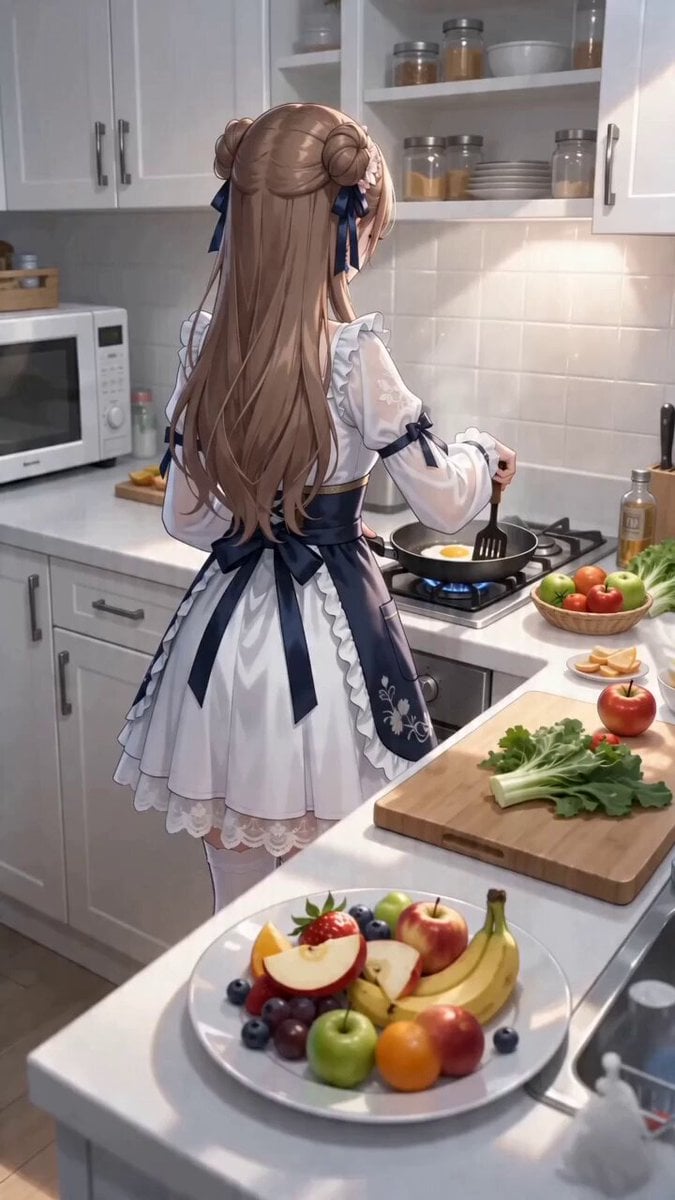
First-Person POV Kitchen Scene with Dialogue
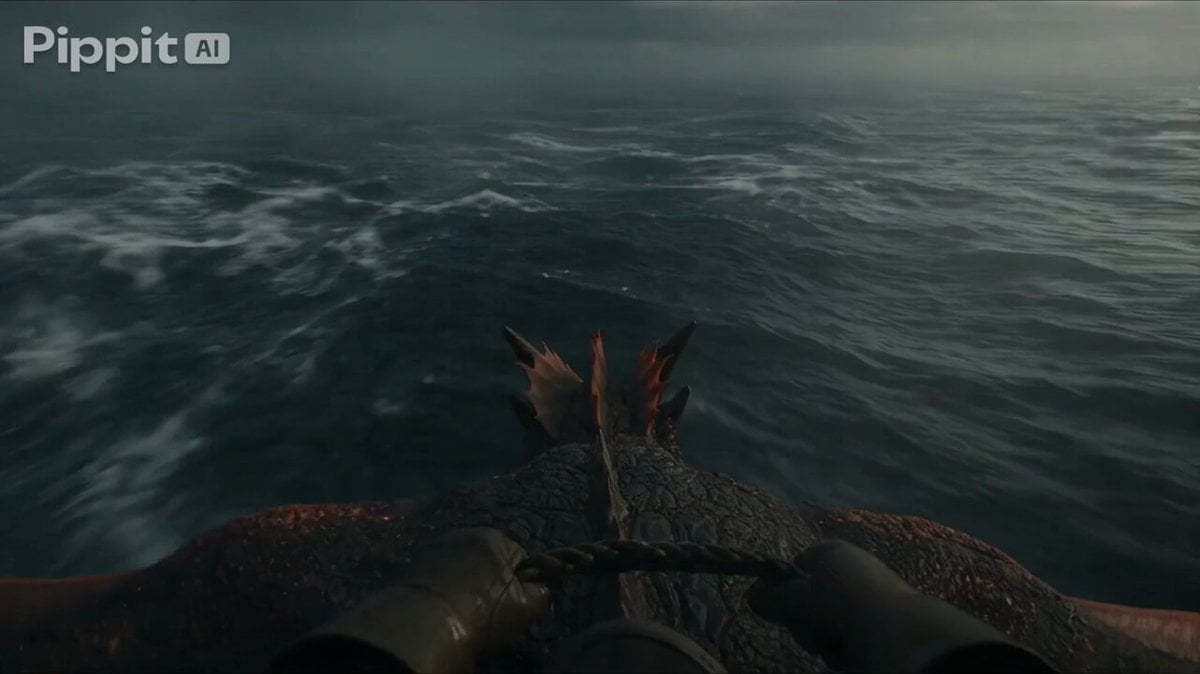
First Person Dragon Rider POV
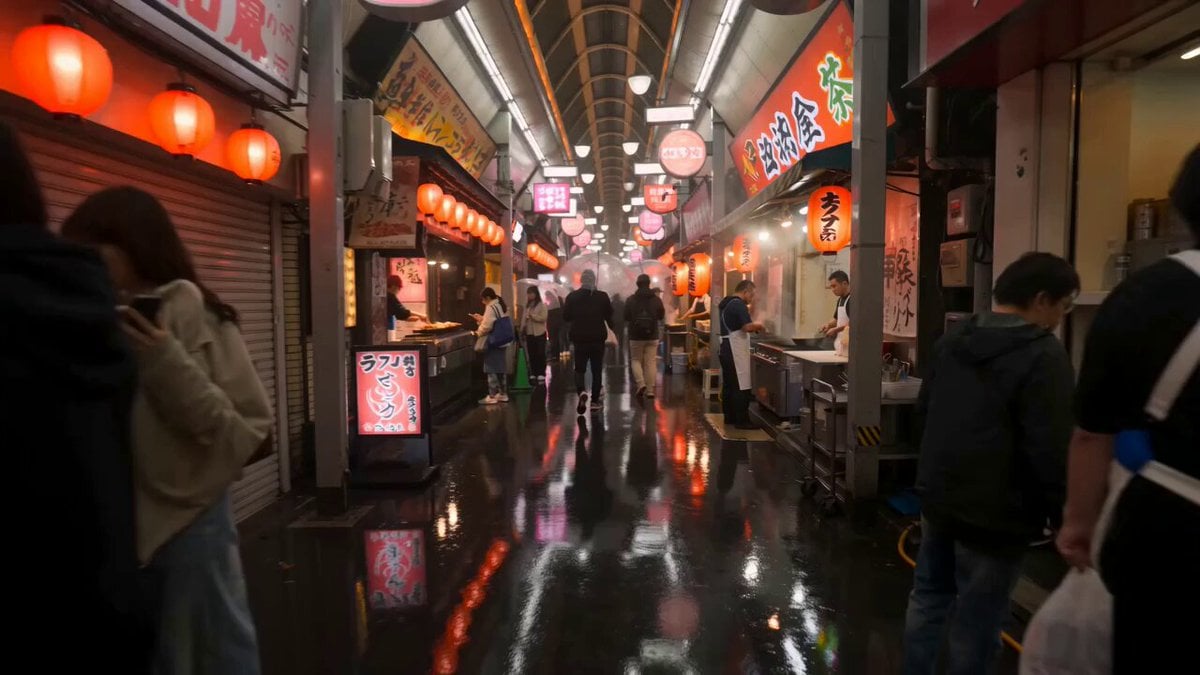
First-Person Night Market Walkthrough
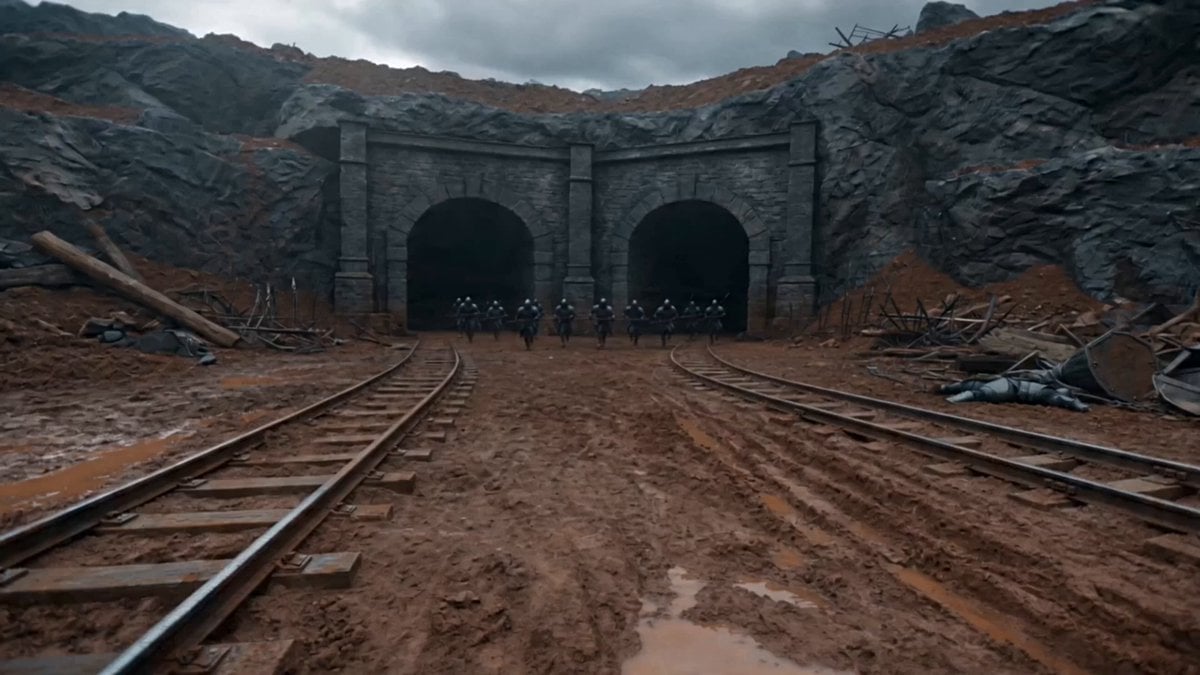
First-Person Magic Combat Strike

Mysterious Home Exploration Vlog - Seedance 2.5

First-Person Mountain Sunrise Vlog
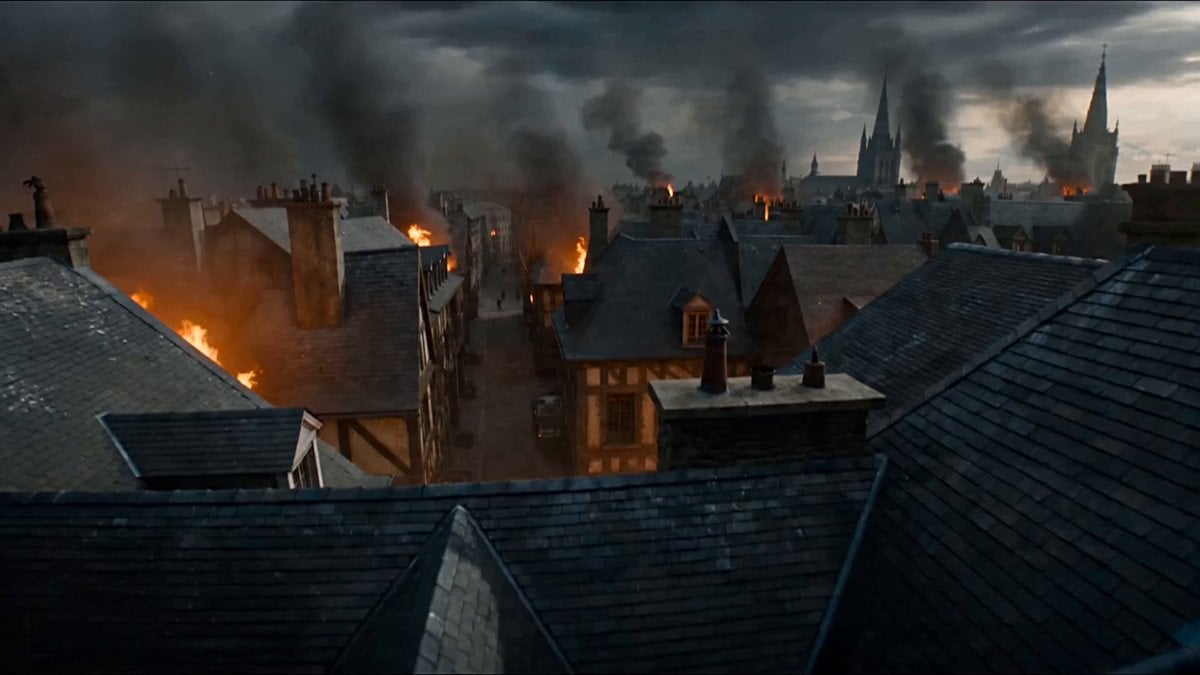
First-Person POV Fantasy Demon Battle
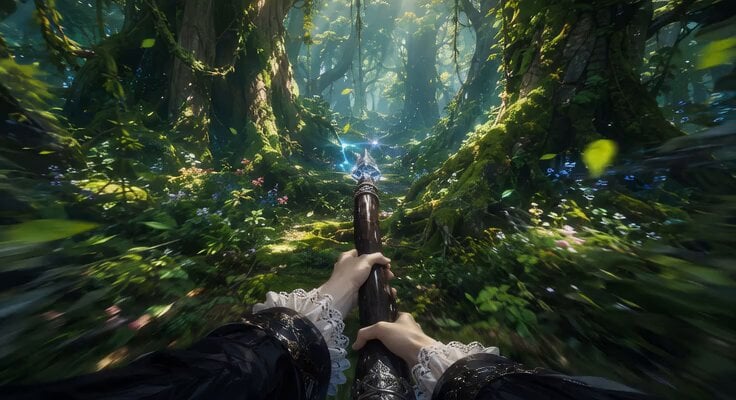
First-Person Flying Broom POV
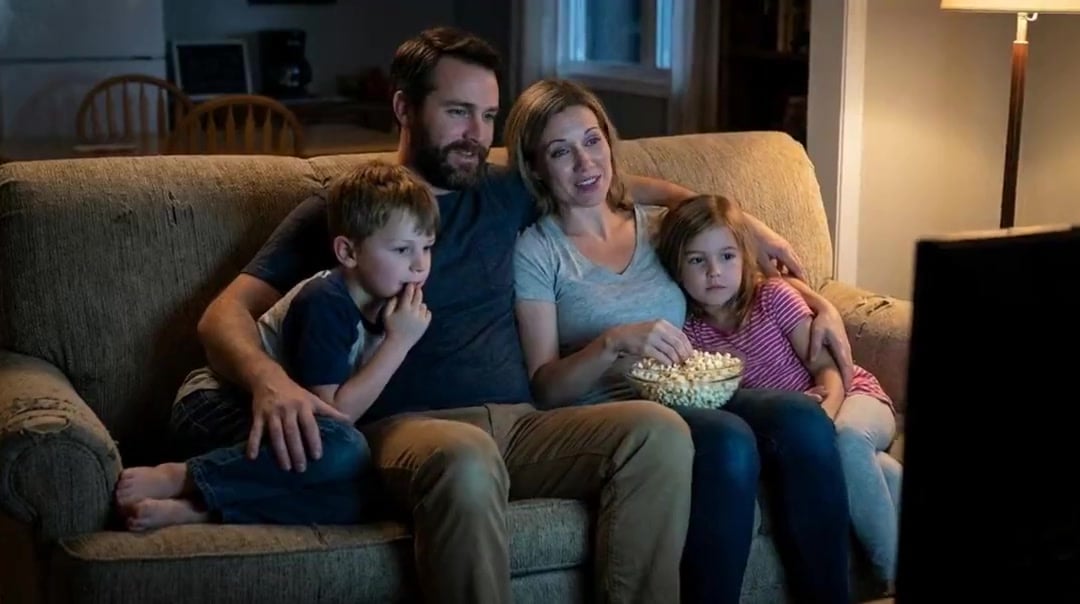
Family Dialogue 4 Characters — Kling 3.0 O3 Pro
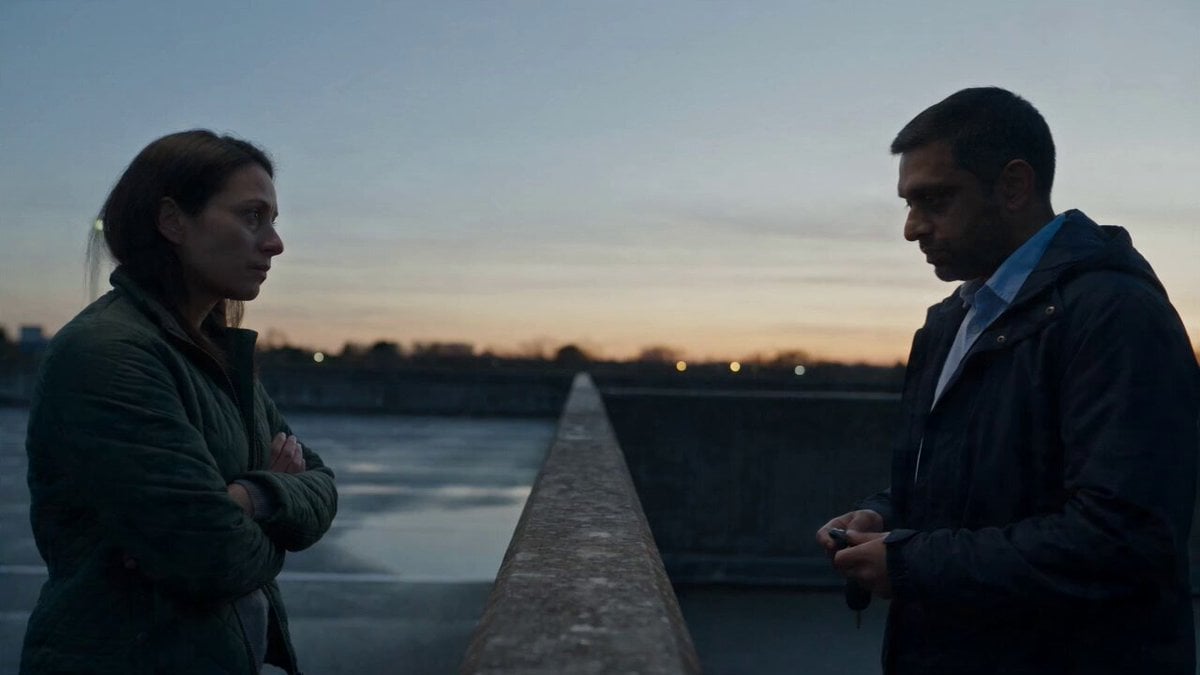
Hospital Car Park Dialogue Lip Sync
First Person Birth of Existence
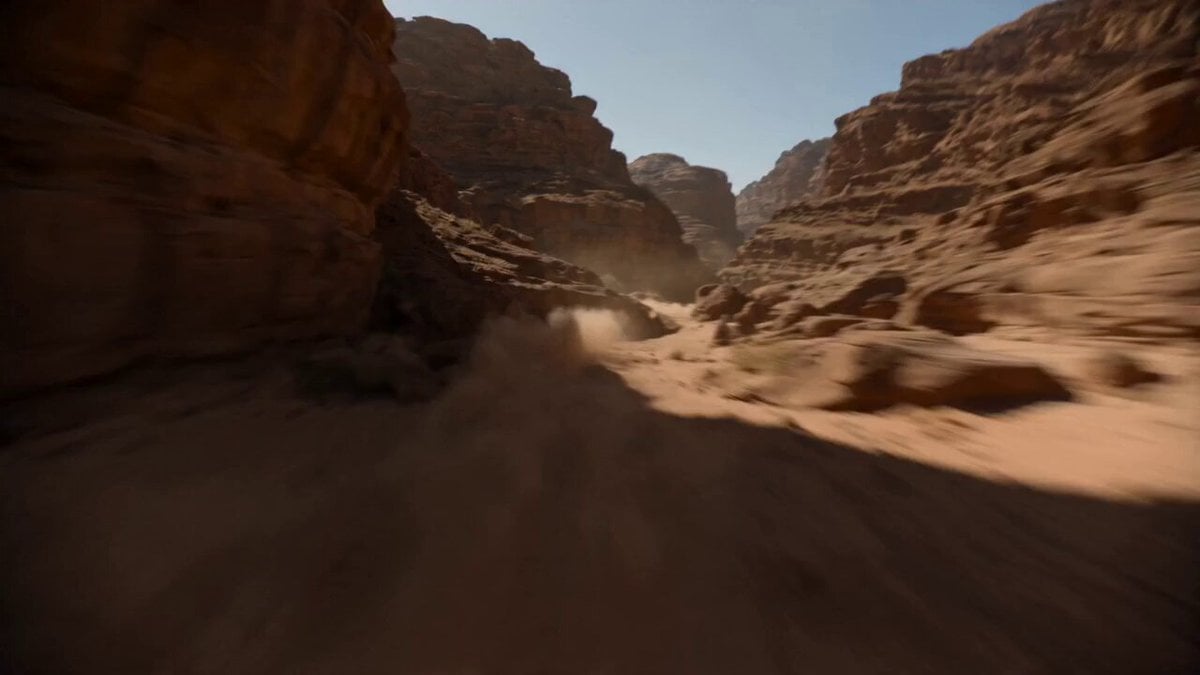
Supersonic Canyon Flight First-Person View
Make it yours
First-Person RPG Dialogue and Exploration Video Prompt works as-is. These are the safest ways to change it without losing the look.
Change one field
Copy a single group, rewrite it, and generate again so you can see what that field is doing.
Keep the frame, change the subject
Hold the composition and light of First-Person RPG Dialogue and Exploration Video Prompt, then swap wardrobe, props or the person for a new take.
| If the result… | Why | Fix |
|---|---|---|
| The result drifts from the preview | Too many fields changed at once. | Reuse First-Person RPG Dialogue and Exploration Video Prompt as-is first, then change one group — subject, light, or setting. |
| The model over-stylizes the scene | The prose prompt leaves finish and camera underspecified. | Add one camera or lighting sentence and stay on Seedance 2.0. |
More Seedance 2.0 templates
Other prompts made for Seedance 2.0.

Comical Martial Arts Punch Scene

Maglev Train Action Sequence

Martial Arts Fight Sequence

Wuxia Protection and Trust Script

Vintage Korean Arcade MiniDV Vlog

Mercedes 190 SL Luxury Ad

Rainy Night Supernatural Reverse Comedy Video Script

Amazon Civilization Discovery

Futuristic South Asian City Transformation

Cozy Luxury Cafe Commercial
More video prompts
Fresh picks from across the catalog.
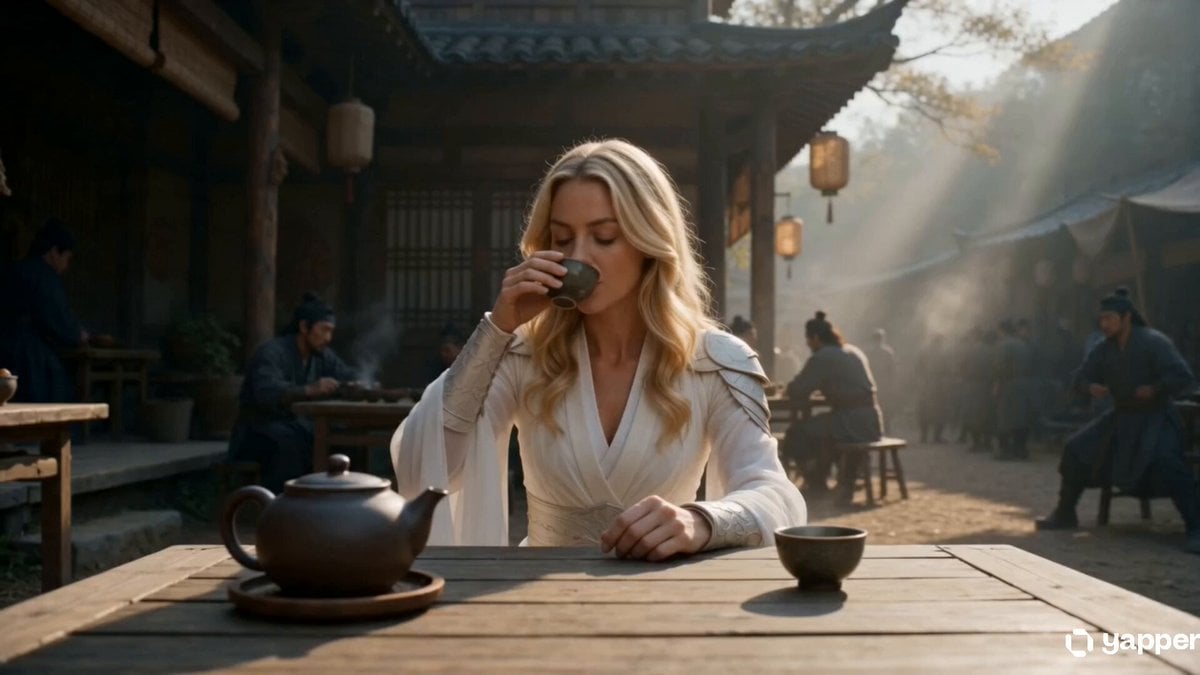
Lone Martial Artist Ancient Village Battle
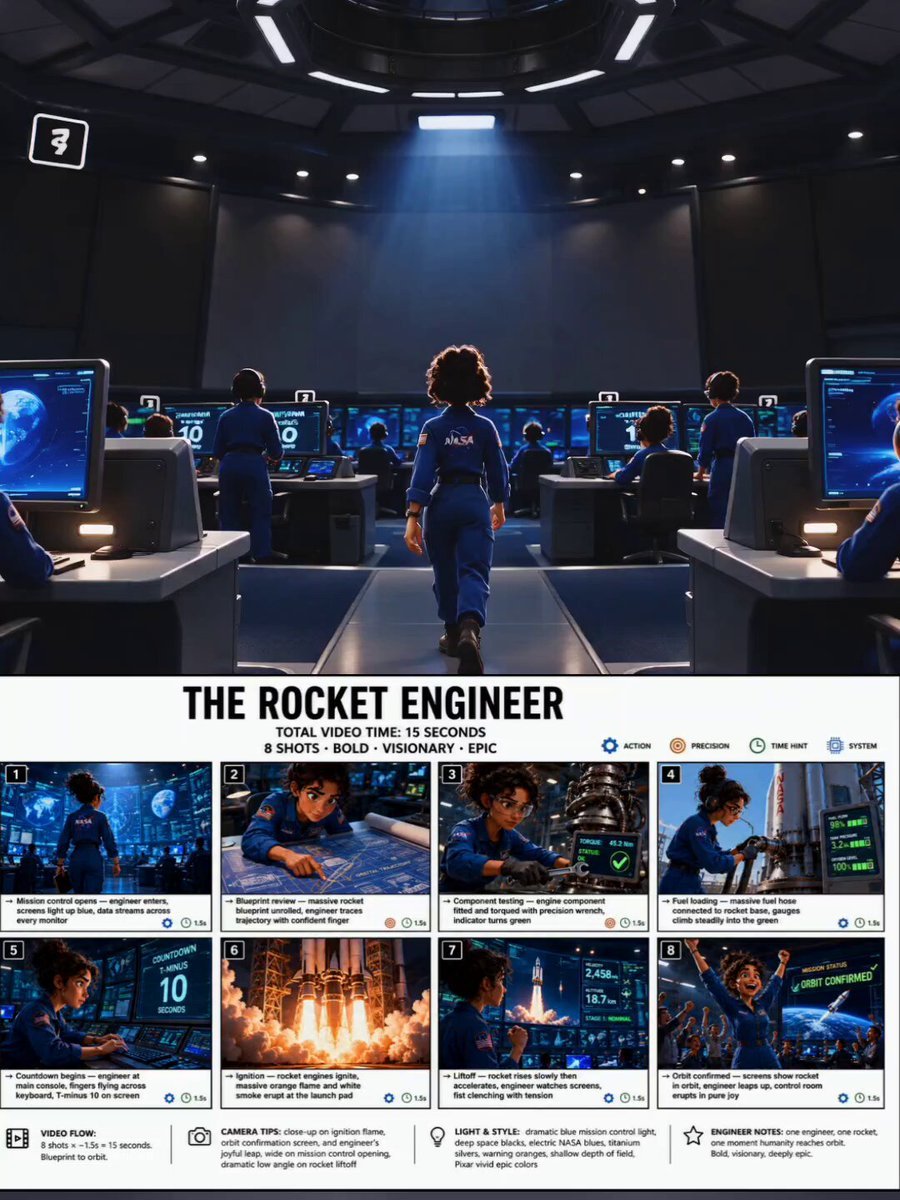
Animated Rocket Launch Storyboard
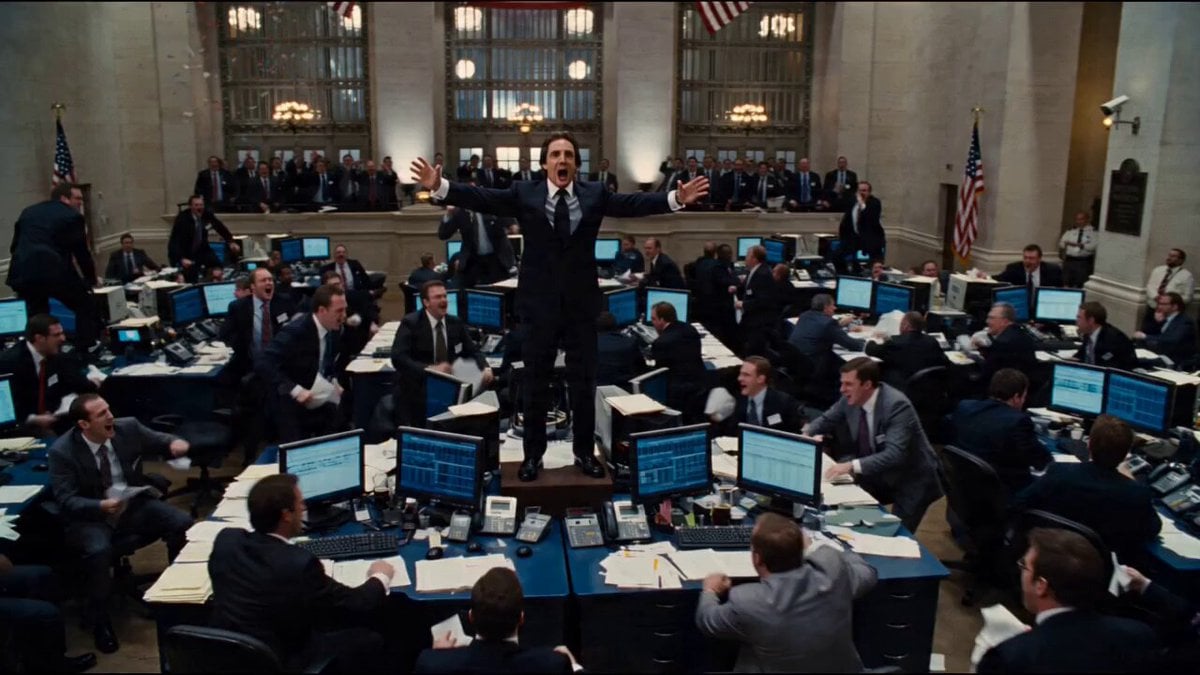
Seedance 2.0 Prompt for Hollywood Cinematic Commercial
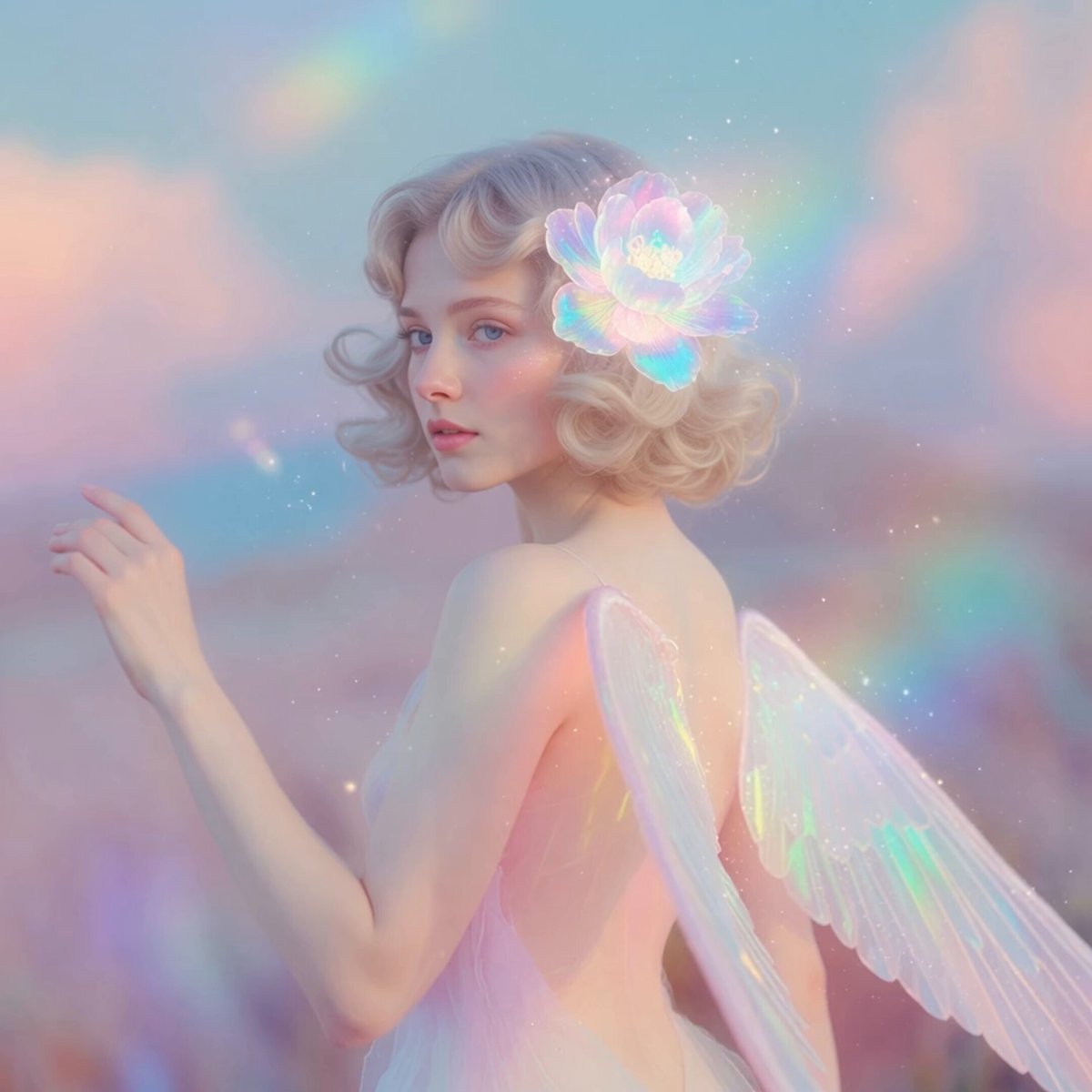
Ethereal Pastel Angelic Wings

Epic World Cup Poster Animation

Cyberpunk Robot Transformation Video

12 Flower Goddesses Quick Transformation Video
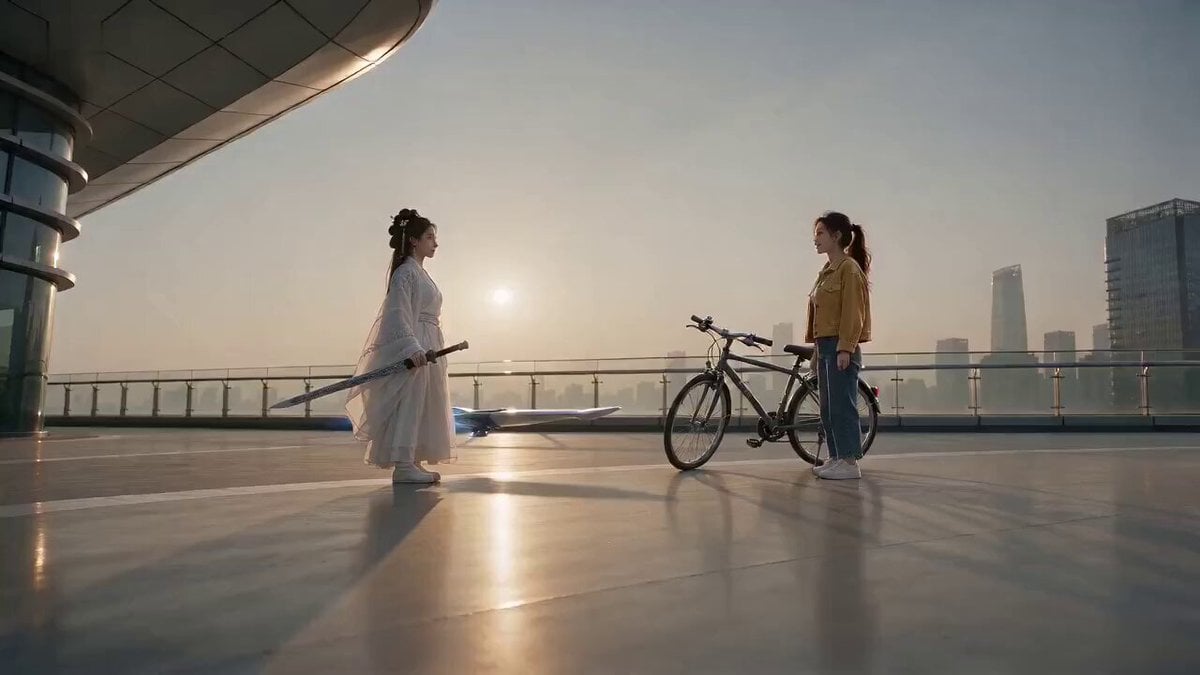
Comedy Sword and Bicycle Swap
Knight Quote Video Prompt
Seedance 2.0 Prompt: Surreal Art Sci-Fi Martial Arts Dance
Browse template categories
First-Person RPG Dialogue and Exploration Video Prompt questions
How do I use the First-Person RPG Dialogue and Exploration Video Prompt template?
Add your photo if the template asks for one, edit the prompt if you like — the template's model and format are already selected — and press Generate. Your version opens in PicX Studio.
Can I customize the First-Person RPG Dialogue and Exploration Video Prompt template?
Yes. You can change the subject, setting, lighting, mood, format, and available model controls before creating your video.
Is the First-Person RPG Dialogue and Exploration Video Prompt template free?
Opening and editing this template is free. Generating uses credits, shown on the Generate button when you are signed in.
Which AI model should I use?
Start with Seedance 2.0, which is the model associated with this template. You can compare another compatible model for a different finish.
Looking for something else? Browse all templates.

Your photo, any look
Thousands of ready templates for every top image and video model, from one credit balance.