How do I use the Japanese Summer Beer Commercial template?
Edit the prompt in the box under the preview — the template's model and format are already selected — and press Generate. Your version appears right on this page.
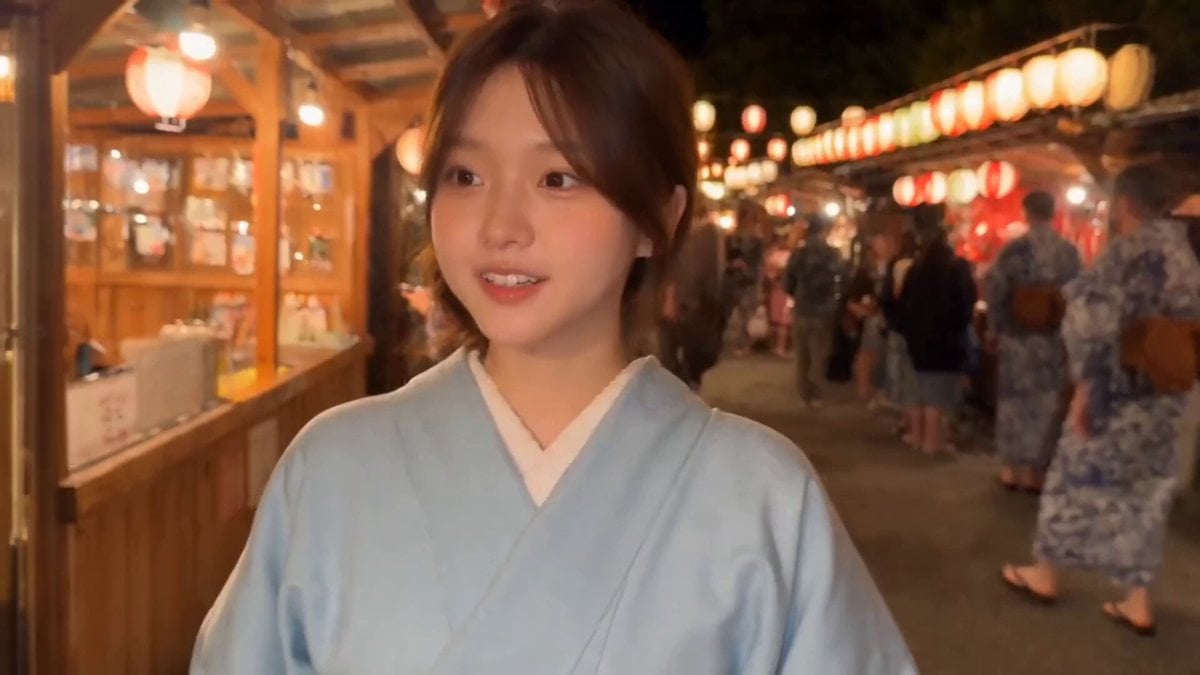
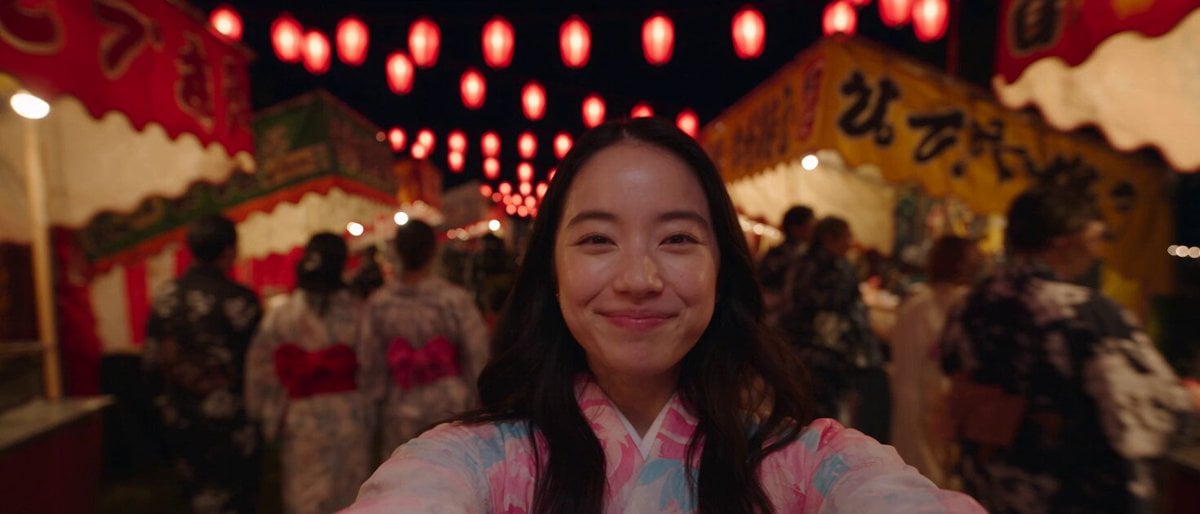
A highly detailed cinematic prompt for a beer advertisement featuring a woman in a yukata with fireworks, designed to look like a living poster.
Shot count: 1 | Duration: 15s | Aspect ratio: 16:9\nUse @Image1 as the exact first frame.\n\n=== ABSOLUTE TEXT RULE ===\nDo not add, replace, redraw or re-render any text anywhere in the frame.\nEvery Japanese character, the brand logotype, the tagline, all printing\non the green can and the small legal notice must stay exactly as they\nare in @Image1 for all fifteen seconds. No new text of any kind may\nappear. Never display any English word other than what is already in\n@Image1.\n\n=== CAMERA ===\nFixed, locked-off tripod shot. The camera never moves, pans or zooms.\nAny change in her size comes from the woman moving toward the lens.\n\n=== SUBJECT ===\nMaintain exact appearance from @Image1: the same young Japanese woman,\nsame face, same fair skin, same black semi-long hair, same white yukata\nwith the blue floral pattern, same earring. Her facial structure and\nfeatures stay identical throughout. She is a real photographed person.\n\n=== TIMELINE ===\n\n0.0-1.0s: Absolutely nothing moves. Not a blink, not a breath, not a\nsingle hair. The frame must be indistinguishable from a printed poster.\n\n1.0-1.8s: Everything comes alive at once. The fireworks in the night sky\nbloom outward with trailing sparks. Her hair lifts and flows in the\nnight wind. Inside the glass a dense stream of fine bubbles rushes up\nto the foam head. Condensation runs down the outside of the glass.\n\n1.8-2.6s: Her eyes drop to the glass and she raises it smoothly to her\nlips, tilting her face slightly upward.\n\n2.6-6.5s: She drinks deeply and continuously, with real thirst and\nobvious enjoyment. Her throat moves visibly with every swallow, one\nafter another. Her eyes close and her eyebrows relax with pleasure.\nThe level of beer inside the glass drops steadily and clearly until\nabout two thirds of it is gone and only one third remains. White foam\nclings in rings to the inside wall of the glass as the level falls.\n\n6.5-7.8s: She pulls the glass away from her lips, opens her eyes wide,\nlooks straight into the camera and says her line with a big, delighted\nsmile, full of energy. From this moment on she never looks away from\nthe camera again.\n\n7.8-8.8s: Still looking into the camera, she lowers the glass to about\nchest height and holds it there comfortably.\n\n8.8-10.2s: She steps forward toward the camera and becomes noticeably\nlarger in frame, her face closer to the lens. She stays at this larger\nsize for the rest of the video and never moves back. She must not cover\nthe vertical Japanese text at the left edge, and must not cover the\ngreen can on the right.\n\n10.2-11.2s: She raises her left arm into the frame on the right side of\nher body. Her open palm faces the camera, and her index finger extends\nsideways to point clearly
Shot count: 1 | Duration: 15s | Aspect ratio: 16:9\nUse @Image1 as the exact first frame.\n\n=== ABSOLUTE TEXT RULE ===\nDo not add, replace, redraw or re-render any text anywhere in the frame.\nEvery Japanese character, the brand logotype, the tagline, all printing\non the green can and the small legal notice must stay exactly as they\nare in @Image1 for all fifteen seconds. No new text of any kind may\nappear. Never display any English word other than what is already in\n@Image1.\n\n=== CAMERA ===\nFixed, locked-off tripod shot. The camera never moves, pans or zooms.\nAny change in her size comes from the woman moving toward the lens.\n\n=== SUBJECT ===\nMaintain exact appearance from @Image1: the same young Japanese woman,\nsame face, same fair skin, same black semi-long hair, same white yukata\nwith the blue floral pattern, same earring. Her facial structure and\nfeatures stay identical throughout. She is a real photographed person.\n\n=== TIMELINE ===\n\n0.0-1.0s: Absolutely nothing moves. Not a blink, not a breath, not a\nsingle hair. The frame must be indistinguishable from a printed poster.\n\n1.0-1.8s: Everything comes alive at once. The fireworks in the night sky\nbloom outward with trailing sparks. Her hair lifts and flows in the\nnight wind. Inside the glass a dense stream of fine bubbles rushes up\nto the foam head. Condensation runs down the outside of the glass.\n\n1.8-2.6s: Her eyes drop to the glass and she raises it smoothly to her\nlips, tilting her face slightly upward.\n\n2.6-6.5s: She drinks deeply and continuously, with real thirst and\nobvious enjoyment. Her throat moves visibly with every swallow, one\nafter another. Her eyes close and her eyebrows relax with pleasure.\nThe level of beer inside the glass drops steadily and clearly until\nabout two thirds of it is gone and only one third remains. White foam\nclings in rings to the inside wall of the glass as the level falls.\n\n6.5-7.8s: She pulls the glass away from her lips, opens her eyes wide,\nlooks straight into the camera and says her line with a big, delighted\nsmile, full of energy. From this moment on she never looks away from\nthe camera again.\n\n7.8-8.8s: Still looking into the camera, she lowers the glass to about\nchest height and holds it there comfortably.\n\n8.8-10.2s: She steps forward toward the camera and becomes noticeably\nlarger in frame, her face closer to the lens. She stays at this larger\nsize for the rest of the video and never moves back. She must not cover\nthe vertical Japanese text at the left edge, and must not cover the\ngreen can on the right.\n\n10.2-11.2s: She raises her left arm into the frame on the right side of\nher body. Her open palm faces the camera, and her index finger extends\nsideways to point clearly
Edit the prompt in the box under the preview — the template's model and format are already selected — and press Generate. Your version appears right on this page.
Yes. You can change the subject, setting, lighting, mood, format, and available model controls before creating your video.
Opening and editing this template is free. Generating uses credits, shown on the Generate button when you are signed in.
Start with Seedance 2.0, which is the model associated with this template. You can compare another compatible model for a different finish.
Follow a topic to a crawlable collection of related PicX Studio templates.