
Gothic Church Battle Valkyrie Transformation
A timestamped video prompt for a dark fantasy transformation scene in a Gothic church involving a holy grail and a valkyrie.

- Prompt included
- Model and format preset
- Free template
The prompt behind this video
Copy the exact prompt behind Gothic Church Battle Valkyrie Transformation, or open it in the studio and make it yours.
1–2s Inside a cold blue-gray Gothic church, towering stone pillars rise toward the sky. Faint, cool light filters through the stained glass. A white-haired woman with her eyes closed and head bowed stands before the altar. She wears a black-and-white nun-like robe, a small red vertical mark on her forehead, and a silver cross pendant around her neck. 2–3.5s Her eyes slowly open, expression cold and restrained. A golden holy grail descends into the frame, its surface churning with surging red light that illuminates her face and fingers. 3.5–5s She cups the grail with both hands and drinks. Red mist spills from the rim, a red core ignites on her chest, and the cold blue color palette is overtaken by a bloody crimson glow. 5–6.5s The black-and-white robe is torn apart by red energy. Silver spiked armor rapidly forms across her shoulders, chest, and arms. A deep crimson cape billows open behind her back. 6.5–8s A silver crown of thorns, dotted with dark red roses, forms above her head. She rises, transforming into a dark battle valkyrie in silver and deep crimson, her chest core glowing brightly. 8–9.5s Red metal shards and light converge in her hand to form a spear or halberd, its blade glowing with a blood-red hue. She raises the weapon at a low angle, the armor reflecting the church's cold light. 9.5–11s The altar at the far end of the church shatters. A giant shadowy boss emerges from the rubble and black mist, clad in broken black armor with a red-and-black core in its chest and tattered bone wings extending from its back. 11–12.5s The boss swings its massive clawed arm, sending stone pillars crumbling and candles sputtering out. She charges forward, her red-and-black cape trailing, the spear leaving a red trail as it scrapes the ground. 12.5–14s She leaps, spins, and thrusts. The red spear cuts through the mist, piercing the boss's shoulder armor and erupting in silver sparks and red-and-black energy shards. 14–15s The boss's chest core flares bright, ready to counter. She grips the spear with both hands, driving it straight for the core. The frame freezes on the moment the spear tip is about to strike, no subtitles or dialogue shown.
How to use Gothic Church Battle Valkyrie Transformation in 3 steps
- 1
Open
The prompt is already in the box next to the preview, with the template's model and format selected.
- 2…a portrait of your subject in softgolden-hour light, 85mm…
Personalize
Edit the subject and creative details for your destination.
- 3Generate
Generate
Press Generate — your video is created in PicX Studio, so you can compare it with the original and refine one variable at a time.
More like this
Templates with the same subject, style or setup. Open one to see its prompt.
Mecha Transformation vs Kaiju — 4-Scene Epic

Magical Room Transformation - Seedance 2.5

Dark Tokusatsu Transformation - Seedance 2.5

RX-7 to Mech Transformation Cyberpunk

Martial Arts Cyborg Battle and Transformation
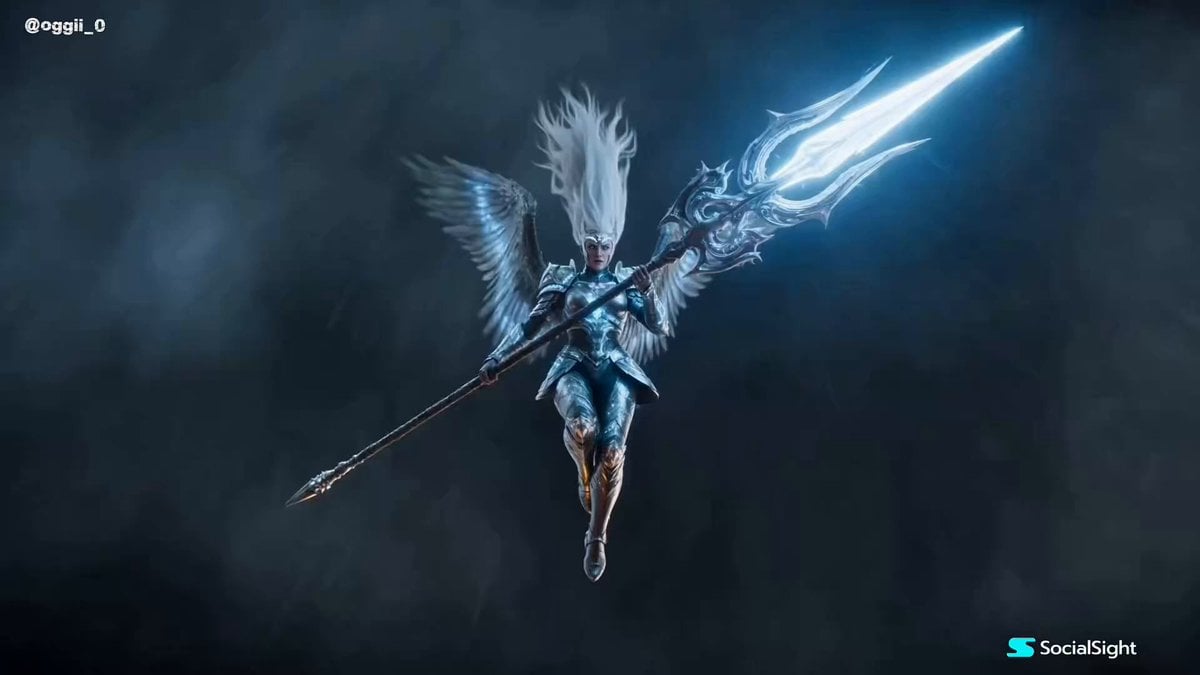
Cinematic Valkyrie Battle Scene

School Monster Transformation Battle

Valkyrie Anime Battle Sakuga

Cinematic Fantasy Transformation Battle
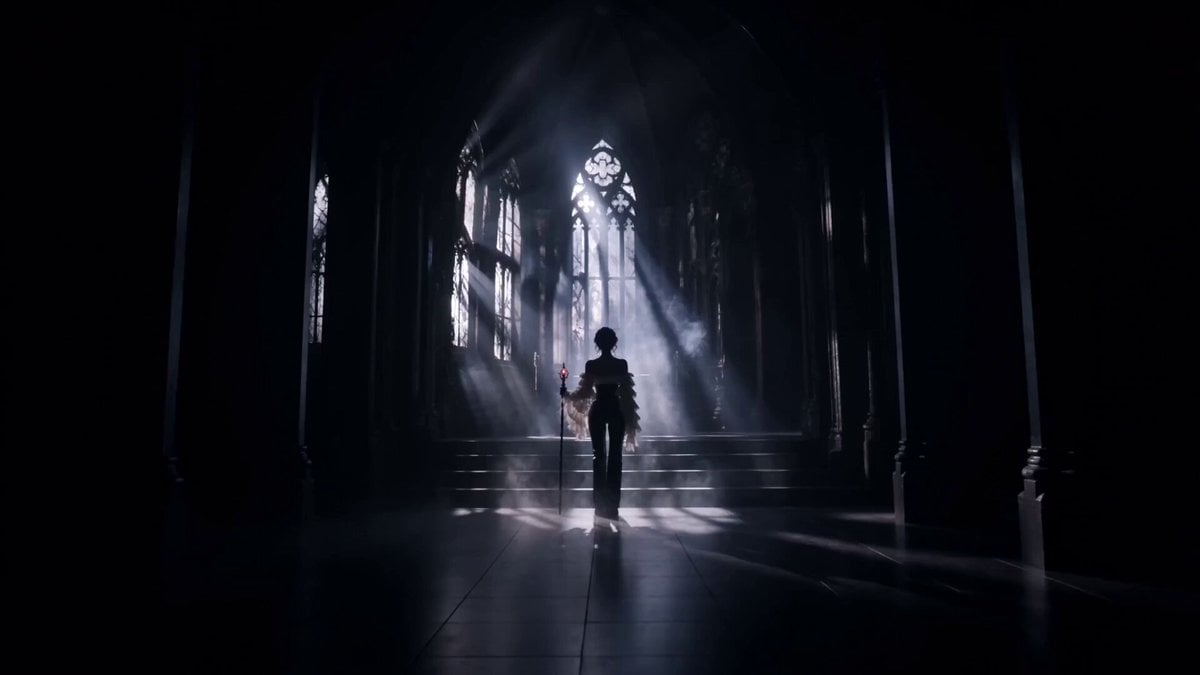
Gothic Battle Dancer Cinematic Video
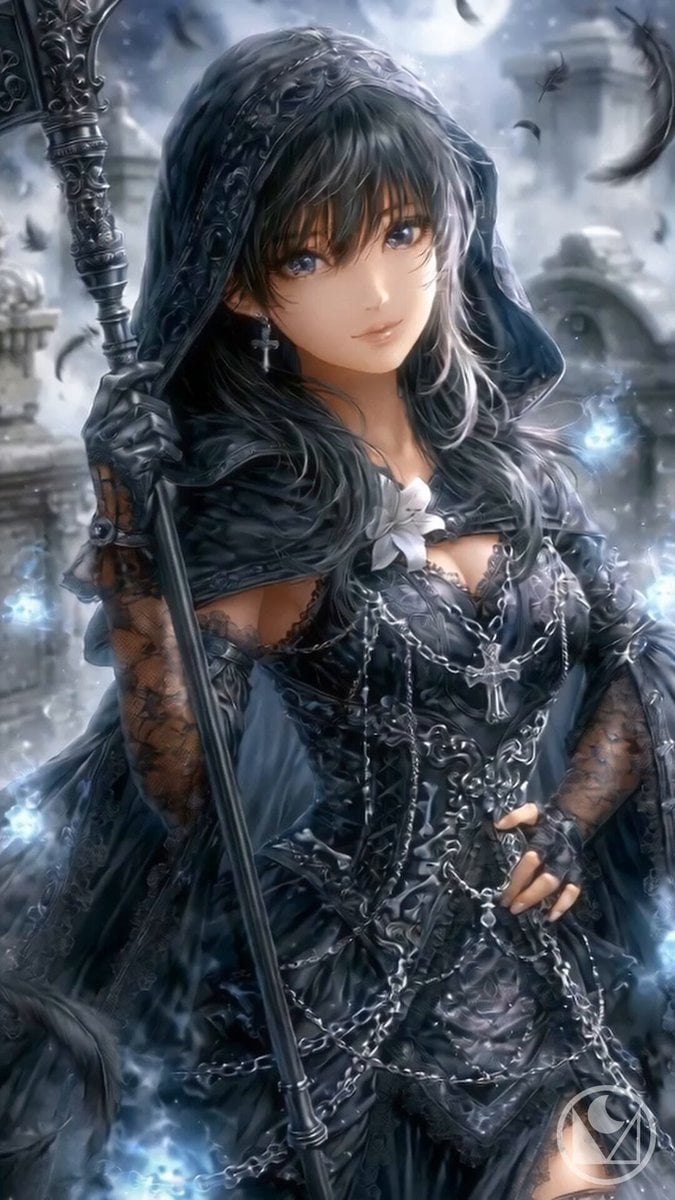
Gothic Reaper Battle Animation

Valkyrie Descending on Undead Battlefield
Make it yours
Gothic Church Battle Valkyrie Transformation works as-is. These are the safest ways to change it without losing the look.
Change one field
Copy a single group, rewrite it, and generate again so you can see what that field is doing.
Keep the frame, change the subject
Hold the composition and light of Gothic Church Battle Valkyrie Transformation, then swap wardrobe, props or the person for a new take.
| If the result… | Why | Fix |
|---|---|---|
| The result drifts from the preview | Too many fields changed at once. | Reuse Gothic Church Battle Valkyrie Transformation as-is first, then change one group — subject, light, or setting. |
| The model over-stylizes the scene | The prose prompt leaves finish and camera underspecified. | Add one camera or lighting sentence and stay on Seedance 2.0. |
More Seedance 2.0 templates
Other prompts made for Seedance 2.0.

Comical Martial Arts Punch Scene

Maglev Train Action Sequence

Martial Arts Fight Sequence

Wuxia Protection and Trust Script

Vintage Korean Arcade MiniDV Vlog

Mercedes 190 SL Luxury Ad

Rainy Night Supernatural Reverse Comedy Video Script

Amazon Civilization Discovery

Futuristic South Asian City Transformation

Cozy Luxury Cafe Commercial
More video prompts
Fresh picks from across the catalog.

Xianxia Modern Restaurant Chase
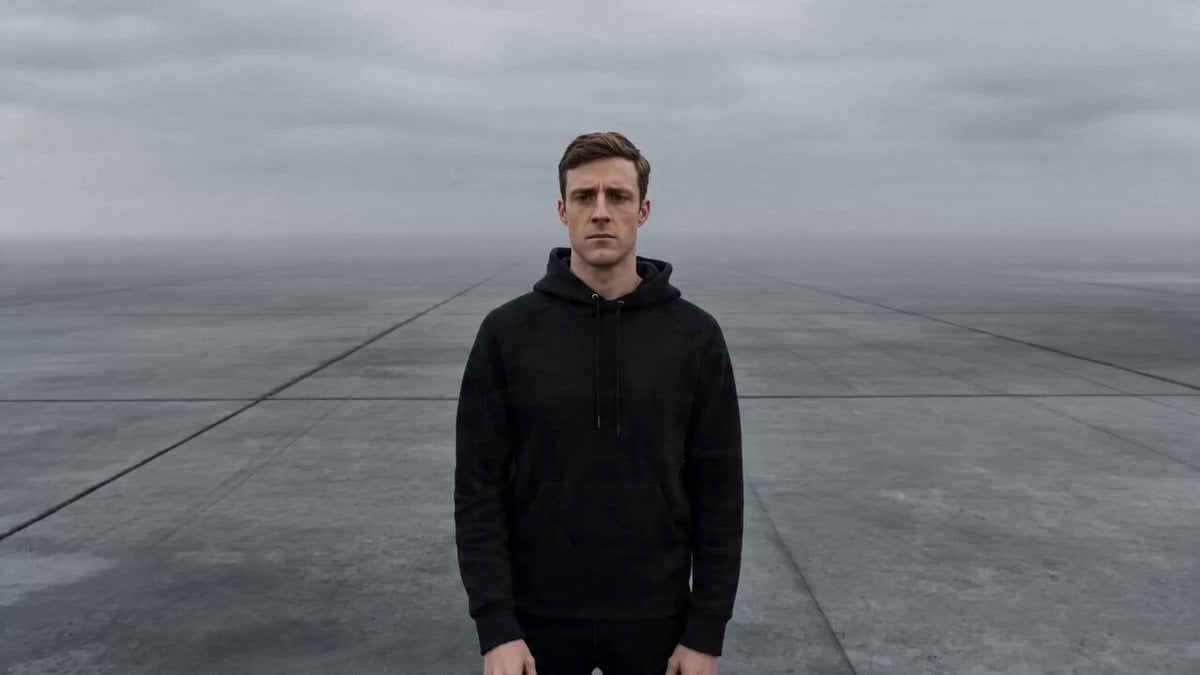
Cinematic Creator Scene Transformation
Epic Anime Dungeon Raid Battle

Sci-Fi Space Station Crash Scene

Cinematic Baby Dragon and Potter in Volcanic Cave

Flying sailing ship leaving New York skyline
Allaaisling World Acceleration Kling

Luxury Skincare Pitch Deck Animation
Cyberpunk Tokyo Underground Shrine

Mutant Horse and Wolf Transformation
Browse template categories
Gothic Church Battle Valkyrie Transformation questions
How do I use the Gothic Church Battle Valkyrie Transformation template?
Add your photo if the template asks for one, edit the prompt if you like — the template's model and format are already selected — and press Generate. Your version opens in PicX Studio.
Can I customize the Gothic Church Battle Valkyrie Transformation template?
Yes. You can change the subject, setting, lighting, mood, format, and available model controls before creating your video.
Is the Gothic Church Battle Valkyrie Transformation template free?
Opening and editing this template is free. Generating uses credits, shown on the Generate button when you are signed in.
Which AI model should I use?
Start with Seedance 2.0, which is the model associated with this template. You can compare another compatible model for a different finish.
Looking for something else? Browse all templates.

Your photo, any look
Thousands of ready templates for every top image and video model, from one credit balance.