
Cinematic Valkyrie Battle Scene
A highly detailed prompt for generating an epic 4K cinematic video of a Valkyrie descending into a medieval battlefield, featuring dynamic camera moves and complex elemental effects.
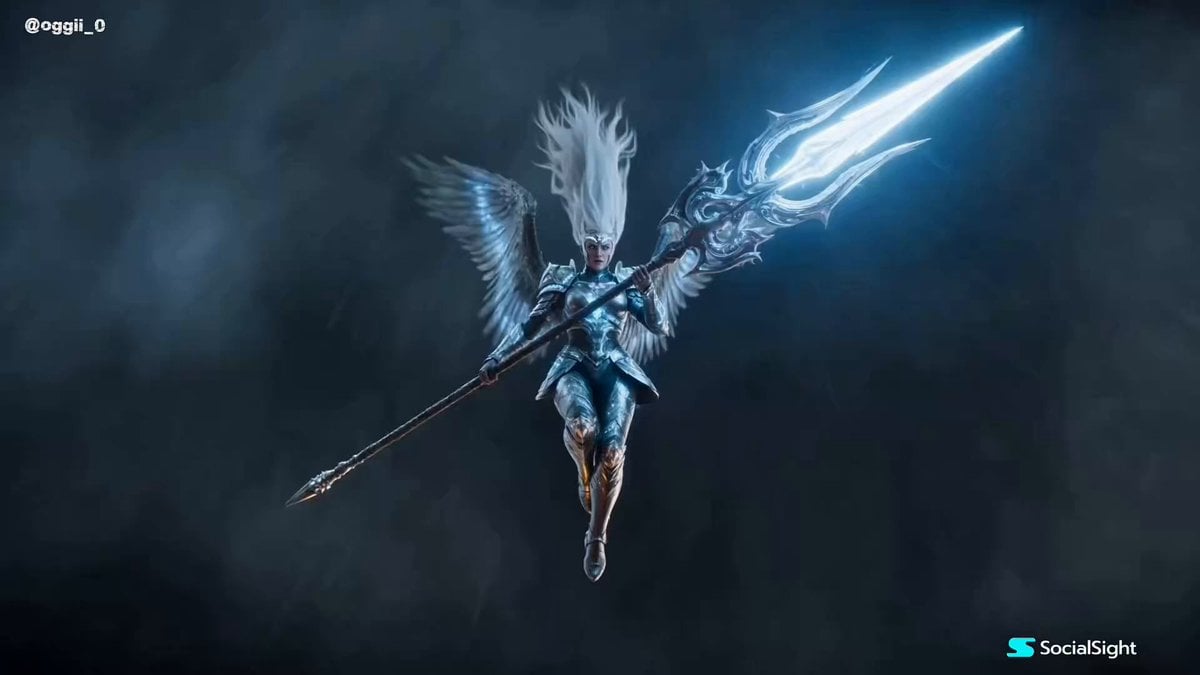
- Prompt included
- Model and format preset
- Premium template
The prompt behind this video
Copy the exact prompt behind Cinematic Valkyrie Battle Scene, or open it in the studio and make it yours.
Ultra-realistic cinematic heroic fantasy, photorealistic, IMAX-scale epic. A mighty Valkyrie with long snow-white hair flowing violently in the wind and piercing ice-blue eyes descends from a raging storm. She wears battle-worn silver armor engraved with glowing ancient runes, each rune radiating divine power. In her hands is an enormous winged spear infused with holy energy. Above, thunder roars through colossal storm clouds as torrential rain pours across the sky, with massive volumetric clouds covering the entire battlefield. Below, countless undead soldiers overwhelm the kingdom's last defenders across a brutal medieval battlefield covered in mud, fire, blood, shattered weapons, and burning siege wreckage. Camera: An IMAX cinematic aerial shot follows the Valkyrie as she dives at incredible speed through the storm, slicing through rain, lightning, and dense clouds. The camera fluidly transitions into a dramatic low-angle tracking shot as she crashes into the center of the battlefield. She lands with earth-shattering force, unleashing a massive holy shockwave that ripples outward and hurls thousands of undead warriors into the air. Without hesitation, she charges into the undead horde with breathtaking speed and precision. Every spear thrust pierces multiple enemies, while every sweeping strike releases blinding bursts of divine energy that obliterate entire ranks of skeletal warriors. Horses collide with soldiers, swords clash violently, and mud, flames, shattered bones, broken armor, debris, and sparks explode through the air. High-speed tracking shots, dynamic whip pans, and perfectly timed slow-motion sequences alternate seamlessly, emphasizing realistic physics, powerful impacts, convincing weight, cinematic motion blur, and spectacular large-scale combat. The Valkyrie then leaps high into the storm-filled sky and hurls her enormous winged spear with the force of divine lightning. The spear transforms into a blazing bolt of holy energy that streaks across the battlefield and strikes the towering Undead King directly. A colossal explosion of radiant holy light engulfs the battlefield, completely annihilating the Undead King. With their ruler destroyed, every remaining undead warrior instantly collapses, and silence falls over the battlefield. Final Shot: The camera slowly ascends into an awe-inspiring IMAX bird's-eye view, revealing the immense scale of the battlefield. The Valkyrie stands alone among thousands of fallen undead corpses as heavy rain continues to fall. Dark storm clouds are torn apart by brilliant divine light, with magnificent rays of sunlight breaking through the heavens and illuminating her victorious figure in an unforgettable cinematic finale. Style: Ultra-realistic, photorealistic, cinematic heroic fantasy, dark medieval warfare, breathtaking holy visual effects, physically accurate armor and cloth simulation, realistic rain simulation, volumetric lighting,
How to use Cinematic Valkyrie Battle Scene in 3 steps
- 1
Open
The prompt is already in the box next to the preview, with the template's model and format selected.
- 2…a portrait of your subject in softgolden-hour light, 85mm…
Personalize
Edit the subject and creative details for your destination.
- 3Generate
Generate
Press Generate — your video is created in PicX Studio, so you can compare it with the original and refine one variable at a time.
More like this
Templates with the same subject, style or setup. Open one to see its prompt.
Swordsman vs Shadow Monster — Bamboo Forest Battle
Tiger vs Gorilla — Jungle Canyon Clash
Mecha Transformation vs Kaiju — 4-Scene Epic
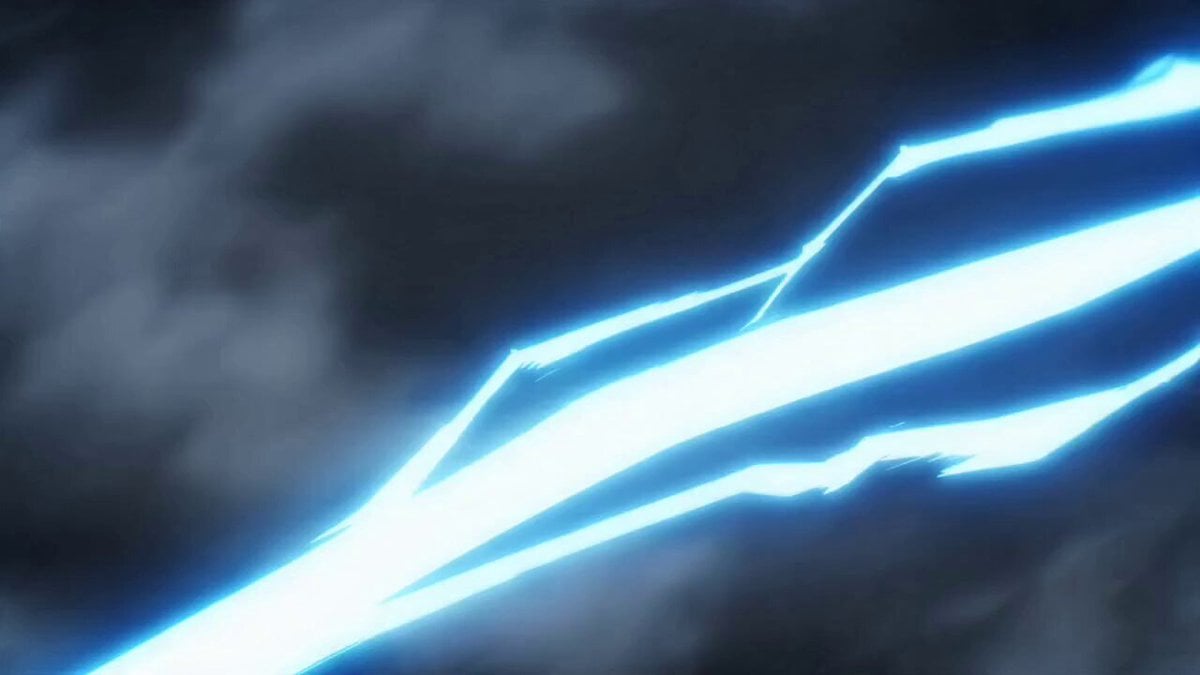
Valkyrie Anime Battle Sakuga

Valkyrie Descending on Undead Battlefield

Gothic Church Battle Valkyrie Transformation

Overwatch Mercy Valkyrie Heart Video
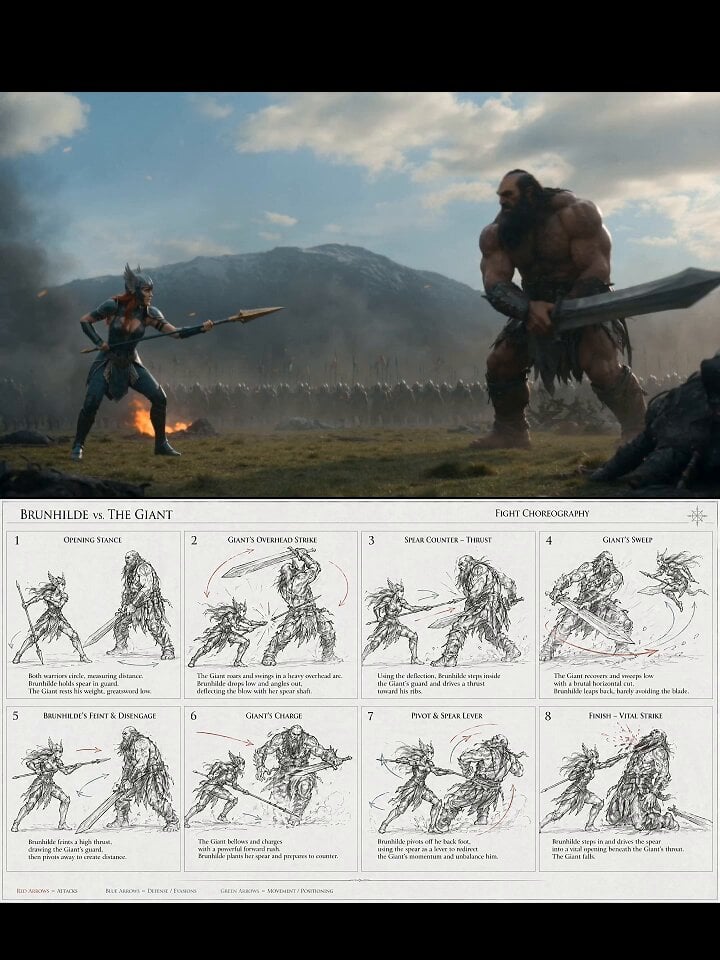
Valkyrie Fight Choreography Video
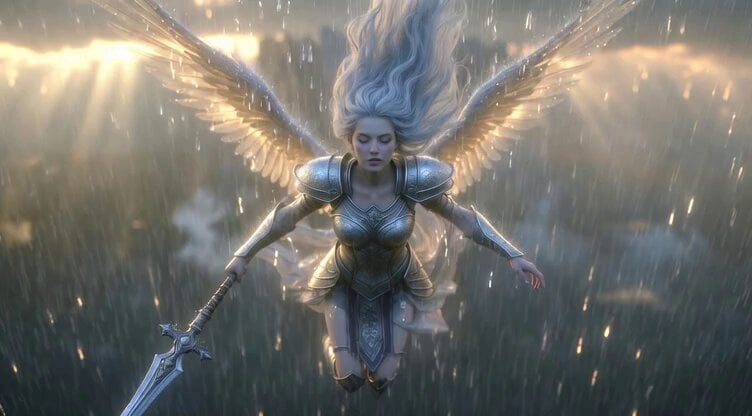
Video generation prompt: Celestial Valkyrie descending to Earth in the rain
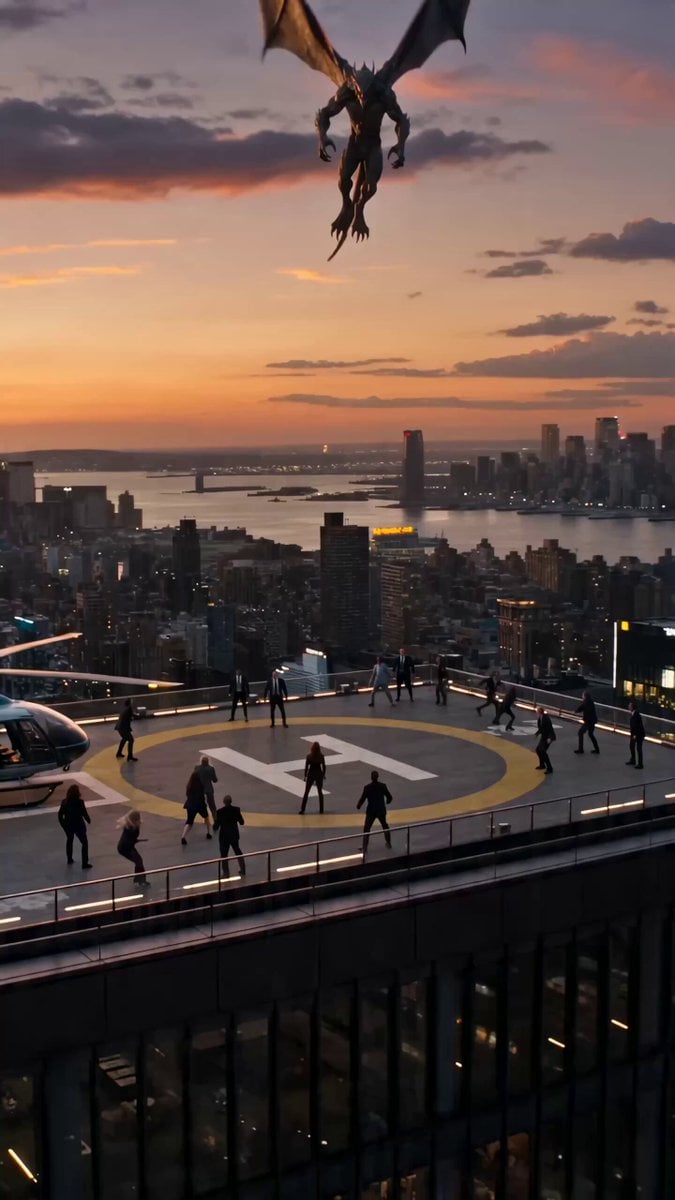
Solar Valkyrie Superhero Transformation Prompt
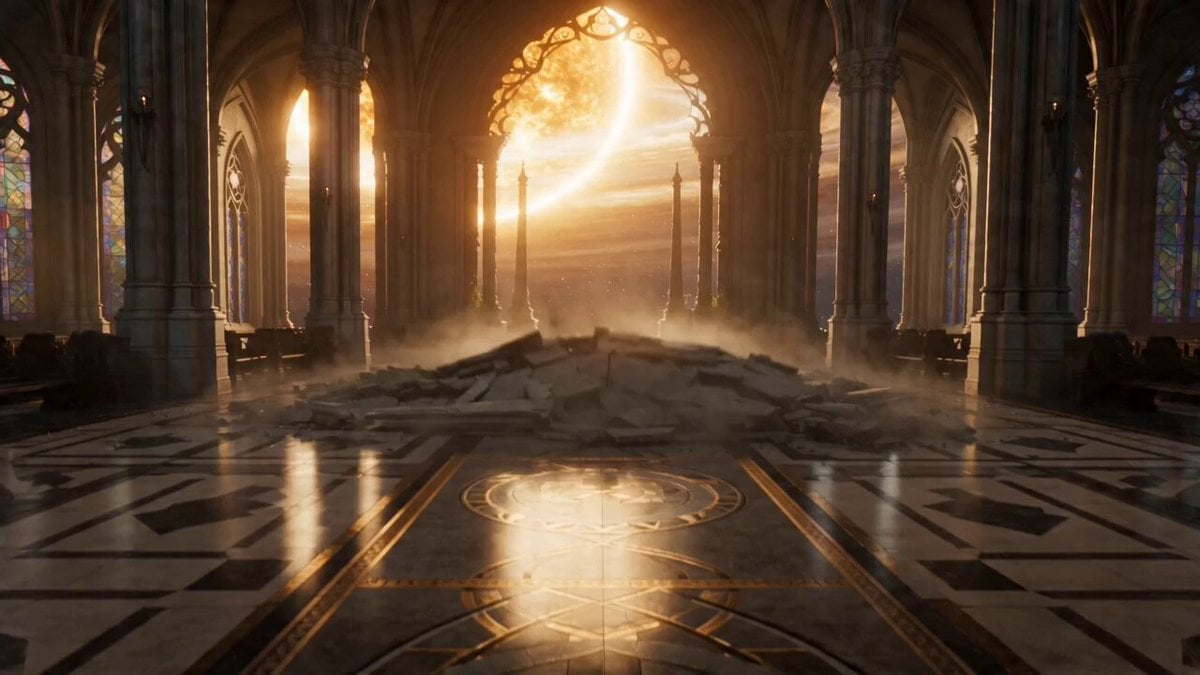
The Celestial Fracture: Biomechanical Valkyrie Action
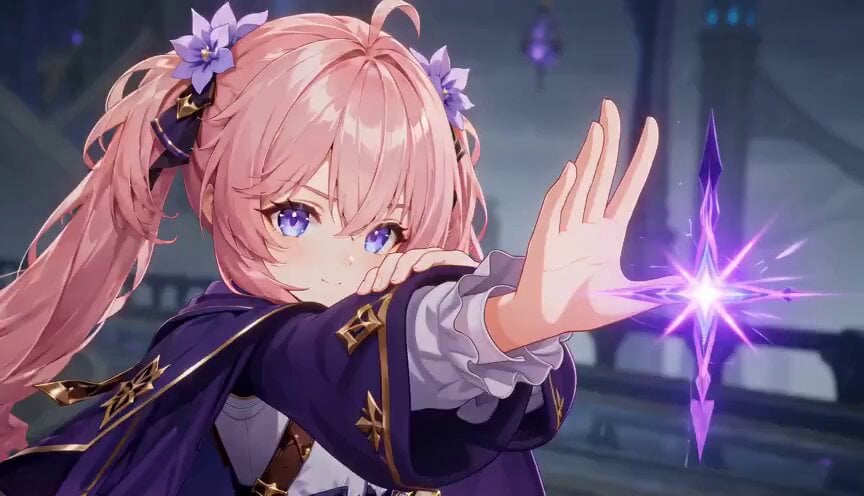
Magic City Fantasy Battle Animation
Make it yours
Cinematic Valkyrie Battle Scene works as-is. These are the safest ways to change it without losing the look.
Change one field
Copy a single group, rewrite it, and generate again so you can see what that field is doing.
Keep the frame, change the subject
Hold the composition and light of Cinematic Valkyrie Battle Scene, then swap wardrobe, props or the person for a new take.
| If the result… | Why | Fix |
|---|---|---|
| The result drifts from the preview | Too many fields changed at once. | Reuse Cinematic Valkyrie Battle Scene as-is first, then change one group — subject, light, or setting. |
| The model over-stylizes the scene | The prose prompt leaves finish and camera underspecified. | Add one camera or lighting sentence and stay on Seedance 2.0. |
More Seedance 2.0 templates
Other prompts made for Seedance 2.0.

Comical Martial Arts Punch Scene

Maglev Train Action Sequence

Martial Arts Fight Sequence

Wuxia Protection and Trust Script

Vintage Korean Arcade MiniDV Vlog

Mercedes 190 SL Luxury Ad

Rainy Night Supernatural Reverse Comedy Video Script

Amazon Civilization Discovery

Futuristic South Asian City Transformation

Cozy Luxury Cafe Commercial
More video prompts
Fresh picks from across the catalog.
Handheld Gym Cardio Vlog
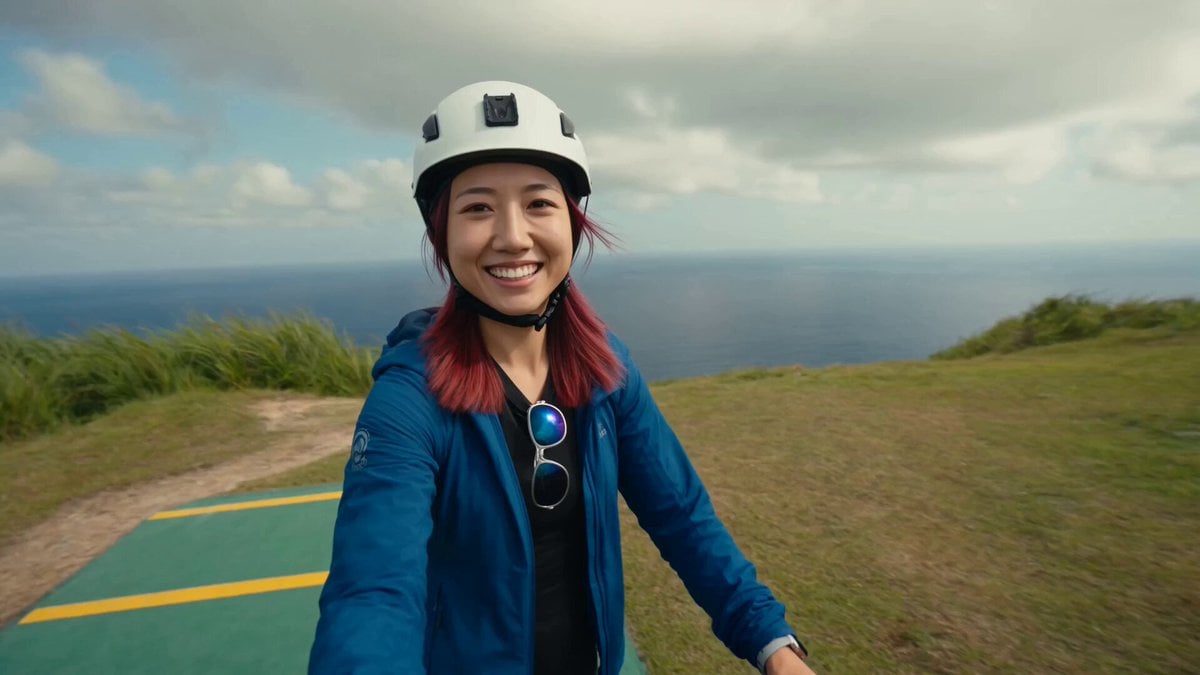
Cinematic Paragliding Travel Vlog

Ghibli Style Seaside Cottage
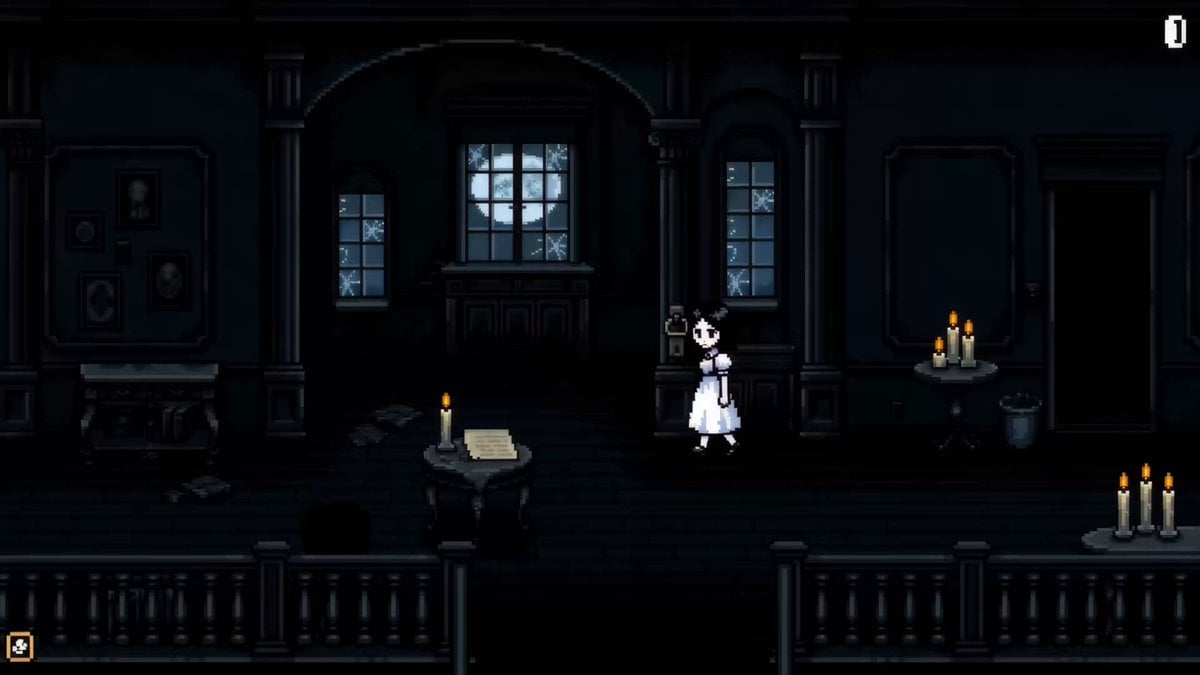
Pixel Art Horror RPG Gameplay Scene
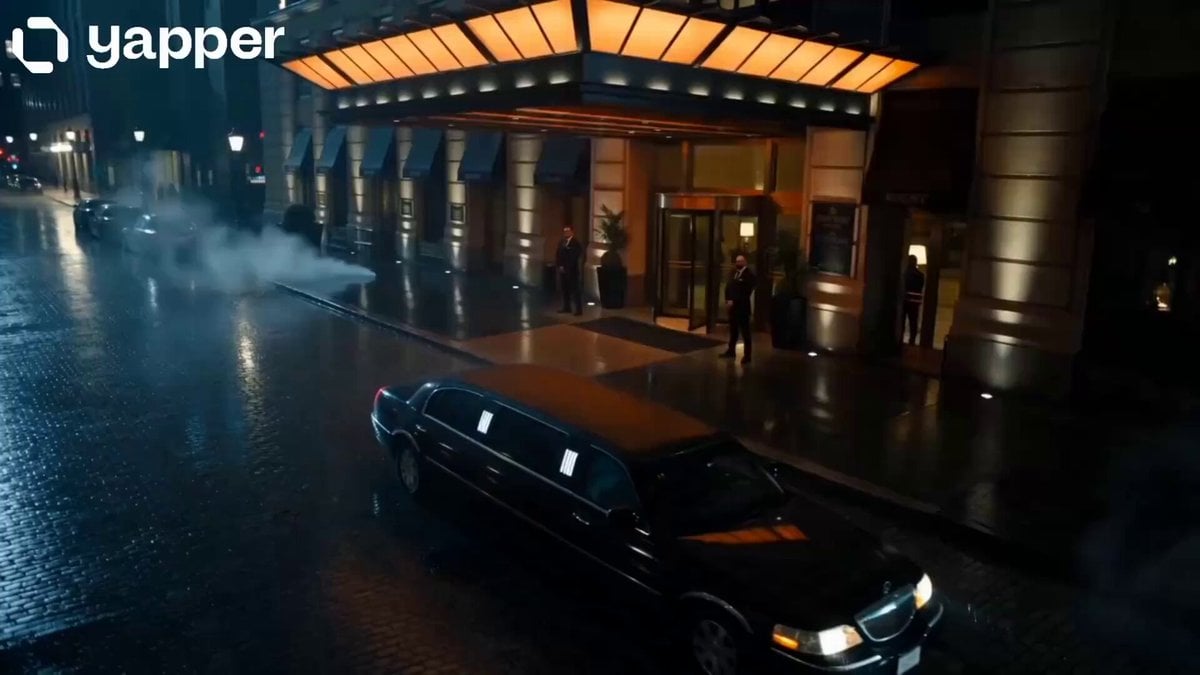
Midnight Arrival Luxury Hotel Prompt
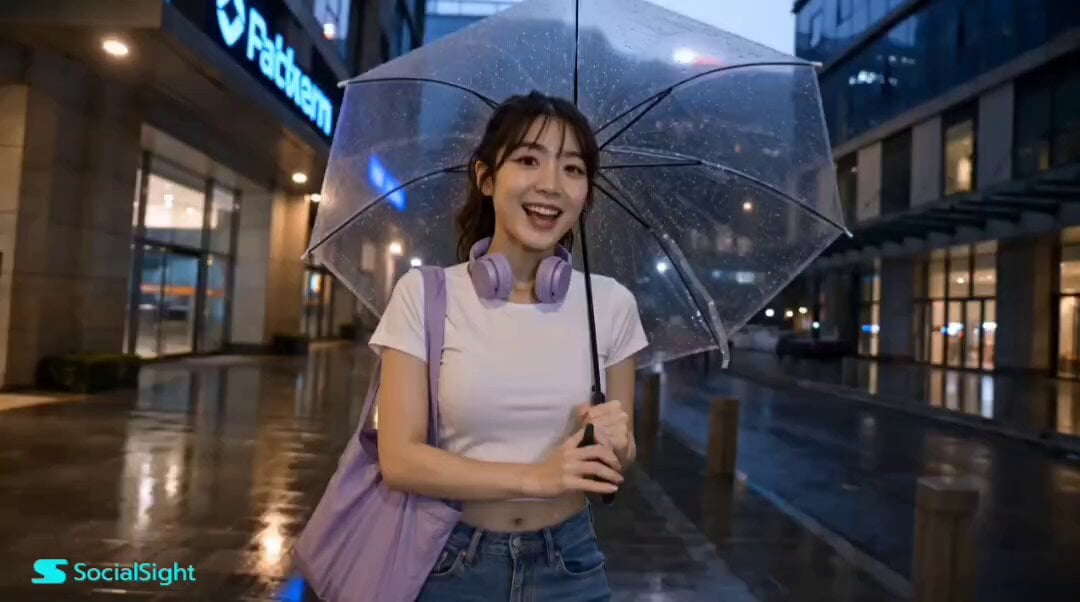
Korean Lifestyle Vlog Storyboard
Iris Transition into Memory World

Seedance 2.0 Prompt Generated via VSCode and Claude Code Analysis

Kung Fu Culinary Master Action Part 1
Cat Monk Dark Comedy Animation
Browse template categories
Cinematic Valkyrie Battle Scene questions
How do I use the Cinematic Valkyrie Battle Scene template?
Add your photo if the template asks for one, edit the prompt if you like — the template's model and format are already selected — and press Generate. Your version opens in PicX Studio.
Can I customize the Cinematic Valkyrie Battle Scene template?
Yes. You can change the subject, setting, lighting, mood, format, and available model controls before creating your video.
Is the Cinematic Valkyrie Battle Scene template free?
Opening and editing this template is free. Generating uses credits, shown on the Generate button when you are signed in.
Which AI model should I use?
Start with Seedance 2.0, which is the model associated with this template. You can compare another compatible model for a different finish.
Looking for something else? Browse all templates.

Your photo, any look
Thousands of ready templates for every top image and video model, from one credit balance.