How do I use the Giant Octopus Kaiju Rampage template?
Edit the prompt in the box under the preview — the template's model and format are already selected — and press Generate. Your version appears right on this page.
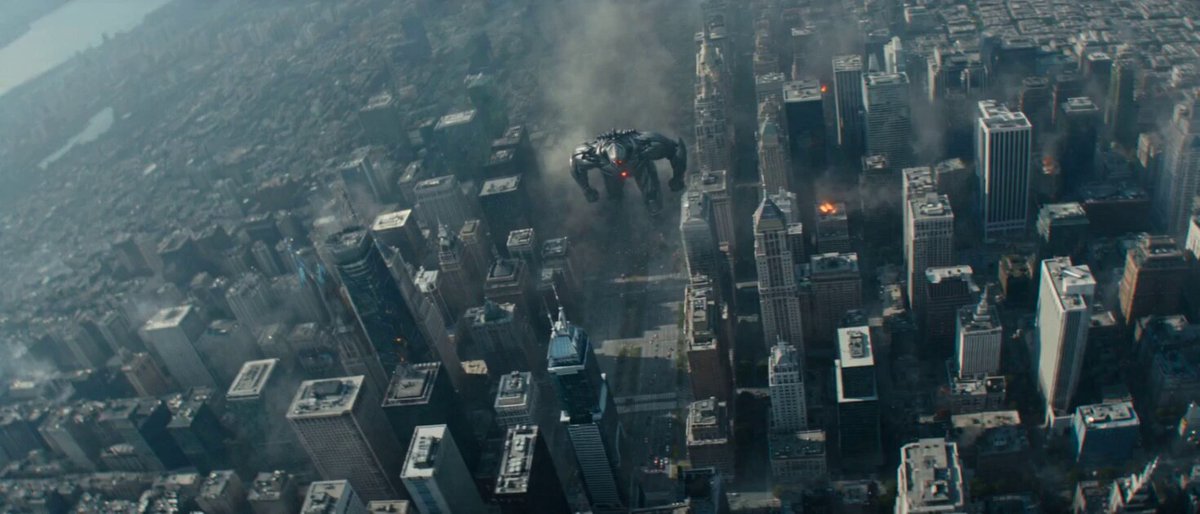
An IMAX-scale cinematic prompt for a disaster film sequence featuring a massive octopus kaiju destroying a coastal metropolis during a storm.
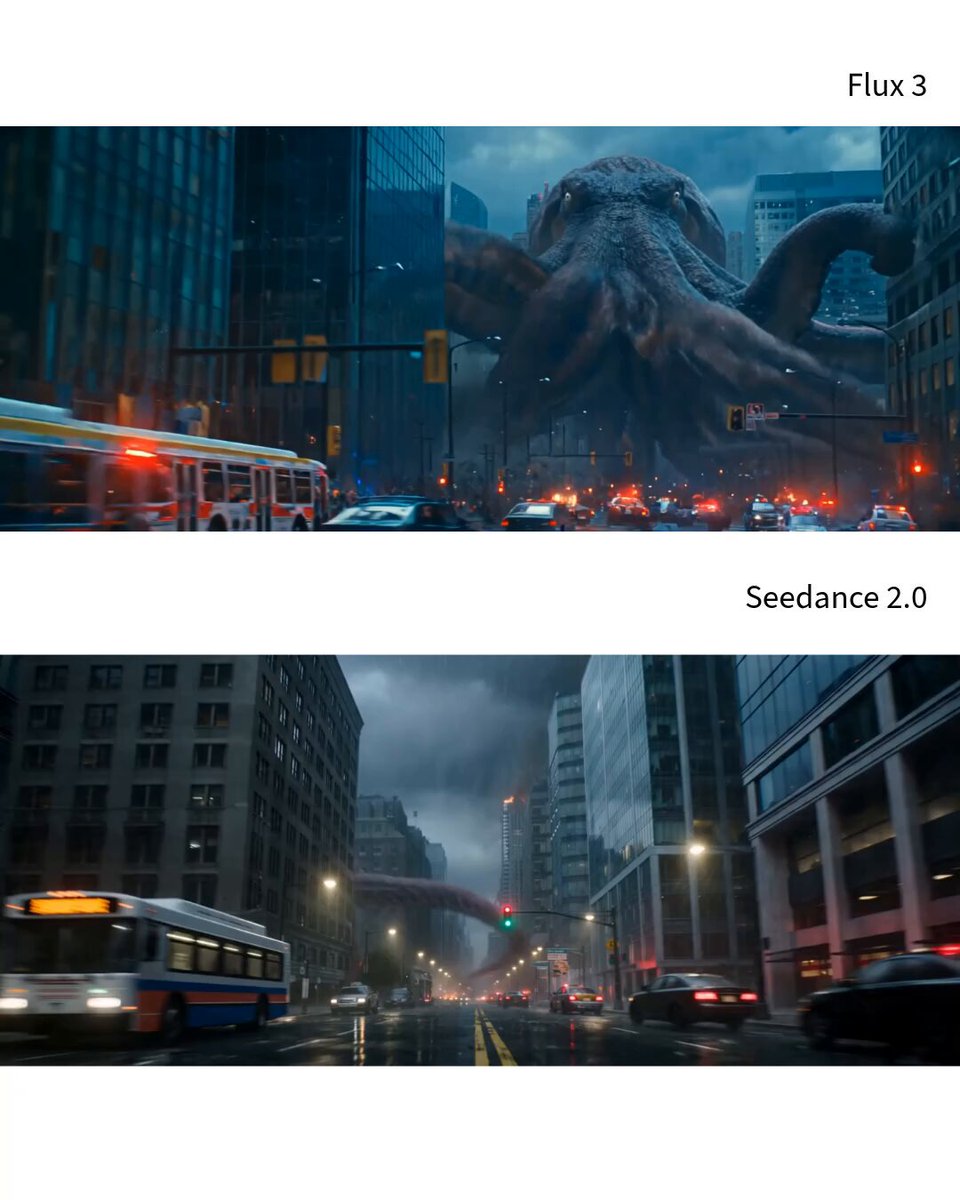
Duration: 15 seconds Aspect Ratio: 16:9 Style: Ultra-photorealistic kaiju disaster film with realistic structural destruction, stormy coastal metropolis, physically accurate debris simulation, cinematic action, IMAX-scale realism. Monster Design A colossal deep-sea octopus towering above nearby skyscrapers. Its wet crimson-purple skin is scarred and textured, with pale lifeless eyes, rough oversized suction cups, a battle-worn mantle, and eight enormous muscular tentacles. Movement: The creature never stops moving or poses. Four tentacles continuously pull its massive body forward at high speed while the remaining four violently destroy everything in its path. All eight tentacles remain fully connected, clearly separated, anatomically correct, and constantly visible throughout the sequence. 0:00–0:02 | Street Assault Camera: Low street-level tracking shot, smoothly pulling backward. Action: Destruction begins immediately. The monster charges directly toward the camera. One tentacle crushes a city bus and several streetlights while another wraps tightly around a glass office tower. The remaining tentacles drag the creature rapidly through flooded streets. Lighting: Cold storm daylight with flashing red emergency lights reflecting across wet pavement. VFX: Heavy rain, splashing water, shattered glass, broken asphalt, flying debris. 0:02–0:05 | Tower Collapse Camera: Wide rooftop shot with smooth lateral tracking. Action: Without slowing down, the octopus violently yanks the glass tower sideways. Lower floors rip apart under extreme stress before the structure collapses behind the advancing creature. Lighting: Lightning flashes illuminate dark storm clouds. VFX: Concrete dust, electrical sparks, collapsing steel beams, cascading glass. 0:05–0:08 | City Charge Camera: High aerial tracking shot with controlled movement. Action: The monster surges through multiple intersections at incredible speed. Every tentacle strike fractures the pavement, launches vehicles through the air, and tears apart surrounding infrastructure while its body never loses momentum. Lighting: Steel-blue rainstorm daylight. VFX: Exploding puddles, cracked roads, smoke, debris trails. 0:08–0:12 | Block Leap Camera: Wide frontal shot, smoothly retreating. Action: The creature plants two massive tentacles onto buildings on opposite sides of the street, compresses its enormous body, then launches across an entire city block. During the leap its remaining tentacles rip away balconies, billboards, rooftop equipment, and facades while maintaining continuous forward motion. Lighting: Dramatic storm backlight mixed with orange firelight. VFX: Flying debris trails, displaced rain, drifting smoke, shattered concrete. 0:12–0:15 | Final Charge Camera: Ultra-wide cinematic shot slowly pulling back. Action: The monster lands near the coastline
Duration: 15 seconds Aspect Ratio: 16:9 Style: Ultra-photorealistic kaiju disaster film with realistic structural destruction, stormy coastal metropolis, physically accurate debris simulation, cinematic action, IMAX-scale realism. Monster Design A colossal deep-sea octopus towering above nearby skyscrapers. Its wet crimson-purple skin is scarred and textured, with pale lifeless eyes, rough oversized suction cups, a battle-worn mantle, and eight enormous muscular tentacles. Movement: The creature never stops moving or poses. Four tentacles continuously pull its massive body forward at high speed while the remaining four violently destroy everything in its path. All eight tentacles remain fully connected, clearly separated, anatomically correct, and constantly visible throughout the sequence. 0:00–0:02 | Street Assault Camera: Low street-level tracking shot, smoothly pulling backward. Action: Destruction begins immediately. The monster charges directly toward the camera. One tentacle crushes a city bus and several streetlights while another wraps tightly around a glass office tower. The remaining tentacles drag the creature rapidly through flooded streets. Lighting: Cold storm daylight with flashing red emergency lights reflecting across wet pavement. VFX: Heavy rain, splashing water, shattered glass, broken asphalt, flying debris. 0:02–0:05 | Tower Collapse Camera: Wide rooftop shot with smooth lateral tracking. Action: Without slowing down, the octopus violently yanks the glass tower sideways. Lower floors rip apart under extreme stress before the structure collapses behind the advancing creature. Lighting: Lightning flashes illuminate dark storm clouds. VFX: Concrete dust, electrical sparks, collapsing steel beams, cascading glass. 0:05–0:08 | City Charge Camera: High aerial tracking shot with controlled movement. Action: The monster surges through multiple intersections at incredible speed. Every tentacle strike fractures the pavement, launches vehicles through the air, and tears apart surrounding infrastructure while its body never loses momentum. Lighting: Steel-blue rainstorm daylight. VFX: Exploding puddles, cracked roads, smoke, debris trails. 0:08–0:12 | Block Leap Camera: Wide frontal shot, smoothly retreating. Action: The creature plants two massive tentacles onto buildings on opposite sides of the street, compresses its enormous body, then launches across an entire city block. During the leap its remaining tentacles rip away balconies, billboards, rooftop equipment, and facades while maintaining continuous forward motion. Lighting: Dramatic storm backlight mixed with orange firelight. VFX: Flying debris trails, displaced rain, drifting smoke, shattered concrete. 0:12–0:15 | Final Charge Camera: Ultra-wide cinematic shot slowly pulling back. Action: The monster lands near the coastline
Edit the prompt in the box under the preview — the template's model and format are already selected — and press Generate. Your version appears right on this page.
Yes. You can change the subject, setting, lighting, mood, format, and available model controls before creating your video.
Opening and editing this template is free. Generating uses credits, shown on the Generate button when you are signed in.
Start with Seedance 2.0, which is the model associated with this template. You can compare another compatible model for a different finish.
Follow a topic to a crawlable collection of related PicX Studio templates.