
Mafia Cat Meeting
A humorous and cinematic prompt depicting cats as mafia members in a tense, Italian restaurant setting with Hollywood-style camera work.

- Prompt included
- Model and format preset
- Premium template
The prompt behind this video
Copy the exact prompt behind Mafia Cat Meeting, or open it in the studio and make it yours.
Ultra-realistic cinematic comedy, 15 seconds. A chubby orange cat sits at the head of a luxurious mafia meeting table inside a dimly lit Italian-style restaurant. The cat wears a tiny black tuxedo, gold chain, and fedora hat. Dramatic cinematic lighting. Close-up of the cat's serious face as it slowly taps a paw on the table. Around it, several other cats dressed as mafia members sit silently, waiting for orders. The boss cat pushes a plate of tuna across the table like a secret deal. Intense movie-style camera movements, dramatic zooms, and suspenseful music build tension. Suddenly, a nervous kitten enters with a report. The boss cat stares coldly, then knocks a glass off the table with one paw. Everyone freezes. The cat slowly turns toward the camera, blinking with absolute authority. Ultra-detailed fur, realistic cat behavior, Hollywood gangster film aesthetic, shallow depth of field, cinematic smoke, luxury interior, humorous but serious tone, 4K realism, viral meme energy.
How to use Mafia Cat Meeting in 3 steps
- 1
Open
The prompt is already in the box next to the preview, with the template's model and format selected.
- 2…a portrait of your subject in softgolden-hour light, 85mm…
Personalize
Edit the subject and creative details for your destination.
- 3Generate
Generate
Press Generate — your video is created in PicX Studio, so you can compare it with the original and refine one variable at a time.
More like this
Templates with the same subject, style or setup. Open one to see its prompt.

3D Animated Cat and Old Man - Seedance

Video prompt for alien mice meeting cats in space suits on a cheese moon
Professional Designer Suit Business Meeting
Cinematic Rainy Sidewalk Meeting
1980s Gritty Film Noir Mafia Scene
Dandelion Field Romantic Meeting
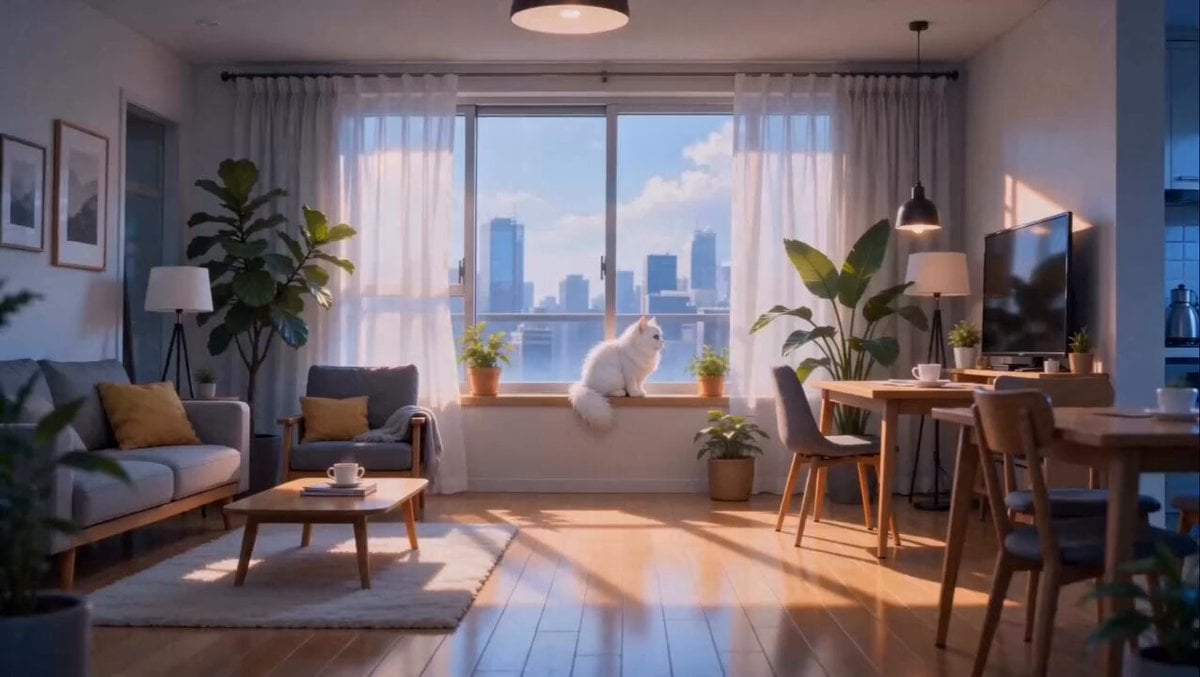
Anime Fluffy Cat Morning Routine
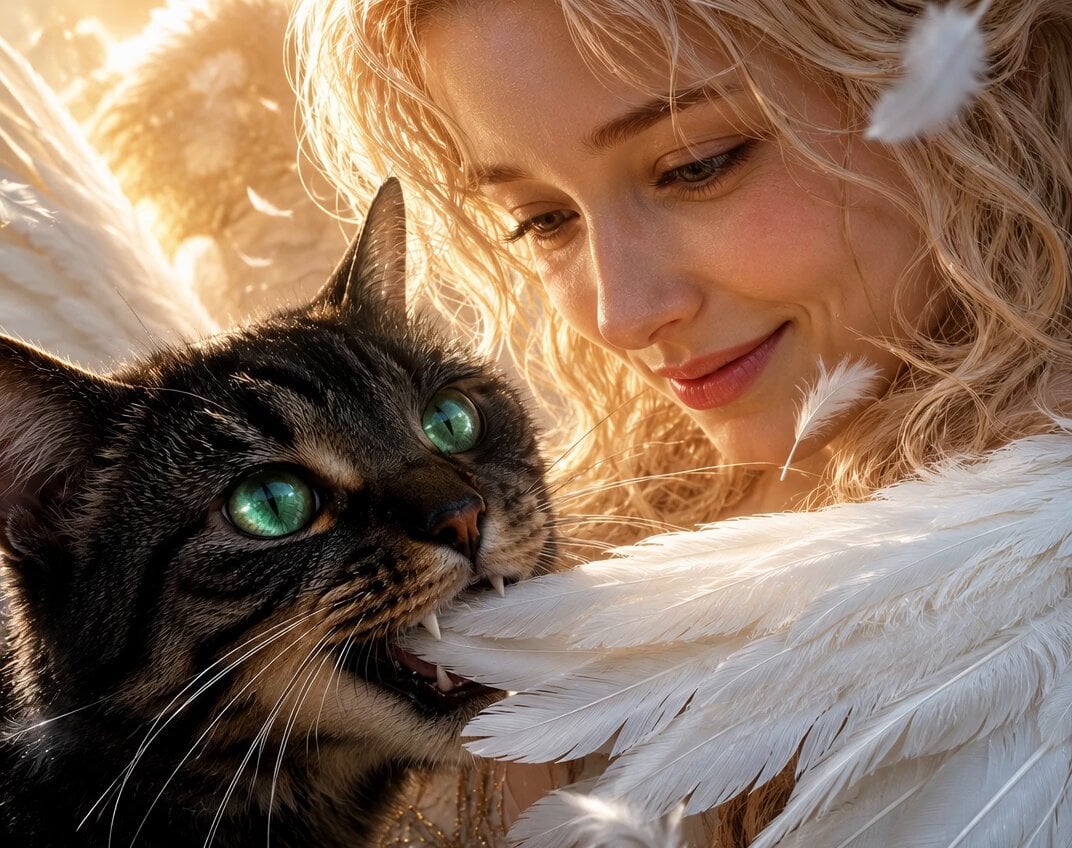
Angel and Curious Cat
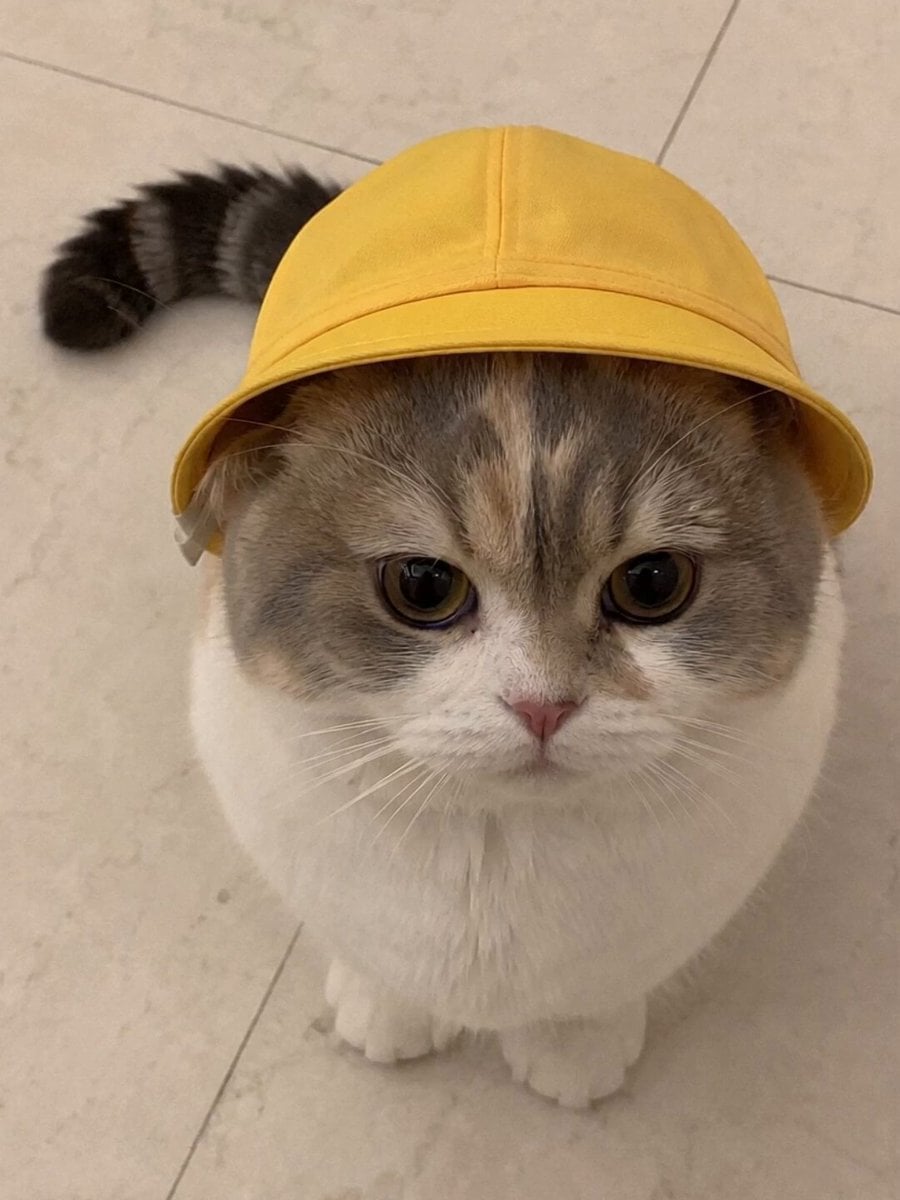
Talking Munchkin Cat Video Prompt

Claymation Cat World Transformation

Cinematic Anime Cat Girl Parkour
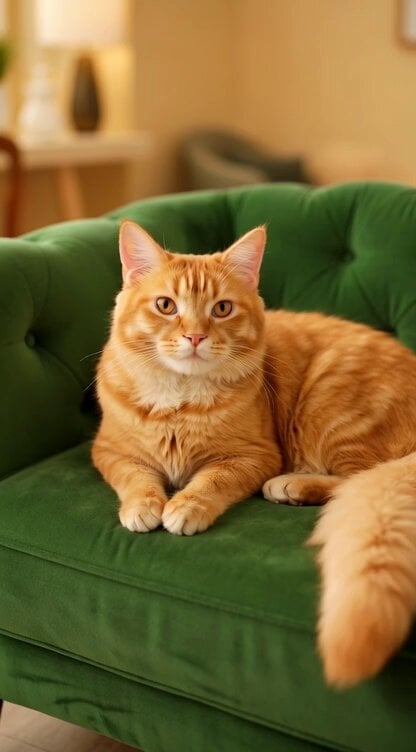
Regal Cat Perfect Loop Video
Make it yours
Mafia Cat Meeting works as-is. These are the safest ways to change it without losing the look.
Change one field
Copy a single group, rewrite it, and generate again so you can see what that field is doing.
Keep the frame, change the subject
Hold the composition and light of Mafia Cat Meeting, then swap wardrobe, props or the person for a new take.
| If the result… | Why | Fix |
|---|---|---|
| The result drifts from the preview | Too many fields changed at once. | Reuse Mafia Cat Meeting as-is first, then change one group — subject, light, or setting. |
| The model over-stylizes the scene | The prose prompt leaves finish and camera underspecified. | Add one camera or lighting sentence and stay on Seedance 2.0. |
More Seedance 2.0 templates
Other prompts made for Seedance 2.0.

Comical Martial Arts Punch Scene

Maglev Train Action Sequence

Martial Arts Fight Sequence

Wuxia Protection and Trust Script

Vintage Korean Arcade MiniDV Vlog

Mercedes 190 SL Luxury Ad

Rainy Night Supernatural Reverse Comedy Video Script

Amazon Civilization Discovery

Futuristic South Asian City Transformation

Cozy Luxury Cafe Commercial
More video prompts
Fresh picks from across the catalog.
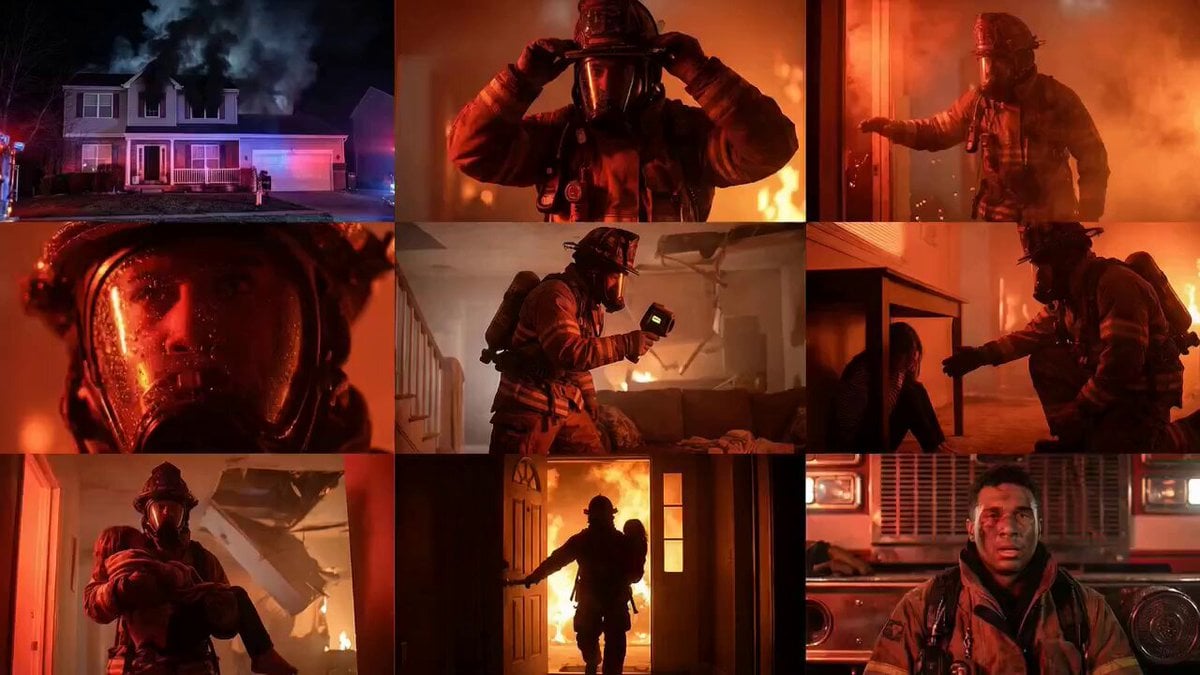
Cinematic Rescue Montage Storyboard Prompt
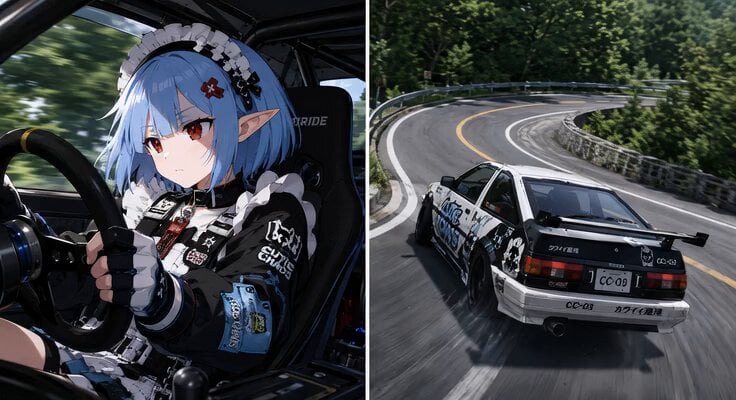
Synchronized Split-Screen Racing Video
Time Traveler 2050 Reveal
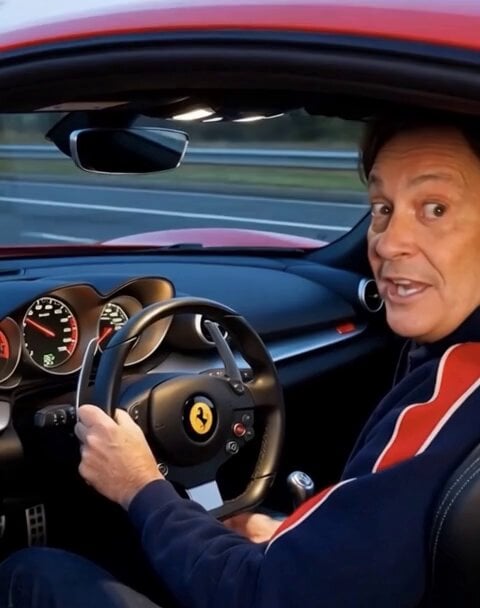
High Speed Maneuvers with Reference Image
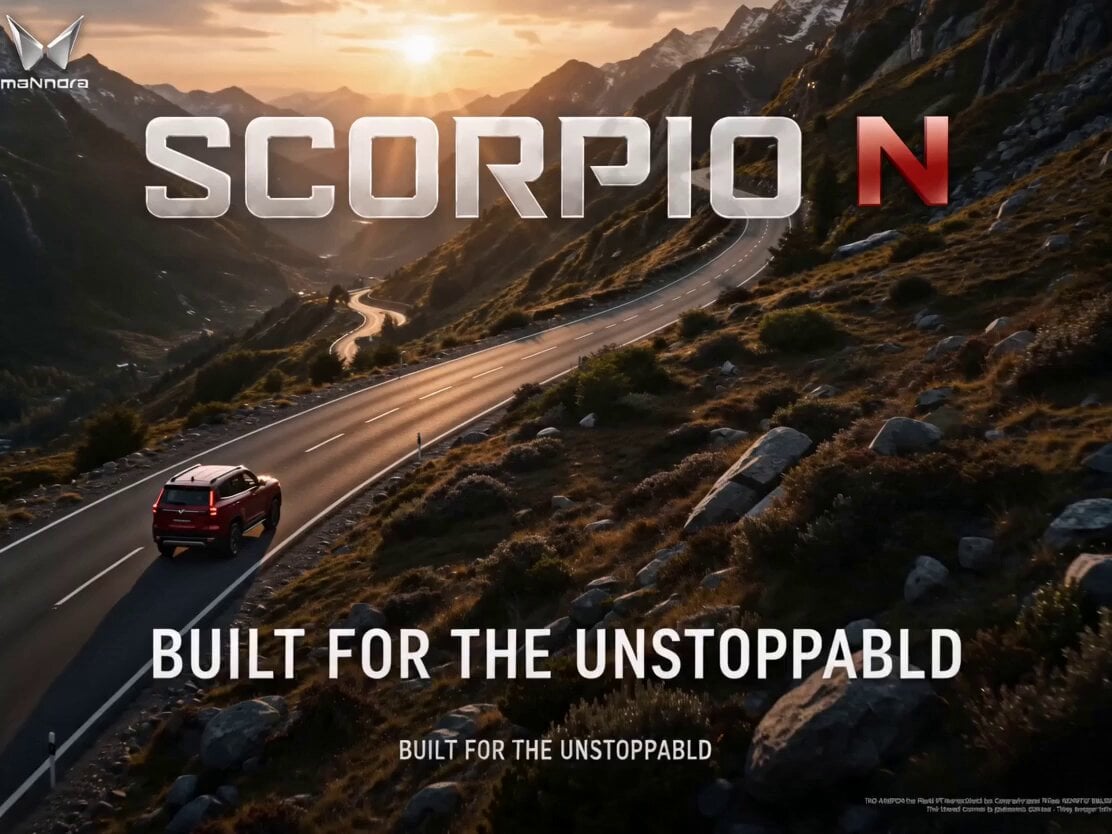
Cinematic Automotive Commercial Setup
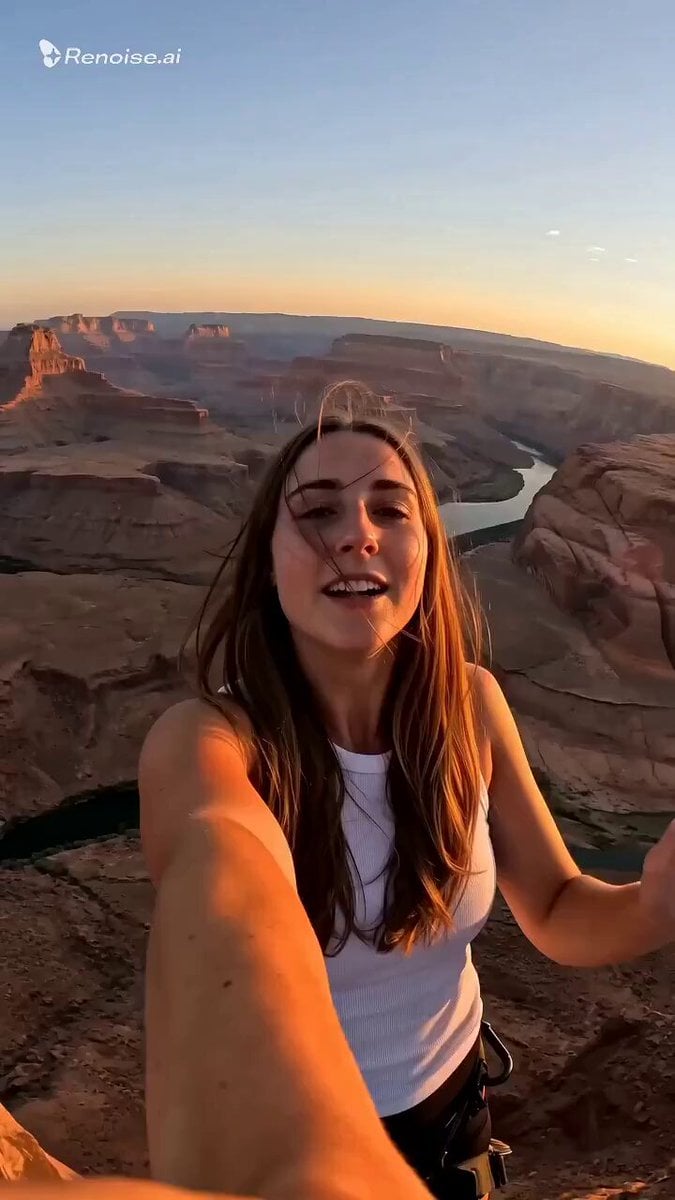
Selfie POV Bungee Jump Vlog
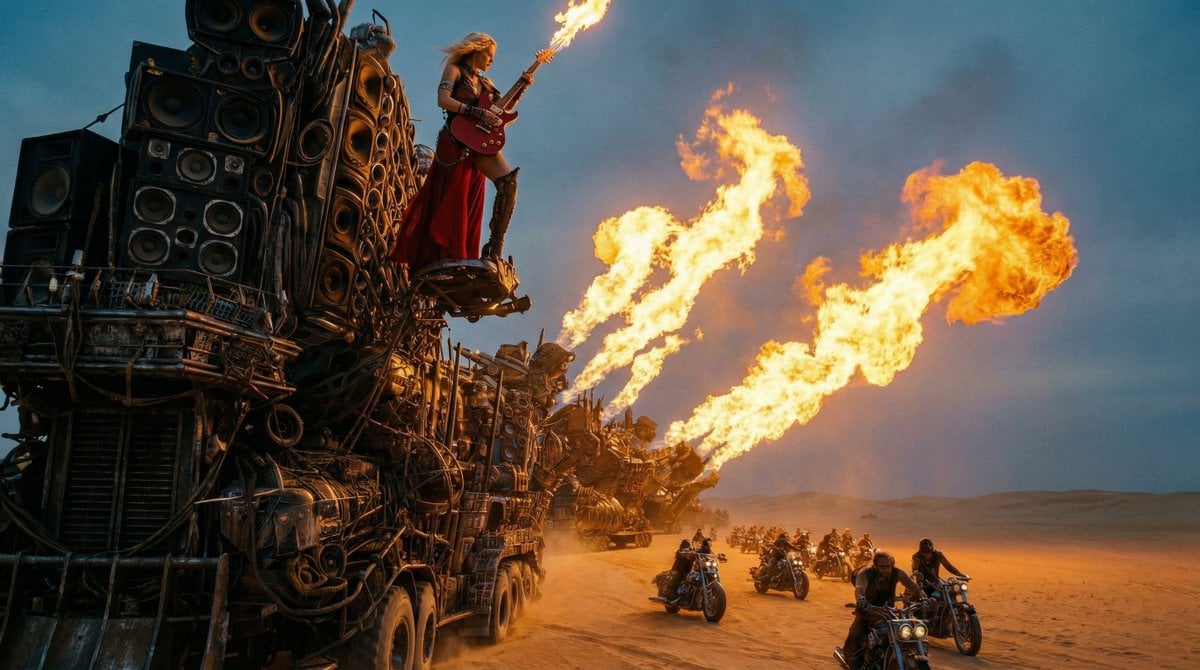
Mad Max-Inspired Desert Chase Storyboard Prompt
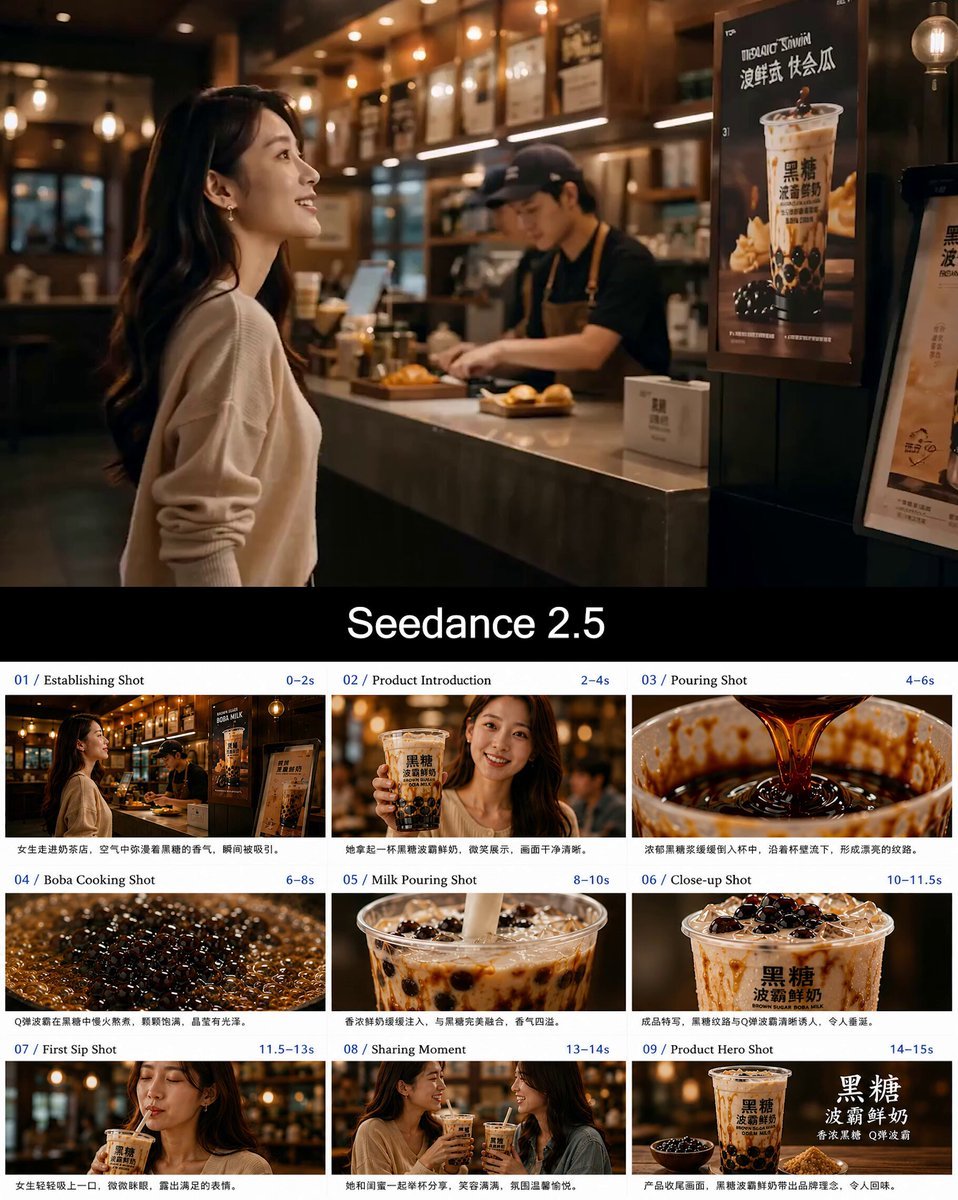
Boba Milk Commercial Visual Reference
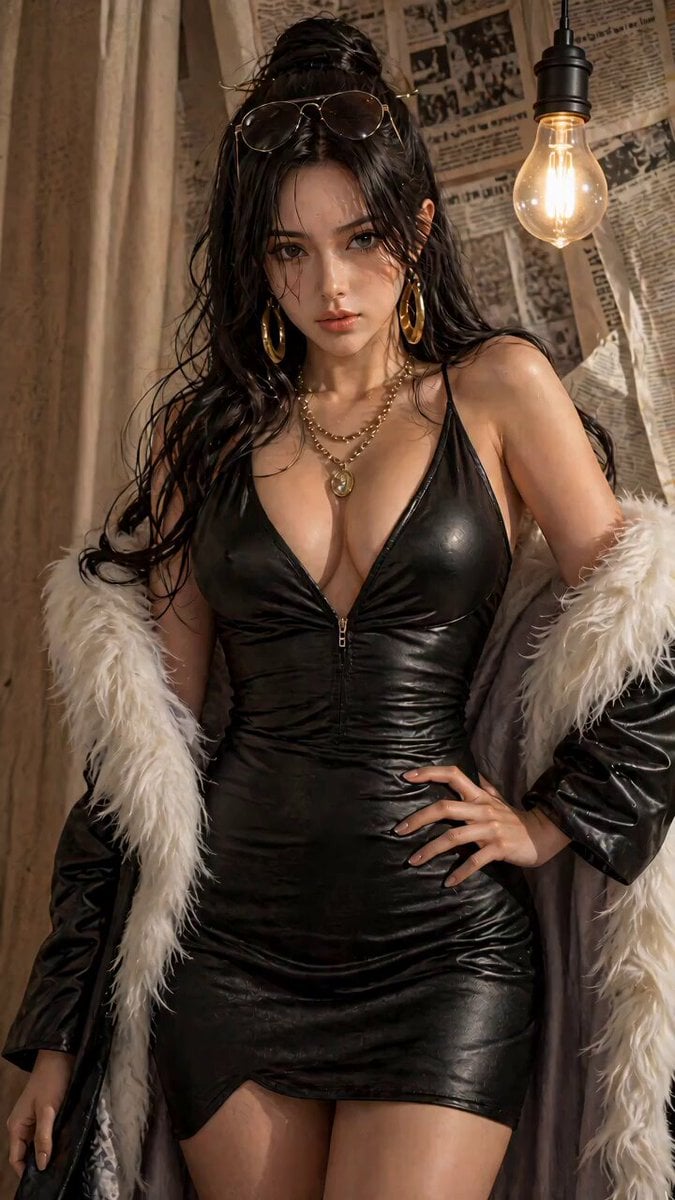
Cinematic Urban Women's Portrait Short Film
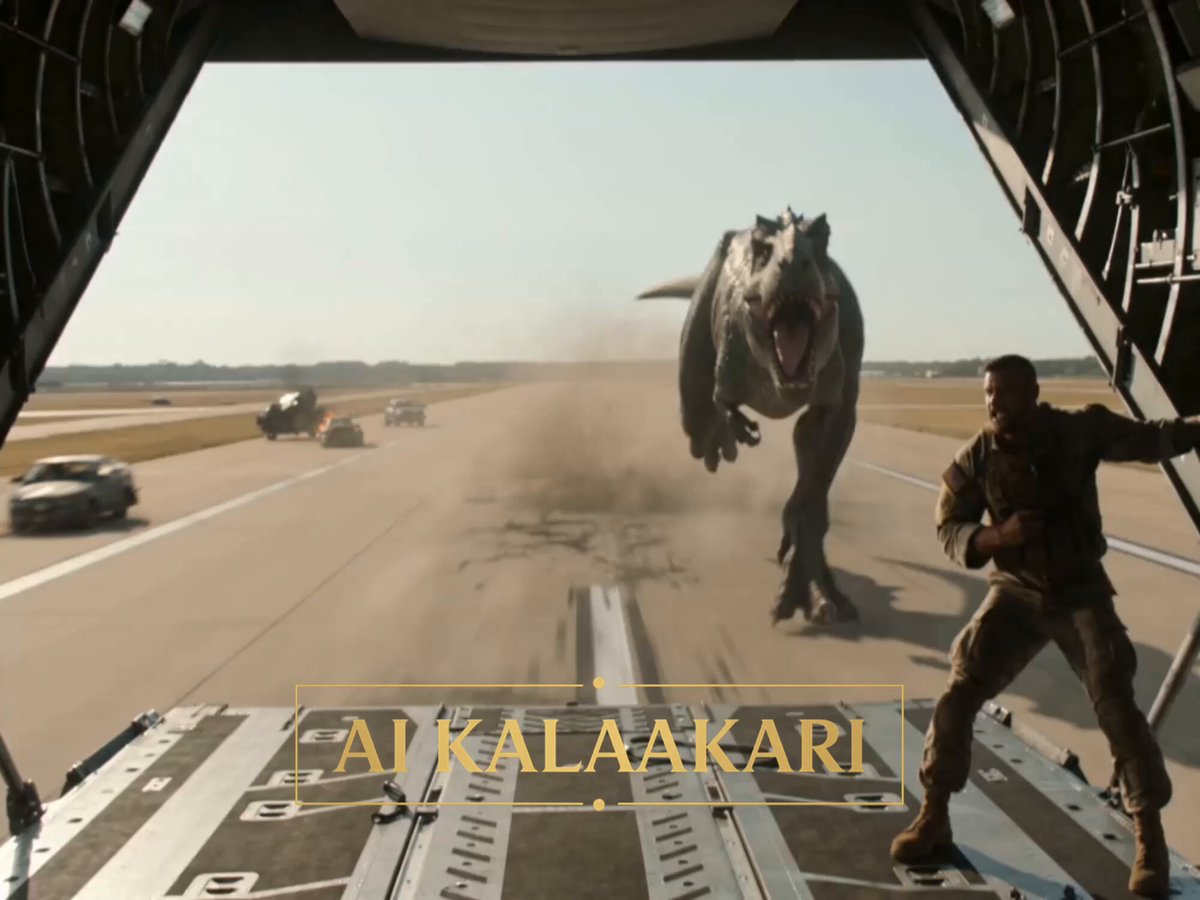
T-Rex vs Military Cargo Plane Action Scene
Browse template categories
Mafia Cat Meeting questions
How do I use the Mafia Cat Meeting template?
Add your photo if the template asks for one, edit the prompt if you like — the template's model and format are already selected — and press Generate. Your version opens in PicX Studio.
Can I customize the Mafia Cat Meeting template?
Yes. You can change the subject, setting, lighting, mood, format, and available model controls before creating your video.
Is the Mafia Cat Meeting template free?
Opening and editing this template is free. Generating uses credits, shown on the Generate button when you are signed in.
Which AI model should I use?
Start with Seedance 2.0, which is the model associated with this template. You can compare another compatible model for a different finish.
Looking for something else? Browse all templates.

Your photo, any look
Thousands of ready templates for every top image and video model, from one credit balance.