
Black Myth Wukong Warrior Scene
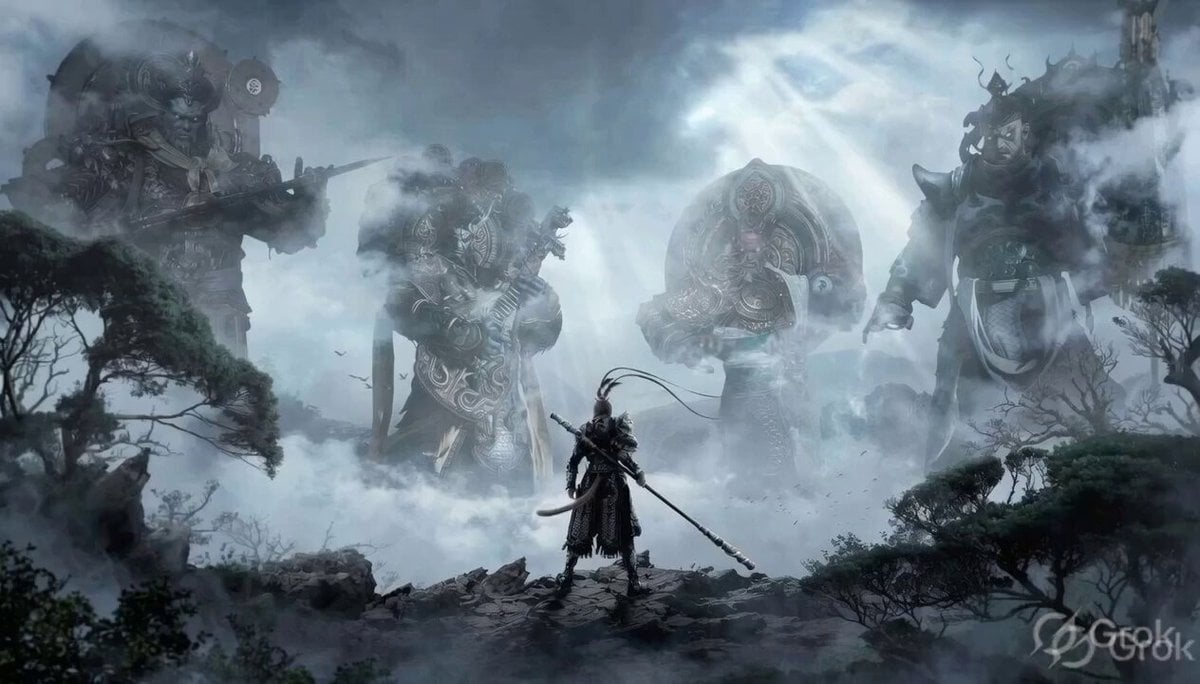
An epic cinematic prompt inspired by Black Myth: Wukong, featuring a warrior facing massive guardian statues in a misty, mystical environment.
- Prompt included
- Model and format preset
- Free template
The prompt behind this video
Copy the exact prompt behind Black Myth Wukong Warrior Scene, or open it in the studio and make it yours.
Masterpiece, best quality, ultra-detailed cinematic image from Black Myth: Wukong. A lone warrior stands on a rocky cliff holding a long staff, facing three massive ancient guardian statues shrouded in thick mist and dramatic god rays. The scene has a dark, epic, and mystical atmosphere with floating particles and moody lighting. Highly detailed armor, statues, and environment.Cinematic composition, sharp details, best quality, 8K resolution.
How to use Black Myth Wukong Warrior Scene in 3 steps
- 1
Open
The prompt is already in the box next to the preview, with the template's model and format selected.
- 2…a portrait of your subject in softgolden-hour light, 85mm…
Personalize
Edit the subject and creative details for your destination.
- 3Generate
Generate
Press Generate — your video is created in PicX Studio, so you can compare it with the original and refine one variable at a time.
More like this
Templates with the same subject, style or setup. Open one to see its prompt.
Black Helen of Troy Video
Tiger Striped Black Panther Entry
Pouring Black Coffee Close-up
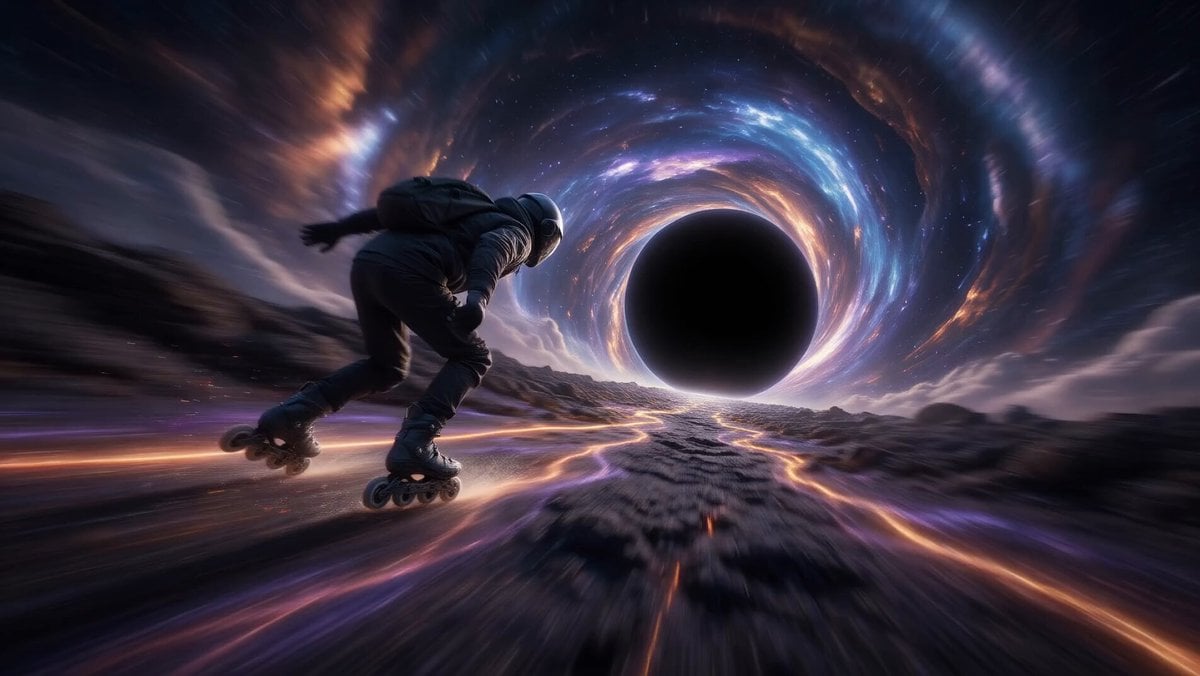
Rollerblading on a Black Hole

Cinematic Flight Towards a Supermassive Black Hole
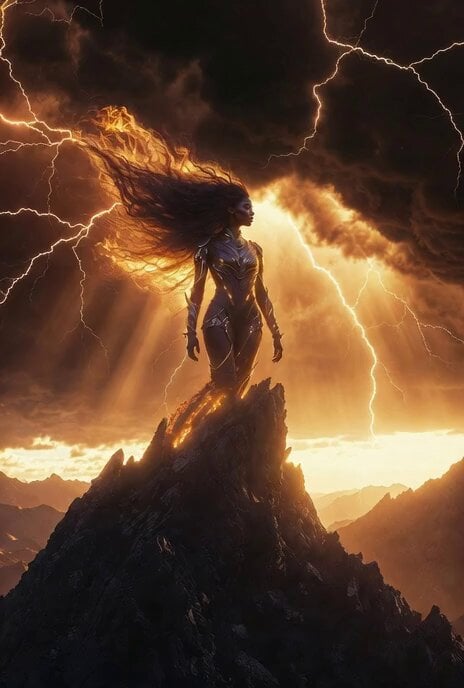
Cinematic Black Woman on Mountain at Golden Hour
Time-lapse of black cherry sunflowers growing
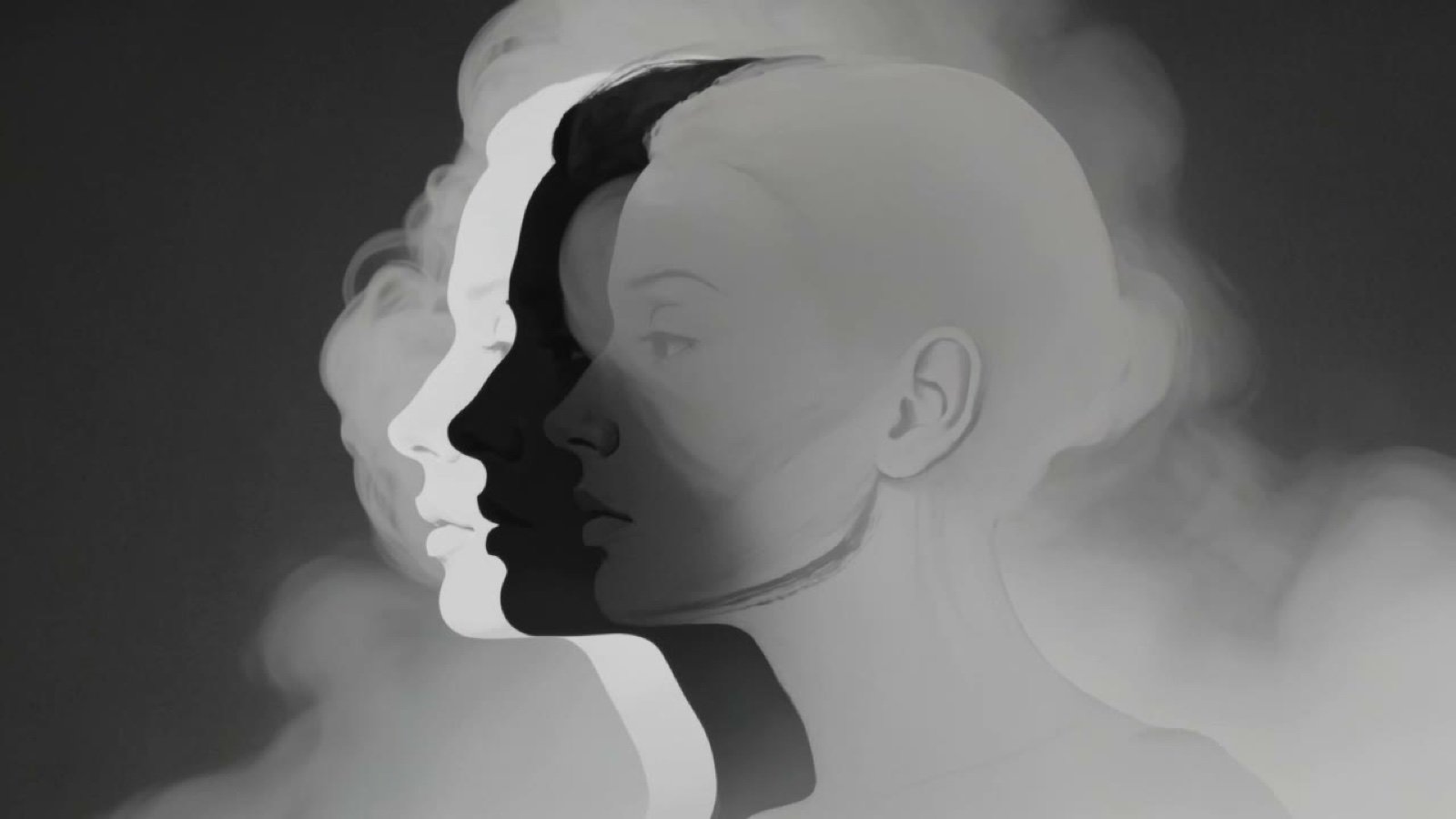
Surreal Black and White Photograph Prompt
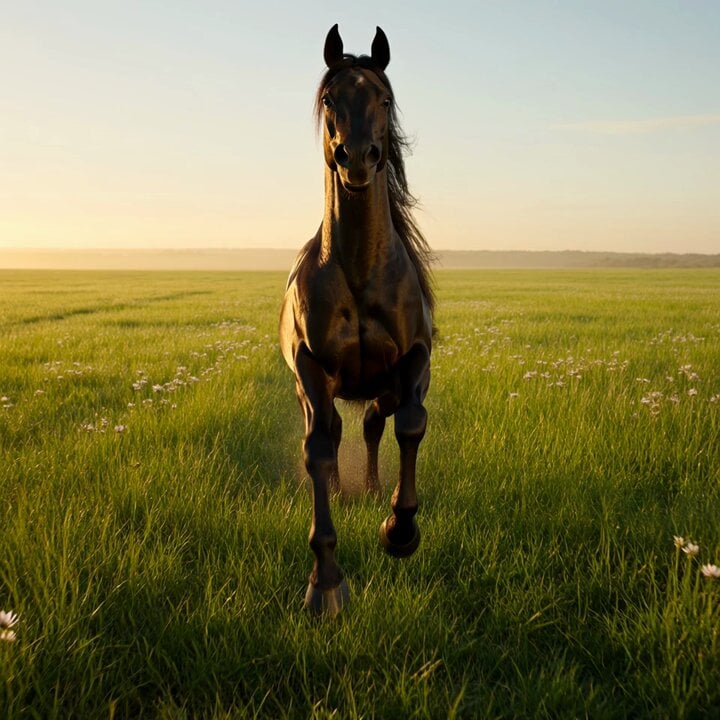
second video prompt of a majestic black horse galloping
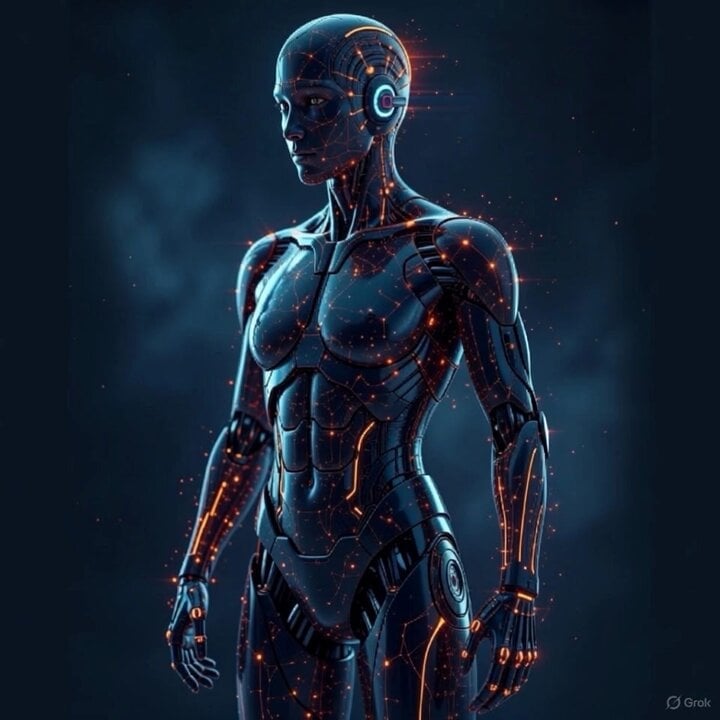
Black Hole Event Horizon Video Prompt
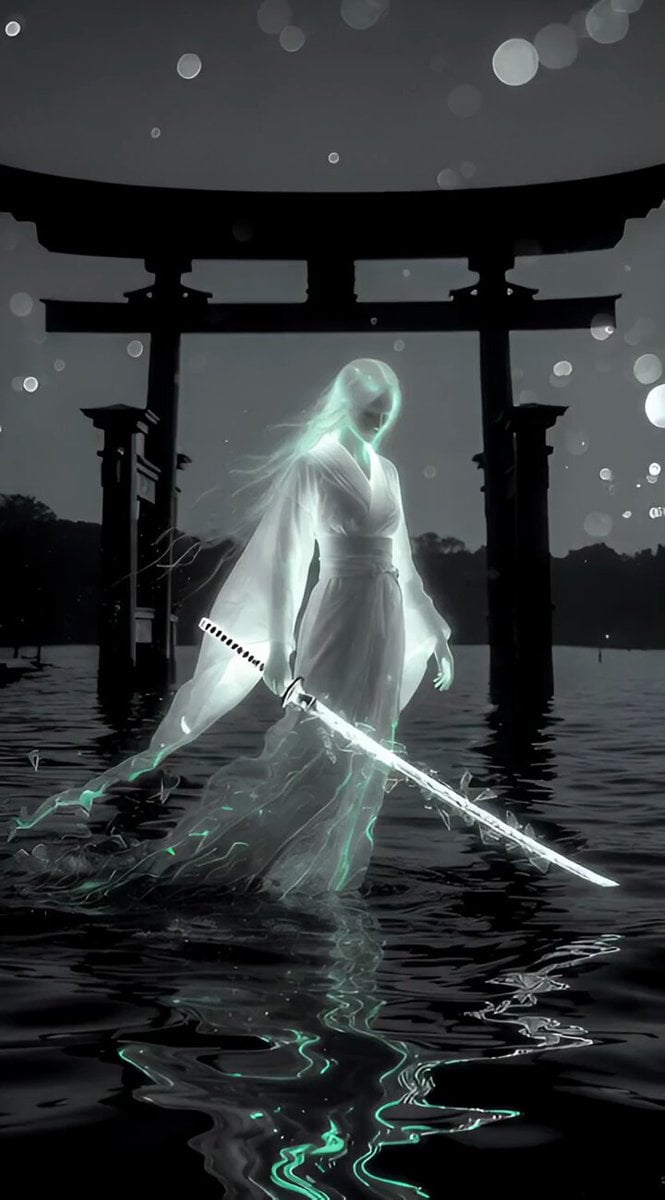
Cinematic Black and White Yurei Samurai
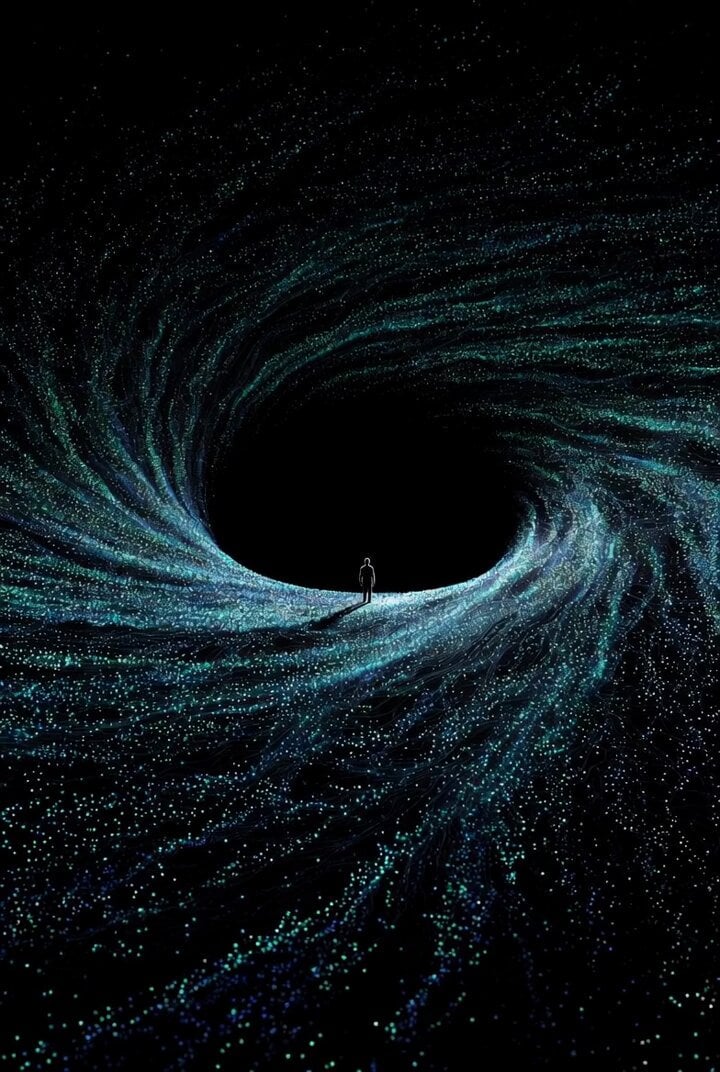
Concentric Rings Flowing Around a Black Void
Make it yours
Black Myth Wukong Warrior Scene works as-is. These are the safest ways to change it without losing the look.
Change one field
Copy a single group, rewrite it, and generate again so you can see what that field is doing.
Keep the frame, change the subject
Hold the composition and light of Black Myth Wukong Warrior Scene, then swap wardrobe, props or the person for a new take.
| If the result… | Why | Fix |
|---|---|---|
| The result drifts from the preview | Too many fields changed at once. | Reuse Black Myth Wukong Warrior Scene as-is first, then change one group — subject, light, or setting. |
| The model over-stylizes the scene | The prose prompt leaves finish and camera underspecified. | Add one camera or lighting sentence and stay on Grok Imagine. |
More Grok Imagine templates
Other prompts made for Grok Imagine.

Ninja Wizard Levitation Jump

Coffee Cup Interaction Motion

Voice Controlled Water Animation

Pterodactyl Transformation Journey

Candle Mandala Mirror Video

Psychedelic Purple Disc World Video

Mecha Runway Tap Dance Video Prompt
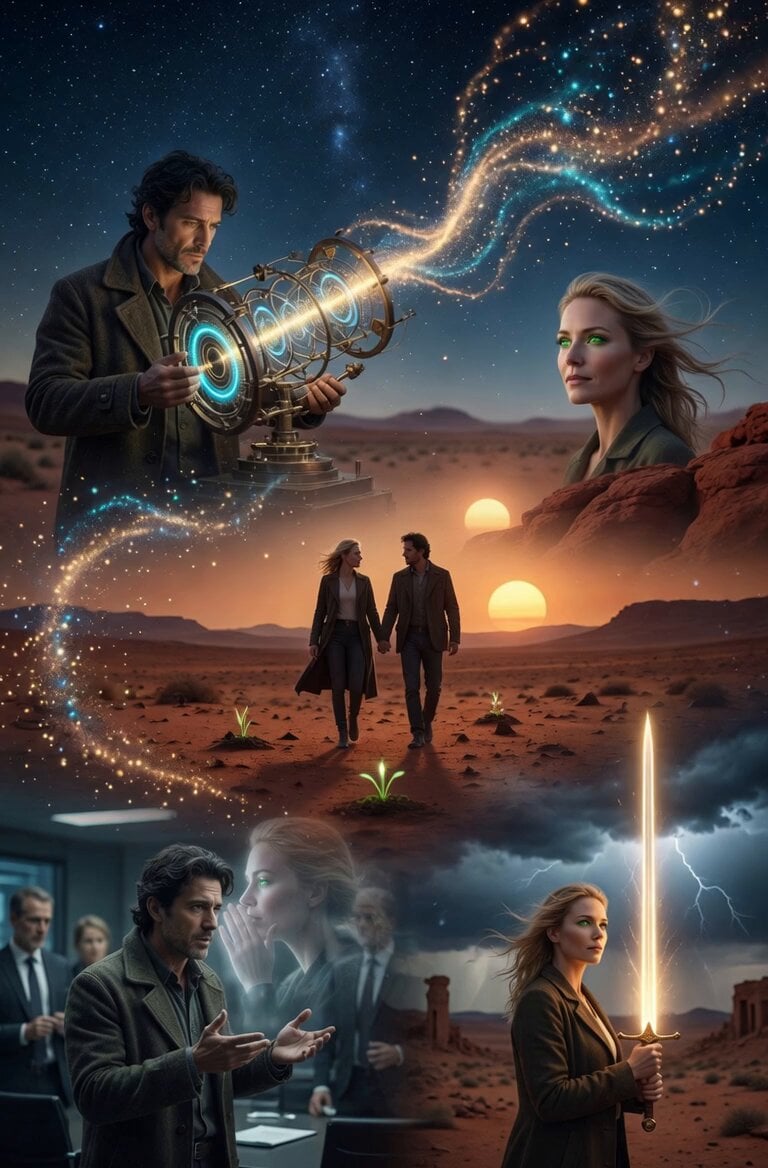
Quantum Inventor in Sonoran Desert

Emotional Angry Couple Drama
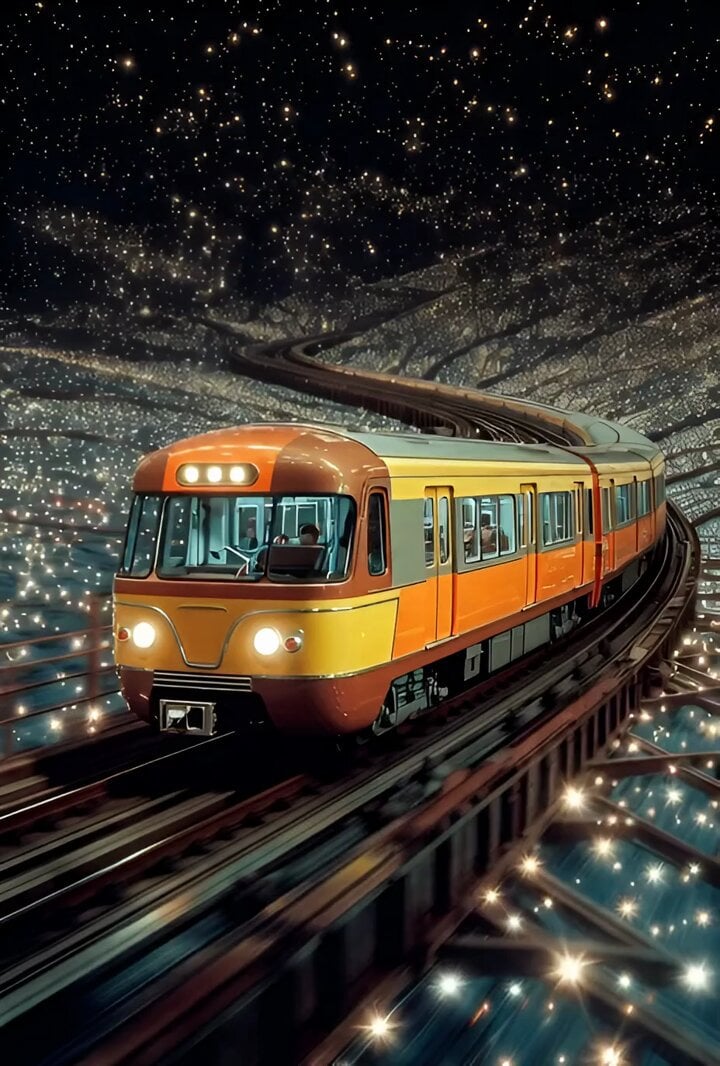
Train Zooming in Star Field Video Prompt
More video prompts
Fresh picks from across the catalog.
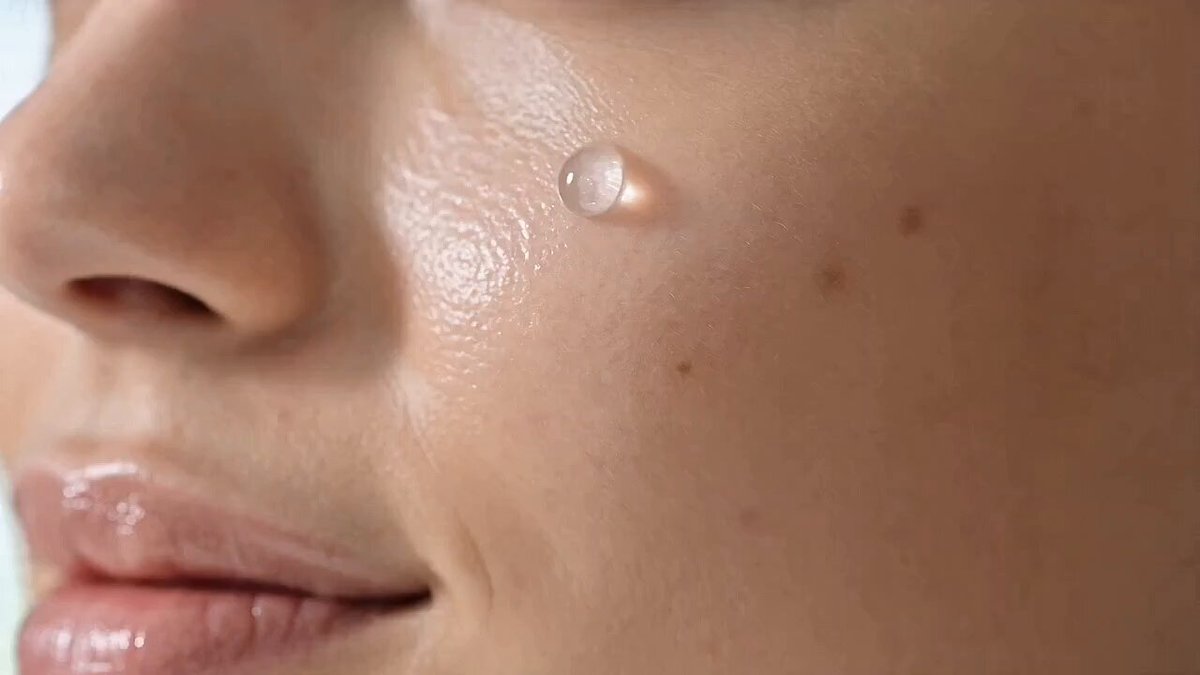
Skincare Beauty Cream Advertisement
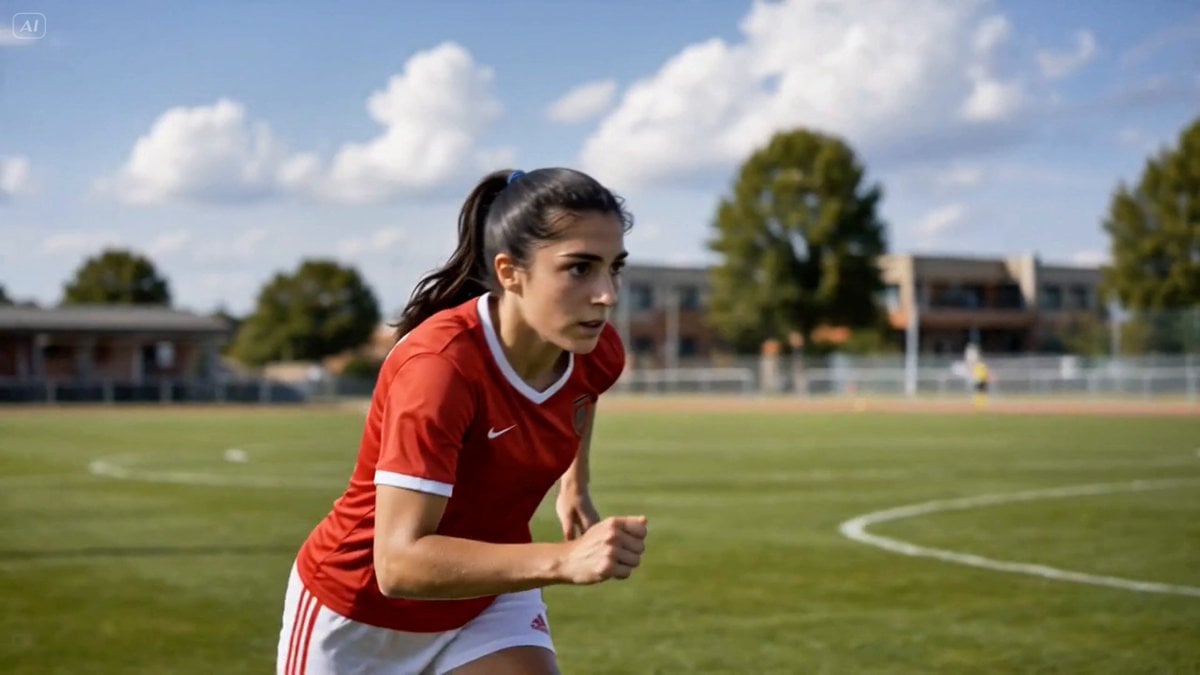
Football Storyboard to Video
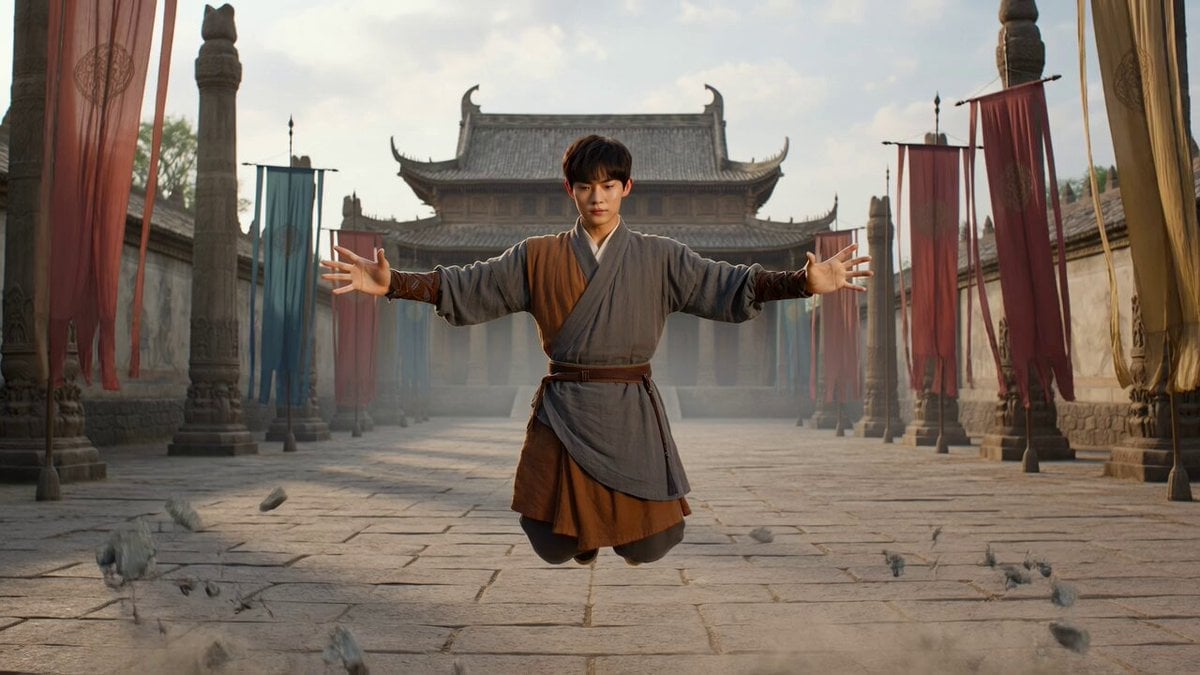
Levitating Warrior Monk Temple Sequence

Cyberpunk Parkour Female Operative
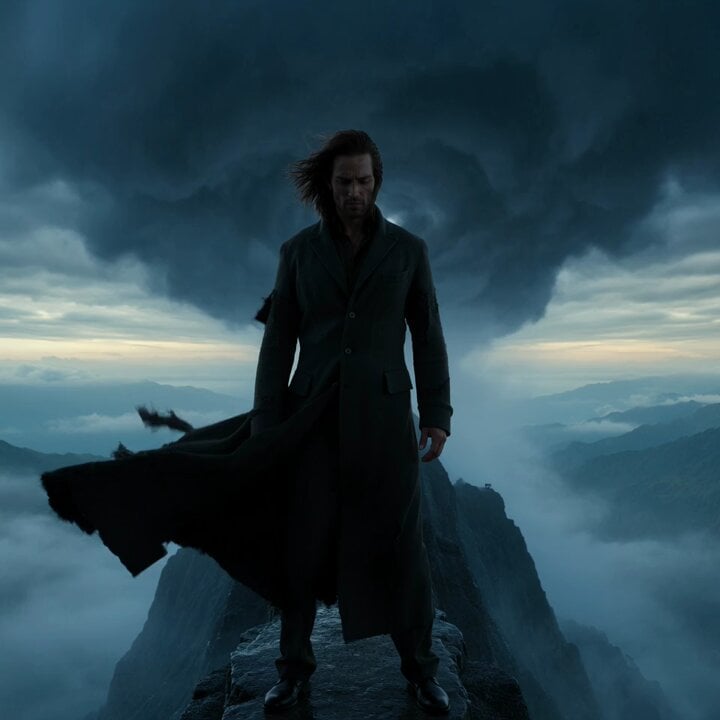
second epic cinematic storm video prompt
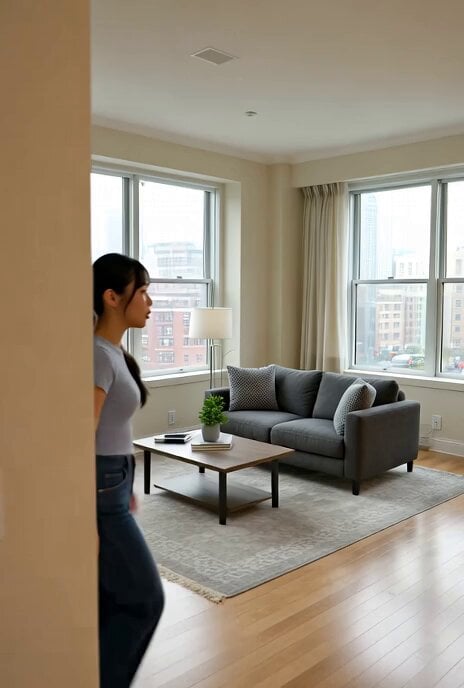
New York trip narrative

UFO Passenger Joke Video Prompt
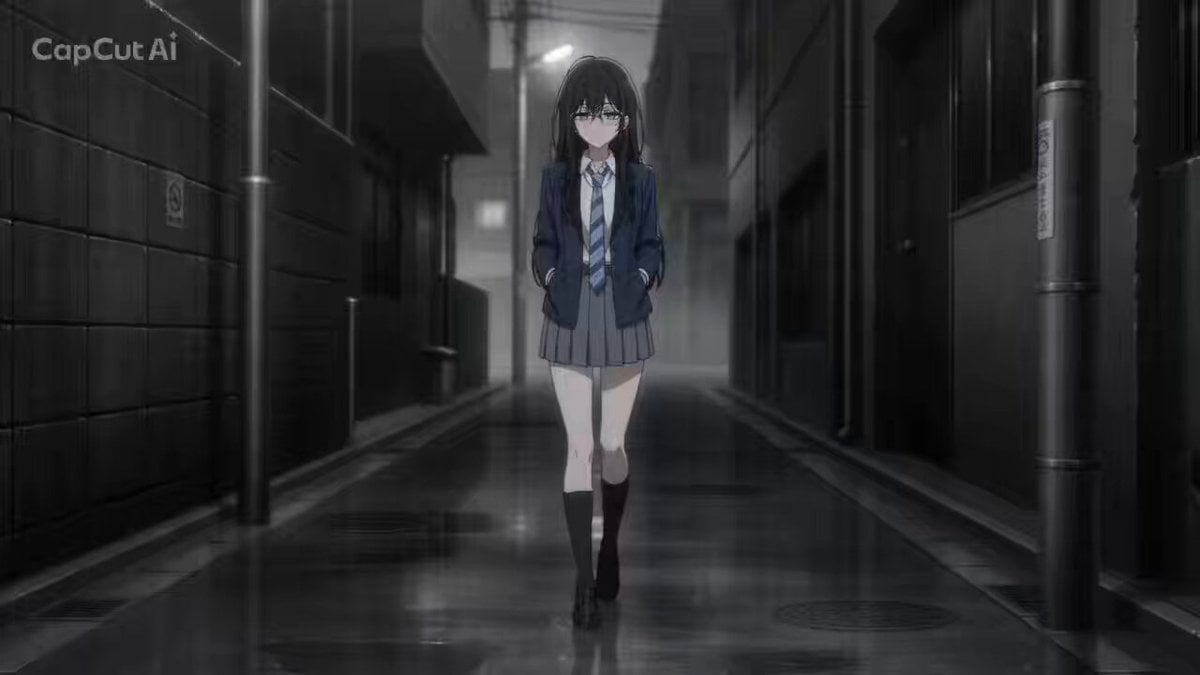
Cinematic Female Gun Action Sequence

Migrating Living Mountains Landscape
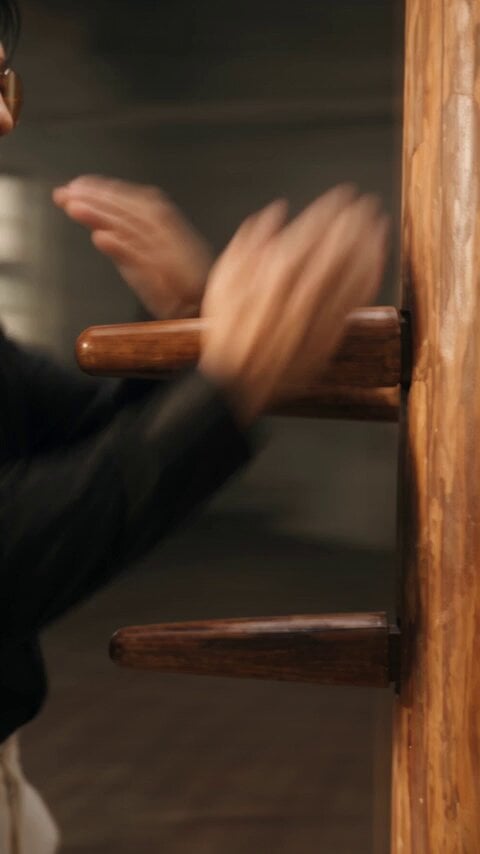
Realistic Wing Chun Kung Fu Training Video
Browse template categories
Black Myth Wukong Warrior Scene questions
How do I use the Black Myth Wukong Warrior Scene template?
Add your photo if the template asks for one, edit the prompt if you like — the template's model and format are already selected — and press Generate. Your version opens in PicX Studio.
Can I customize the Black Myth Wukong Warrior Scene template?
Yes. You can change the subject, setting, lighting, mood, format, and available model controls before creating your video.
Is the Black Myth Wukong Warrior Scene template free?
Opening and editing this template is free. Generating uses credits, shown on the Generate button when you are signed in.
Which AI model should I use?
Start with Grok Imagine, which is the model associated with this template. You can compare another compatible model for a different finish.
Looking for something else? Browse all templates.

Your photo, any look
Thousands of ready templates for every top image and video model, from one credit balance.