
Osprey Plunge Wildlife Documentary
A multi-shot National Geographic style sequence capturing an osprey hovering and plunging into a misty glacial lake to strike a trout.
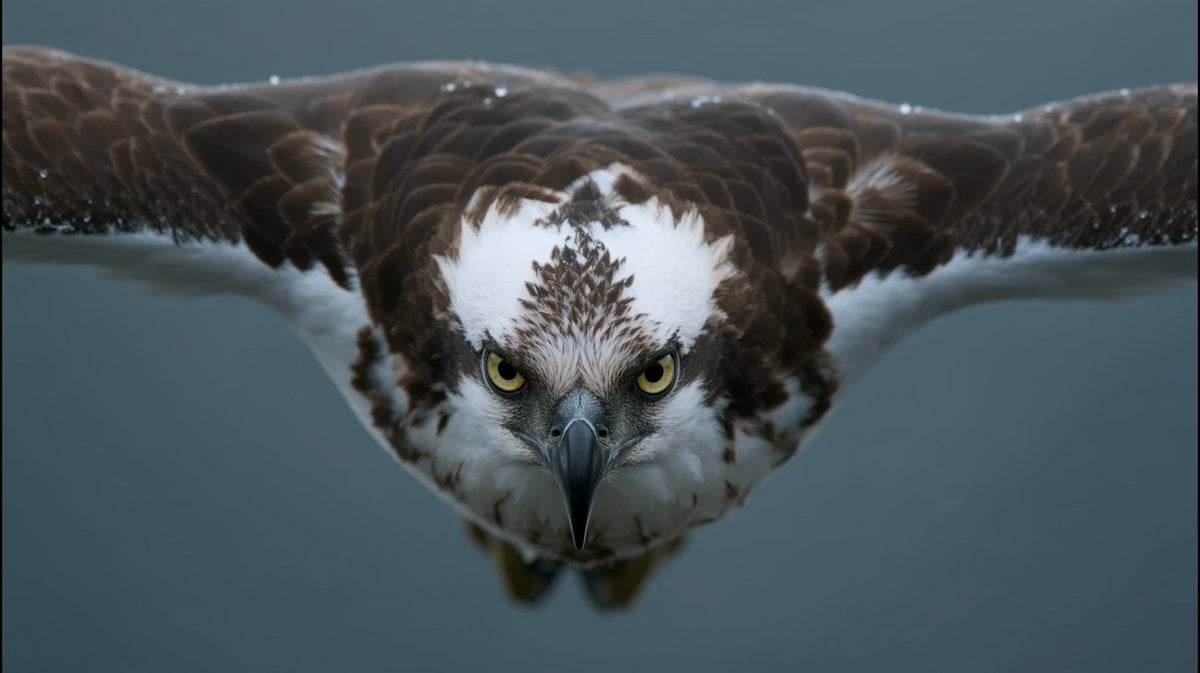
- Prompt included
- Model and format preset
- Free template
The prompt behind this video
Copy the exact prompt behind Osprey Plunge Wildlife Documentary, or open it in the studio and make it yours.
【Style】National Geographic Wildlife Documentary, IMAX-grade imaging, 4K ultra-sharp, Photorealistic, high-frame-rate slow motion\n【Duration】10 seconds\n【Scene】A glacial highland lake at first light, 1,200 meters elevation. The water is black and mirror-still, ringed by drifting mist; low dawn light rakes across the surface. A faint breeze carves fine ripples near the far shore, where dark pine ridges dissolve into grey fog.\n[00:00-00:04] Shot 1: The Hover (Telephoto close-up, 600mm)\nSuper-telephoto close-up: an osprey hangs almost motionless in the air, wings beating in tight powerful strokes, head locked dead-still and angled straight down. Every feather barb is razor-sharp — chocolate-brown back, snow-white underparts trembling in its own downdraft. In the pale-yellow iris the pupil snaps to a pinpoint as it fixes on a trout finning just beneath the surface. Tiny beads of mist cling to the leading edges of the wings.\n[00:04-00:07] Shot 2: The Plunge (High-speed tracking, 240fps super slow motion)\nSide-tracking high-speed shot: the osprey folds its wings and drops like a thrown spear, body stretched into a single straight line, talons swung forward and wide, dawn light sliding along the wet curve of the beak. Slow motion captures the instant of impact — the bird punches through the mirror surface and a crown of water bursts outward in a perfect ring, individual droplets hanging suspended in the air, each one catching the light like a glass bead. A translucent nictitating membrane sweeps across the eye a split second before contact.\n[00:07-00:10] Shot 3: The Strike (Extreme close-up, macro lens)\nExtreme macro close-up: the moment the talons close on the trout — scaled yellow toes spreading apart, black hooked claws sinking through flashing silver fish-scales, a thin sheet of water peeling off the feathers. Shallow depth of field blurs the spray streaking past the lens. Freeze-frame on a single droplet rolling off the tip of a claw, the fish's gill flaring open, cold light glinting on the soaked, curved talon.
How to use Osprey Plunge Wildlife Documentary in 3 steps
- 1
Open
The prompt is already in the box next to the preview, with the template's model and format selected.
- 2…a portrait of your subject in softgolden-hour light, 85mm…
Personalize
Edit the subject and creative details for your destination.
- 3Generate
Generate
Press Generate — your video is created in PicX Studio, so you can compare it with the original and refine one variable at a time.
More like this
Templates with the same subject, style or setup. Open one to see its prompt.

Forgotten 1980s High School Documentary Seedance

Live-Action Firefighter Rescue Night Scene
Realistic Wildlife Nature Documentary Prompt
Wildlife Documentary: Lion and Elephant
Snow Leopard Wildlife Documentary Scene

Wildlife Documentary Jungle Transformation
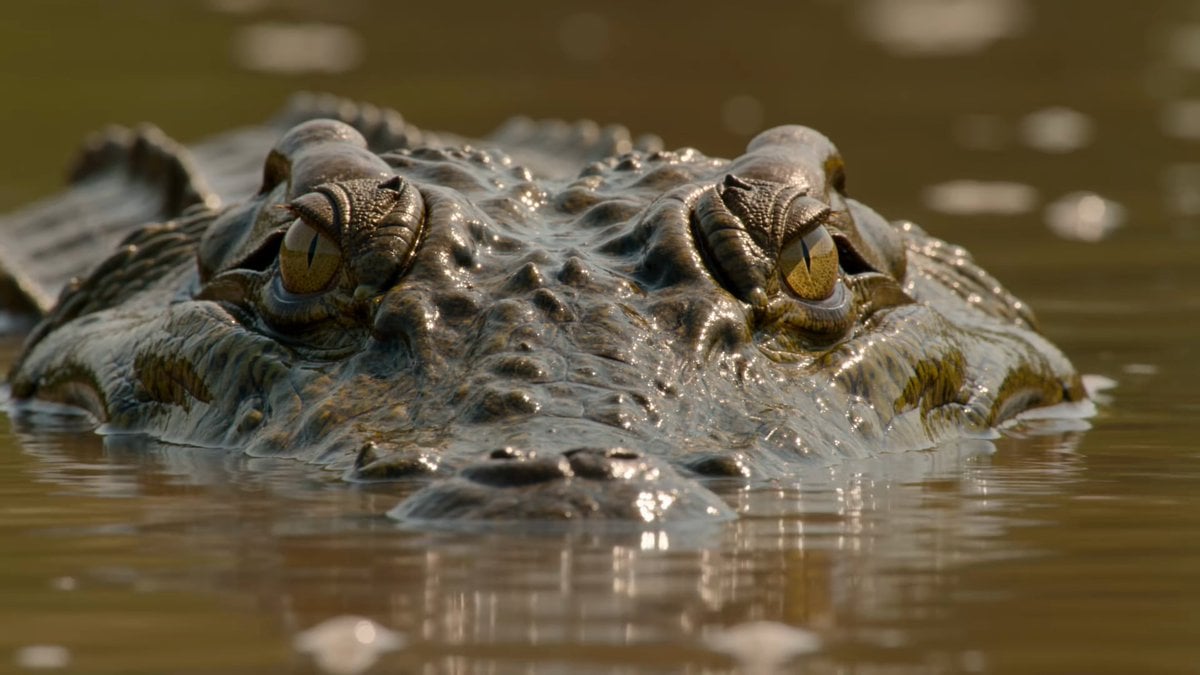
Wildlife Documentary Reptile 4K
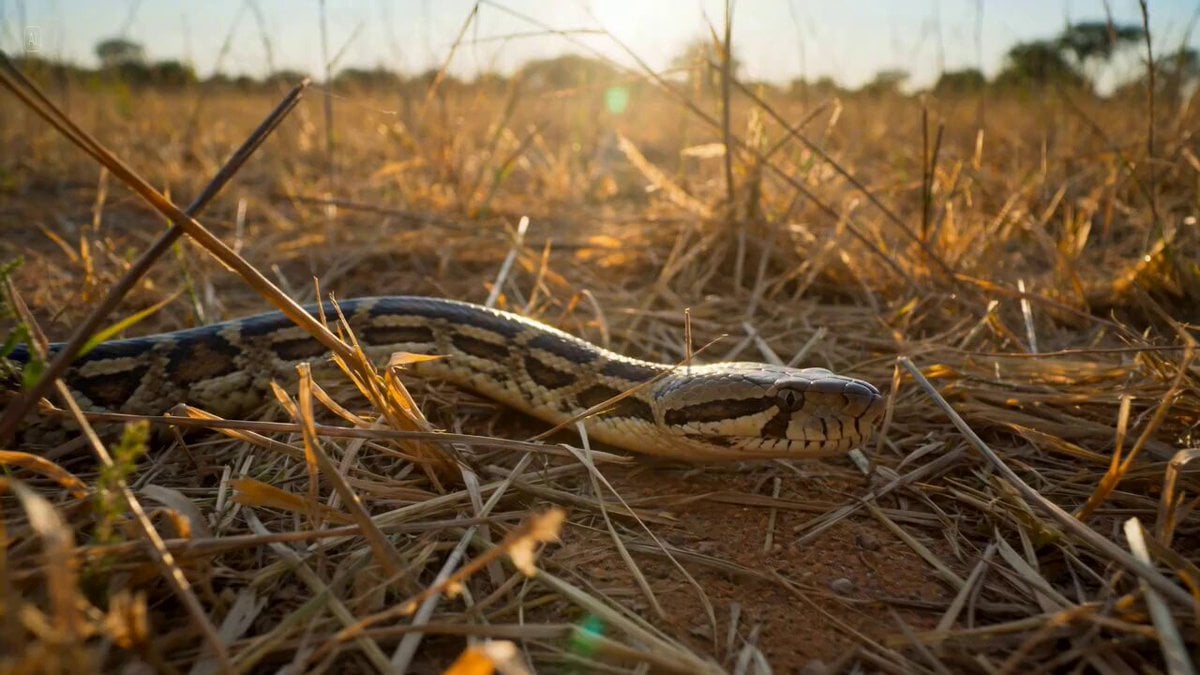
Ultra-realistic Wildlife Documentary Footage
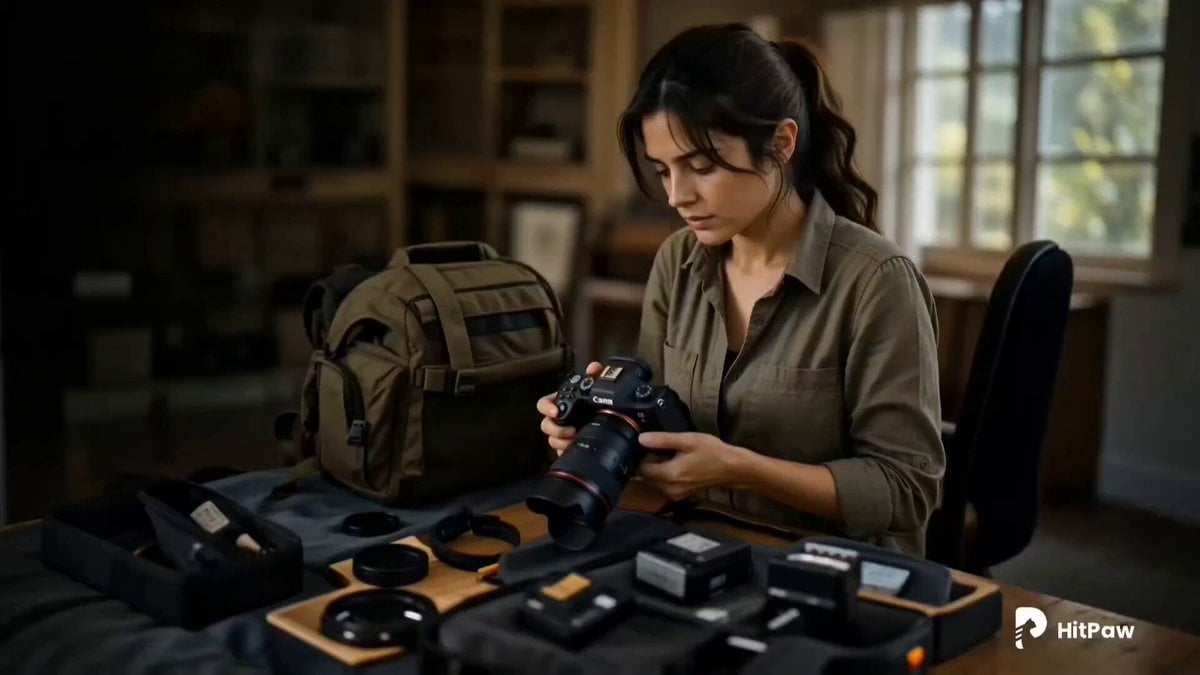
Cinematic Wildlife Adventure Video Prompt
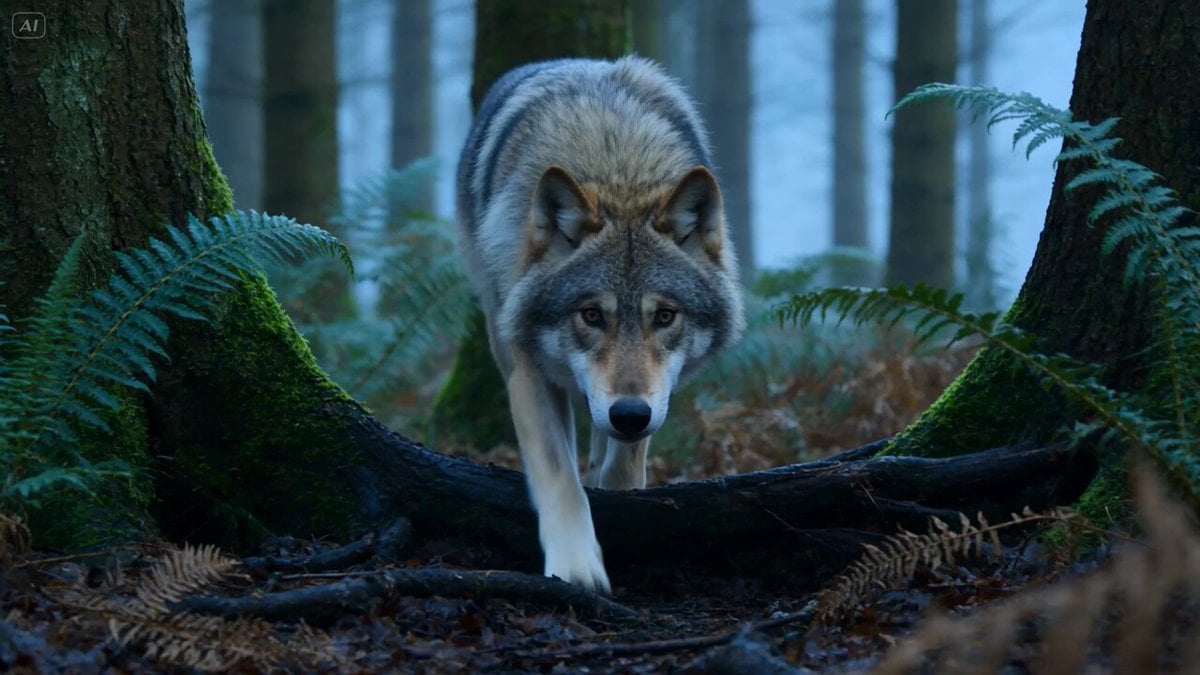
Wildlife Predator-Prey Chase
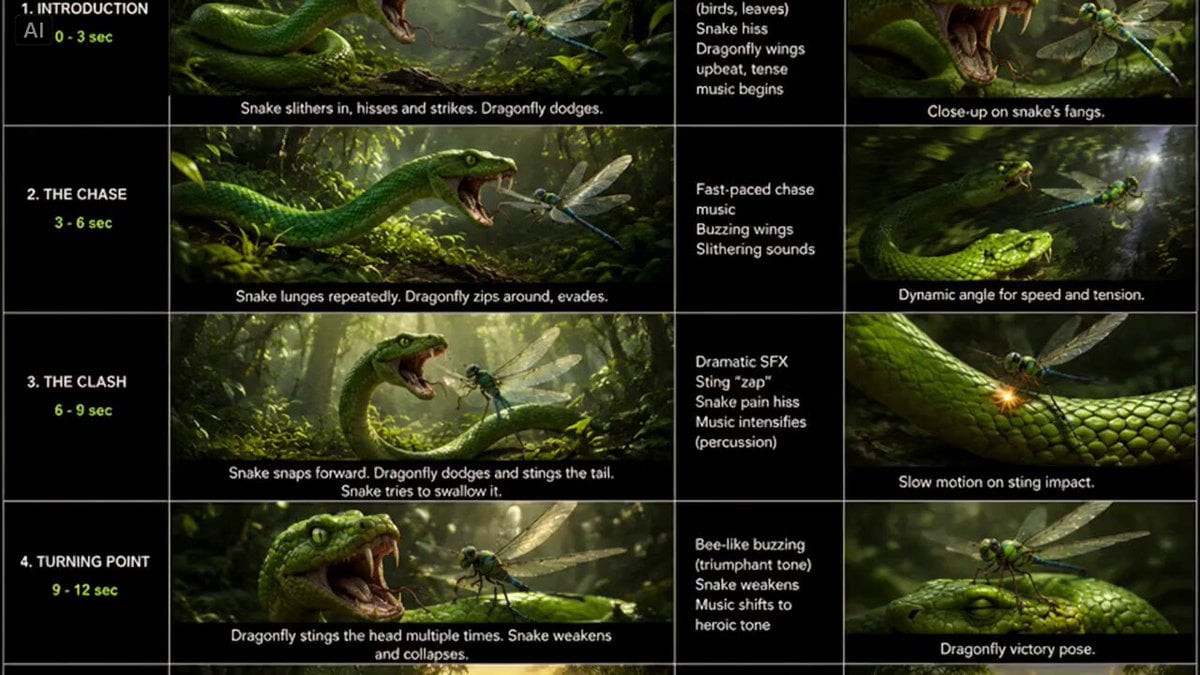
Snake vs Dragonfly Wildlife Battle
Submarine Plunge into Europa's Hidden Ocean
Make it yours
Osprey Plunge Wildlife Documentary works as-is. These are the safest ways to change it without losing the look.
Change one field
Copy a single group, rewrite it, and generate again so you can see what that field is doing.
Keep the frame, change the subject
Hold the composition and light of Osprey Plunge Wildlife Documentary, then swap wardrobe, props or the person for a new take.
| If the result… | Why | Fix |
|---|---|---|
| The result drifts from the preview | Too many fields changed at once. | Reuse Osprey Plunge Wildlife Documentary as-is first, then change one group — subject, light, or setting. |
| The model over-stylizes the scene | The prose prompt leaves finish and camera underspecified. | Add one camera or lighting sentence and stay on Seedance 2.0. |
More Seedance 2.0 templates
Other prompts made for Seedance 2.0.

Comical Martial Arts Punch Scene

Maglev Train Action Sequence

Martial Arts Fight Sequence

Wuxia Protection and Trust Script

Vintage Korean Arcade MiniDV Vlog

Mercedes 190 SL Luxury Ad

Rainy Night Supernatural Reverse Comedy Video Script

Amazon Civilization Discovery

Futuristic South Asian City Transformation

Cozy Luxury Cafe Commercial
More video prompts
Fresh picks from across the catalog.
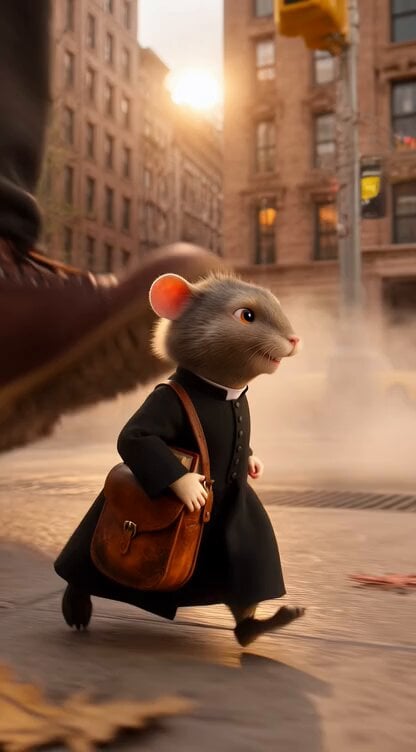
Catholic Mouse Priest in Brooklyn
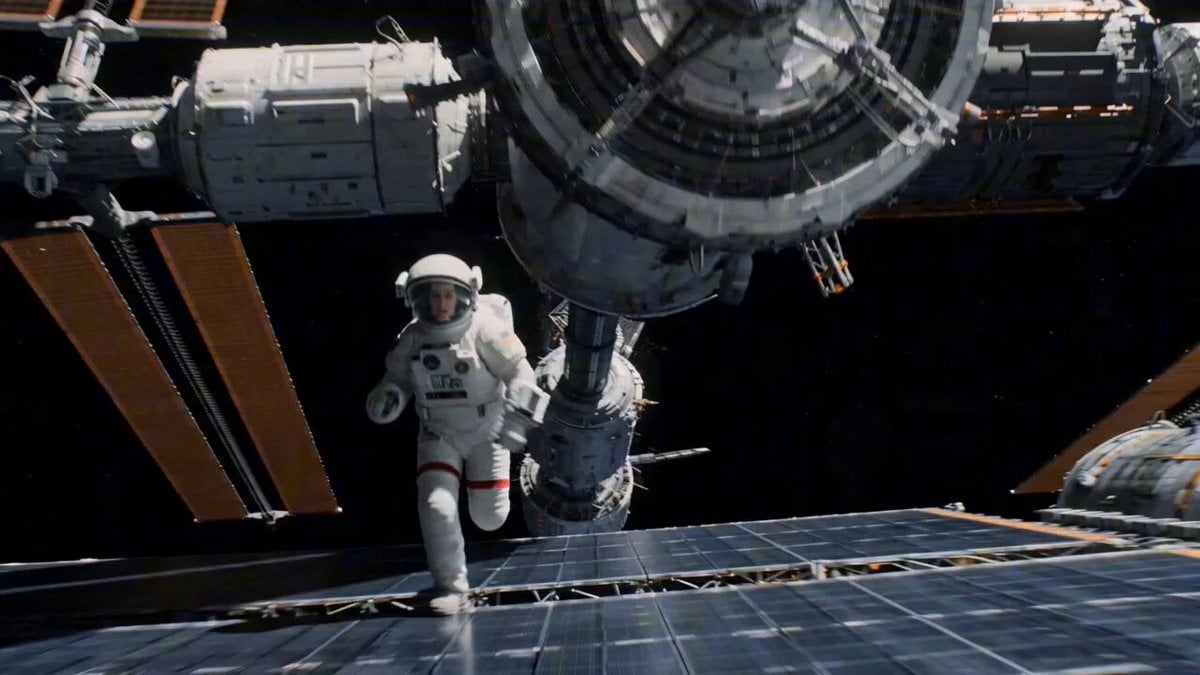
Zero-G Astronaut Run on Damaged Orbital Station
Kawaii Chibi Animation of Gugugaga and Doro
Jane Austen Transformation
Photorealistic Kaiju Disaster Film
Epic Ink-Wash Fantasy Warrior Scene

Memory Fish mystical creatures video
Family Scrapbook 3D Animation
Expensive Makeup Product Promo Videos
Gen Z Commercial Prompt (Metaimage + Seedance 2)
Browse template categories
Osprey Plunge Wildlife Documentary questions
How do I use the Osprey Plunge Wildlife Documentary template?
Add your photo if the template asks for one, edit the prompt if you like — the template's model and format are already selected — and press Generate. Your version opens in PicX Studio.
Can I customize the Osprey Plunge Wildlife Documentary template?
Yes. You can change the subject, setting, lighting, mood, format, and available model controls before creating your video.
Is the Osprey Plunge Wildlife Documentary template free?
Opening and editing this template is free. Generating uses credits, shown on the Generate button when you are signed in.
Which AI model should I use?
Start with Seedance 2.0, which is the model associated with this template. You can compare another compatible model for a different finish.
Looking for something else? Browse all templates.

Your photo, any look
Thousands of ready templates for every top image and video model, from one credit balance.