How do I use the Fighter Jet Combat Strike Mission template?
Edit the prompt in the box under the preview — the template's model and format are already selected — and press Generate. Your version appears right on this page.
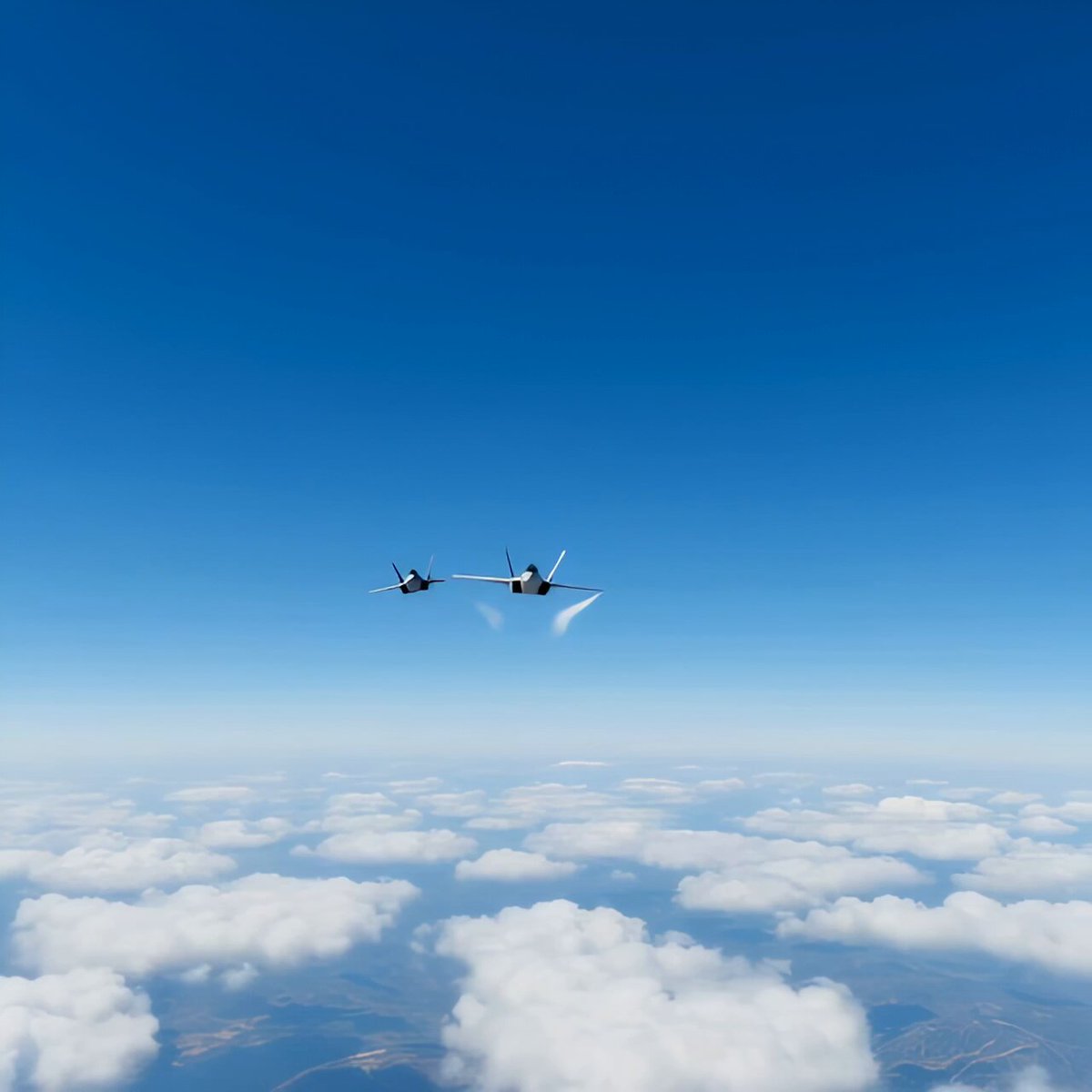
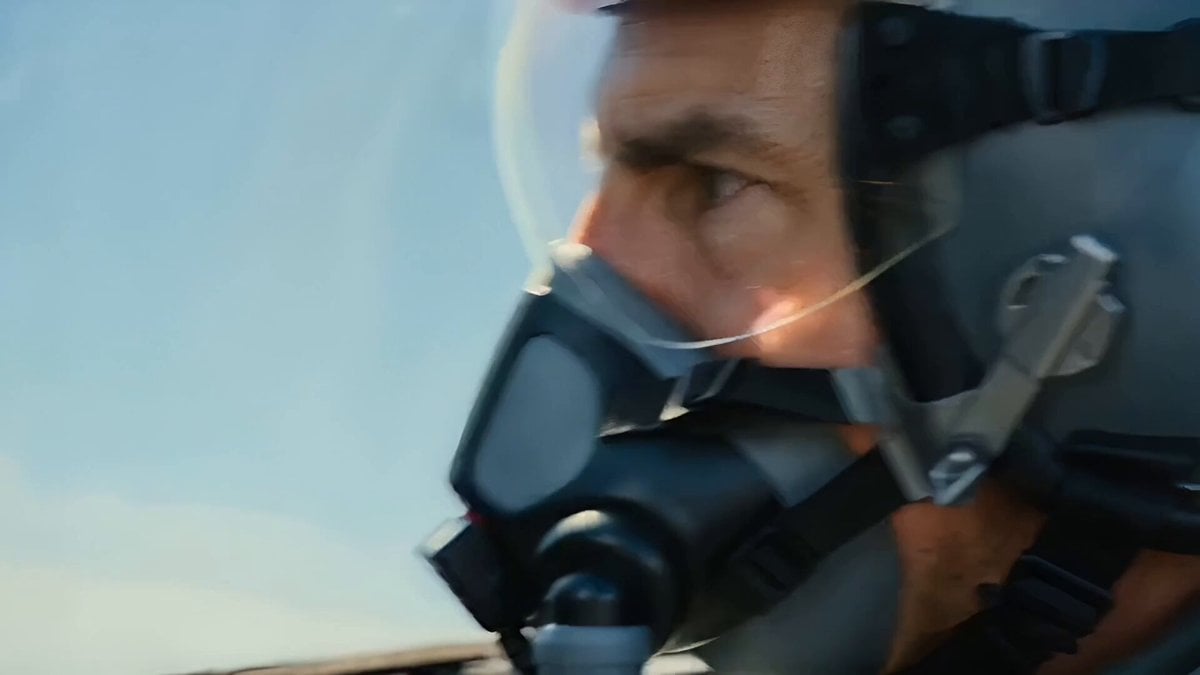
A multi-scene action prompt for fighter jets taking off and engaging in combat, including cockpit HUD views and missile lock-on sequences.
[Scene 1 – Airbase, 0:00–0:05] Su-57 roars down the runway, afterburners glowing. Pilot's HUD lights up. "Falcon-1, cleared for takeoff." Nose lifts, gear retracts — jet tears into the sky. [Scene 2 – Combat Airspace, 0:05–0:10] Radar lock chirps. Pilot banks hard: "Target confirmed, engaging." Missile tone locks solid. "Fox Three." Jet peels away trailing vapor.
[Scene 1 – Airbase, 0:00–0:05] Su-57 roars down the runway, afterburners glowing. Pilot's HUD lights up. "Falcon-1, cleared for takeoff." Nose lifts, gear retracts — jet tears into the sky. [Scene 2 – Combat Airspace, 0:05–0:10] Radar lock chirps. Pilot banks hard: "Target confirmed, engaging." Missile tone locks solid. "Fox Three." Jet peels away trailing vapor.
Edit the prompt in the box under the preview — the template's model and format are already selected — and press Generate. Your version appears right on this page.
Yes. You can change the subject, setting, lighting, mood, format, and available model controls before creating your video.
Opening and editing this template is free. Generating uses credits, shown on the Generate button when you are signed in.
Start with Seedance 2.0, which is the model associated with this template. You can compare another compatible model for a different finish.
Follow a topic to a crawlable collection of related PicX Studio templates.