
High Voltage Cinematic Lightning Strike
A dynamic video prompt for Seedance 2.0 featuring a character performing a lightning-charged strike with explosive plasma effects and realistic electrical physics.
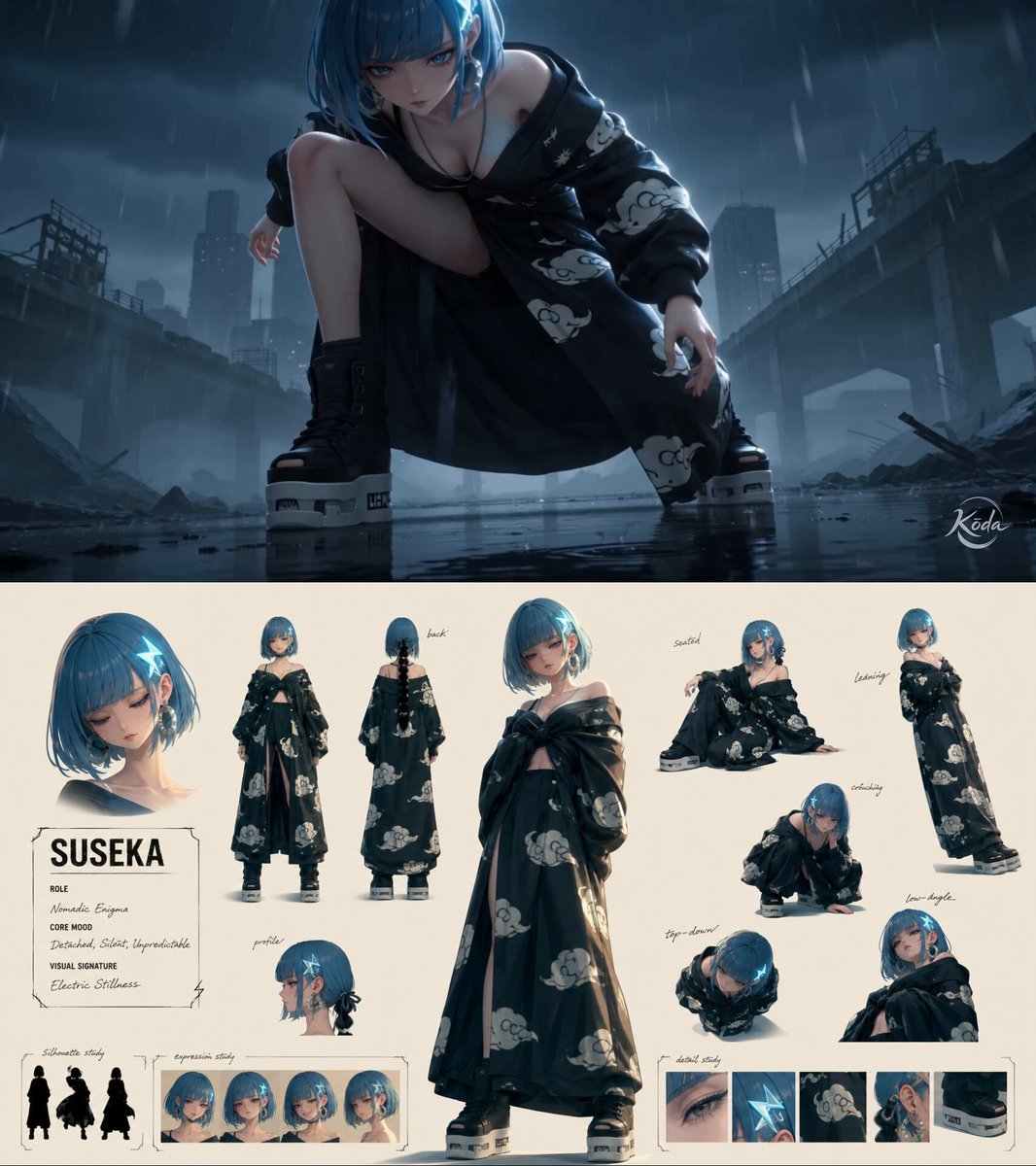
- Prompt included
- Model and format preset
- Premium template
The prompt behind this video
Copy the exact prompt behind High Voltage Cinematic Lightning Strike, or open it in the studio and make it yours.
High-end cinematic 3D realism fused with hyper-energized electrical phenomena. Every movement generates branching plasma arcs, snapping lightning filaments, electromagnetic distortion, ionized air ripples and cascading sparks that dance across surfaces instead of conventional energy effects. Electric currents crawl over characters, weapons and environments with rhythmic pulse patterns, while shockwaves illuminate drifting particles, vapor and debris in synchronized flashes. Aggressive camera movement, dramatic perspective, volumetric light shafts, dynamic exposure shifts and dense atmospheric haze amplify every discharge, creating a world where electricity constantly reshapes the surrounding space. Feature-film rendering, physically believable materials and realistic electrical interactions preserve scale, weight and cinematic realism. @[character re] lowers into a sprint as brilliant blue-white electricity condenses around one outstretched hand, crackling with violent intensity. Every accelerating step tears glowing fractures through puddles, while branching lightning lashes across the ground and nearby structures. The air warps with electromagnetic distortion as the fighter bursts forward in a blinding dash, piercing through the opponent's guard with a single lightning-charged palm strike. The impact erupts into an explosive sphere of plasma arcs and cascading sparks, briefly freezing the battlefield in white-blue light before the electrical current dissipates into the storm-filled sky.
How to use High Voltage Cinematic Lightning Strike in 3 steps
- 1Upload ImagePNG, JPG or paste
Add your photo
Upload the photo the template builds on. The prompt, model and format are already set.
- 2…a portrait of your subject in softgolden-hour light, 85mm…
Personalize
Edit the subject and creative details for your destination.
- 3Generate
Generate
Press Generate — your video is created in PicX Studio, so you can compare it with the original and refine one variable at a time.
More like this
Templates with the same subject, style or setup. Open one to see its prompt.
Rainforest Thriller — Searching the Unseen
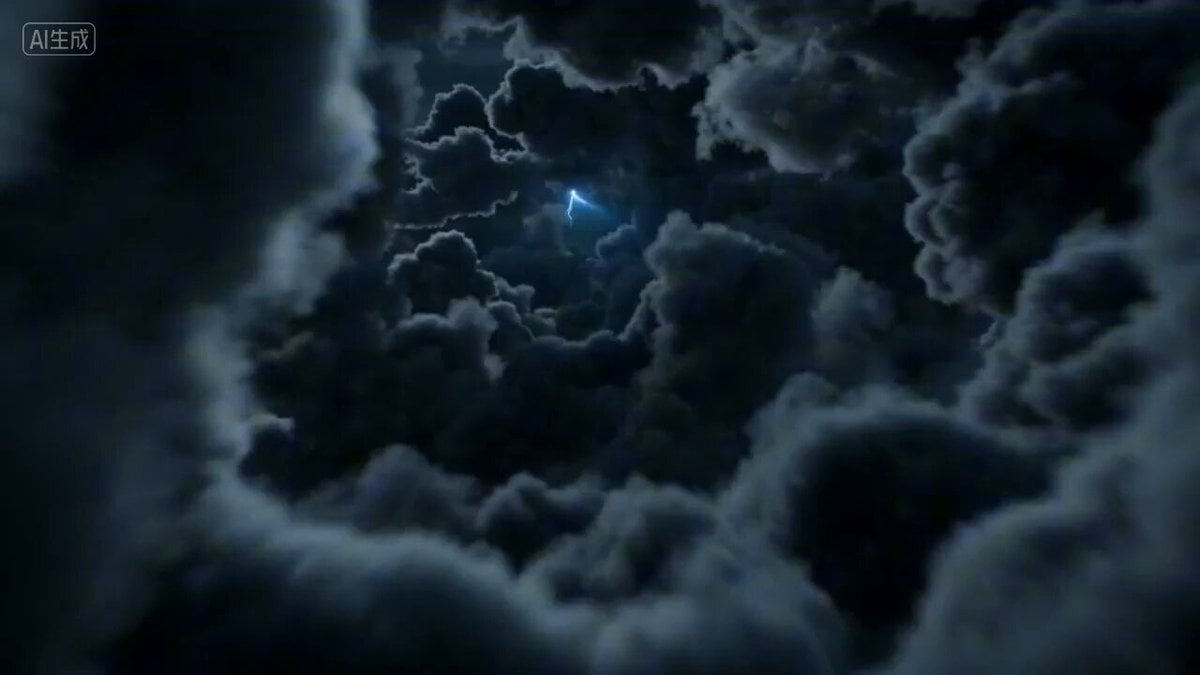
First-person POV of a lightning strike descent
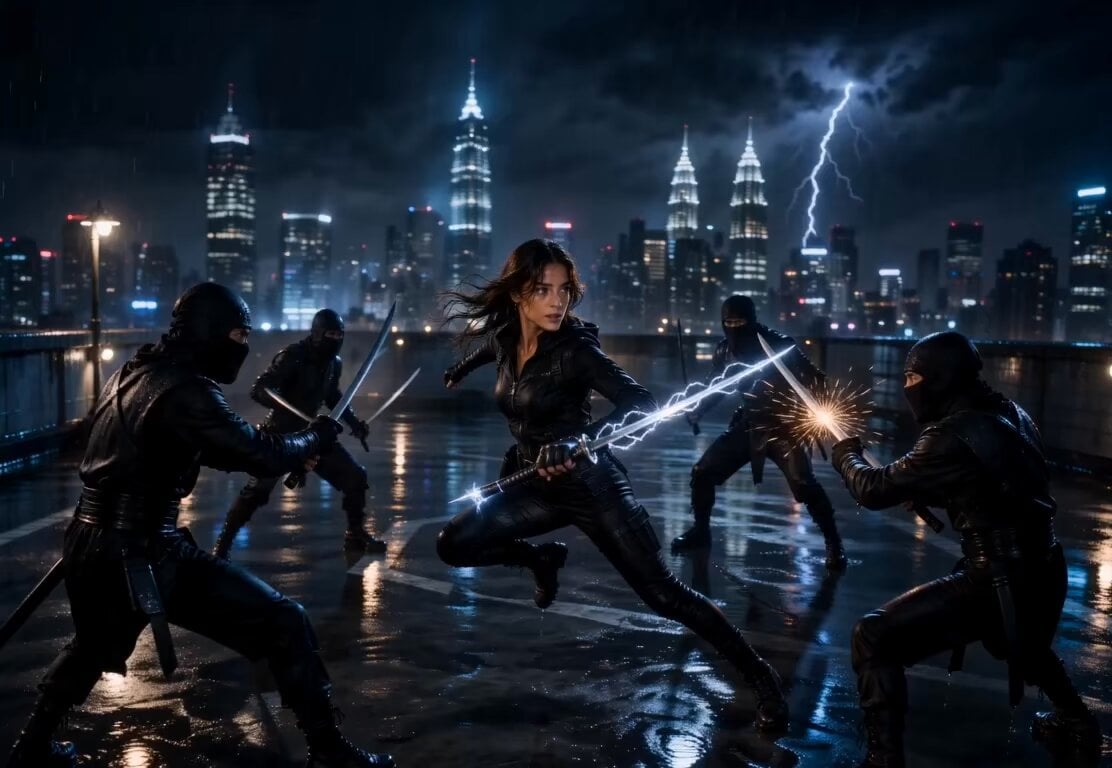
Lightning Sword Tactical Girl Animation
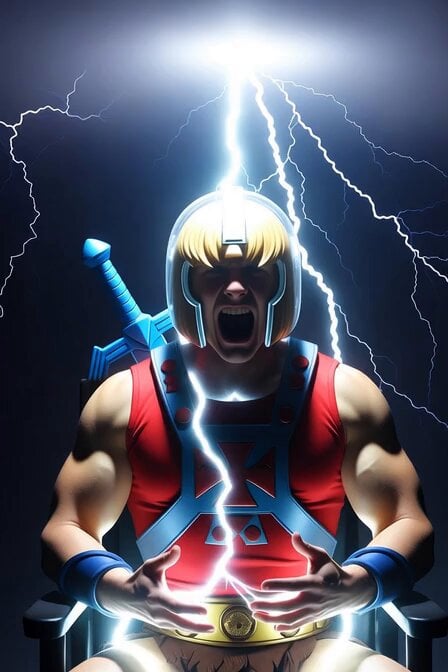
He-Man Lightning Transformation Video
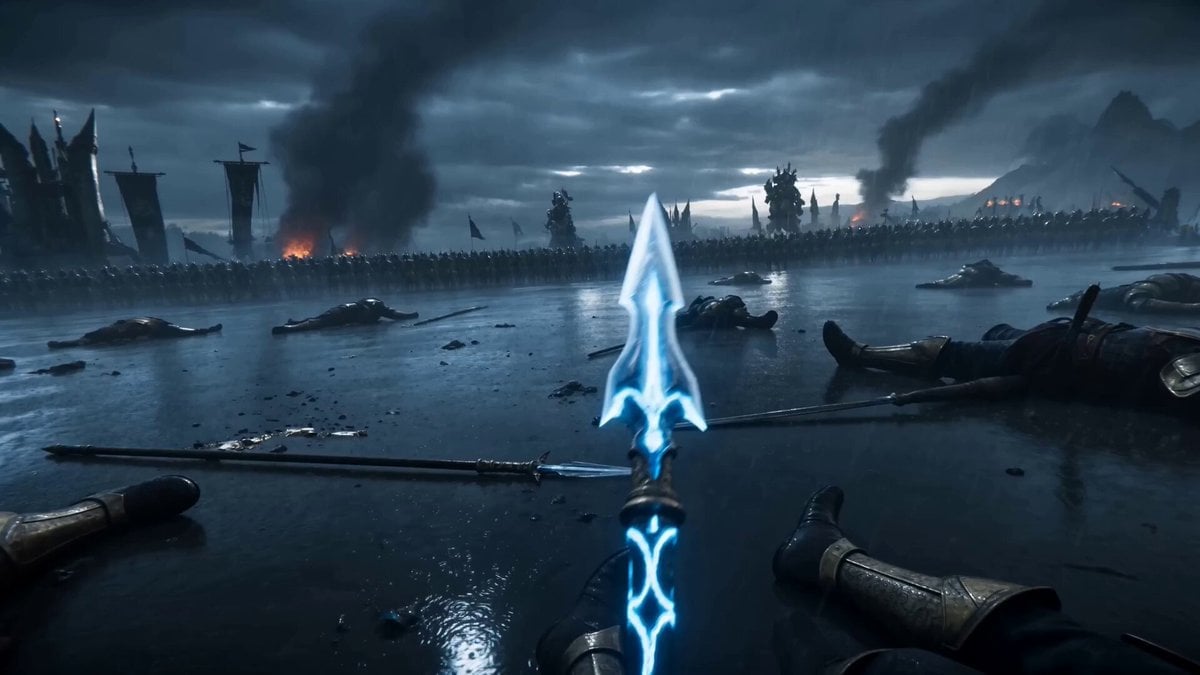
Battle Mage Lightning Spear Fantasy
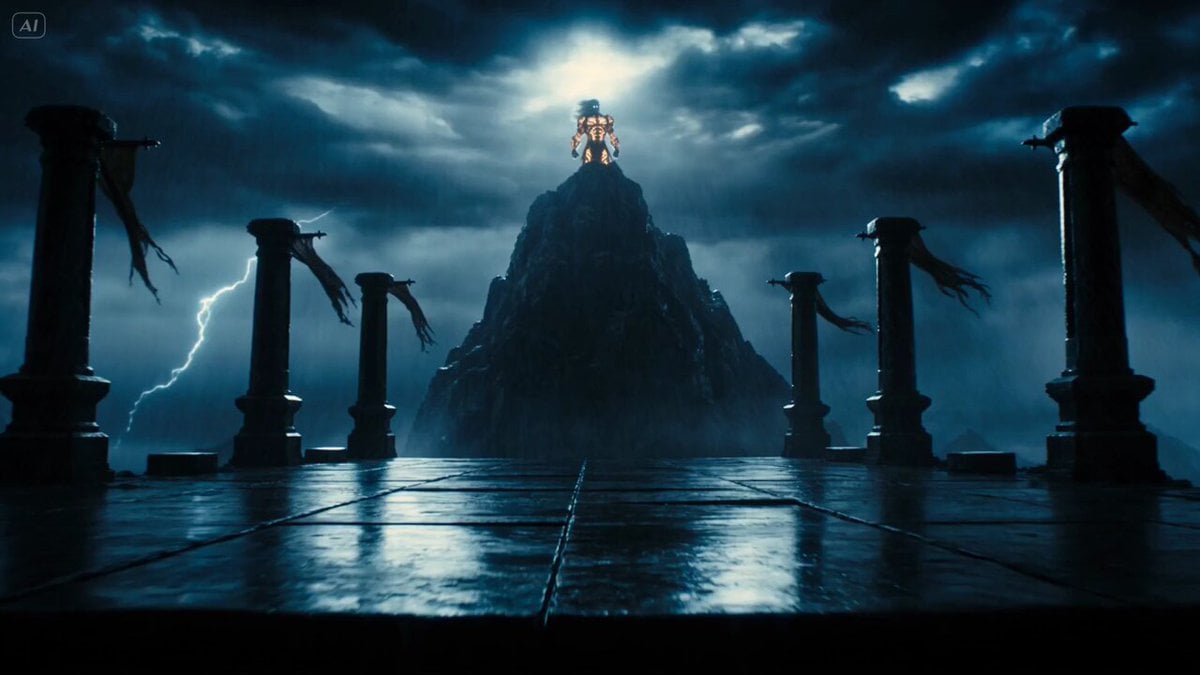
Mythological Lightning God Transformation
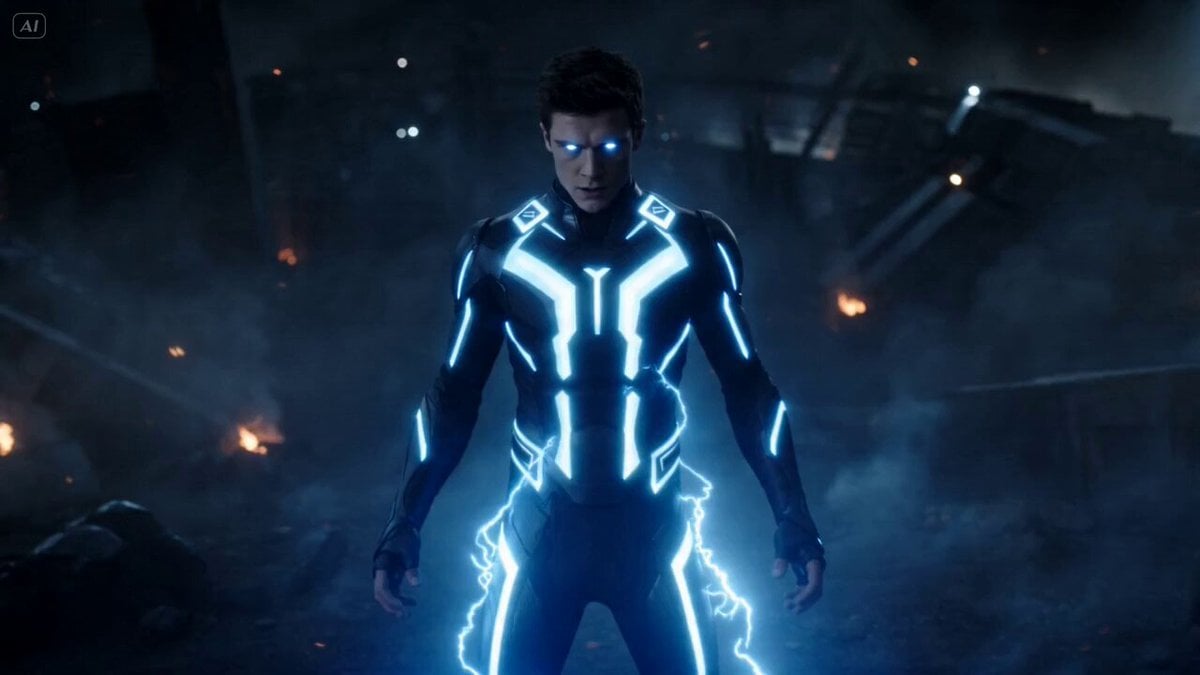
Superhuman Fighter Lightning Combat
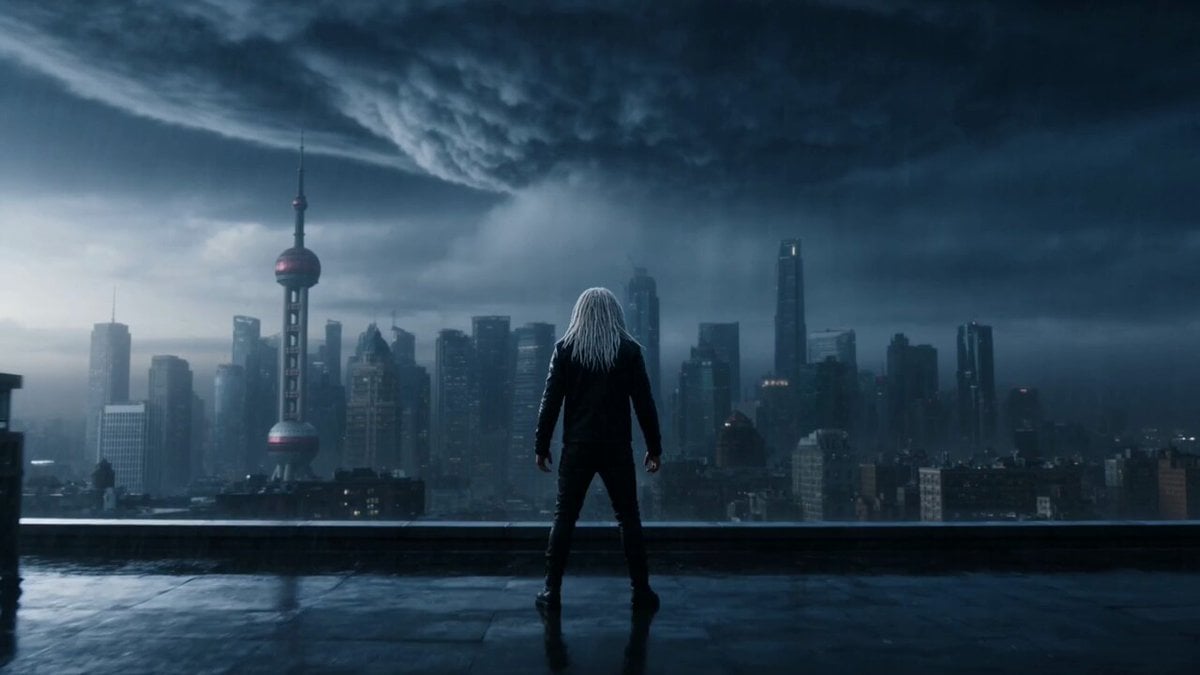
Violet Lightning Storm Warrior
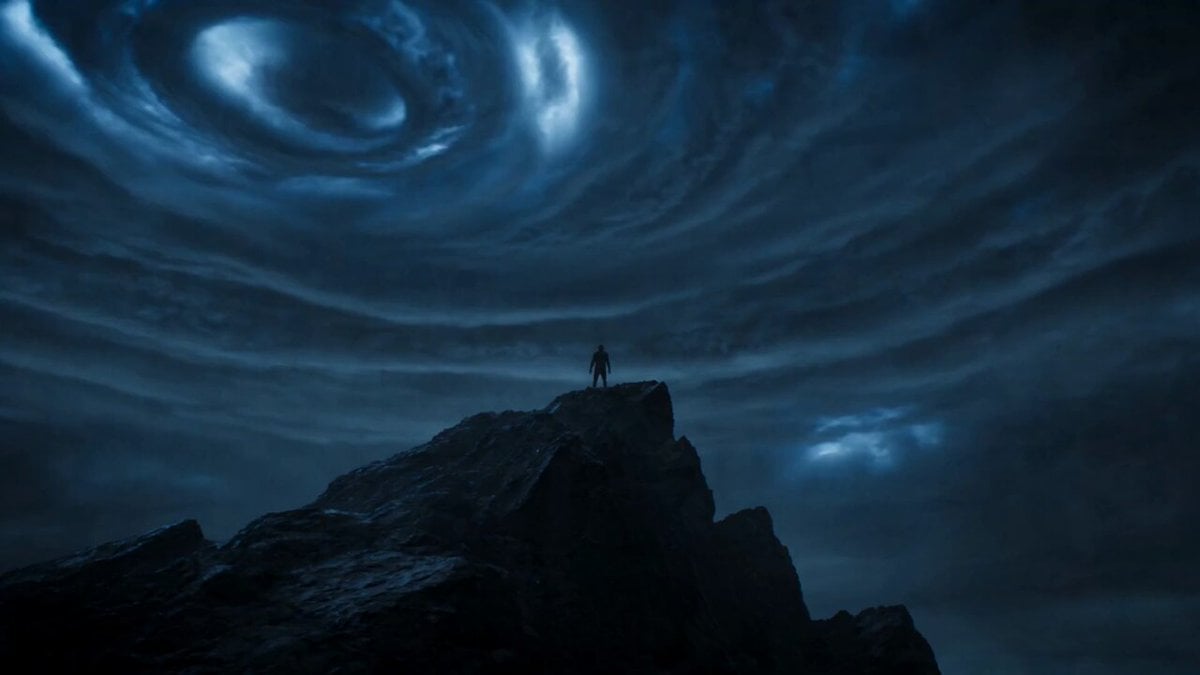
Cinematic Lightning Avatar Transformation Sequence

High Voltage Klimt style video prompt with medieval elements

Vast, turbulent sky with lightning

Grok Imagine Video Prompt: Cool Colors and Lightning
Make it yours
High Voltage Cinematic Lightning Strike works as-is. These are the safest ways to change it without losing the look.
Change one field
Copy a single group, rewrite it, and generate again so you can see what that field is doing.
Keep the frame, change the subject
Hold the composition and light of High Voltage Cinematic Lightning Strike, then swap wardrobe, props or the person for a new take.
| If the result… | Why | Fix |
|---|---|---|
| The result drifts from the preview | Too many fields changed at once. | Reuse High Voltage Cinematic Lightning Strike as-is first, then change one group — subject, light, or setting. |
| The model over-stylizes the scene | The prose prompt leaves finish and camera underspecified. | Add one camera or lighting sentence and stay on Seedance 2.0. |
More Seedance 2.0 templates
Other prompts made for Seedance 2.0.

Comical Martial Arts Punch Scene

Maglev Train Action Sequence

Martial Arts Fight Sequence

Wuxia Protection and Trust Script

Vintage Korean Arcade MiniDV Vlog

Mercedes 190 SL Luxury Ad

Rainy Night Supernatural Reverse Comedy Video Script

Amazon Civilization Discovery

Futuristic South Asian City Transformation

Cozy Luxury Cafe Commercial
More video prompts
Fresh picks from across the catalog.
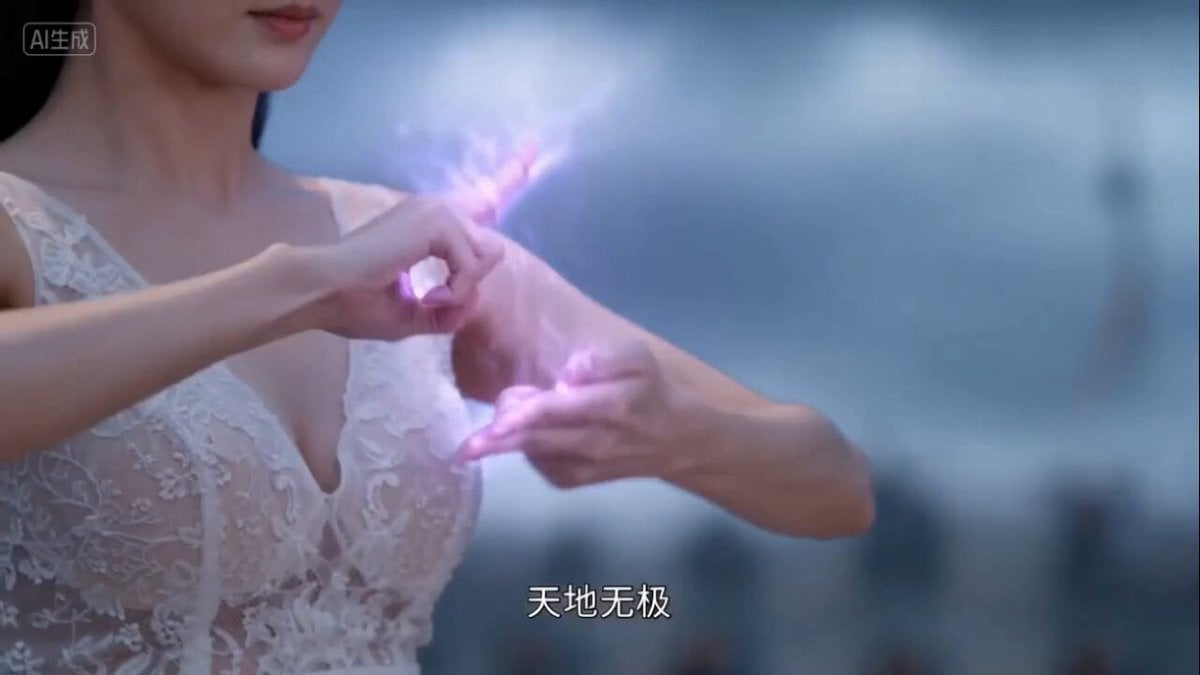
Seedance 2.0 prompt for a Wuxia fantasy battle scene

Empress Heavy Mars Vacation Chibi Prompt
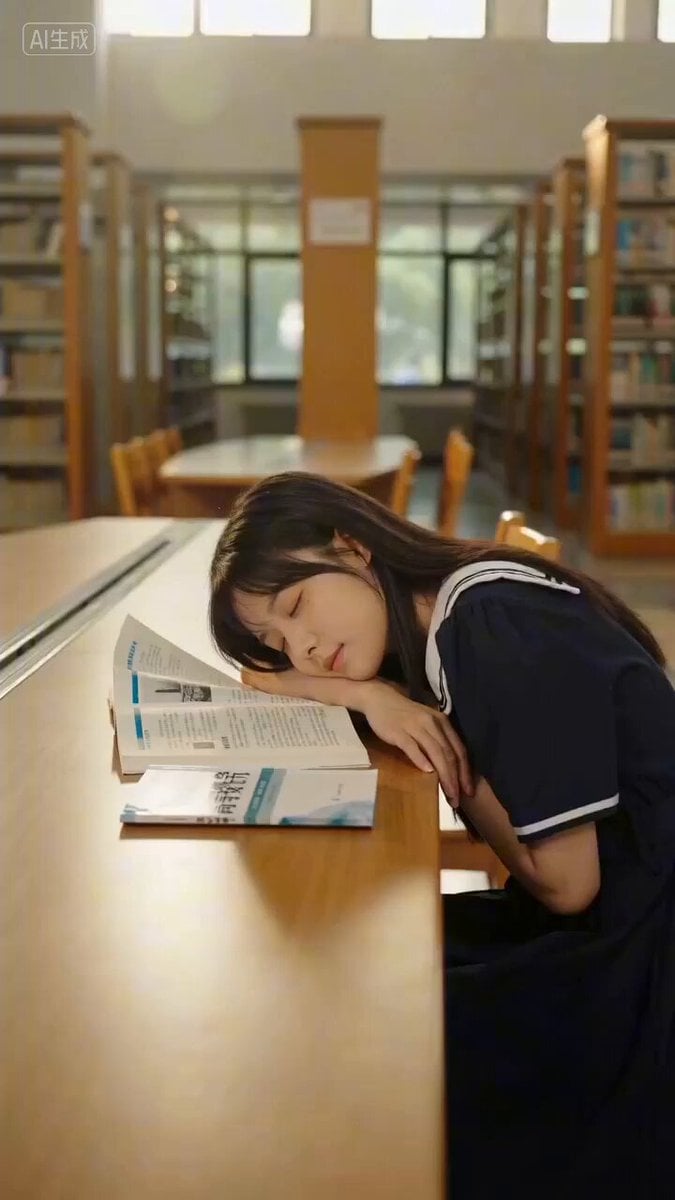
Seedance 2.0 Prompt for 'First Love' Library Scene
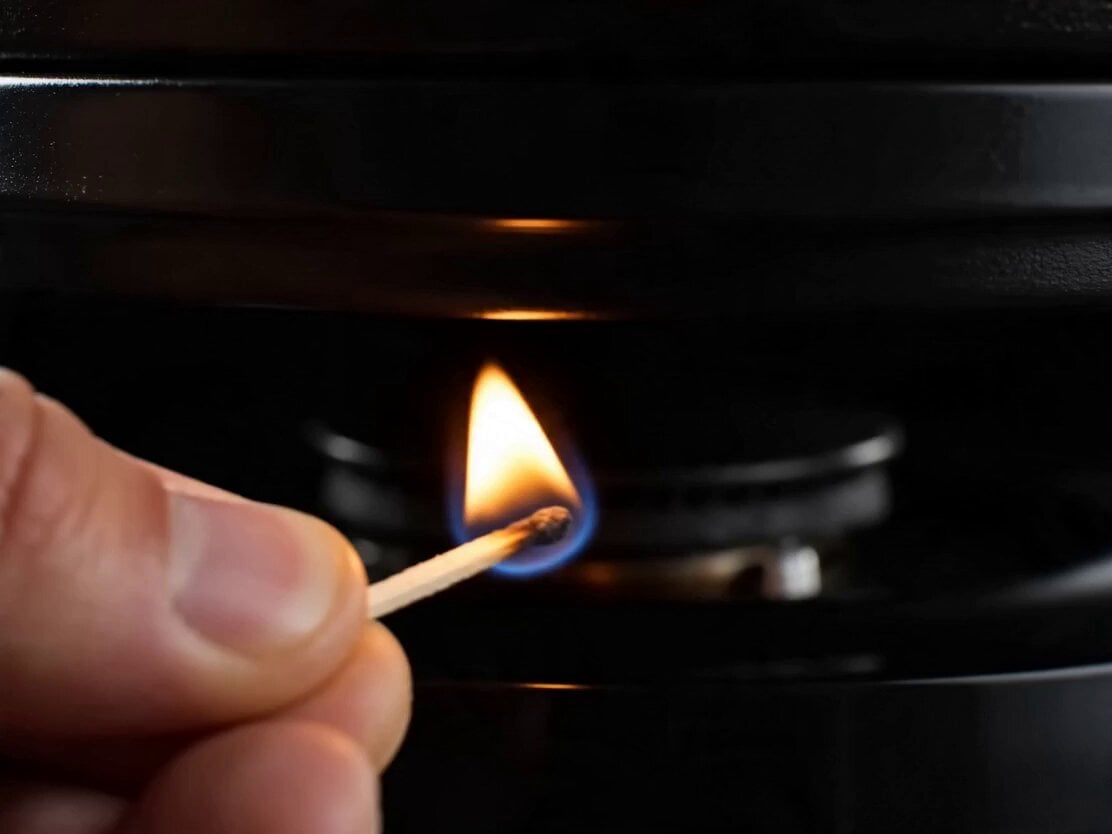
Gourmet Cheeseburger Food Commercial
Crystal Cavern Mag-Lev Race — Seedance 2.0
Glitch Mirror DNA Transformation
Historical Siege Scene Prompt (Part 1)
Self-Reflection and Relationship Dynamics
Elegant Wuxia Teahouse Fight Animation

Cinematic Skiing Video Generation
Browse template categories
High Voltage Cinematic Lightning Strike questions
How do I use the High Voltage Cinematic Lightning Strike template?
Add your photo if the template asks for one, edit the prompt if you like — the template's model and format are already selected — and press Generate. Your version opens in PicX Studio.
Can I customize the High Voltage Cinematic Lightning Strike template?
Yes. You can change the subject, setting, lighting, mood, format, and available model controls before creating your video.
Is the High Voltage Cinematic Lightning Strike template free?
Opening and editing this template is free. Generating uses credits, shown on the Generate button when you are signed in.
Which AI model should I use?
Start with Seedance 2.0, which is the model associated with this template. You can compare another compatible model for a different finish.
Looking for something else? Browse all templates.

Your photo, any look
Thousands of ready templates for every top image and video model, from one credit balance.