
Mythological Lightning God Transformation
A multi-faceted video prompt for creating an epic scene of a Lightning God summoning electricity atop a storm-covered mountain peak.
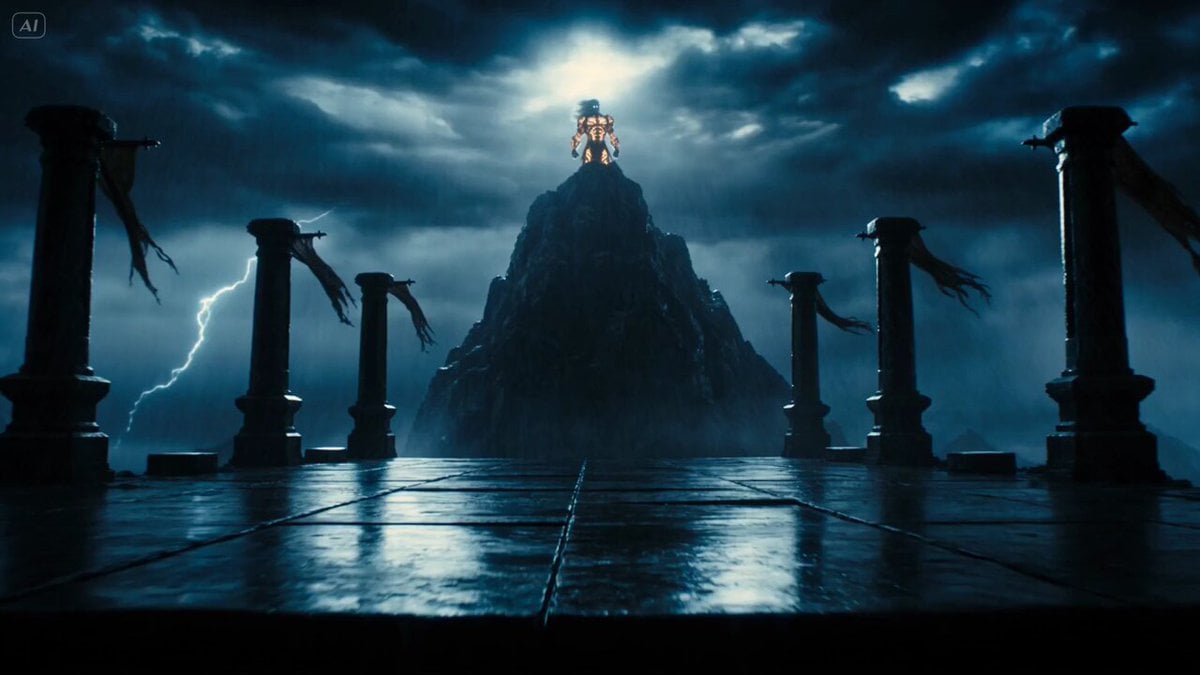
- Prompt included
- Model and format preset
- Premium template
The prompt behind this video
Copy the exact prompt behind Mythological Lightning God Transformation, or open it in the studio and make it yours.
Scene: A storm-covered mountain peak at night, black clouds rotating overhead, lightning branching across the sky, wet stone reflecting white-blue flashes, wind tearing through torn banners fixed to ancient pillars. Subject: A towering Lightning God with a muscular human form, glowing white-blue eyes, long silver hair whipping in the storm, golden armor etched with luminous runes, and arcs of electricity crawling across both arms. Action: The Lightning God stands on the edge of the peak, raises one hand toward the clouds, lightning gathers into his palm, his armor runes flare brighter, then he slams the charged hand downward into the stone as a circular shockwave of electricity expands across the mountain. Camera: Wide low-angle shot, camera pushes forward from the base of the stone platform toward the Lightning God, then tilts upward as the lightning gathers above his hand. Physics: Rain lashes diagonally in strong wind, hair and fabric react to gusts, lightning briefly overexposes nearby surfaces, loose stones lift from the shockwave then fall with gravity, electrical arcs snap between wet rocks and armor plates. Audio: Thunder cracks overhead, roaring wind, rain striking stone, deep electric hum, explosive shockwave impact. Style: Epic mythological fantasy cinema, high VFX lightning simulation, realistic storm lighting, powerful physical scale, dramatic high-contrast blue and gold color palette.
How to use Mythological Lightning God Transformation in 3 steps
- 1
Open
The prompt is already in the box next to the preview, with the template's model and format selected.
- 2…a portrait of your subject in softgolden-hour light, 85mm…
Personalize
Edit the subject and creative details for your destination.
- 3Generate
Generate
Press Generate — your video is created in PicX Studio, so you can compare it with the original and refine one variable at a time.
More like this
Templates with the same subject, style or setup. Open one to see its prompt.

Magical Room Transformation - Seedance 2.5

Dark Tokusatsu Transformation - Seedance 2.5

RX-7 to Mech Transformation Cyberpunk
Rainforest Thriller — Searching the Unseen
Civilization Timelapse — Centuries in One Shot
Mecha Transformation vs Kaiju — 4-Scene Epic
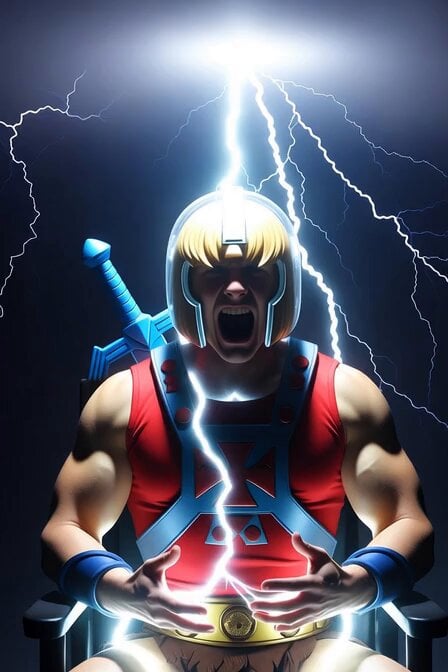
He-Man Lightning Transformation Video
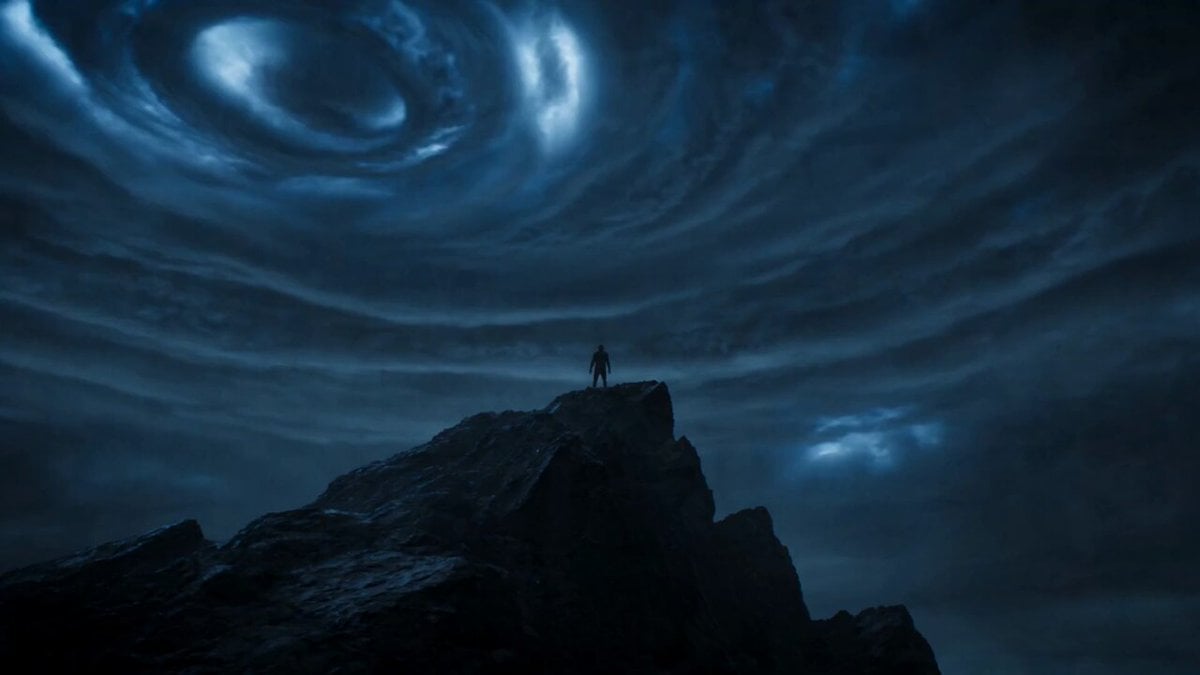
Cinematic Lightning Avatar Transformation Sequence
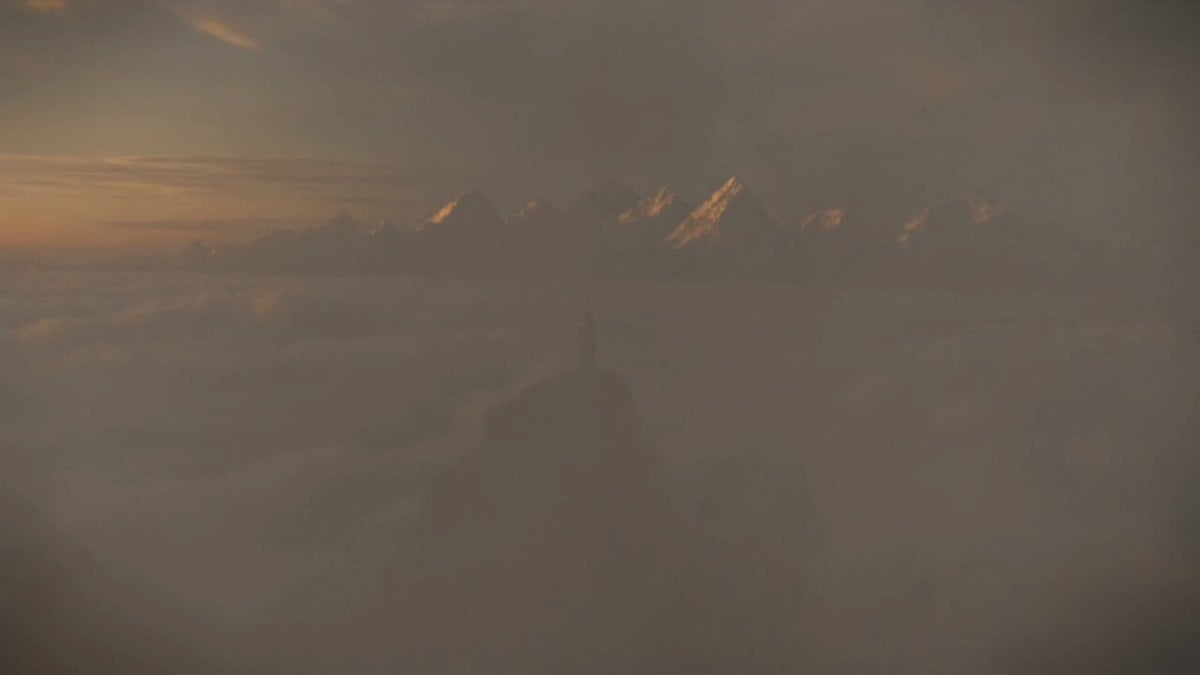
Mythological Griffin Transformation Sequence

Seedance 2.0 Transformation Video Prompt: 12 Flower Gods
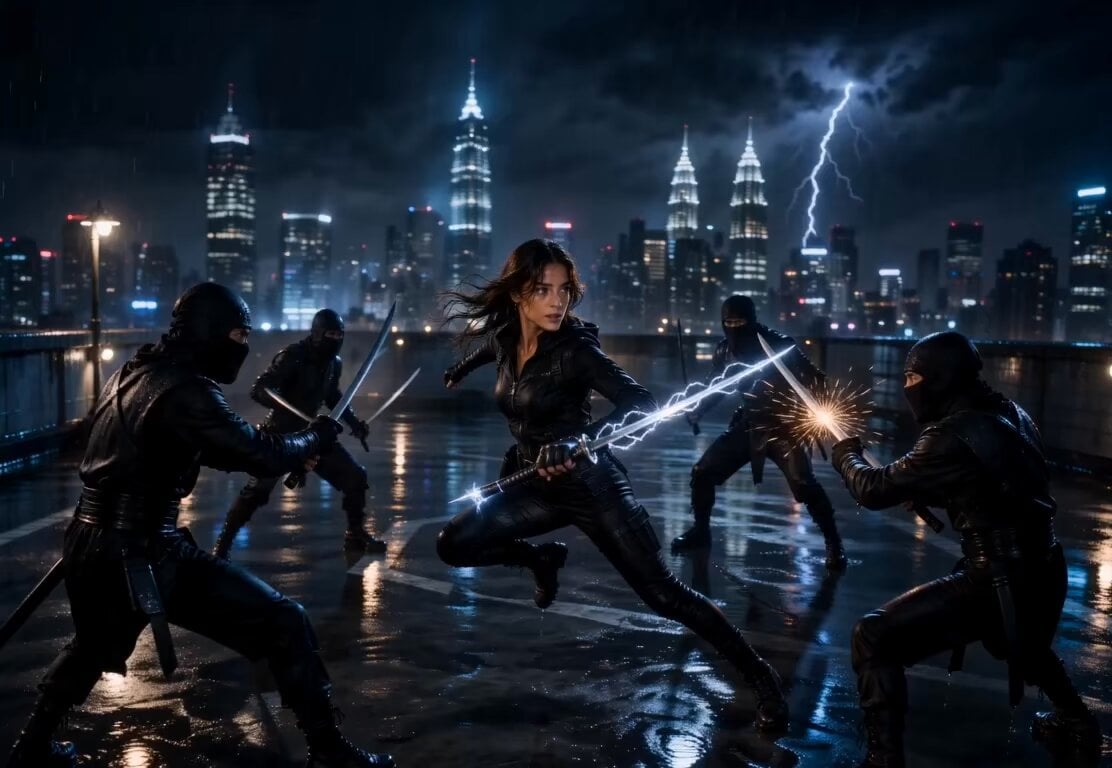
Lightning Sword Tactical Girl Animation

Norse God Warrior Cinematic Video
Make it yours
Mythological Lightning God Transformation works as-is. These are the safest ways to change it without losing the look.
Change one field
Copy a single group, rewrite it, and generate again so you can see what that field is doing.
Keep the frame, change the subject
Hold the composition and light of Mythological Lightning God Transformation, then swap wardrobe, props or the person for a new take.
| If the result… | Why | Fix |
|---|---|---|
| The result drifts from the preview | Too many fields changed at once. | Reuse Mythological Lightning God Transformation as-is first, then change one group — subject, light, or setting. |
| The model over-stylizes the scene | The prose prompt leaves finish and camera underspecified. | Add one camera or lighting sentence and stay on Seedance 2.0. |
More Seedance 2.0 templates
Other prompts made for Seedance 2.0.

Comical Martial Arts Punch Scene

Maglev Train Action Sequence

Martial Arts Fight Sequence

Wuxia Protection and Trust Script

Vintage Korean Arcade MiniDV Vlog

Mercedes 190 SL Luxury Ad

Rainy Night Supernatural Reverse Comedy Video Script

Amazon Civilization Discovery

Futuristic South Asian City Transformation

Cozy Luxury Cafe Commercial
More video prompts
Fresh picks from across the catalog.

UGC Lifestyle Morning Smoothie

Cincinnati Park Scene with Hovering Car

Urban Warzone Superpowered Combat
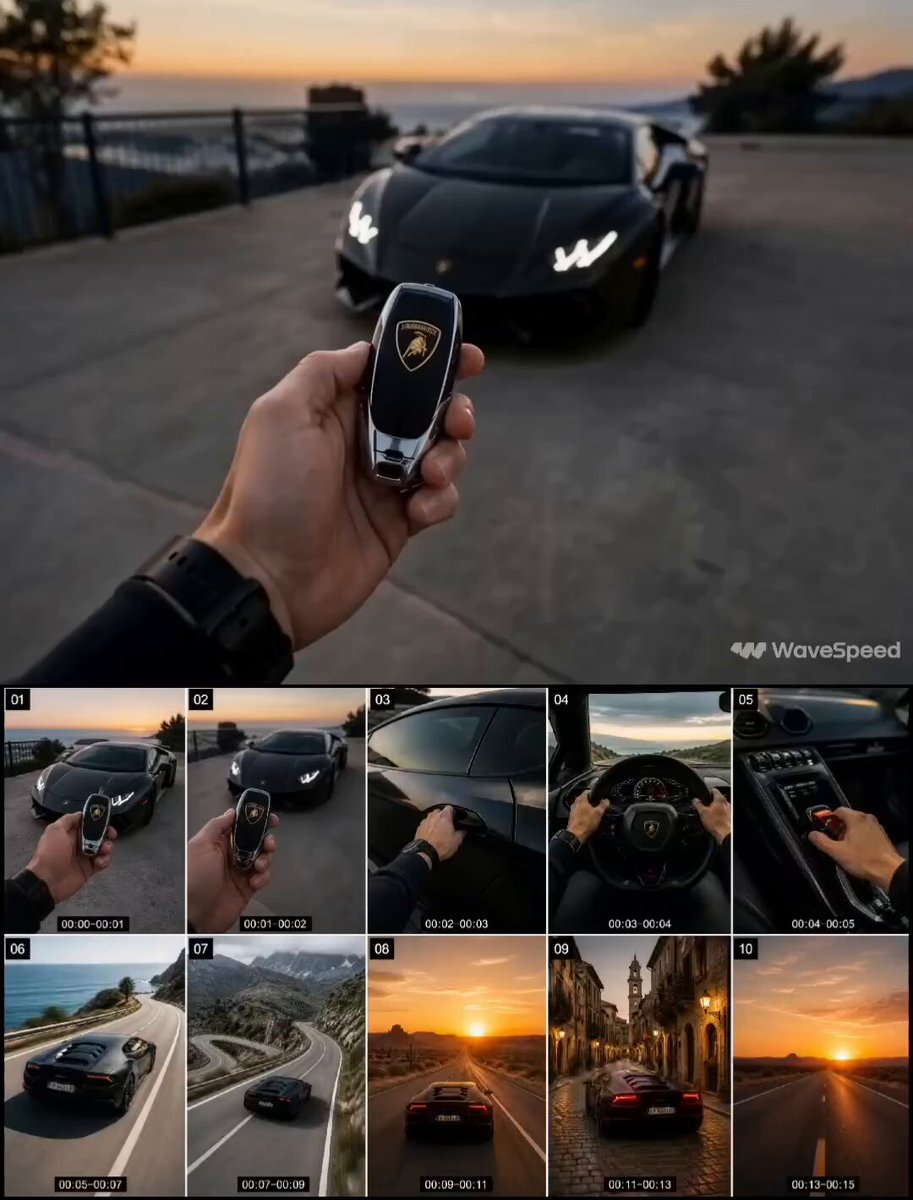
First-Person Luxury Car Roadtrip
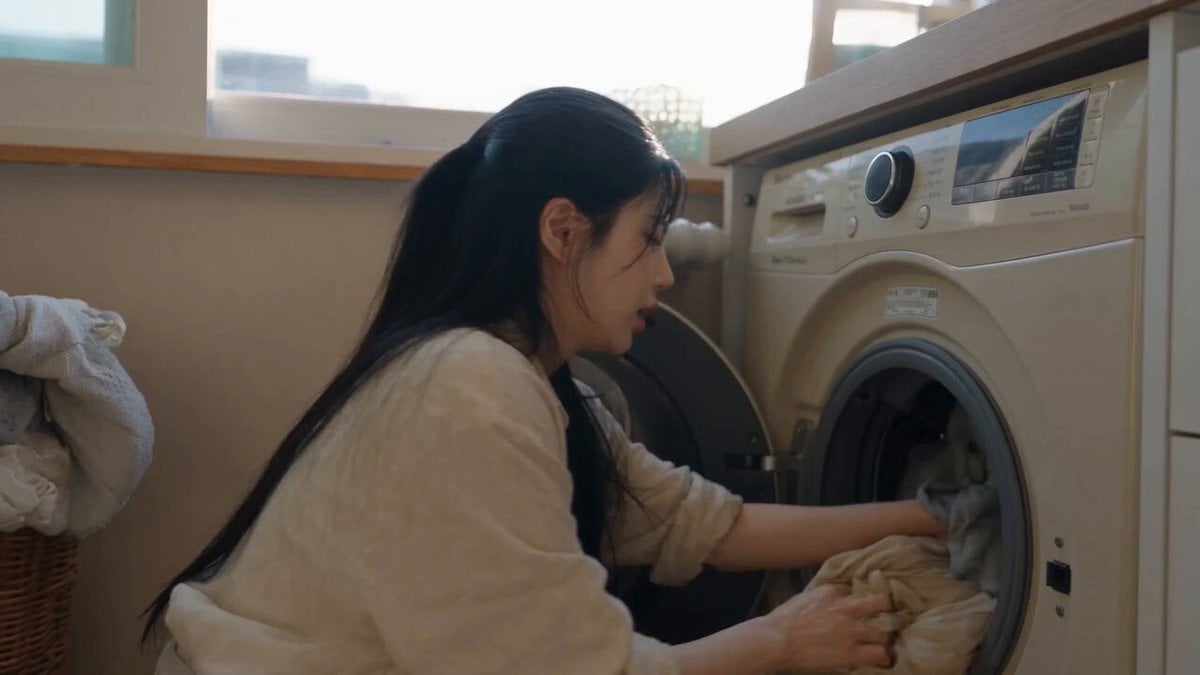
Sunny Morning Laundry Vlog

Surreal Floating Mountains Eye Zoom Video Prompt
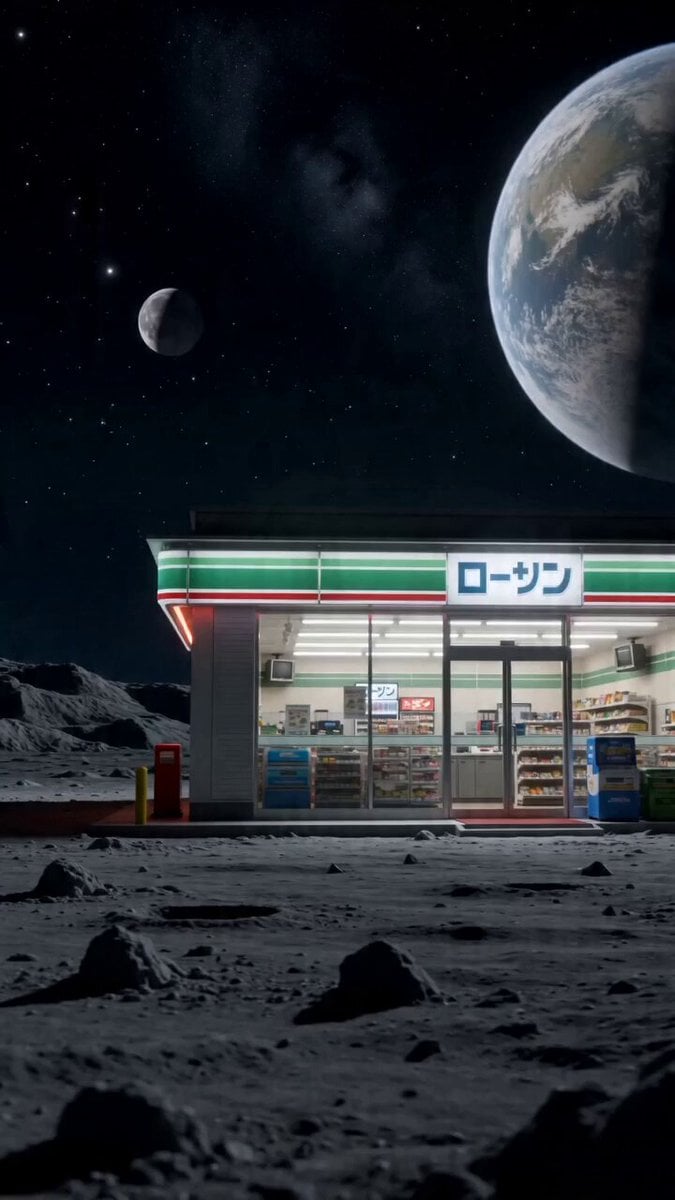
Surreal live-action video of convenience store worker on the moon

Zero-G Biomechanics Clip 3: Impact and Exhaustion
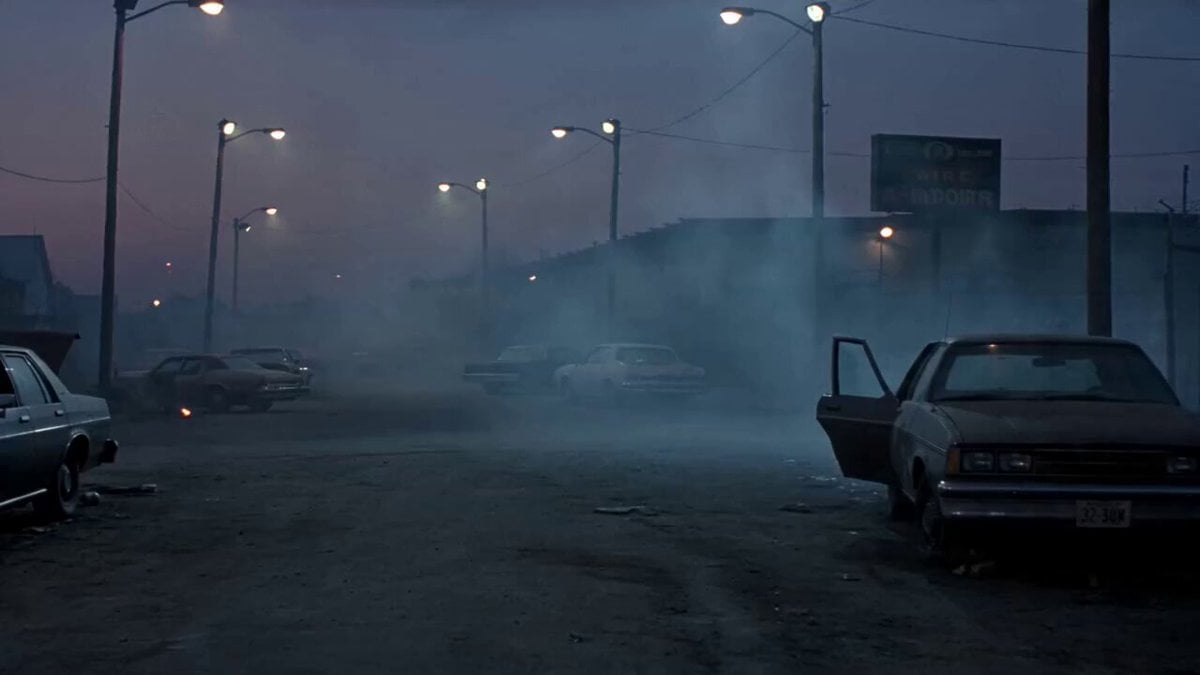
1990s Horror Zombie Outbreak
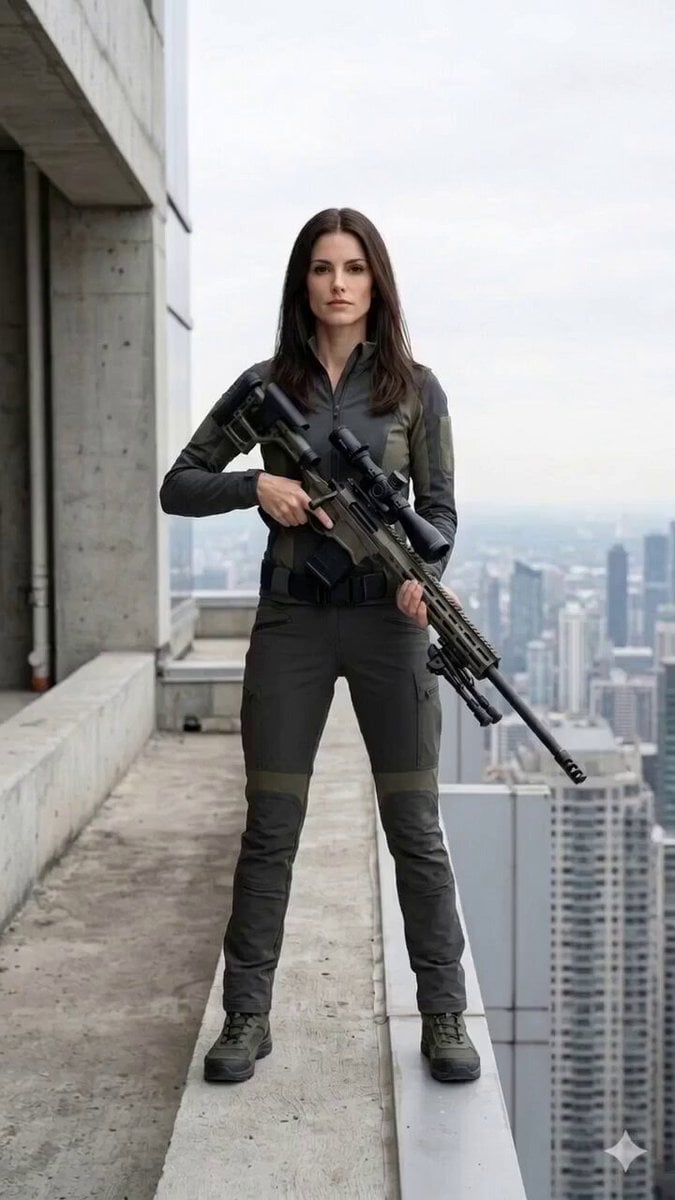
Cinematic Horror/Action Text-to-Video
Browse template categories
Mythological Lightning God Transformation questions
How do I use the Mythological Lightning God Transformation template?
Add your photo if the template asks for one, edit the prompt if you like — the template's model and format are already selected — and press Generate. Your version opens in PicX Studio.
Can I customize the Mythological Lightning God Transformation template?
Yes. You can change the subject, setting, lighting, mood, format, and available model controls before creating your video.
Is the Mythological Lightning God Transformation template free?
Opening and editing this template is free. Generating uses credits, shown on the Generate button when you are signed in.
Which AI model should I use?
Start with Seedance 2.0, which is the model associated with this template. You can compare another compatible model for a different finish.
Looking for something else? Browse all templates.

Your photo, any look
Thousands of ready templates for every top image and video model, from one credit balance.