
Urban Warzone Superpowered Combat
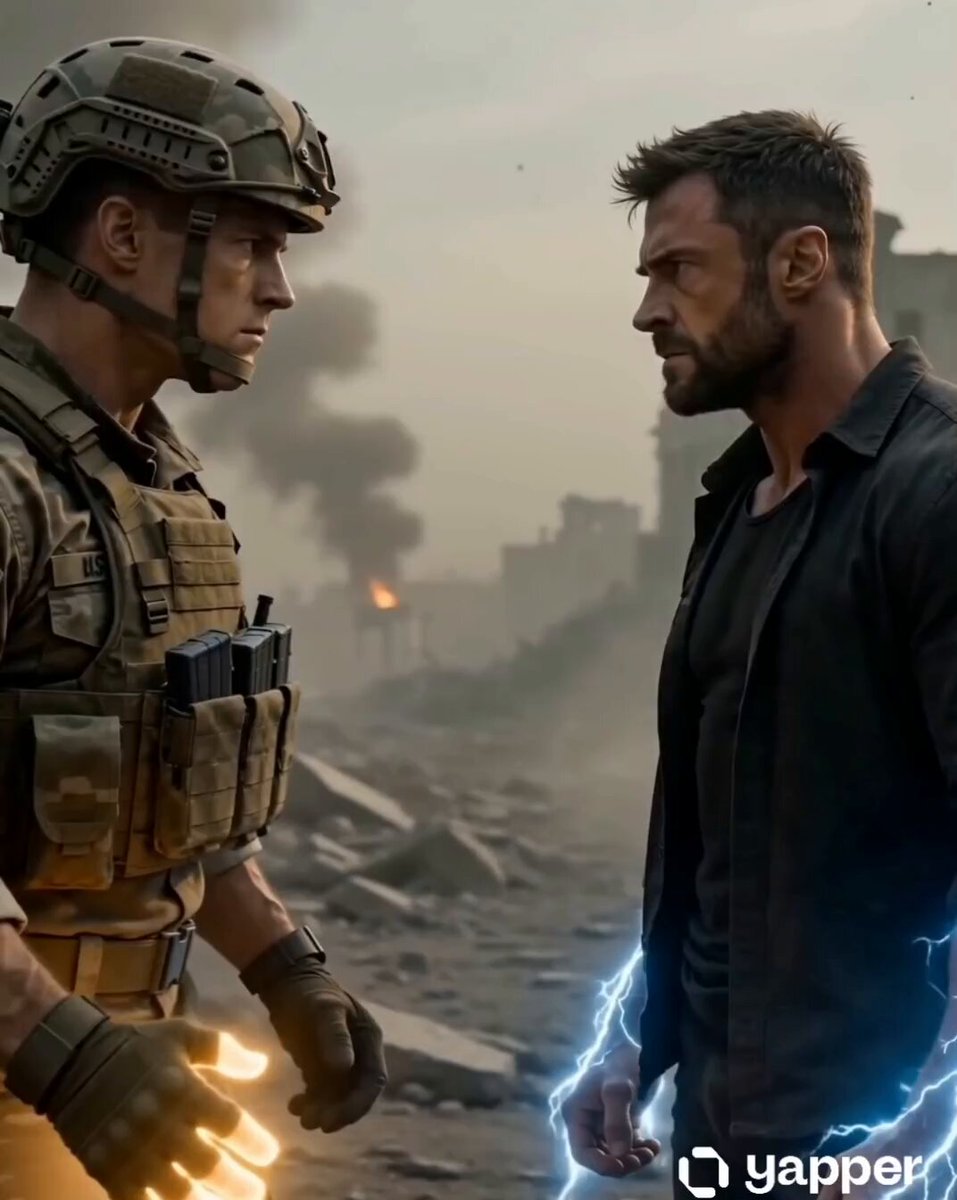
A high-intensity action prompt for Seedance 2.0 featuring a soldier and a civilian fighting in a destroyed city with energy effects.
- Prompt included
- Model and format preset
- Free template
The prompt behind this video
Copy the exact prompt behind Urban Warzone Superpowered Combat, or open it in the studio and make it yours.
Scene: Destroyed urban warzone, broken buildings, smoke, debris, dusty air. Subject: - Army soldier (muscular, tactical uniform, intense expression) - Civilian man (strong build, rugged, aggressive expression) Action Timeline: 0–3s: Both stand facing each other in tension. Subtle body movement, dust moving in air. 3–6s: Army soldier’s right hand slowly emits glowing energy. Civilian’s hands begin generating visible electric energy. 6–11s: They move forward and engage in controlled combat (punch, block, counter). Movements are sharp but moderate speed, no chaotic motion. 11–15s: Civilian overpowers, throws soldier to ground. Final pose: civilian standing dominant, roaring loudly. Camera: Single continuous cinematic tracking shot, slow push-in throughout. Lighting: Dark war tone with soft diffused light, subtle energy glow, no flicker. Style: Ultra-realistic cinematic action, grounded physics. Details: Accurate body mechanics, realistic impacts, dust interaction, detailed textures. Restrictions: No fast cuts, no camera shake, no extra limbs, no distortion, no blur, no flicker, no overlapping actions. Rendering: Smooth motion, stable frames, consistent character appearance, no jitter.
How to use Urban Warzone Superpowered Combat in 3 steps
- 1
Open
The prompt is already in the box next to the preview, with the template's model and format selected.
- 2…a portrait of your subject in softgolden-hour light, 85mm…
Personalize
Edit the subject and creative details for your destination.
- 3Generate
Generate
Press Generate — your video is created in PicX Studio, so you can compare it with the original and refine one variable at a time.
More like this
Templates with the same subject, style or setup. Open one to see its prompt.
Urban Fantasy RPG Combat Animation
Combat Mech Urban Transformation
Out of Control — Seedance 2.0
Whale in the Sky — City Shadows (Kling AI)
Urban Night Rain Tracking Shot
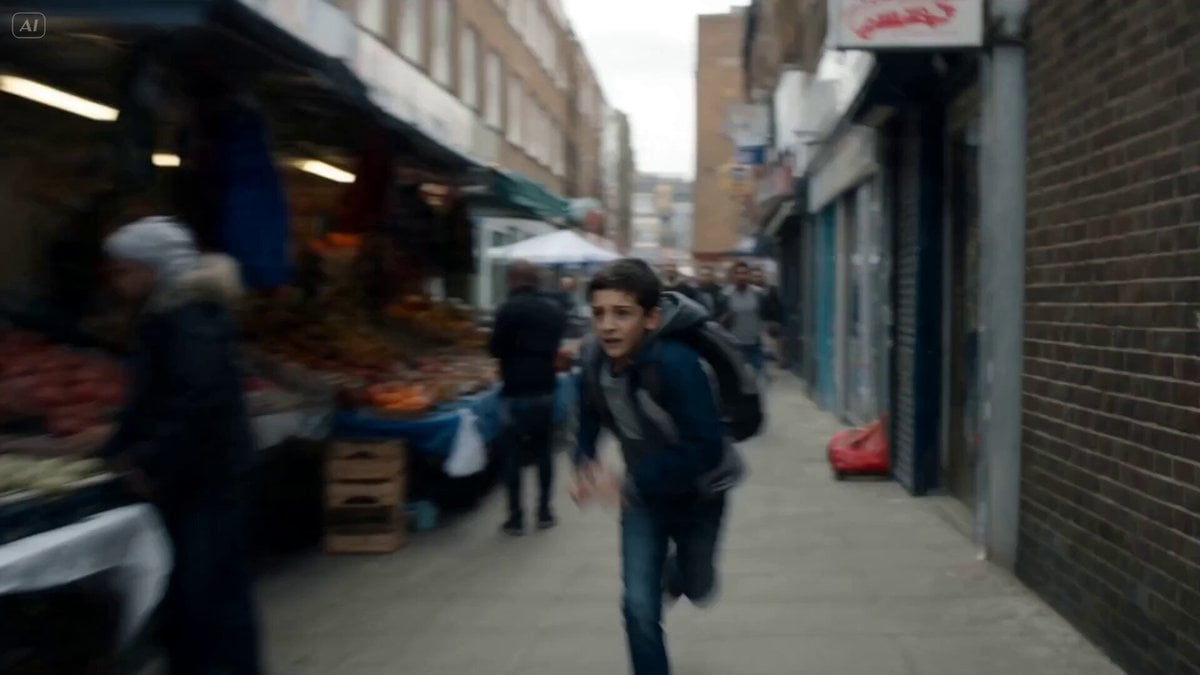
Cinematic Urban Foot Chase Escape
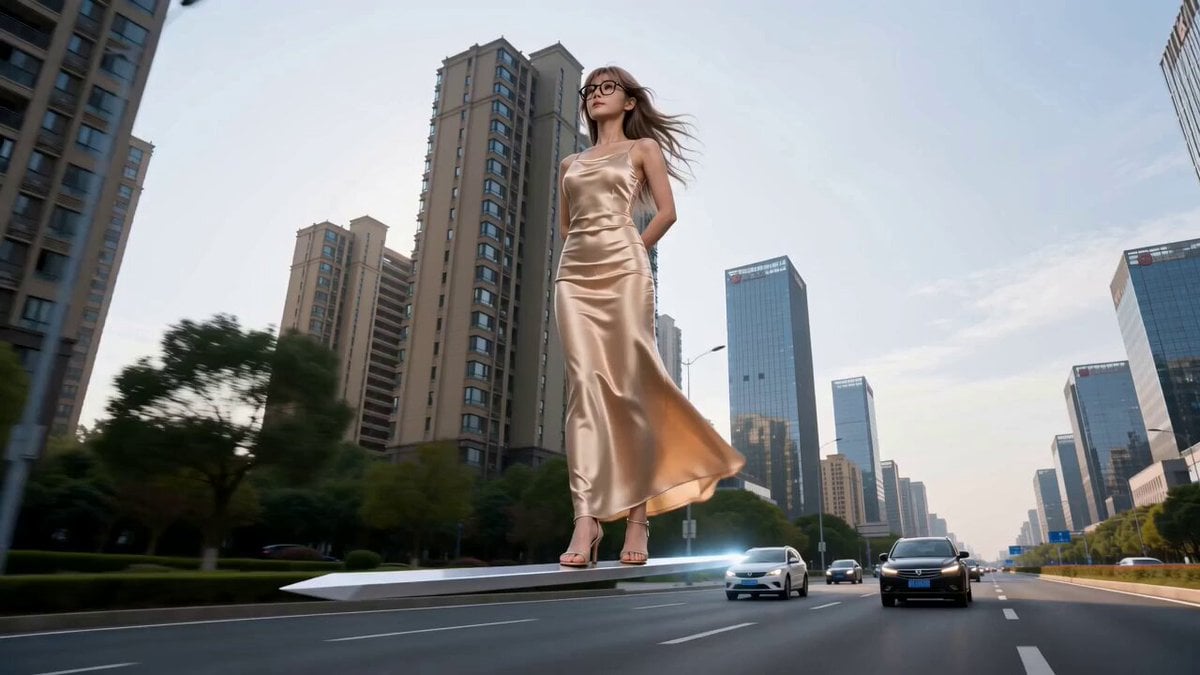
Modern Urban Fantasy Comedy Storyboard
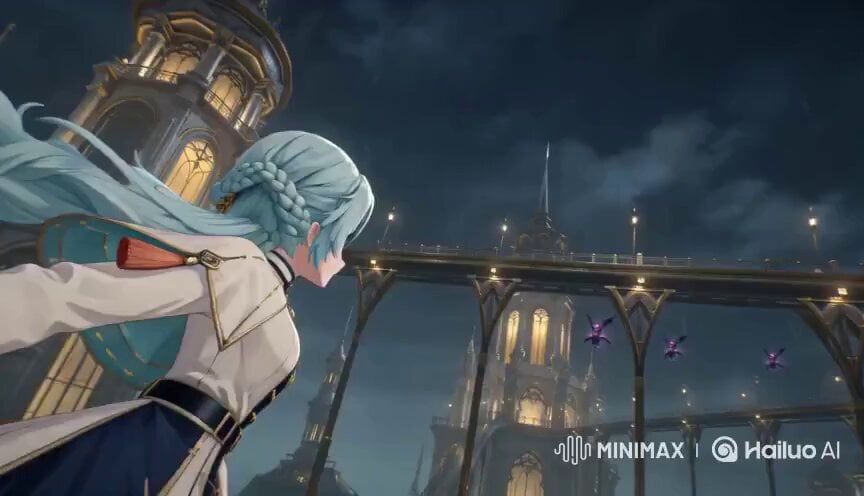
Floating Magic City Aerial Combat
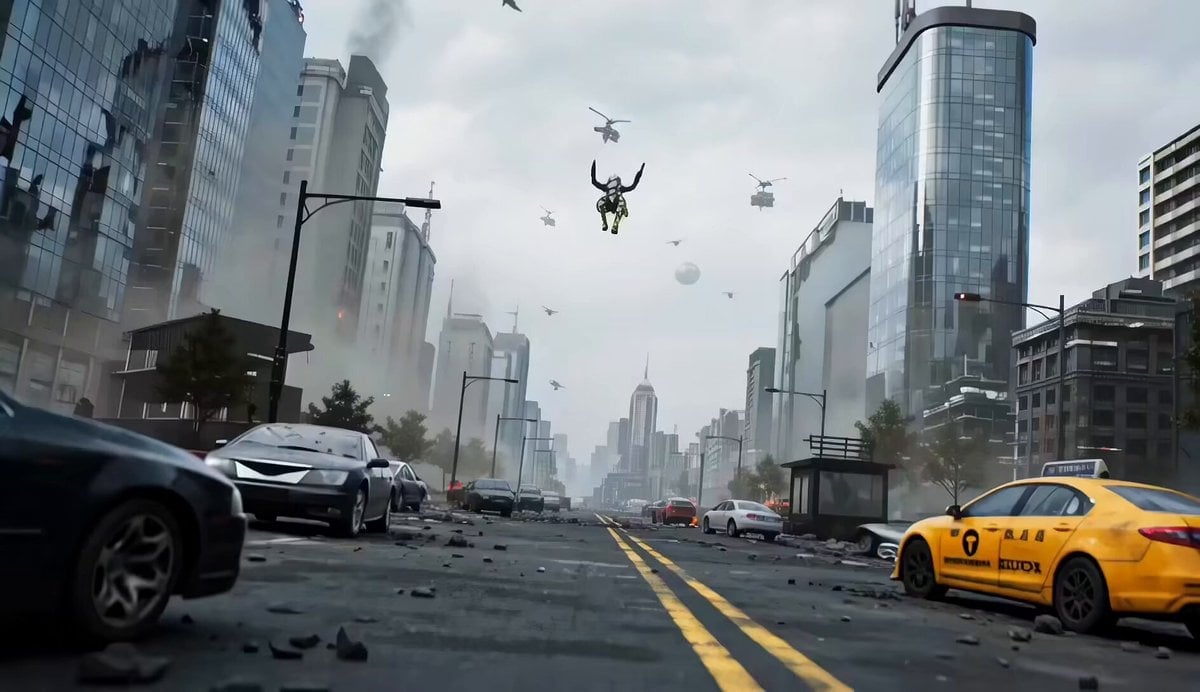
Mecha vs Titan Dragon Cinematic Combat
Cinematic Anime Racing Girl in Urban Parking Lot
Urban Fantasy RPG Car Chase
Brutal Anime Combat Tournament
Make it yours
Urban Warzone Superpowered Combat works as-is. These are the safest ways to change it without losing the look.
Change one field
Copy a single group, rewrite it, and generate again so you can see what that field is doing.
Keep the frame, change the subject
Hold the composition and light of Urban Warzone Superpowered Combat, then swap wardrobe, props or the person for a new take.
| If the result… | Why | Fix |
|---|---|---|
| The result drifts from the preview | Too many fields changed at once. | Reuse Urban Warzone Superpowered Combat as-is first, then change one group — subject, light, or setting. |
| The model over-stylizes the scene | The prose prompt leaves finish and camera underspecified. | Add one camera or lighting sentence and stay on Seedance 2.0. |
More Seedance 2.0 templates
Other prompts made for Seedance 2.0.

Comical Martial Arts Punch Scene

Maglev Train Action Sequence

Martial Arts Fight Sequence

Wuxia Protection and Trust Script

Vintage Korean Arcade MiniDV Vlog

Mercedes 190 SL Luxury Ad

Rainy Night Supernatural Reverse Comedy Video Script

Amazon Civilization Discovery

Futuristic South Asian City Transformation

Cozy Luxury Cafe Commercial
More video prompts
Fresh picks from across the catalog.
Dubai Travel Vlog Mini
Water Walking Xianxia Fraud
Mitochondria Hiding from Russians
1984 Showa Era Home Video
Hair Refresh Beauty Advertisement
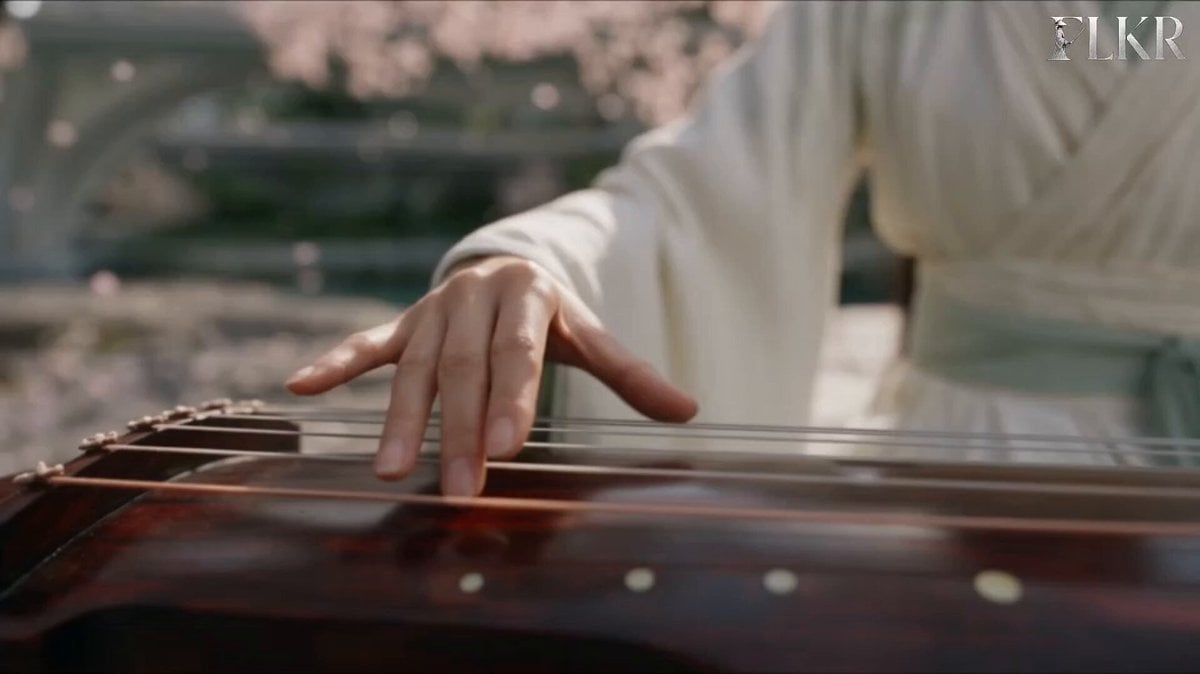
Ice vs Fire Wuxia Battle Scene Prompt

Cinematic Chinese Ghost Romance Short Film
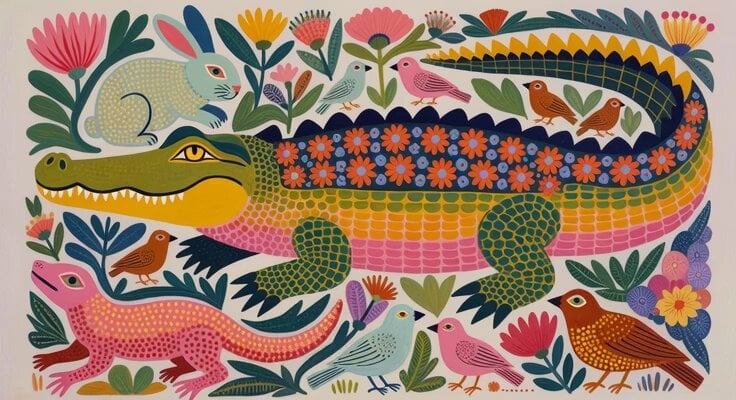
Picture Book Animal Animation
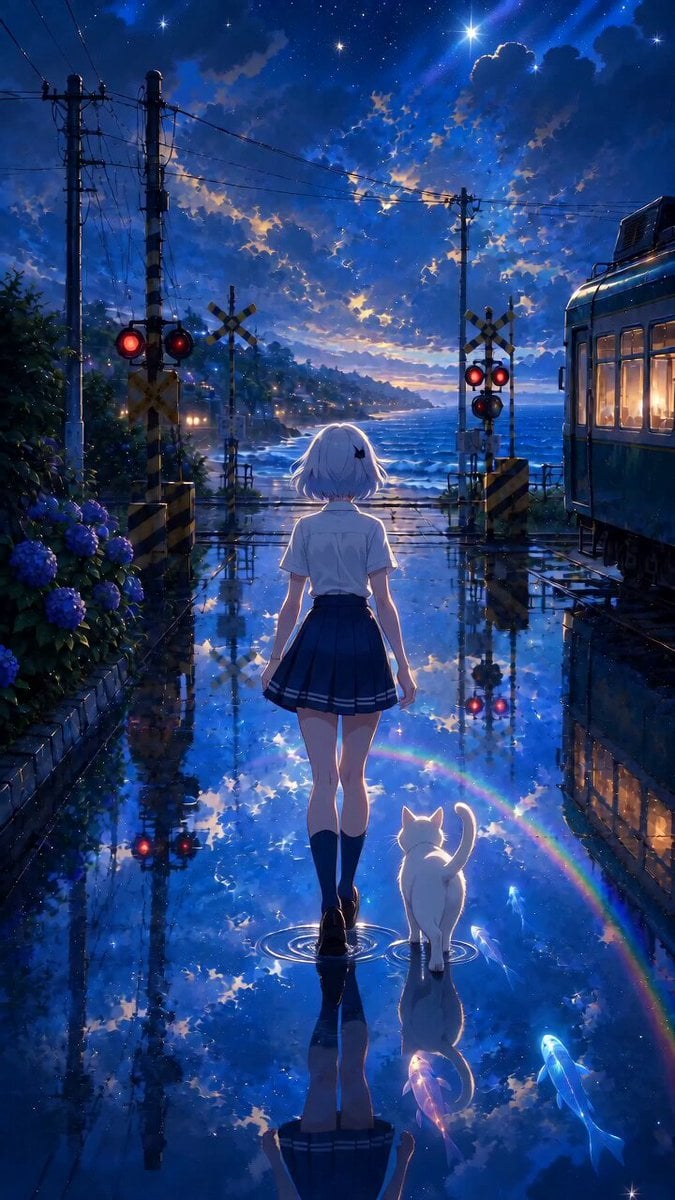
Cinematic Rainy Seaside Anime Scene
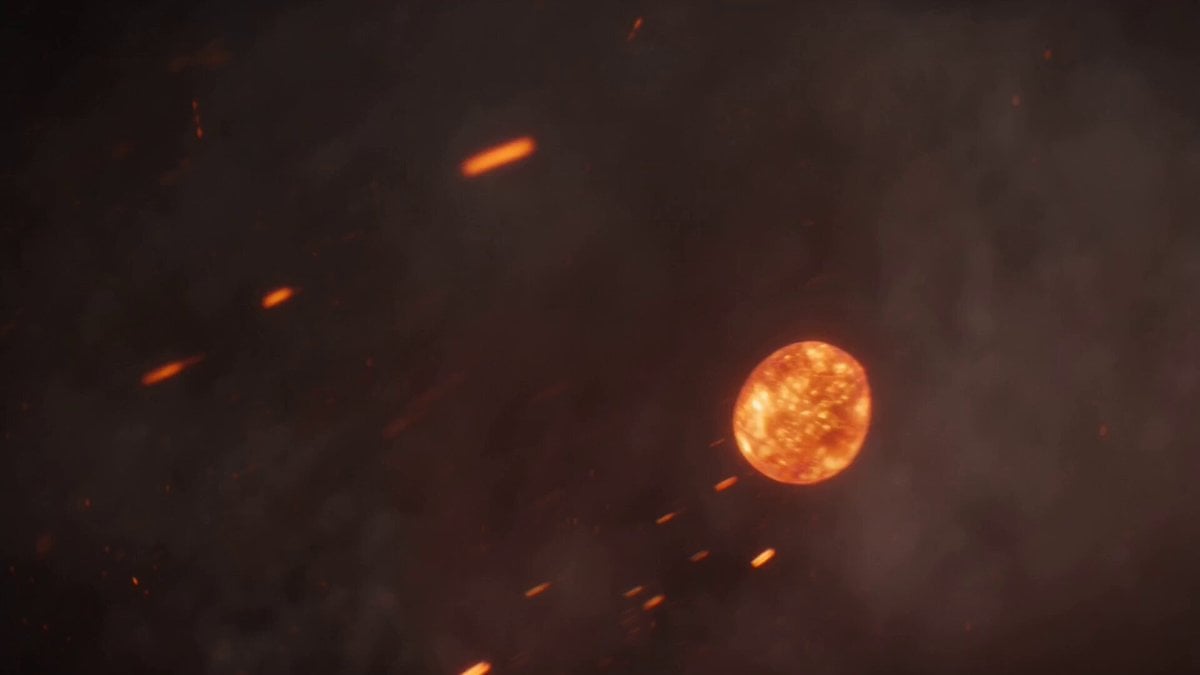
Volcanic Dragon Transformation Sequence
Browse template categories
Urban Warzone Superpowered Combat questions
How do I use the Urban Warzone Superpowered Combat template?
Add your photo if the template asks for one, edit the prompt if you like — the template's model and format are already selected — and press Generate. Your version opens in PicX Studio.
Can I customize the Urban Warzone Superpowered Combat template?
Yes. You can change the subject, setting, lighting, mood, format, and available model controls before creating your video.
Is the Urban Warzone Superpowered Combat template free?
Opening and editing this template is free. Generating uses credits, shown on the Generate button when you are signed in.
Which AI model should I use?
Start with Seedance 2.0, which is the model associated with this template. You can compare another compatible model for a different finish.
Looking for something else? Browse all templates.

Your photo, any look
Thousands of ready templates for every top image and video model, from one credit balance.