
Elegant Wuxia Teahouse Fight Animation
A stylized wuxia combat prompt for a 15-second sequence featuring a female martial artist gracefully defeating opponents in a traditional Chinese teahouse.
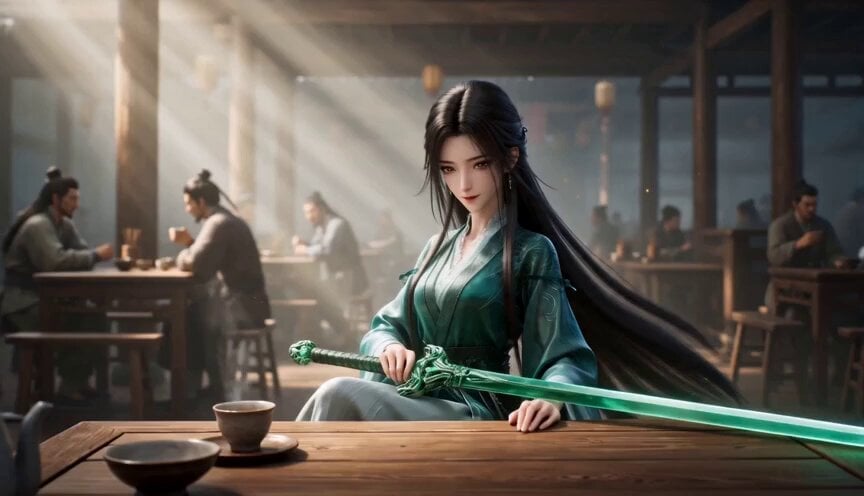
- Prompt included
- Model and format preset
- Premium template
The prompt behind this video
Copy the exact prompt behind Elegant Wuxia Teahouse Fight Animation, or open it in the studio and make it yours.
Cinematic vertical 16:9 short video, ultra detailed wuxia animation style like Crouching Tiger Hidden Dragon, breathtaking choreography, vibrant colors, dramatic lighting. A beautiful young woman (Jen Yu style: long flowing black hair, elegant gree blue traditional Chinese hanfu dress, confident and graceful expression) sits calmly at a wooden table in a bustling ancient Chinese teahouse, holding a sheathed legendary green sword across her lap. Suddenly, a group of 4-5 arrogant male martial artists surround her, shouting and attacking aggressively. She stands up effortlessly and begins an incredible fight sequence: - Uses the sheathed sword like a staff for lightning fast blocks and spins. - Gracefully leaps over tables, spins in mid air, and disarms opponents with precise strikes. - Delivers humiliating forehead flicks and palm slaps that send grown men flying into tables and walls. - Sword flashes out briefly for beautiful spinning slashes that destroy wooden pillars and furniture without harming anyone fatally. Dynamic camera: smooth circling shots, low angles, quick cuts on elegant spins and impacts. Her movements are fluid, dance like, and overwhelmingly superior she looks bored yet playful while completely dominating. Fast paced but extremely graceful action, exaggerated yet beautiful physics, flying wood splinters, shocked enemy faces, perfect timing synced to energetic wuxia music beat, highly detailed animation, masterpiece quality, viral short film style, no text on screen whatsoever, exactly 15 seconds duration.
How to use Elegant Wuxia Teahouse Fight Animation in 3 steps
- 1
Open
The prompt is already in the box next to the preview, with the template's model and format selected.
- 2…a portrait of your subject in softgolden-hour light, 85mm…
Personalize
Edit the subject and creative details for your destination.
- 3Generate
Generate
Press Generate — your video is created in PicX Studio, so you can compare it with the original and refine one variable at a time.
More like this
Templates with the same subject, style or setup. Open one to see its prompt.
Cartoon Bullfight Arena — Girl vs Bull (Seedance)

Cinematic Istanbul Night Fight - Seedance 2.5

3D Glossy Fairy Animation - Seedance 2.5

Silk Road Pomegranate Folk Animation

Multilingual Creative Typography Loop
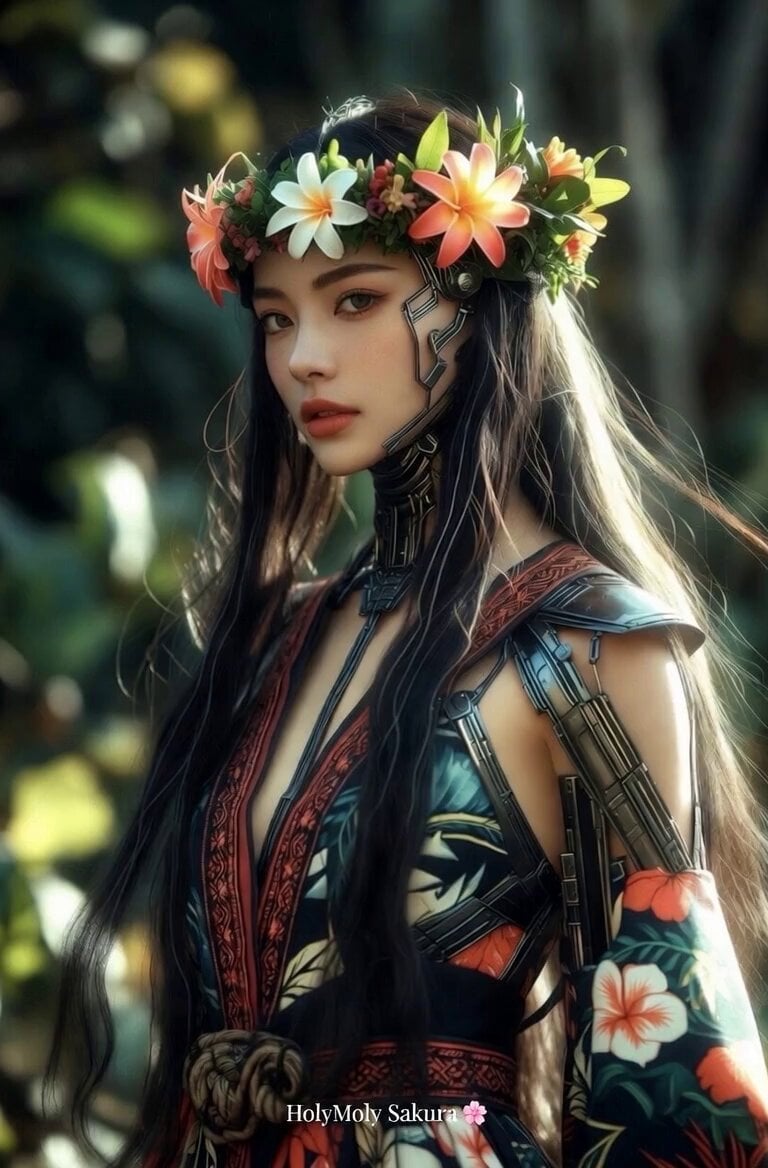
Elegant Hawaiian hula animation

Walking Factory with Rebel on Hoverbike - Wasteland
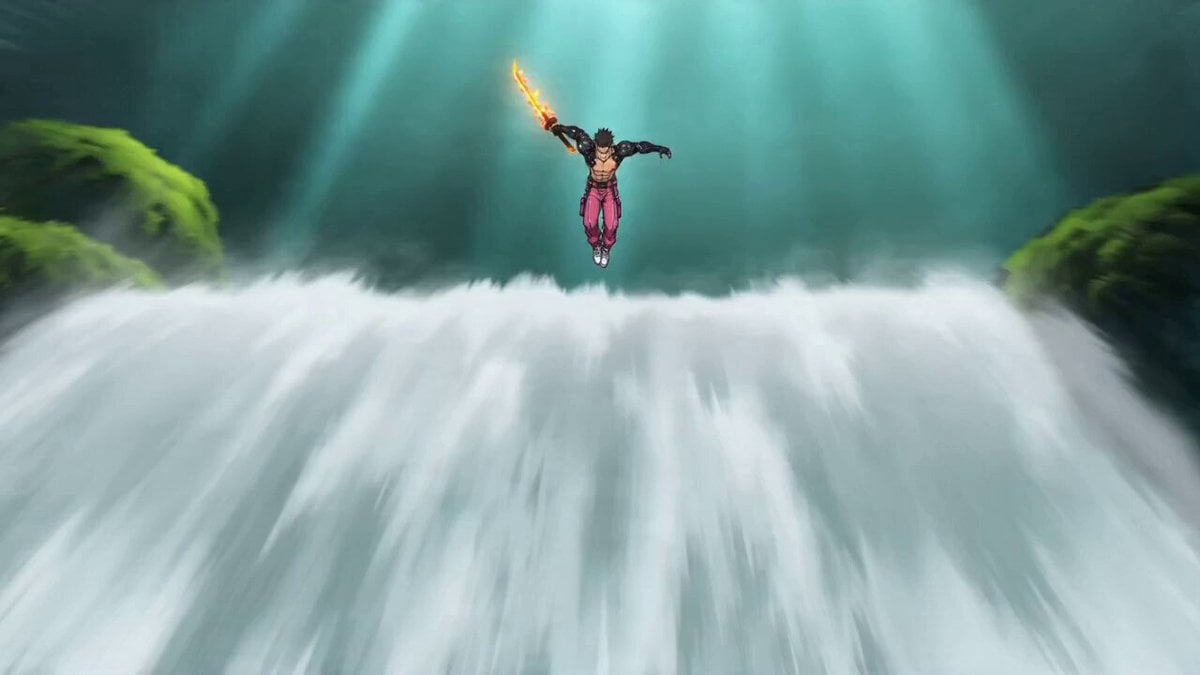
Video Prompt: Cyber Wuxia Fight Sequence (Detailed Storyboard)
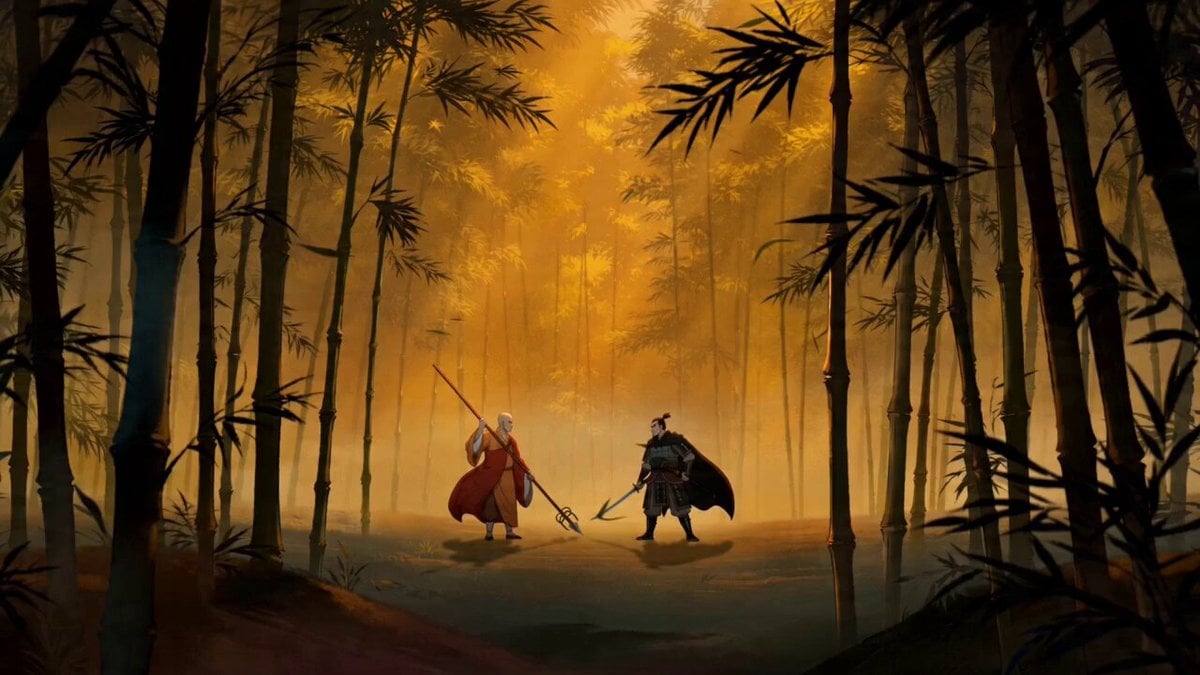
Chinese-Style Wuxia Battle Animation Prompt
Swordsman vs Shadow Monster — Bamboo Forest Battle
Dim Sum Chase — Shrimp Dumpling Monster
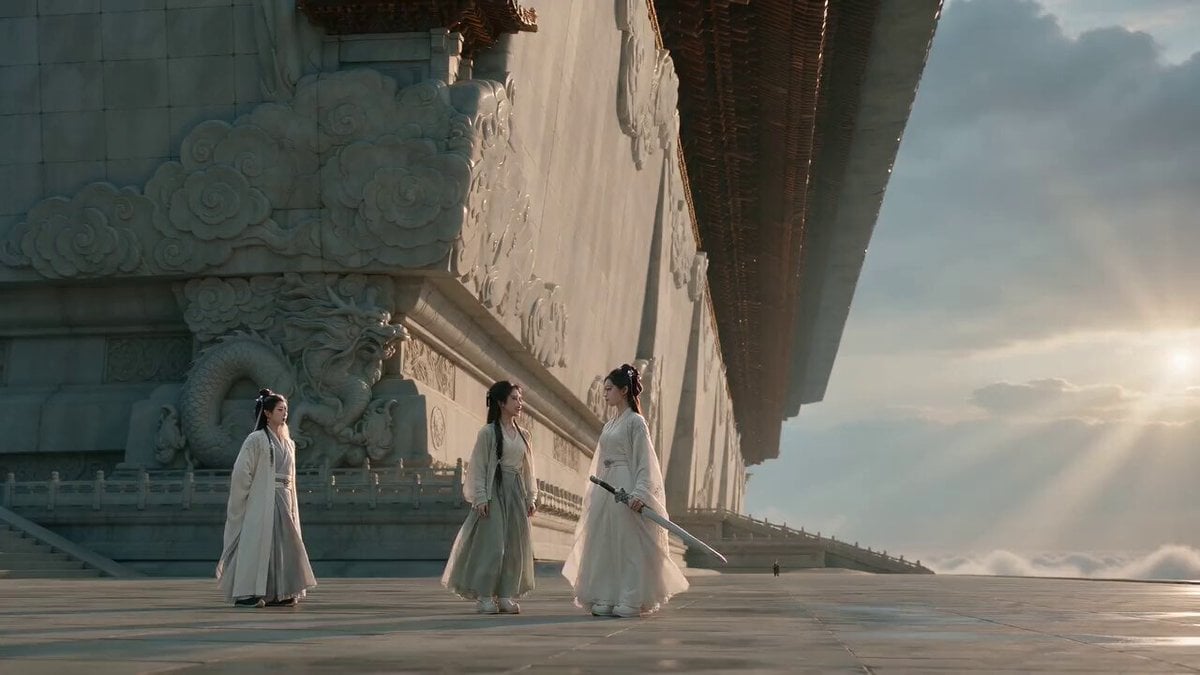
Wuxia Comedy Short Film Prompt
Make it yours
Elegant Wuxia Teahouse Fight Animation works as-is. These are the safest ways to change it without losing the look.
Change one field
Copy a single group, rewrite it, and generate again so you can see what that field is doing.
Keep the frame, change the subject
Hold the composition and light of Elegant Wuxia Teahouse Fight Animation, then swap wardrobe, props or the person for a new take.
| If the result… | Why | Fix |
|---|---|---|
| The result drifts from the preview | Too many fields changed at once. | Reuse Elegant Wuxia Teahouse Fight Animation as-is first, then change one group — subject, light, or setting. |
| The model over-stylizes the scene | The prose prompt leaves finish and camera underspecified. | Add one camera or lighting sentence and stay on Seedance 2.0. |
More Seedance 2.0 templates
Other prompts made for Seedance 2.0.

Comical Martial Arts Punch Scene

Maglev Train Action Sequence

Vintage Korean Arcade MiniDV Vlog

Mercedes 190 SL Luxury Ad

Rainy Night Supernatural Reverse Comedy Video Script

Amazon Civilization Discovery

Futuristic South Asian City Transformation

Cozy Luxury Cafe Commercial

Cyber Ronin Nanotech Transformation Video

Desert Courier and Sandstorm Leviathan Chase
More video prompts
Fresh picks from across the catalog.
Cat and Robot Vacuum Narrative Script
Seedance 2.0 Chinese Xianxia animation prompt (0-15 seconds)
Dark Stormy Town Action Sequence
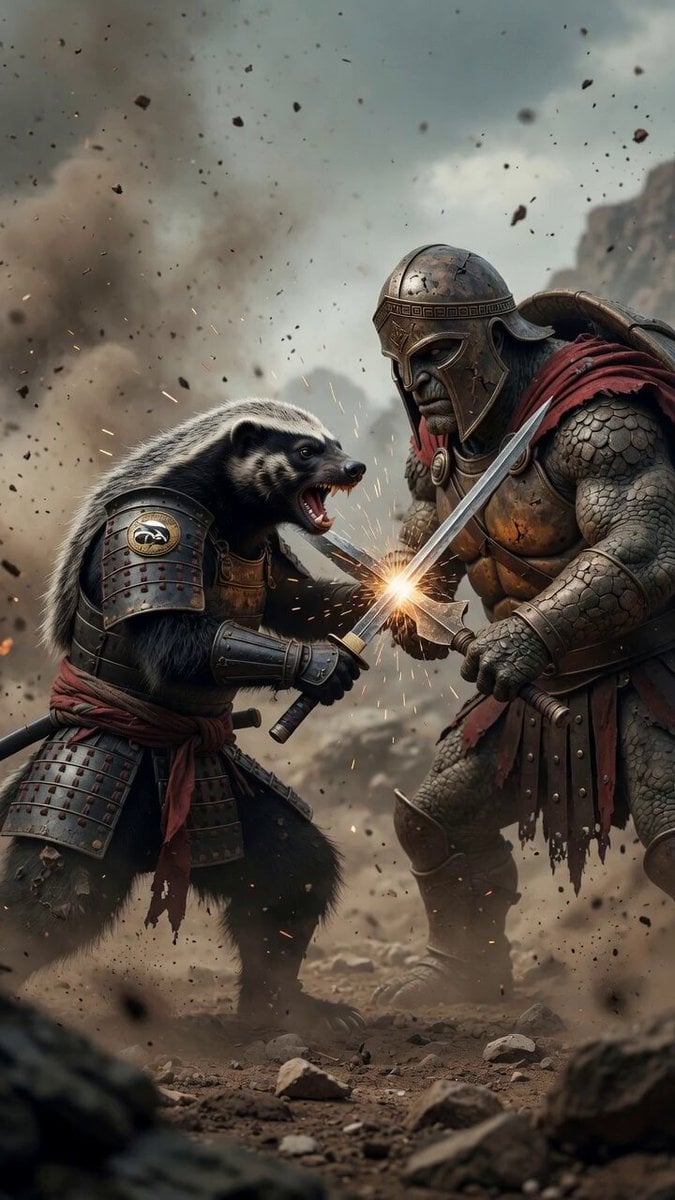
Samurai Honey Badger vs Spartan Turtle
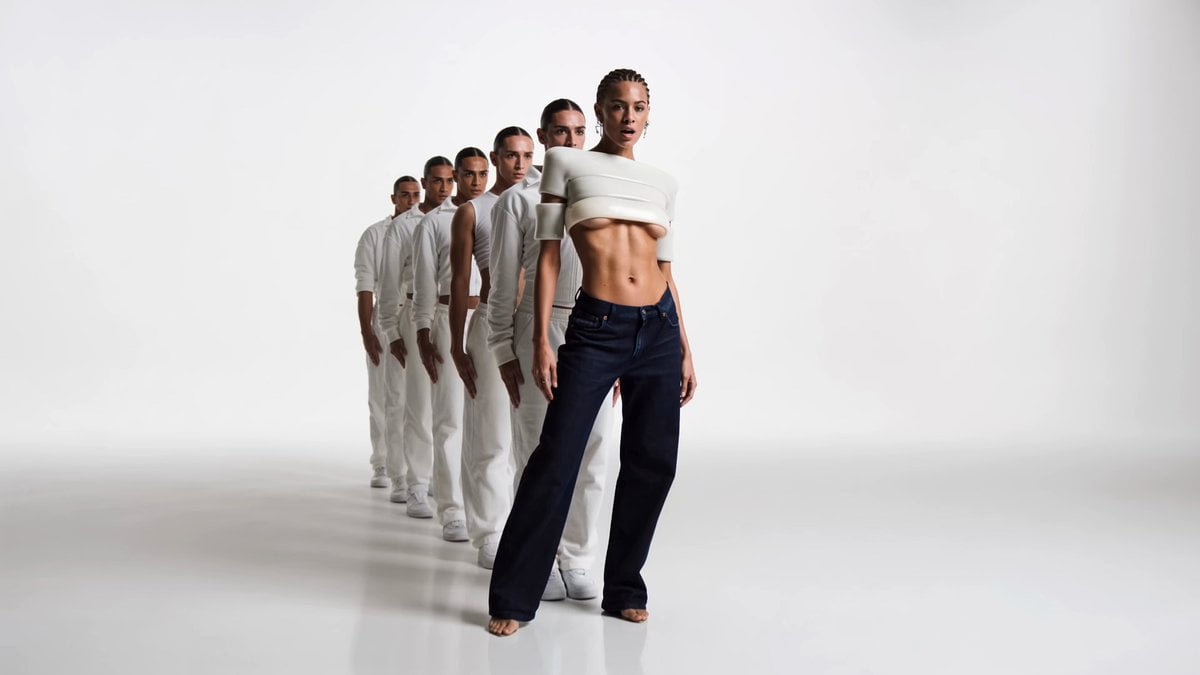
Infinity Studio Rap Video Lipsync

Cyberpunk Samurai Tokyo Storm

Alien Attack FPV Cinematic Video
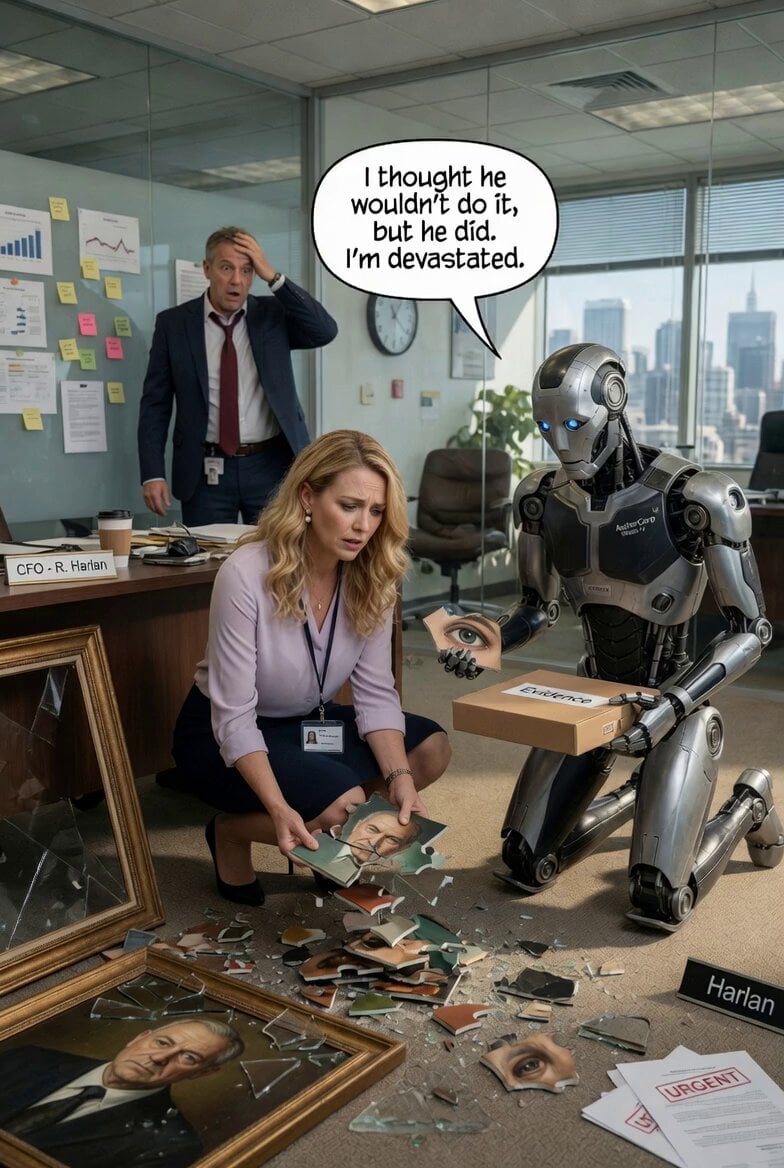
Woman and Robot in Office
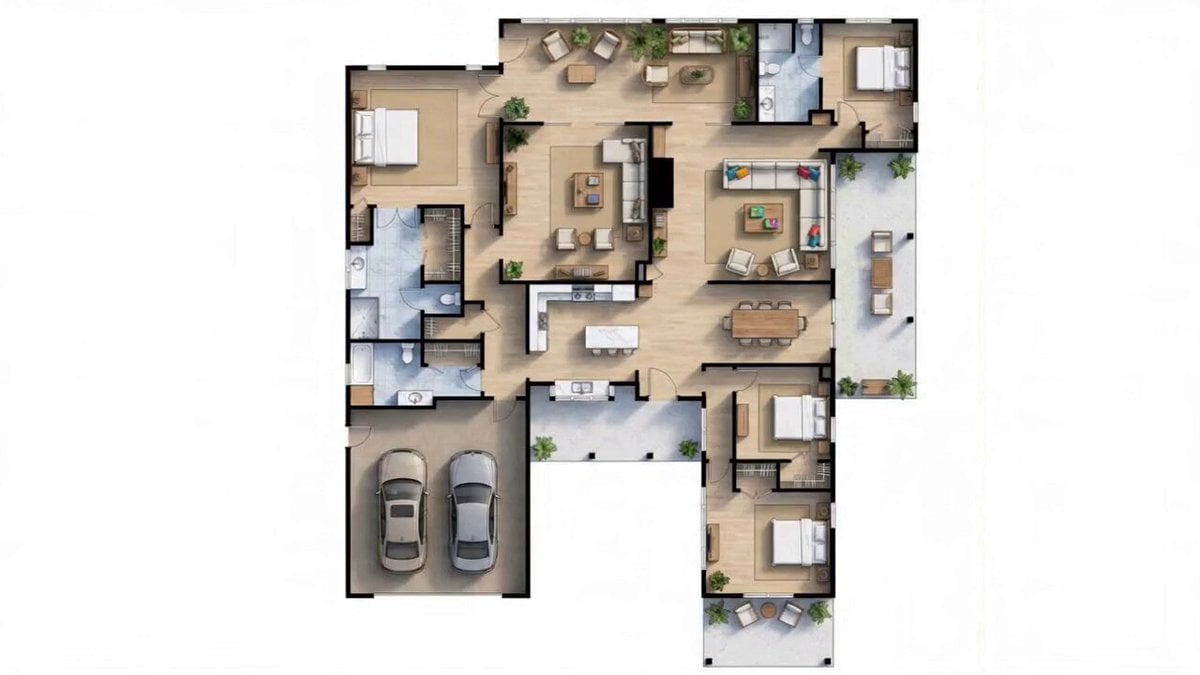
Detailed Blueprint-to-House Timelapse Prompt
Frozen City Time-Stop Cinematic
Browse template categories
Elegant Wuxia Teahouse Fight Animation questions
How do I use the Elegant Wuxia Teahouse Fight Animation template?
Add your photo if the template asks for one, edit the prompt if you like — the template's model and format are already selected — and press Generate. Your version opens in PicX Studio.
Can I customize the Elegant Wuxia Teahouse Fight Animation template?
Yes. You can change the subject, setting, lighting, mood, format, and available model controls before creating your video.
Is the Elegant Wuxia Teahouse Fight Animation template free?
Opening and editing this template is free. Generating uses credits, shown on the Generate button when you are signed in.
Which AI model should I use?
Start with Seedance 2.0, which is the model associated with this template. You can compare another compatible model for a different finish.
Looking for something else? Browse all templates.

Your photo, any look
Thousands of ready templates for every top image and video model, from one credit balance.